Yourdon and Coad Diagram
OOAD is simply an abbreviation for the term of “object-oriented analysis and design”, which is a very popular technical approach used for designing and analyzing any needed application, business or system in a way of applying the object-oriented programming. The mentioned approach involves the visual modelling throughout the life cycles development to foster better product quality and stakeholder communication.
OOAD in the modern software engineering is known to be best conducted in both incremental and iterative ways. The outputs of the OOAD activities, the analysis models for OOA as well as the design models for OOD are refined. Each software life cycle is usually divided up into at least a few stages: from abstract descriptions of the problem to designs to code as well as process of testing all the way to the deployment stage. The earliest stages of such process are analysis and design. The analysis phase is also known to be called as the "requirements acquisition".
In some approaches to the software development, such as the so-called “waterfall models”, the boundaries between each of the stages are meant to be sequential and rigid. The term "waterfall" itself is known to be coined for such methodologies in order to signify that the progress goes in one direction only. For example, once analysis is complete then its design can begin and it is not a usual thing for such situation to happen when a design issue requires a change in the analysis model or when, for instance, a coding issue requires some changes in design.
The alternative to the described “waterfall models” are the “iterative models”. The mentioned distinction was popularized by Barry Boehm while he was working on his Spiral Model trying to develop the software. In case of the “iterative models”, it is always possible to do work in a few different stages of the model in parallel. Thus, for example, it is always possible and acceptable to work on design, analysis and code on the same day having issues from one stage impact issues to another one. The software development is known to be a knowledge-intensive process and the things such as analysis cannot be realized without understanding the design issues as well as the coding issues affecting design.
The object-oriented model focuses on the re-usability as well as on modularity. The main goal of the object-oriented approach is to please the so-called "open-closed principle". A module is known to be “open” in case it supports extension. In case the module provides the standardized ways to add the new behaviours or to describe the new states. In the object-oriented paradigm it is often accomplished in a way of creating a new subclass of the existing class. Any module is known to be closed in case it has a well-defined stable interface that all of the other modules have to use and that limits the interaction as well as the potential errors that can be introduced into only one module by the changes in another.
Any software life cycle is known to be divided up into a few stages going from the abstract descriptions of the problem to design then to code, later — to the testing stage and later, finally, to the stage of deployment. The early stages of this process are stage of design and stage of analysis. There is a distinction between design and analysis which can sometimes be described as "how vs. what". In the analysis the developers are known to be working with the users as well as the domain experts try to define what system is supposed to do. The implementation details are expected to be totally or mostly ignored at this stage depending on the method itself.
The major difference between the object-oriented analysis and any other form of analysis is that by the object-oriented approach we can organize the requirements around objects, that integrate both data (states) and processes (behaviours), which were modelled after the real world objects which some particular system interacts with. In the so-called “traditional analysis methodologies”, the processes and data (the states and behaviours) are considered separately from each other. You can always visualize your data modelled by the Entity-Relationship diagram, for example, and the behaviours in the way of the flow or structure charts. To make any of the mentioned illustration you can always use ConceptDraw DIAGRAM software as well as any needed solution downloaded from another product of CS Odessa — ConceptDraw STORE.
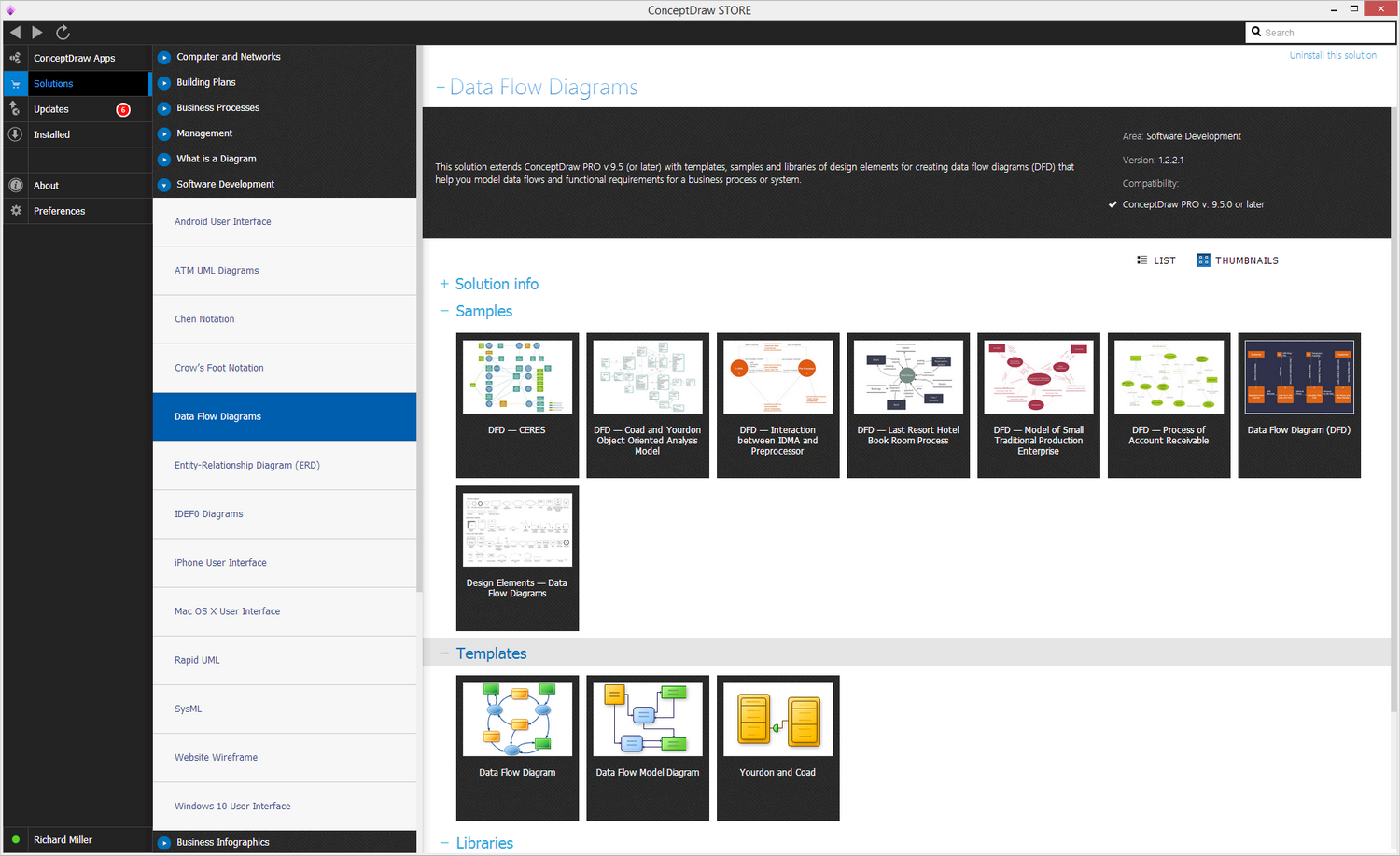
Example 1. Data Flow Diagram (DFD) Solution in ConceptDraw STORE
The primary tasks in the OOA (object-oriented analysis) are to find the objects, to organize these objects, to describe the way how the objects interact with each other, to define the behaviour of the mentioned objects and so to define the internals of such objects. The common models which are used within OOA are object models and use cases. The object models are known to be those which are used for describing the class relations, such as a circle to be a subclass of a shape, for example, operations, properties and names of the major objects. The user-interface prototypes or mock-ups can also be created in order to help simplify the understanding. The use cases are known to be describing the scenarios for the standard domain functions which the system is expected to accomplish.
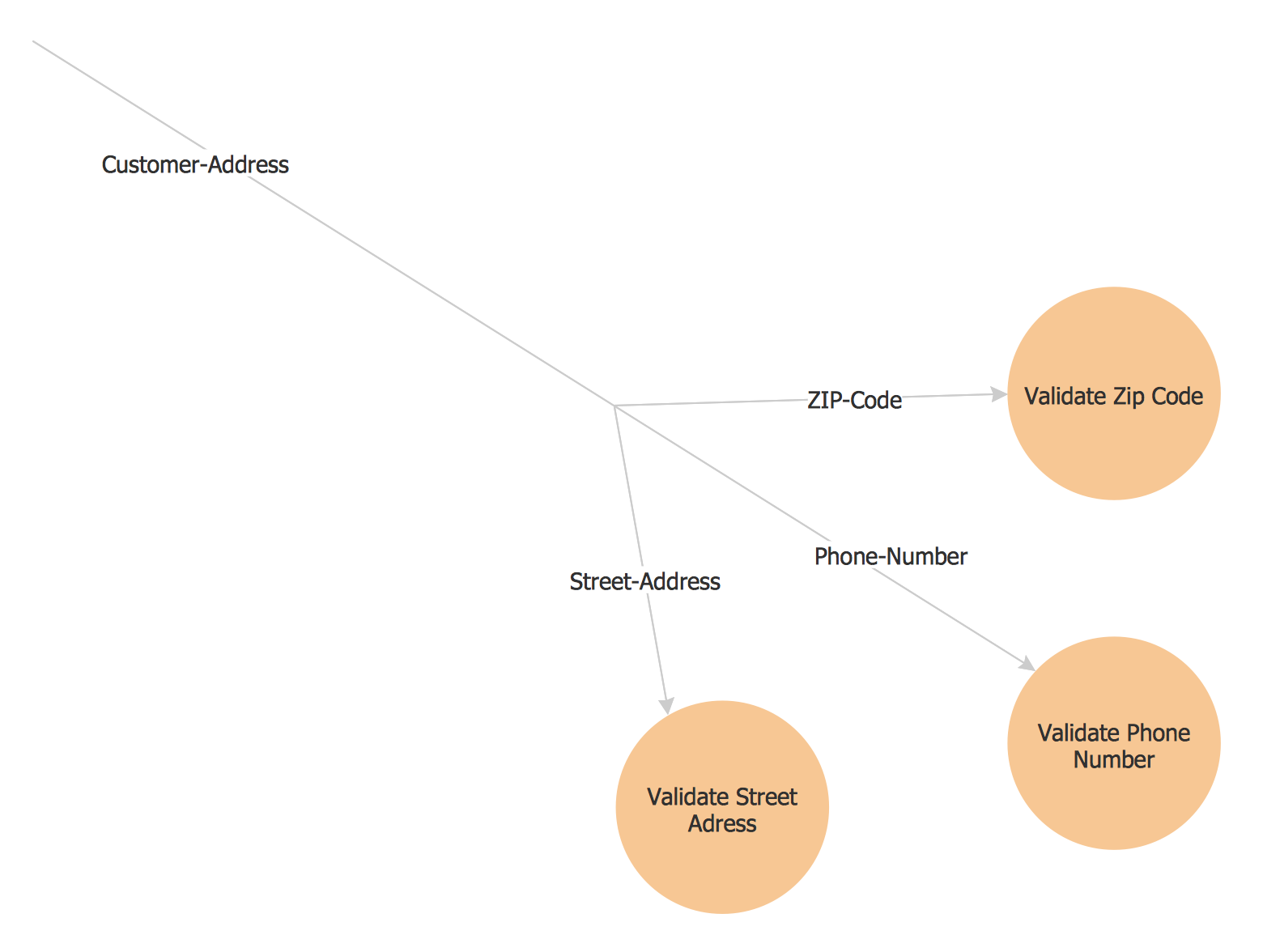
Example 2. Yourdon and Coad diagram — Order Process
Being involved in the OOA as well as OOAD you might find it very useful to have an OOAD solution downloaded from the ConceptDraw STORE application to use while working in ConceptDraw DIAGRAM software creating any needed diagrams. Having all the needed tools can simplify your work with making the diagrams, such as the Yourdon and Coad ones. Peter Coad and Edward Yourdon developed the so-called “Coad/Yourdon method” used for the OOA. Object-oriented analysis and design (OOAD) is a popular technical approach for analyzing an application, designing the system or business in a way of applying the object-oriented paradigm. Being involved in such activity you may find ConceptDraw DIAGRAM a very useful professional tool for making any needed OOA diagrams.
ConceptDraw DIAGRAM is a perfect tool for:
- Designing and planning tasks such as:
- Jacobson Use Cases Diagram
- SSADMN Diagram
- Command OLE Diagram
- Block Diagrams
- Data Modeling Diagram
- SysML Diagram
- Chen RED Diagram
- Martin RED Diagram
- IDEF0 Diagram
- Booch OOD Diagram
- Gane Sarson Diagram
- Memory Object Diagram
- Data Flow Diagram
- FlowCharts
- Graphic User Interface (GUI)
- UML Diagram
- Program Structure Diagrams
- ORM Diagram
- Developing Visualization Solutions
- Project Planning (Gantt Charts, Timelines, Project Schedules)