ConceptDraw Products
ConceptDraw products support the way real work happens — from developing ideas to building visuals and planning execution.
You can use each product on its own, or combine them into one workflow when your work moves across multiple stages.
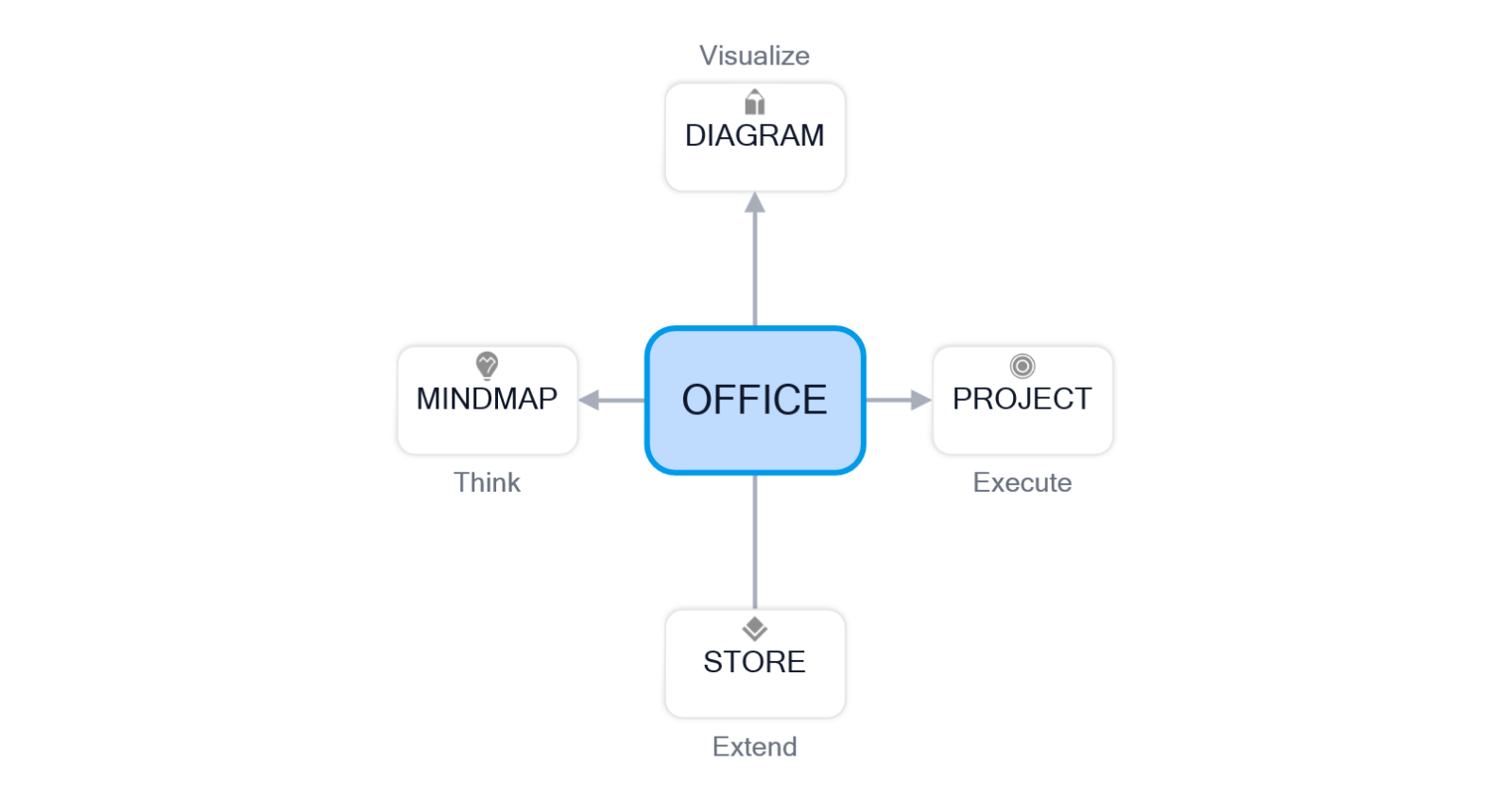
Choose the Right Product for Your Work
Each product is designed for a different kind of work. Use the overview below to find what fits your task.

ConceptDraw OFFICE
The full suite for users who work across multiple stages and want one connected environment.

ConceptDraw DIAGRAM
Create flowcharts, process, network diagrams, floor plans, org charts, infographics, and more.

ConceptDraw MINDMAP
Brainstorm ideas, structure information, plan content, make decisions, and create presentations.

ConceptDraw PROJECT
Project management, schedules, Gantt charts, calendars, resources, reporting, and tracking.
If your work spans more than one stage, ConceptDraw OFFICE brings the core tools together in one workflow.
Need One Tool or a Full Suite?
Choose DIAGRAM for visual communication, MINDMAP for idea development, PROJECT for schedules and delivery, or OFFICE if your workflow spans all three.
Understand What Each Product Does
Each product supports a different stage of work — from shaping ideas to building visuals and planning work.

Create flowcharts, process diagrams, organizational charts, and other business visuals.

Capture ideas, plan actions, support decisions, prepare presentations from clear mind maps.

Plan schedules, manage resources, track progress, and support execution with project data.
Diagramming and Visual Communication
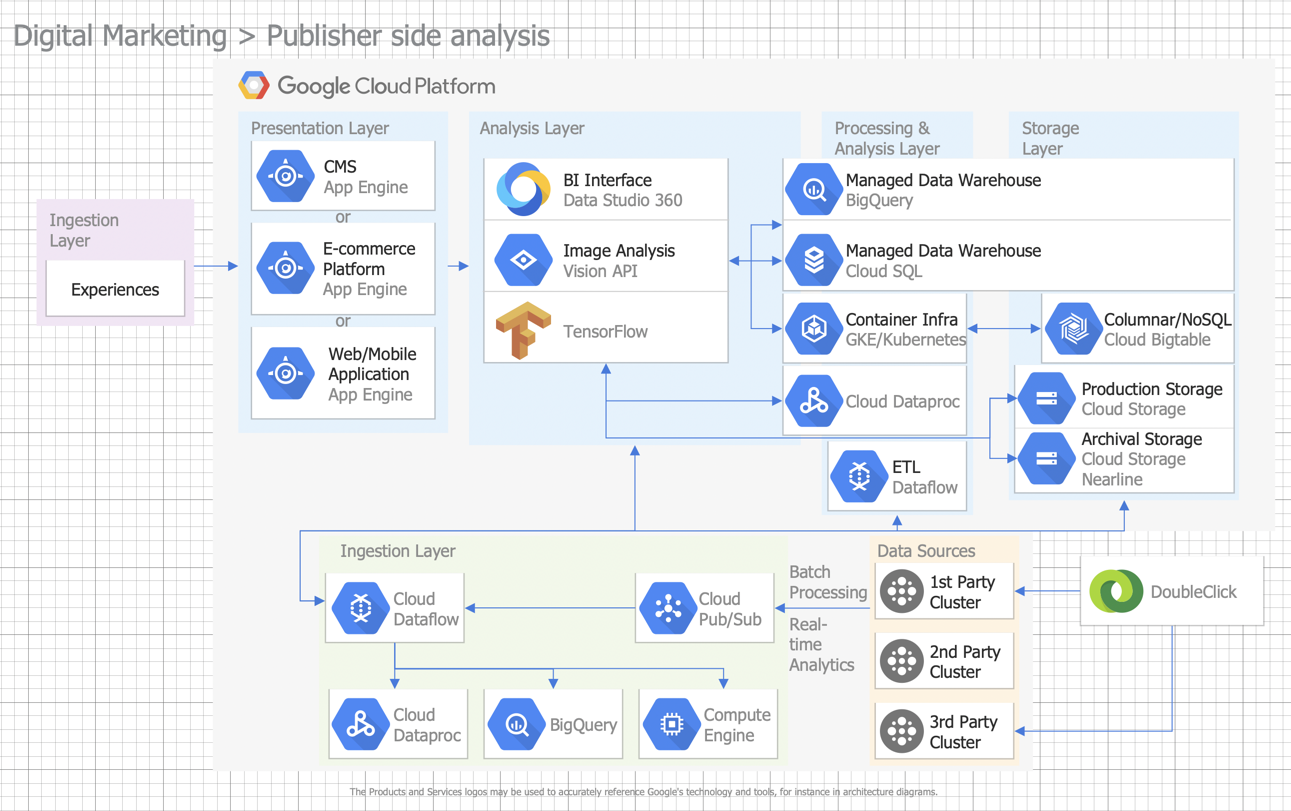
ConceptDraw DIAGRAM helps you create flowcharts, network diagrams, organizational charts, business process diagrams, dashboards, floor plans, and other visual communications.
Mind Mapping Software
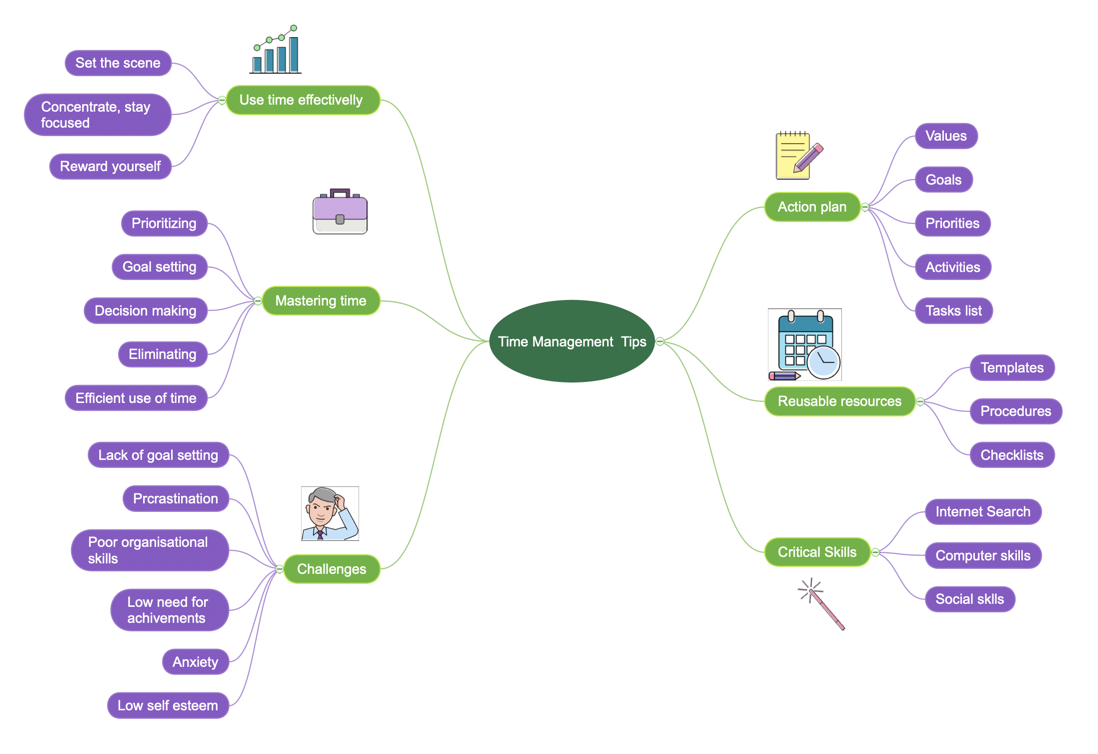
ConceptDraw MINDMAP supports brainstorming, idea structuring, decision-making, and knowledge organization, helping you turn complex thoughts into clear visual maps and presentations.
Project Management Software
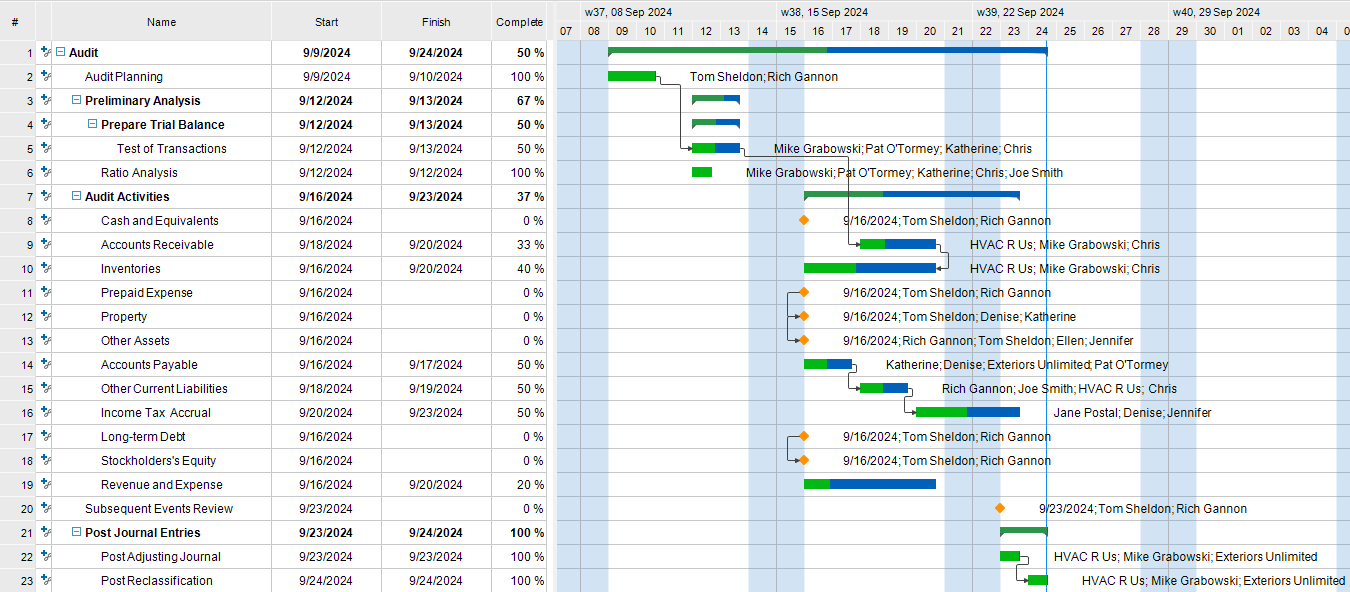
ConceptDraw PROJECT helps you plan schedules, manage resources, track progress, and coordinate work using Gantt charts, calendars, dashboards, and reporting tools.
Solutions and Templates
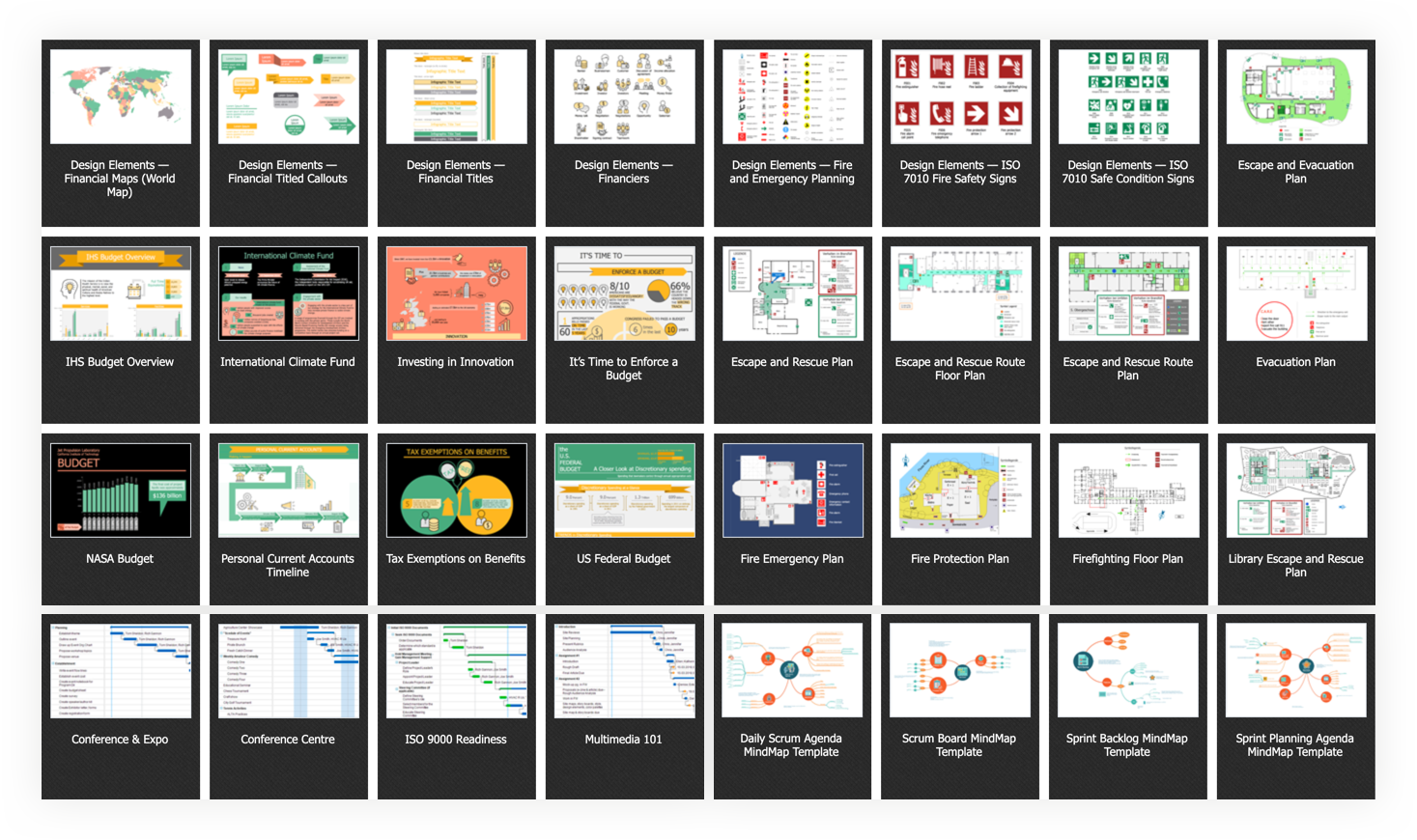
ConceptDraw STORE helps you discover, download, update, and manage ConceptDraw products and solutions in one place. It is the easiest way to access templates, libraries, and additional professional content when your workflow needs more than the core tools alone.
Match the Product to the Task
If you already know what you need to do, use this table to quickly match your task to the right product.
| Task | Best product | Typical output |
|---|---|---|
| Diagramming and Visual Communication | ConceptDraw DIAGRAM | Flowcharts, Process Diagrams, Org Charts, Floor Plans |
| Idea Development and Planning | ConceptDraw MINDMAP | Mind maps, brainstorming structures, presentation-ready maps |
| Project Planning and Execution | ConceptDraw PROJECT | Schedules, timelines, resource plans, tracking views |
| Multi-stage Workflow |
ConceptDraw OFFICE | Connected workflow across multiple stages of work |
How the Products Work Together
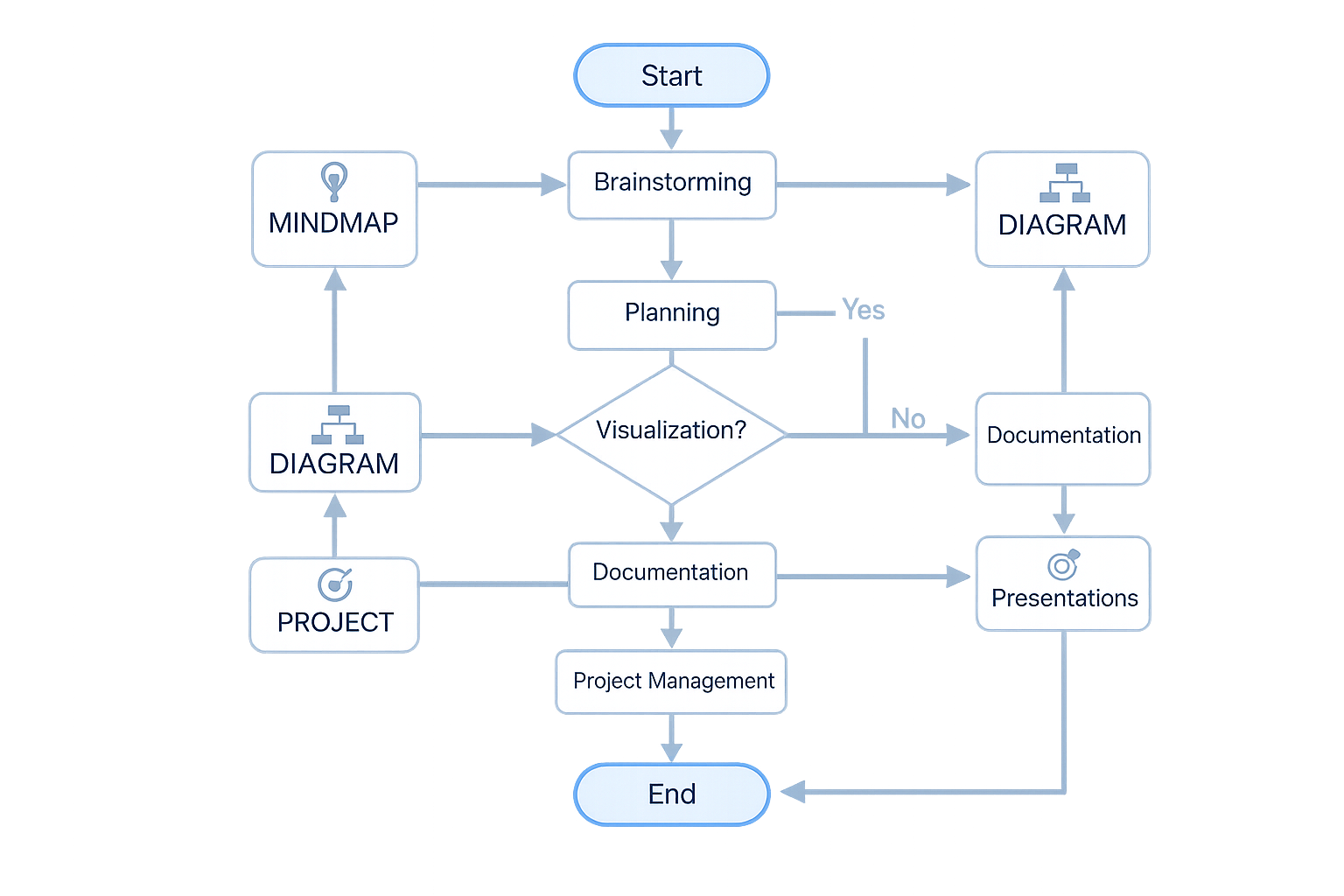
ConceptDraw products can be used separately, but they become more valuable when your work moves across stages. Ideas can be developed in MINDMAP, turned into visuals in DIAGRAM, and then organized into plans in PROJECT.
Need All Three Core Tools in One Workflow?
ConceptDraw OFFICE is the simplest way to work across these stages in one suite. It brings together DIAGRAM, MINDMAP, and PROJECT for people whose work spans multiple stages and needs to stay connected.
Compare ConceptDraw Products
Use this comparison to see which product fits your work best — whether you need one specialized tool or a broader connected workflow.
| Product | Best for | Main capabilities | Best choice when |
|---|---|---|---|
| ConceptDraw OFFICE | Integrated business productivity | Diagramming + mind mapping + project management | You need a complete workflow across planning, visualization, and execution |
| ConceptDraw DIAGRAM | Diagramming and visual communication | Flowcharts, org charts, process diagrams, infographics, technical visuals | You primarily create diagrams and business visuals |
| ConceptDraw MINDMAP | Idea generation and structuring | Brainstorming, mind maps, knowledge organization, visual thinking | You need to capture, organize, and present ideas clearly |
| ConceptDraw PROJECT | Project planning and control | Gantt charts, calendars, resource management, tracking, reports | You need to plan schedules and manage project delivery |
| ConceptDraw STORE | Access to products, solutions, and updates | Discover, download, buy, and update products and solutions | You want convenient access to solutions, templates, and product management |
Why Choose ConceptDraw
Start with the product that fits your work today. If your workflow
grows across multiple stages, you can move to
ConceptDraw OFFICE
and bring the
core tools together in one connected suite.