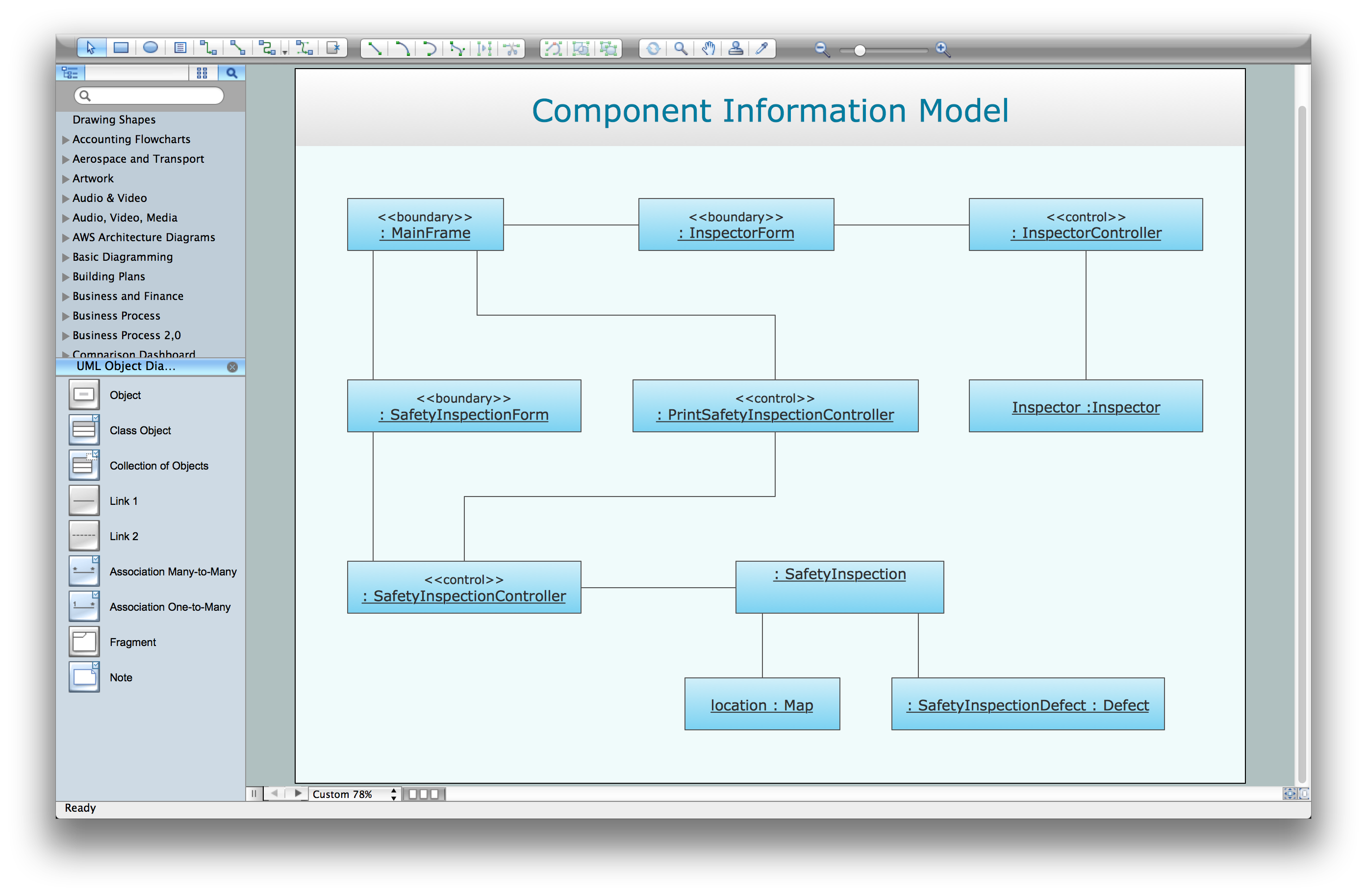
SysML Diagram
Systems Modeling Language (SysML) Diagrams
ConceptDraw DIAGRAM software is the one developed for the purpose of providing its users, who may be the systems engineers as well as other specialists, a chance to use the already previously created design elements for designing the various model systems with SysML, or simply Systems Modelling Language. The mentioned modelling language is usually used by the systems engineering for creating different applications. It supports analysis, specification, validation, verification as well as the design of the different systems, including the so called “systems-of-systems”.
Systems Modelling Language can be defined as an extension of a subset of the UML, or “Unified Modelling Language”. It uses the Systems Modelling Language’s profile mechanism, allowing all the systems engineers to use a few improvements over Unified Modelling Language, including the SysML's semantics. How it works: the SysML reduces the UML's software restrictions adding two new diagram types: the requirement diagrams and the parametric diagrams. It can model many different systems, including information, hardware, software, facilities, personnel, processes, etc.
The mentioned language is a comparatively small. This fact makes it easier to learn it and to apply it. SysML re-uses seven out of fourteen UML 2's diagrams, adding two more already previously mentioned diagrams – the parametric and the requirement ones. The parametric diagrams are usually used within “SysML” for defining all the quantitative constraints as well as the performance itself. There is no straightforward mechanism for capturing this sort of the quantitative information or the essential performance. Considering the rest of the automotive system, the “state machine” and the activity diagrams can be both used for specifying the information flows for the automotive computers and the embedded software control logic.
You can always use both the behavioural and the structural diagrams to model the factories for building the automobiles and the interfaces between different companies. Despite the fact that SysML is quite a simple language, it is still not as simple to learn, especially for those who do not know any other language. This conventional language is used for conducting the “model-based systems” in such field of the business activity, such as engineering. Nevertheless, there are a few limitations reducing its efficiency as well as its acceptance. But, never mind, the Systems Modelling Language is a well-known “hermetic” language and it may be quite difficult to learn it straight away.
Although, knowing this extension of UML, you can always create any of the existing nine types of SysML diagrams, such as “Block Definition”, “Activity”, “Internal Block” diagram, “Parametric”, “Package”, “Requirement”, “State Machine”, “Use Case” or “Sequence” one, some of which can be created in a way of the extending the intended use of block definition diagrams with help of ConceptDraw DIAGRAM as well as ConceptDraw STORE applications developed by CS Odessa. The mentioned language is known to be improving nowadays becoming more and more convenient and progressive enabling its users to create more other types of the diagrams in the future, as all the diagrams generated by “SysML” are known to be quite complicated including some of the elements being slightly counter-intuitive, leading to both confusion and errors.
All the diagrams, created within the system by the IT engineers can be accessed by only those who are some kind of the system engineers, because all of the other users are known to be unlikely knowing “SysML” that well to use it on the everyday basis.
All the SysML diagrams you can create with help of ConceptDraw DIAGRAM taking into consideration the SysML rules usually include the so called “redundant pieces” of all the model information, which leads to the impairing their interpretations. You can always use any of the existing modelling tool vendors offered by the SysML support and, of course, you can always use the progressive software, such as ConceptDraw DIAGRAM to simplify your work with drawing the mentioned diagrams getting the final great looking result within a short period of time.
Rapid UML Solution developed by the CS Odessa team especially for the ConceptDraw DIAGRAM users provides 13 libraries including 393 pre-designed vector objects, such as icons, for allowing all the ConceptDraw DIAGRAM users to draw the SysML diagrams. Making any of the existing “SysML diagrams”, you can simply create a new document while working in ConceptDraw DIAGRAM application, to choose the needed design objects from any of the available stencil libraries and so after to simply drag them to the needed place within your freshly created ConceptDraw DIAGRAM document.
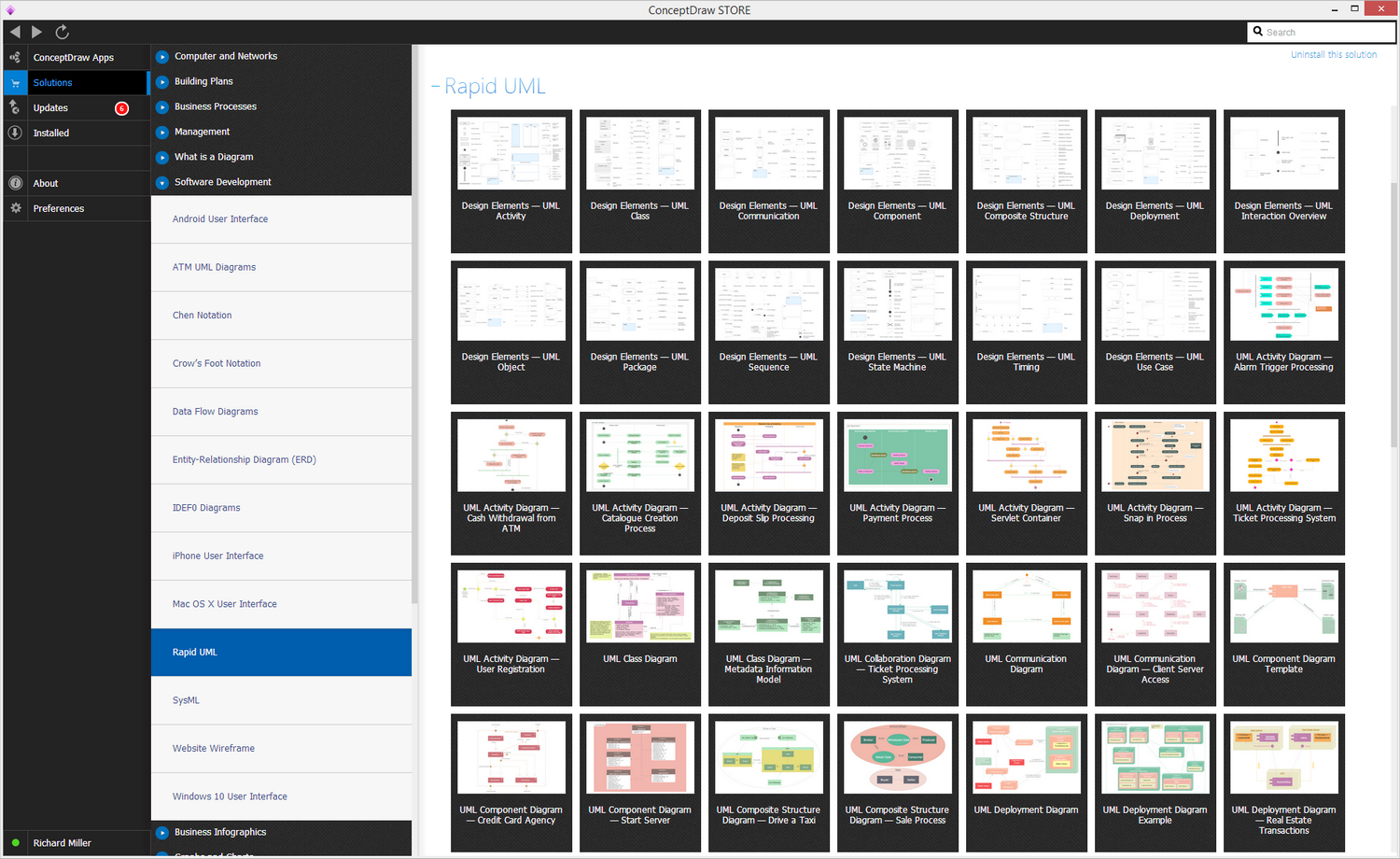
Example 1. Rapid UML Solution
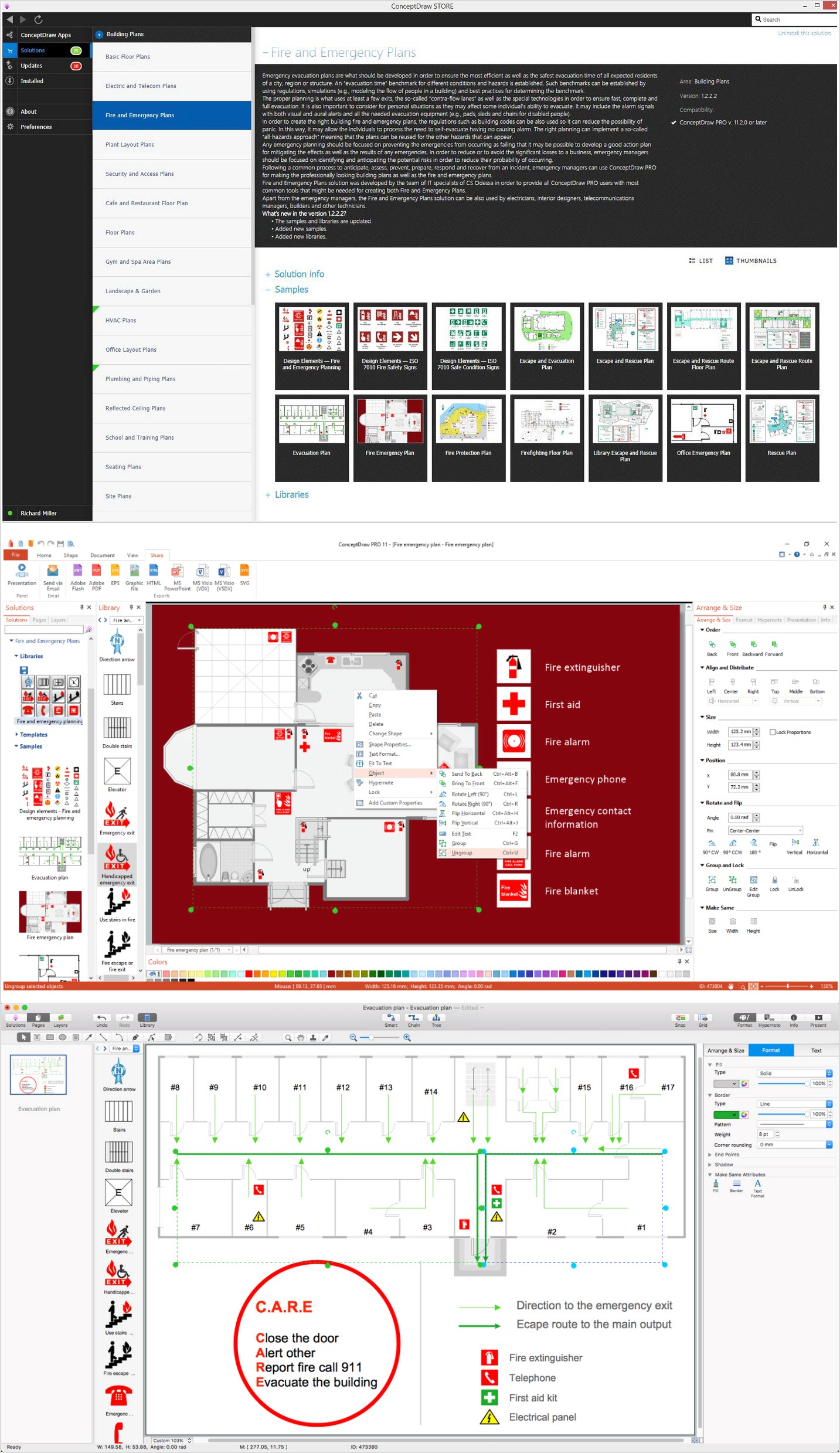
The “Rapid UML solution” from ConceptDraw STORE can be downloaded any time from the mentioned application to be very useful as it offers a large collection of the previously designed professional SysML diagrams, apart from the mentioned design symbols. Each of the mentioned templates can be a perfect base for your own SysML diagrams as they can be always used as drafts, simply edited the way you want them to be. The samples you can see in the described solution all were created by the IT specialists of CS Odessa, those who developed ConceptDraw DIAGRAM software itself.
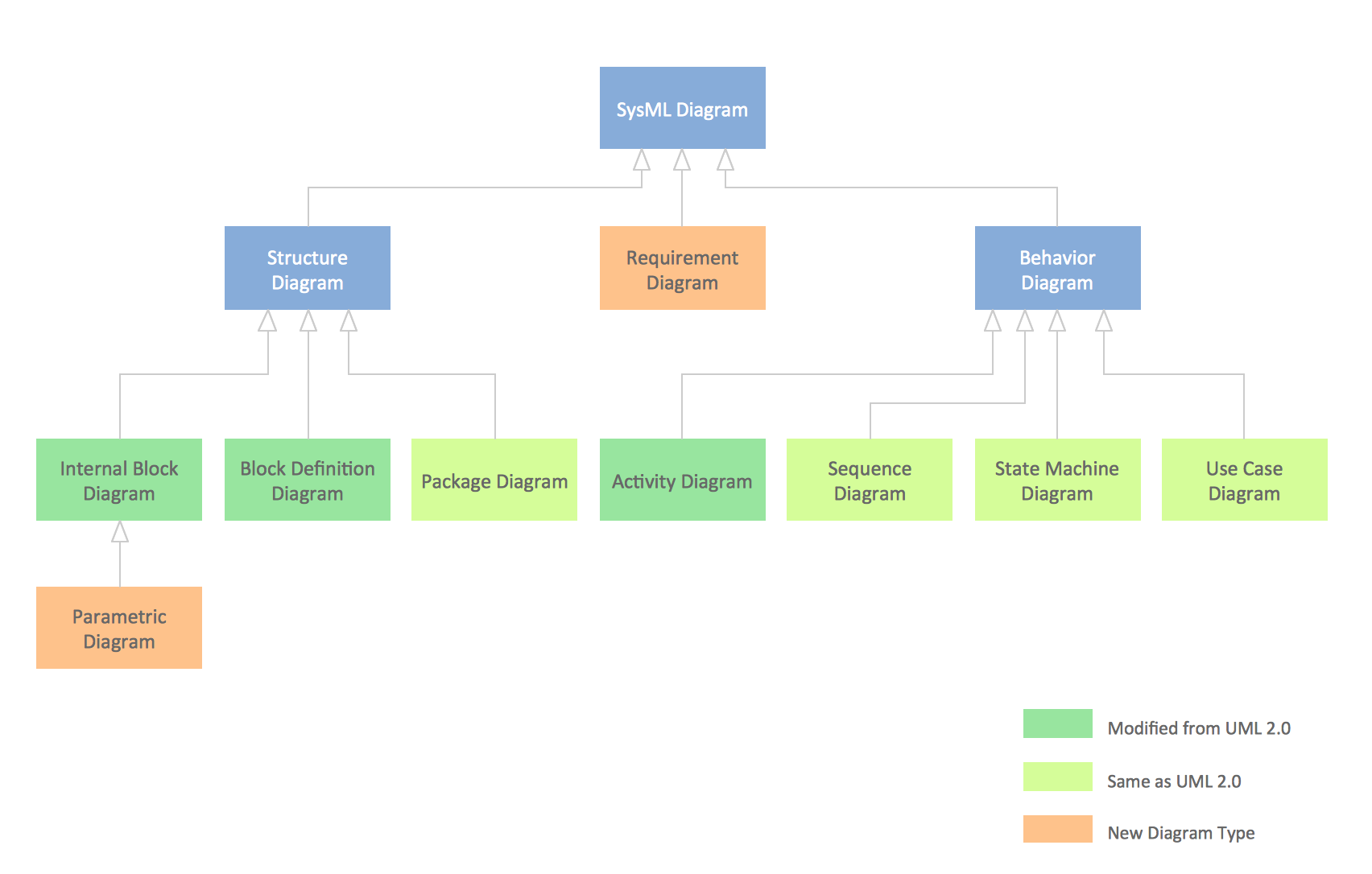
Example 2. SYS ML Diagram — Taxonomy
Having Rapid UML Solution downloaded from ConceptDraw STORE can enable you to make any needed UML Class diagram, as well as any other UML diagram, having the pre-made representations of the Class, Interface, Template Class, Component, Objects, Self association, Package, Frame, fragment and Note, as well as other graphic symbols.
ConceptDraw DIAGRAM is a perfect tool for:
- Designing and planning tasks such as:
- Jacobson Use Cases Diagram
- SSADMN Diagram
- Yourdon and Coad Diagram
- Command OLE Diagram
- Block Diagrams
- Data Modeling Diagram
- Chen RED Diagram
- Martin RED Diagram
- IDEF0 Diagram
- Booch OOD Diagram
- Gane Sarson Diagram
- Memory Object Diagram
- Data Flow Diagram
- FlowCharts
- Graphic User Interface (GUI)
- UML Diagram
- Program Structure Diagrams
- ORM Diagram
- Developing Visualization Solutions
- Project Planning (Gantt Charts, Timelines, Project Schedules)