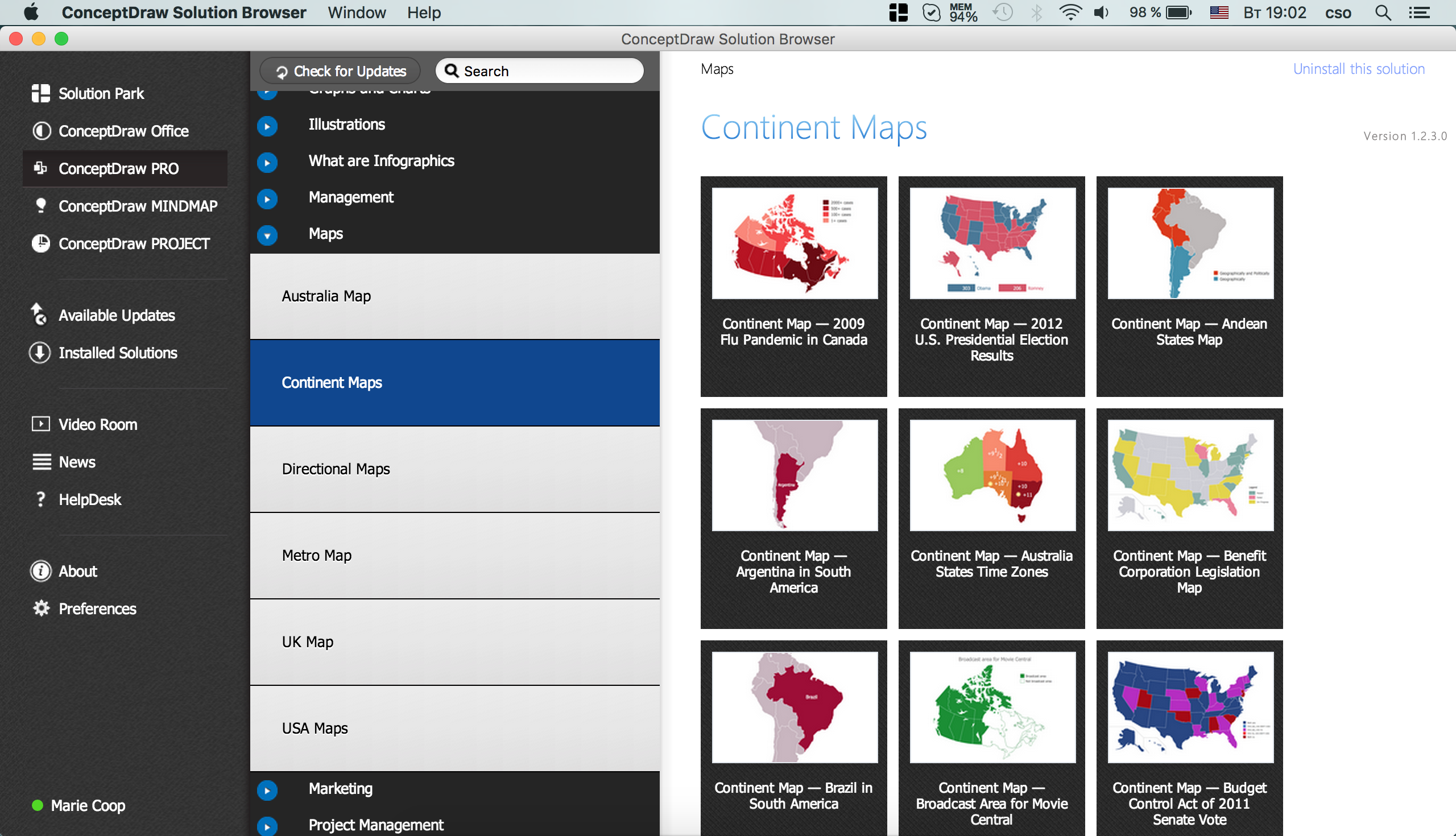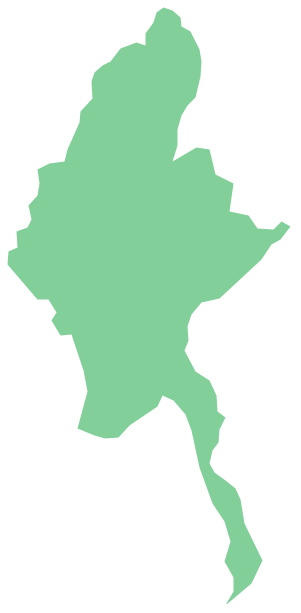
Pic. 2. Myanmar
Geo Map - Asia - Myanmar Contour
Capital - Naypyidaw
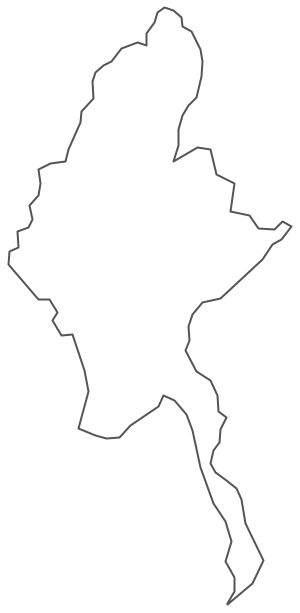
Pic. 3. Myanmar Contour
Geo Map - Asia
Asia contains 48 countries(UN members) and 6 other states.
Area 44,579,000 km2 (17,212,000 sq mi). Population 4,164,252,000.

Pic. 4. Asia Map
Geo Map - Asia Contour
A contour map is a map illustrated with contour lines.
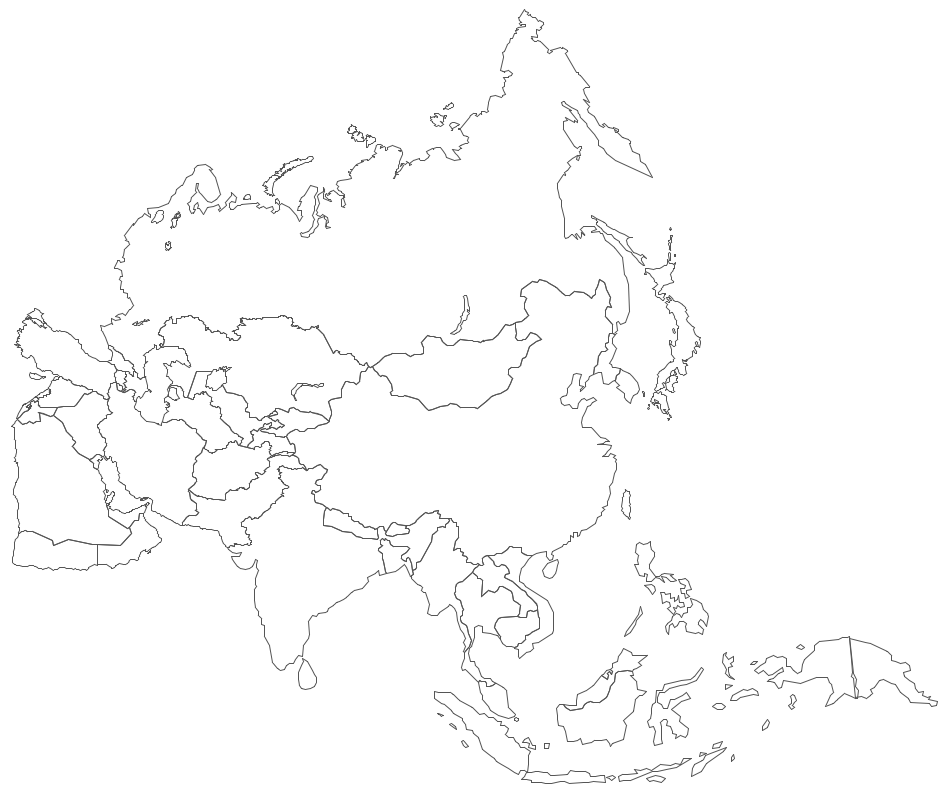
Pic. 5. Asia Contour
Geo Map - contours of Asia countries
Use the map contours library "Asia" to design thematic maps using the ConceptDraw DIAGRAM diagramming and vector drawing software.
The vector stencils library "Asia" contains 57 map contours: Asia political map, map contours of countries.
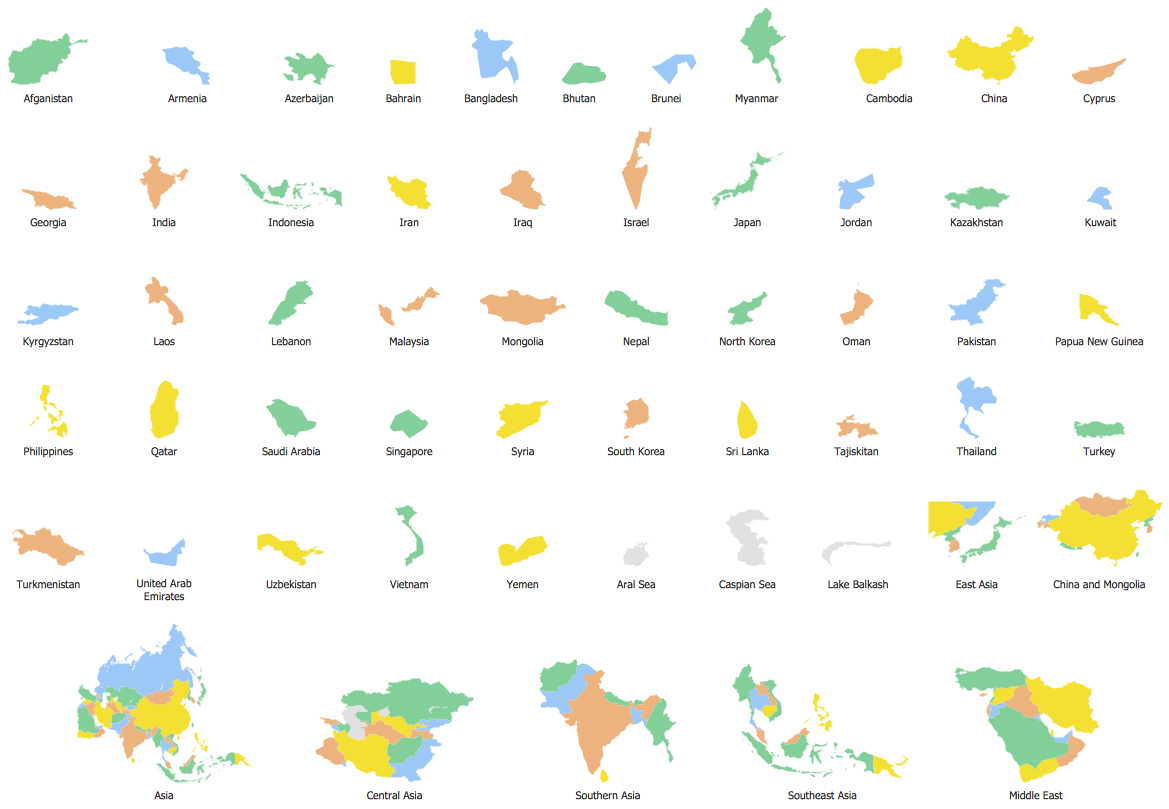
Pic. 6. Contours of Asia countries
All ConceptDraw DIAGRAM documents are vector graphic files and are available for reviewing, modifying, and converting to a variety of formats: image, HTML, PDF file, MS PowerPoint Presentation, Adobe Flash, MS Visio (.VDX, .VSDX).
See also Geo Maps of Asia Countries :
TEN RELATED HOW TO's:
Indonesia, officially the Republic of Indonesia, is a sovereign state in Southeast Asia and Oceania.
The vector stencils library Indonesia contains contours for ConceptDraw DIAGRAM diagramming and vector drawing software. This library is contained in the Continent Maps solution from Maps area of ConceptDraw Solution Park.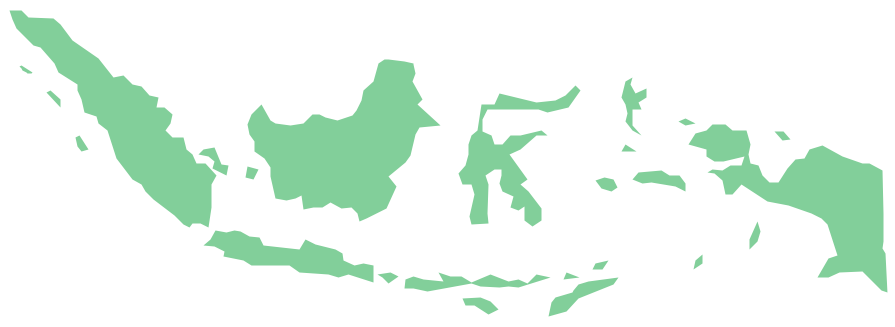
Picture: Geo Map — Asia — Indonesia
Related Solution:
Iran, also known as Persia, officially the Islamic Republic of Iran since 1980, is a country in Western Asia.
The vector stencils library Iran contains contours for ConceptDraw DIAGRAM diagramming and vector drawing software. This library is contained in the Continent Maps solution from Maps area of ConceptDraw Solution Park.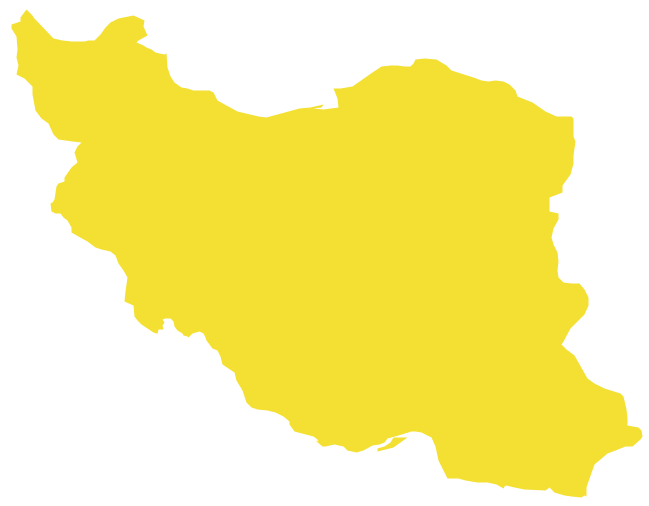
Picture: Geo Map - Asia - Iran
Related Solution:
Kazakhstan, officially the Republic of Kazakhstan, is a contiguous transcontinental country in Central Asia, with its smaller part west of the Ural River in Eastern Europe.
The vector stencils library Kazakhstan contains contours for ConceptDraw DIAGRAM diagramming and vector drawing software. This library is contained in the Continent Maps solution from Maps area of ConceptDraw Solution Park.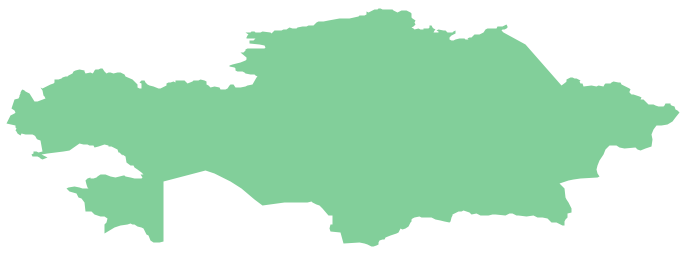
Picture: Geo Map - Asia - Kazakhstan
Related Solution:
There are many tools to manage a process or to illustrate an algorithm or a workflow. Flowcharting is one of those tools. However, it may be difficult to show complex processes that require multiple attributes or several people in a simple flowchart, so a cross-functional flowchart would be a solution for that situation. To create such flowchart, group processes and steps to labeled rows or columns, and divide those groups with horizontal or vertical parallel lines. It is worth mentioning that there are different types of cross-functional flowcharts, like opportunity or deployment flowchart.
This diagram shows a cross-functional flowchart that was made for a trading process. It contains 14 processes, distributed through 5 lines depicting the participants who interact with the process. Also there are connectors that show the data flow of information between processes. The cross-functional flowchart displays a detailed model of the trading process, as well as all participants in the process and how they interact with each other. The lines in the flowchart indicates the position, department and role of the trading process participants.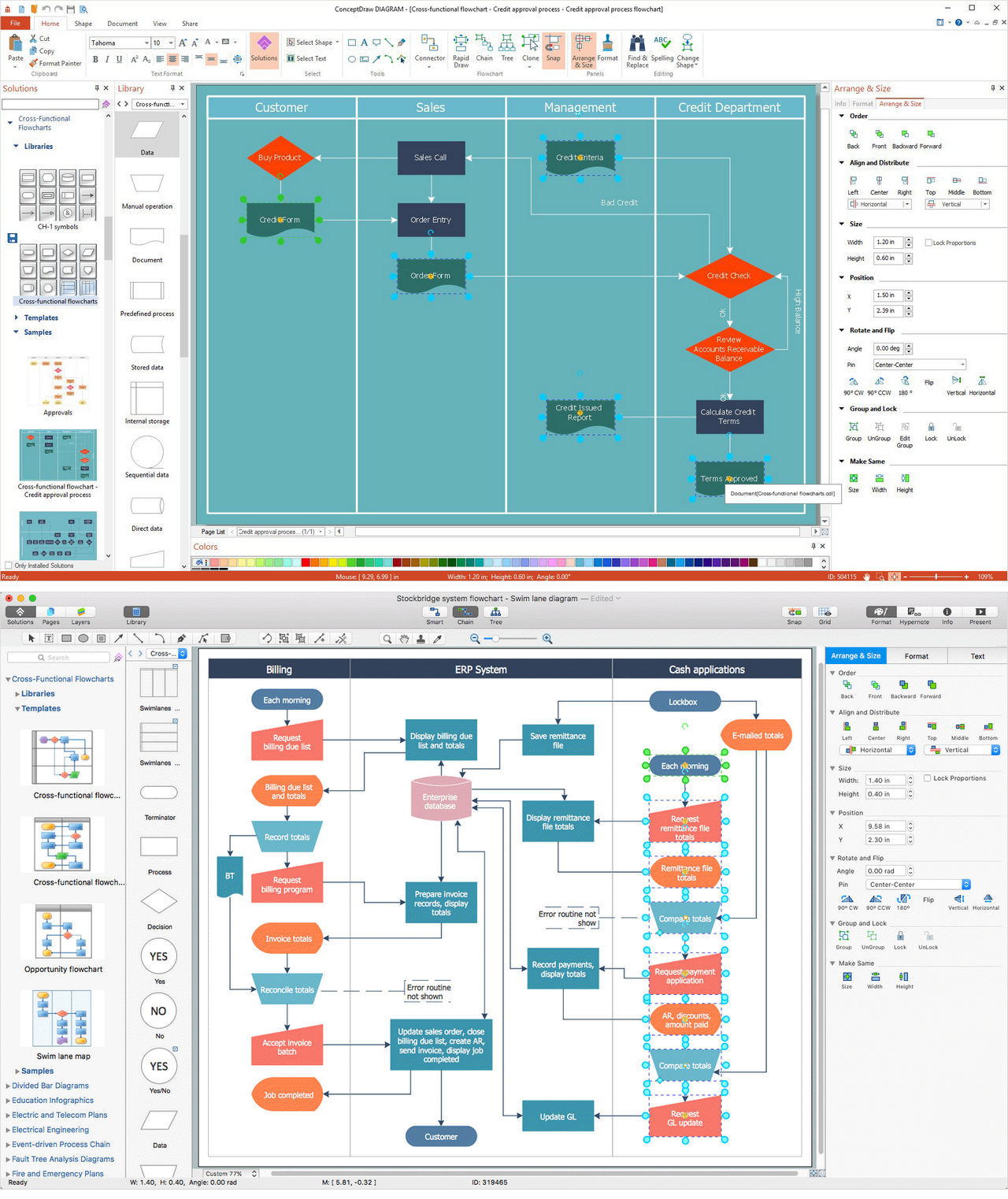
Picture: Cross-Functional Flowchart
Related Solution:
Local area network connects computers and other network appliances within an area, such as office building or a campus. It can be difficult to provide such network without a predesigned plan. For these purposes you can use network diagram software, which helps you to create LAN network diagrams and office network diagrams quickly and effortless. This will speed up your work and you can save the diagram for the future network improvements.
The following diagram illustrates a network topology of the small office. LAN configuration has a star topology. The local network joins 8 computers among which are several desktop PCs, laptop, two iMacs and iBook. The end-point devices are divided into three groups. Each group is connected to its hub. There is a network printer and a modem, which are interconnected with other devices through a network server. Each computer on the LAN can access the server through a corresponding hub.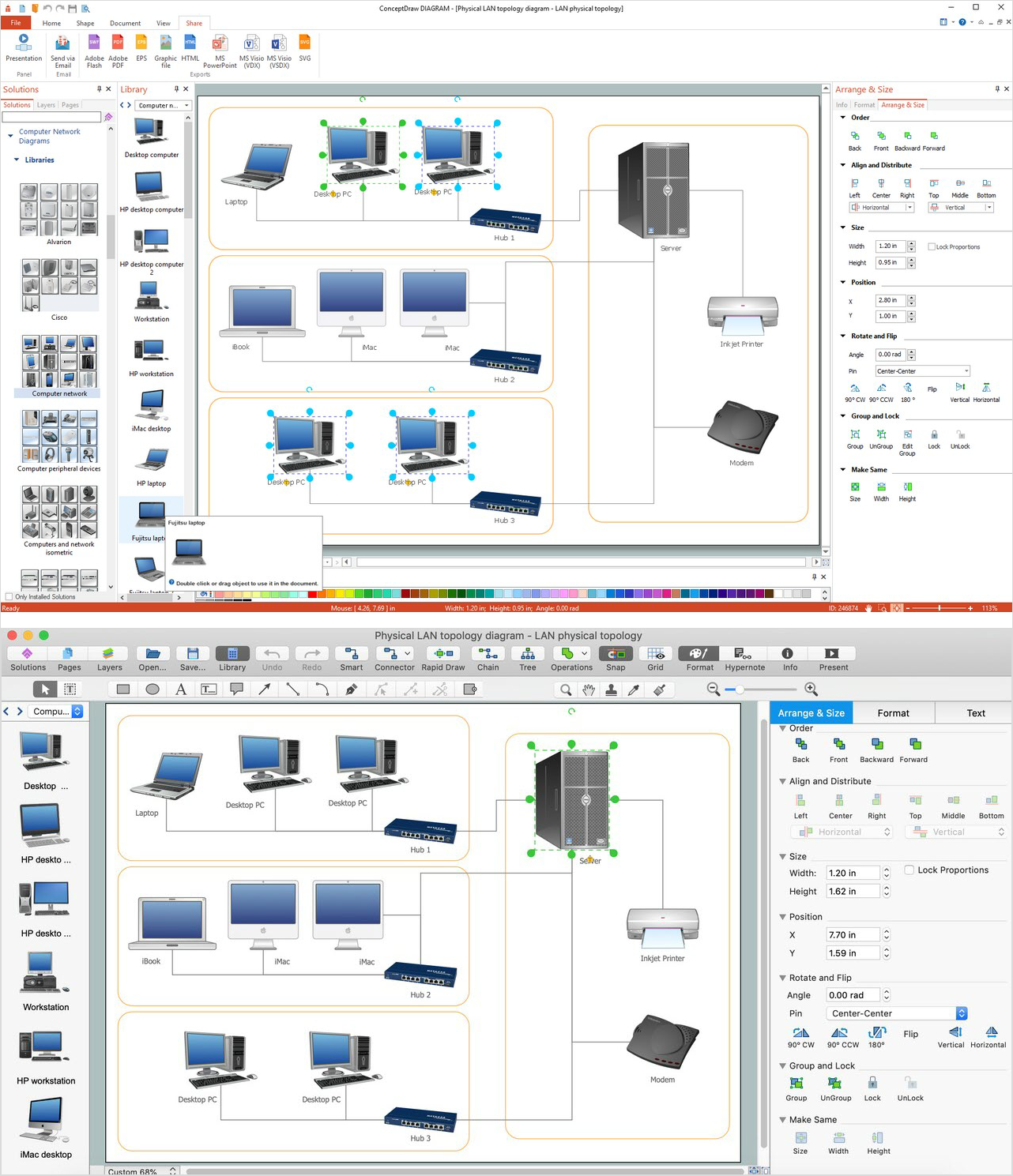
Picture: Network Diagram Software. LAN Network Diagrams. Physical Office Network Diagrams
Related Solution:
South Korea, officially the Republic of Korea, is a country in East Asia, constituting the southern part of the Korean Peninsula.
The vector stencils library South Korea contains contours for ConceptDraw DIAGRAM diagramming and vector drawing software. This library is contained in the Continent Maps solution from Maps area of ConceptDraw Solution Park.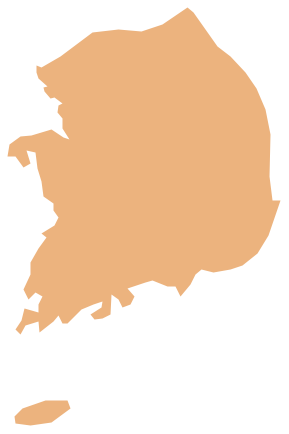
Picture: Geo Map - Asia - South Korea
Related Solution:
ConceptDraw DIAGRAM diagramming and vector drawing software enhanced with Continent Maps Solution from the Maps Area is the best for drawing geographic, topography, political, and many other kinds of maps for any of seven earth continents and also world continents map of any detailing.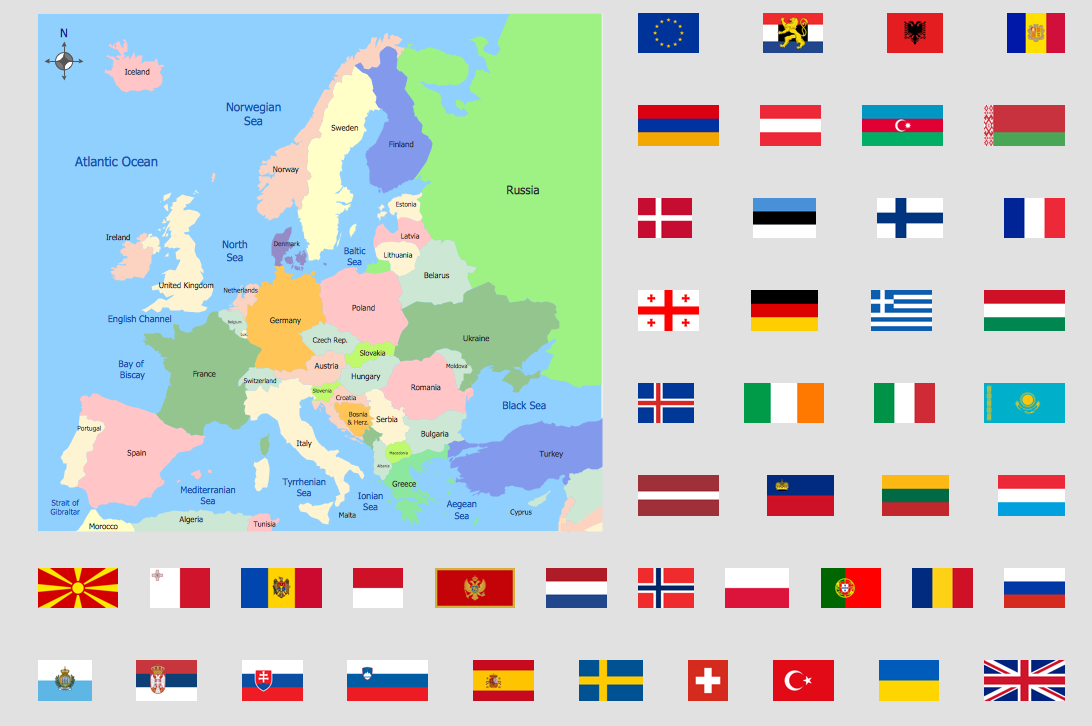
Picture: World Continents Map
Related Solution:
Cambodia, officially known as the Kingdom of Cambodia and once known as the Khmer Empire, is a country located in the southern portion of the Indochina Peninsula in Southeast Asia.
The vector stencils library Cambodia contains contours for ConceptDraw DIAGRAM diagramming and vector drawing software. This library is contained in the Continent Maps solution from Maps area of ConceptDraw Solution Park.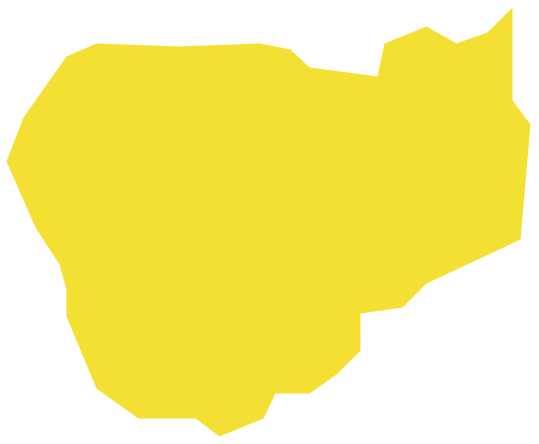
Picture: Geo Map - Asia - Cambodia
Related Solution:
Syria, officially the Syrian Arab Republic, is a country in Western Asia, bordering Lebanon and the Mediterranean Sea to the west, Turkey to the north, Iraq to the east, Jordan to the south and Israel to the southwest.
The vector stencils library Syria contains contours for ConceptDraw DIAGRAM diagramming and vector drawing software. This library is contained in the Continent Maps solution from Maps area of ConceptDraw Solution Park.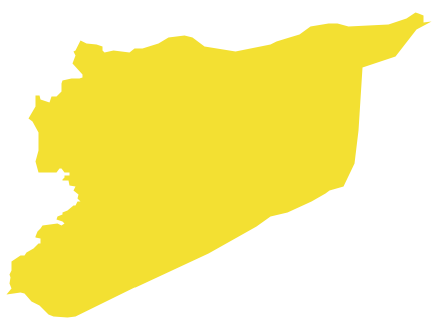
Picture: Geo Map - Asia - Syria
Related Solution:
Electrical plan is a document that is developed during the first stage of the building design. This scheme is composed of conventional images or symbols of components that operate by means of electric energy. To simplify the creation of these schemes you can use house electrical plan software, which will not require a long additional training to understand how to use it. You only need to install the necessary software ant it’s libraries and you’ll have one less problem during the building projection.
Any building contains a number of electrical systems, including switches, fixtures, outlets and other lightening equipment. All these should be depicted in a building electrical plans and included to general building documentation. This home electrical plan displays electrical and telecommunication devices placed to a home floor plan. On the plan, each electrical device is referenced with the proper symbol. Electrical symbols are used for universal recognition of the building plan by different persons who will be working on the construction. Not all possible electric symbols used on a certain plan, so the symbols used in the current home plan are included to a legend. The electrical home plan may be added as a separate document to a complete set of building plans.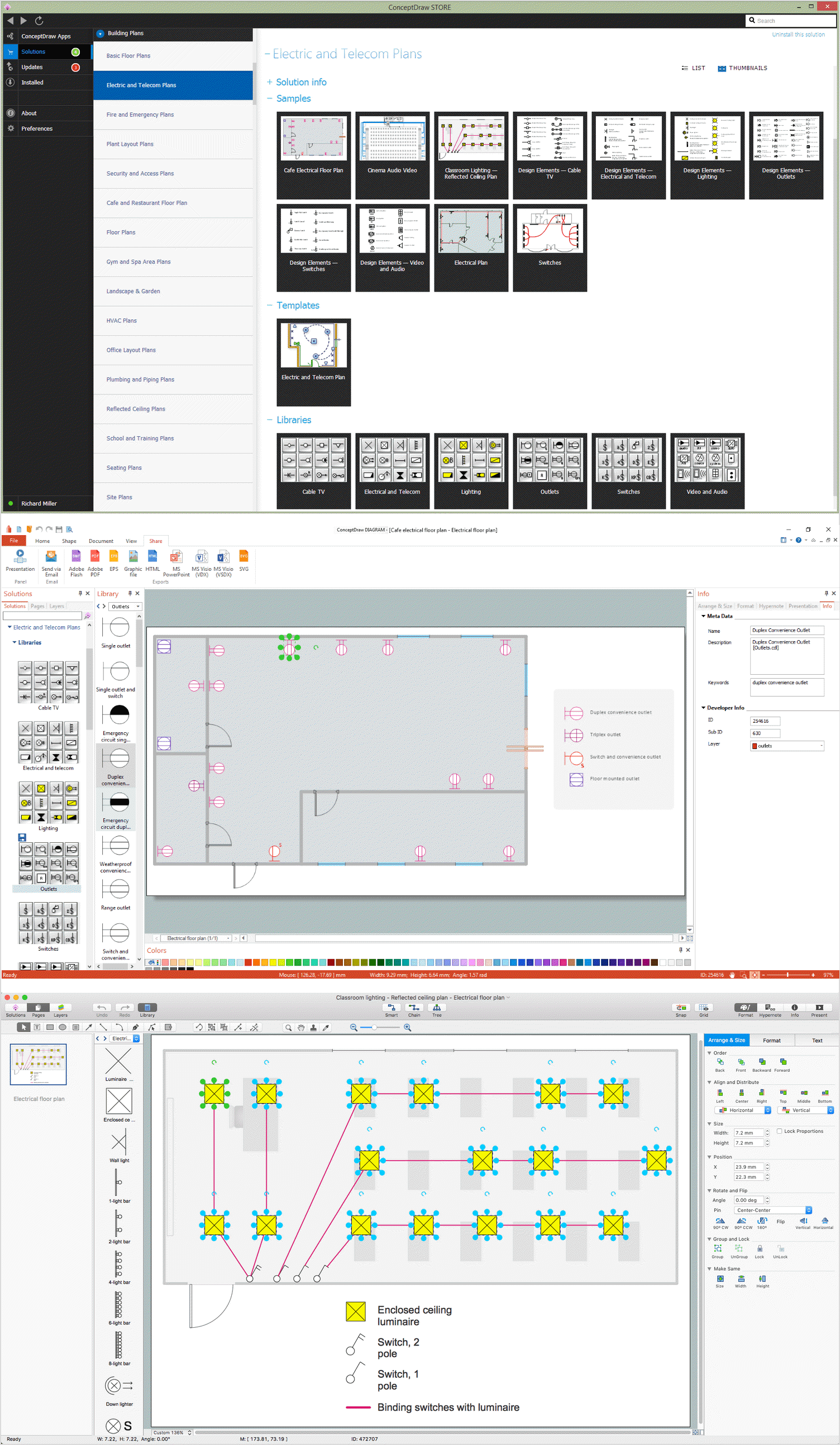
Picture: How To use House Electrical Plan Software
Related Solution: