Recruitment
ConceptDraw DIAGRAM software becomes more and more popular nowadays providing all the necessary tools for creating the smart looking professional drawings, such as diagrams and charts, flowcharts and schemes as well as many more other schematics for those who are involved in many different kinds of business, such as recruitment, for example.
Recruitment itself is a core function of any human resource management, being a part of any commercial organization nowadays. Recruitment is known to be the first step of any appointment, referring to the overall process of selecting, appointing and attracting the suitable candidates for jobs. The offered jobs may be either temporary or permanent, depending on the needs of the organization.
The process of the recruitment can be also referred to a process which is involved in choosing the individuals for the unpaid positions: for example, the unpaid trainee roles or the voluntary roles. Human resource generalists, recruitment specialists as well as managers are all in charge for being tasked with carrying out the process of recruitment. At the same time in some cases the so-called “public-sector employment agencies” as well as the commercial recruitment agencies or specialist search consultancies are those who are being used for undertaking the parts of the process of recruitment.
The internet-based technologies are used for supporting all the aspects of the process of recruitment becoming more and more widespread. In the particular situations when there are multiple new jobs are available for the potential candidates who are needed urgently, the special agencies may be involved in the process of the searching the right people.
Those, who are being recruited for the first time, people may have to go through some particular tests in order to be accepted for the certain types of jobs. Thus, to match the job descriptions as well as the job specifications they have to pass the tests they are offered. Occasionally, any company which provides the job descriptions for the existing positions needs someone better, but the amount of money they have for paying to such candidates is limited. That’s why the recruitment specialists always have to make sure that those people who intend to be working for their organization are smart enough to develop their skills and so to make it possible to achieve more complex goals in the future.
As a general rule, before recruiting people the recruiters have to make sure that those people’s specification is finalized. Such term as “sourcing” is very commonly used within the process of recruitment, being used at one or more strategies for attracting or identifying the candidates for filling the job vacancies. The described process may involve both internal and external recruitment advertising in a way of using the appropriate media: national or/and local newspapers, job portals, social media, business media, professional publications, window advertisements, specialist recruitment media, job centres, or other sites on the Internet.
The employers also often use the recruitment agencies or consultancies for finding the needed candidates. Such initial research for candidates is known to be producing the contact information for the potential candidates, whom the recruiter working for some particular organization can then screen and contact. Lots of the psychological tests can be used during the process of recruitment. The assessments of the candidates can be also those for measuring the physical ability of those who intend to work for an organization.
Agencies and recruiters sometimes use the so called “applicant tracking systems” for “filtering” the candidates. From time to time they also use the software tools for the psychometric testing. In order to do the performance-based assessment there are many other tests which are widely used nowadays.
Most of the employers aim to recognize the value of each of the candidates with an ease, especially those, who encompass such skills as team or interpersonal leadership. Many of the modern companies, including different multinational organizations, are often known to be concerned about their candidates wondering if they fit the prevailing company culture or not.
Lots of major corporations are known to be recognizing the need for diversity in hiring people very well in order to complete it successfully in a global economy. Most of them try to show they support the diversity as an essential value for their own and their business success.
The so called “Recruitment Process Outsourcing”, or "RPO", is simply a form of the business process outsourcing where some company tries to engage a third party (a provider) for managing all or only a part of its recruitment processes. The “internal recruitment” term can be referred to the process of the candidate being selected from the existing workforce in order to take up a new job in the same organization.
Such well-known terms as “promotion” and “career development opportunity” become more and more popular nowadays as companies try to keep the best workers to continue working developing their business by stimulating the employees with grants and new, higher, positions.

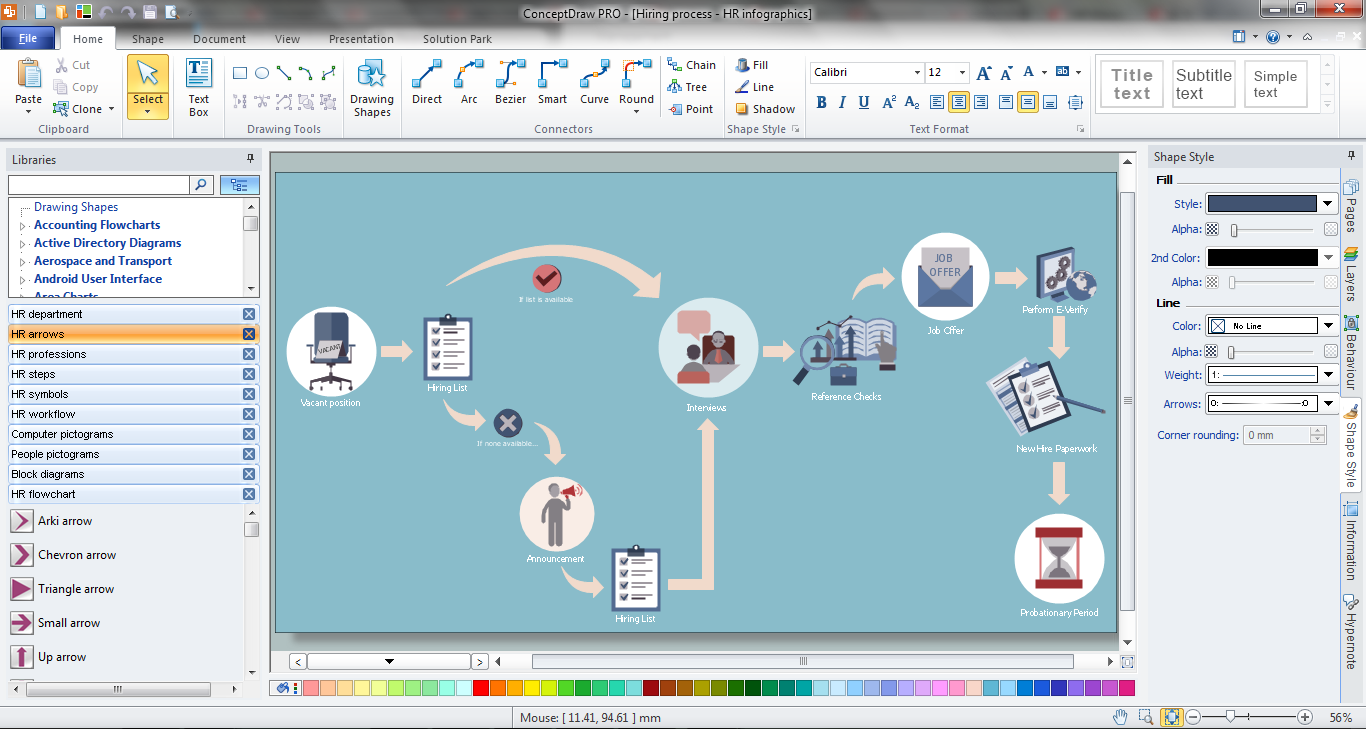
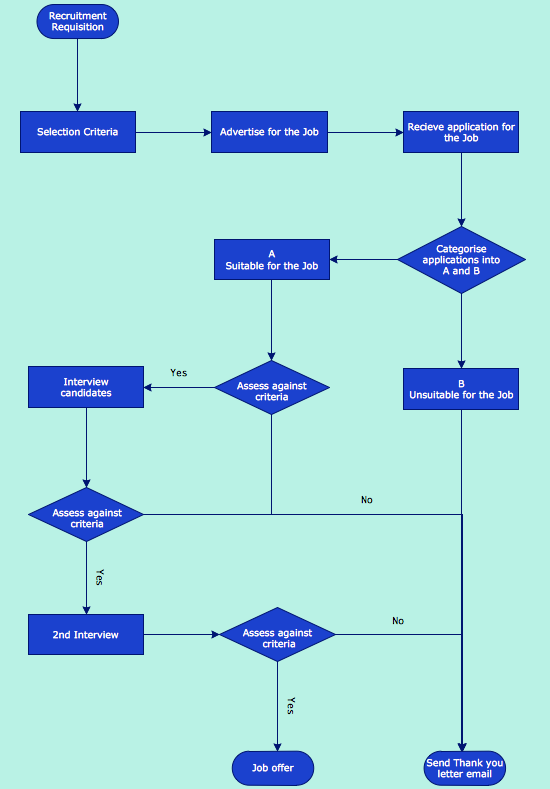
Example 1. Recruitment Model
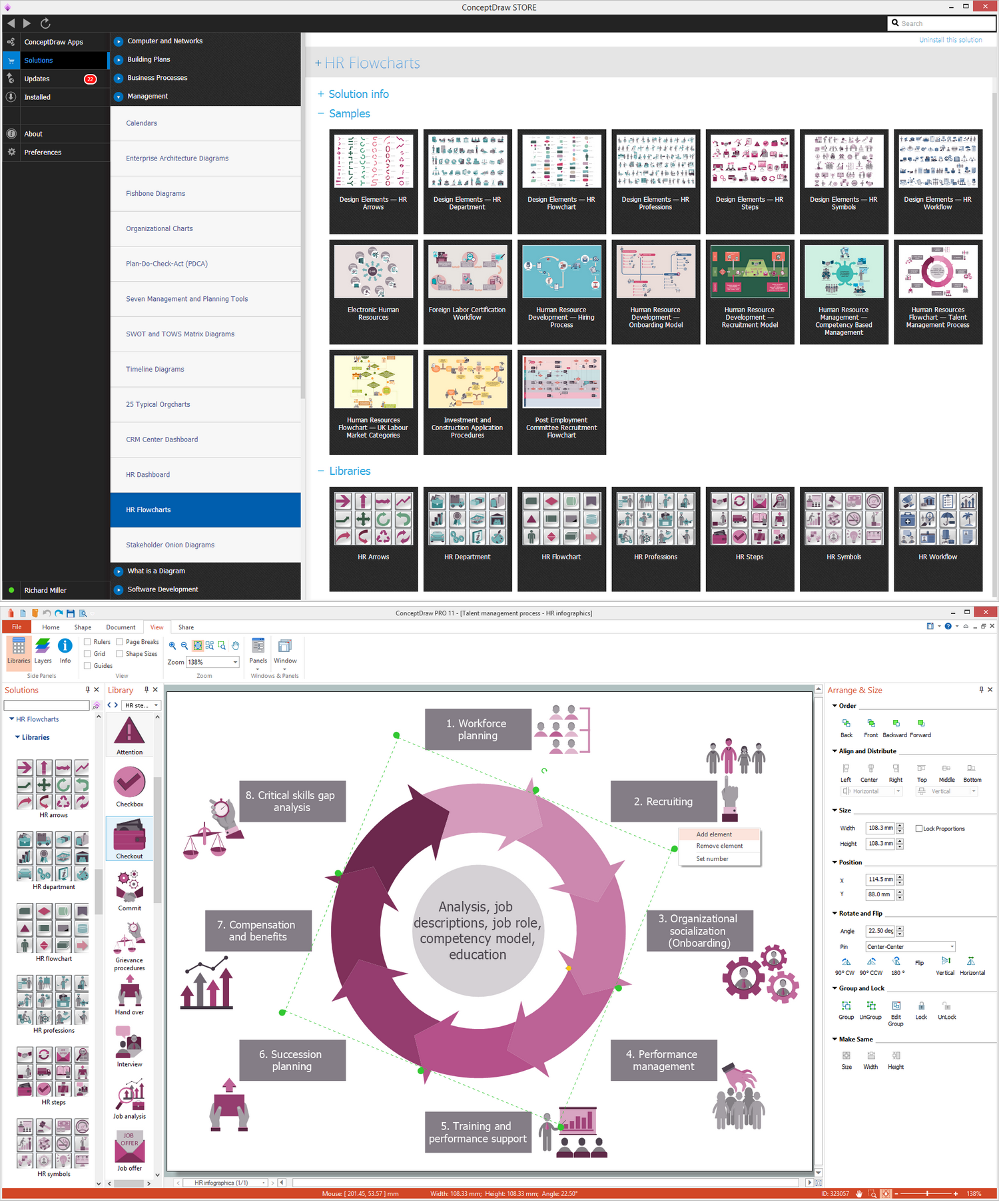
The most important and useful that includes the HR Flowcharts Solution is extensive set of libraries — 7 libraries with 387 predesigned human resources themed images, icons and connectors specially developed for ConceptDraw DIAGRAM users.
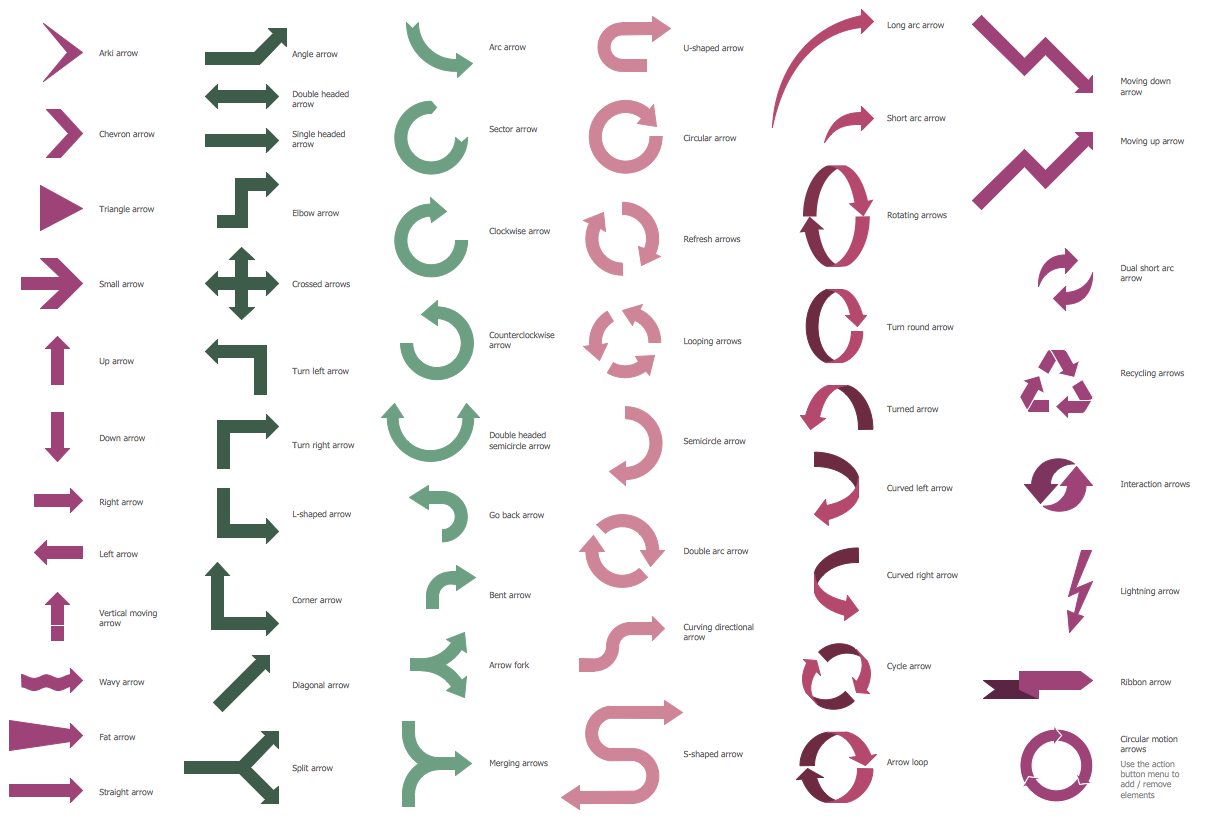
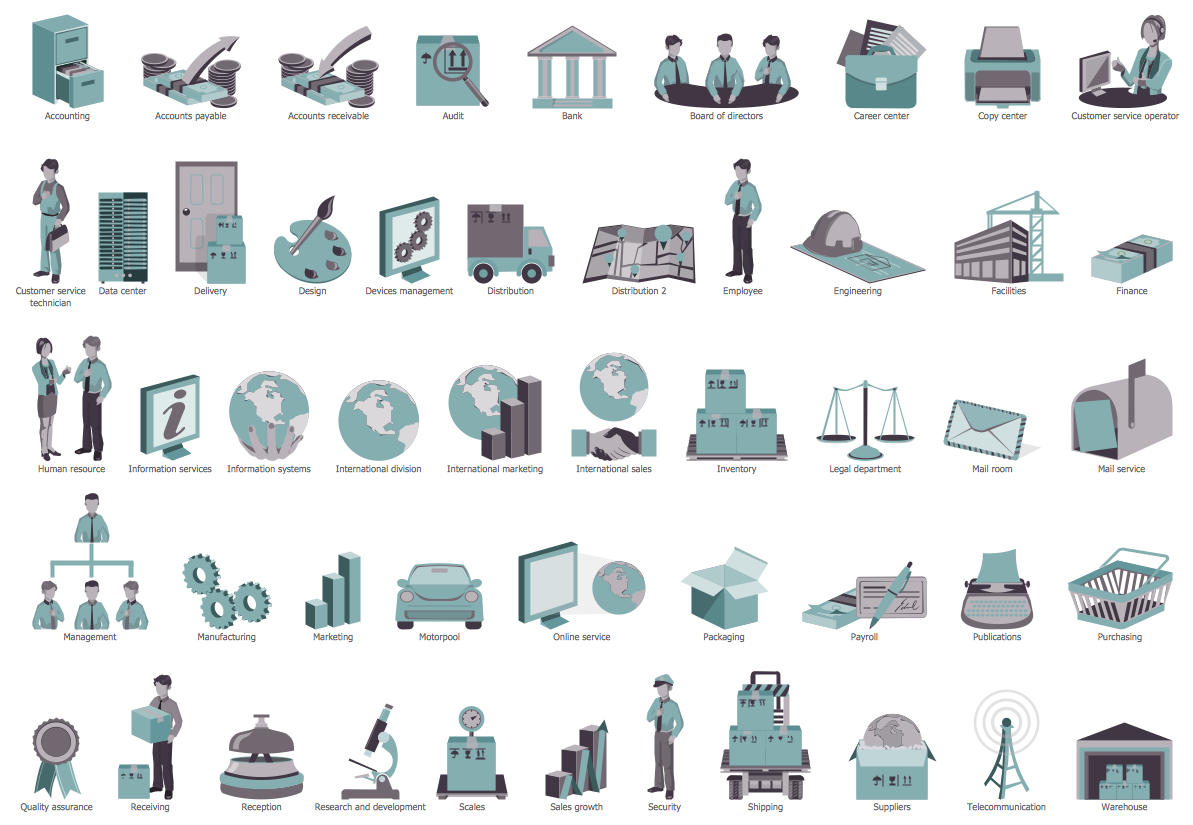
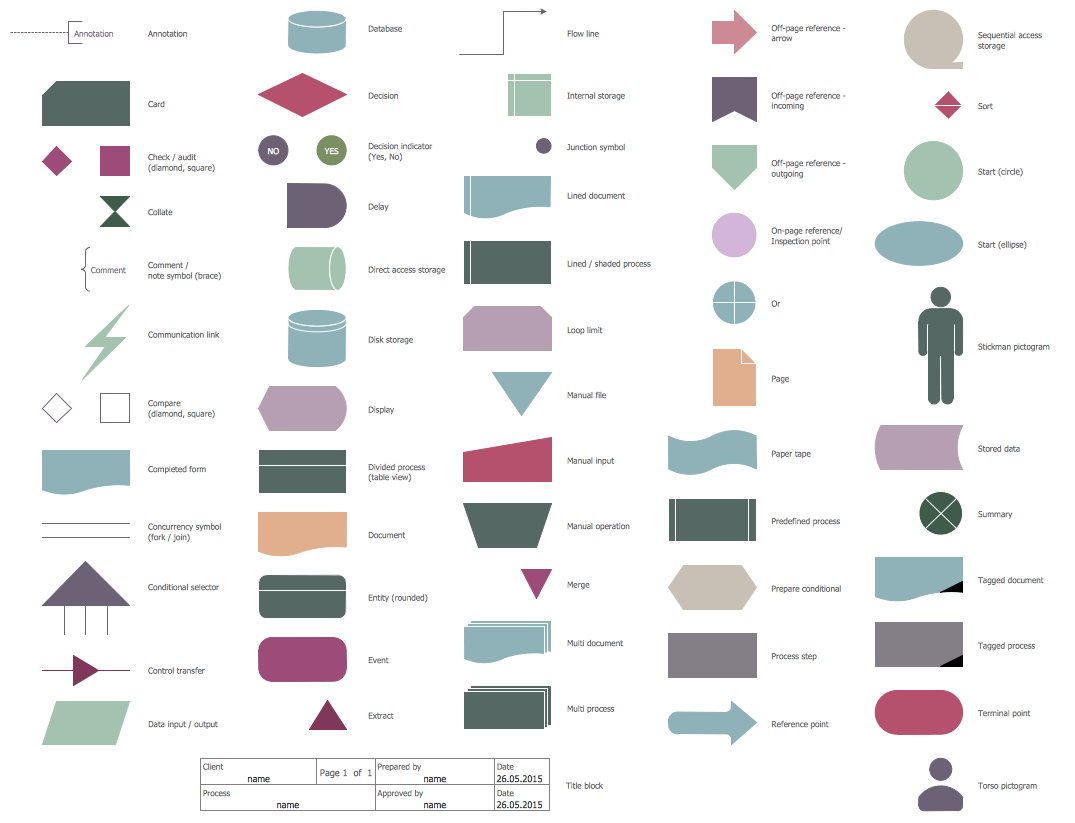
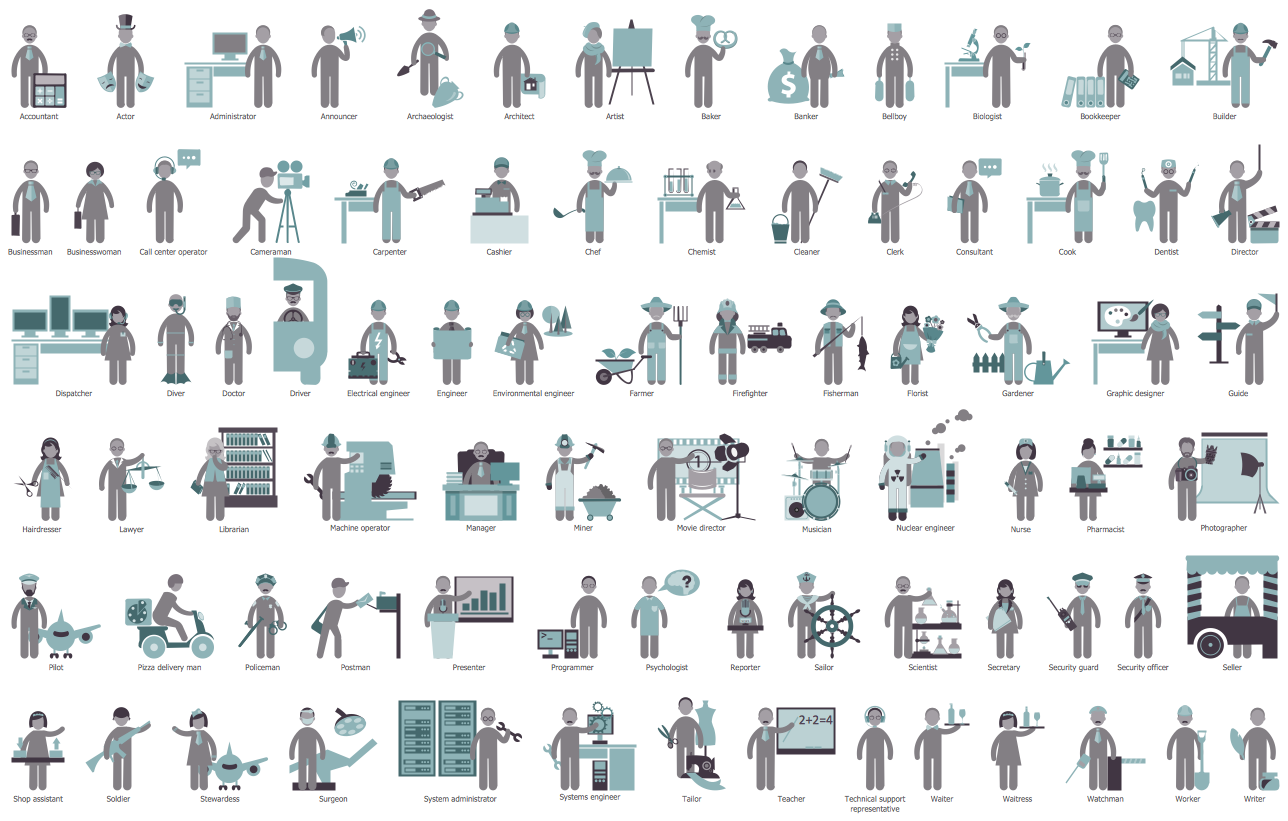
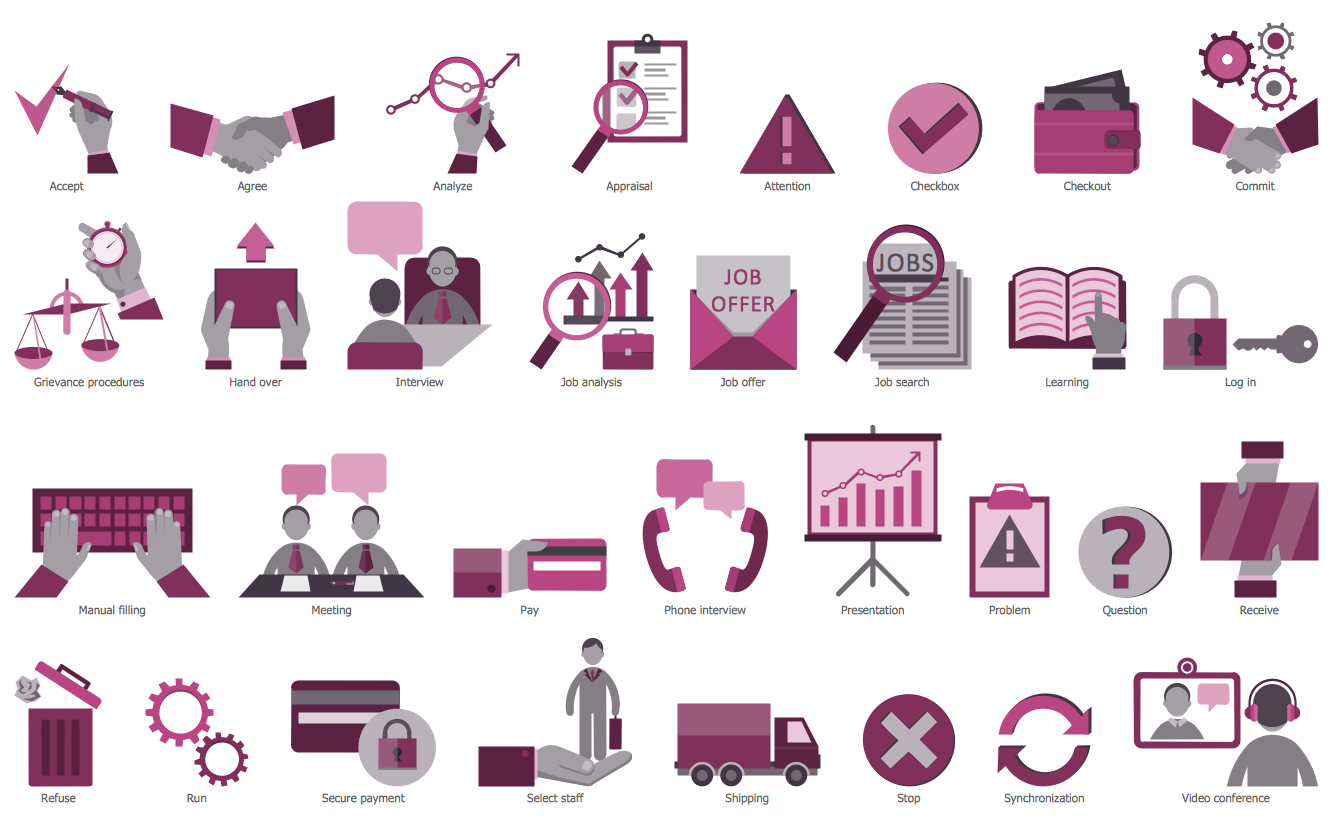
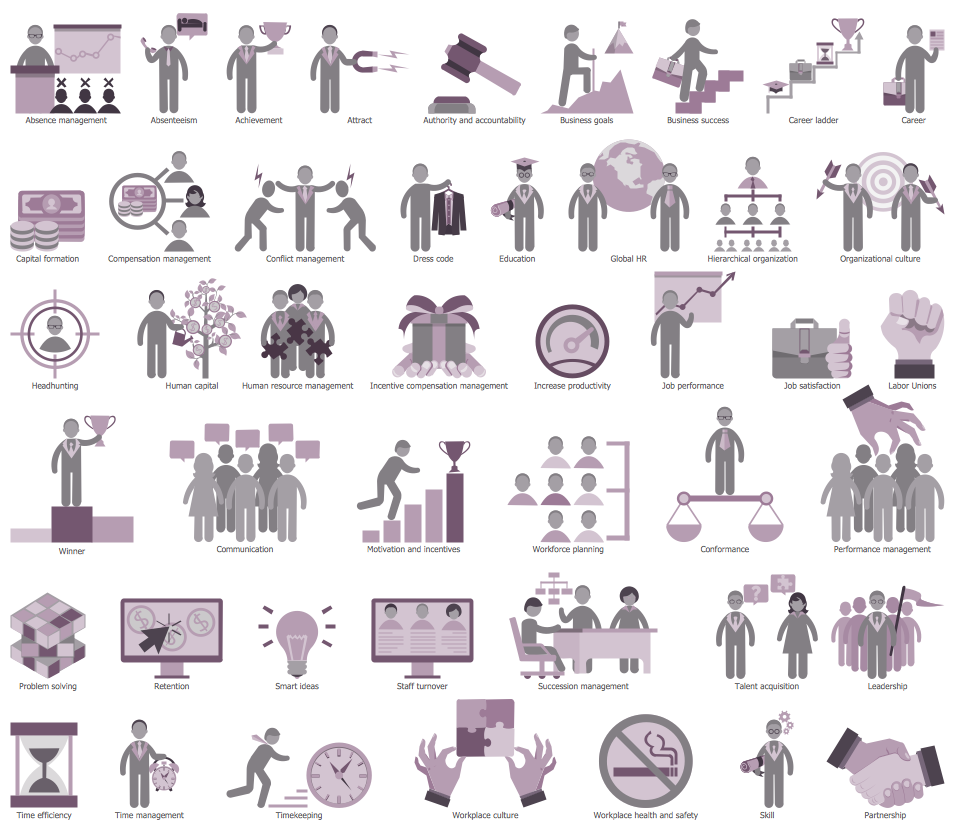
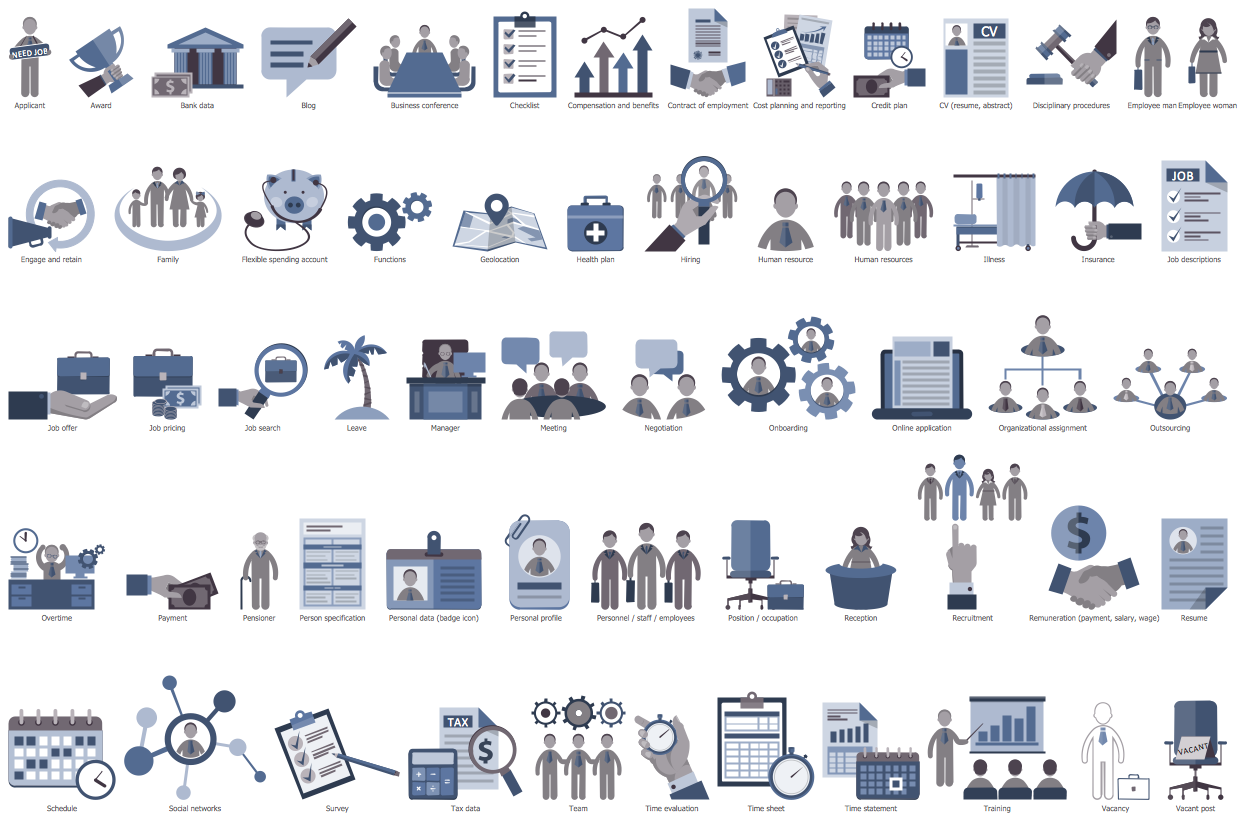
ConceptDraw DIAGRAM software offers you the choice — you can design your Recruitment HR Flowchart from the beginning using the predesigned objects from the libraries or use as the base the suitable sample from the offered by HR Flowcharts Solution.
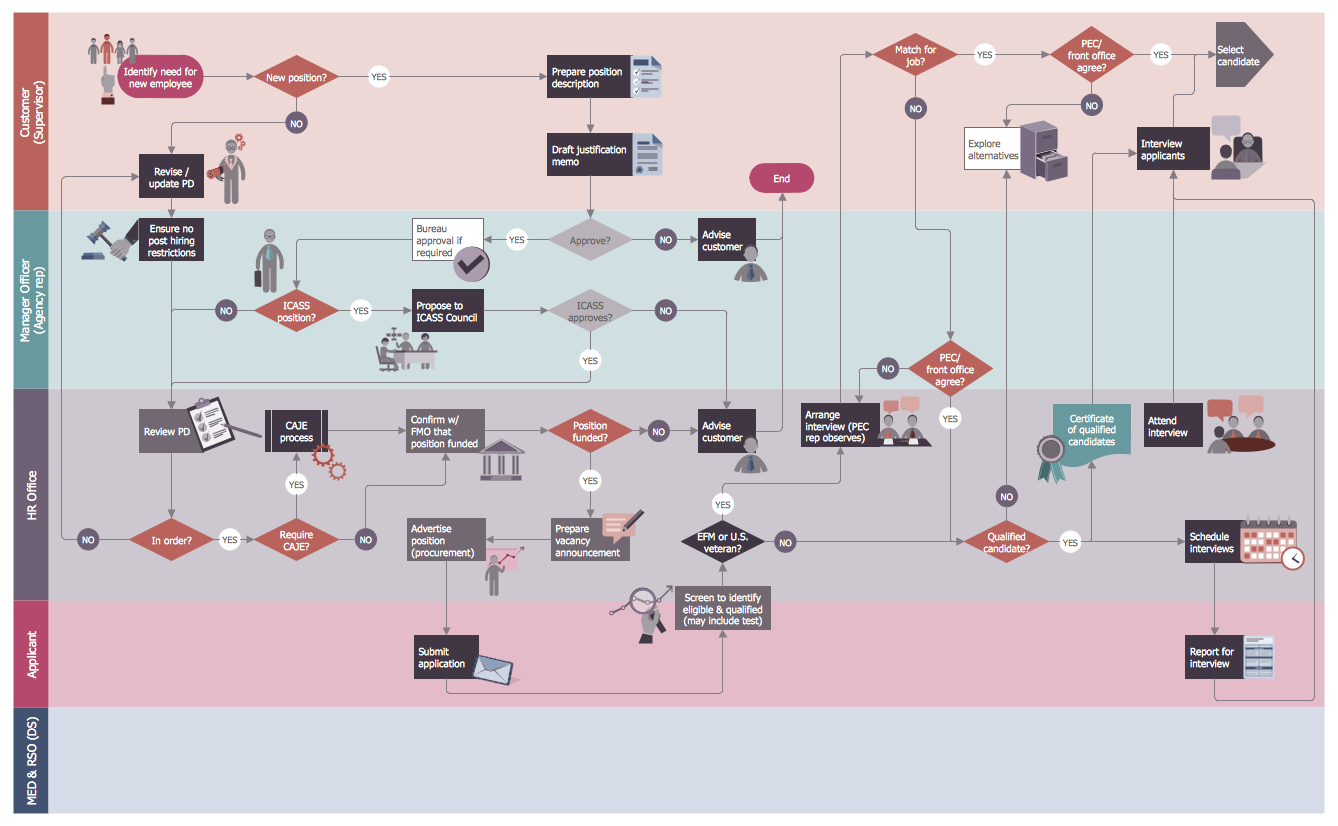
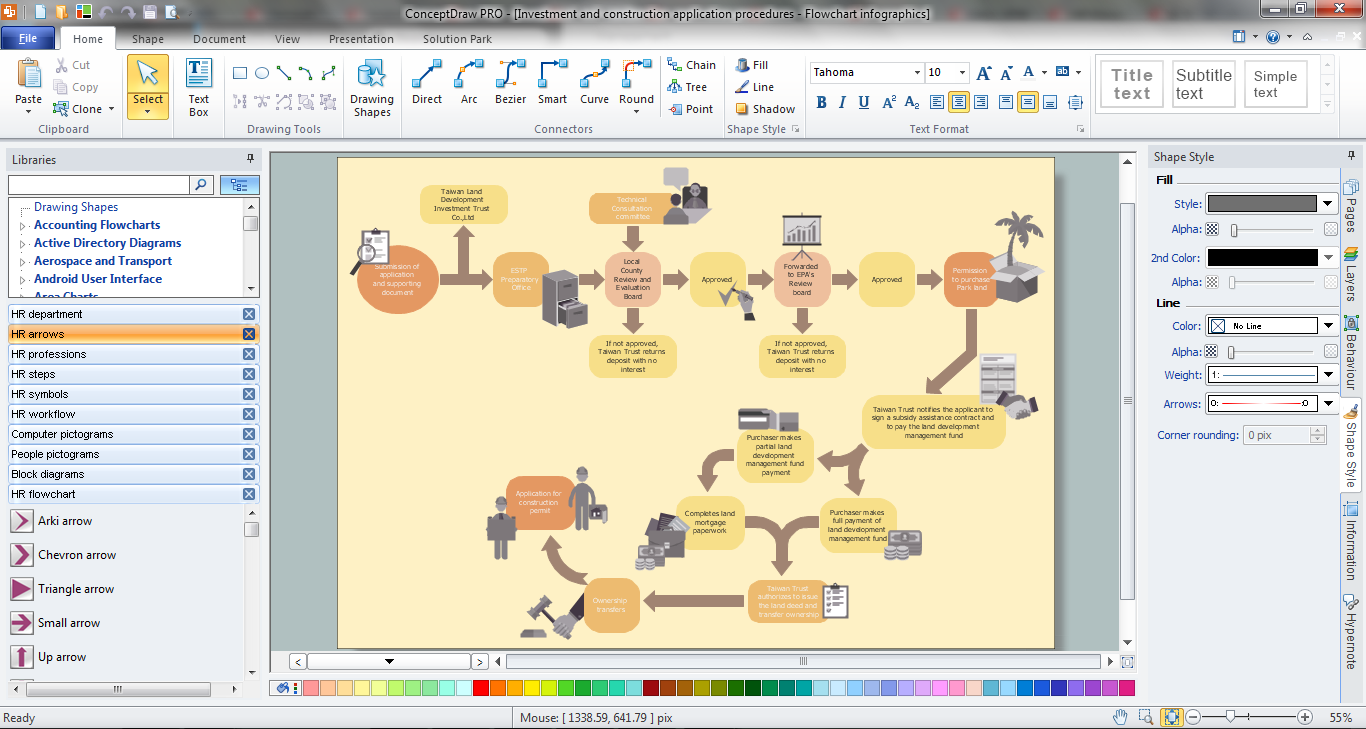
Example 2. Post Employment Committee Recruitment Flowchart
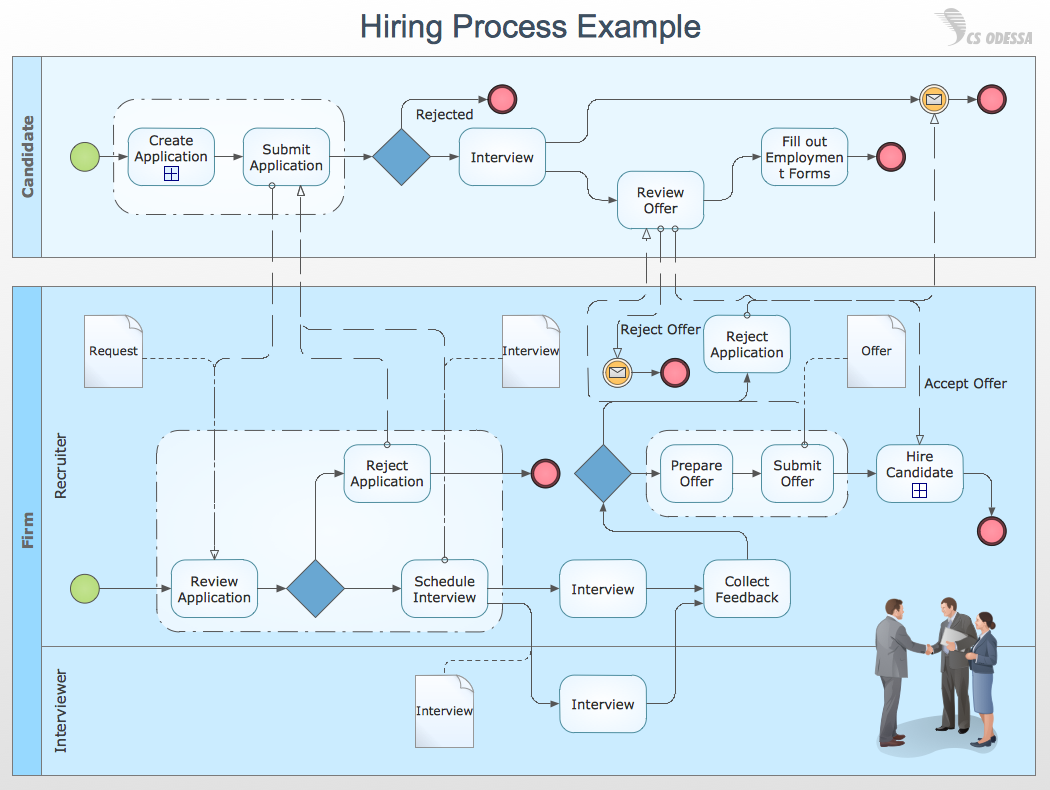
It is always possible to illustrate the process of recruitment with help of such professional software as ConceptDraw DIAGRAM one as it allows to create any needed business related drawing, including flowcharts, diagrams, charts, maps, schemes and many other types of schematics. Having the HR Flowcharts Solution it will become much simpler to create any needed recruitment related drawing, such as Recruitment HR Flowchart within a very short time using the pre-made examples of such flowcharts, which all can be found in the mentioned solution.