HR Org Structure
HR organization chart visually represents a company's human resources department, key positions within the department, and who is responsible for what in the area of human resources. The HR department is responsible for many essential tasks including interviewing and recruiting new employees, training staff and developing its skills. It ensures that employees follow company policies, manages their relations, conflicts and problem resolution.
The HR org structure is formed as the result of outlining the HR management goals and HR model. These two components define the importance of HR processes and set clear priorities. HR organization chart provides significant information for all HR employees, visualizes the structure of the HR department, roles, and responsibilities of HR employees. The workforces assigned to particular HR processes are reflected in the organizational structure. Well-organized and structured HR department defines each role clearly and shows priorities and the system of accountability between the layers existing in the organization. It can include contact details for each employee and allows easy navigation of the company's chain of command. As a rule, HR management is focused on the development of employees, while the decision-making authorities are delegated within the HR department.
HR organization chart makes it easier for business leaders to track the implementation of business strategies and meeting objectives, and helps employees to understand their roles in this. It helps to identify the open positions and potential gaps in the company's structure.
Well-structured HR department easier the company's growth. It ensures the efficiency of performing tasks and impacts increasing productivity. At the same time, the HR organizational structure should be flexible to immediately reflect transformations as a result of changed priorities of the organization, the employees' career development, hiring new employees, or for some other reasons.
In a small business, one person often handles everything related to HR issues. As a rule, large organizations include more roles at a middle level and assign fewer functions to each HR employee. In a large enterprise, each HR team member often performs one unique function that they are solely responsible for.
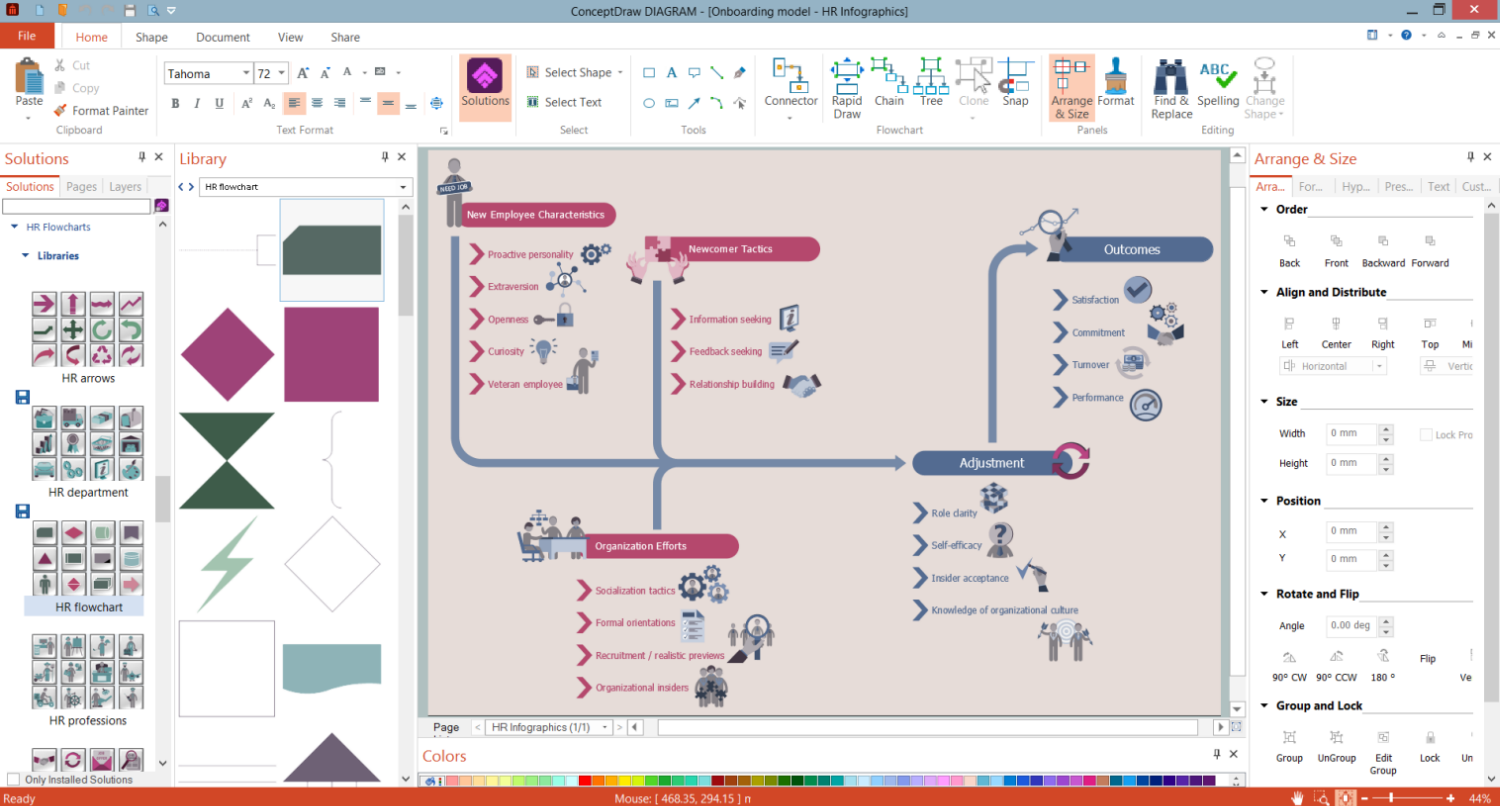
Example 1. HR Org Structure Development in ConceptDraw DIAGRAM
HR department structure strictly depends on the size of the organization, industry, number of employees, and the bandwidth of internal responsibilities. There are different types of organizational structures, however, the hierarchical structure is the most common type. It includes several levels of management and employees. The decision-making process flows from the top down, the higher level has control over the lower level. The employees of the lower level report to one from a higher level. There is a clear chain of command; roles and responsibilities are defined. Hierarchical organizational structure easier the control and contributes to company development. It is ideal for businesses of all sizes and ensures that employees clearly understand their responsibilities and roles. This easier communication and collaboration between employees.
HR recruitment employees are primarily responsible for attracting, screening, and selecting new talent for any vacancies within the organization. They develop a strategic recruitment plan for the team, look for and identify vacancies, create job lists and write job descriptions, browse resumes, conduct interviews, propose vacancies to selected candidates, and deal with hiring and salary negotiations.
HR generalists are responsible for managing day-to-day tasks, maintaining and updating databases and records, posting job adverts, scheduling interviews, filing paperwork, and solving other daily issues.
The learning and development team is responsible for the ongoing training to improve employees' skills, maximize their performance and meet KPIs. Training is offered for both newly hired candidates, sometimes even prior to their first day, and employees long time worked in the company to improve their skills. Responsibilities include developing or finding effective training courses, workshops, online learning platforms, supporting materials, etc.
Human capital management is responsible for all processes related to managing people within the organization in the most effective and efficient way. Their tasks include employee performance management, creating and explaining compensation packages, diversity, and inclusion, assessing employee ratio, and sometimes maintaining the HR information systems.
Employee relations specialists manage interactions between employers and employees (including temporary employees like labor unions, trade associations, etc.) at all stages, during the onboarding process and during work; manage employees' disputes and disciplinary issues.
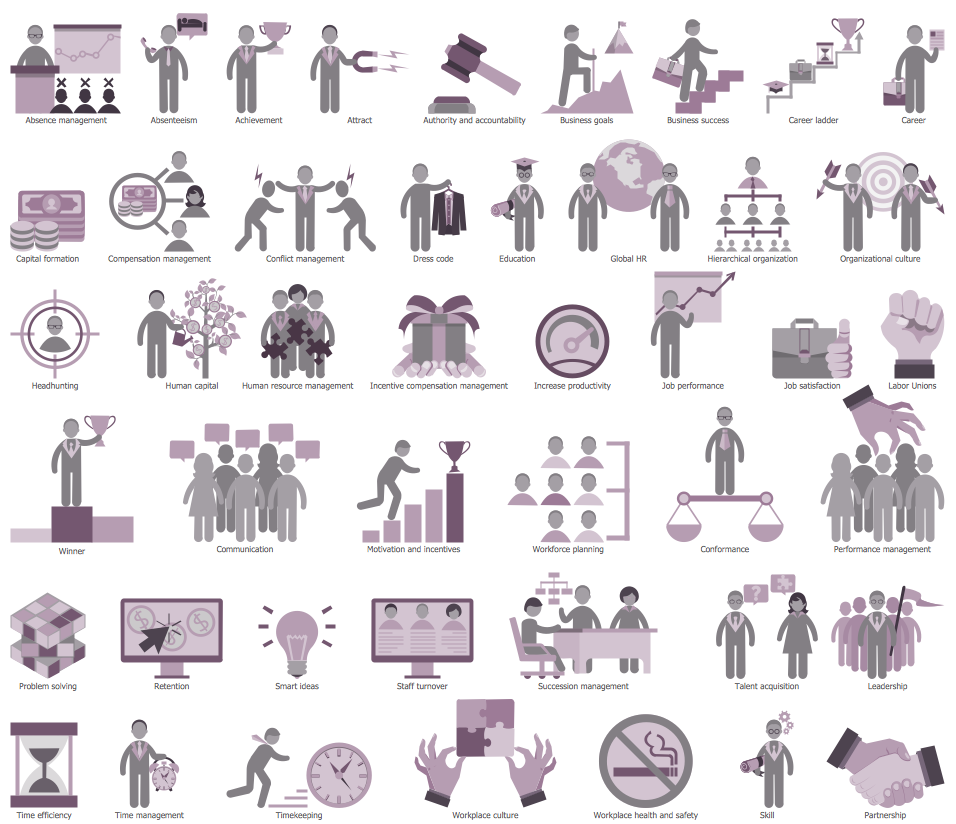
Example 2. HR Symbols Library Design Elements
ConceptDraw DIAGRAM vector charting software enhanced with HR Flowcharts solution is a suitable tool to create the HR org structure, onboarding model, design HR organizational chart for a company of any size without efforts. It includes 7 libraries with 387 vector objects to easier the drawing process.
Once your HR organizational structure is ready, make the chart accessible to your colleagues. And don't forget that the HR organization chart is an opportunity for growth and should be updated each time when any changes happen in the company. ConceptDraw DIAGRAM offers you the possibility to easily correct your chart in any circumstance: when HR employees change roles, new employees are onboarded, or some employees leave the organization.
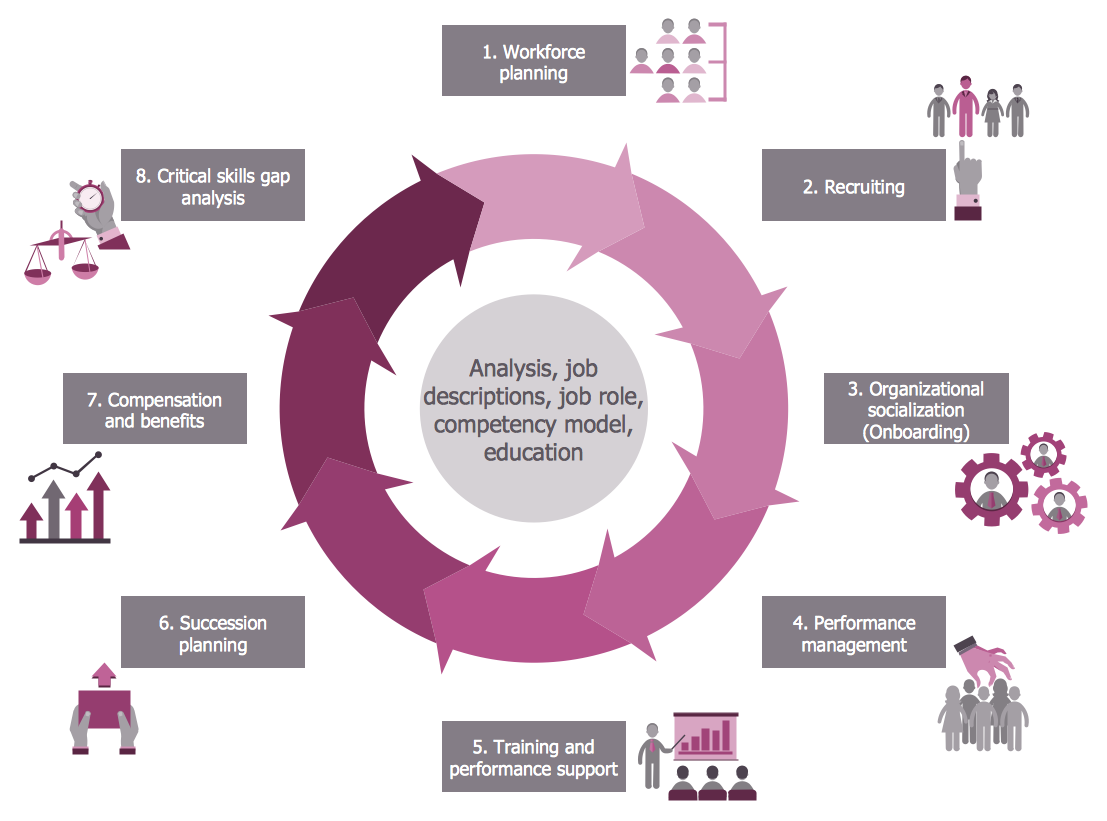
Example 3. Human Resources Flowchart — Talent Management Process
The HR Charts you see on this page were created in ConceptDraw DIAGRAM software using the extensive drawing tools of the HR Flowcharts Solution and visually show hiring process on the HR Flowchart. They successfully demonstrate the solution's capabilities and professional results you can achieve. An experienced user spent 10-15 minutes creating each of these samples.
Use the powerful tools of the HR Flowcharts Solution for ConceptDraw DIAGRAM software for effective hiring process and for quick and easy creating professional-looking HR Flowcharts. Use successfully the created diagrams in your work and personal activity.
All source documents are vector graphic documents. They are available for reviewing, modifying, or converting to a variety of formats (PDF file, MS PowerPoint, MS Visio, and many other graphic formats) from the ConceptDraw STORE. The HR Flowcharts Solution is available for all ConceptDraw DIAGRAM users.