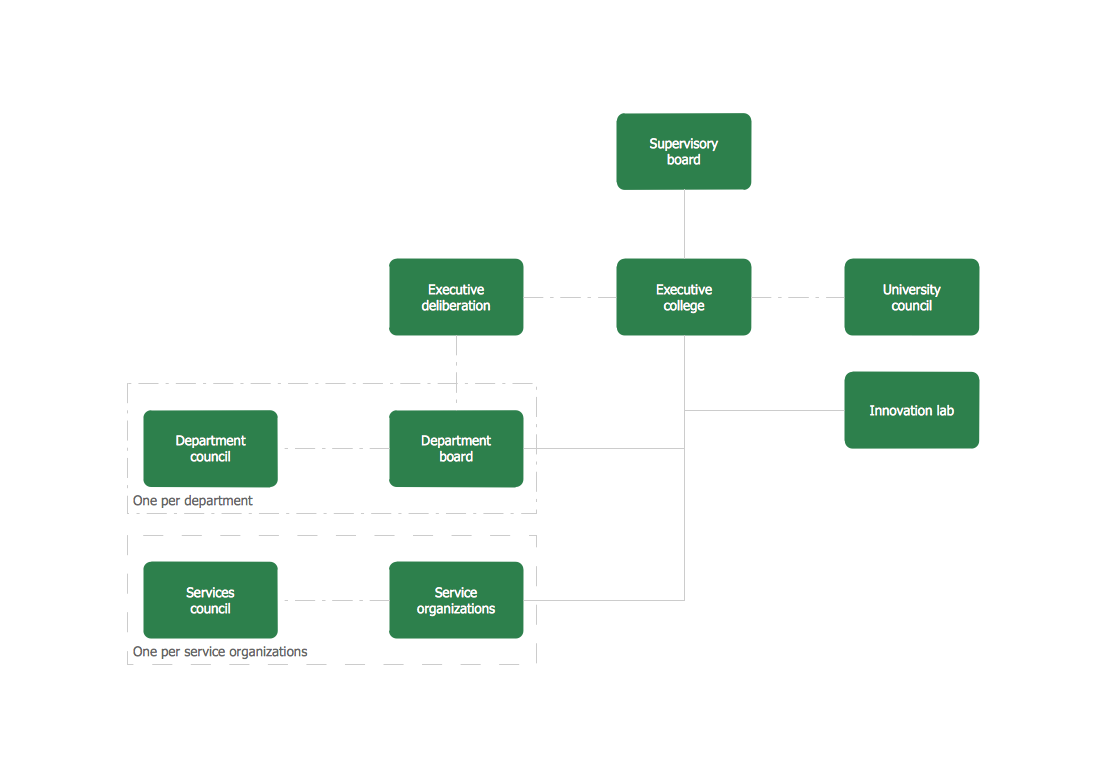
HR Structure Chart
Human Resources (HR) department is a critical component of any company. It is responsible for a variety of functions in a company: personnel search, attraction and retention of talents, employee hiring, onboarding, training, and skill development, managing employee records, handling relations, enforcement of labor laws, creating a positive work environment, ensuring wellbeing on a working place, administration compensations and benefits, and more functions. This includes direct communication with employees, management, and other HR representatives and supposes great leadership skills. The HR department is responsible for building a cohesive and productive workforce by implementing correct policies and setting correct strategic goals.
Companies strive to stay competitive and are focused on attracting and retaining high-quality professionals by means of satisfying employees, creating a collaborative and welcoming environment within a company. Because an effective HR department provides a competitive advantage for an enterprise. HR department identifies critical issues, implements flexible working models, offers training and further education of employees to remain the company competitive. At the same time, the HR department's work is closely related to other departments. It drives the company's smooth operation, success, and achievement of its objectives.
Many factors affect the structure of the HR department and the number of its staff. These include the company's size and needs, industry, strategy, client needs, culture, and others. As a rule, two persons are enough for a small company's HR department: HR manager or senior generalist and HR generalist or HR administrator. At the same time, large organizations usually have a heavy administrative workload and provide a wide hierarchy of positions in the HR department. These may include recruiting specialist, HR coordinator, training coordinator, HR compensation analyst, payroll administrator, safety coordinator, and many more HR specialists. In this case, the HR department is structured into several different divisions, each has its own specific focus. As an organization grows, the HR department also extends. Some functions may be also outsourced.
HR Structure Chart helps to structure the HR department and gives an overview of tasks and areas of employees' responsibility. The most common types of HR department organizational structures are:
hierarchical structure — a top-down approach based on seniority; roles and responsibilities are clearly defined, and each employee of the next level reports to only one person from the higher level;
flat structure — a horizontal approach with a few numbers of management levels and a wider range of responsibilities for each employee; it provides conditions for active collaborative work;
functional structure — groups the employees together by their functions or specialization and is the most used type of structure, providing communication and efficiency of the company;
matrix structure — a complex structure that supposes management and coordination of the business units and the functional managers by the HR department.
Sometimes for the HR department are also used:
formal and informal model - provide more agile operation due to more flexible roles distribution and reporting system;
networking and outsourcing model - HR department functions are offered for the outsourcing to specialized companies or freelancers;
goal-oriented model - assigns goals to departments and team members for achievement.
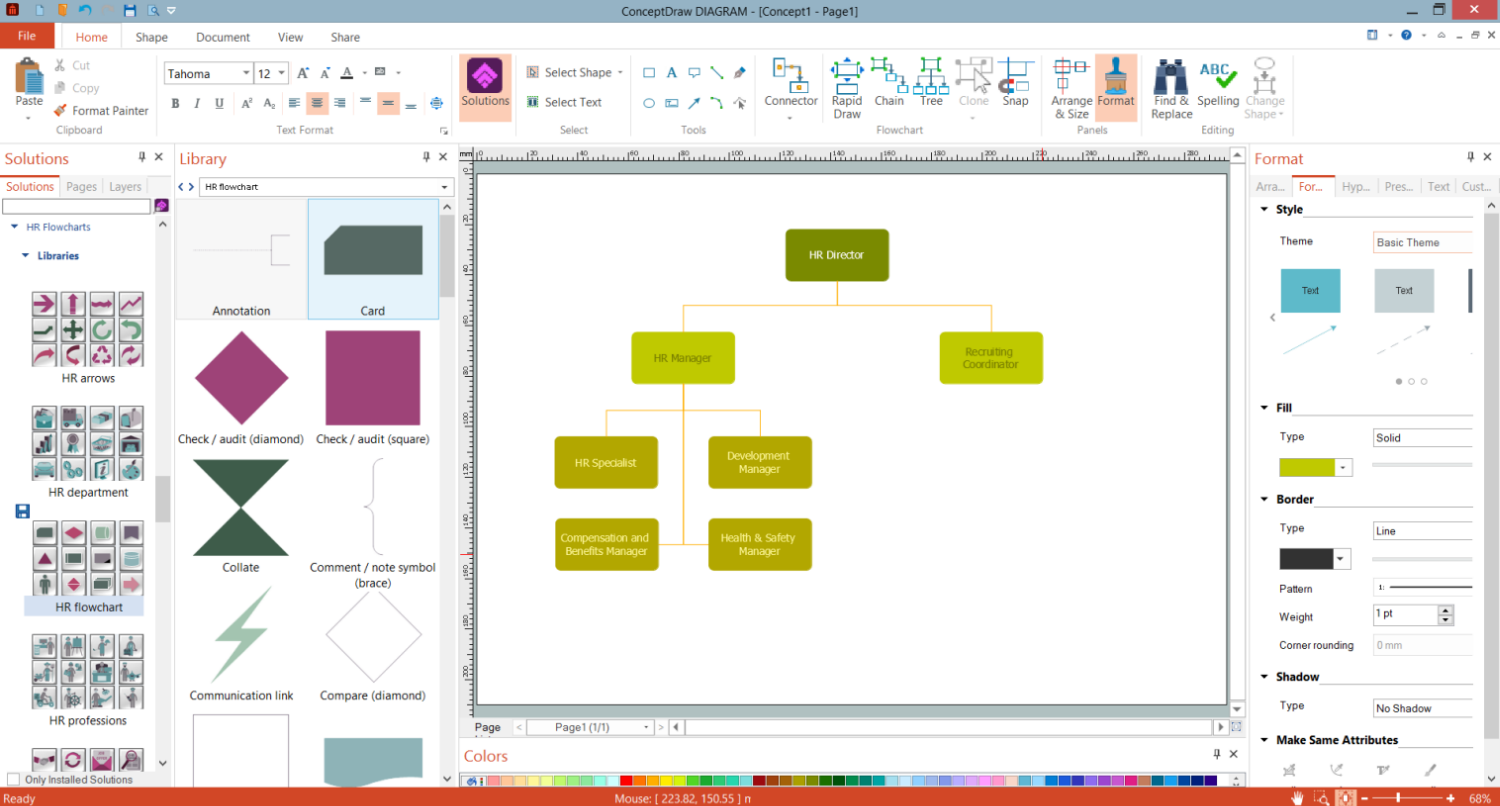
Example 1. HR Structure Chart Design in ConceptDraw DIAGRAM
HR organizational structures are also divided into:
centralized — administration and decisions are centralized and all policies and practices are equal for different locations;
decentralized — administration and decisions are taken at the local level and vary for different field locations;
hybrid — combines centralized and decentralized HR structure.
Most organizations use a centralized model, less number use a hybrid model and only a few organizations are decentralized. The choice of a structure type is defined by the industry, the company's type and size, key functions and company needs, how it operates, the role of HR in a company, and other factors.
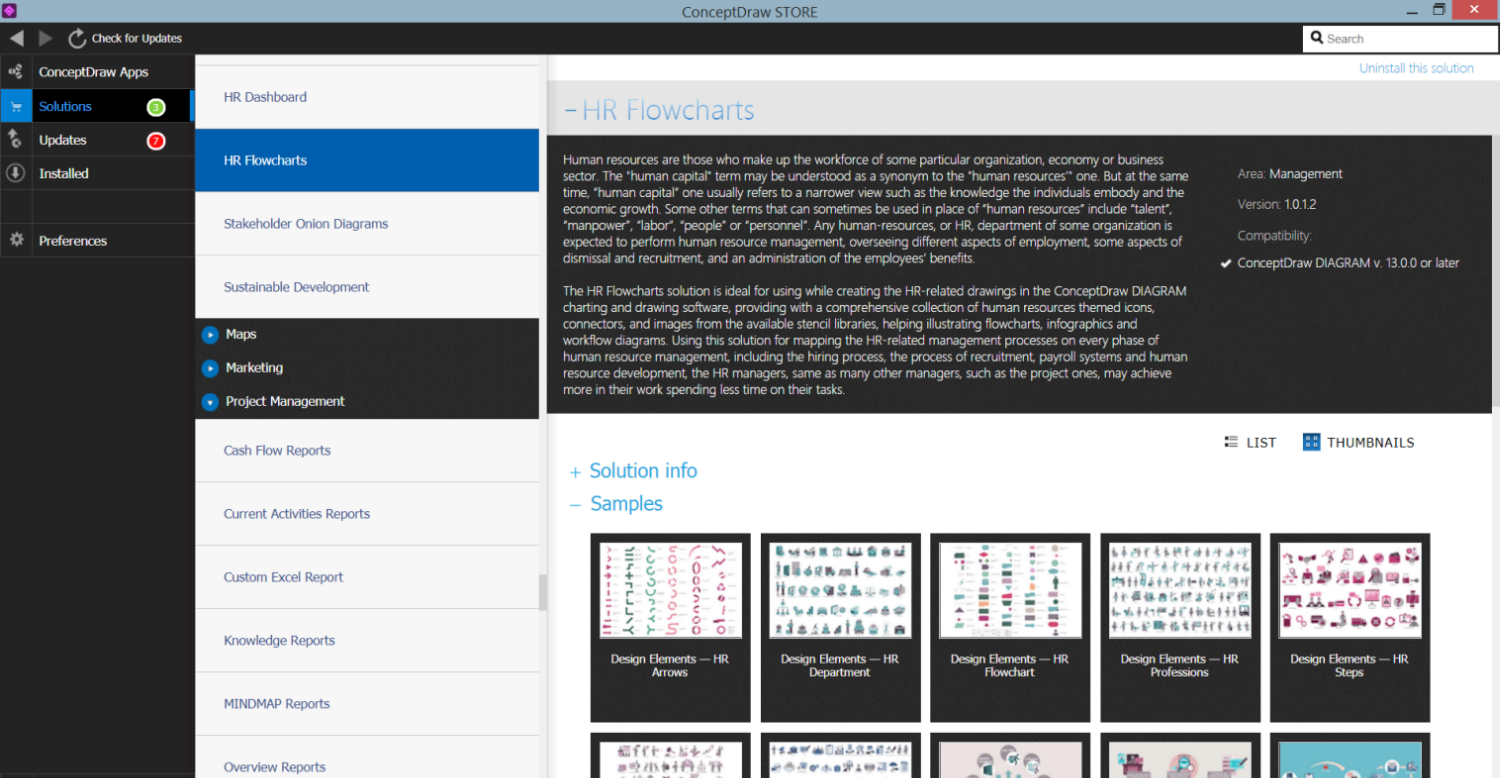
Example 2. HR Flowcharts Solution in ConceptDraw STORE
Use ConceptDraw DIAGRAM charting and vector drawing software with a powerful HR Flowcharts solution to document the structure of your company and HR department in a visual form fast and easily. Increase the efficiency of the HR department and the success of your business here and now.
HR Flowcharts Solution offers 7 libraries with an enormous collection of predesigned vector stencils able to significantly easier the drawing process:
- Design Elements — HR Arrows
- Design Elements — HR Flowchart
- Design Elements — HR Workflow
- Design Elements — HR Symbols
- Design Elements — HR Department
- Design Elements — HR Professions
- Design Elements — HR Steps
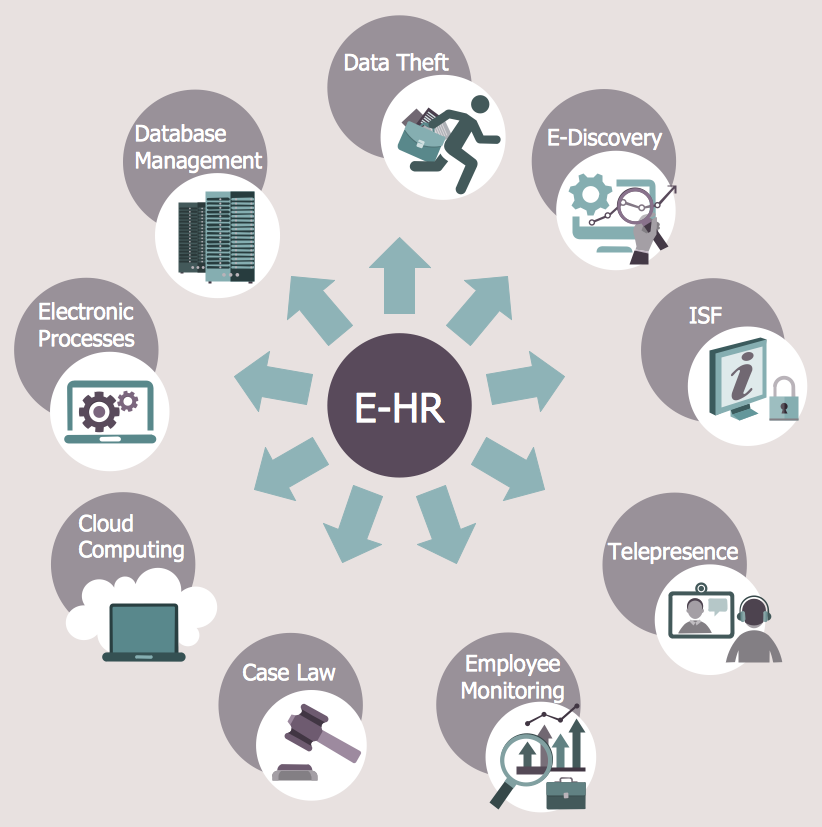
Example 3. HR Flowchart - Electronic Human Resources
The HR Charts you see on this page were created in ConceptDraw DIAGRAM software using the extensive drawing tools of the HR Flowcharts Solution and visually show hiring process on the HR Flowchart. They successfully demonstrate the solution's capabilities and professional results you can achieve. An experienced user spent 10-15 minutes creating each of these samples.
Use the powerful tools of the HR Flowcharts Solution for ConceptDraw DIAGRAM software for effective hiring process and for quick and easy creating professional-looking HR Flowcharts. Use successfully the created diagrams in your work and personal activity.
All source documents are vector graphic documents. They are available for reviewing, modifying, or converting to a variety of formats (PDF file, MS PowerPoint, MS Visio, and many other graphic formats) from the ConceptDraw STORE. The HR Flowcharts Solution is available for all ConceptDraw DIAGRAM users.