

Make every idea easier to follow.
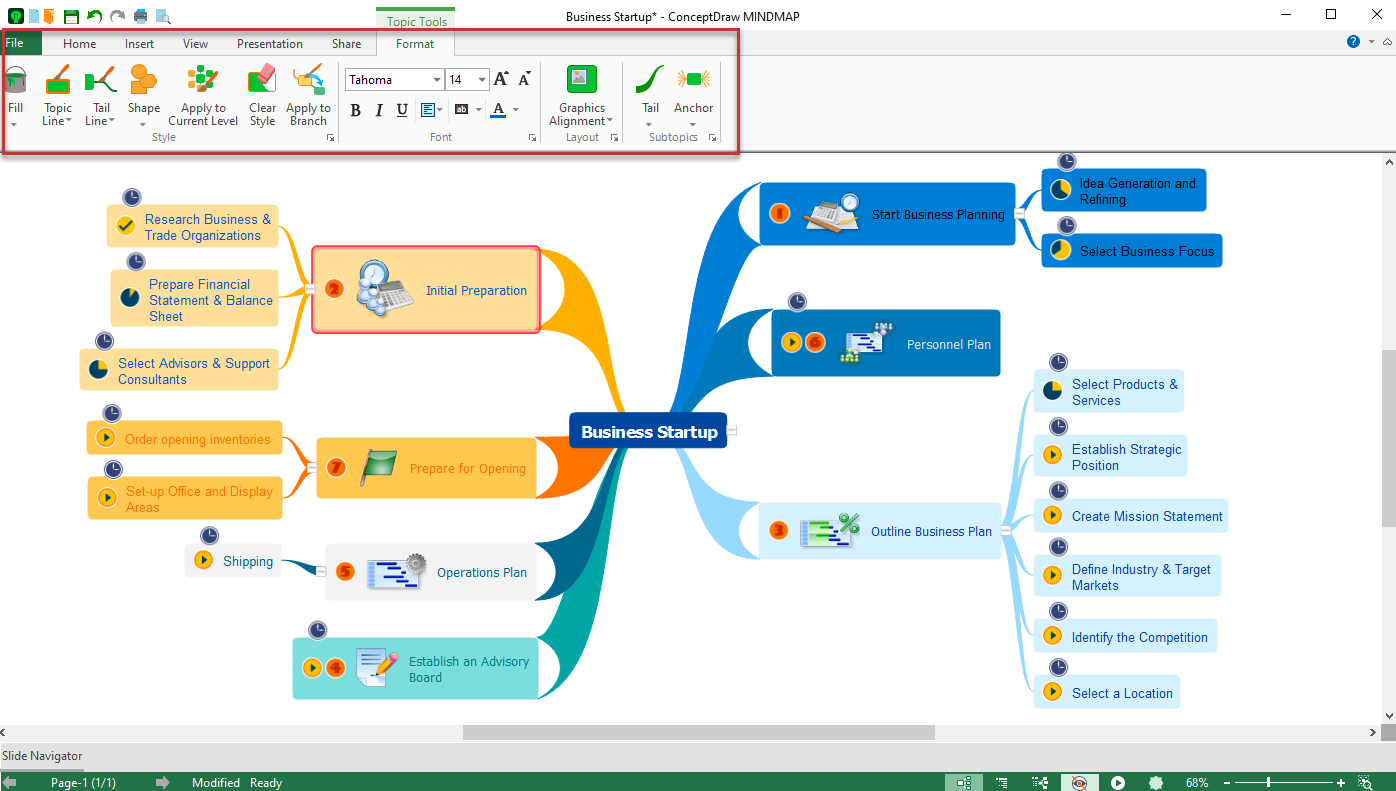
Give your mind map a clearer structure.
A thoughtful mind map layout turns scattered information into a visual story. Use ConceptDraw MINDMAP to arrange topics, highlight priorities, and guide attention—without losing the flexibility to rethink your ideas.
Start with a structure
that makes sense.
Place your main idea at the center, branch into key themes, and add detail only where it helps. A clear hierarchy makes the map easier to scan, discuss, and revise.
Build a hierarchy.
Group related topics under clear parent branches. Keep each level focused so readers can move naturally from the big picture to supporting details.
Reorder freely.
Drag and drop topics and subtopics as priorities change. Refine the flow without rebuilding your map.
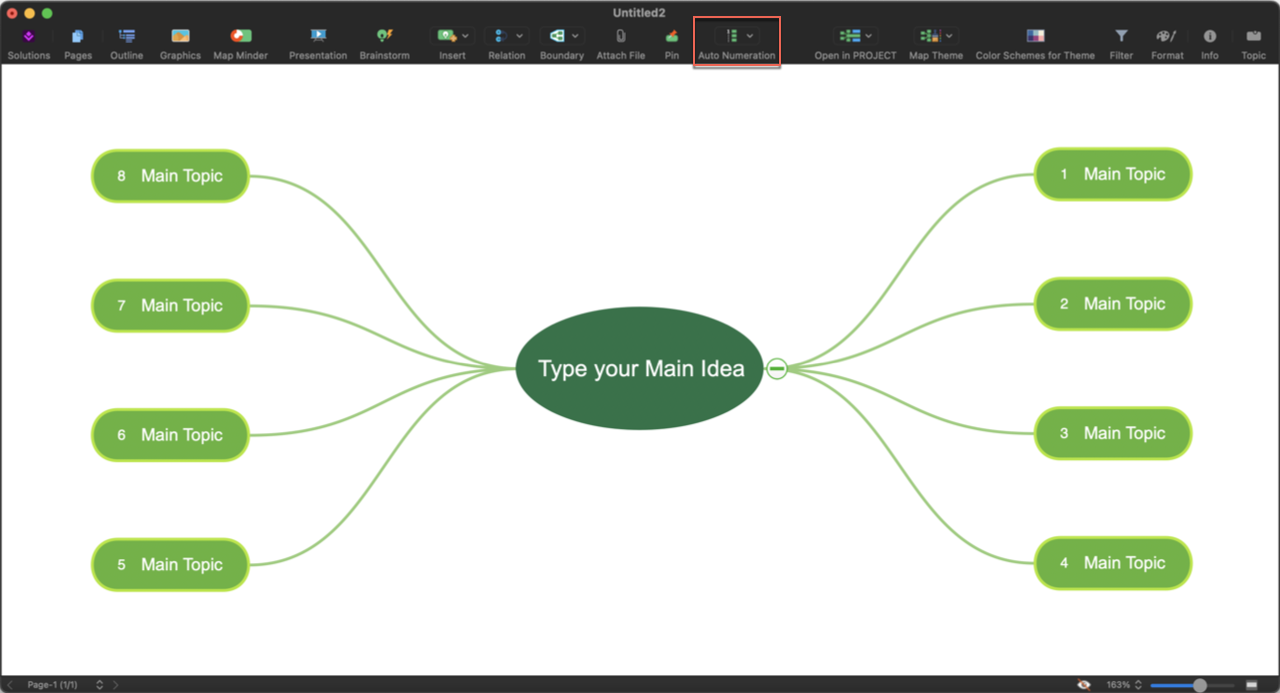
Number the sequence.
Use automatic topic numbering to show order, outline a process, or clarify the progression of ideas.
Good layout is more
than neat spacing.
Use structure to show relationships, color to distinguish categories, and selective detail to keep attention on what matters. A map should help the reader understand the ideas—not compete with them.
Choose the layout
that fits your thinking.
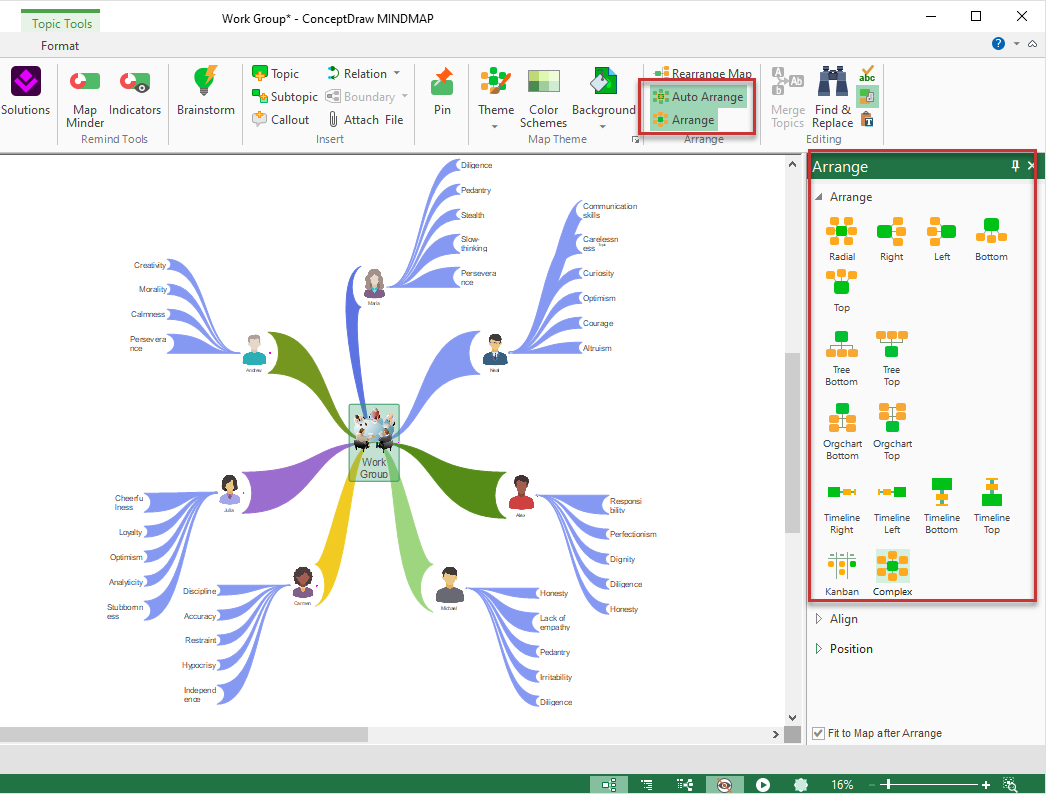
Different tasks benefit from different arrangements. ConceptDraw MINDMAP provides layout choices and automatic arrangement tools to help keep your content readable as the map grows.
Try another layout.
Explore radial, directional, tree, organizational, timeline, or Kanban-style arrangements where they suit your content.
Balance the branches.
Avoid overloading one area. Break complex topics into smaller groups and spread information across a manageable hierarchy.
Let the map adapt.
Use automatic arrangement when you add, move, or reorganize topics to reduce clutter and overlapping elements.
Make important ideas
stand out naturally.
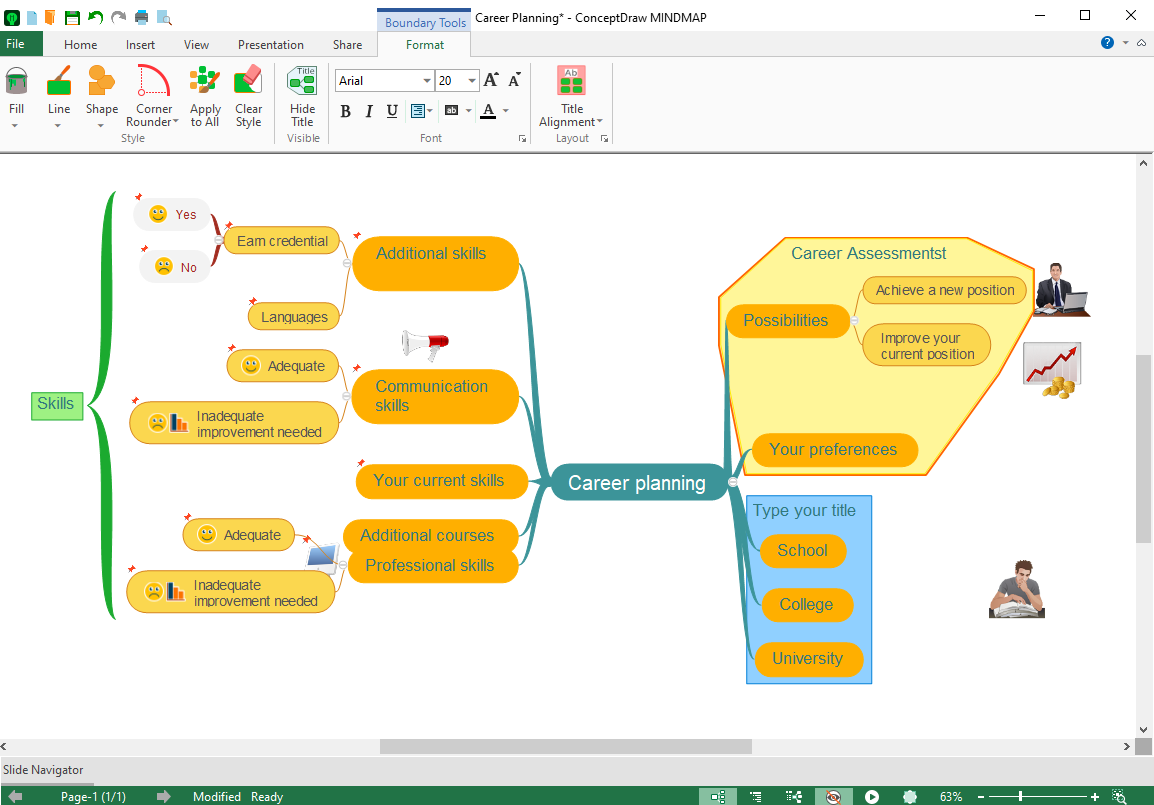
Visual formatting can reinforce the meaning of your map. Use color, graphics, and boundaries consistently so viewers can distinguish sections and spot the key points.
Apply color with purpose.
Use branch colors and styles to separate themes, signal categories, and reinforce visual hierarchy.
Add meaningful visuals.
Combine text with icons, pictures, and topic formatting to make information more recognizable and memorable.
Group related topics.
Draw boundaries around connected branches to show logical clusters and clarify relationships.

Show the right level
of detail at the right time.
Large maps do not have to feel overwhelming. Use filtering, sorting, collapsible branches, and links to guide people through complex information while preserving context.
Filter and sort.
Focus on topics that match relevant criteria, such as names, priorities, or other available topic information.
Expand or collapse.
Hide supporting branches when presenting an overview, then reveal details when the discussion calls for them.
Connect across branches.
Use cross-topic relations to show dependencies and connections that a simple hierarchy cannot express.
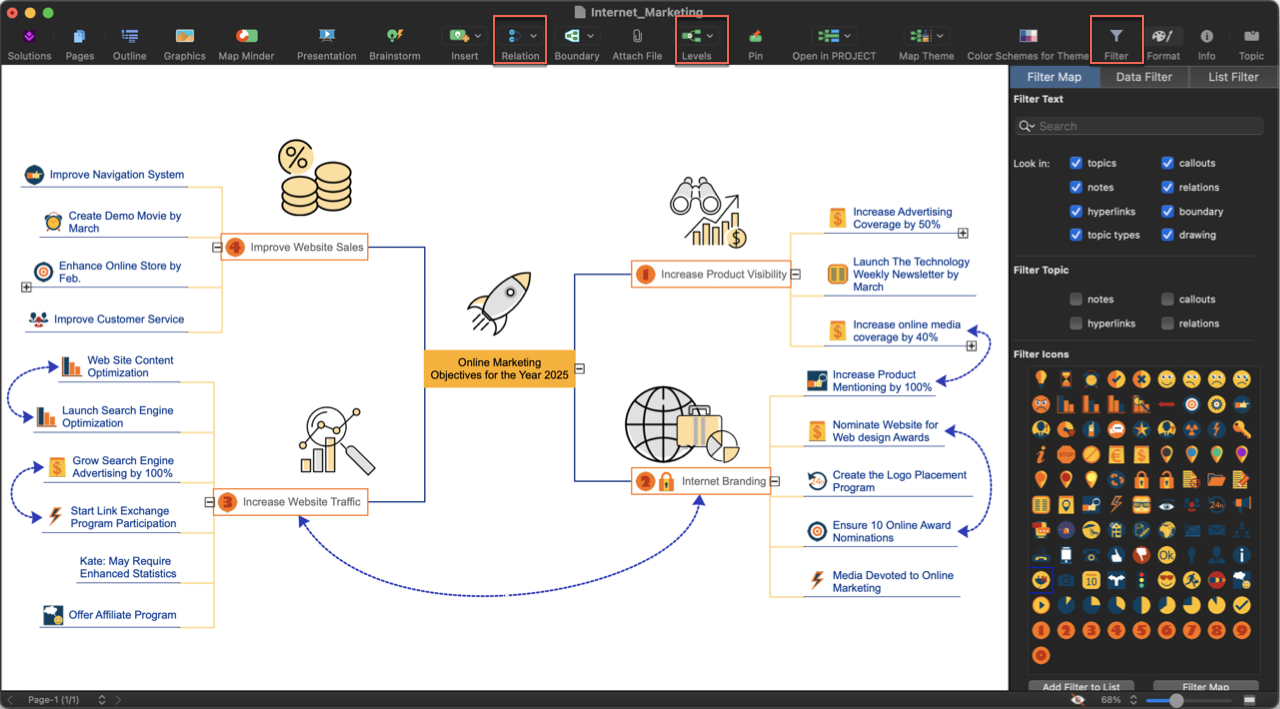
Start with a clear central idea, choose a layout that supports your message, and adjust the level of detail for your audience. With ConceptDraw MINDMAP, your map can remain structured as your thinking evolves.