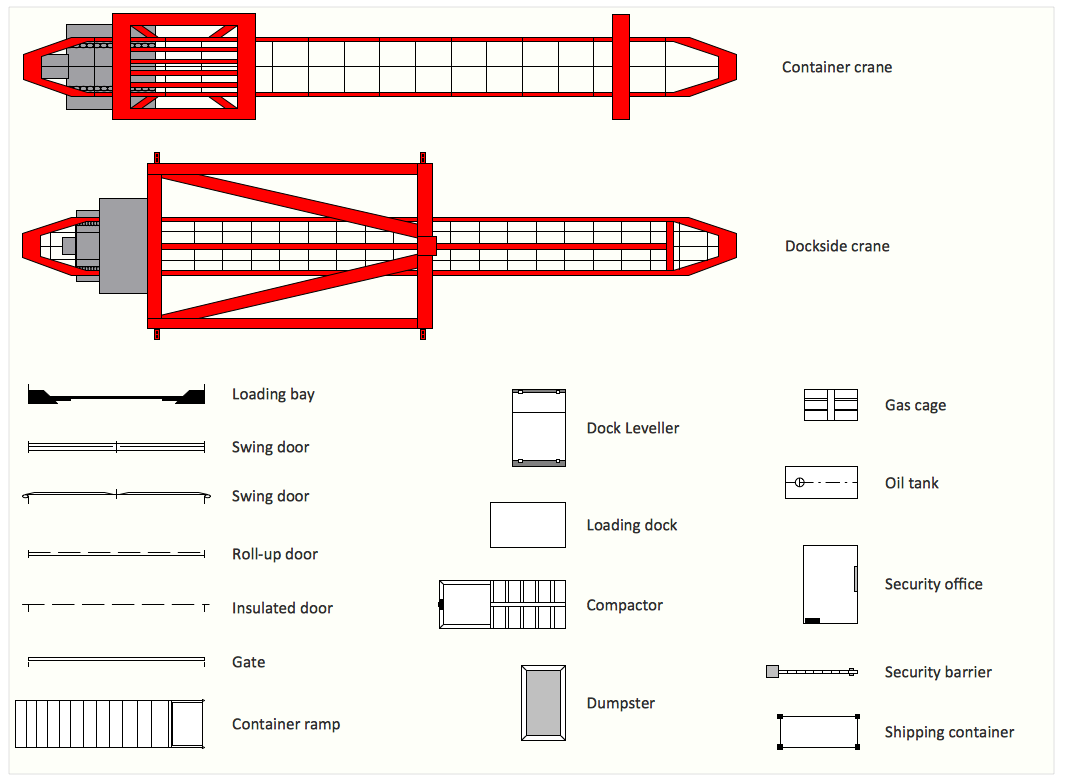
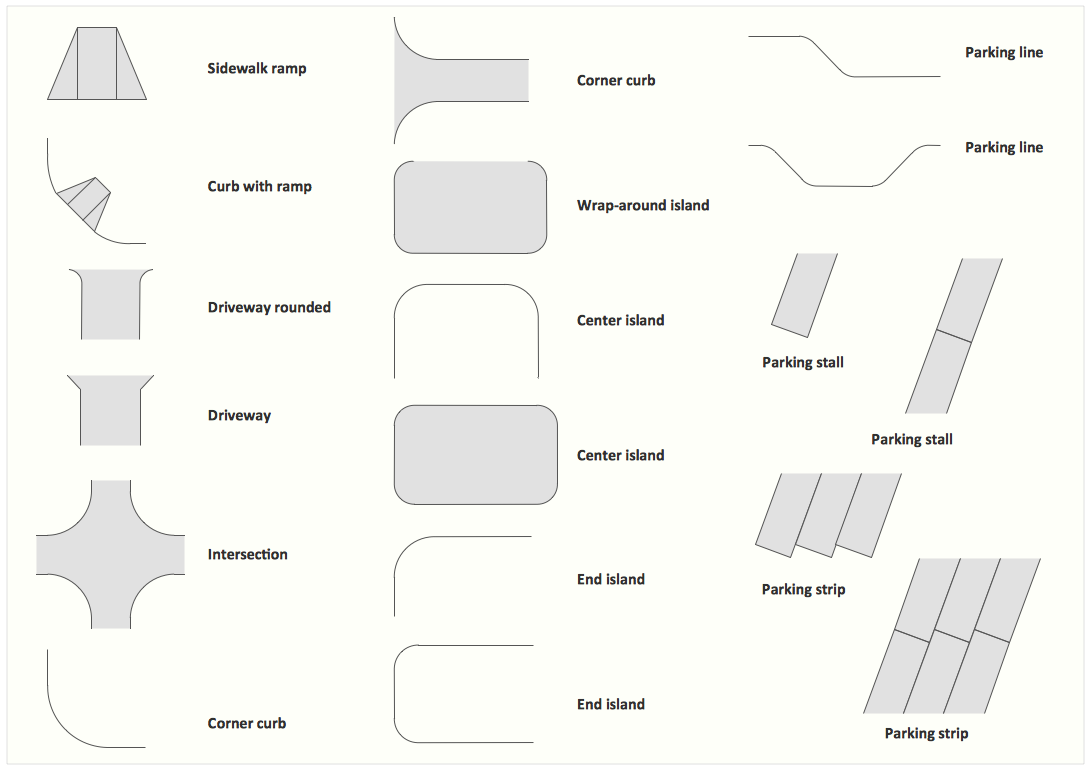
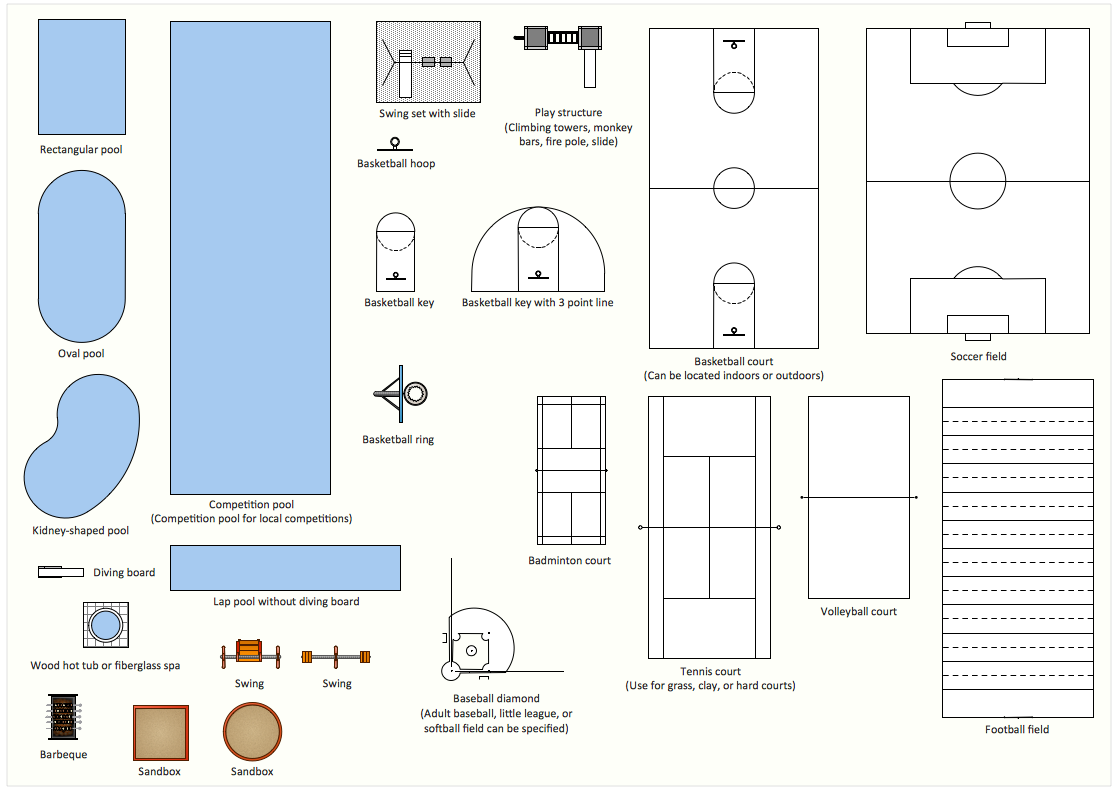
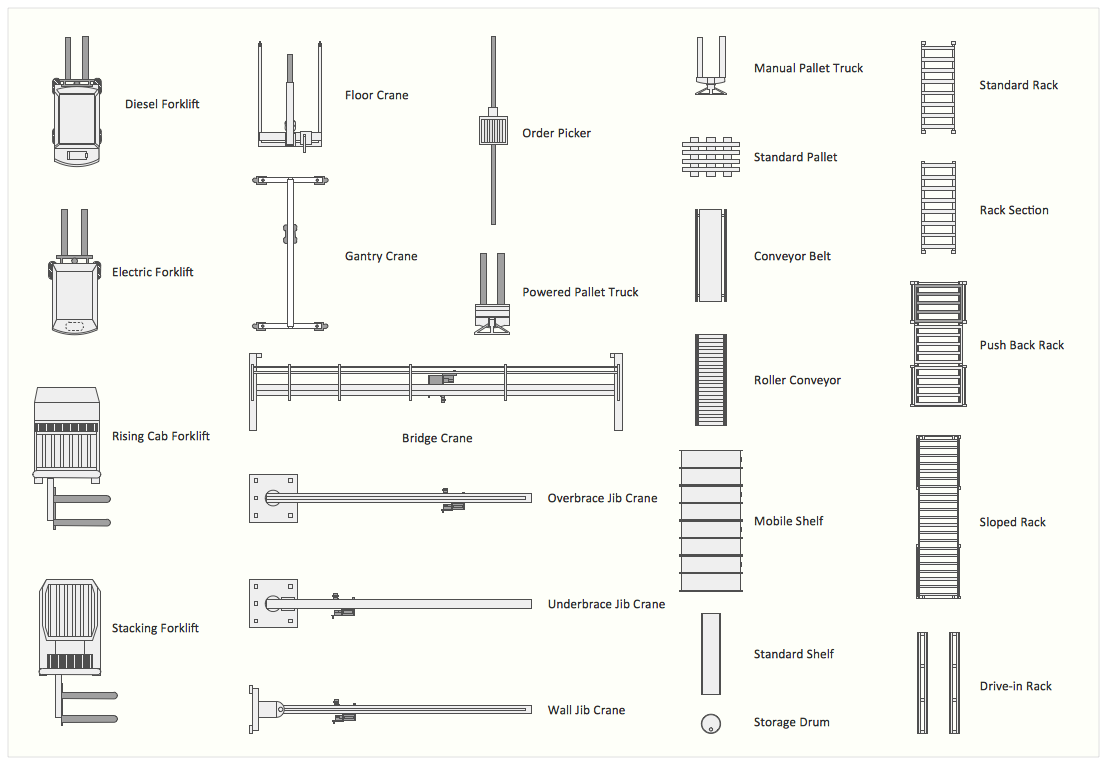
Storage and Distribution
Interior design can be also defined as the science and art of enhancing different interiors of either a building or a space that are used for achieving both more aesthetically pleasing and healthier environment for an end user. Any interior designer is someone who has to research, plan, manage and coordinate such projects and interior design is known to be a multifaceted profession that includes space planning, conceptual development, site inspections, research, programming, communicating with the stakeholders of a project, execution of the design and construction management.
The so-called commercial design is known to be encompassing a lot of subspecialties. Thus, the retail one, for example, includes shopping centers and malls, department stores, visual merchandising, showrooms and specialty stores; visual and spatial branding is known to be involved in the process of using the space as a medium in order to express some particular corporate brand.
Corporate type can be also named as an “office” one being a design used for any kind of business. Healthcare one is the design of the assisted living facilities, hospitals, medical offices, psychiatric facilities, dentist offices, medical specialist facilities and laboratories. Hospitality and recreation include motels, resorts, hotels, cruise ships, cafes, casinos, bars, nightclubs, theaters, concert and music halls, opera houses, restaurants, gyms, sports venues, spas, health clubs and many other.
Institutional is the term used for describing the design used for government offices, financial institutions such as credit unions and banks, universities and schools, religious facilities and many other. There is also the so-called “industrial facilities” that involve both training and manufacturing facilities and export/import ones. There is always a chance to create any needed interior design plan with the help of ConceptDraw DIAGRAM drawing application.
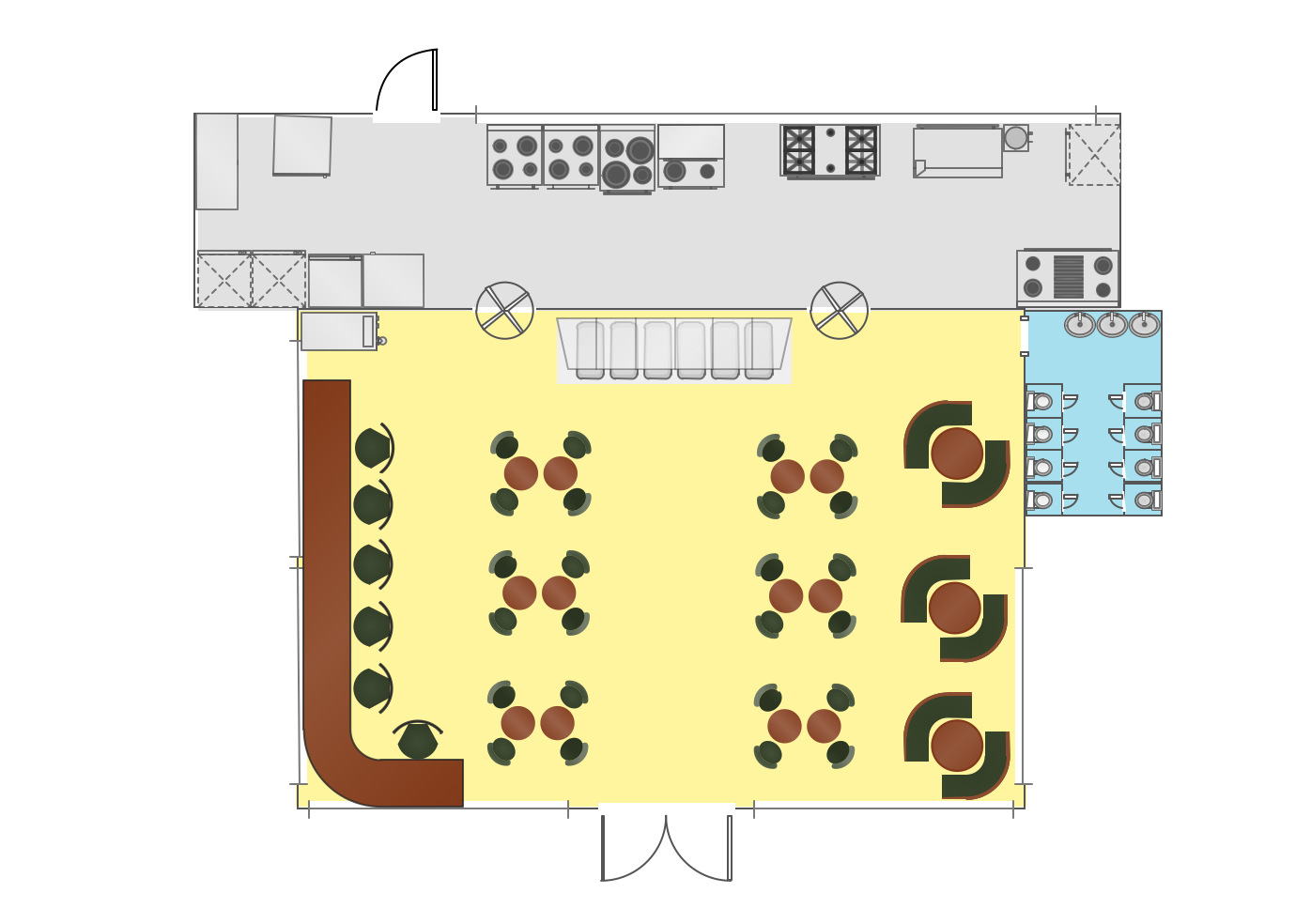
Example 1. Interior Design Cafe
The exhibitions can be also always made as a floor plan that includes the design of some gallery, museums, showroom, exhibition gallery or exhibition hall. There are also “traffic building” drawings that include subway station’s, airport’s, pier’s, bus station’s and other buildings floor plans. Among the sports interior design there are options that include the stadiums’, the swimming rooms’, the basketball halls’ and the gyms’ interior plans.
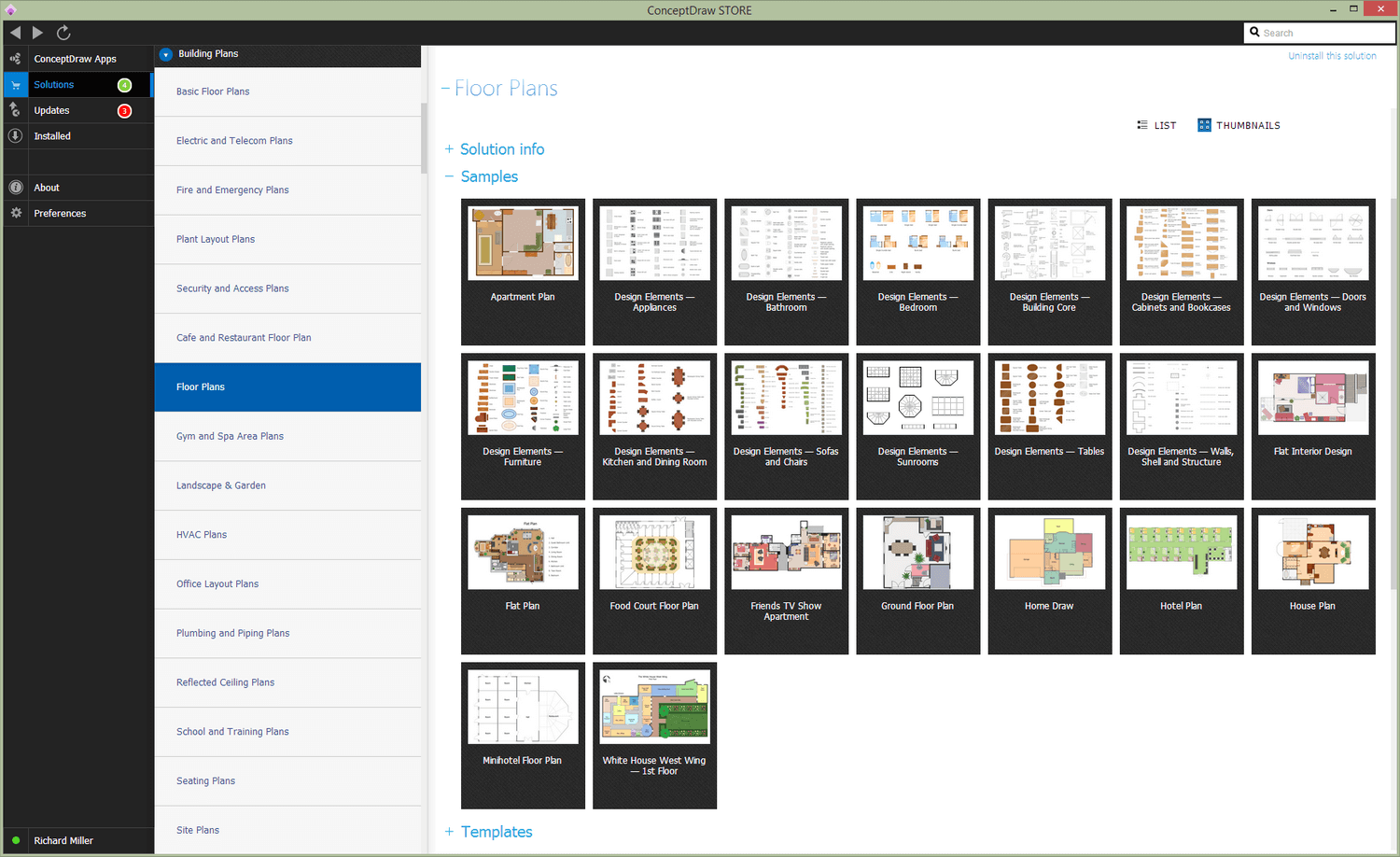
No matter which of the previously described floor plans needs to be created, it can be always done within only a few minutes in case there is the appropriate solution is downloaded from the Building plans area of the ConceptDraw STORE application. Having the mentioned tool can simplify your work of making an interior plan by using any of the available stencil libraries as well as the templates from the solutions.
The Building area of the ConceptDraw STORE application is full of the building-related solutions, such as the “Fire and Emergency Plans”, “Electric and Telecom Plans”, “Café and Restaurant Floor Plan”, “Floor Plans”, “Gym and Spa Area Plans”, “Security and Access Plans”, “Office Layout Plans”, “Landscape & Garden”, “Plant Layout Plans”, “Plumbing and Piping Plans” and “School and Training Plans”.
NINE RELATED HOW TO's:
This sample shows diagram of the electrical wiring of the apartment. You can see the arrangement of the sockets and the main control on this diagram. The electrical diagram is the important part of the architectural project.
Using the predesigned objects, templates and samples of the Electrical Engineering solution for ConceptDraw DIAGRAM you can create your own professional electrical diagrams, wiring diagrams quick and easy.
Picture: Wiring Diagram Floor Software
Related Solution:
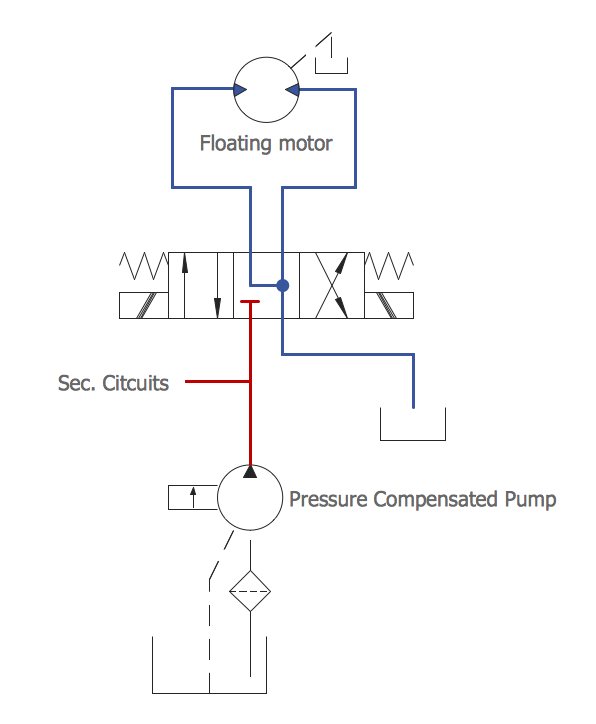
To maintain big and complex mechanical systems, you need an appropriate education and tools. It’s needless to say that mechanical drawing is important part of any industrial project. There are a lot of standard symbols depicting valves, pumps, motors, etc.
This drawing illustrates the content of the Fluid Power Equipment library provided by the ConceptDraw Mechanical Engineering solution. The solution is composed from the 8 libraries, containing about 500 elements related to mechanical engineering visualization. it will be helpful for drawing various schemes, charts and blueprints of pneumatic, and hydraulic equipment or other drawing related mechanical engineering. All drawings can be freely resized without loss of quality due to the vector graphics components of its facilities.
Picture:
Mechanical Drawing Symbols F.A.Q.
How to Use Mechanical Engineering Design Software
Related Solution:
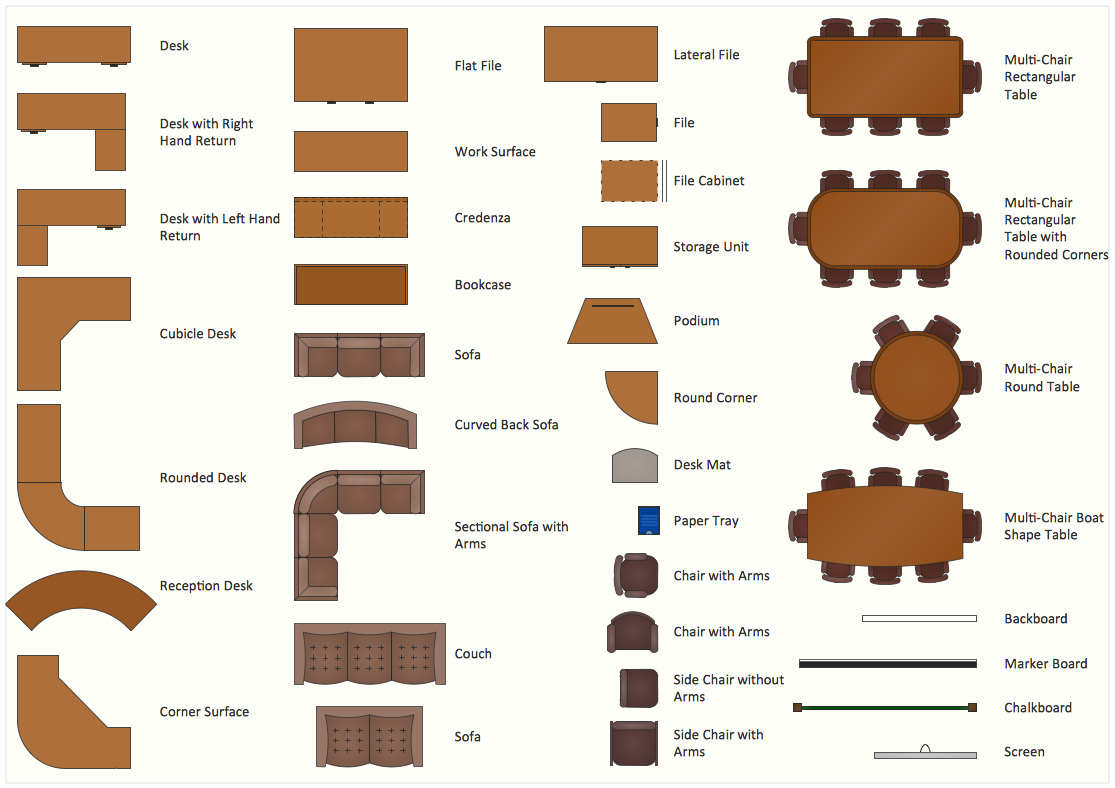
The Office Layout Plans Solution contains a large quantity of vector objects that will make your creating of the office design plans easy, quick and effective. It also provides templates and samples that will help you create the office designs of any difficulty in one moment.
Picture: Office Design Software
Related Solution:
Plumbing systems are very important for any manufacture, and it's a good practice to have a clear scheme of that system. To create one, you should use a piping and instrumentation diagram software with a possibility to save files in vector format, so you can print them without quality loss. ConceptDraw DIAGRAM is a great tool for creating diagrams, and you don't need to be very experienced to use it efficiently.
This example of Piping and Instrumentation Diagram (P&ID) depicts a scheme that illustrates the physical sequence and functional communications of piping, instrumentation and plumbing equipment components of a typical food trailer.
Seeking to avoid health troubles in a mobile food service , the plumbing demands for food trailers must be considered accurately. This P&ID shows all of piping including a basic set of piping system components along with multiple sinks, extra water heaters and other elements to meet health guidelines.
Picture: Piping and Instrumentation Diagram Software
Related Solution:
Planning a water supply system is one of the stages of developing a building drawing. Although materials are constantly improved, design elements for plumbing haven't changed sufficiently for decades. This is due to necessity of maintaining very old systems.
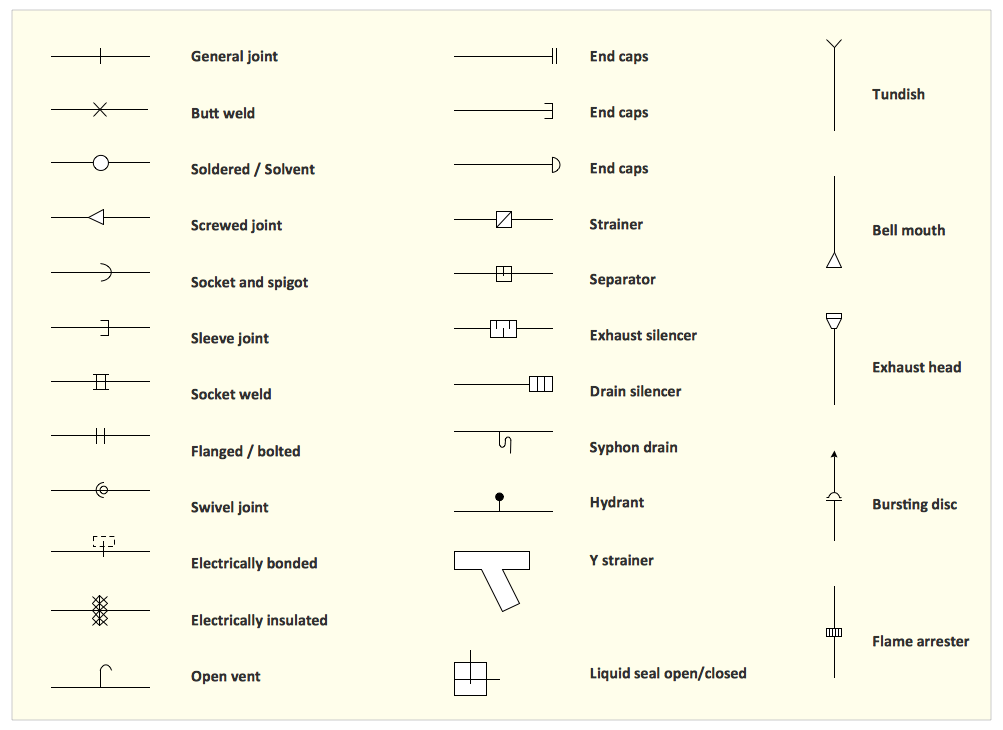
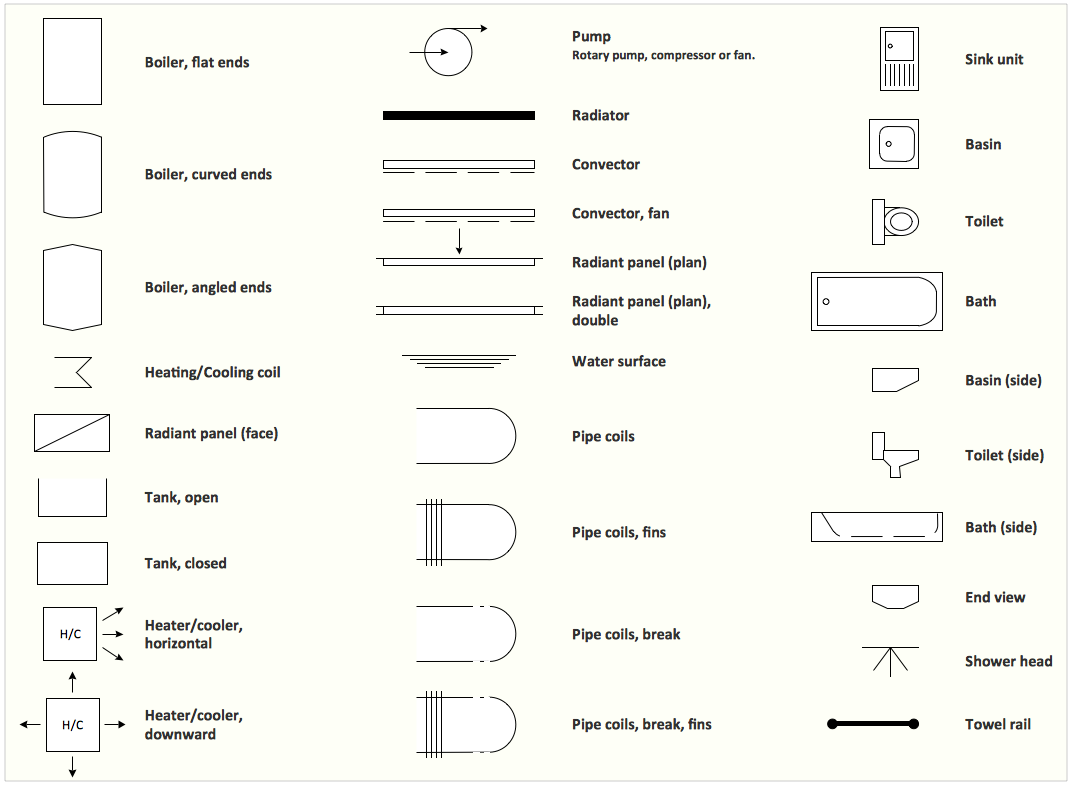
The plan and schematic drawing of plumbing equipment, water pipe junctions and, kitchen facilities a is a rather significant element of a building plan. The suite of 4 vector libraries supplied with ConceptDraw solution for Plumbing and Piping Planning includes near 130 vector images of pipes, boilers, water pipe junctions, tanks and other plumbing devices, helpful when creating plumbing and piping plans, and blueprints of sewerage or water supply systems.
Picture: Building Drawing. Design Element — Plumbing
Related Solution:
The Soccer solution for ConceptDraw DIAGRAM includes also a wide collection of templates and samples to help the soccer specialists and fans to draw any soccer-related diagrams and schemas as quickly as possible.
Picture: Soccer (Football) Field Templates
Related Solution:
Use building drawing software to develop the annotated diagrams or schematics of waste water disposal systems, hot and cold water supply systems, water lines and waste water engineering.
Picture: Building Drawing Software for Design Piping Plan
Related Solution:
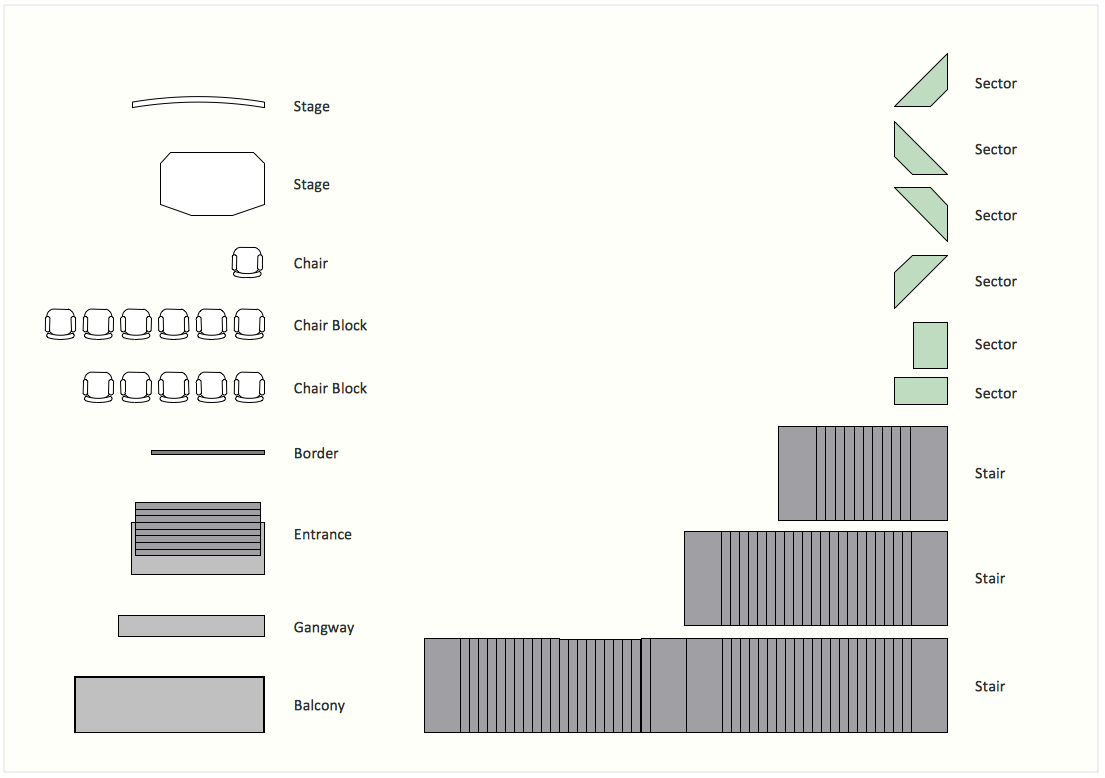
ConceptDraw DIAGRAM diagramming and vector drawing software extended with Seating Plans solution from Building Plans area of ConceptDraw Solution Park contains a set of examples and ready-to-use design elements for drawing seating arrangements, seating charts, chair layout designs, seat plan designs, etc.
Picture: Seating Arrangements
Related Solution:
You need quickly design Gym Layout Plan? ConceptDraw DIAGRAM software supplied with Gym and Spa Area Plans solution from Building Plans area of ConceptDraw Solution Park will help you to handle this task.
Picture: Gym Layout
Related Solution: