Baseball Diagram – Basic Bunt Coverage – Runner at 1st
"It’s less common for a team to sacrifice with only a runner on first base, but you will see it occasionally (especially with a weak hitter at the plate). In this scenario, the offense is trying to move the runner into scoring position, and the batter will most likely try to bunt towards first base. The first baseman holds the runner at first base so he cannot extend his lead; this allows for the possibility (however slim) of making a force play at second base." [iSport Baseball]
ConceptDraw DIAGRAM software extended with the Baseball solution delivers samples with diagrams of the most popular plays in baseball. You can complete this set modifying any sample. All you need is to drag and drop objects to depict another play and then save with the different name. Feel free to add text label with the play name directly to your document.
A combination of the "Baseball Fields" and "Baseball Positions" libraries gives you an ability to create a baseball-related drawing in seconds. Follow next steps to create you own baseball schema:
- From the "Baseball Fields" library drop a field object to your document
- From the "Baseball Positions" library drop all positions object you need to your document
- Place positions on the field according to your drawing idea
- Add arrows or text labels if needed.
All drawings, schemas and diagrams created in ConceptDraw DIAGRAM are scalable vector graphics that allows use it for any kind of presentation needs. As a perfect tool for explaining baseball rules and strategies you can present using two displays. The first display is for moving objects, the second one is full-screen presentation. This trick strengthens you explanation with dynamic visual range.
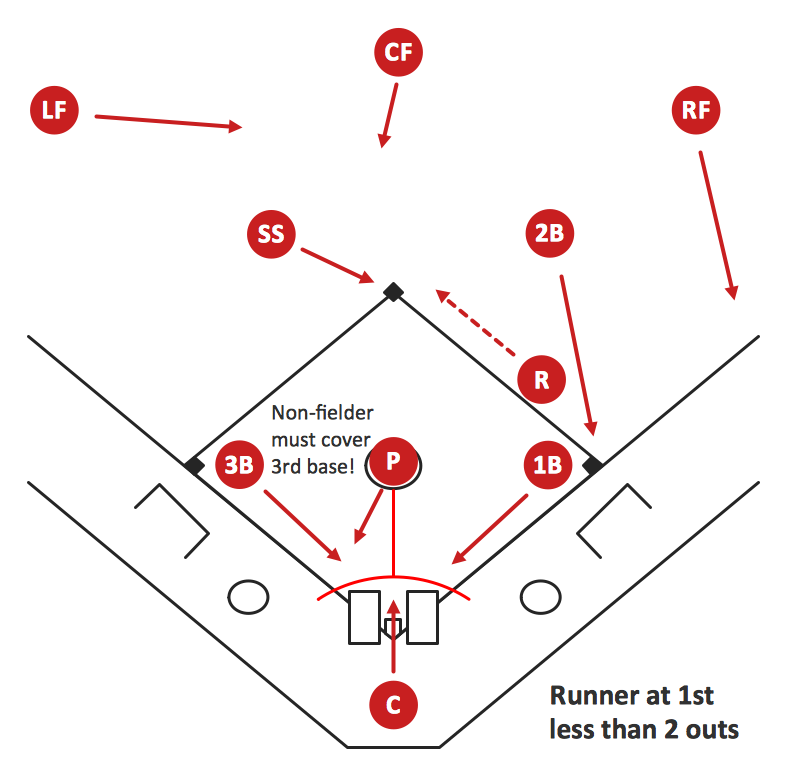
Sample 1. Baseball Diagram – Basic Bunt Coverage – Runner at 1st.
This diagram was created in ConceptDraw DIAGRAM using the "Baseball Positions" library from the Baseball Solution. An experienced user spent 10 minutes creating this sample.
It demonstrates a portion of the solution's capabilities and the professional results you can achieve.
All source documents are vector graphic documents. They are available for reviewing, modifying, or converting to a variety of formats (PDF file, MS PowerPoint, MS Visio, and many other graphic formats) from the ConceptDraw STORE. The Baseball Solution is available for all ConceptDraw DIAGRAM or later users.
TEN RELATED HOW TO's:
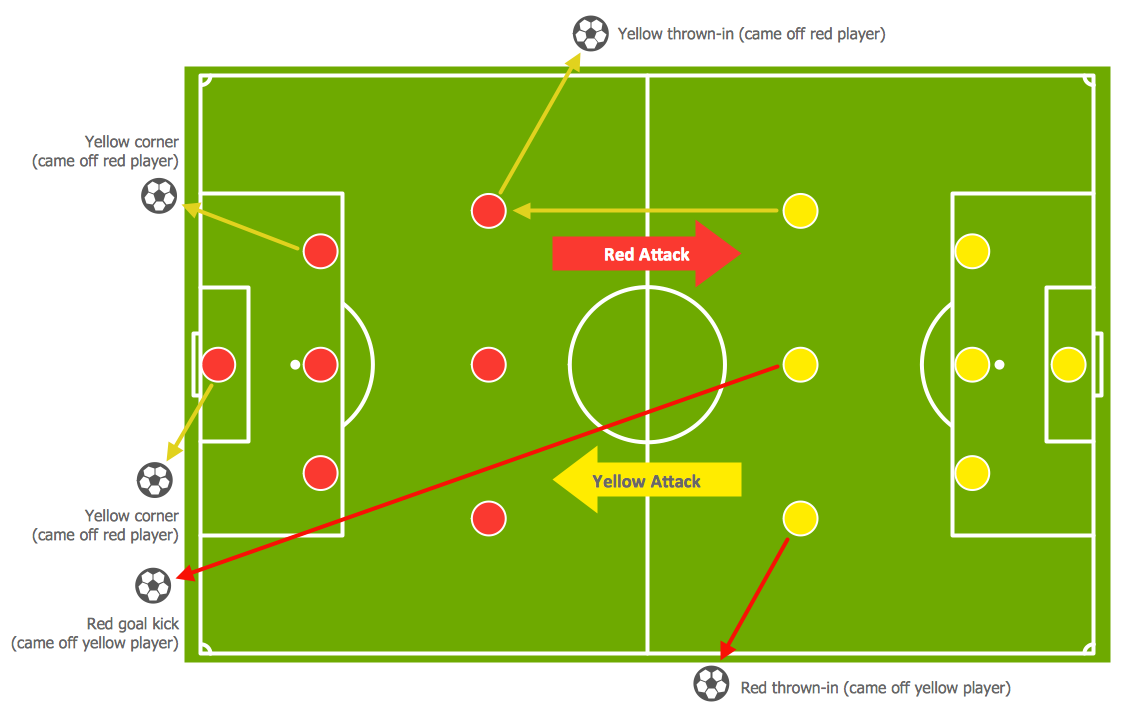
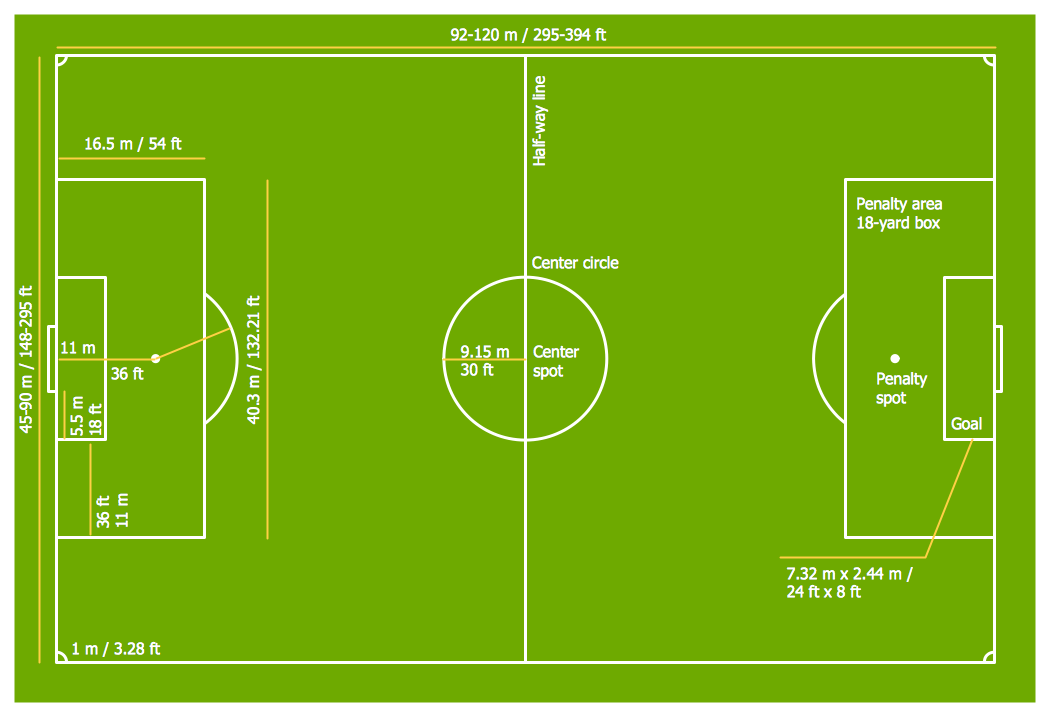
The Soccer solution for ConceptDraw DIAGRAM includes also a wide collection of templates and samples to help the soccer specialists and fans to draw any soccer-related diagrams and schemas as quickly as possible.
Picture: Soccer (Football) Field Templates
Related Solution:
The Football solution for ConceptDraw DIAGRAM software contains a set of libraries, templates and samples allowing football specialists to draw football diagrams with ease. A set of predesigned fields and positions allows producing football diagrams without any drawing experience.-Sample.png)
Picture: Shotgun Formation (Offense) Diagram
Related Solution:
Thanks to the Soccer solution you can design your own soccer-related drawings, diagrams, schemes in seconds. It’s very simple and convenient because Soccer solution contains incredible quantity of ready-to-use predesigned vector objects, professional templates and samples.
Picture: 2014 FIFA World Cup
Related Solution:
It’s very convenient to explain the different tactics and positions using the visual drawings. ConceptDraw DIAGRAM software extended with the Soccer solution from the Sport area of ConceptDraw Solution Park provides libraries, templates and samples allowing specialists or soccer fans to draw the soccer-related diagrams and schemas of any complexity in a few minutes.
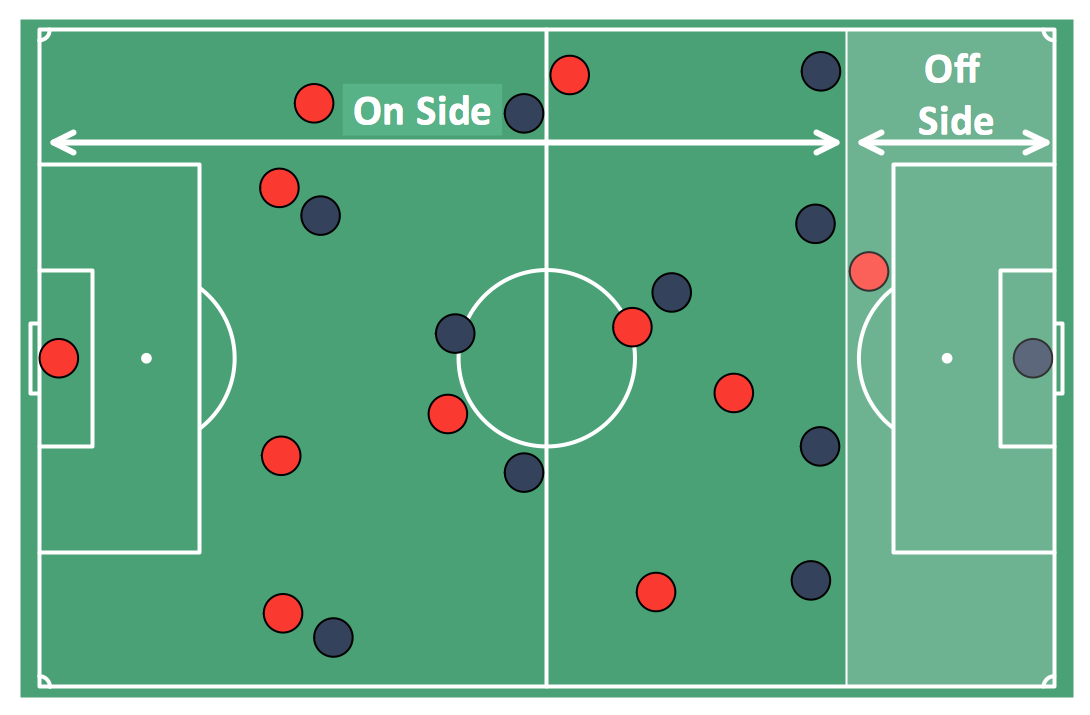
Picture: Soccer (Football) Offside
Related Solution:
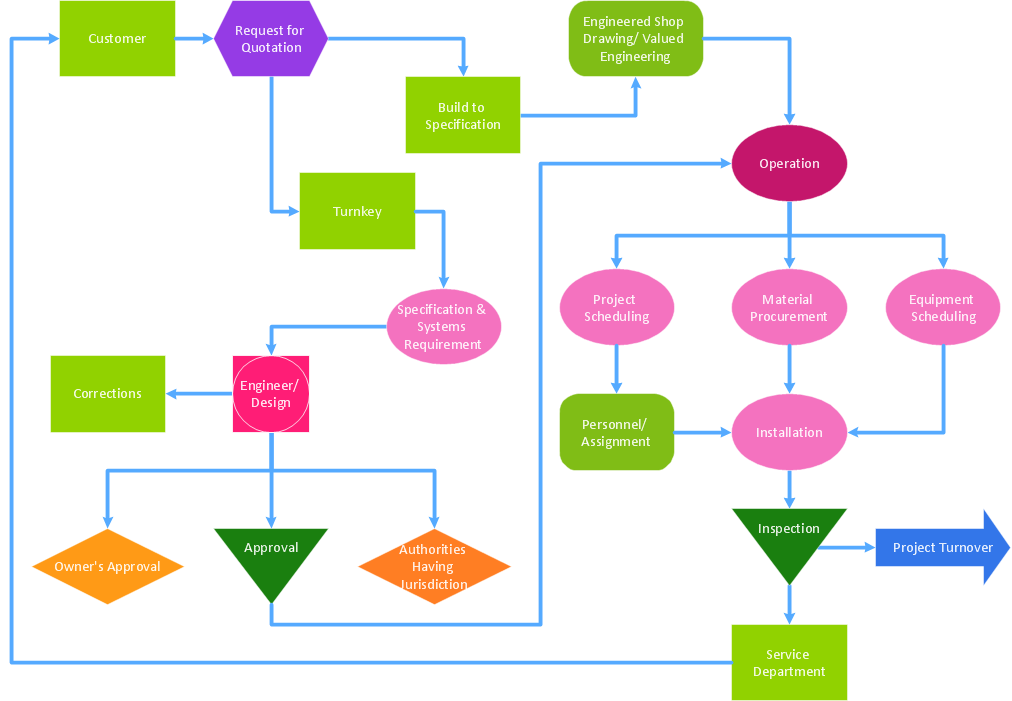
The Total Quality Management Diagram solution helps your organization visualize business and industrial processes. Create Total Quality Management diagrams for business process with ConceptDraw software.
Picture: Identifying Quality Management System
Related Solution:
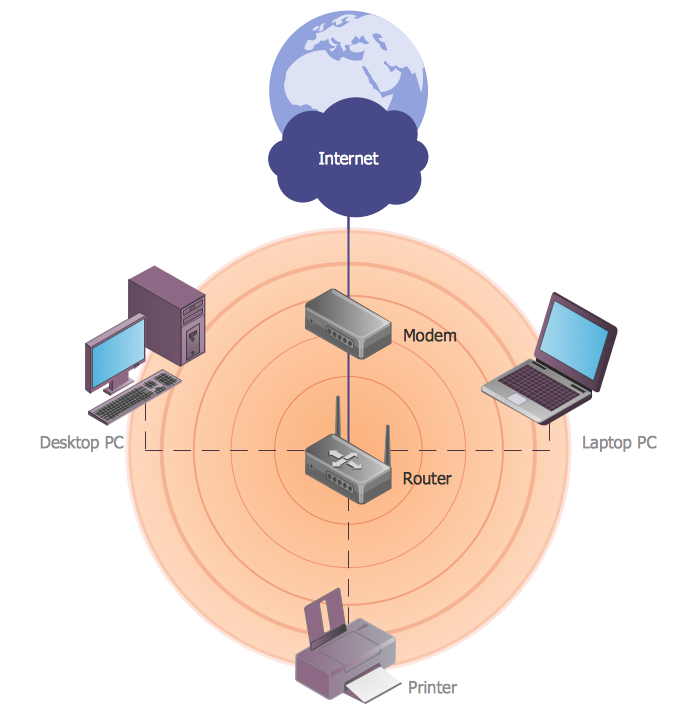
ConceptDraw DIAGRAM diagramming and vector drawing software extended with Wireless Networks Solution gives the ability to its users to create professional looking WLAN schemes and diagrams quick and easy.
Picture: WLAN
Related Solution:
Competitor analysis is a first and obligatory step in elaboration the proper corporate marketing strategy and creating sustainable competitive advantage. Use powerful opportunities of numerous solutions from ConceptDraw Solution Park for designing illustrative diagrams, charts, matrices which are necessary for effective competitor analysis.
Picture: Competitor Analysis
Related Solution:
Seating chart developing is necessity for constructing and building the cinemas, theaters, banquet halls, auditoriums, and other premises for accommodation a large number of people. Seating chart template can help you design professional looking seating plan. ConceptDraw DIAGRAM diagramming and vector drawing software recommends you to use the Seating Plans solution from the Building Plans area for designing the seating charts.
Picture: Seating Chart Template
Related Solution:
ConceptDraw DIAGRAM software extended with the Football solution delivers a set of samples depict the most popular offenses, and libraries and templates allowing you complete this set with all offenses you know, or maybe invent a new one.A complete set of predesigned fields and positions make drawing offense diagram as quickly as with pen and paper.-Sample.png)
Picture: Pro Set Formation (Offense) Diagram
Related Solution:
ConceptDraw DIAGRAM is perfect for software designers and software developers who need to draw Rack Diagrams..png)
Picture: Design Element: Rack Diagramfor Network Diagrams