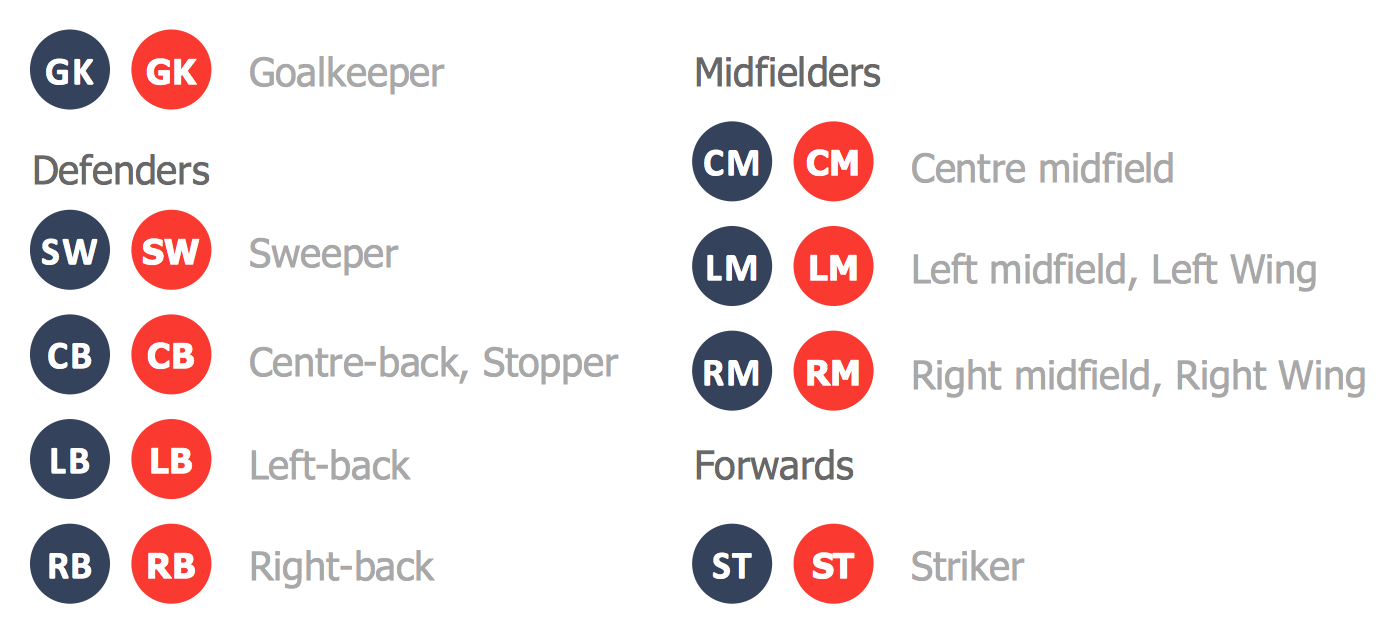
Soccer (Football) Dimensions
A “soccer field” can also be called a “football pitch” or “football field”. This soccer field is simply the surface which is meant to be used for playing the game of football, or soccer. The dimensions of the “soccer” field as well as its markings have to be as per the so-called “Laws of the Game”. The surface of the football field can be artificial, which is usually an artificial grass, or natural (a natural grass), chopped to make it short enough for a purpose of making it simpler to play football on such field. The “FIFA” “Laws of the Game” insist on all of the artificial surfaces for playing football on must be in green color. That is why the “soccer field” is usually made of grass (or turf) or same green, but artificial grass (artificial turf).
The “FIFA” organization define all of the line markings on the soccer field in a very strict way. In case a ball is on or if it is above the so-called “touchline”, but still within the borders of the football field and a foul committed over the line of 16,5 meters, then that is a “penalty area”. To make the ball out of play it must cross the “touchline”, as well as the “goal line”, which is between the “goal posts” before this goal is scored. In case of any part of this ball still being on this line or if any part or all of this ball is just above this line, then this ball is still in play and it can be used for continuing the game of soccer. The soccer field must be in a rectangular shape. The longer sides of this rectangle are called the “touchlines” and the other (opposite to the previous sides) are called the “goal lines”, both of which must be between 45 and 90 meters and must be the exact same length. These “touch lines” must also be painted of exactly the same length of between 90 and 120 meters. All lines of the mentioned lines must be equally wide and they do not have to exceed 12 centimeters in total. The corners of the soccer field are always marked by the corner flags.
The “goal area” on the soccer field is the area, which is formed by the “goal-line” as well as the other two lines on the goal-line, 5 meters from the “goal-posts” and extending 5 meters into the football pitch from the “goal-line” and a line. Goal kicks and any free kicks made by the members of the team of “defenders” may be taken from any place within this area. The “free” (indirect) kicks are awarded to the team of the “attackers” within the “goal area” and they must be performed from the point on the line, parallel to the “goal line”. These “free kicks” cannot be taken further than within the “goal-area”.
The “penalty area” is the one which includes the “goal-line” and other lines, which extend from it. The “penalty mark” is 11 meters in front of the very center of the “goal” and it is the point, where all of the “penalty kicks” are taken from. The “penalty arc” is the one, marked from the “penalty mark” on a distance of 9,15 meters and from the outside edge of the “penalty area”. The dimensions, including the “penalty area” mark and the “exclusion zone” are for all of the soccer players, but the “defending goalkeeper” players and the “attacking kicker” players during a penalty kick’s performance.
There is also a “center circle” on the soccer field being marked at 9,15 meters from the “center mark”, which indicates the minimum distance which the opposing players must keep at so-called “kick-off” while the ball is placed on the center mark. During the “penalty shootouts” all of the soccer players, except for the “goalkeepers” and the current “kicker”, must remain within this “center circle”.
The “half-way line” is there on the soccer field for dividing the soccer field into two halves. One of these halves is commonly referred to being this football players’ team’s half. The football players must stay within “their” half while a “kick-off” takes place and they may not be penalized for being “offside” in “their” half. The “goals” have two upright posts, which are placed from the corner of “flag-posts”. The inner edges of the “flag-posts” must be 7,32 meters apart and the lower edge of the “crossbar” must be 2,44 meters above the playground itself. The “nets” usually can be found behind the “goal” area, but they are never required to be there, according to the “Laws”. The intersections between the “touch-line” and the “half-way line” can be indicated with the flags, such as those marking the “corners”. The arcs in these “corners” denote the area where the ball has to be placed for the “corner kicks”. The soccer players in opposition have to be 9,15 meters apart during a corner. There also may be the optional lines named “off-pitch”, which have to be 10 yards away from the “corner arc” on the “touch-lines” and the “goal-lines“.
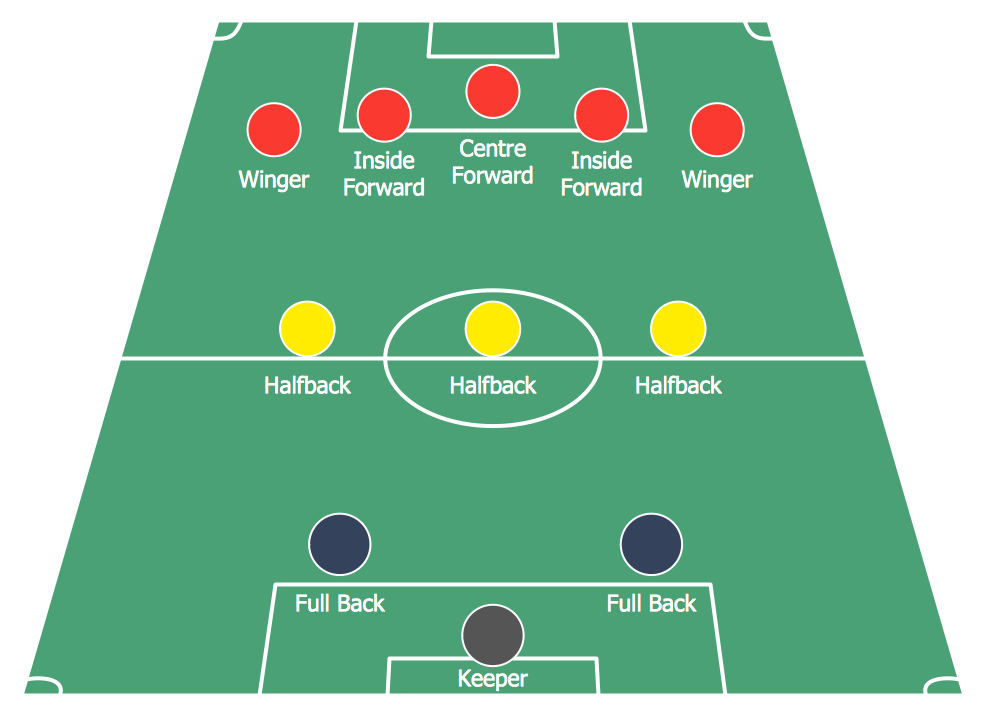
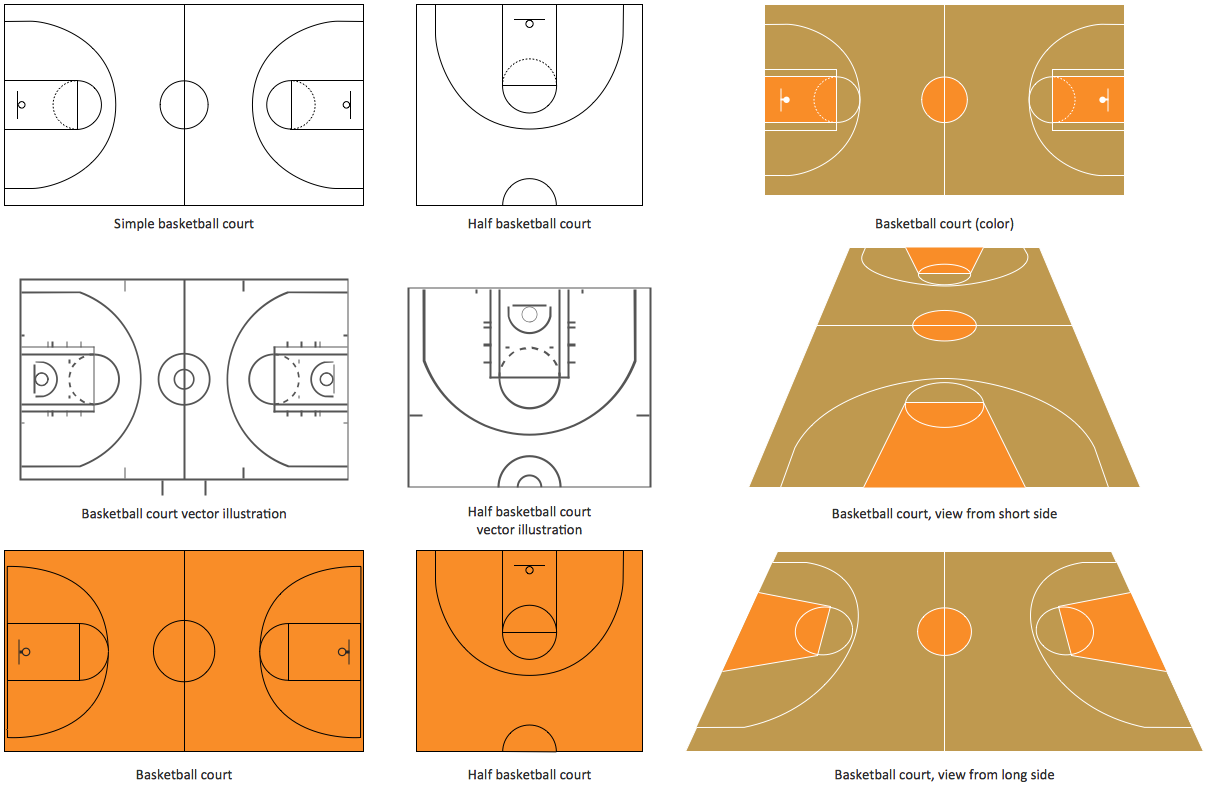
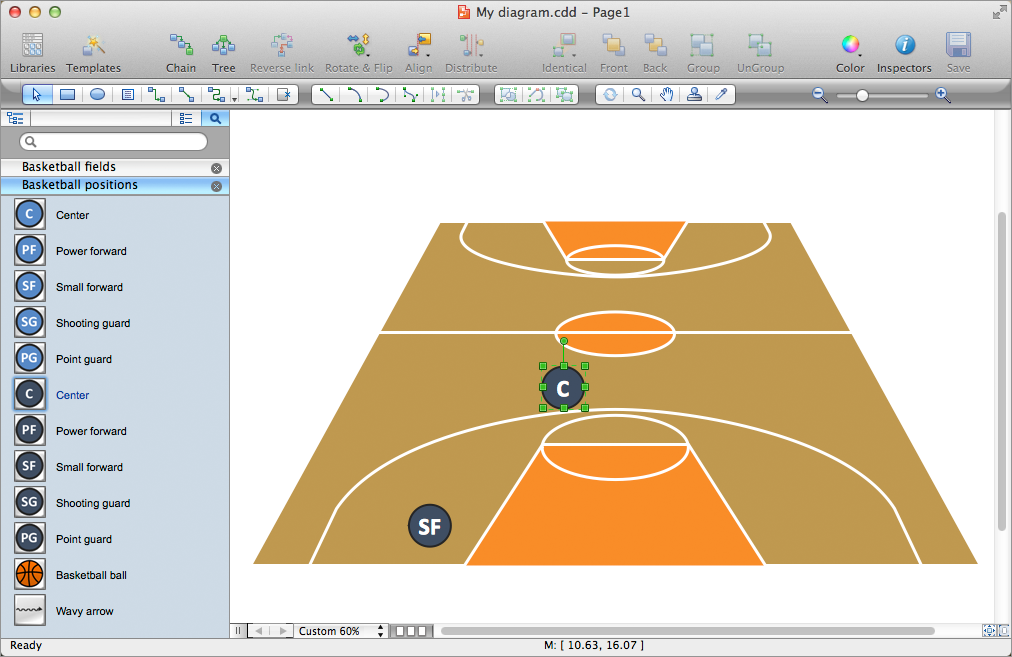
The mentioned above rules of soccer game have to be taken into consideration in case you want to make your own soccer field template. You can always use the so called “Soccer solution”, which can be found in the “Sport area” of the “ConceptDraw Solution Park” on this site as well as from the ConceptDraw STORE application. This solution contains at least one stencil library, full of the pre-made vector objects as well as the templates of the soccer field plans and schemes. Thus, the "Soccer (Football) Fields" library from this “Soccer” solution provides a complete set of the pre-designed fields templates, both horizontally and vertically located, as well as colored and not colored. You can find the template of the “end zone view soccer field” and also many other necessary tools which can be used for your drawings. All of the field objects from this solution are designed in accordance with the real football field dimensions. You can always simply drop the needed field from the "Soccer (Football) Fields" library to design your own soccer/football diagram within only a few hours or even minutes, depending on your experience with ConceptDraw DIAGRAM application.
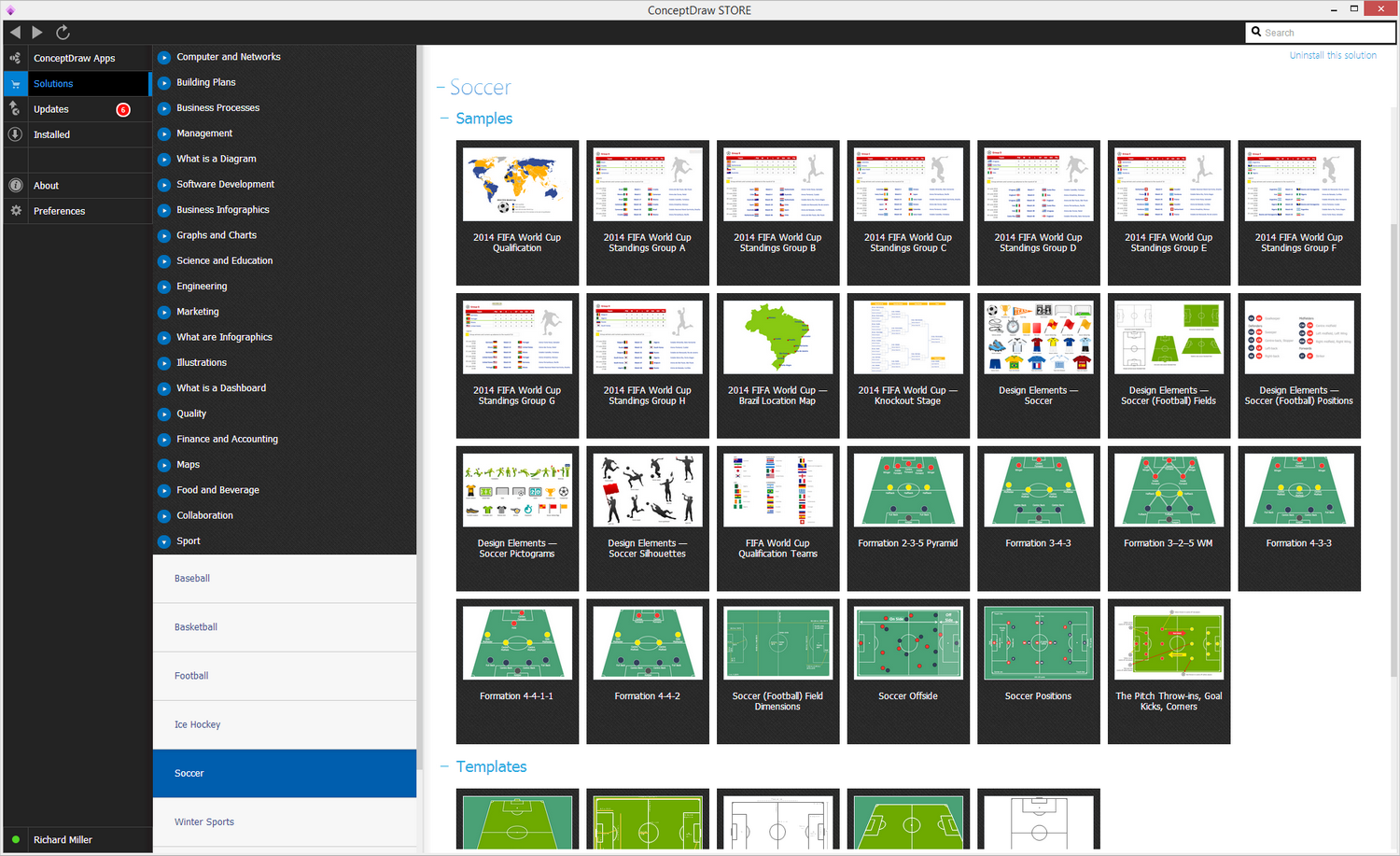
Sample 1. Soccer (Football) Solution
The Soccer solution from the Sport area of ConceptDraw Solution Park is designed as a tool that helps produce soccer illustrations of any complexity in minutes. You can quick and easy design the professional looking plan of the soccer field with set up dimensions and then successfully use it:
- during the construction the new soccer field or stadium;
- at the training the soccer team;
- at the creating a soccer club;
- at the planning the sport competitions and soccer matchs;
- in sport conferences and discussions, etc.
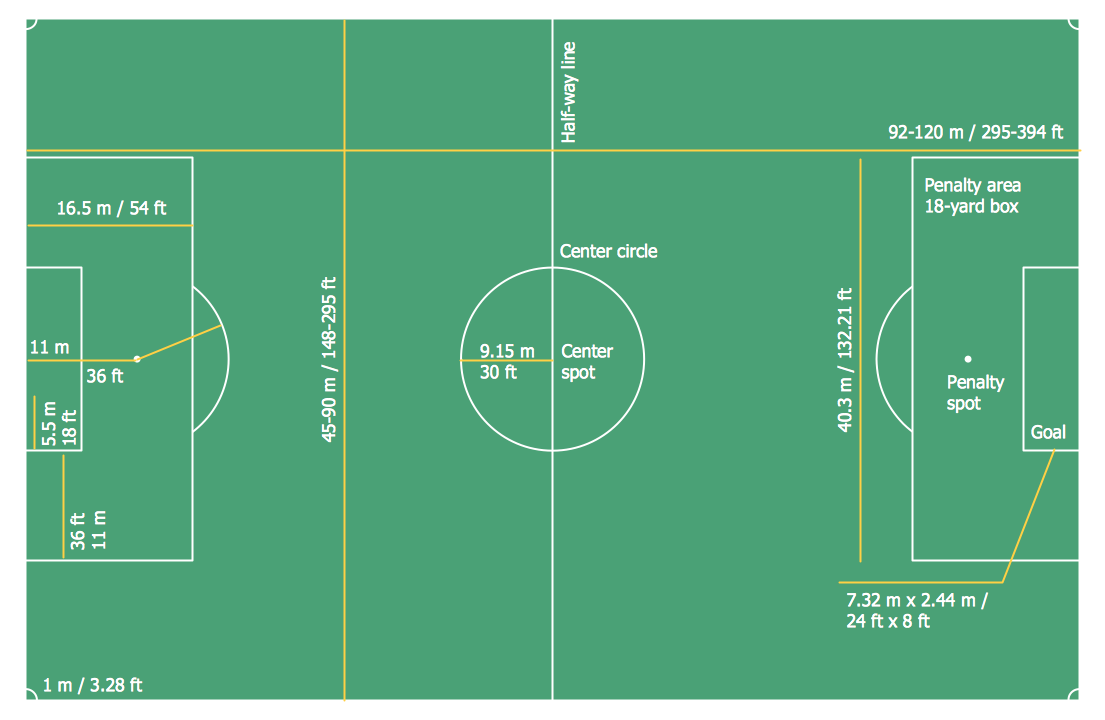
Sample 2. Soccer (Football) Dimensions
This sample was created in ConceptDraw DIAGRAM using the "Soccer (Football) Fields" library from the Soccer solution. An experienced user spent 5 minutes creating this sample in ConceptDraw DIAGRAM Simply:
- Drop a field object from the "Soccer (Football) Fields" library to your document,
- Set up the dimensions.

Sample 3. Design a Soccer (Football) Field
In the "Soccer (Football) Fields" library you can find a set of the soccer fields for any taste and any purpose. Use the libraries of the Soccer solution for ConceptDraw DIAGRAM to create your own soccer-related drawing quick, easy and effective.
All source documents are vector graphic documents. They are available for reviewing, modifying, or converting to a variety of formats (PDF file, MS PowerPoint, MS Visio, and many other graphic formats) from the ConceptDraw STORE. The Soccer Solution is available for all ConceptDraw DIAGRAM or later users.