Basketball Field in the Vector
Today, basketball is a sport played around the world, both indoors and out, by people of all ages. The game is huge internationally, with countries such as Argentina, China, France, and Italy naming it as their most popular sport. It remains wildly popular in the United States as well, the NBA playoffs and finals, and even the Olympic games providing thrills for even the most casual of fans.
If you have a chance to make your own basketball field, whether for you to play on or for your children, as well as for some other people as a part of the building project, then you have to start with a plan, a floor plan. Having it properly created, you may have no doubts left about your basketball field plan being a good start of this social project which will lead to so many people (both adults and children) playing this entertaining game of basketball.
Creating the field plan, you should take into consideration the fact that it should be divided into the sections: center circle, three-point line, the perimeter, a low post area, “key”, restricted area arc and others. If you try to create your own basketball field plan from a very scratch, then you should stick to the dimensions, which have to be agreed with the rules of this game. Also, you should be aware of making your basketball field plan yourself having no experience in doing it before can be a challenge for you, although there is no need to worry about it as having ConceptDraw DIAGRAM may solve many of your problems and having the support team of CS Odessa, which you can contact any time, can simplify your task a lot.
The basketball field plans can be created in a very short time using ConceptDraw DIAGRAM software as well as another product of CS Odessa — ConceptDraw STORE, full of the solutions, which include the example of any needed plans as well as the stencil libraries with the design elements, that can be used for your own plans. Having one of the best applications for creating any kind of known floor plans, including the one for the basketball fields, means having the real chance to be able to create a great as well as professionally looking basketball field plan in only a few hours or even minutes, depending on how familiar you are with the software itself.
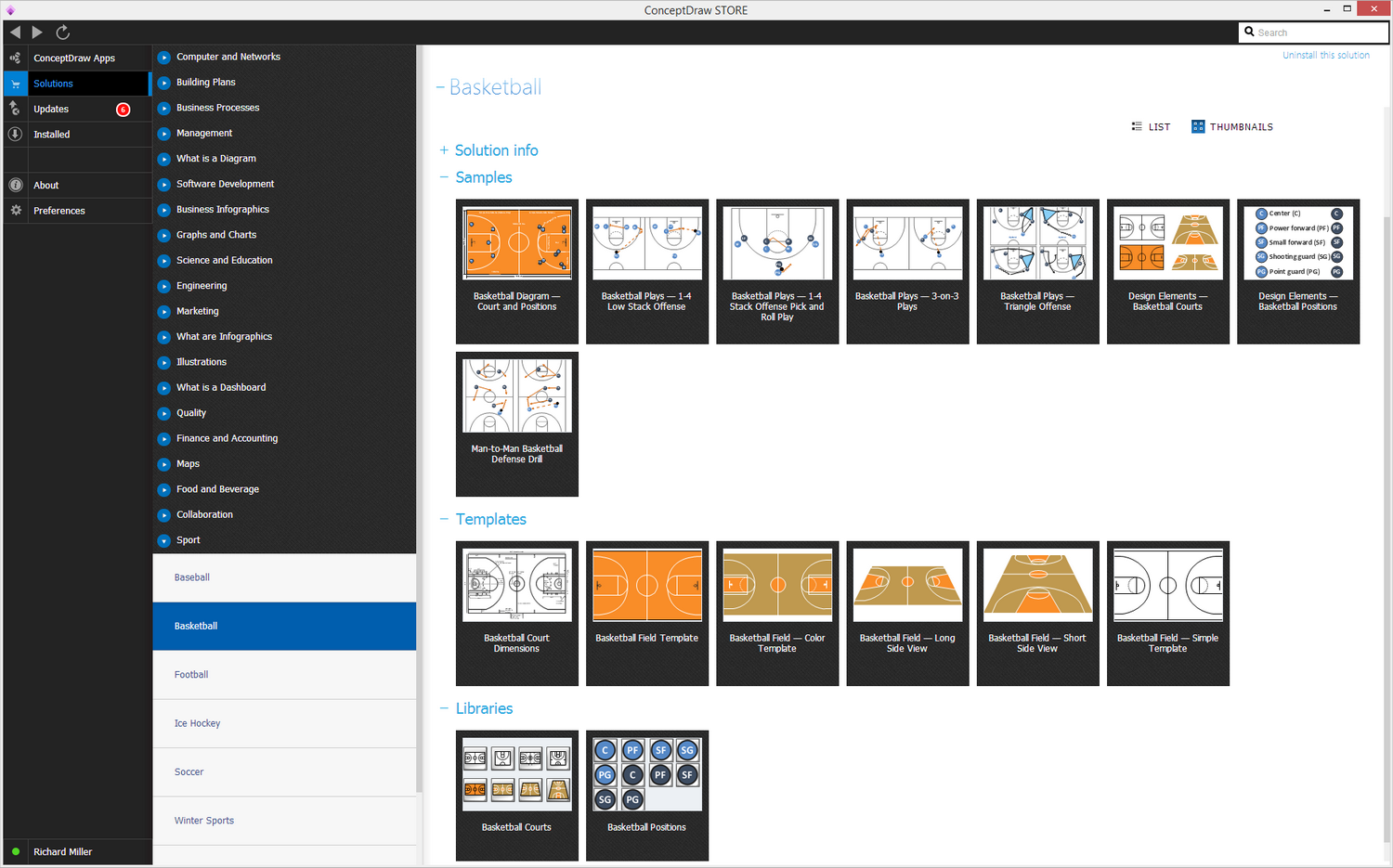
Sample 1. Basketball Solution
As it was already mentioned before, having ConceptDraw DIAGRAM software can simplify your work of making such sport field plans as there will be no more need to spend that much time for creating something that other people know very well how to make — the developers working for CS Odessa. Our IT specialists offer all CS Odessa clients the pre-made examples as well as templates of the basketball fields, knowing a lot about the way of making the smart looking floor plans. The reason for them to develop the “Basketball solution” (which can be found in the “Sport area” of “ConceptDraw Solution Park”) was to help all of the ConceptDraw DIAGRAM users design their own plans and so to use all of the tools this solution includes. “Basketball solution” will help you produce all of the needed basketball-related illustrations of any complexity in only a couple of hours or even minutes.
Having this ConceptDraw DIAGRAM software as well as the needed solution is always beneficial as you must care for your time being “money”, following the well-known saying. So the less time you spend on making your plans, the more time you have left for developing the other components of your business. “Basketball solution” can be found and downloaded from the “ConceptDraw STORE”. Apart from this solution, you can always find all other existing solutions, which can be used together with ConceptDraw DIAGRAM software. The “Basketball” one includes the samples of “Basketball diagrams” with the mentioned field’s positions, such as “Basketball plays — 1-4 Low Stack Offence”, “Basketball plays — 1-4 stack offense pick and roll play”, “Basketball plays — 3-on-3 plays”, “Basketball plays — Triangle Offense” and “Design Elements — Basketball courts”.
Designing your own professionally looking plan of the basketball field with the set up dimensions using ConceptDraw DIAGRAM is a simple thing as well as fun and entertaining process. You can always successfully use this and other solutions during the process of construction of the new courts, including the basketball one. It may be useful and helpful to have such plan while training your own basketball team, planning the sport competitions as well as ordinary basketball games, any needed sport conferences and sport discussions. This solution can be also used for many different purposes already now.
"Basketball Courts" library, included in the “Basketball solution” is a very useful tool to have in case you need to get some proper design symbols for marking them on your plan. An experienced user can spend only 30 minutes creating any needed template of the basketball field using ConceptDraw DIAGRAM as well as the solution with this library: once you get it, then there will be no more need in making your own design elements left.
To make the similar samples to those provided by CS Odessa team of IT specialists in the Basketball solution, you can simply drop any needed object from the Basketball Courts library to your own document while working in ConceptDraw DIAGRAM application on making your basketball field plan. After you can set up all of the needed dimensions and so to place the design symbols where you want them to be and the way you want them to look like, making a few or all of them smaller or bigger.
If you decide to make any other, but basketball field plan, then you can always get any other solution from the same “Sport area” of “ConceptDraw Solution Park” or from ConceptDraw STORE application to be able to design any sport-related illustrations of any complexity in only a few hours or minutes.
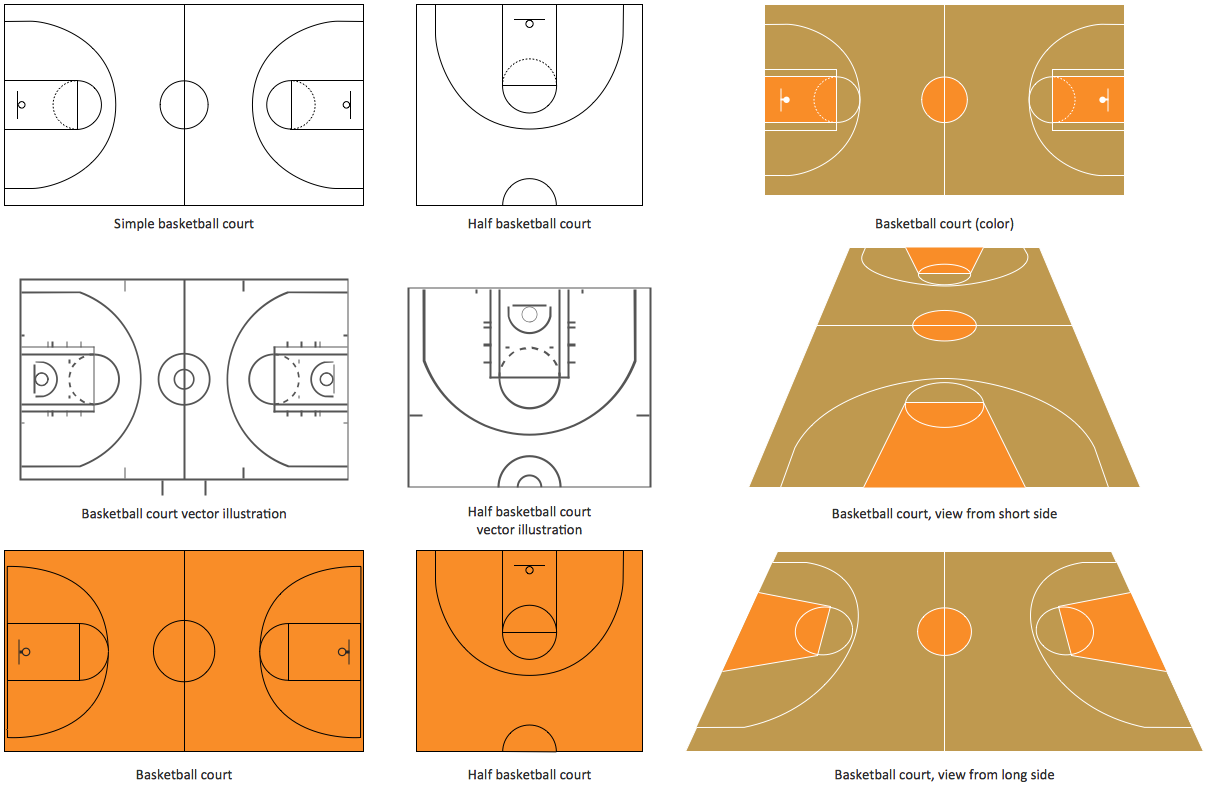
The "Basketball Field" library from the Basketball solution provides a complete set of ready-to-use predesigned vector courts:
- horizontally and vertically located,
- whole and half of court,
- colored and not,
- courts with views from different sides.
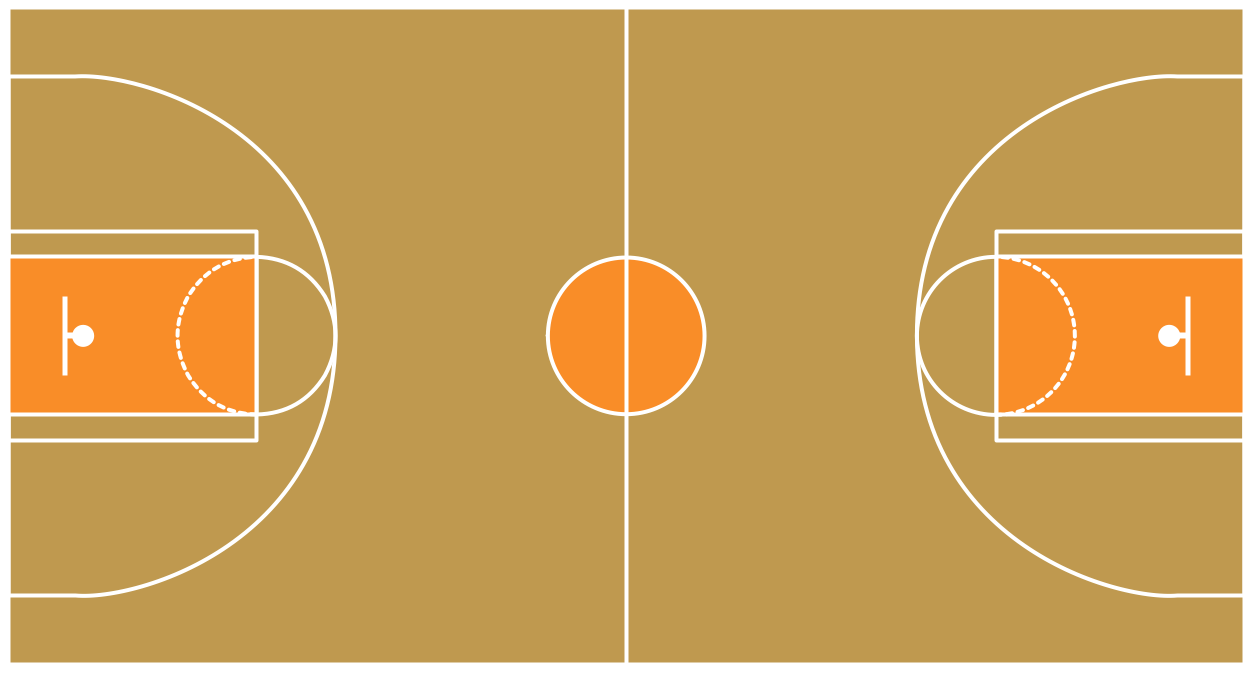
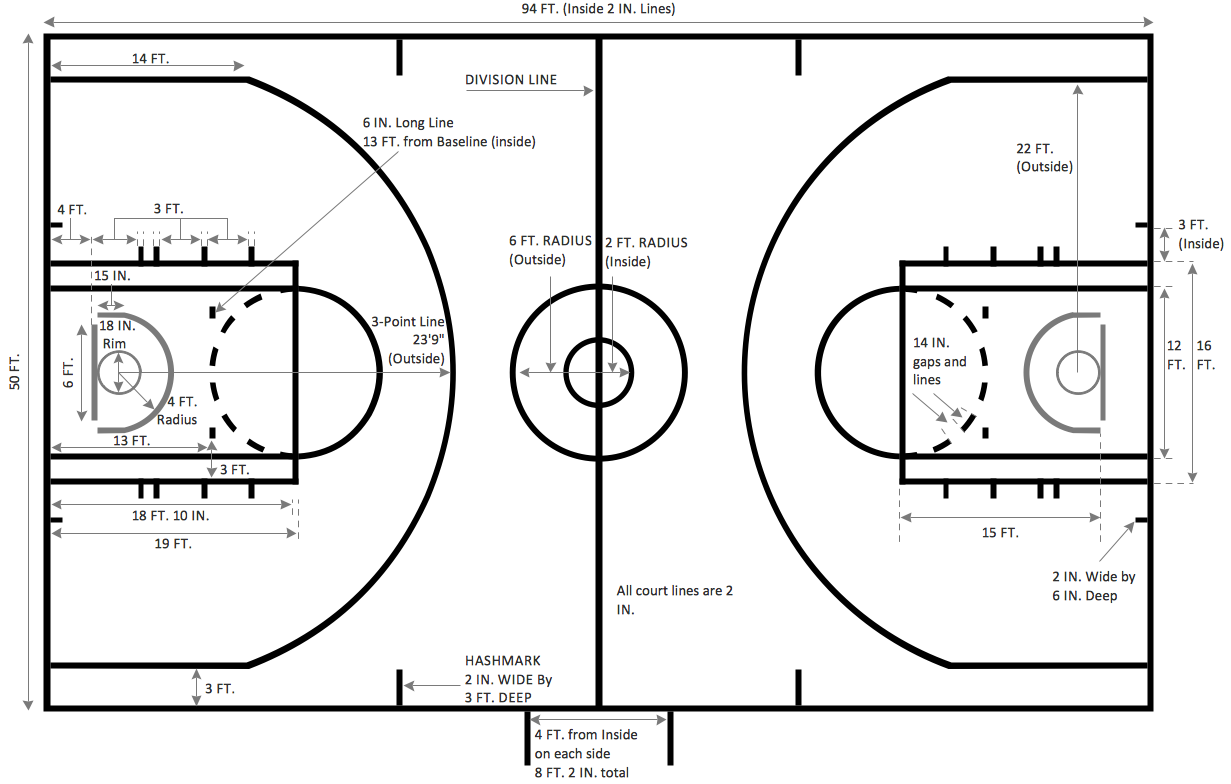
Sample 2. Basketball Field
All courts objects are designed according to the real basketball courts dimensions. Simply drop the needed basketball field in the vector from the library to design your own basketball diagram.

Sample 3. Basketball Field View from Short Side
To show the game in details from the different angles of view, use various court clipart from the "Basketball Courts" library.
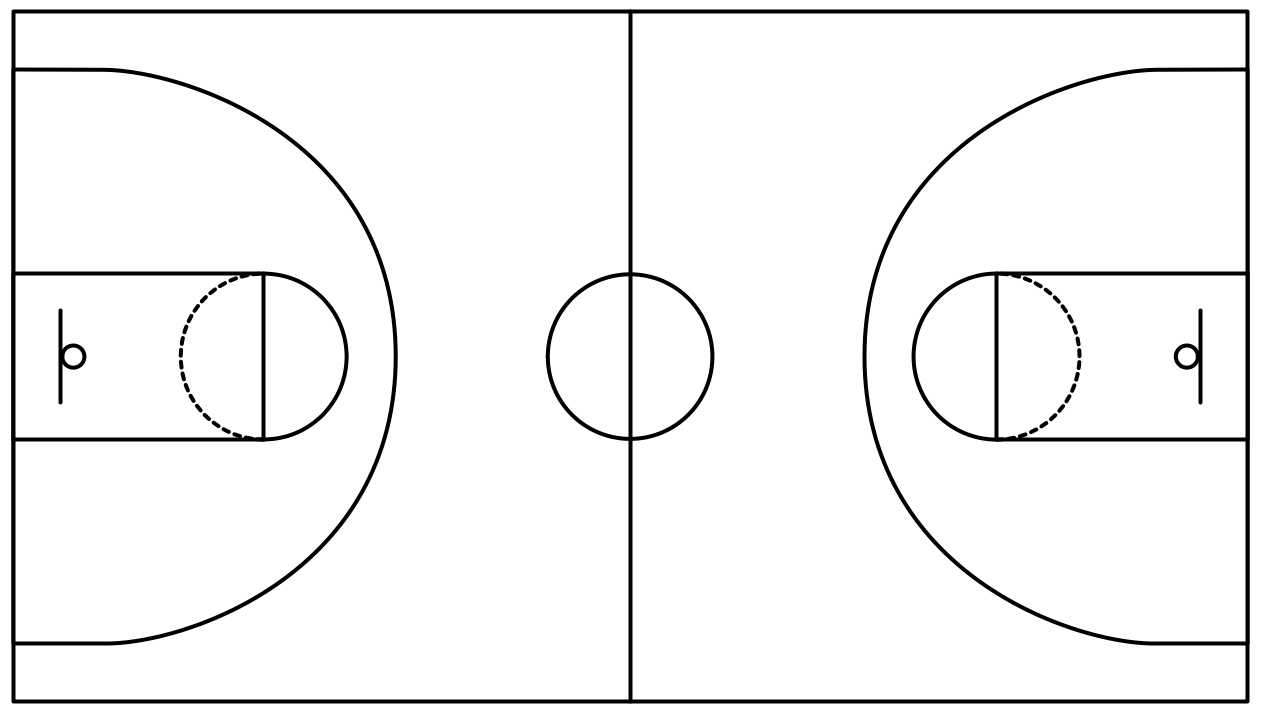
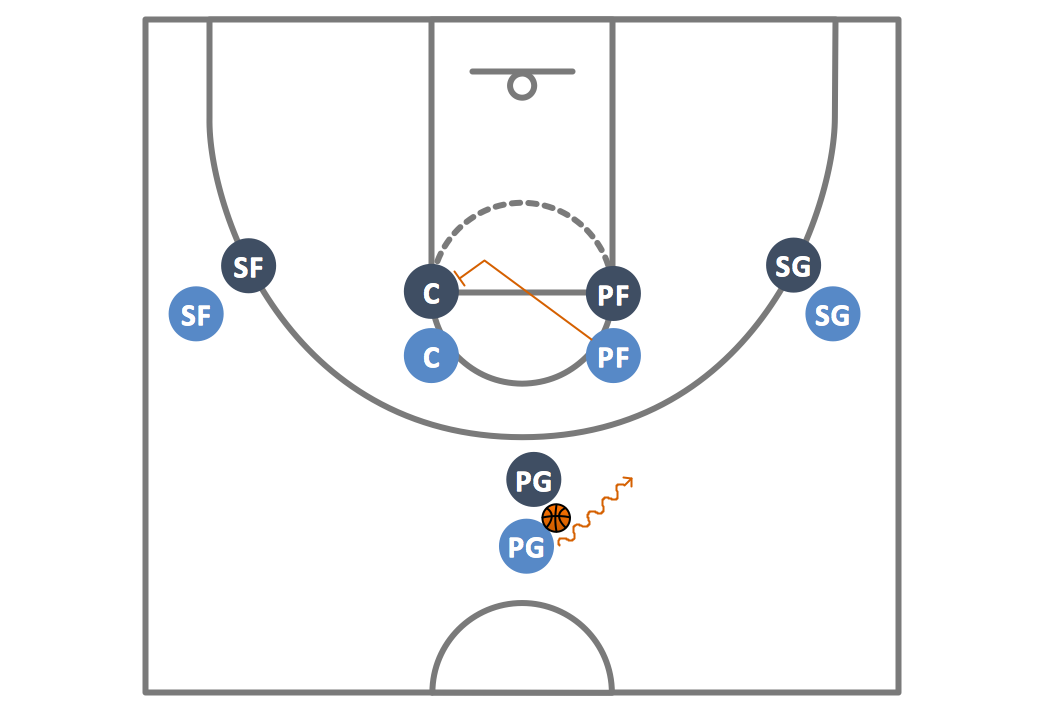
Sample 4. Basketball — Simple Basketball Court Template
All of the source documents created in ConceptDraw DIAGRAM application are always the vector graphic documents, which can be available for reviewing, modifying as well as converting to many of the different formats: MS PowerPoint, PDF file, MS Visio and many other. The “Basketball Solution” is, as well as other solutions, available for all ConceptDraw DIAGRAM users and you can always download it any moment you need it, but the sooner the better once you want to get your smart and good-looking result already by tomorrow. Having both ConceptDraw DIAGRAM and the solution you need makes things much simpler for you, leaving no more need in making anything from a scratch.
See Also Samples: