Made with
ConceptDraw
DIAGRAM 18

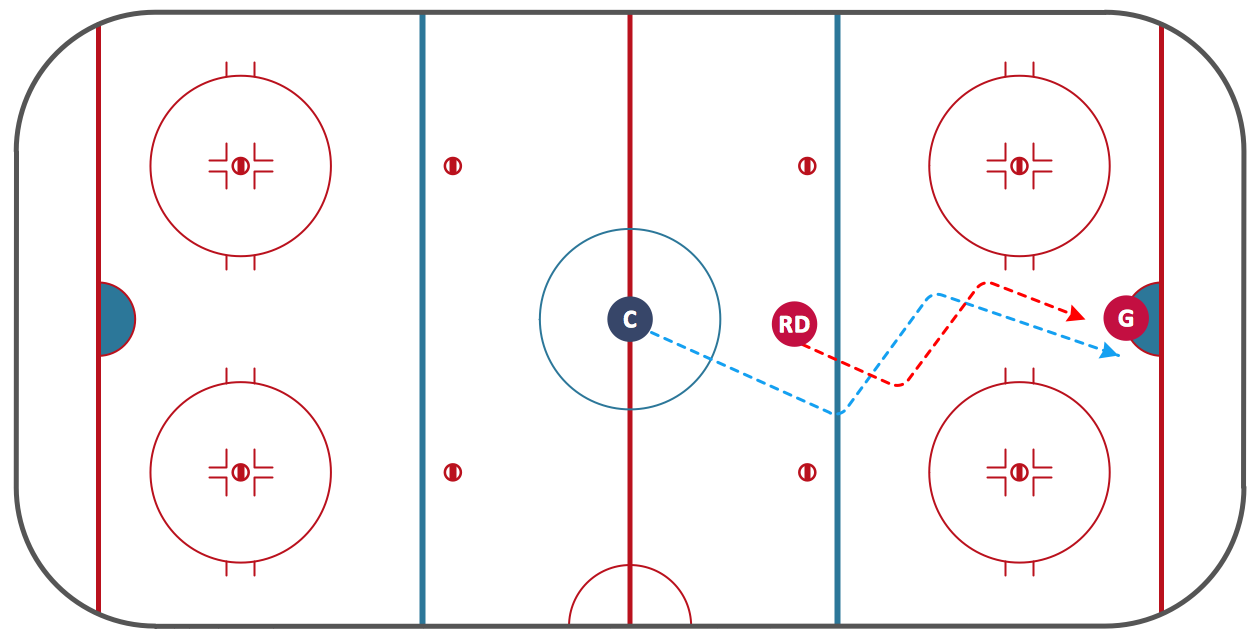
Ice Hockey Diagram – Deke Technique

"A deke is an ice hockey technique which a player uses to get past an opponent or "fake out" an opposing player. The term is a Canadianism formed by abbreviating decoy. The deke may originally have referred to quickly pushing the puck forward or laterally with the forehand and catching it on the backhand (or vice-versa), but as hockey has evolved so has the deke and it is now used to refer to a wide variety of feints, fakes or skillful maneuvers to beat defenders or goaltenders. The position of the player performing the deke and the opponent determines where the puck will be moved and the speed. The deke can be used to move the puck out of reach of an opposing player, move the puck past the opposing player, or quickly change direction of the puck so the opposing player is caught out of position. Dekes are usually used in combination with either a change of direction or speed, or both; the deke may refer to the entire sequence of actions as well as the maneuver(s) made with the stick. Often a change in direction or a change in speed is enough to get past an opposing player, but dekes are used in combination with these to better protect the puck and get by a defender." [Wikipedia]

Explaining ice hockey techniques becomes much more easier and time saving with illustrations. The Ice Hockey solution for ConceptDraw DIAGRAM is designed as a tool that helps produce ice hockey illustrations of any complexity in minutes.

A combination of the "Ice Hockey Rinks" and "Ice Hockey Positions" libraries gives you an ability to create a ice-hockey-related drawing in seconds. Follow next steps to create you own ice hockey schema:

  • From the "Ice Hockey Rinks" library drop a rink object to your document
  • From the "Ice Hockey Positions" library drop all positions object you need to your document
  • Place positions on the rink according to your drawing idea
  • Add arrows or text labels if needed.

Ice Hockey Diagram – Deke Technique *

Sample 1. Ice Hockey Diagram – Deke Technique.

This diagram was created in ConceptDraw DIAGRAM using the "Ice Hockey Rinks" library from the Ice Hockey solution. An experienced user spent 1 minute creating this sample.

The sample you see on this page was created in ConceptDraw DIAGRAM using the Ice Hockey Solution; it demonstrates a portion of the solution's capabilities and the professional results you can achieve.

All source documents are vector graphic documents. They are available for reviewing, modifying, or converting to a variety of formats (PDF file, MS PowerPoint, MS Visio, and many other graphic formats) from the ConceptDraw STORE. The Ice Hockey Solution is available for all ConceptDraw DIAGRAM or later users.



FOUR RELATED HOW TO's:
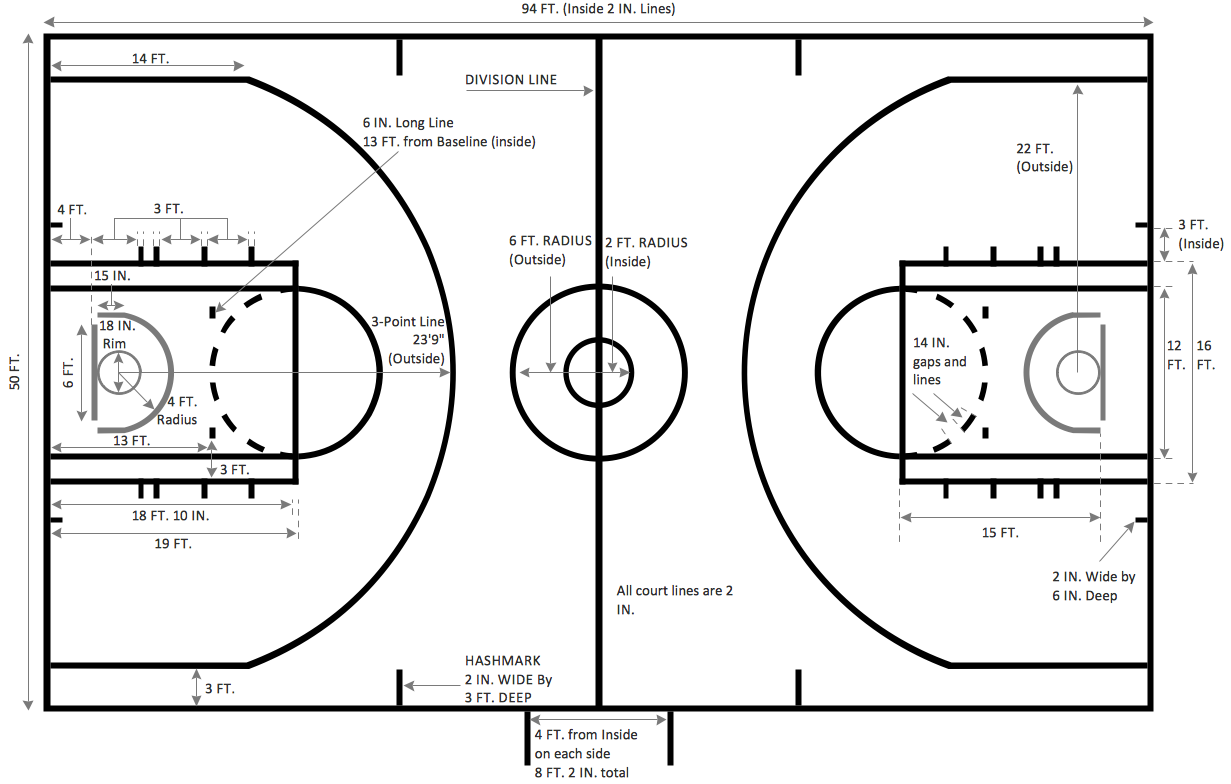
Outdoor activities are a very important part of leisure. Although standard basketball court dimensions are strict, you can do something to set a court even in your yard. With ConceptDraw DIAGRAM you can develop a plan to see how a basketball court is going to fit in your yard. The favorite method of basketball coaches is visualization. For learning, for disassembly of played matches or for planning the strategy of the coming games - they always use a picture of basketball courts. Such schematically picture should have scale and should depict precisely standard equipment and dimensions of the basketball court. The Basketball solution for ConceptDraw DIAGRAM was developed as a tool for drawing different basketball schemes and illustrations.Basketball Court Dimensions
Picture: Basketball Court Dimensions
Related Solution:
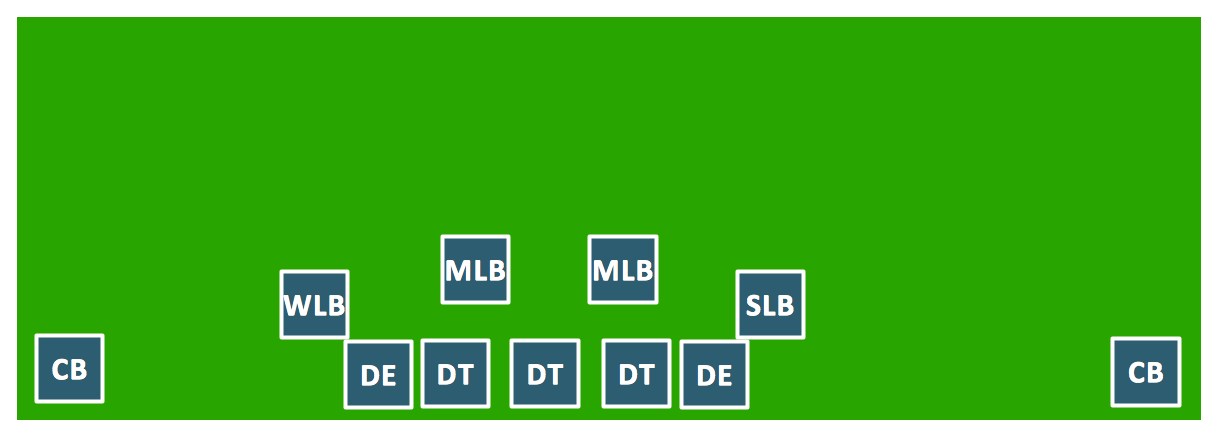
ConceptDraw DIAGRAM software extended with the Football solution delivers libraries, templates and samples allowing football fans or specialists to draw football-related schemas in minutes. A complete set of predesigned fields and positions make drawing schemas as quickly as possible.Goal Line Formation (Offense/Defense) Diagram *
Picture: Goal Line Formation (Offense/Defense) Diagram
Related Solution:
Analysis is very important part for every business, as it helps to understand the weakness and to see the opportunities, and SWOT is one of the most effective tools. To illustrate the multifunctionality of this tool, let’s imagine a SWOT sample in area of computers networking, which can be carried out to realize the pros and cons of some equipment, for example. Even a network topology or a administer can be a subject for this analysis. This SWOT analysis matrix illustrate the sample of using this useful technique for comprehension of Strengths and Weaknesses, and for determining the Opportunities open to business and the Threats it encounters. Used in a business scope, it will help to create a perspective niche in the market for particular business. The ConceptDraw SWOT and TOWS Analysis solution gives a lot of templates of both SWOT and TOWS matrices that allow managers and marketers create custom diagrams to perform SWOT or TOWS analysis in context of a particular business.SWOT Sample in Computers *
Picture: SWOT Sample in Computers
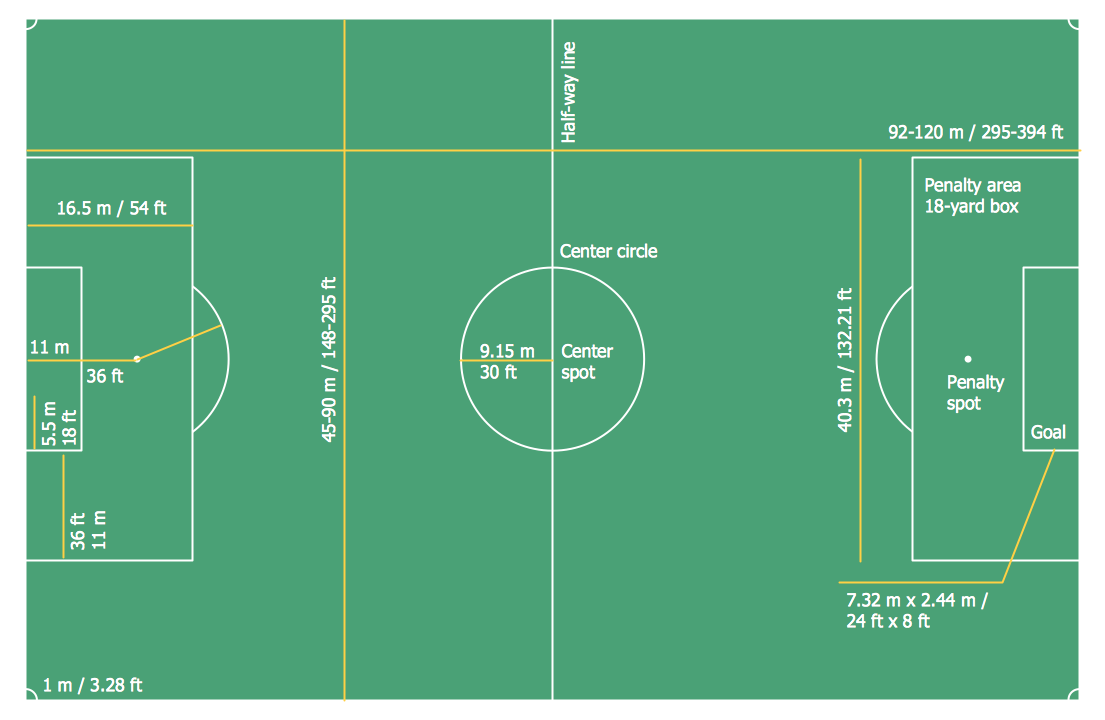
The Soccer solution from the Sport area of ConceptDraw Solution Park is designed as a tool that helps produce soccer illustrations of any complexity in minutes. You can quick and easy design the professional looking plan of the soccer field with set up dimensions.Soccer (Football) Dimensions *
Picture: Soccer (Football) Dimensions
Related Solution:
ConceptDraw
DIAGRAM 18