HR Flowchart Symbols
Human resources is the term given to the people who make up the employee workforce of an organization or company. It was initially used simply as a synonym for manpower or labour; latterly, with the advent of globalization, a cottage industry has grown regarding human resource strategy, as a way of enhancing business value through management of the workforce.
Human resource management has four basic functions:
- Staffing,
- Training and development,
- Motivation,
- Maintenance.
The ability to create flowcharts representing various HR processes and workflows is made possible with ConceptDraw’s HR Flowcharts solution. A comprehensive selection of predesigned vector stencils libraries allow you to create eye-catching infographics relating to any human resource management process. Also included are standardized flowchart notation symbols, meaning your diagrams will be relevant and understood by all business associates. We try to make things easy for you at ConceptDraw, so you will also find flowchart and workflow templates inside the solution to help you get started with your own design. Using the HR Flowcharts solution, you can create professional looking HRM business process diagrams in a matter of moments.
This solution includes incredibly large collection of hr flowchart symbols libraries:
- HR Arrows library contains 57 arrows shapes
- HR Department library contains 49 department symbols
- HR Flowchart library contains 62 flow chart symbols
- HR Professions library contains 81 professions pictograms
- HR Steps library contains 32 workflow step symbols
- HR Symbols library contains 45 HR process pictograms
- HR Workflow library contains 60 workflow symbols

Example 1. HR Flowchart Symbols
Follow the next steps for design any HR Flowchart:
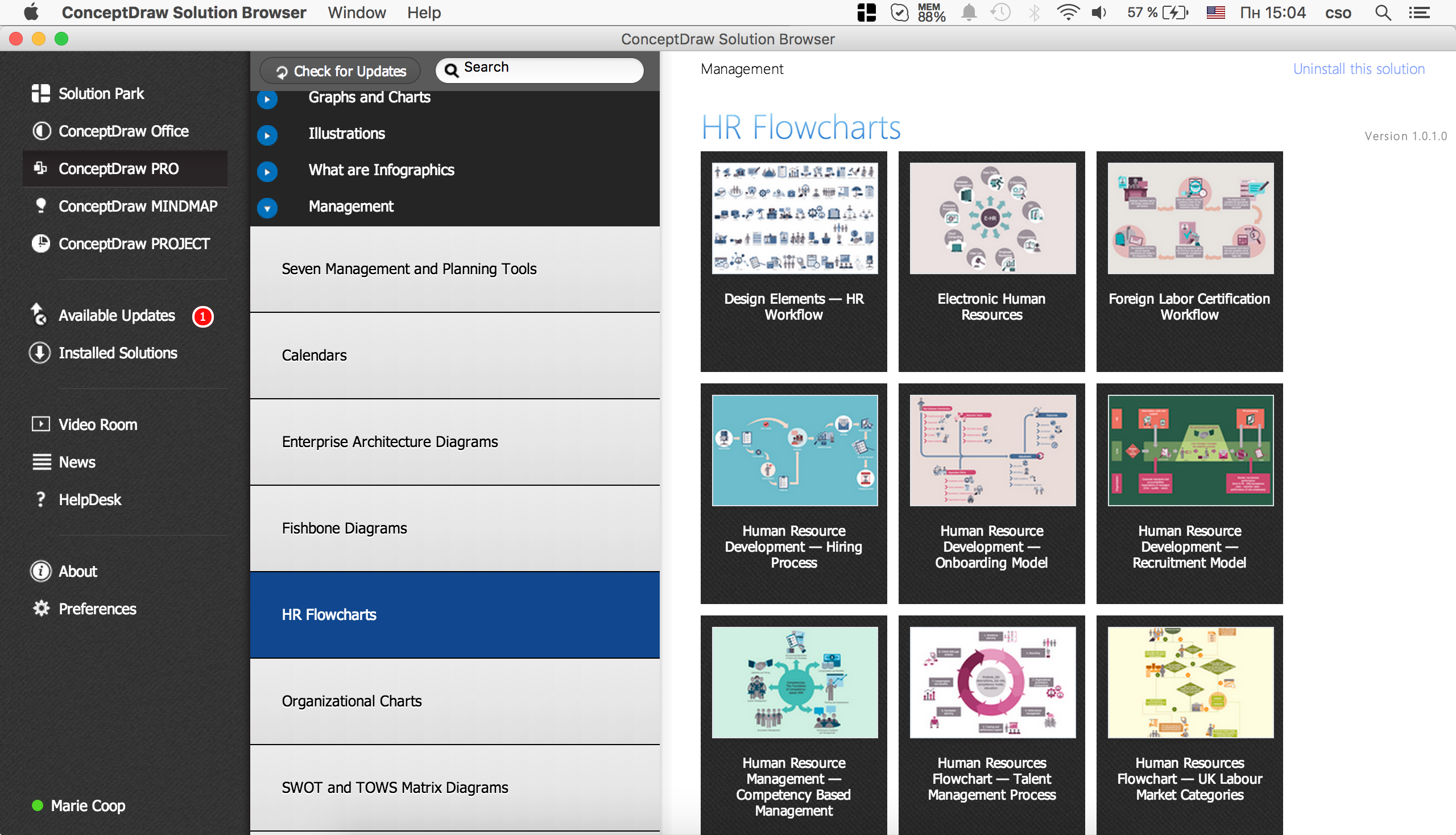
Example 2.
- add the required symbols from the HR Flowcharts libraries (example 3.),
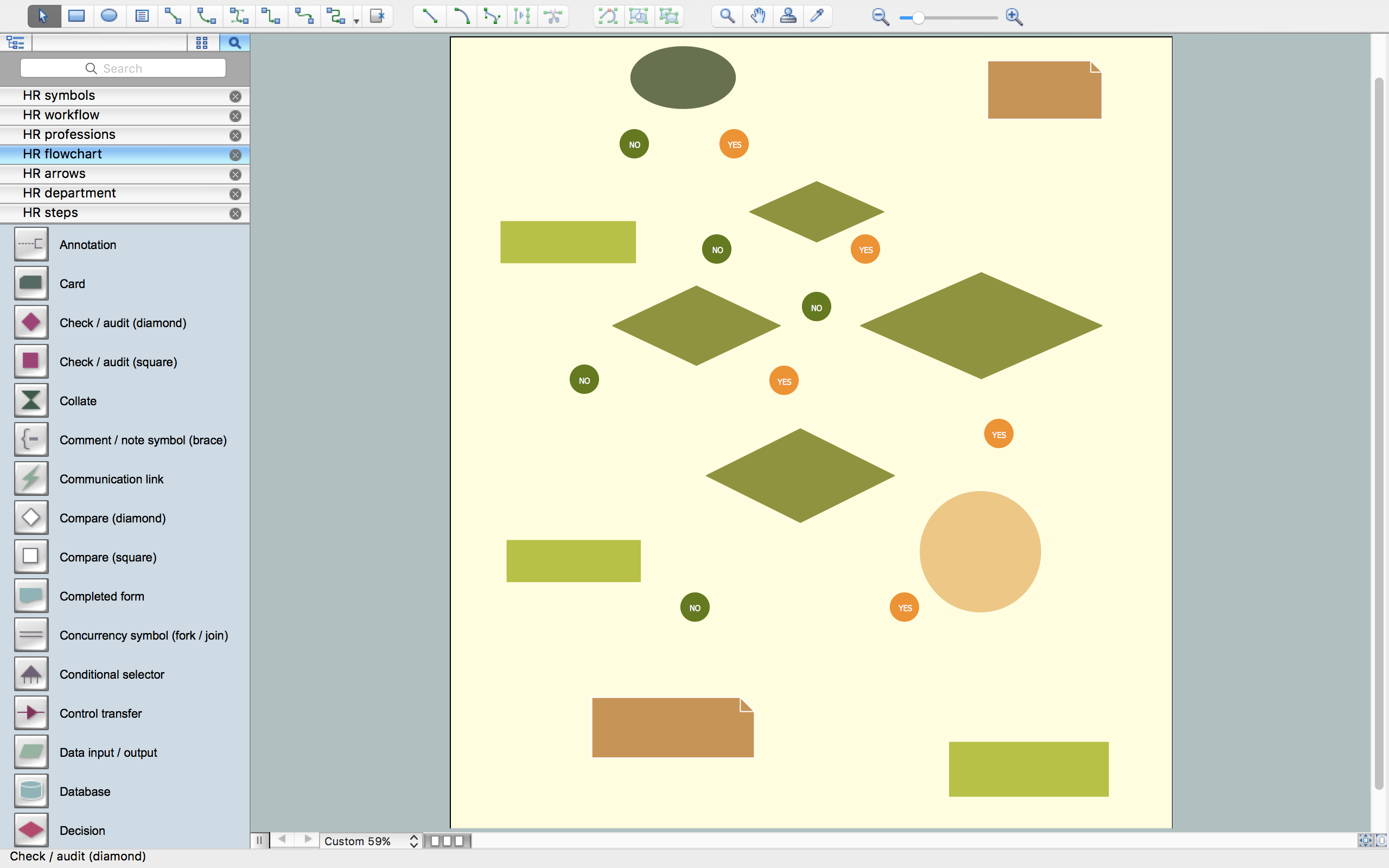
Example 3.
- arrange the shapes and connect them with arrows (example 4.),
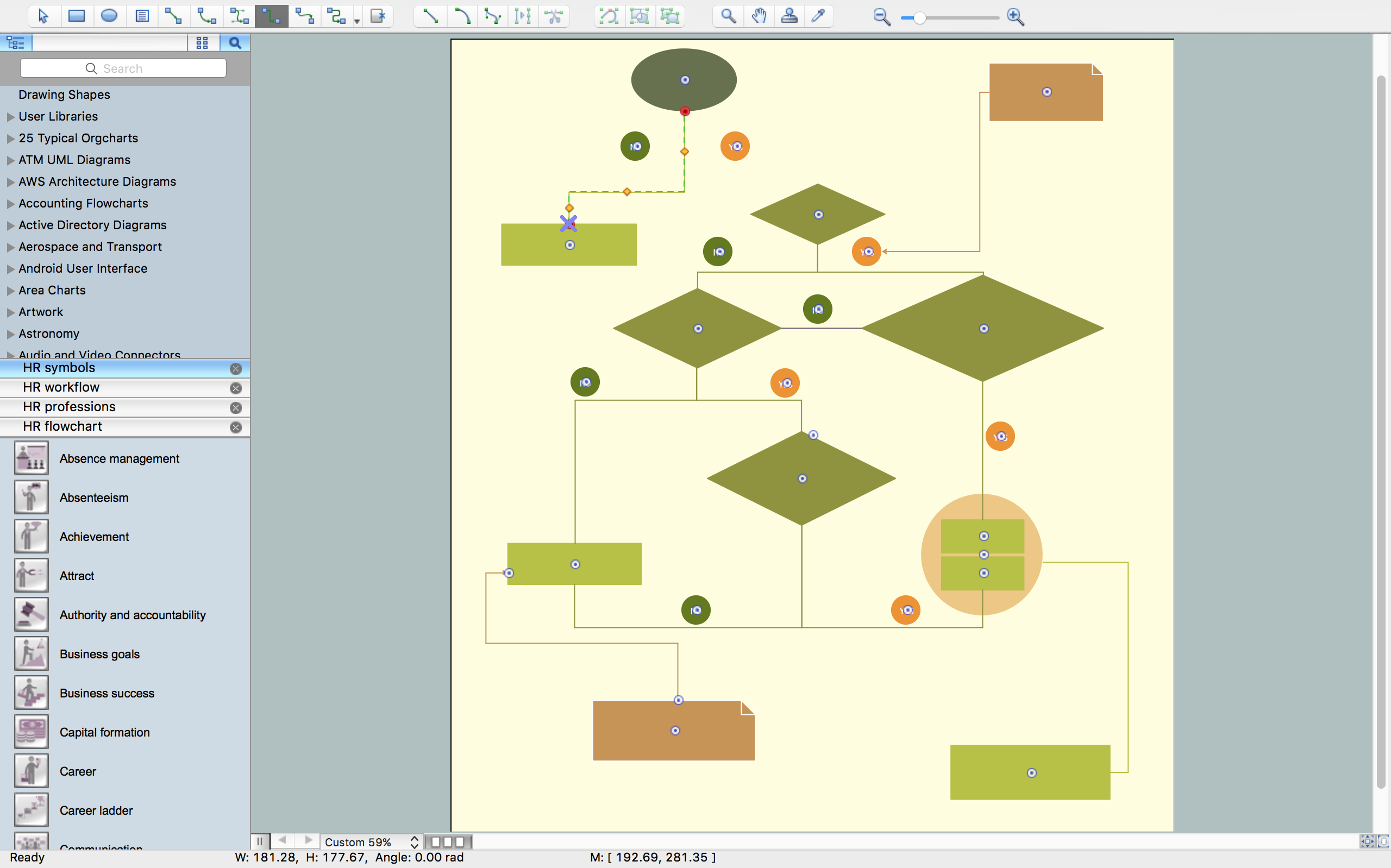
Example 4.
- type the text (example 5.),

Example 5.
- add pictograms (example 6.),
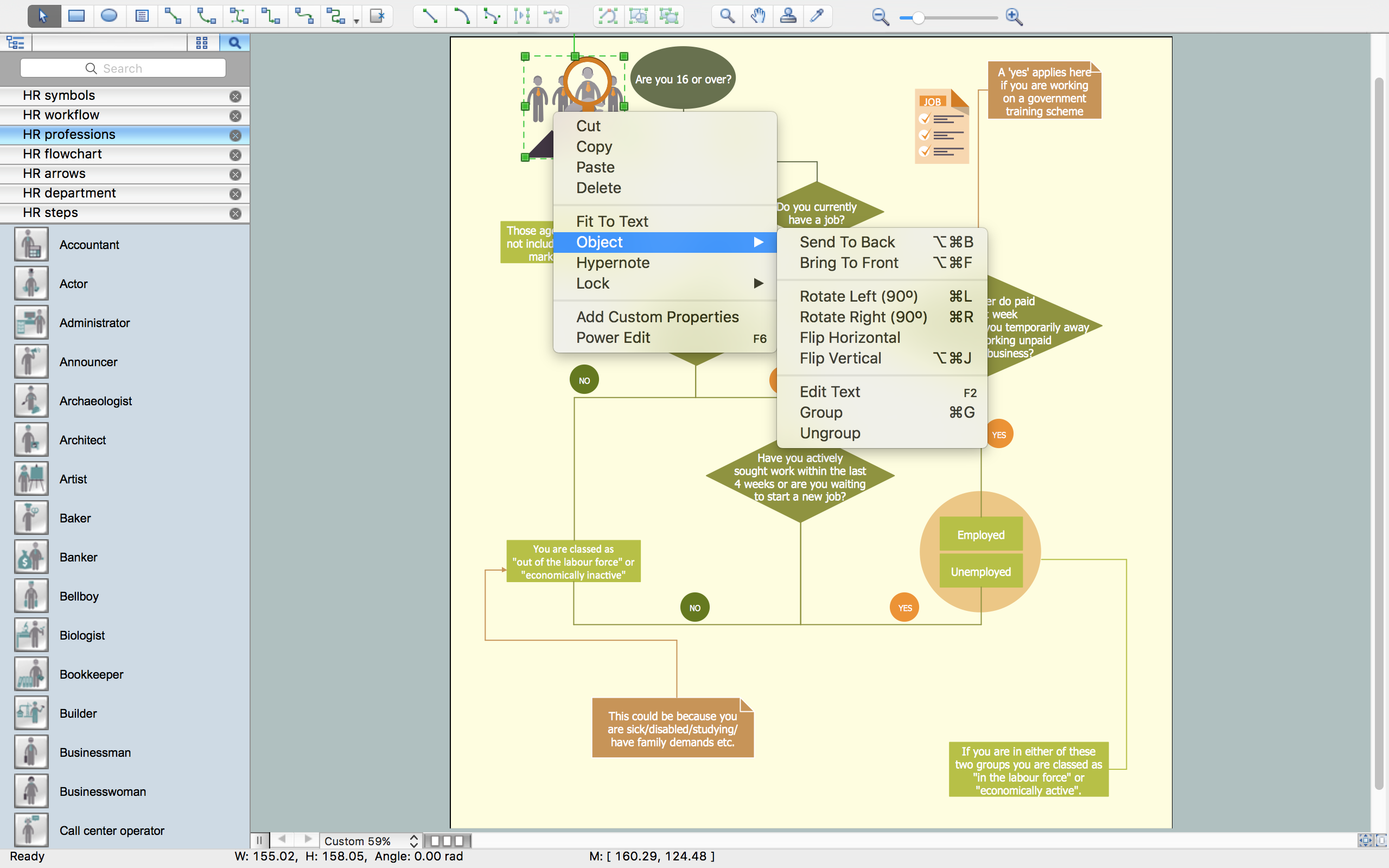
Example 6.
- result - human resources flowchart (example 7.).

Example 7.
The HR Flowcharts solution is an incredibly powerful tool for those who need to analyze or present human resource process flows in a visually effective manner.
TEN RELATED HOW TO's:
Any bar chart can be also called as a bar graph or a column chart or graph. Being a chart or a graph that is commonly used for presenting some categorical data with the rectangular bars having their lengths or heights proportional to the values that they represent, such drawings can be made with the help of the ConceptDraw DIAGRAM diagramming and drawing software. The created bars can be plotted either vertically or horizontally and any vertical bar chart can be also sometimes called as a line graph.
Picture: Column Chart Template
Related Solution:
The AWS Architecture Diagrams solution includes icons, sample and templates for several Amazon Web Services products and resources, to be used when creating architecture diagrams. The icons are designed to be simple so that you can easily incorporate them in your diagrams and put them in your whitepapers, presentations, datasheets, posters or any technical material you like.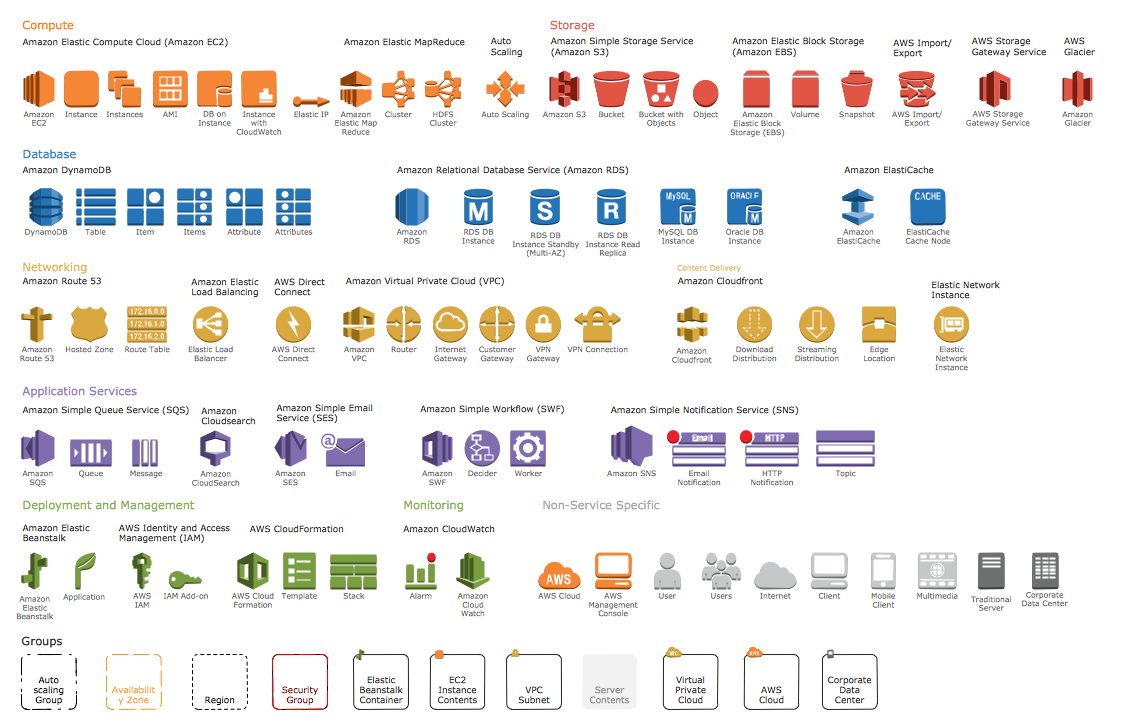
Picture: AWS Simple Icons for Architecture Diagrams
While developing software, it is very important to have a visual model, because it helps to represent the logic and the architecture of an application. Experienced engineers use UML diagrams to denote relationships between classes and their instances. UML is a general language for a set of diagrams like deployment diagrams, object diagrams or use case diagrams.
This diagram represents UML class diagram used for a software system development using an object-oriented method. Class diagrams are categorized as static structure diagrams that depict the physical structure of a system. Class diagram divides a software system's structure into "classes". Classes are defined by the methods and variables of objects. UML Class diagram is used to depict relationships and source code dependencies between objects.
Picture: UML Diagram
Related Solution:
ConceptDraw DIAGRAM is the best BPMN software for ✔️ modeling business processes, ✔️ graphical documenting processes, ✔️ analysis processes, ✔️ optimization business processes, ✔️ identifying inefficiencies, ✔️ efficient decision-making based on created Business Process Diagrams and Business Process Models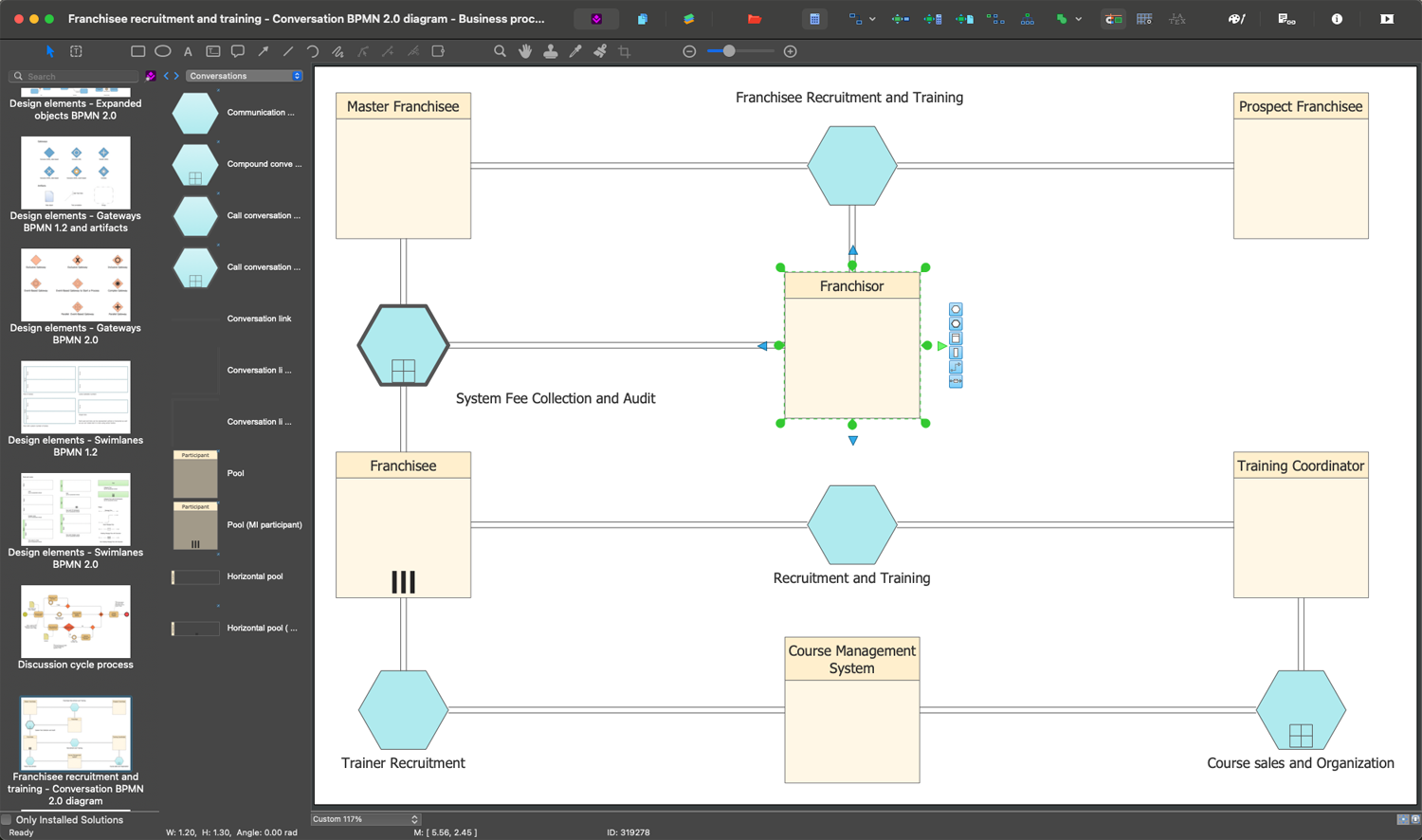
Picture: The Best Business Process Modeling Software: Comprehensive Guide
Related Solution:
Presentation tools. A convenient tool to present documents via Skype. Share your desktop, collaborate on documents in real-time and run a web conference one-on-one or one-to-many.
A tool for sharing and presenting business documents via Skype. Allows to present Microsoft® Word®, Microsoft PowerPoint®, Microsoft Project® and plenty mindmapping formats.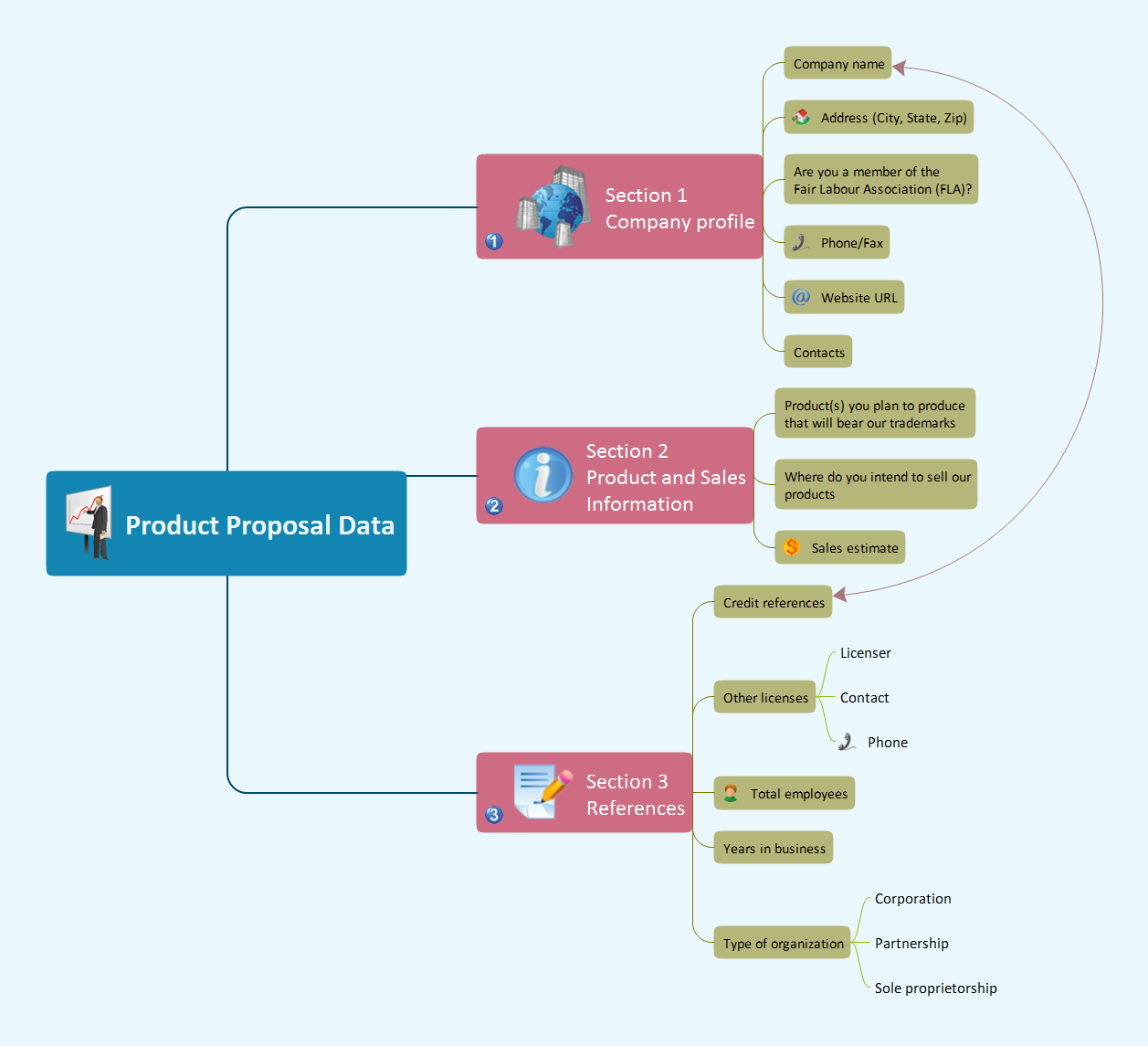
Picture: Presenting Documents with Skype
Related Solution:
Total quality management is the one known to be consisting of some organization-wide efforts put in order to install and to make some climate in which this organization can continuously improve its ability to deliver the high-quality products and services to its customers permanently.
Picture: Total Quality Management Definition
Related Solution:
When searching for a diagramming tool, we look for a powerful and reliable software that would be easy to use. To mention one, ConceptDraw DIAGRAM has all the necessary features to create cross-functional flowcharts (Swim Lanes) quick and effortlessly. You can draw swim lane diagrams in both vertical and horizontal ways.
This cross-functional flowchart displays a payroll process. It explains to each participant his role in the process depending on the category, represented with swimlanes. Using this flowchart, every employee can easily find out what he can expect in terms of salary. Generally a cross-functional diagram enables one to take a look at processes with a wider scope and with more precision than simple flowchart. Business process capturing using cross-functional flowcharts can be useful for stakeholders and managers to define clearly the staff's roles and responsibilities.
Picture: Cross-Functional Flowchart (Swim Lanes)
Related Solution:
Auto-connection mode - This is more than enough versatility to draw any type of diagram with any degree of complexity.
How should diagramming software work? Is it possible to develop a diagram as quickly as the ideas come to you? The innovative Auto-connection mode is what you need to start draw.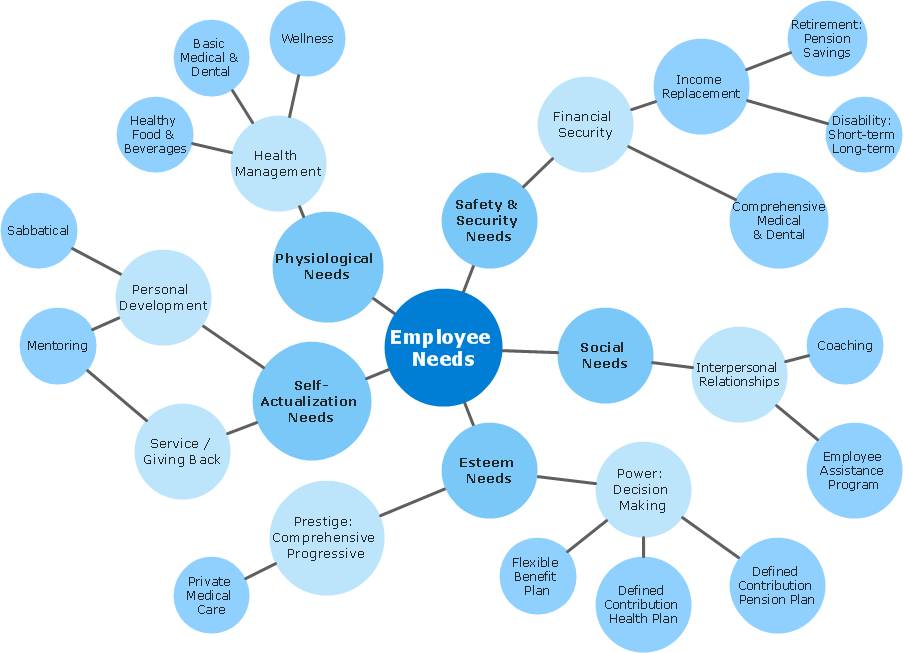
Picture: ConceptDraw Arrows10 Technology
Interactive tool helps you find the appropriate response to social media mentions quickly.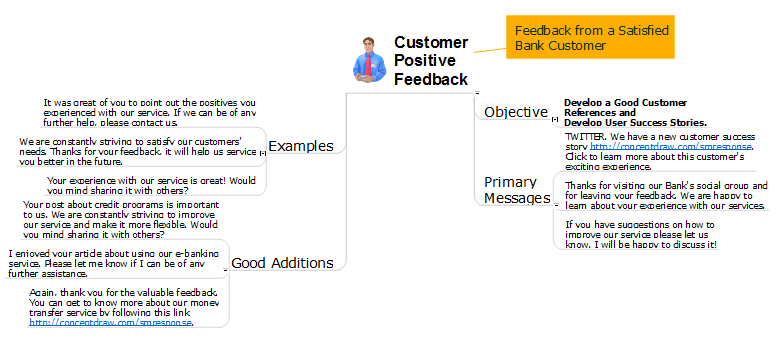
Picture: How to Prepare Learning Presentations for Training
Related Solutions:
The Flowcharts are widely used in engineering, architecture, science, analytics, government, politics, business, marketing, manufacturing, administration, etc.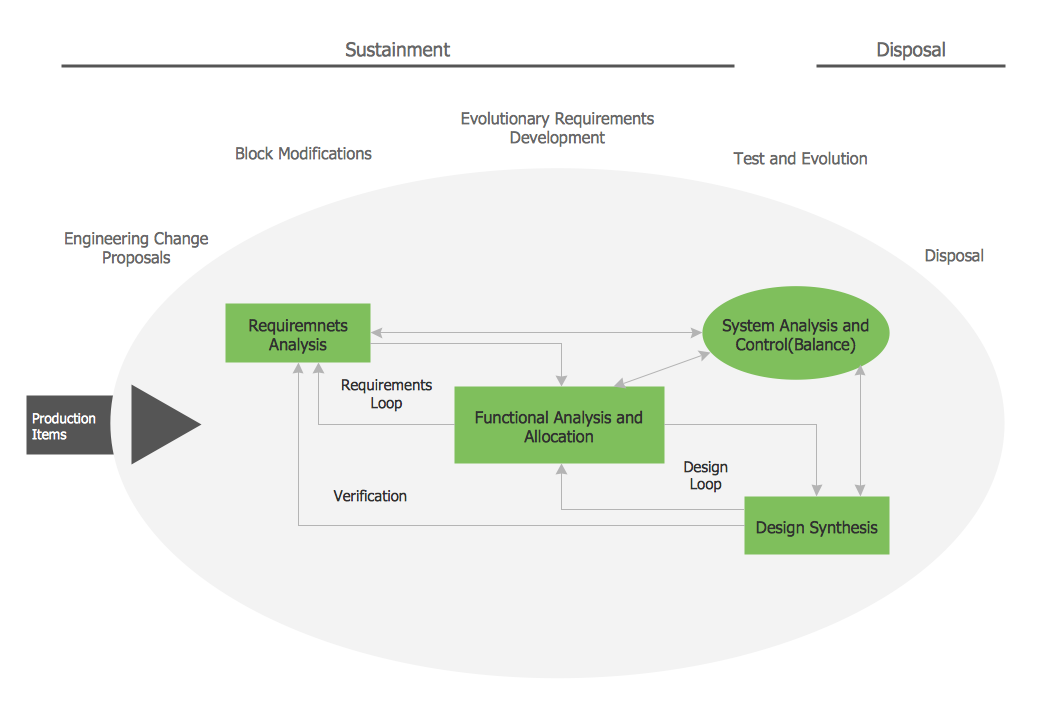
Picture:
Flowchart of Products
Flowchart Examples
Related Solution:



