Made with
ConceptDraw
DIAGRAM 18

Product Overview

ConceptDraw DIAGRAM offers a wide choice of powerful and easy-to-use tools for quickly creating all kinds of charts and diagrams. Even if you've never used a drawing tool before, it's very easy to create high-quality professional graphic documents with ConceptDraw DIAGRAM That's possible thanks to the program's intuitive interface, comprehensive drawing capabilities, and many pre-drawn library shapes. Templates will help to quickly create most common documents.

ConceptDraw DIAGRAM as a component of ConceptDraw Office

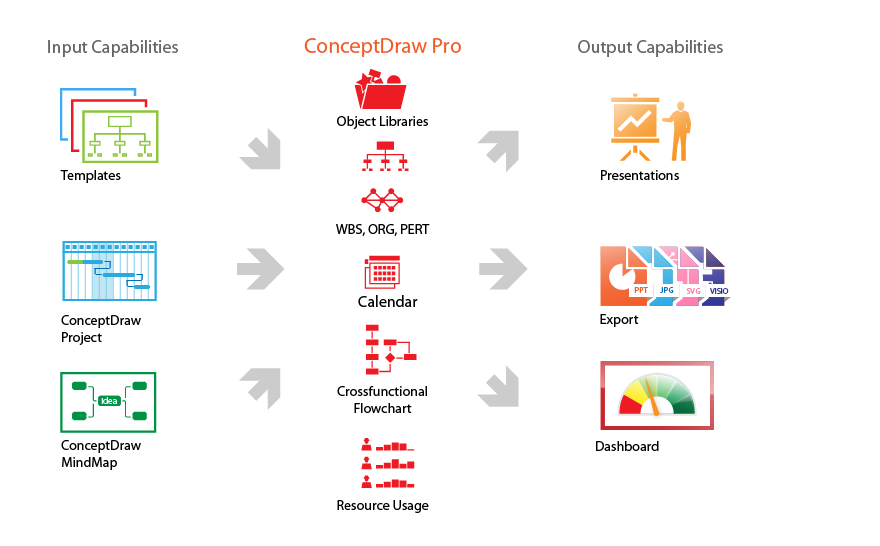
The comprehensive professional features of ConceptDraw DIAGRAM deliver developing graphical enclosures to projects you work with. As a drawing tool, ConceptDraw DIAGRAM recommended to be used as a 'Project Whiteboard' to visualize necessary business and project-related information in the form of charts and diagrams; to organize project Work Breakdown Structure (WBS), and to track tasks execution on an intelligent dashboard.

With ConceptDraw Office ConceptDraw DIAGRAM provides you with the tools you need to generate reports documentation and presentations that entirely reflect project performance.It is a comprehensive tool used to create Work Breakdown Structure (WBS), and track project status on an intelligent dashboard.

Feature Tour

Comprehensive tools for information visualization
Simplest and fastest way to obtain best results
Customize and adjust your issues for perfect result
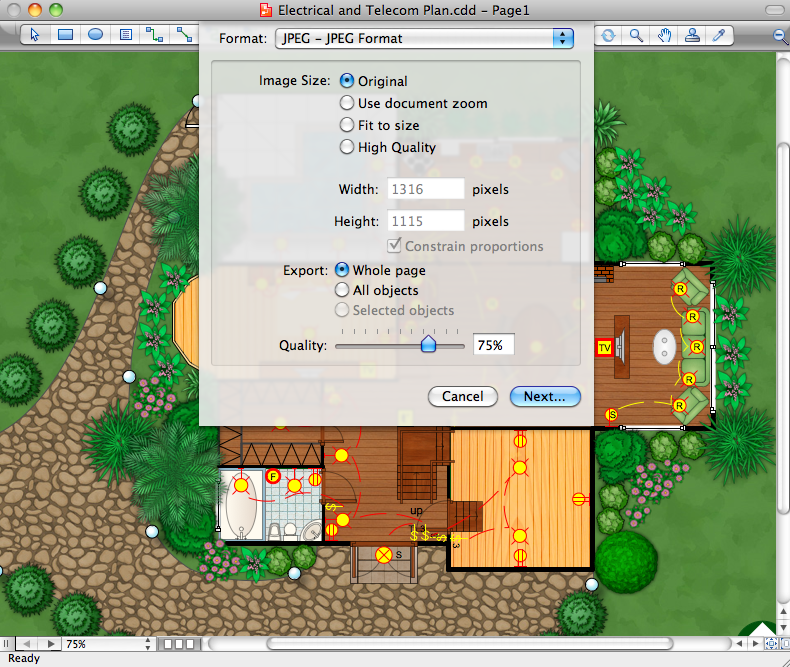
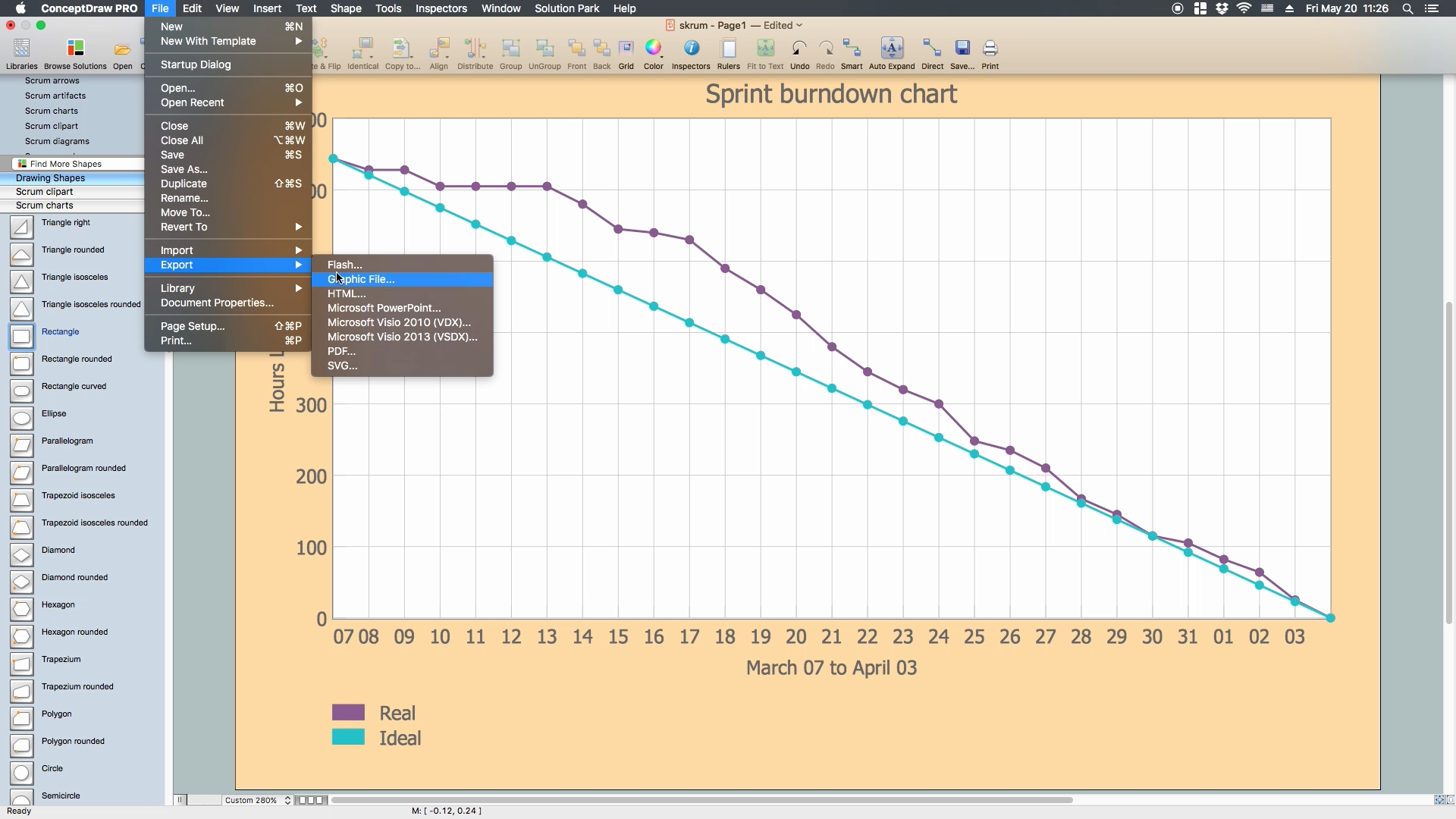
Effectively communicate and share visual information
ConceptDraw Office featured tools
Product Overview *
EIGHT RELATED HOW TO's:
Asynchronous Transfer Mode (ATM) is a high-speed networking standard intended for supporting the voice and data communications. ConceptDraw DIAGRAM is a powerful network diagramming and vector drawing software that provides the Computer and Networks solution with wide set of ready-to-use predesigned vector stencils and examples to help you design the ATM Networks quick and easy.ATM Network. Computer and Network Examples *
Picture: ATM Network. Computer and Network Examples
Related Solution:
Talking about interior design, we usually mean apartments, houses or establishments. But there’s much more to this, for instance, interiors in warehouses, storage and distribution departments and machine shops also require designing. You can find all the necessary design elements such as cranes and forklifts in Plant Layout Plans solution ConceptDraw Solution Park. This picture represents content of the Storage and Distribution library, providing the collection of vector images designed to plan layouts of industrial storage facilities (warehouses). Warehouse is a premises and equipment intended for the reception, distribution and storage of products manufactured at the plant, as well as to preparation the product for shipment to the consumer. This vector images library is supplied with ConceptDraw Plant Layout Plans solution. it will help to industrial architects and planners to design plans for industrial storage and shipping facilities.Interior Design
Picture: Interior Design. Storage and Distribution — Design Elements
Related Solution:
UML Activity Diagram illustrates the business and operational step-by-step workflows of components in a system and shows the overall flow of control. You can use the appropriate stencils of UML notation from UML Activity library with 37 objects. ConceptDraw is ideal for software designers and software developers who need to draw UML Activity Diagrams. Use ConceptDraw DIAGRAM diagramming and vector drawing software enhanced with Rapid UML solution from ConceptDraw Solution Park to create your own UML activity diagrams that show the business and operational workflows of components and overall flow of control in your systems. Such software provides coloring UML diagrams for various purposes and simplifying work of the engineers.UML Activity Diagram *
Picture: UML Activity Diagram
Related Solution:
ConceptDraw DIAGRAM application is perfect for creating workflow diagrams. This application contains specific features and technologies designed to draw diagrams faster, such as RapidDraw and Arrows10. ConceptDraw DIAGRAM software extended with the Workflow Diagrams solution gives you a flexible tool to draw any kind of workflow.Workflow Application *
Picture: Workflow Application
Related Solution:
If it is necessary for you to create the building plan you can draw it manually on the sheet of paper, but also you can use special software. With the help of ConceptDraw you can create the building plan of any difficulty. Thanks to special templates and objects libraries this won't take you much time and won't demand special skills.Building Plans with ConceptDraw DIAGRAM
Picture: Building Plans with ConceptDraw DIAGRAM
Related Solution:
Android is an operating system based on the Linux kernel and developed by Google for smartphones, tablet computers, electronic books, netbooks, smartbooks, digital players, watches, game consoles, TV and other devices. ConceptDraw DIAGRAM extended with Android User Interface Solution from the Software Development Area is a powerful software with extensive drawing tools which can help you to build the intelligible, attractive and easy for perception Android GUI for your application.Android GUI *
Picture: Android GUI
Related Solution:
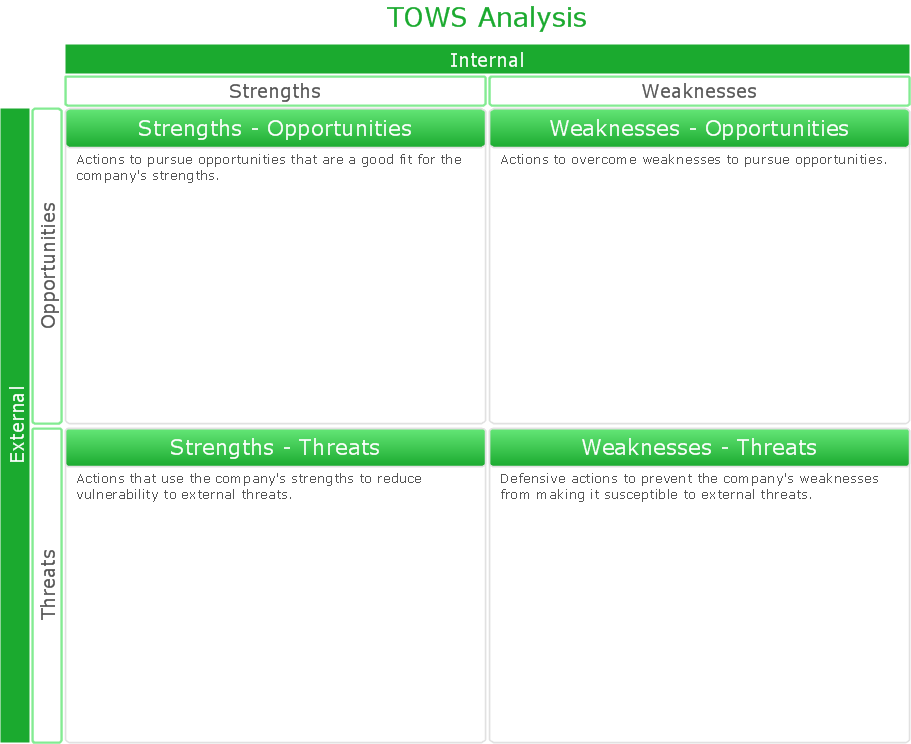
If you have doubts about some situation, there are tools that might help you. First used in the Stanford Research Institute in the 60s, SWOT analysis is a great solution and if you need to build a strategy, this tool is very effective. As a result, you will get the clear idea of all the opportunities and threats you might face. This matrix was build for a TOWS analysis performance. A TOWS analysis includes the same process of listing strengths, weaknesses, opportunities and threats as a SWOT analysis. But, unlike SWOT, TOWS analysis primarily takes into account threats and opportunities and then at least - weaknesses and strengths. This is also a is a strategic planning tool. Beyond making a matrix, the strategy manager should investigate ways the organization can take edge of opportunities and reduce threats by turning to advantage strengths and weaknesses. Making SWOT and TOWS analysis uses the same approach and outputs close results. ConceptDraw SWOT and TOWS Matrix Diagrams solution supplies templates of matrices, that help to list clearly the constituents of SWOT and TOWS analysis.SWOT Analysis Solution - Strategy Tools *
Picture: SWOT Analysis Solution - Strategy Tools
Tools to do presentation of mindmaps via Skype.How to do presentation of Mind Maps via Skype conference call? *
Picture: How to do presentation of Mind Maps via Skype conference call?
Related Solution:
ConceptDraw
DIAGRAM 18