Business Process Flow Diagram
Business Process Flow Diagram is a graphical presentation of business processes and process flows. Business Process Flow Diagrams are one of the main tool of business analysis and business process re-engineering. They let identify and easy understand process flows within organization, the parts that form the flow and visually represent who interacts with what.
These diagrams help business managers understand, analyze, and optimize workflows, identify bottlenecks, and improve overall efficiency.
What it is:
- A visual representation of a business process, illustrating the flow of activities and tasks.
- Uses symbols and lines to show the steps, decisions, and connections within a process.
- Helps understand how a process starts, proceeds, and ends.
Why it's useful for business managers:
- Improved understanding: Simplifies complex processes for better comprehension by all stakeholders.
- Identification of bottlenecks: Helps pinpoint areas where processes slow down or get stuck.
- Efficiency improvements: Enables the identification of redundancies and opportunities for optimization.
- Better communication: Provides a clear, visual language for discussing and improving workflows.
- Enhanced decision-making: Supports data-driven decisions by providing a clear view of the process.
ConceptDraw DIAGRAM extended with Business Process Workflow Diagrams solution from the Business Processes area of ConceptDraw Solution Park is a powerful software which lets easy design Business Process Flow Diagram of any complexity.

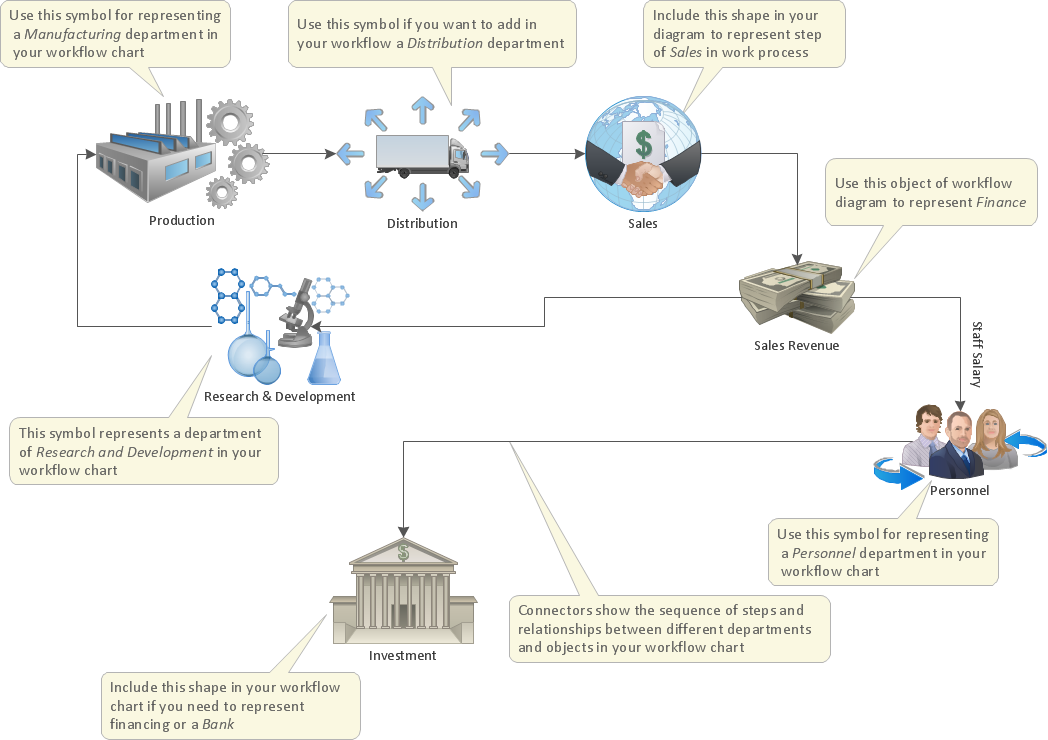
Example 1. Business Process Flow Diagram
Business Process Workflow Diagrams Solution for ConceptDraw DIAGRAM allows you to draw complex and detailed Business Process Flow Diagrams. It offers a number of libraries — 10 libraries with 317 ready-to-use vector objects which make the drawing process fast and easy.

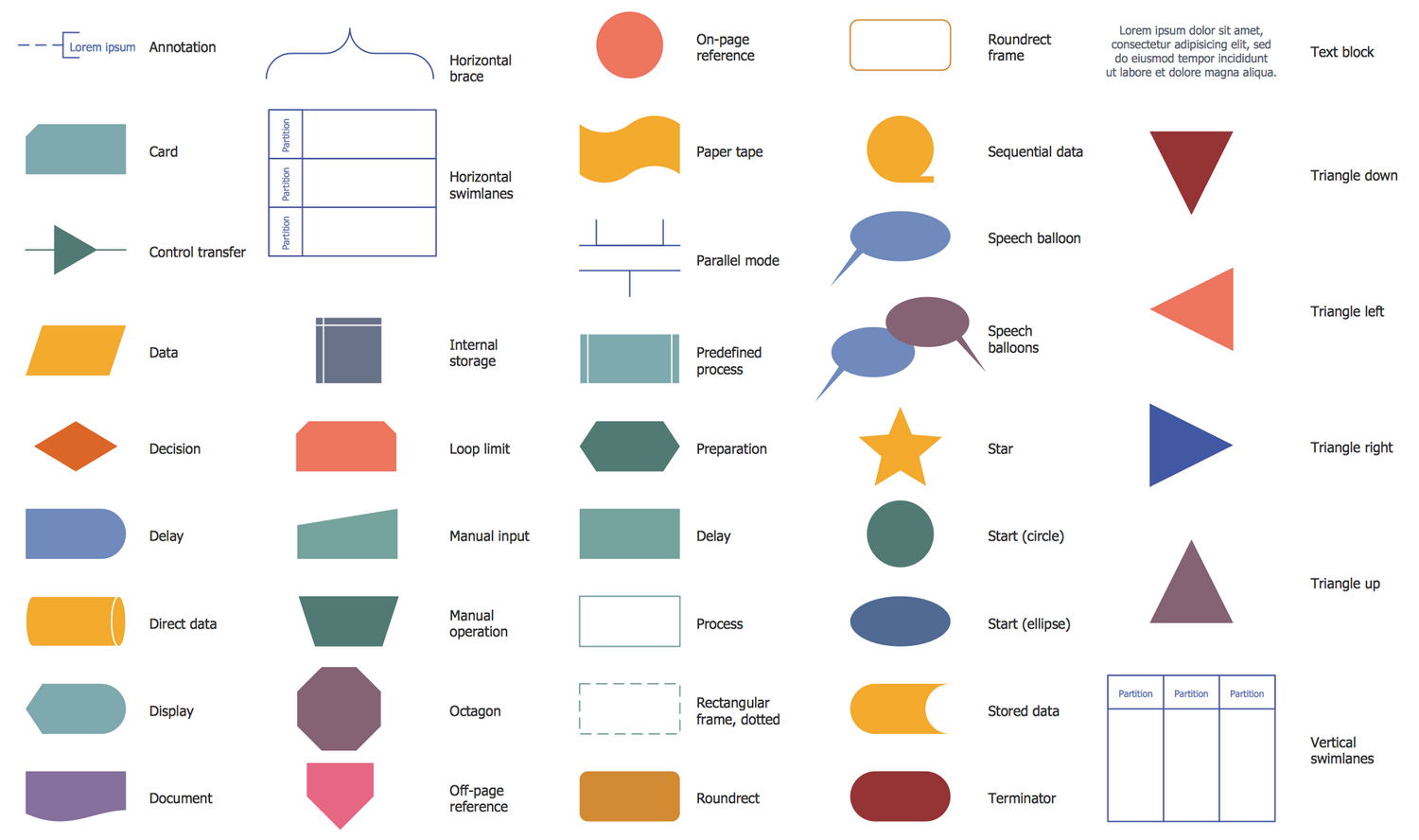
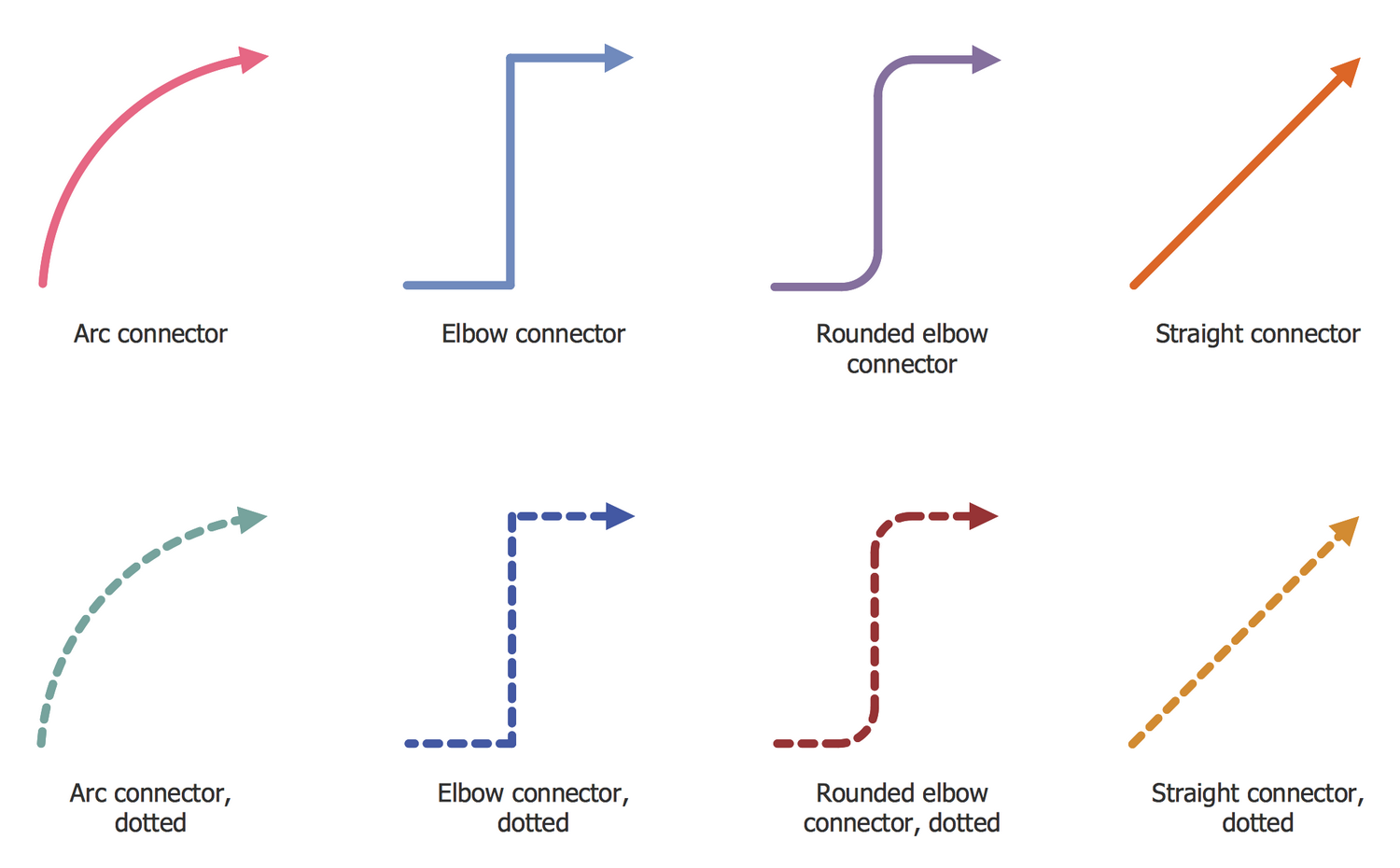



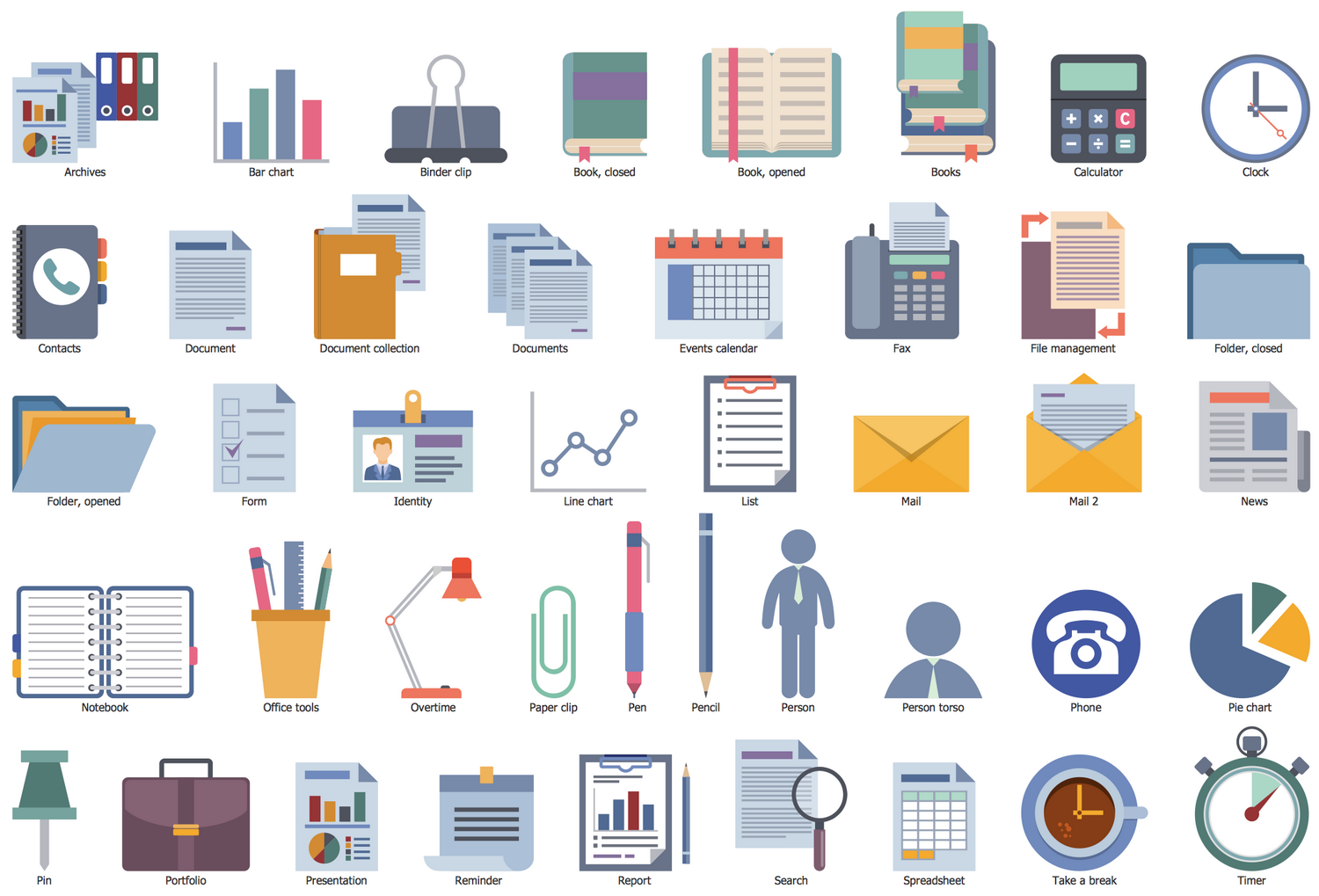
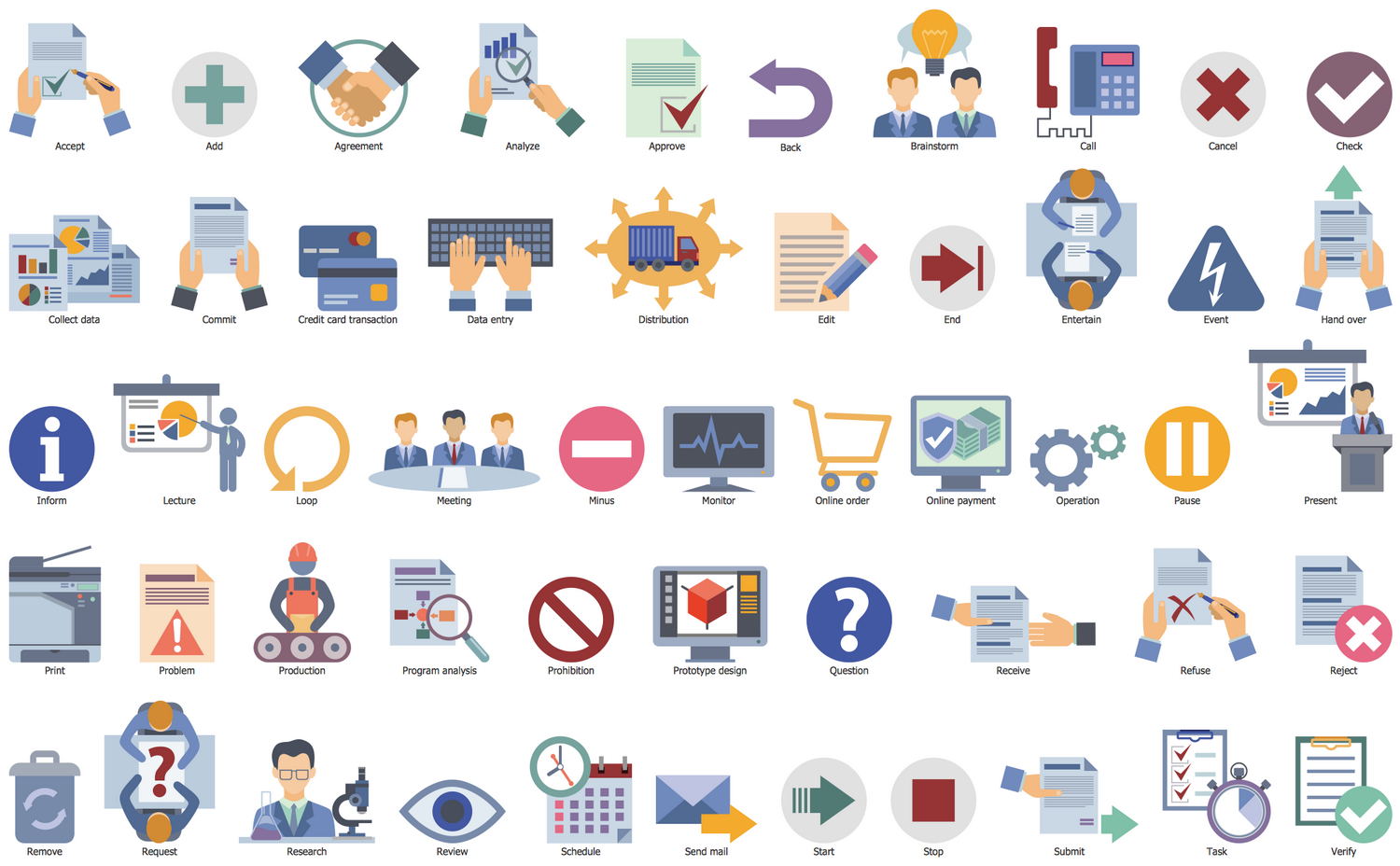
Business Process Workflow Diagrams Solution includes also variety of professionally designed samples and examples represented at ConceptDraw STORE. Any Business Process Flow Diagram you desire can be easy opened in ConceptDraw DIAGRAM and used as a quick start when drawing your own diagram.
Pay special attention to the style of your diagram, a lot of formatting settings of ConceptDraw DIAGRAM provide an excellent opportunity to make your Business Process Flow Diagrams unique, colorful and attractive.
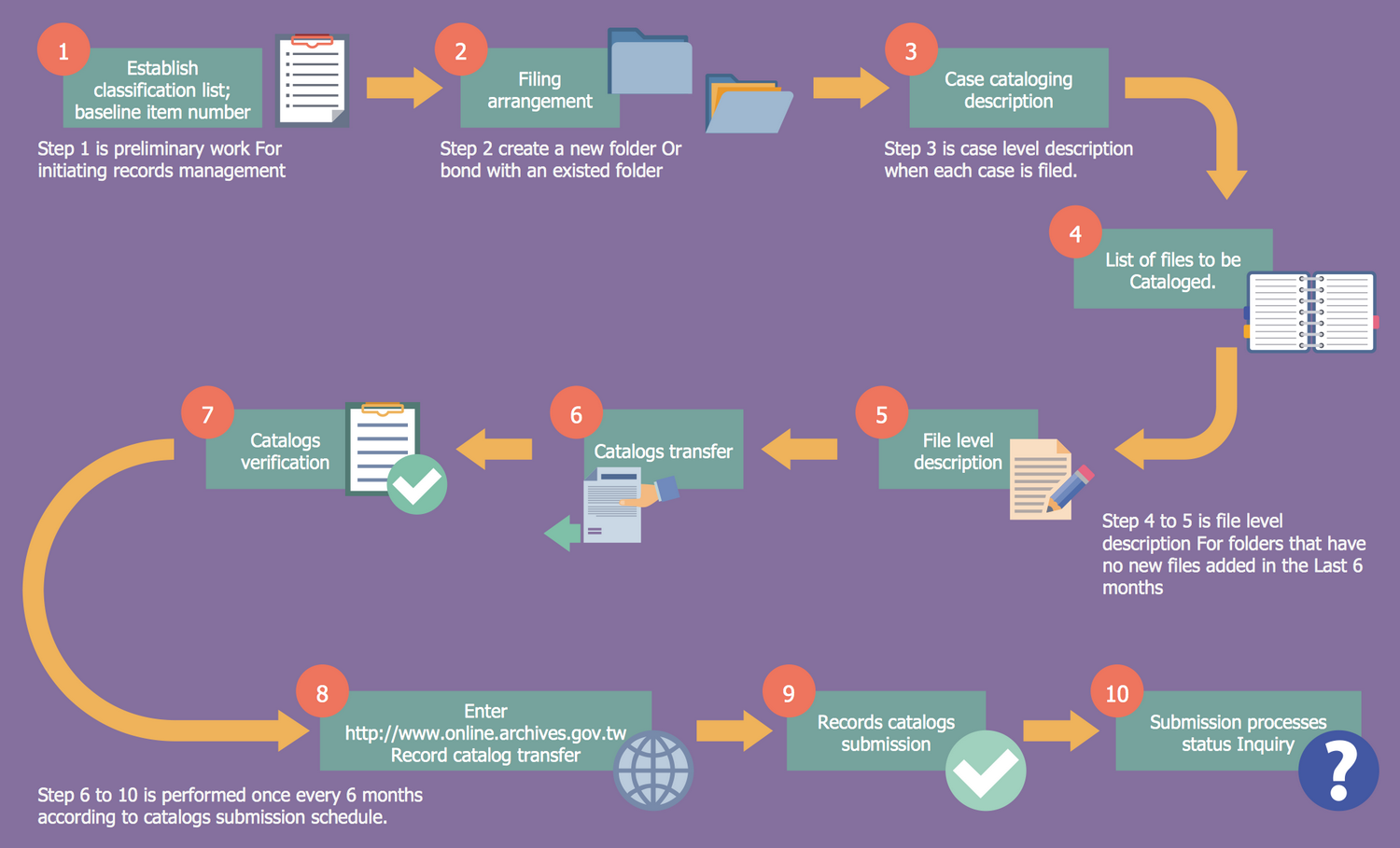
Example 2. Government Records Cataloging Flow
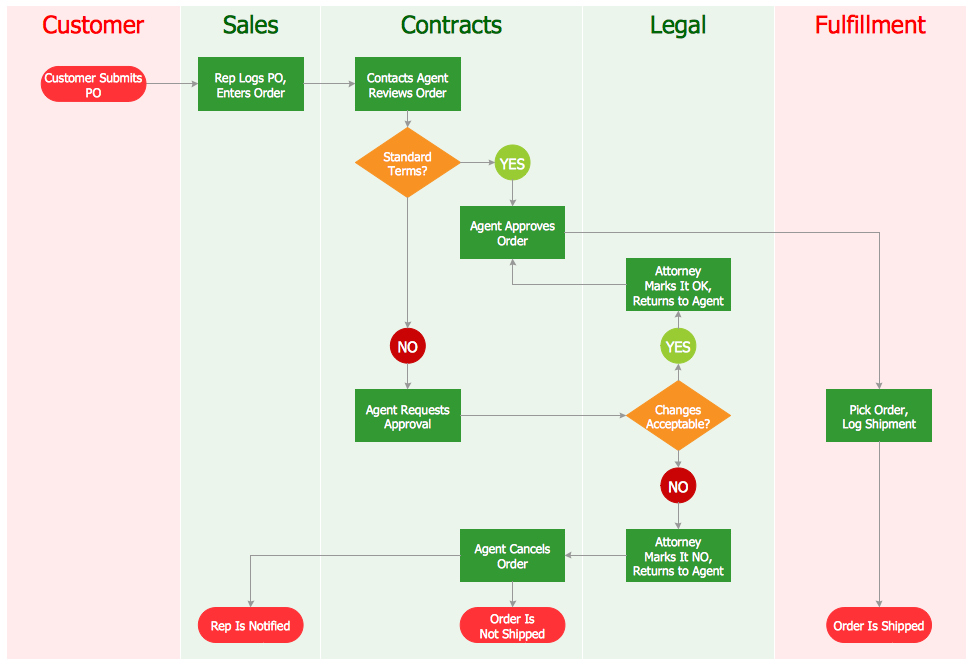
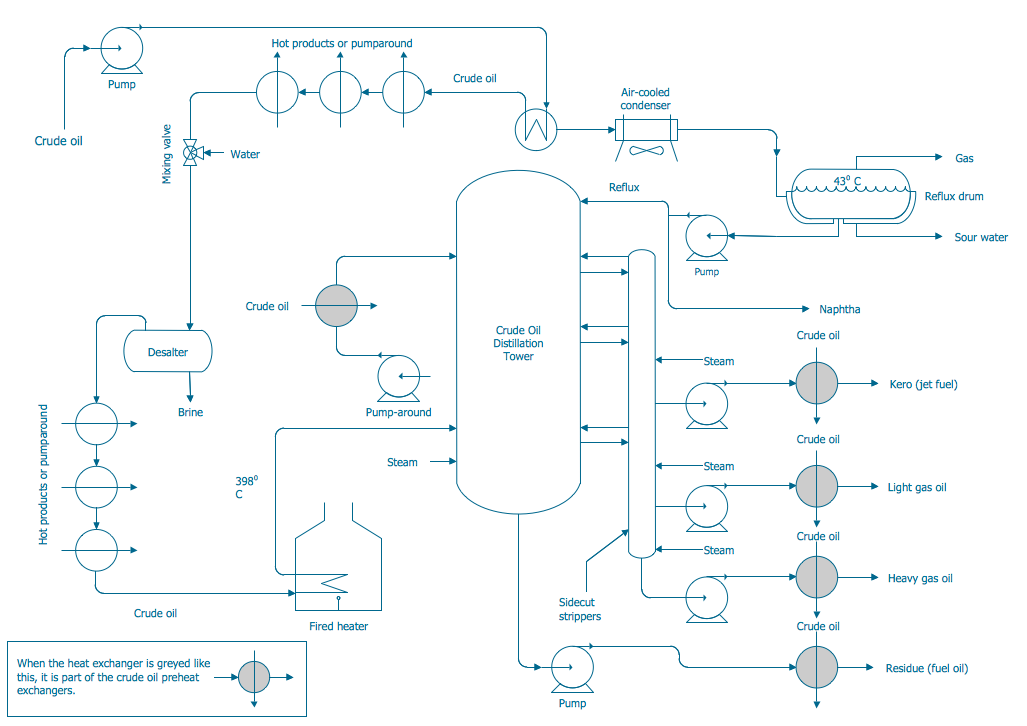
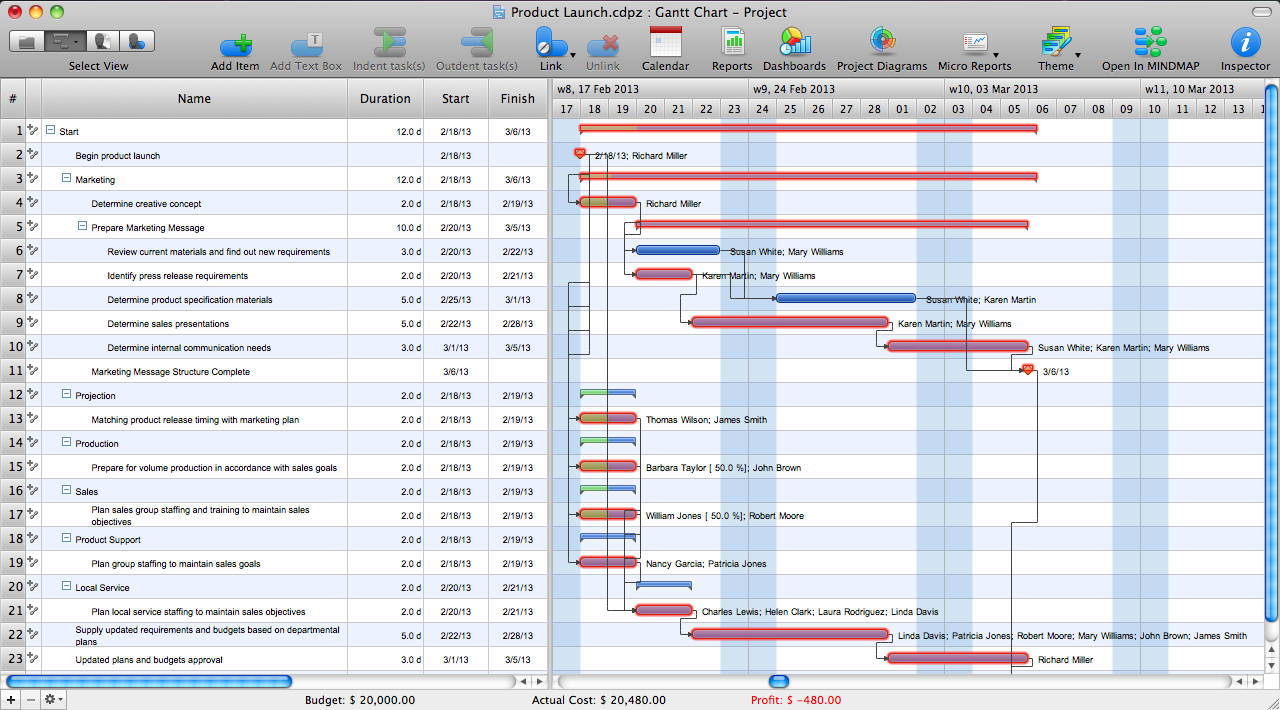
The samples you see on this page were created in ConceptDraw DIAGRAM using the Business Process Workflow Diagrams Solution. They successfully demonstrate solution's capabilities and professional results you can achieve using it. An experienced user spent 10 minutes creating each of these samples.
By using Business Process Flow Diagrams, Managers in Product and Business Analysis can gain a clear understanding of their workflows, identify areas for improvement, and ultimately enhance business efficiency and productivity. To take this a step further, many companies hire a freelance business analyst to guide the process with professional insight and ensure their diagrams translate into real operational improvements.
Use the Business Process Workflow Diagrams Solution for ConceptDraw DIAGRAM software to create your own professional looking Business Process Flow Diagram quick, easy and effective, and then successfully use it in your work activity.
All source documents are vector graphic documents. They are available for reviewing, modifying, or converting to a variety of formats (PDF file, MS PowerPoint, MS Visio, and many other graphic formats) from the ConceptDraw STORE. The Business Process Workflow Diagrams Solution is available for all ConceptDraw DIAGRAM or later users.
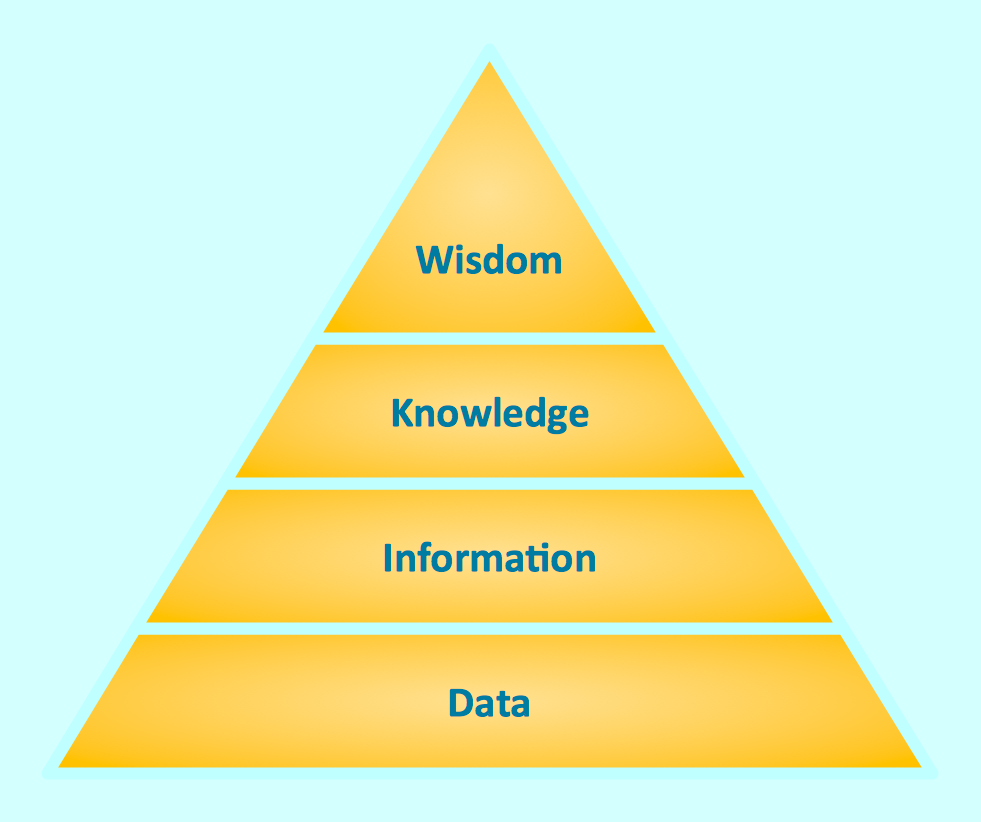


This sample shows the Workflow Diagram that clearly illustrates stages a BPM consists of and relations between all parts of business. The Workflow Diagrams are used to represent the transferring of data during the work process, to study and analysis the working processes, and to optimize a workflow.