
Start with ideas.
Continue with a project plan.
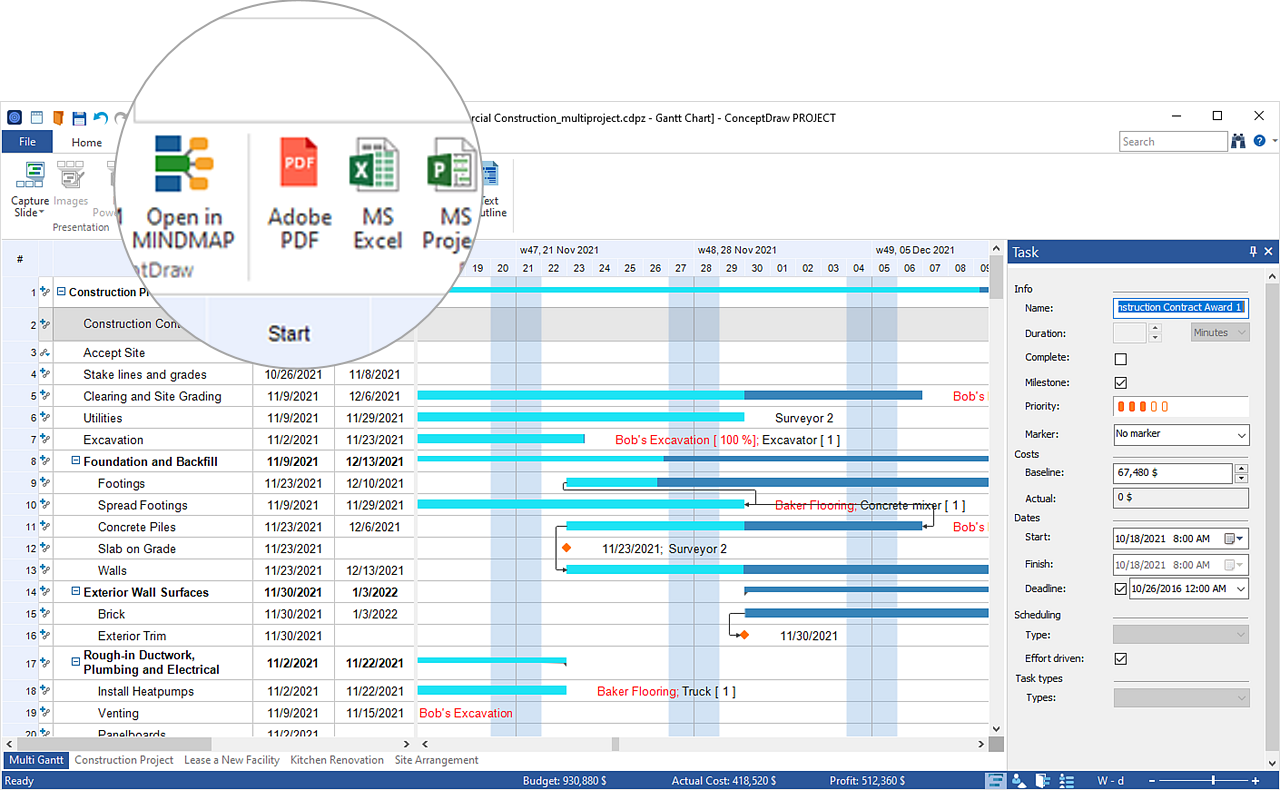
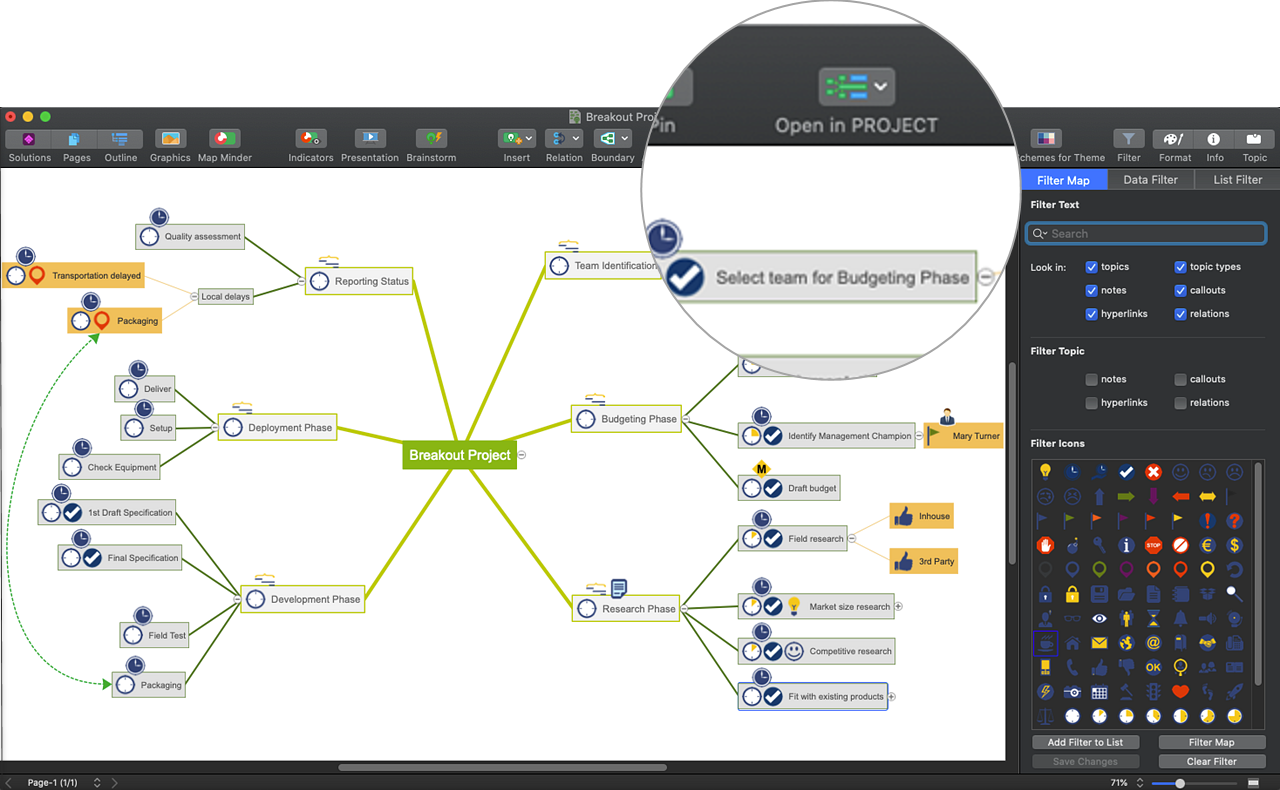
Use INGYRE's “Open in…” feature to move between ConceptDraw MINDMAP and PROJECT. Develop your project visually, then work with its phases and tasks in a planning workspace.
Two perspectives.
A connected workflow.
Choose a mind map to explore the structure of your project or a Gantt chart to develop its plan. “Open in…” carries your project information into the application you need next.
Turn the map into a plan.
Choose “Open in PROJECT” from your project mind map. Topics can become phases and subtopics can become tasks. Continue in PROJECT to complete the task details.
See the project as a map.
Choose “Open in MINDMAP” to view your project visually. Project information is represented with corresponding topic types, retaining the associated data for review in the map.
Change the view.
Keep developing the work.
A map helps you explore how the work fits together. A project plan helps you develop the details. Move between these perspectives as your focus changes from defining the work to planning and reviewing it.
From a team brainstorm
to a structured project.
Start in MINDMAP to identify the work and organize tasks into branches. Use that structure as the foundation for your project plan.
- Define the work. Capture tasks during a brainstorm and arrange them into a project breakdown.
- Develop the plan. Choose “Open in PROJECT” and fill in the task data in the project workspace.
- Review the whole picture. Choose “Open in MINDMAP” when you want a visual overview of the project.