
Plan the work.
Make progress clear.
Bring project planning and visual communication together with ConceptDraw DIAGRAM & PROJECT. Turn project information into reports, diagrams, and dashboards that help your team understand the work.
Two focused applications.
A connected project workflow.
Develop the plan in PROJECT, then use DIAGRAM to present project information and document workflows. Each application brings tools suited to its part of the work.
Build and track the plan.
Set task durations, dependencies, dates, and resources. Use Gantt charts, a shared resource sheet across projects, and resource usage analysis to review the plan as work develops.
Explore PROJECTExplain the work visually.
Create workflow diagrams and visual project documentation. Start with stencils and example drawings from task-oriented solutions, then adapt the visuals to your project's needs.
From daily tracking
to a shared understanding.
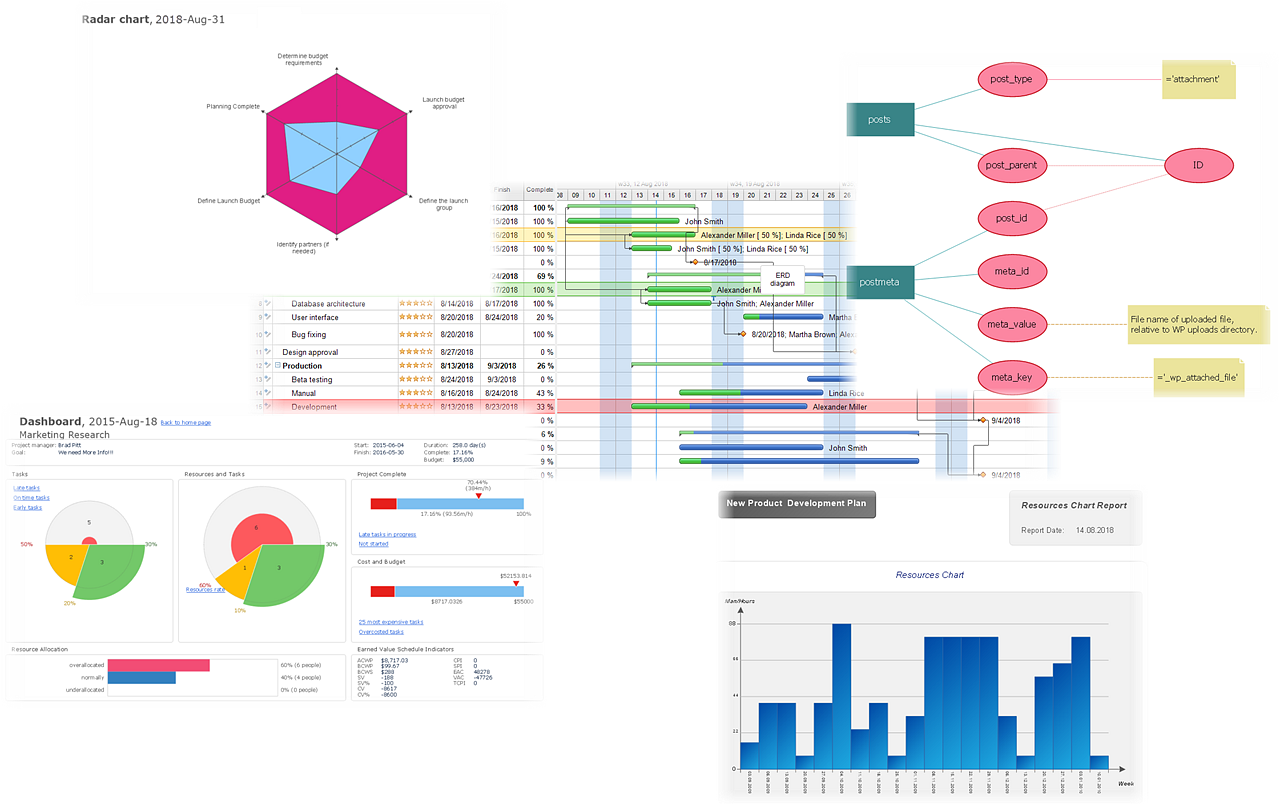
As the project progresses, use its data to generate visual outputs in DIAGRAM. Choose a view that helps your audience review status, understand resource use, or discuss the next milestone.
Choose the view
that answers the question.
Reports, diagrams, and dashboards offer different perspectives on the same project. Select the format that makes the relevant information easy to follow.
Review performance.
Present budget actuals, project progress, resource charts, and task completion. Use these views to focus a review on the indicators that matter.
Explain the structure.
Show schedules and relationships with Gantt charts, milestone charts, timelines, PERT charts, and work breakdown structures.
Bring KPIs together.
Use multipage, multiproject, tactical, or strategic dashboards to present project information at the level your audience needs.
Support the projects your organization runs.
Apply the same planning and reporting workflow to marketing campaigns, events, nonprofit initiatives, public-sector programs, education, construction, and research. Import and export options help you exchange information with other tools, including Microsoft Project compatibility in PROJECT.