

One idea. Many possibilities.
Bring your work together.
Brainstorm, diagram, and plan with ConceptDraw OFFICE.
Make complex work
easy to follow.
Build diagrams with vector libraries, drawing tools, and reusable styles. Rapid Draw connects shapes as you develop a process.
Explore DIAGRAM →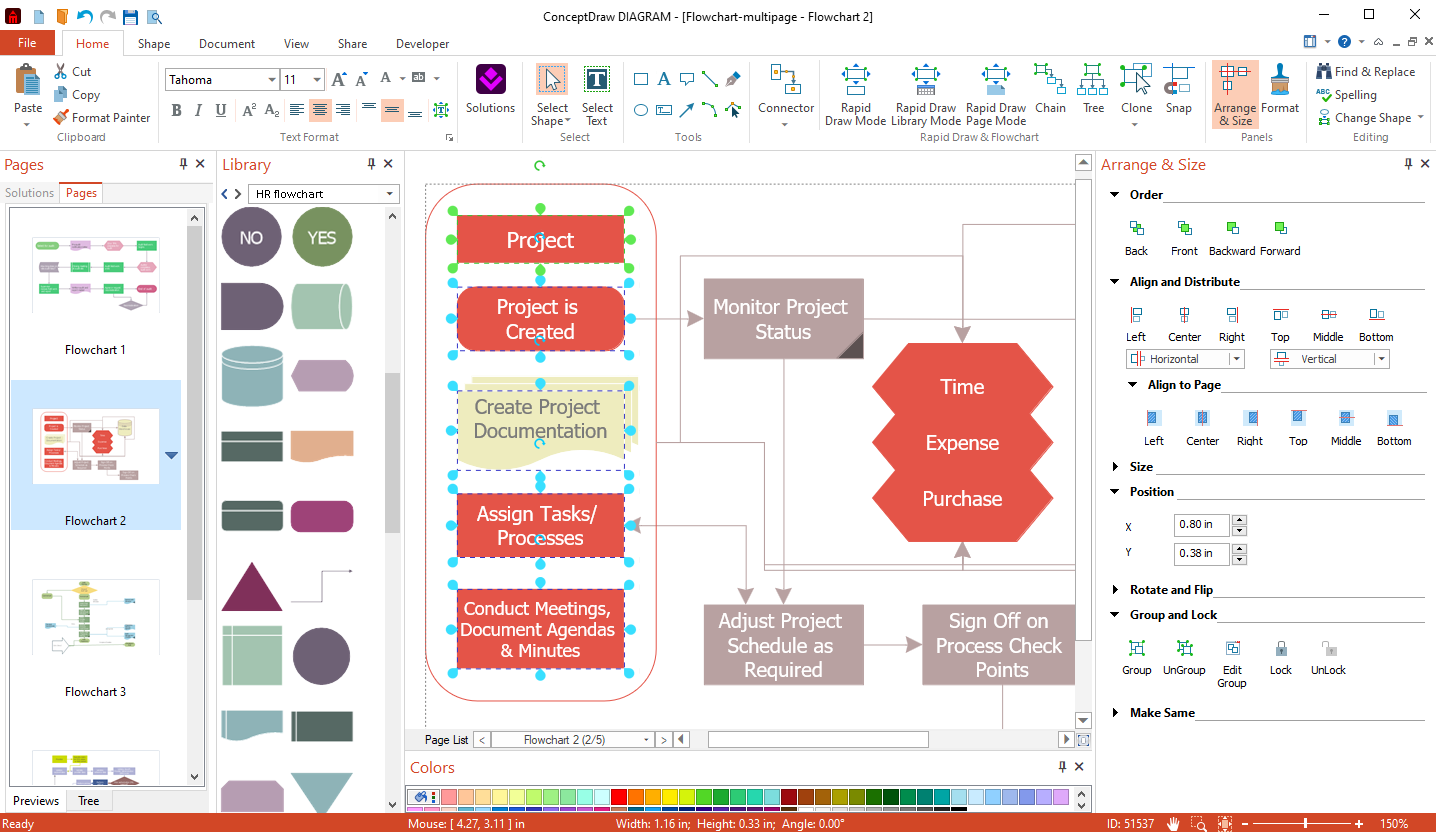
Diagram formatting in ConceptDraw DIAGRAM
Click to enlarge
Give ideas
room to grow.
Capture ideas, organize topics, and add links or attachments. Arrange your map to reveal relationships and explain your thinking.
Explore MINDMAP →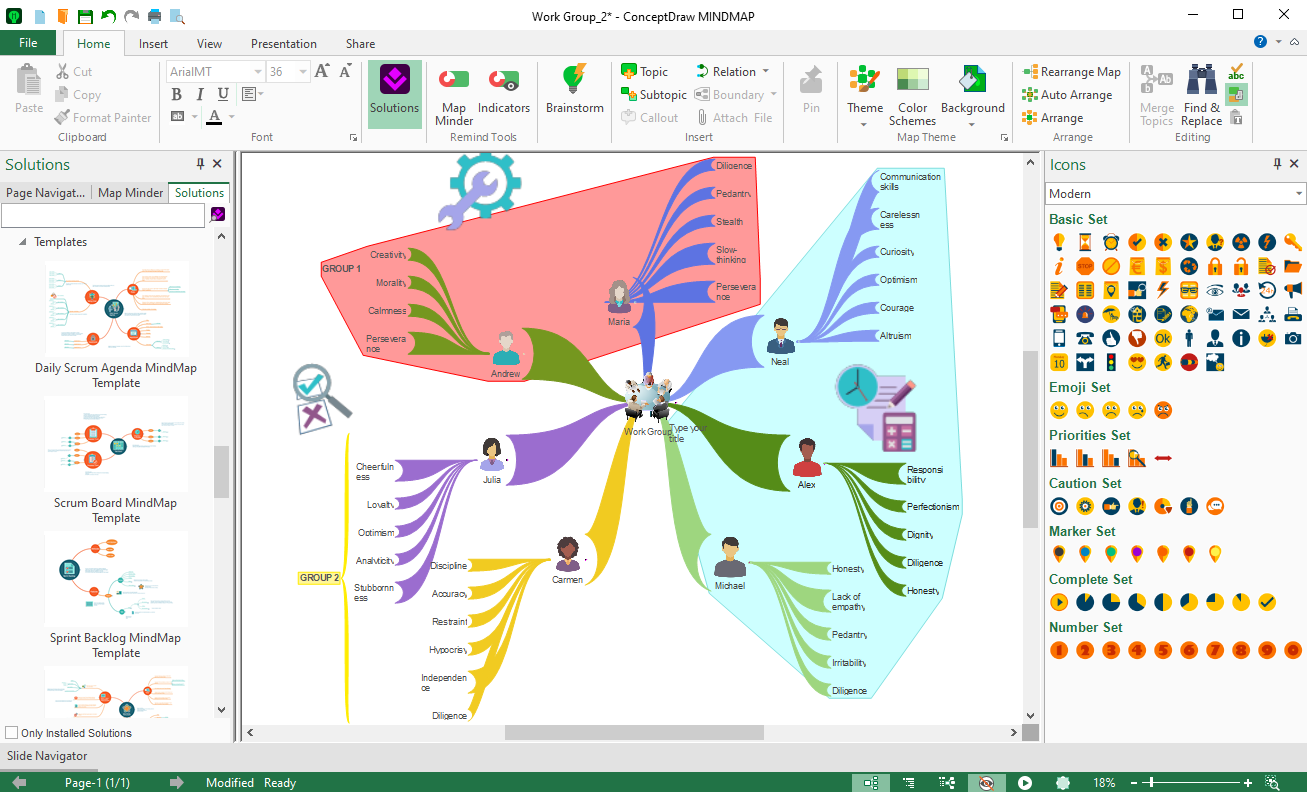
Mind mapping in ConceptDraw MINDMAP
Click to enlarge
See the plan.
Track the progress.
Coordinate schedules, shared resources, and costs across projects. Use the Multiproject Dashboard to review task completion.
Explore PROJECT →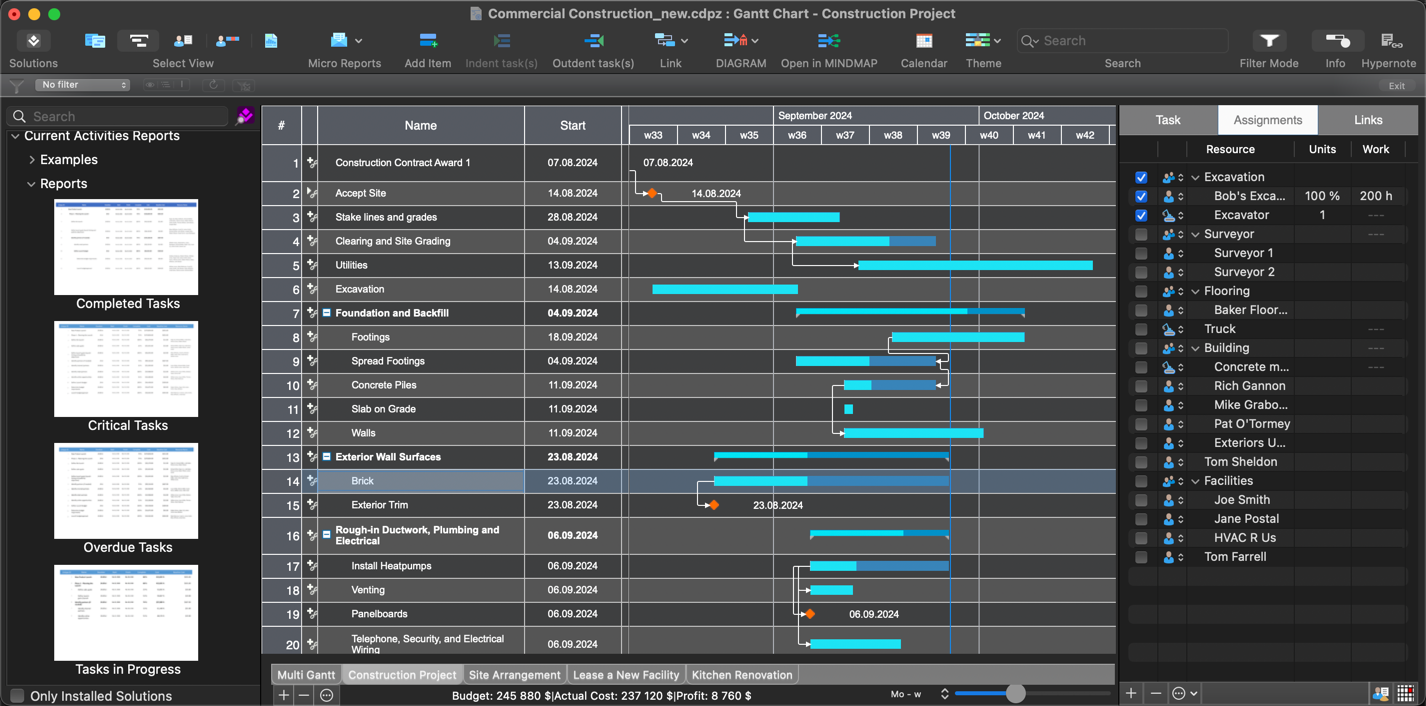
Multiproject planning in ConceptDraw PROJECT
Click to enlarge
Start with
something useful.
Find templates, samples, and libraries for your work. Use STORE to install solutions and manage updates.
Browse solutions →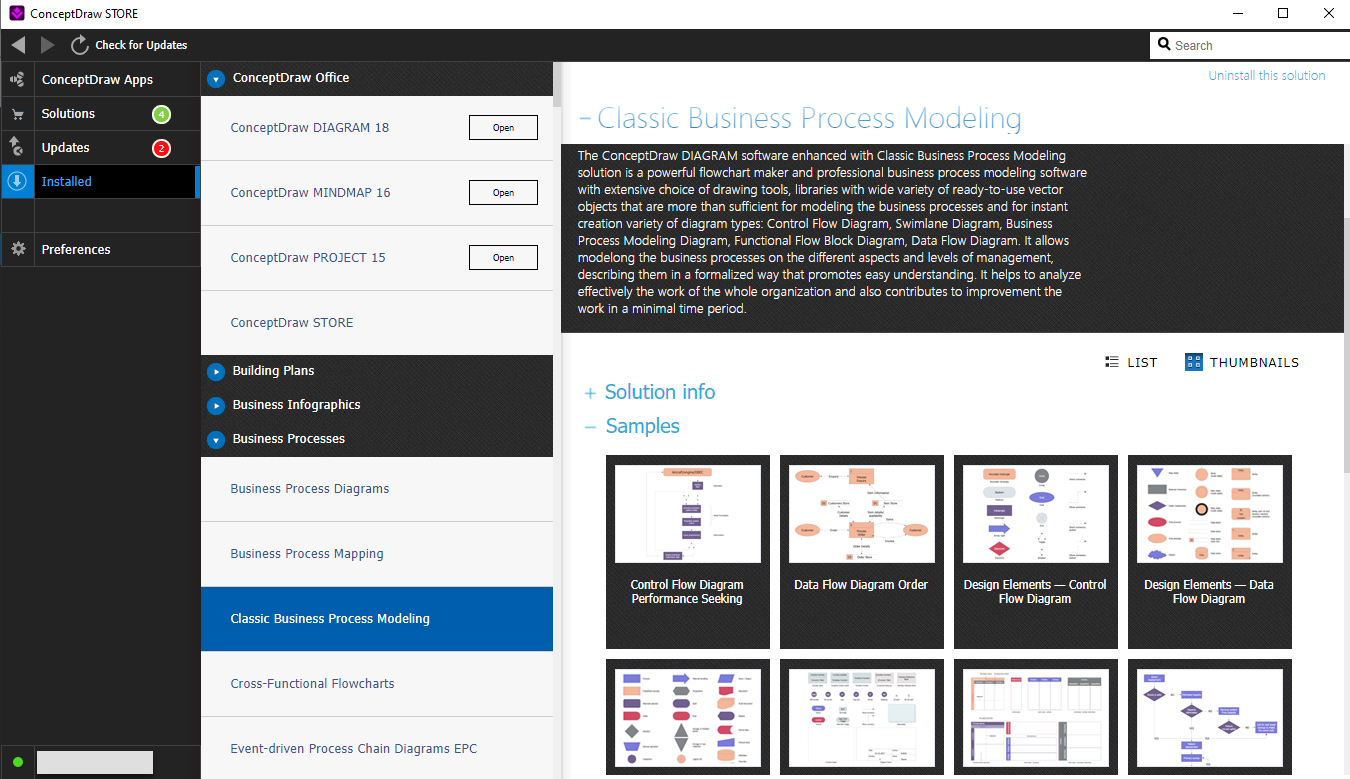
Applications and solutions in ConceptDraw STORE
Click to enlarge
Carry your ideas
into the next stage.
Exchange information between applications. Open a mind map in PROJECT and view your plan as a Gantt chart.
Explore OFFICE →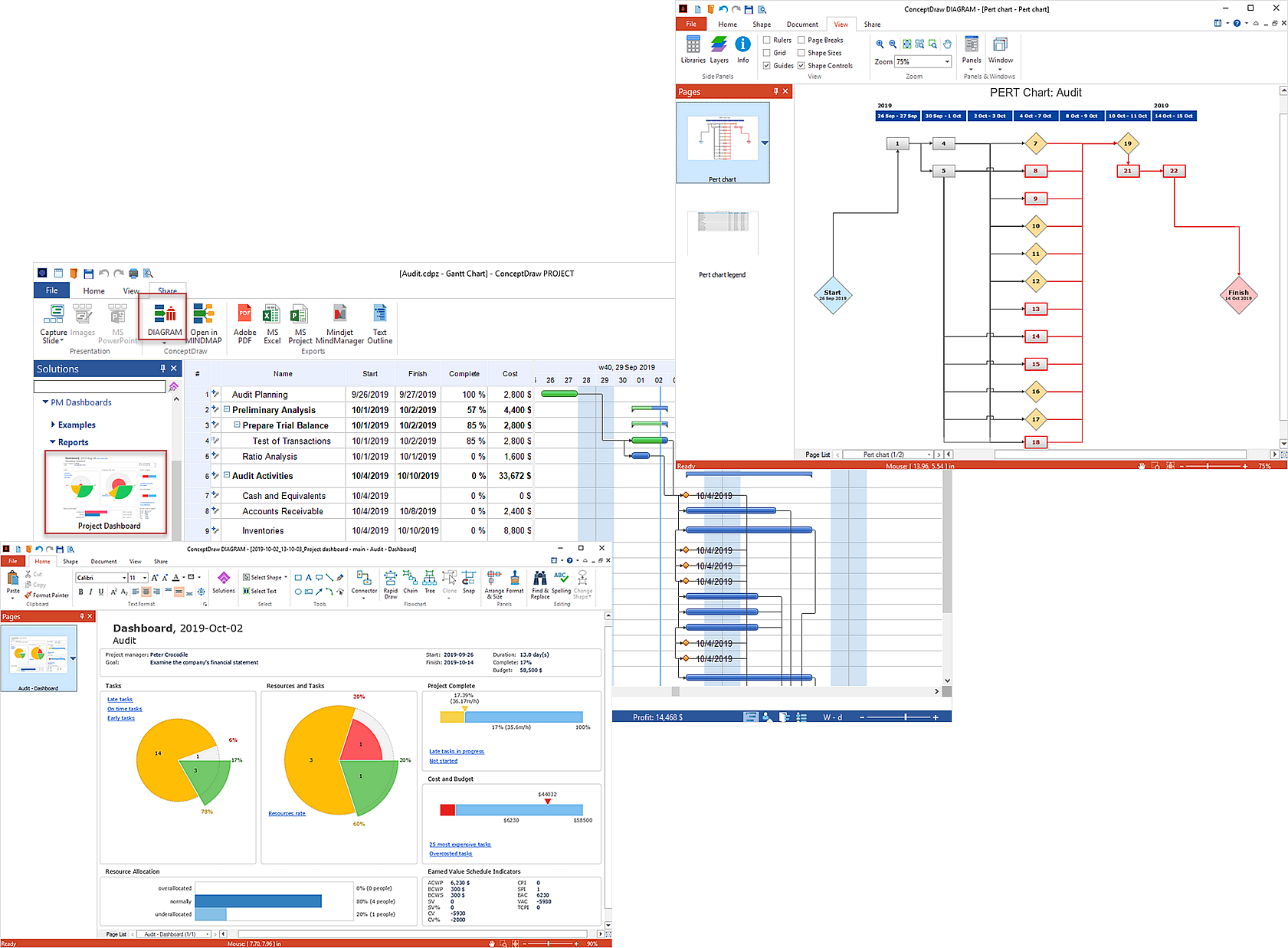
Information exchange across ConceptDraw OFFICE
Click to enlarge
Keep the conversation moving.
File exchange
Work with Visio, Microsoft Project, and Excel formats.
Presentations
Share diagrams and mind maps with your audience.
Reports
Communicate project status through reports and to-do lists.