Ring Network Topology
Ring Network Topology Diagram
A network topology in which each of the nodes connects to two other nodes, resulting in forming a continuous pathway for the signals through each of the nodes known to be called the “rings”, is known to be called as a “ring network”. Data within such networks is known to be traveling from one node to another node, through all the nodes one by one along its way handling every single packet. The mentioned “rings” can be “unidirectional”, having all its traffic travelling clockwise or anticlockwise all the way around the ring. Also, it can be the so called “bidirectional”, providing only one single pathway between two nodes out of many other nodes. A unidirectional ring network is known to be very likely disrupted by the failure of some link appearing to be nearby.
A node failure as well as any cable break may lead to isolation of every single node, which is attached to the “ring”. Some of the ring networks are known to be adding a so called "counter-rotating ring", also known to be called a “C-Ring”. Adding the mentioned ring can be done for forming a redundant topology. Thus, once break happens, a data may get wrapped back on the ring before it reaches the end of the cable. Such data is known to be maintaining a path to every single node all the way along the resulting counter-rotating ring.
The "dual ring" networks are known to be including the so called “Spatial Reuse Protocol”, as well as the “Fiber Distributed Data Interface”, or “FDDI”, and the “Resilient Packet Ring”. The well-known “IBM token ring networks” are also sometimes called as the “802.5 networks”. They are commonly used for avoiding all the possible and existing weakness of a ring topology by using another topology — a “star” one. Such mentioned topology is usually used at the physical layer for imitating a ring at the so called “data link layer”.
Some of the previously mentioned “SONET/SDH rings” have two sets of the bidirectional links, which can be found between the nodes, allowing the failures or maintenance at the multiple points of the same ring resulting in no loss of the primary traffic on the outer ring in a way of switching the traffic on the inner ring after the so called “failure points”.
One of the advantages of using such network topology can be mentioned the convenience of using it for performing in a better way than a bus topology does, especially in the cases of the need of loading under the so called “heavy network”. The mentioned network topology is known to be used within a very orderly network having every device accessing to the “token” having the opportunity to transmit. Such ring network topologies do not require any central nodes for managing the connectivity between different computers. Because of such point to point line configuration of devices with a device on another side, it is quite simple to install as well as to re-configure whatever is needed by removing or adding any device.
Another special feature of the ring network topologies is its “point to point” line configuration, which makes it much simpler to isolate all the previously identified faults. Also, the reconfiguration for line faults of bidirectional rings in ring network topology can be very fast, having all the switching happening at the highest level, leading to the traffic not requiring any individual re-routing.
The disadvantages of the ring network topology: first of all, it is always more difficult to configure using it to compare to using a “star” one as any node adjunction equals to the ring reconfiguration and shutdown. One of the malfunctioning workstations within the ring network topology can create lots of problems for all the network. This can be solved by using a switch or a dual ring used for closing off the break. Every time there’s some moving, changing and adding the devices can affect the entire ring network and the communication delay is known to be directly proportional to the number of all the existing nodes in the ring network.
It is important to remember that any ring network may afford the so called “fault tolerance” to the telecommunication network having two paths between any two nodes on the network. Ring protection is known to be a system commonly used for assuring any needed communications, continuing in the event of failure of only one path. The most widely used protection architectures are “1+1” as well as “1:1”.
In 1+1 architecture, every single protection path is known to be used for protecting the signal having the bridge at the head of the path on a permanent basis, while the switching occurs at its tail end. There are more than two parallel routes are sent in this architecture traffic and the receiving end is known to be selecting the better of the mentioned two signals. Once some failure occurs, the destination switches into one of the alternative paths. The mentioned architecture is quite a widely used for as it is simple for implementing, resulting quite fast restoration. Although, there’s still a drawback, which is the wastage of the bandwidth, occurring for a reason of no traffic traveling through the redundant path.
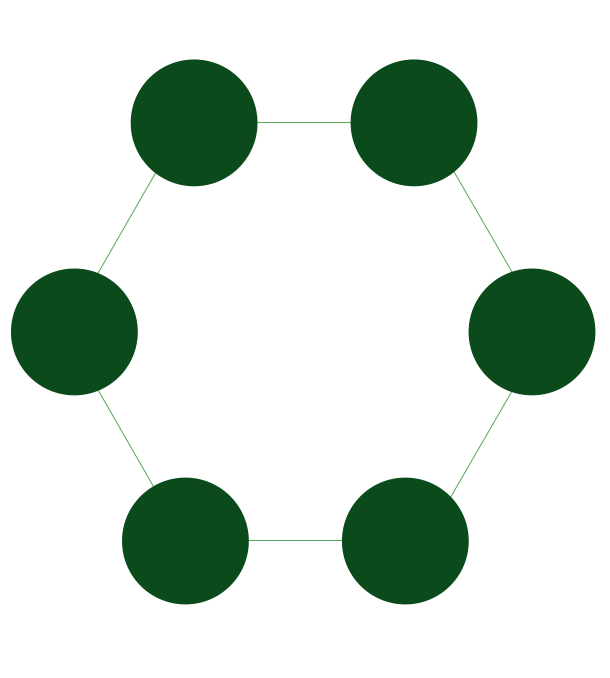
Pic. 1. Ring Network Topology
Drawing the ring network topology diagrams taking into consideration any of the mentioned architectures can be always much simpler using a professional software for completing such tasks. One of the best applications nowadays is ConceptDraw DIAGRAM one, enabling all its users to create a great looking diagram, such as a ring network topology one, especially having the Computer and Networks solution downloaded from ConceptDraw STORE application.
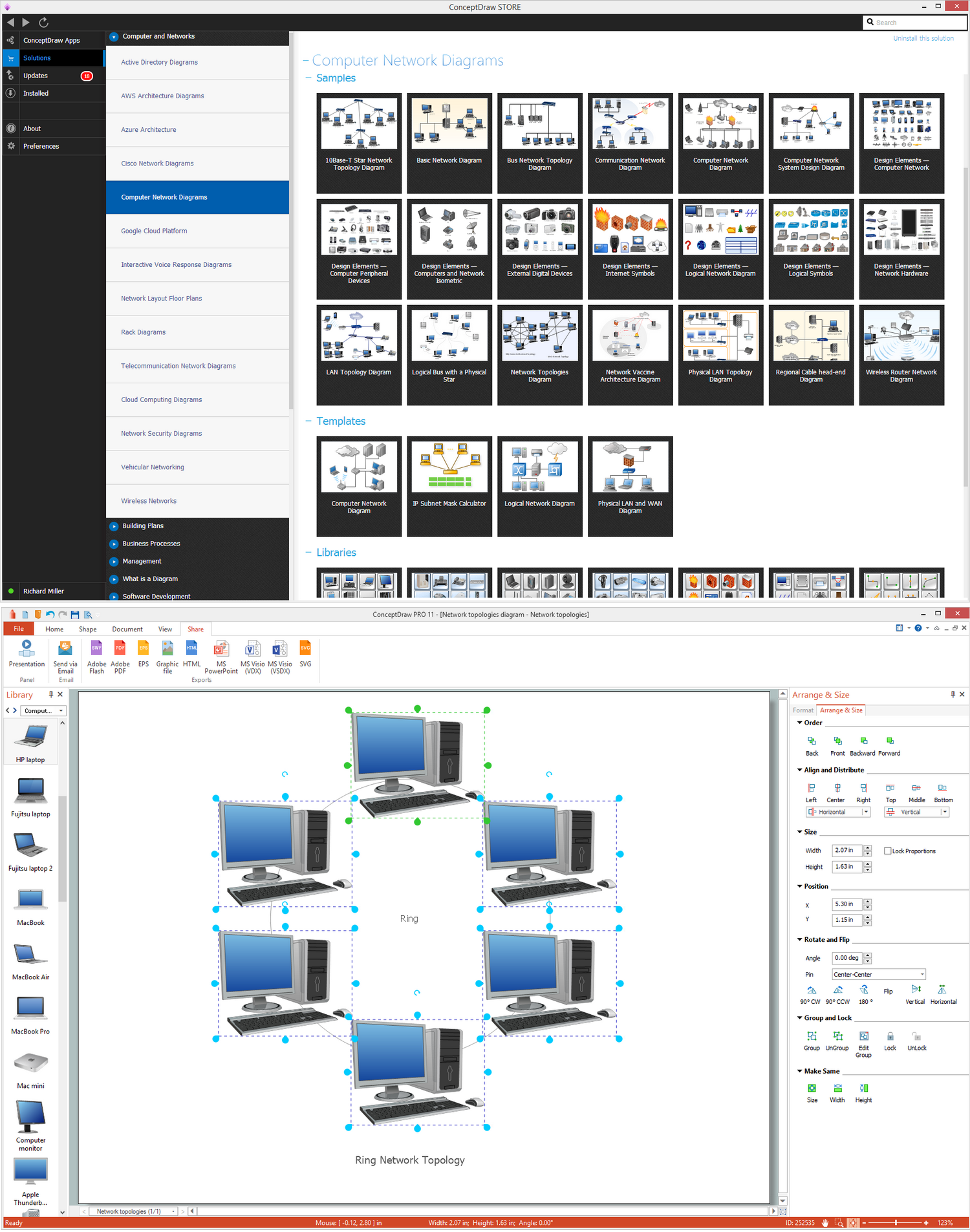
Pic. 2. Ring Network Topology Diagram
Having the ConceptDraw DIAGRAM software means having all the needed tools for making smart looking drawings, at the same time having the ConceptDraw STORE which is meant to be used while working in ConceptDraw DIAGRAM means simplifying your work with creating such diagrams by using the previously developed solutions full of the stencil libraries with the design symbols depending on the subject of your drawing.
See Also Network Topologies:
- Bus Network Topology
- Star Network Topology
- Mesh Network Topology
- Tree Network Topology
- Fully Connected Network Topology
TEN RELATED HOW TO's:The Audio & Video Connectors solution contains a set of pre-designed objects, libraries, templates, and samples; allowing quick and easy diagramming of various configurations of audio and video devices.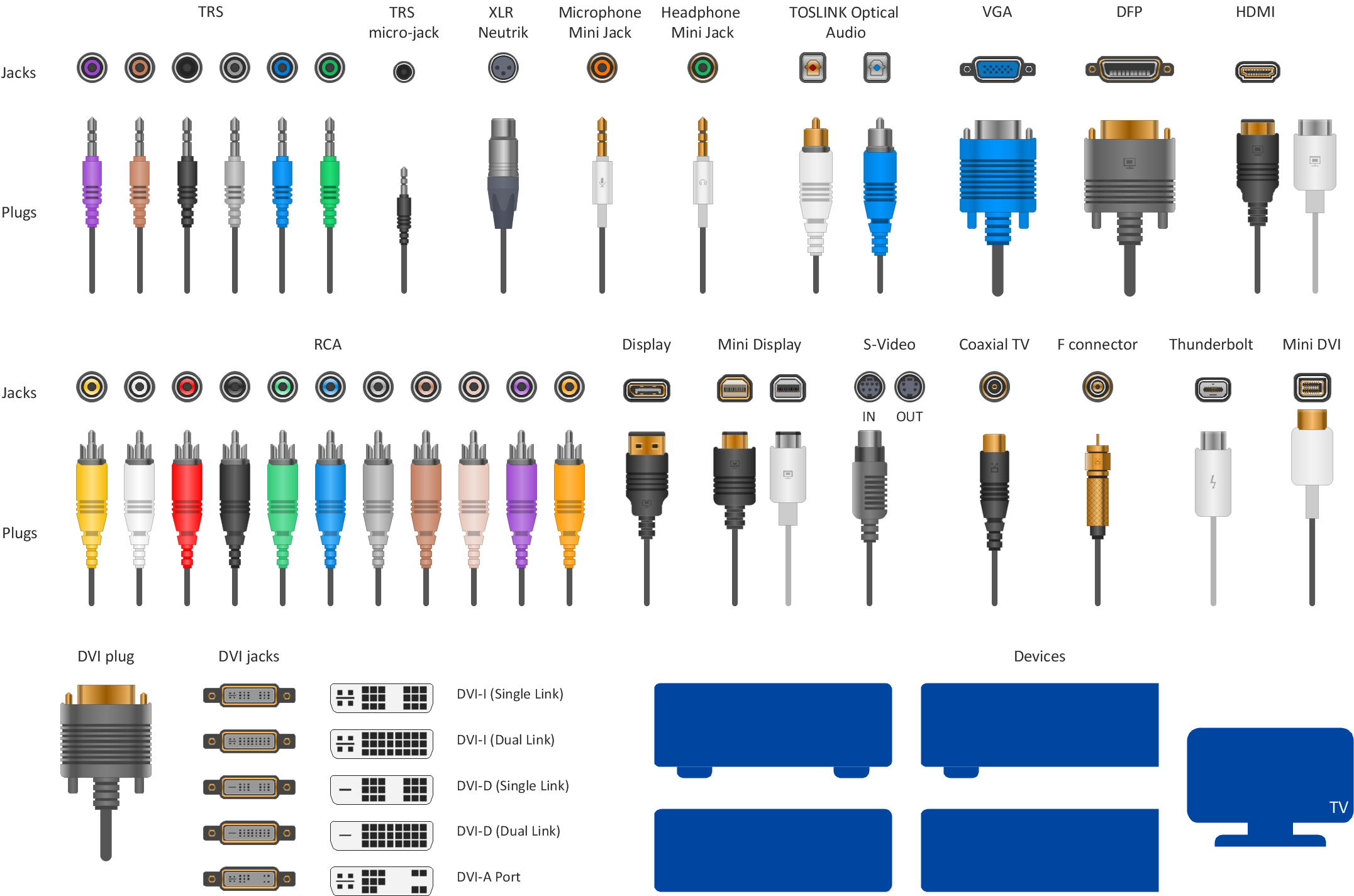 Picture: Audio Visual Connectors TypesRelated Solution:A cozy atmosphere is crucial for the success of any cafe or restaurant. To provide it, you should use restaurant floor plan software at the stage of design. If your establishment is located conveniently and has a harmonic atmosphere inside it, this is bound to be a success. This sample Restaurant floor plan illustrates the possibilities of ConceptDraw solution for Cafe and Restaurant plans. It represents the location of the restaurant's main hall with its furnishing as well as a plan of kitchen and toilets. Generally, Cafe and Restaurant Plans solution has a big set vector images of tables, seats, lightening, etc. Using them you will be able to plan the restaurant of your desire with an incredible design and spirit.
 Picture: Restaurant Floor Plan SoftwareRelated Solution:It’s very important for any establishment to have a fire exit plan and to train it several times a year. The plan must be put on each floor of the building in a way that it could be easily seen. To make the plan clear and descriptive, you should look through examples and then create one for you your building. Find out the fire exit plan example created with ConceptDraw DIAGRAM and its Fire and Emergency Plans solution. This plan is a floor plan that shows the ways in which people inside the building can be evacuated in the event of a fire. The location of telephones, fire extinguishers and first aid kits are indicated on the fire exit plan. The Legend in the lower right corner of the plan makes it clear and easy-to-read. Such plan should be placed on the wall on each floor of the building.
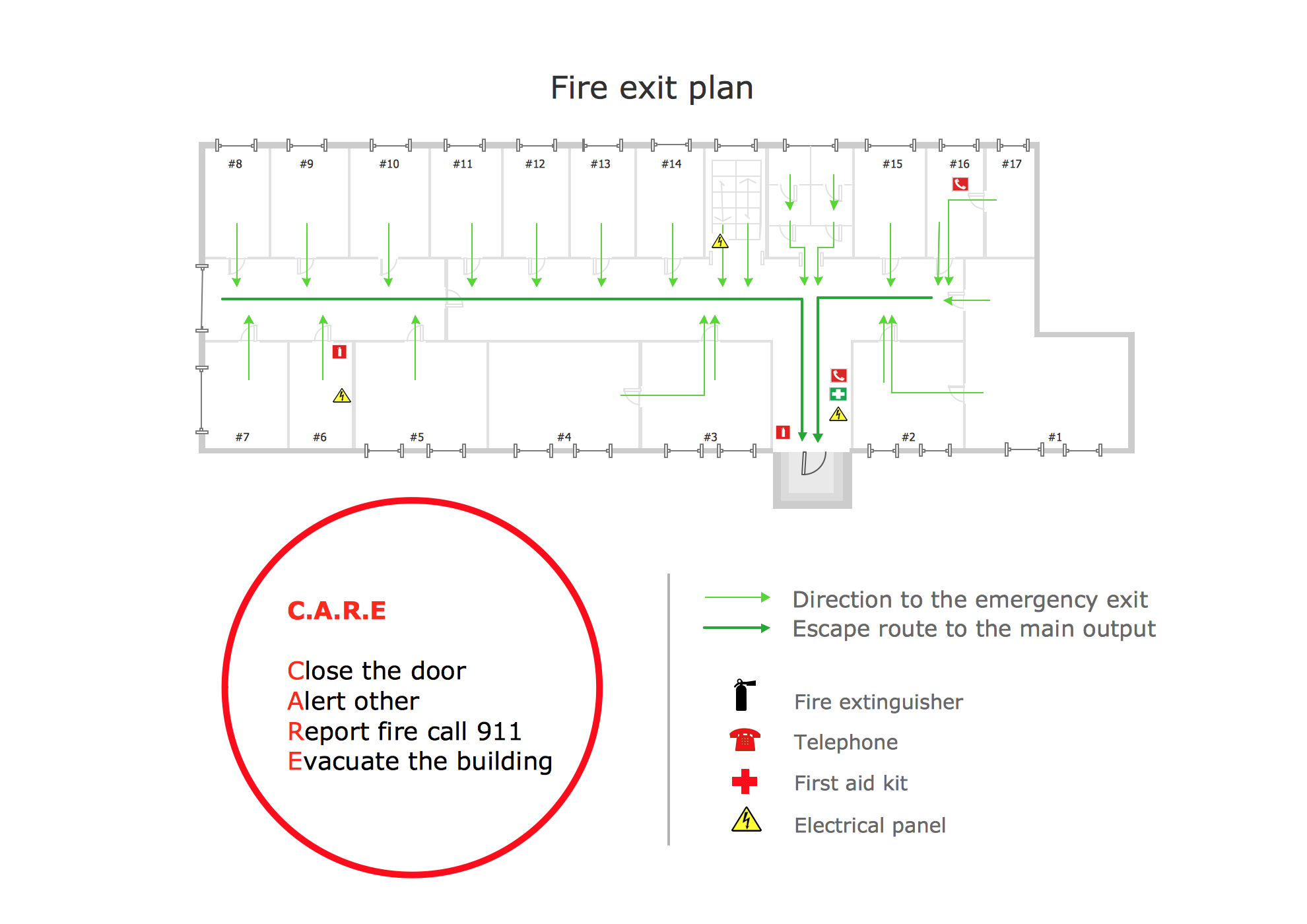 Picture: Fire Exit Plan. Building Plan ExamplesRelated Solution:ConceptDraw DIAGRAM is perfect for software designers and software developers who need to draw Computer&Network Diagrams. ConceptDraw has 1004 vector stencils in the 40 libraries that helps you to start using software for designing own Network Diagrams. You can use the appropriate stencils from Computer and Network Diagrams library with 56 objects.
.png) Picture: Design Element: Computer and Networkfor Network DiagramsRelated Solution:Variable delay elements are often used to manipulate the rising or falling edges of the clock or any other signal in integrated circuits. Delay elements are also used in delay locked loops and in defining a time reference for the movement of data within those systems. 26 libraries of the Electrical Engineering Solution of ConceptDraw DIAGRAM make your electrical diagramming simple, efficient, and effective. You can simply and quickly drop the ready-to-use objects from libraries into your document to create the electrical diagram.
Picture: Design Element: Computer and Networkfor Network DiagramsRelated Solution:Variable delay elements are often used to manipulate the rising or falling edges of the clock or any other signal in integrated circuits. Delay elements are also used in delay locked loops and in defining a time reference for the movement of data within those systems. 26 libraries of the Electrical Engineering Solution of ConceptDraw DIAGRAM make your electrical diagramming simple, efficient, and effective. You can simply and quickly drop the ready-to-use objects from libraries into your document to create the electrical diagram.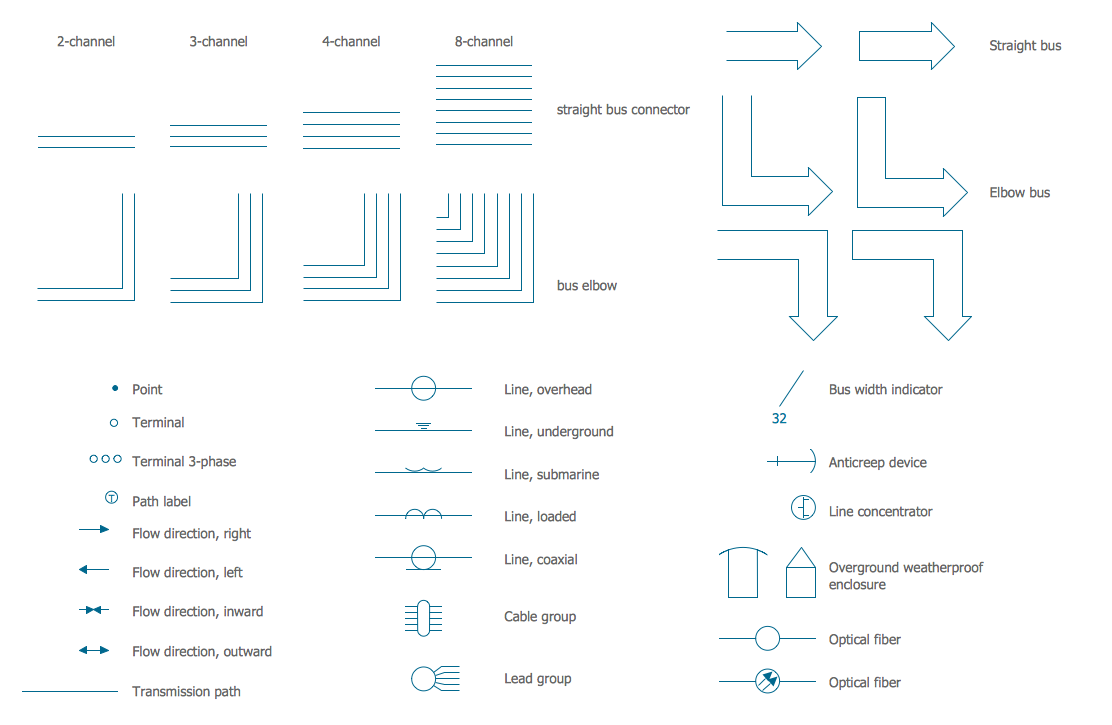 Picture: Electrical Symbols — Transmission PathsRelated Solution:This sample shows the Flowchart that displays the layout and work flow of the cloud marketing platform. This diagram has a style of the marketing brochure. This style displays the central product that is related to the other issues. Using the ready-to-use predesigned objects, samples and templates from the Flowcharts Solution for ConceptDraw DIAGRAM you can create your own professional looking Flowchart Diagrams quick and easy.
 Picture: Flowchart Marketing Process. Flowchart ExamplesRelated Solution:The ConceptDraw Wireless Networks solution helps users to quickly transit from an idea to the implementation of a both wired and wireless computer networks.
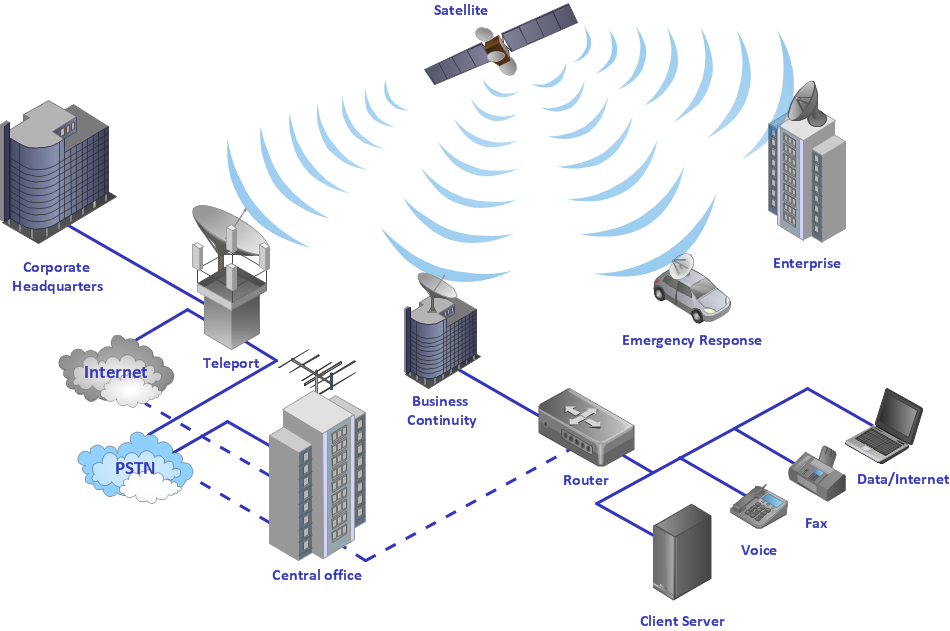 Picture: Using Both Wired and Wireless ConnectionsRelated Solution:Any business process consists from a number of tasks carrying out the certain business goal. It is useful to diagram business processes to ensure that they are as foolproof, logical and sequential as possible. This business process diagram describes a typical booking process flow by the example of a cab booking process. It can be used as a roadmap for any booking system implementation. Diagramming a business process allows you to look at the entire project and take into account all types of possible scenarios. Business process diagram helps you investigate and clarify the process thoroughly so that you can find out how it can be improved. Business process diagram supports team communications by ensuring that each process element is clear and everyone in the team is on the same page. Sometimes your company brings you less profit than you expect it to be, and it’s difficult to reveal the causes. Maybe it’s time to learn new technologies, because business diagram are easily developed by means of special software, so you won’t make any extra effort. In return, you will increase your productivity and get more done in a less time.
 Picture: Business Diagram SoftwareRelated Solutions:ConceptDraw DIAGRAM diagramming and vector drawing software extended with Fishbone Diagrams solution is a perfect tool for software designers and software developers. If you need to create Cause and Effect diagram, Fishbone diagram, Ishikawa diagram from templates and examples, or using the predesigned elements, ConceptDraw DIAGRAM can do this easily. ConceptDraw DIAGRAM software gives ability to design Fishbone diagrams that identify many possible causes for an effect for problem. Each Fishbone diagram design element included to Fishbone Diagrams library is vector and ready-to-use.
.png) Picture: Fishbone Diagram Design ElementRelated Solution:A Virtual network is a computer network that consists of virtual network links, i.e. between the computing devices there isn't a physical connection. Well known forms of network virtualization are virtual networks based on the virtual devices (for example the network based on the virtual devices inside a hypervisor), protocol-based virtual networks (VLAN, VPN, VPLS, Virtual Wireless network, etc.) and their combinations. This example was created in ConceptDraw DIAGRAM using the Computer and Networks Area of ConceptDraw Solution Park and shows the Virtual network.
Picture: Fishbone Diagram Design ElementRelated Solution:A Virtual network is a computer network that consists of virtual network links, i.e. between the computing devices there isn't a physical connection. Well known forms of network virtualization are virtual networks based on the virtual devices (for example the network based on the virtual devices inside a hypervisor), protocol-based virtual networks (VLAN, VPN, VPLS, Virtual Wireless network, etc.) and their combinations. This example was created in ConceptDraw DIAGRAM using the Computer and Networks Area of ConceptDraw Solution Park and shows the Virtual network. Picture: Virtual networks. Computer and Network ExamplesRelated Solution:ConceptDrawDIAGRAM 18