Made with
ConceptDraw
DIAGRAM 18

Active Directory Diagram

Active Directory (AD) is a directory service developed by Microsoft Corporation for Windows domain networks. It presents a service of catalogues management where the list (catalogue) of network objects and the information about them (objects attributes) are kept. These could be names of users and the information about them such as access rights, contacts information and others. Besides simple objects such as users, Active Directory contains the information about such big structural units as domains, sites and Organizational Units (OU).

Active Directory service gives a simple and quick access to this data. For instance, if only one of object’s attributes is known to you, you can create a query for getting the information about all Active Directory objects having such an attribute, which is very convenient for big organizations.

To make the work with the network structure of Active Directory more convenient, network administrators can use Active Directory Diagram. Such diagram lets plan and service the existing network quicker and more qualitatively and presents the clear picture of the network structure in graphical format.

With the help of ConceptDraw DIAGRAM extended with Active Directory Diagrams Solution from the Computer and Networks Area you can easily and quickly create the highly detailed Active Directory Diagram.
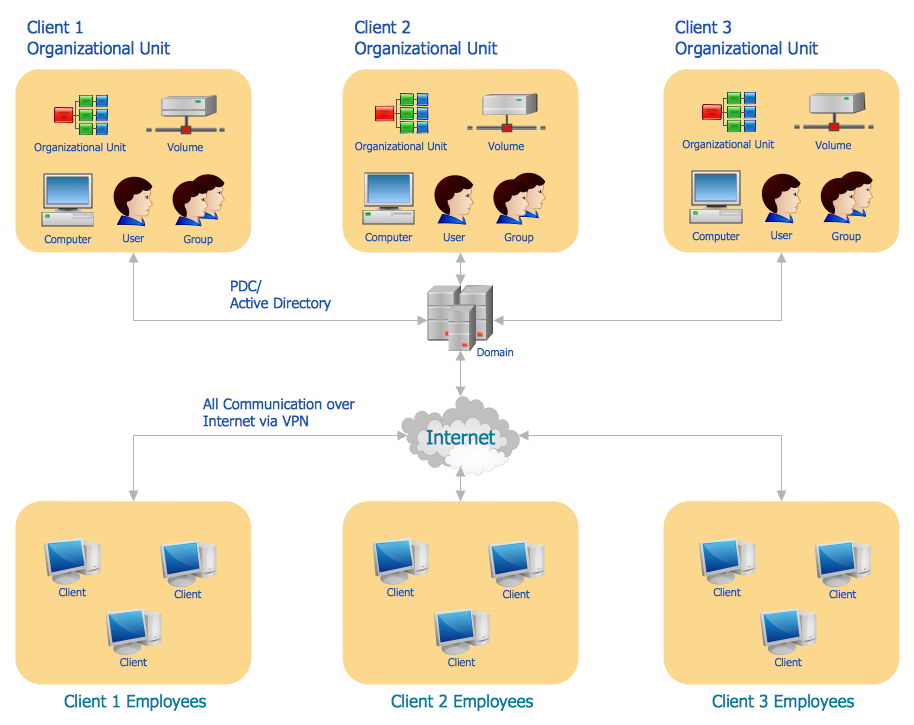
Active Directory Diagram

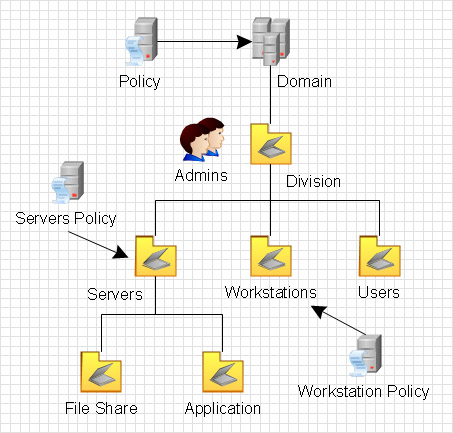
Example 1. Active Directory Diagram - Structure Diagram

Active Directory uses Lightweight Directory Access Protocol (LDAP). LDAP operates above TCP/IP and defines ways of address and access to objects between the client and Active Directory server. Accordingly to LDAP protocol each object in catalogue has its unique Distinguished Name, and this name distinguishes the object from other Active Directory objects and also prompts where the given object is located. Distinguished Name consists of common name (CN) and domain component – domain constituent. Common name defines an object or a container in which this object is positioned whereas the domain component defines the domain where this object is located. Besides in the distinguished name there could be indicated the organization which the object belongs to.

Logical elements of the Active Directory are objects, containers (OU), trees, domains and forests.

Object is a definite set of attributes having its unique name e.g. a user of the network. Accordingly to LDAP protocol, each object in the catalogue has its unique Distinguished Name and this name distinguishes it from other objects of Active Directory and also hints us where the given object is located.

Unlike the object, the container does not have physical presentation, and presents the totality of objects and other containers in the network structure.

The tree defines the hierarchy and ties between objects.

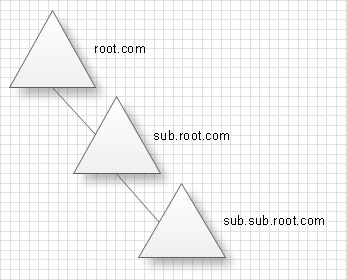
Domain is a separate safety area in the structure of the computer network. Correspondingly domains tree is the totality of domains connected between each other in a certain consecution. Domain tree can be presented in the form of a tree of established trusting relations between domains or in the form of the tree on the basis of a space of names.
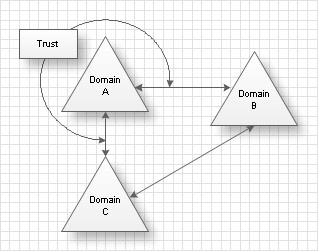
The forest is the totality of several trees which do not create uninterrupted area of names. All trees of the forest have the same scheme, configuration and global catalogue. All trees are connected by trusting relations by the Kerberos protocol. The forest in contrast to a tree must not have a distinguished name. The forest exists as the totality of objects, cross links and trusting relations by the Kerberos protocol, known to trees which form this forest.
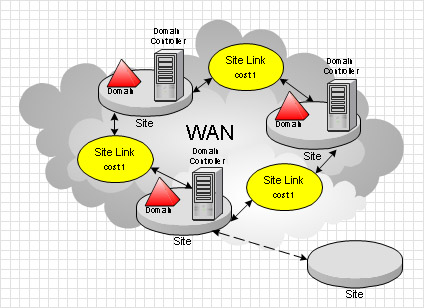
Site is a location in the network, where servers of services of Active Directory catalogues are kept. Active Directory diagram represents the scheme of correlations of service components with the preset degree of the detailed elaboration. For example this can be the level of objects or the level of sites.
Designing the Active Directory Diagram in ConceptDraw DIAGRAM use the extensive drawing tools of the Active Directory Diagrams Solution, templates, samples, and variety of ready-to-use objects from the solution's libraries.
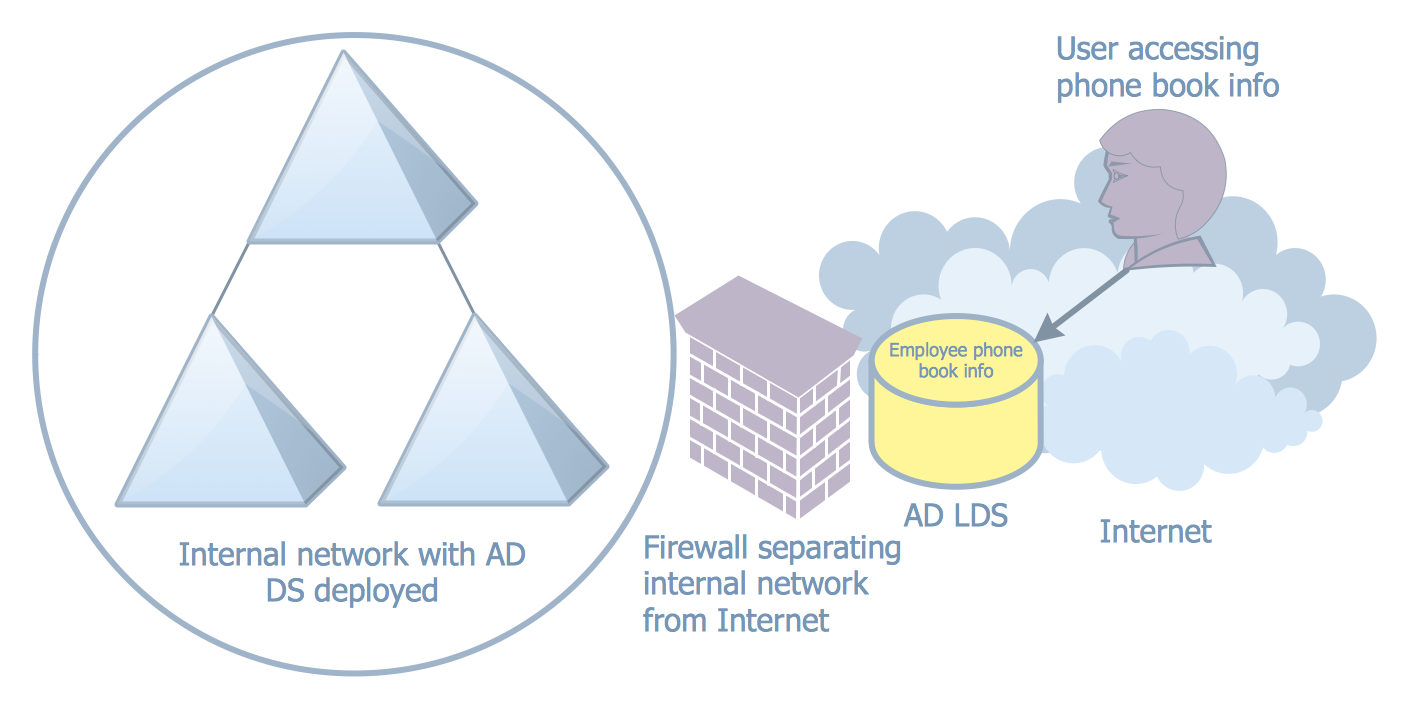
Active Directory Diagram - AD LDS as a Phone Book Service

Example 2. Active Directory Diagram - AD LDS as a Phone Book Service

Active Directory Diagram also allows to present the network structure in graphical format using the vector elements and symbols that all can be found in Active Directory Diagrams Solution from the Computer and Networks Area of ConceptDraw DIAGRAM software and ConceptDraw STORE application is an inalienable part of our product developed especially for such purpose: to make life easier in terms of helping our clients grow and succeed in their business.
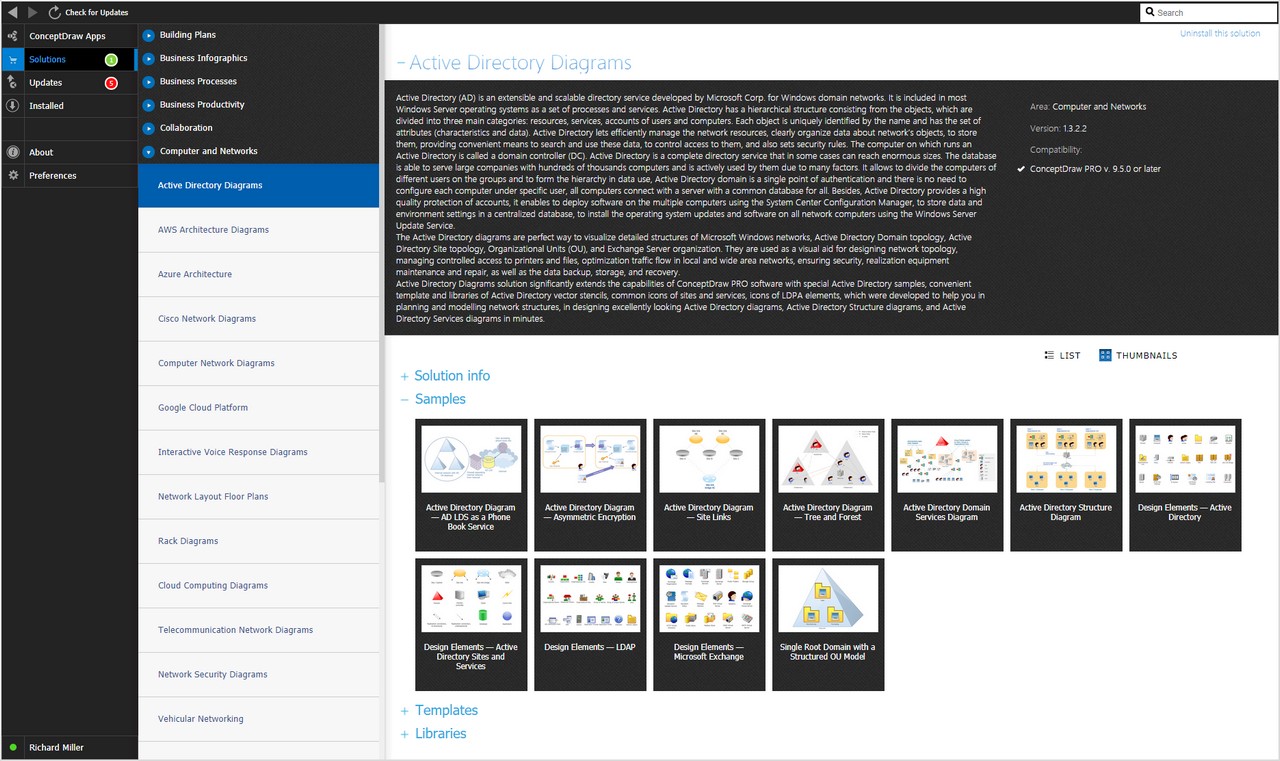
Active directory diagram solution

Example 3. Active Directory Diagram in ConceptDraw STORE

All source documents are vector graphic documents. They are available for reviewing, modifying, or converting to a variety of formats (PDF file, MS PowerPoint, MS Visio, and many other graphic formats) from the ConceptDraw STORE. The Active Directory Diagrams Solution is available for all ConceptDraw DIAGRAM or later users.
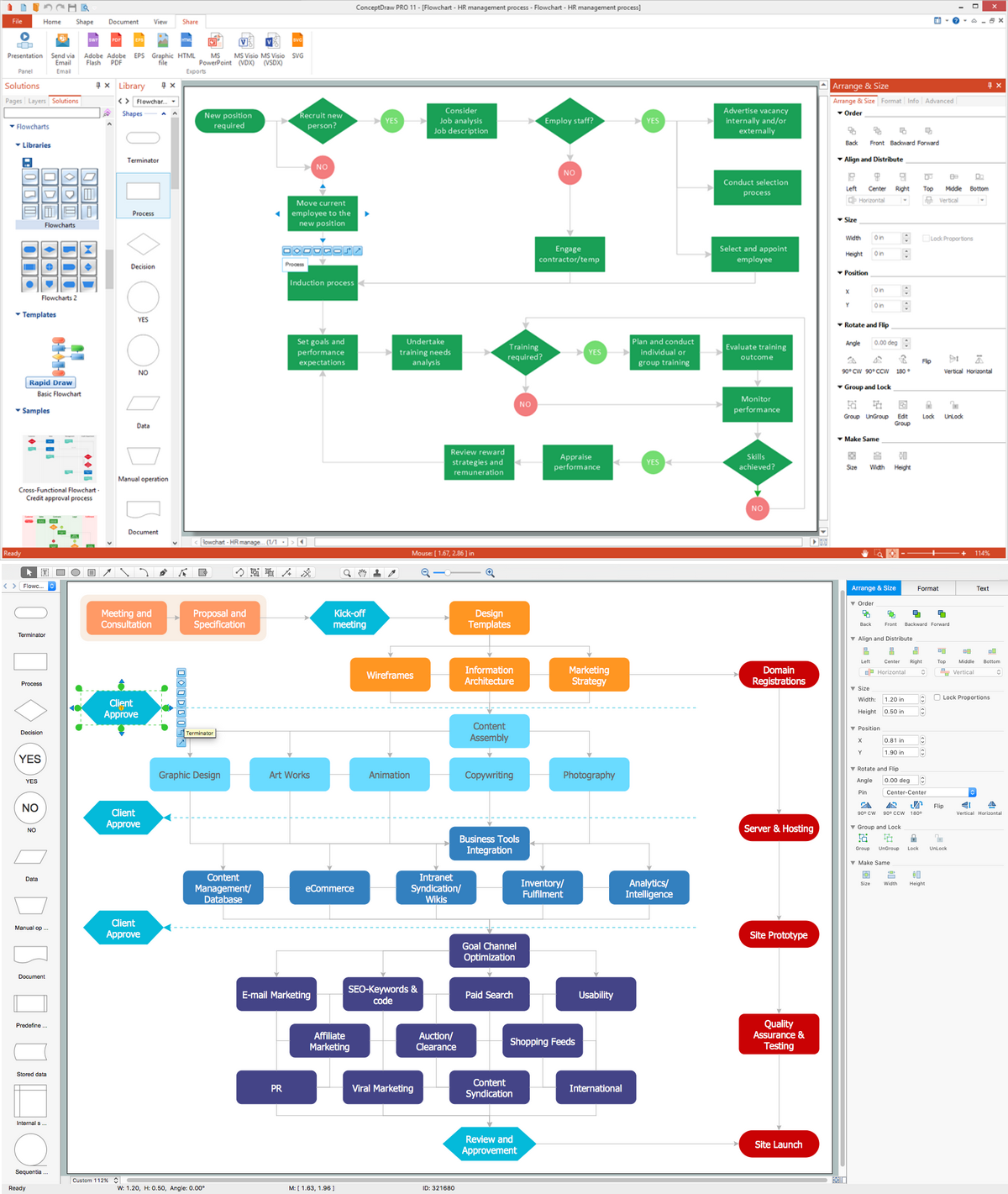
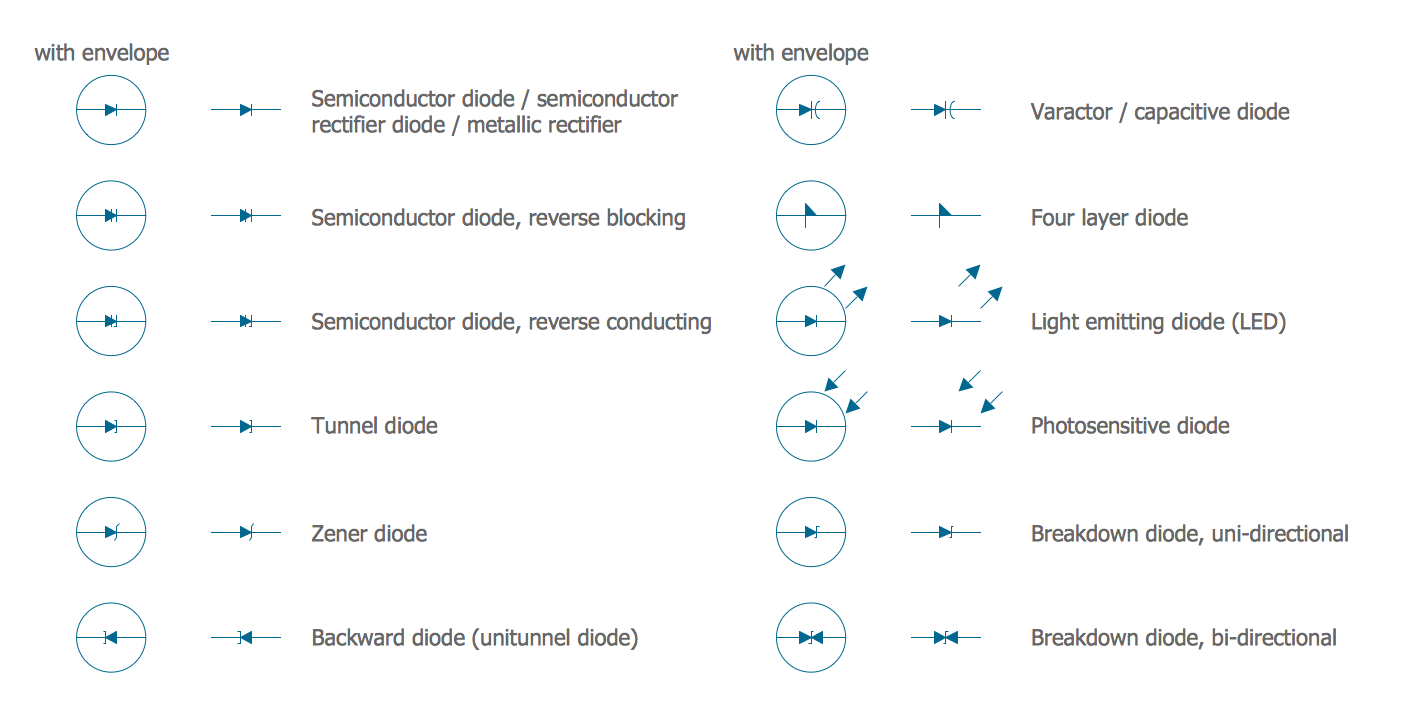


TEN RELATED HOW TO's:
When you are a beginner in software development, you make a lot of mistakes. Developing logical models, or data flow diagrams is a way to see the the whole project and all the processes clearly. And some novices, unfortunately for them, miss modeling stage at the beginning of project life cycle, and get into troubles as the project grows. This image represents the data flow diagram applying symbols of Yourdon and Coad notation. This DFD depicts the data flow inside an organization department deals with receivables. The icons of standard Yourdon and Coad notation provides possibility to draw professional looking and well- readable DFD for business documentation. This data flow diagram was designed with the help of ConceptDraw DIAGRAM and its Data Flow Diagrams solution. The solution delivers three vector graphic libraries including elements of Yourdon and Coad and Gane-Sarson notations.Data Flow Diagram Process *
Picture: Data Flow Diagram Process
Related Solution:
Active Directory Diagrams visualize the detailed structures of the Microsoft Windows networks, Active Directory Domain topology, the Active Directory Site topology, the Organizational Units (OU), and the Exchange Server Organization.Active Directory Domain Services *
Picture: Active Directory Domain Services
ConceptDraw DIAGRAM is perfect for software designers and software developers who need to draw Active Directory Network Diagrams.Design  Element: Active Directory <br>for Network Diagrams *
Picture: Design Element: Active Directory for Network Diagrams
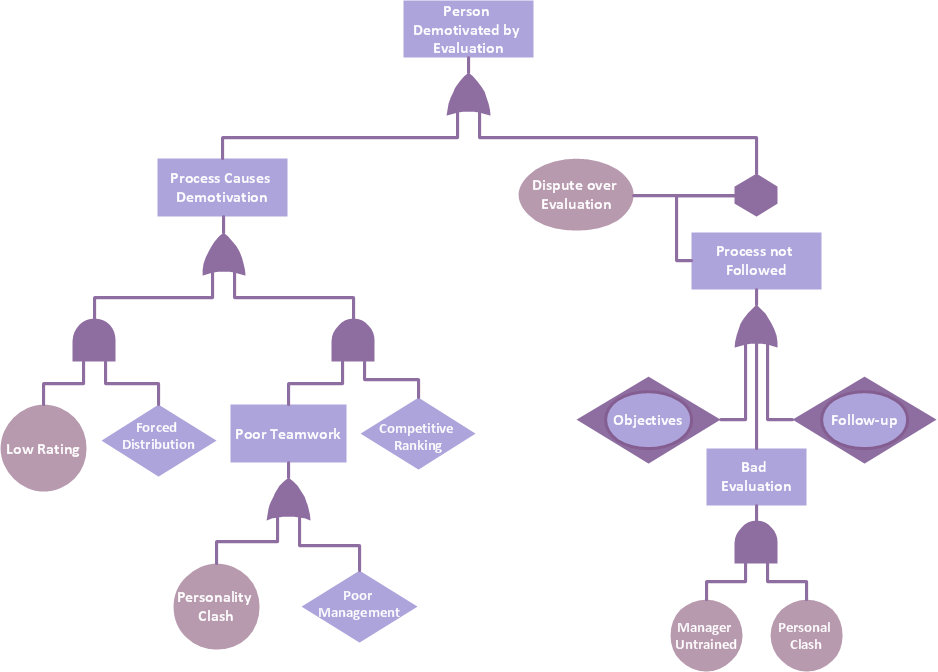
Analyze the root causes of factors that influence the problem. A diagram is constructed separately for each high priority factor. Identify the root causes for a factor and then propose possible corrective actions. The diagram displays the structure of causes for a factor and possible corrective actions. The Root Cause Analysis Tree Diagram is used for further formulation of actions.Root Cause Tree Diagram *
Picture: Root Cause Tree Diagram
Related Solution:
The reliability is a cornerstone for any corporate computer network. If you want to provide a high fault tolerance, a mesh network topology would be the solution. The main advantage of this network is that every node can work as a commutator, although it’s not easy to set up this kind of network. A mesh network topology may be full, or partial. Full mesh network means that each node of the network (computer, workstation or other equipment) is connected directly to each of the other nodes. A partial mesh topology means that a part of nodes are connected with a whole network, and the other part of nodes are only connected to those equipment, they exchange the majority of data. This illustration shows schematic diagram of a partial mesh network containing six nodes. Each node is represented as a circles and connections are drawn as straight lines. The connections may be both wired and wireless. This scheme can be used to make the specific logical or physical network diagrams by means the ConceptDraw Computer and Networks solution.Mesh Network Topology Diagram *
Picture: Mesh Network Topology Diagram
Related Solution:
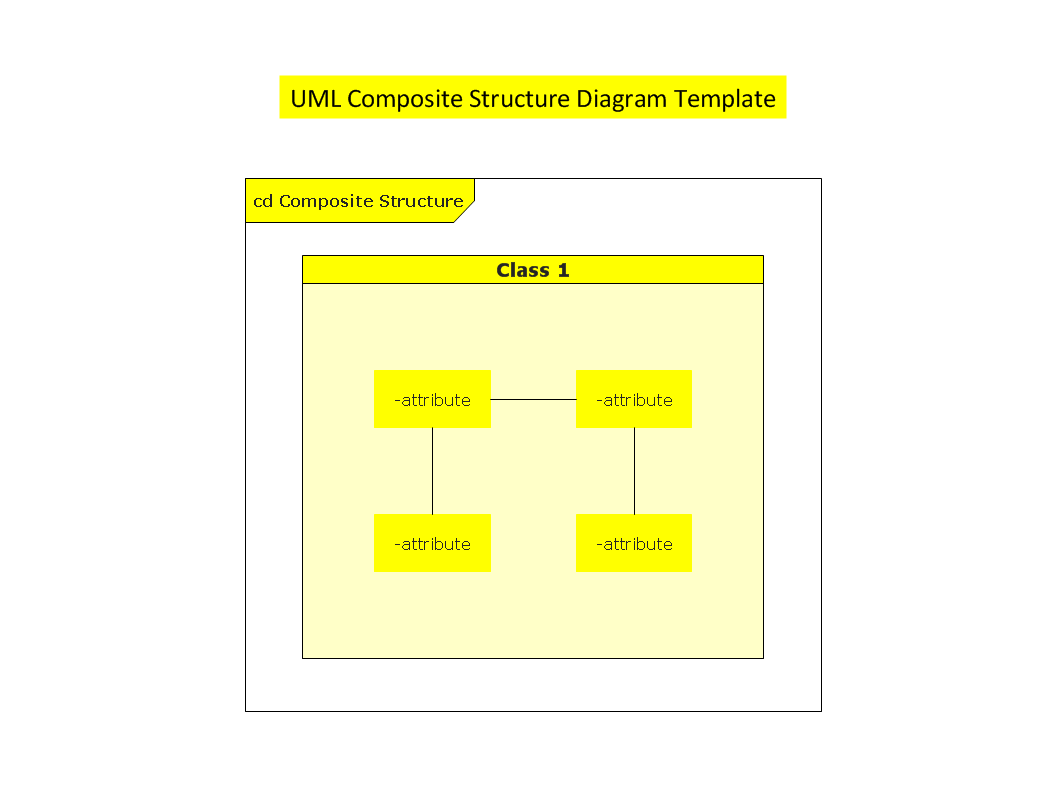
ConceptDraw DIAGRAM is a powerful tool for business and technical diagramming. Software Development area of ConceptDraw Solution Park provides 5 solutions: Data Flow Diagrams, Entity-Relationship Diagram (ERD), Graphic User Interface, IDEFO Diagrams, Rapid UML.Software Diagram Examples and Templates *
Picture: Software Diagram Examples and Templates
Related Solution:
Network Topology in communication networks, a topology is a usually schematic description of the arrangement of a network, including its nodes and connecting lines. There are two ways of defining network geometry: the physical topology and the logical topology. Network Topology Mapper offers extensive drawing tools professional-looking network diagrams quickly and easily allowing you to clearly represent and communicate network architecture, topology, and design to engineers, stakeholders and end-users.Network Topology Mapper *
Picture: Network Topology Mapper
Related Solution:
The AWS Architecture Diagrams solution includes icons, sample and templates for several Amazon Web Services products and resources, to be used when creating architecture diagrams. The icons are designed to be simple so that you can easily incorporate them in your diagrams and put them in your whitepapers, presentations, datasheets, posters or any technical material you like.AWS Simple Icons for Architecture Diagrams
Picture: AWS Simple Icons for Architecture Diagrams
You need design the Functional Block Diagram and dream to find the useful tools to draw it easier, quickly and effectively? ConceptDraw DIAGRAM offers the Block Diagrams Solution from the Diagrams Area which will help you!Functional Block Diagram *
Picture: Functional Block Diagram
Related Solution:
Have you ever wanted to start your own cafe? To imagine any possible options, try Cafe Floor Plan Design Software now for free 21 day trial. This will allow you to use all the ConceptDraw DIAGRAM main features. Here is an example of a multi-page document consisting from the various options of interior design and plans for arranging a cafe. This document can be used as a basis for the development of a professional designer portfolio. It was drawn using ConceptDraw Cafe and Restaurant Plans solution. The solution supplies vector libraries, templates and samples that are released to assist amateurs and professionals to draw the i designs of interior and furniture layouts of the cafe hall and lobby.How to create Cafe Floor Plan Design *
Picture: How to create Cafe Floor Plan Design
Related Solution:
ConceptDraw
DIAGRAM 18