ConceptDraw MINDMAP Export Capabilities
|
ConceptDraw MINDMAP supports exporting to many Microsoft Office products, including Word, PowerPoint and Project, as well as exporting to Evernote, Apple iCal, PDF, HTML and graphic format files. This functionality frees your data from being trapped in ConceptDraw MINDMAP documents and it can be easily shared. 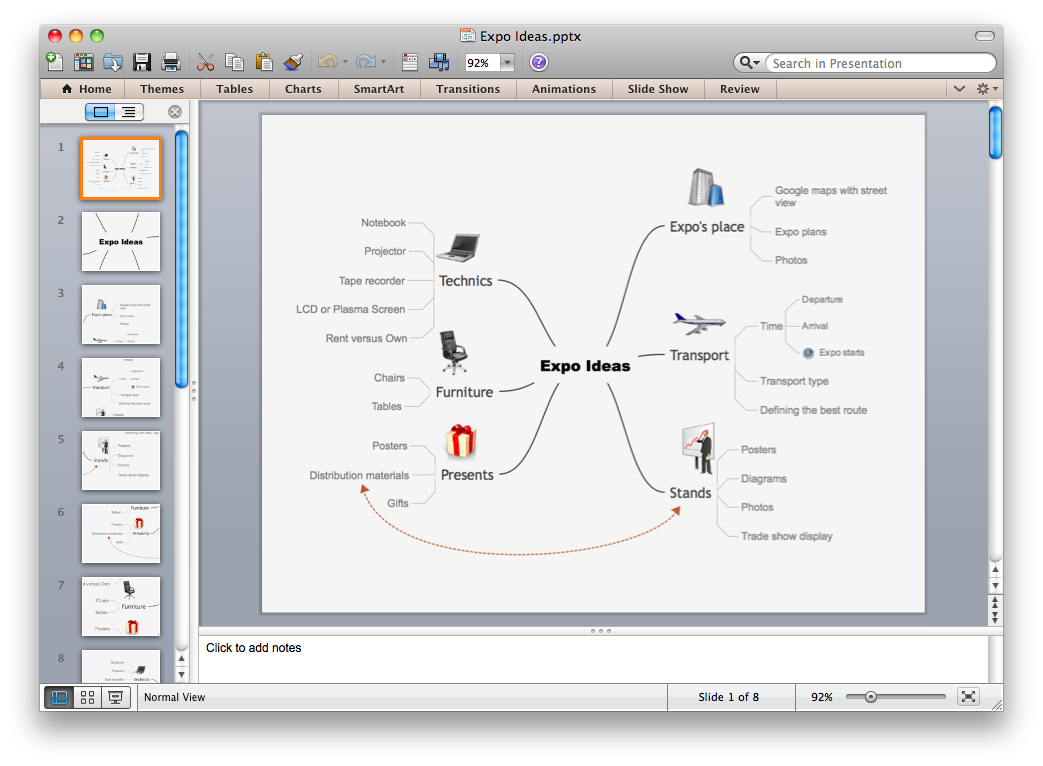 Export to PowerPoint Export to PowerPoint
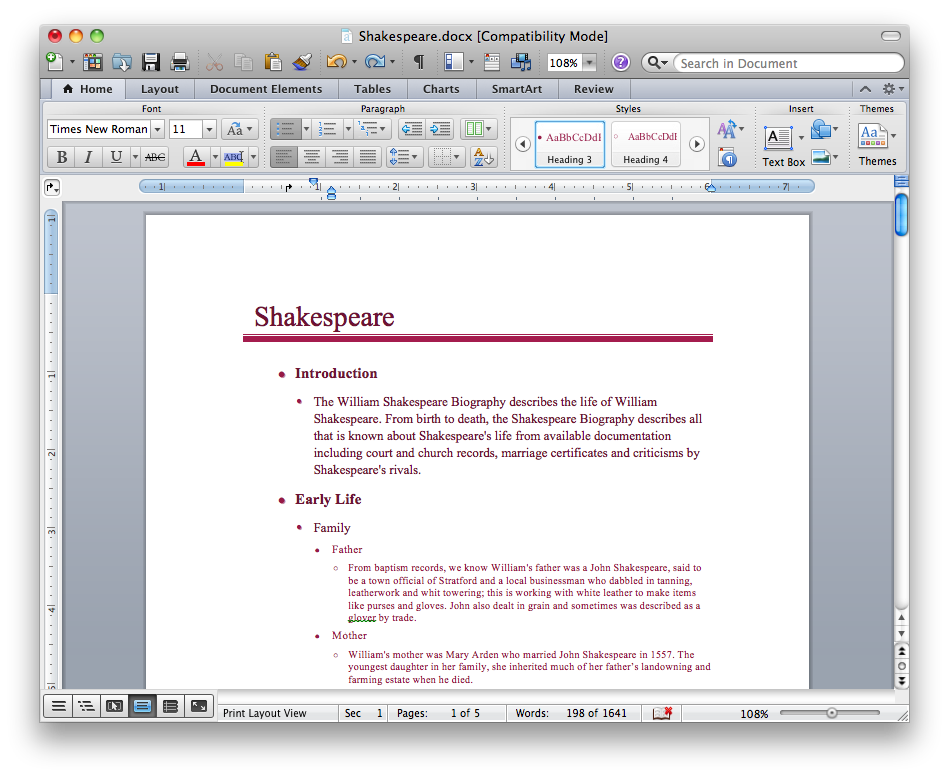 Export to MS Word Export to MS Word
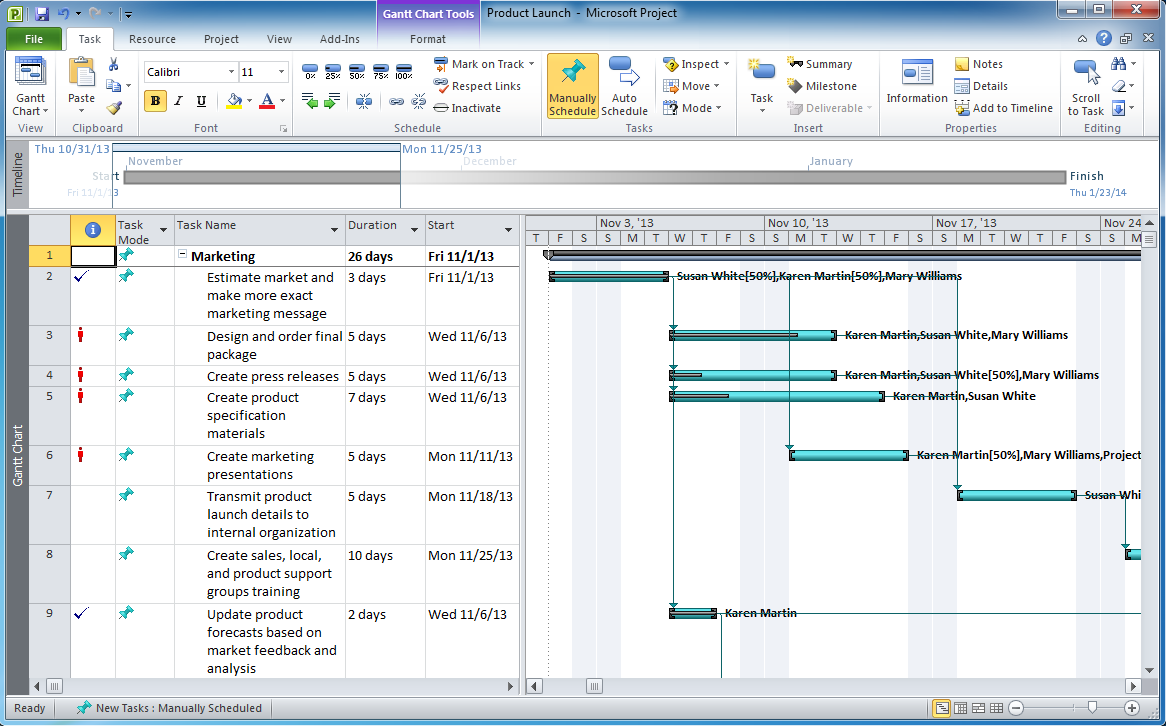 Export to MS Project Export to MS Project
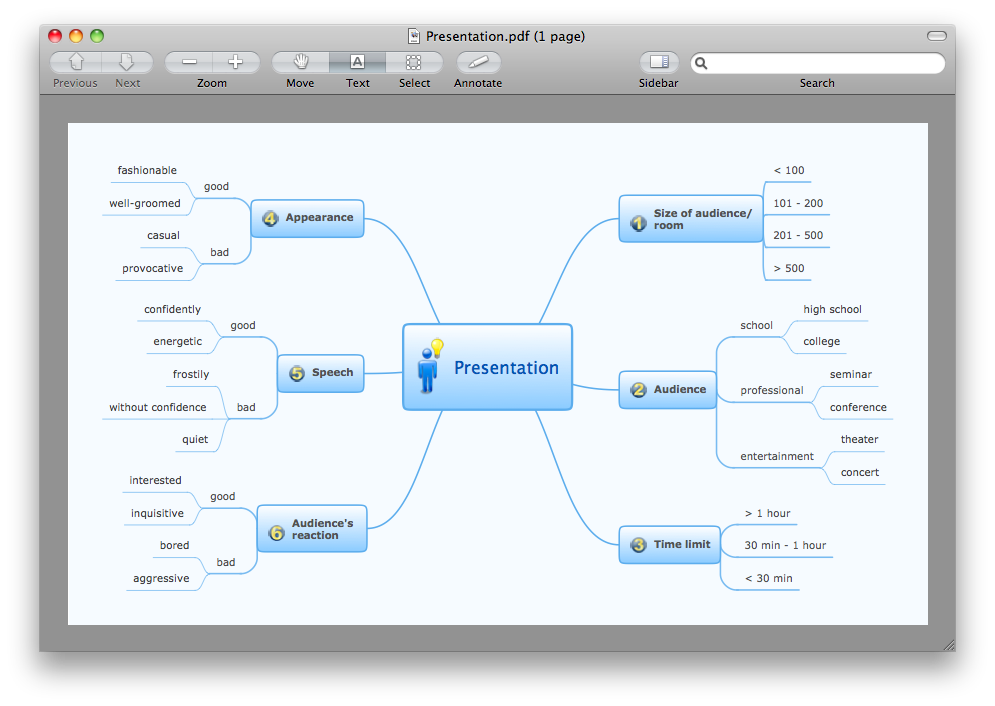 Export to PDF Export to PDF
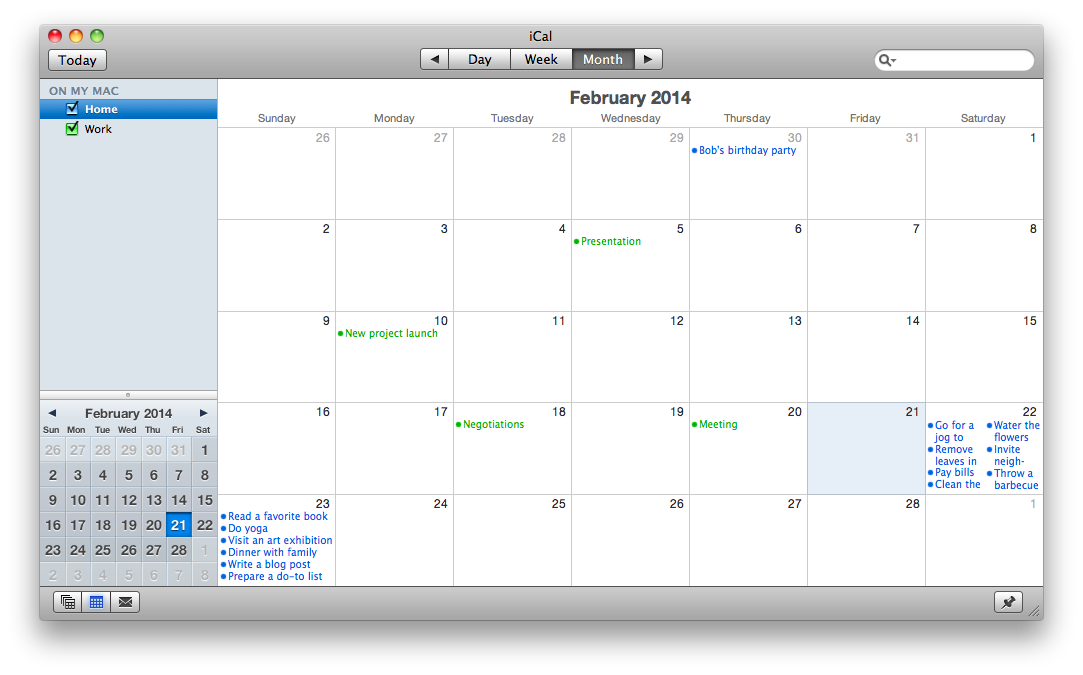 Export to Apple iCal Export to Apple iCal
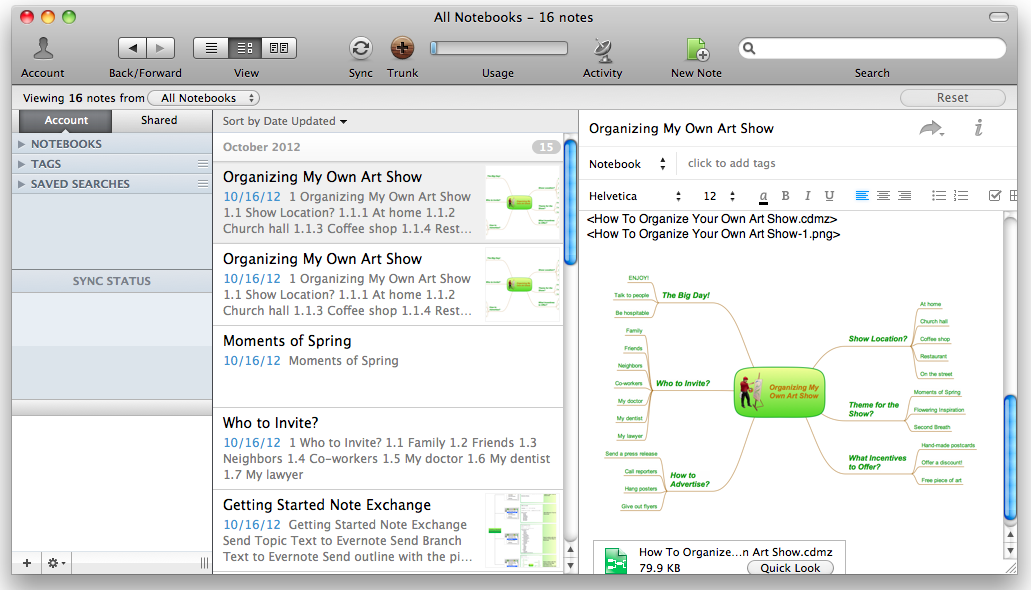 Export to Evernote Export to Evernote
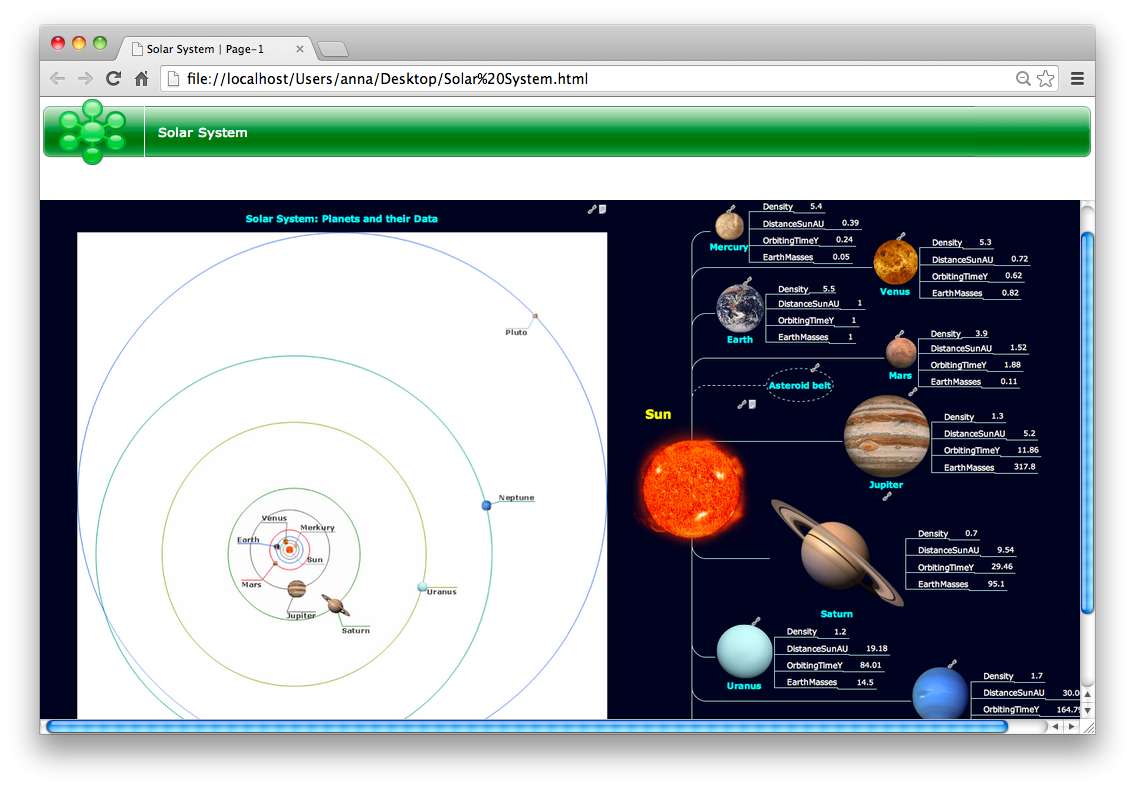 Export to HTML Export to HTML
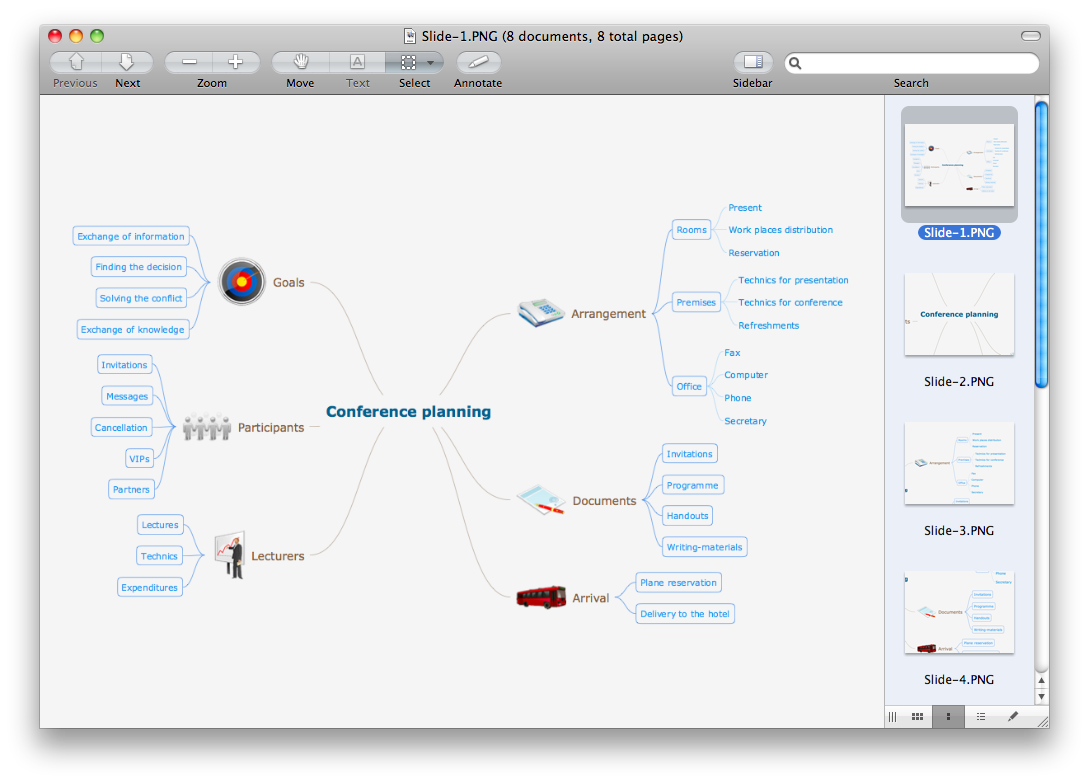 Export to Graphic File Export to Graphic File
|

Pic. 1. ConceptDraw MINDMAP export capabilities.
See also Samples of mind maps:
- Mind Maps
- Mind Maps — Marketing
- Mind Maps — Idea Communication
- Mind Maps — Mind Map Exchange
-
Mind Maps — Presentation Exchange
FIVE RELATED HOW TO's:When it comes to system construction, a class diagram is the most widely used diagram. UML Class Diagrams is a type of static structure diagram that is used for general conceptual modeling of the systematics of the application. Such a diagram would illustrate the object-oriented view of a system. The object orientation of a system is indicated by a class diagram. It describes the structure of a system by showing the general issues,classes of a system, attributes, operations, interfaces, inheritance, and the relationships between them.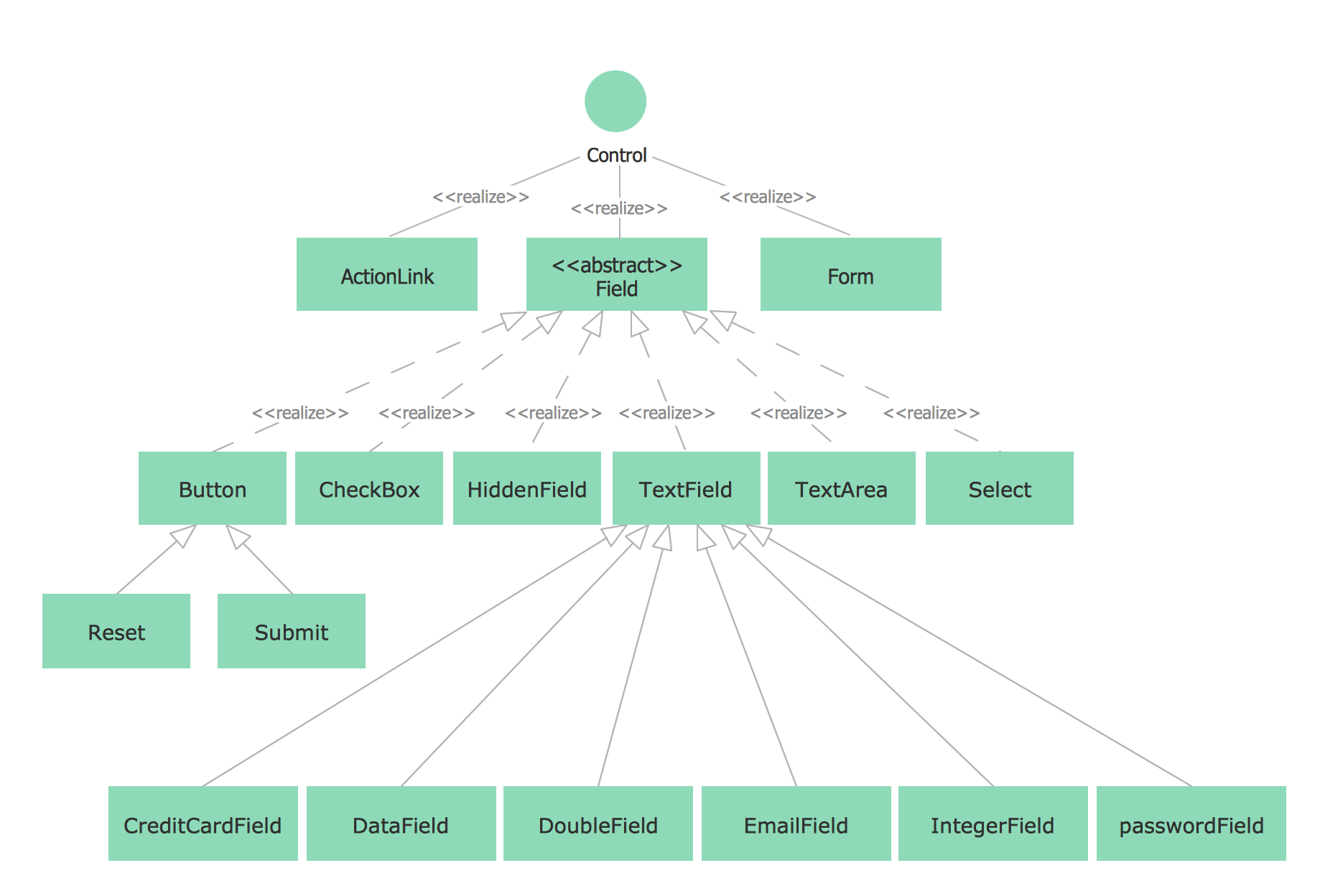 Picture: UML Class Diagram NotationRelated Solution:The power, economy, and versatility of ConceptDraw MINDMAP takes personnel and team productivity to another level. Discover today what this means to you.
 Picture: Mind Map Making SoftwareRelated Solution:Everyone wants to be efficient. To succeed, try Mind Maps for Business - SWOT Analysis and enjoy the result. But be careful: it can be addictive! ConceptDraw products and supported by SWOT and TOWS Matrix Diagrams solution forms a great tool for providing SWOT analysis. The solution contains mind map templates. By filling mind map templates, one can easily determine Strengths, Weaknesses, Opportunities, and Threats of the current business. Just a one click is needed to turn the SWOT mind map into a SWOT matrix. The SWOT diagram will be created in ConceptDraw DIAGRAM on the base of SWOT mind map.
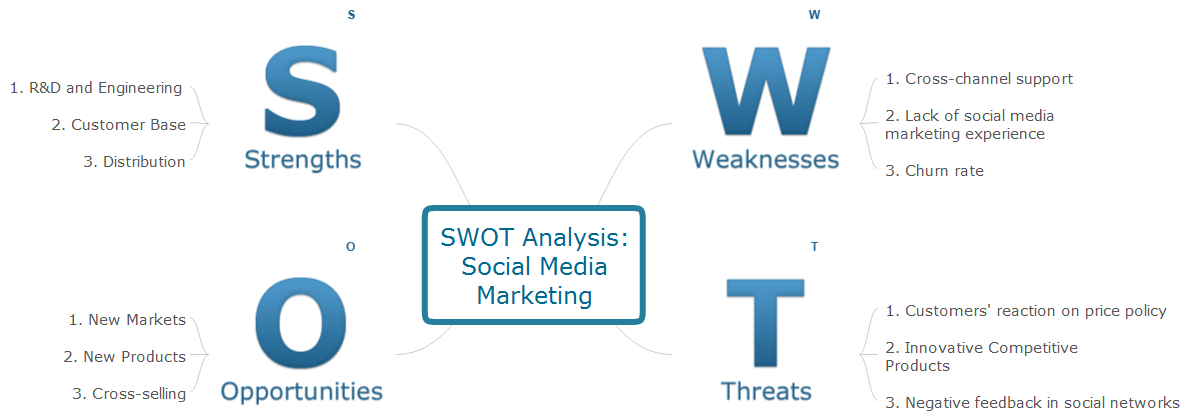 Picture: Mind Maps for Business - SWOT AnalysisConceptDraw MINDMAP is a fundamental tool in quality management to describe visual instructions on any process.
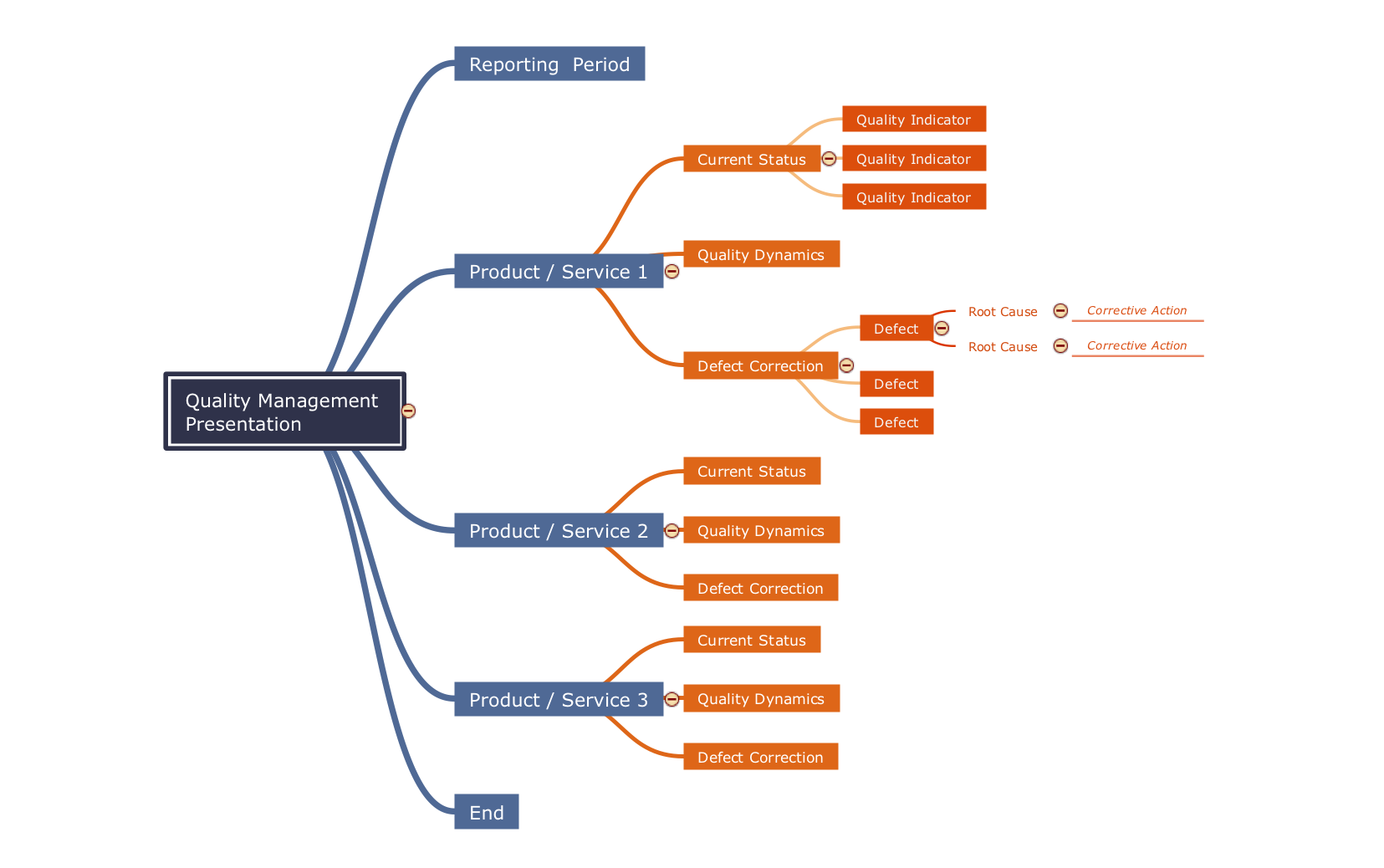 Picture: Fundamental Tool in Quality ManagementRelated Solution:Any factory needs a clear scheme of all the equipment used in the manufacture processes. So, if you want to place all your machines and equipment on one diagram, you need a good diagramming tool for that. For instance, you can find all the design elements you might need, such as lathes, milling machines or saws on ConceptDraw DIAGRAM Solution Park in Plant Layout Plans solution in appropriate libraries. This drawing represents the Machines and Equipment library delivered by ConceptDraw Plant Layout Plans solution. This vector library is supplied along with other libraries related to industrial architecture planning and interior design. Just planning the proper facilities in a proper right place, allows to manufacture a product in the most effective and economic way. Objects containing in these libraries will be helpful for architects and engineers dealing with industrial buildings design. They are intended to use for designing layouts of plants, warehouses, manufacturing workshop etc.
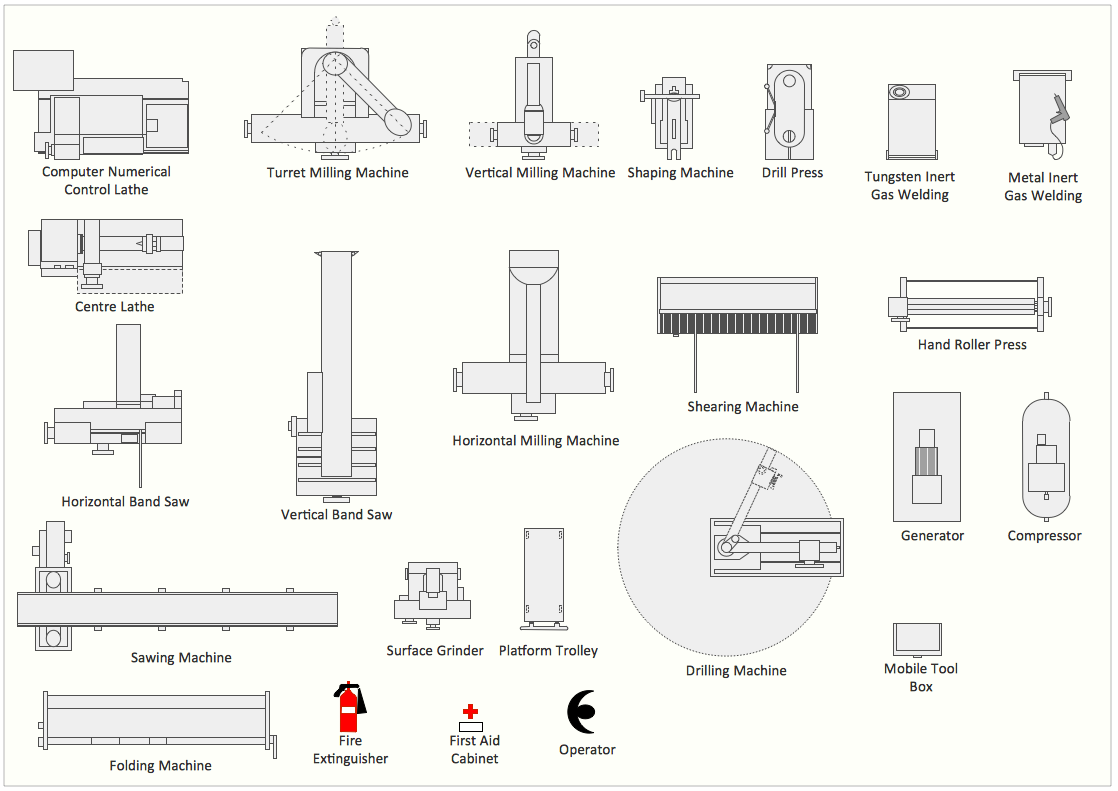 Picture: Interior Design. Machines and Equipment — Design ElementsRelated Solution:ConceptDrawMINDMAP 16