Export from ConceptDraw MINDMAP to a Graphic File
|
ConceptDraw MINDMAP allows you to create an image file for each page or selected part of active page in various image formats. There are several export options, which allow you to export the entire map, its selected part or a slide show. You can also set image size and zoom. |
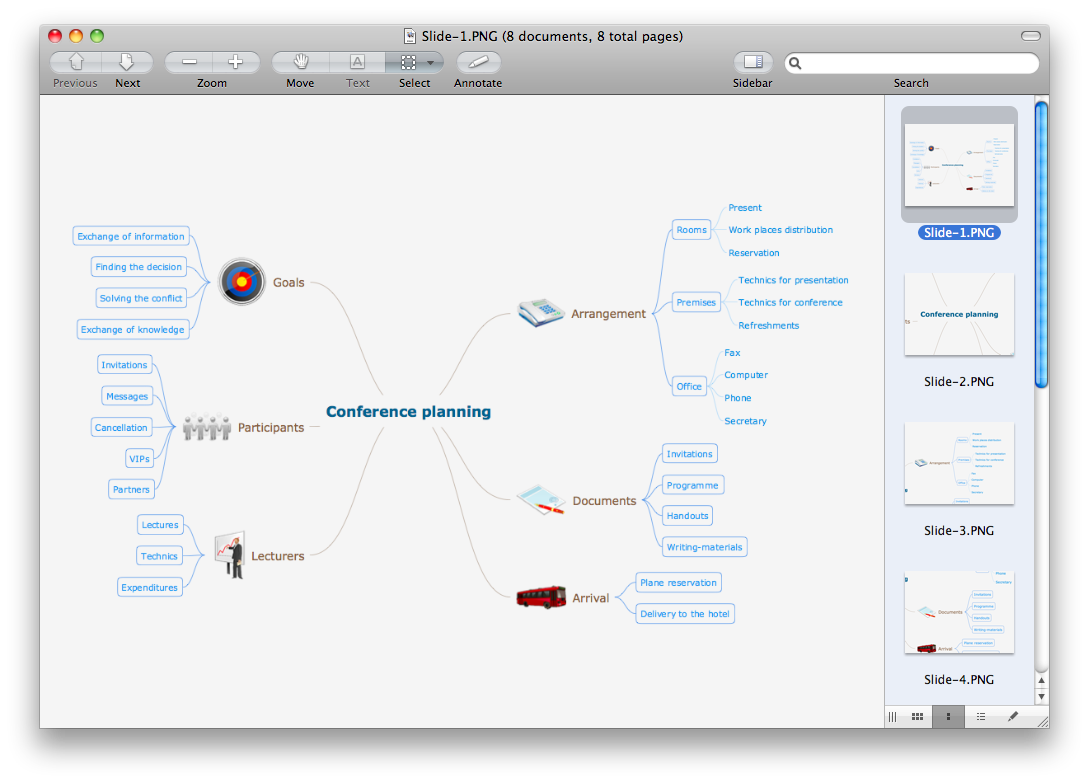
Pic. 1. A slide show exported from ConceptDraw MINDMAP document.
You can use exported graphic files for different purposes, for example it can be used to illustrate your idea on the web page, in presentation and in other documents.
See also Samples of mind maps:
- Mind Maps
- Mind Maps — Marketing
- Mind Maps — Idea Communication
- Mind Maps — Mind Map Exchange
-
Mind Maps — Presentation Exchange
THREE RELATED HOW TO's:To pull a social media team together, to set your objectives, to develope an integrated communications strategy.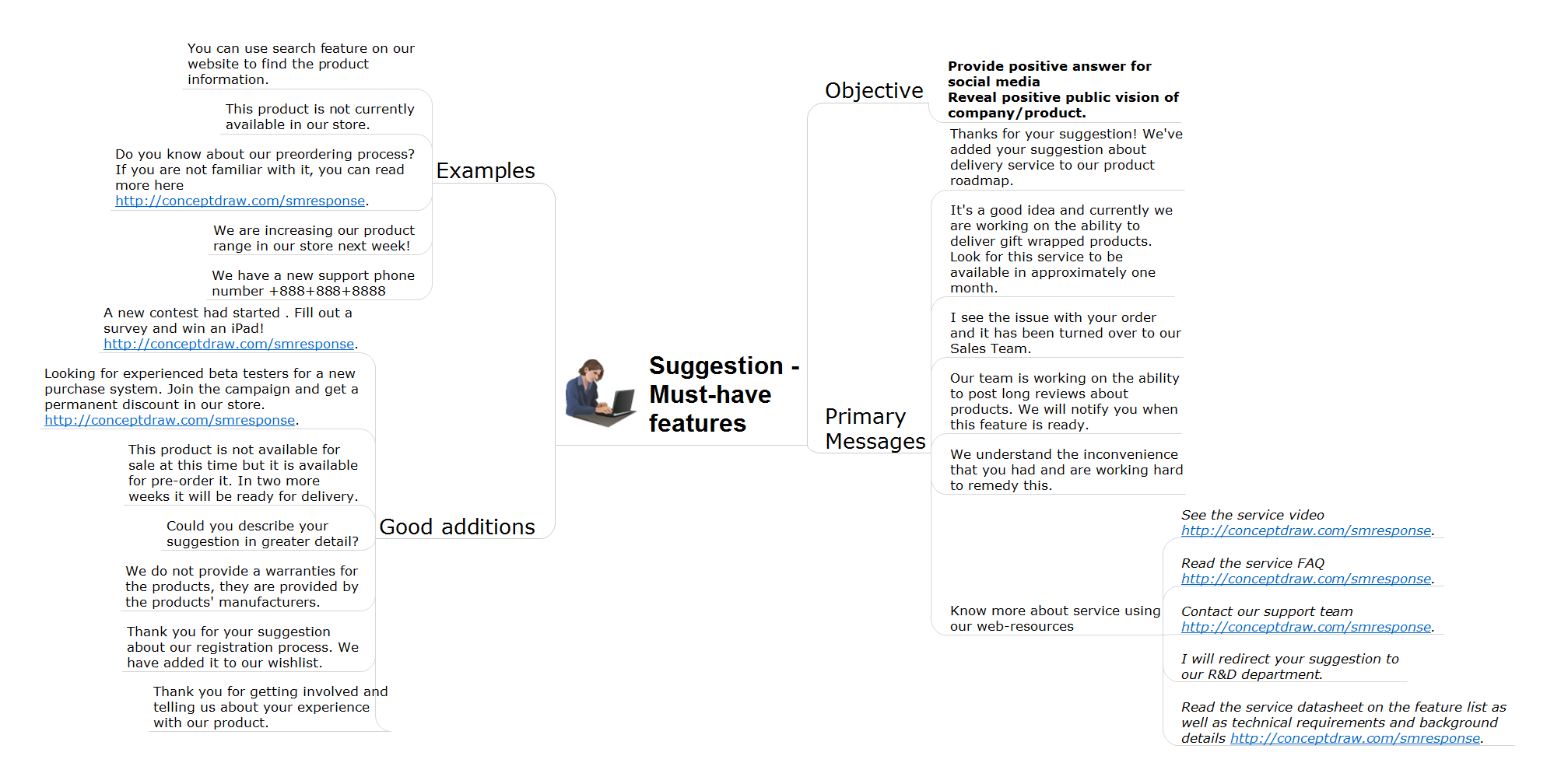 Picture: How to Present Workflow to TeamRelated Solution:ConceptDraw MINDMAP is the most productive tool you can use to solve problems and generate yout great ideas.
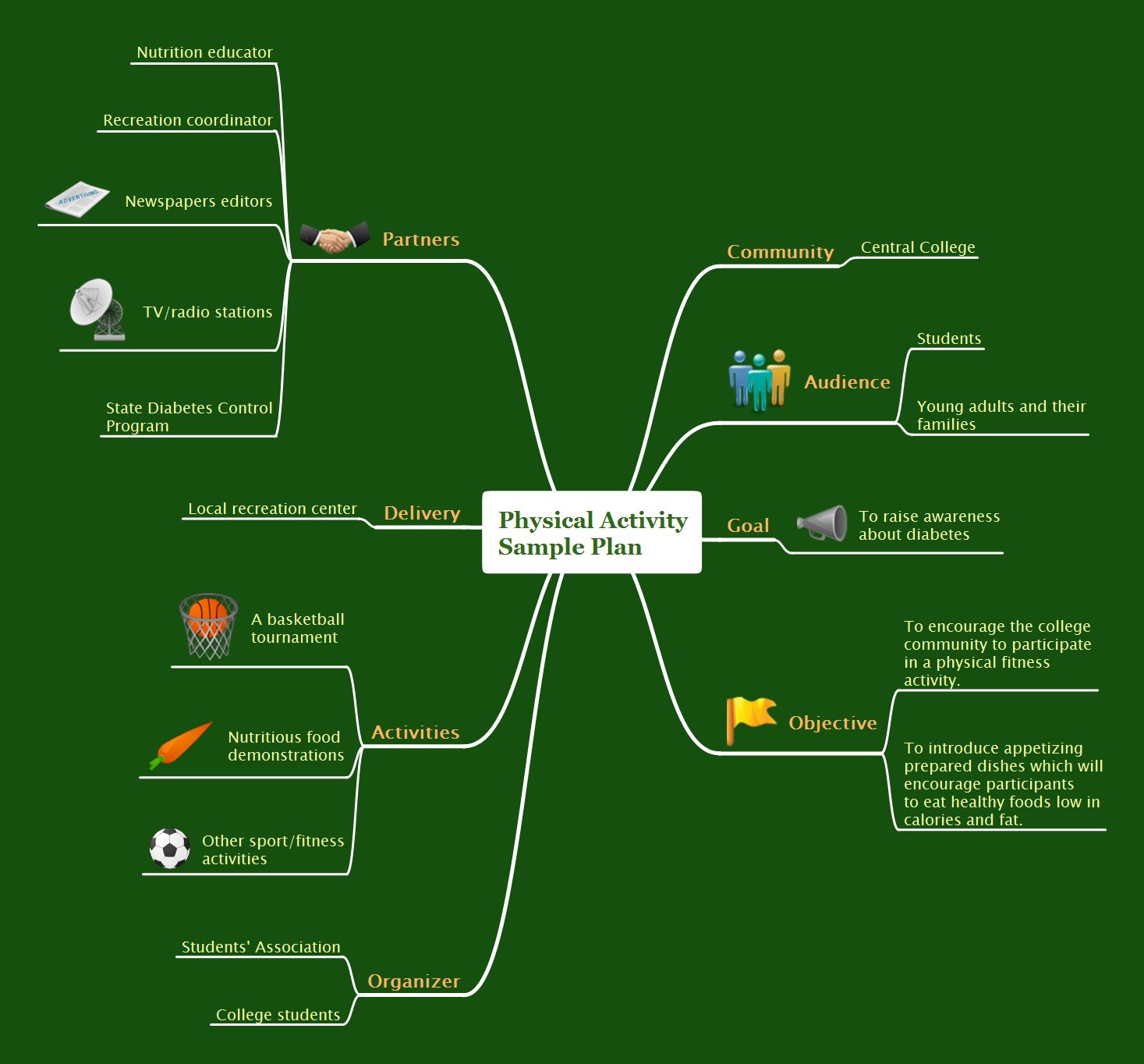 Picture: Professional & Powerful Mind Mapping SoftwareRelated Solution:ConceptDraw will help you to create the room planning of any configuration quickly and skillfully. ConceptDraw contains a number of ready templates for creation of premises plans, and due to libraries with interior objects existing in the program you will be able to place furniture, denote the location of doors and windows and indicate dimensions.
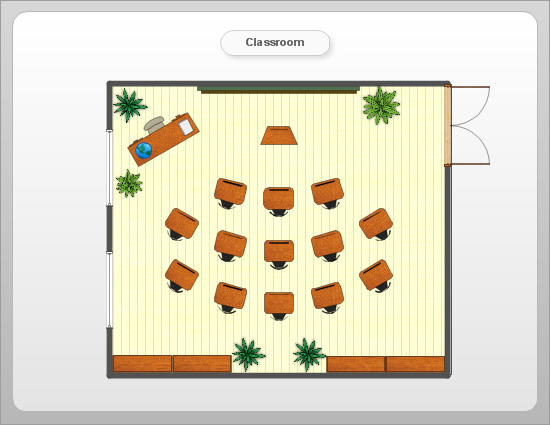 Picture: Room planning with ConceptDraw DIAGRAMRelated Solution:ConceptDrawMINDMAP 16