Export from ConceptDraw MINDMAP to HTML
|
It’s often that the information, held in a mind map needs to be shared with other people. Not every one has the required application. ConceptDraw MINDMAP provides a variety of export capabilities to help with that situation. For instance, you can export your mind map to html format and then embed it into a web-page. There are two html-export options in ConceptDraw MINDMAP : export map as an image or as an outline. |
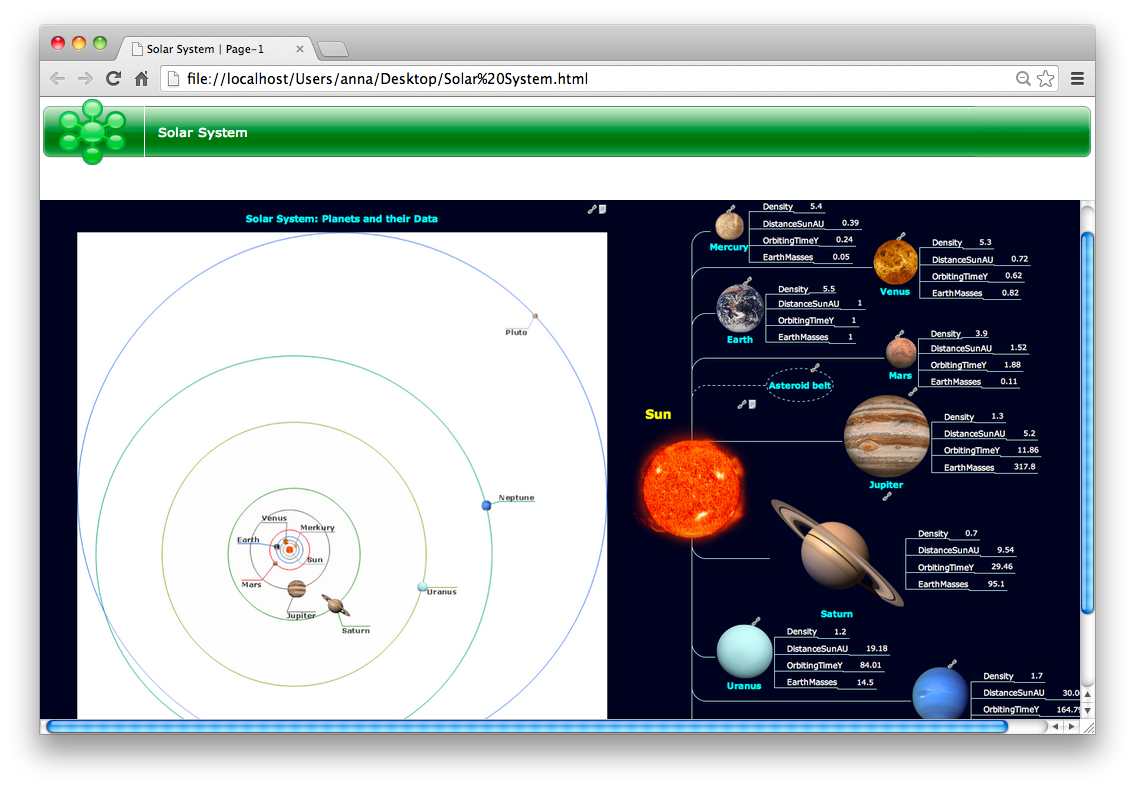
Pic. 1. An HTML-file exported from ConceptDraw MINDMAP
Export the mind map to HTML format, preserving the links so they can be used to download documents.
See also Samples of mind maps:
- Mind Maps
- Mind Maps — Marketing
- Mind Maps — Idea Communication
- Mind Maps — Mind Map Exchange
-
Mind Maps — Presentation Exchange
THREE RELATED HOW TO's:Now it’s easy to share your visual documents with other people in a form most convenient for them. ConceptDraw DIAGRAM can save your drawings and diagrams in a number of highly useful formats, including graphic files. You can save your drawing as a.PNG,.JPG, or other graphic format file.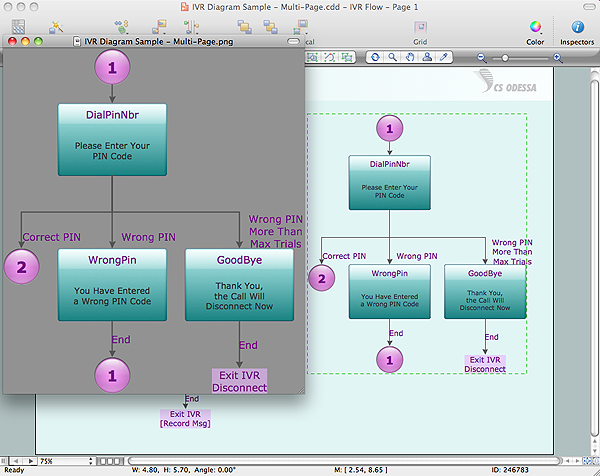 Picture: Export from ConceptDraw DIAGRAM Document to a Graphic FileThe export options in ConceptDraw MINDMAP allow mind maps to be exported in various graphical formats such as images, webpages, or PDF files. They can also be exported into Microsoft Office applications or into different mindmapping programs.
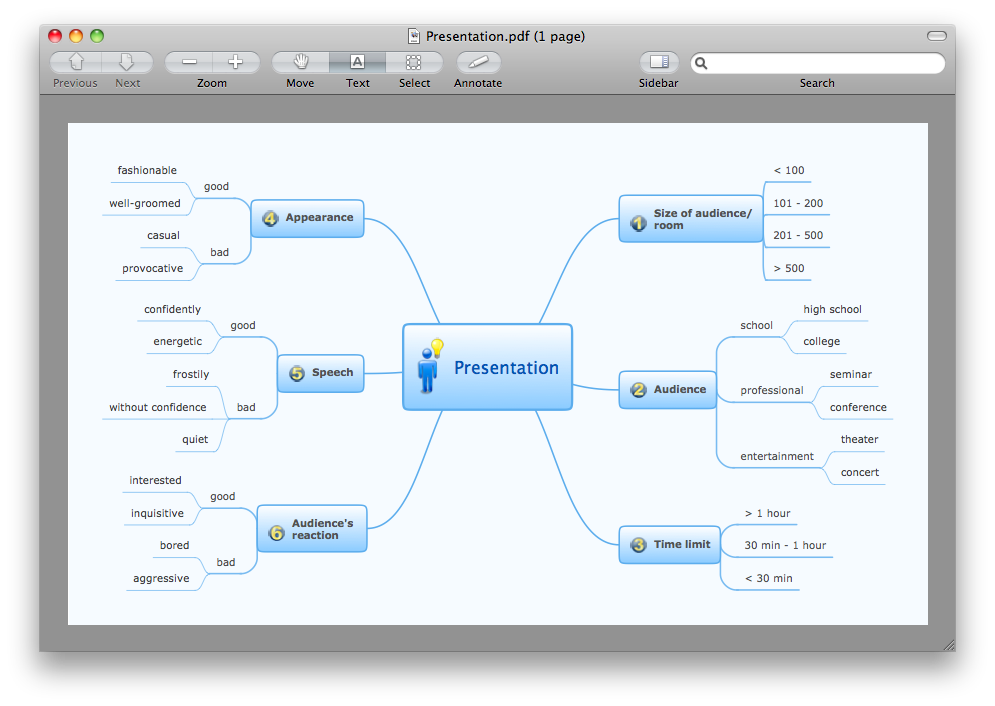 Picture: Export from ConceptDraw MINDMAP to PDF (Adobe Acrobat®) FileRelated Solution:Professional Mind Mapping. ConceptDraw MINDMAP professional software to create documents. Mac and PC compatible. MS Office Exchange Solutions. Skype Collaboration. Presentation Tools.
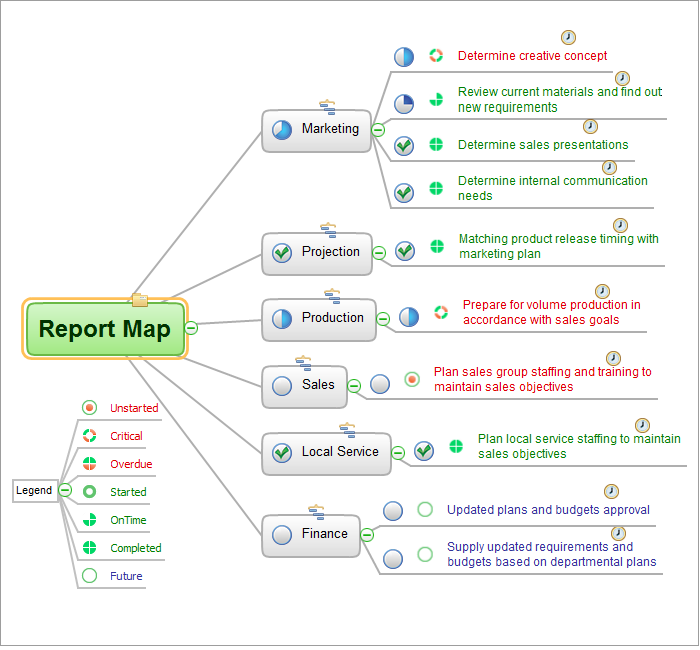 Picture: One formula of professional mind mapping :input data + output data + make great presentationRelated Solution:ConceptDrawMINDMAP 16