Cisco Routers. Cisco icons, shapes, stencils and symbols
Developing a network design, one should take into account the potential number of users, required interfaces, communication channels and then create a network map and an IP plan. You should also try to stick to the hierarchical network model, which has many advantages. First of all, it is the clarity of the network's organization. Also, the model implies modularity, which means easy capacity building if needed.
Another advantage is the increased resiliency which is achieved due to the duplication of devices or connections. According to this model, the network is divided into three logical layers. First level is the core level. There are high-performance devices at this level, such as routers, which main task is to transport data. This is followed by distribution level which provides the use of security policies, QoS, link aggregation and VLAN trunking, defines broadcast domains. The final level is the access level, the purpose of which is to connect the end devices, to mark traffic for the QoS, to implement ring protection(STP) and broadcast storm protection, to providing power to PoE devices.
The Cisco Network Diagrams solution uses Cisco network symbols and Cisco icons to visualize computer networks topology and equipment connections and arrangement. They are used by IT professionals and corporate IT departments, and network and system administrators, to visually document the topology and design of Cisco networks.
The ConceptDraw vector stencils library "Cisco Routers" contains 27 equipment symbols for drawing the computer network diagrams using the ConceptDraw DIAGRAM diagramming and vector drawing software:
- Router
- Router, subdued
- Router with silicon switch
- Wavelength router
- NetFlow router
- uBR910
- Broadband router
- Gigabit switch ATM tag router
- ATM tag switch router
- Edge label switch router
- Edge label switch router with NetFlow
- Cisco 7505
- Cisco 7507
- Cisco 7500 ARS (7513)
- Voice enabled router
- TDM router
- IP telephony router
- IAD router
- Content service router
- Cisco storage router
- Router with firewall
- Wireless router
- ASR 1000 series
- ATM 3800
- AXP
- Cable modem
- Ground terminal

Sample 1. Design Elements — Cisco Routers (macOS, Windows) for Network Diagrams. Network equipment refers to hardware devices designed for local area networks, both wired and wireless. Active network equipment is powered from the electricity supply, portable battery, the computer via USB-port and other sources, also it can be used for amplification, conversion and processing of the network signal. Network equipment includes several device categories. Internal and external network adapters are used to connect to the network. Switches connect network nodes. Routers connect multiple network segments and filter traffic. Repeaters and amplifiers increase the range of action of the network signal. Media converters and transceivers convert the network signal from one type to another. Access points provide wireless access to an existing network or create a new wireless network. GSM-modems and gateways used to work with wireless GSM / GPRS / EDGE / UMTS / HSPA / LTE-networks.
The example "Design elements — Cisco Routers" is included in the Cisco Network Diagrams solution from the Computer and Networks area of ConceptDraw Solution Park.
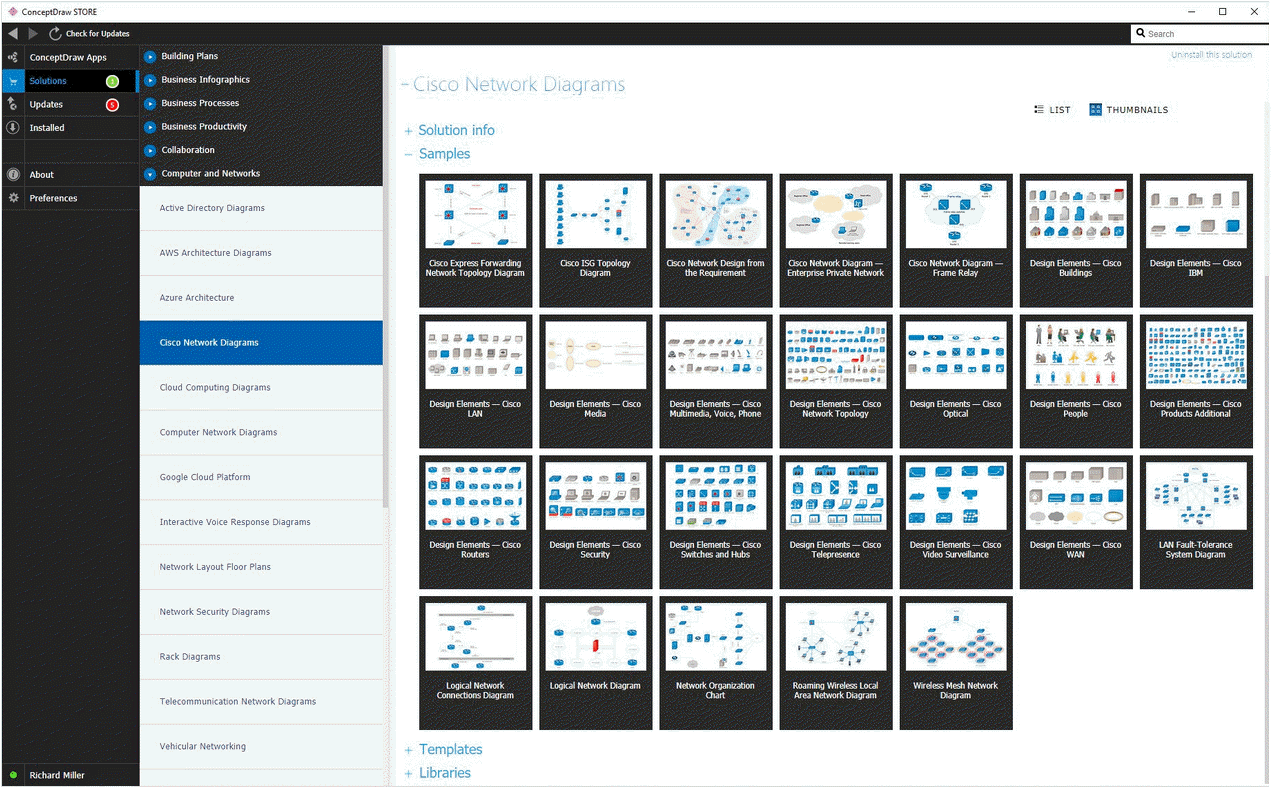
Example 2. Cisco Network Diagrams solution
Icons, shapes, stencils, symbols and design elements for Cisco Network Diagrams:
TEN RELATED HOW TO's:
ConceptDraw DIAGRAM is a powerful software that helps you create professional and easy drawing diagrams for business, technology, science and education.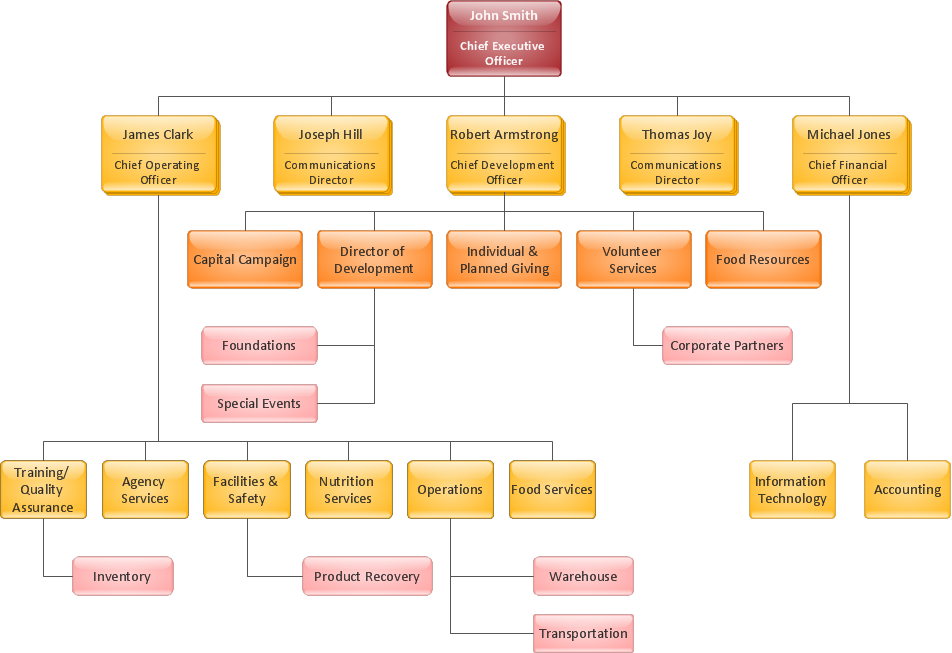
Picture: Create Sophisticated Professional Diagrams - Simply
Extending ConceptDraw DIAGRAM software with the Baseball solution you receive a complete set of libraries, templates and samples allowing to draw baseball diagrams in seconds. You can start from a template, change positions and get ready diagram in some clicks.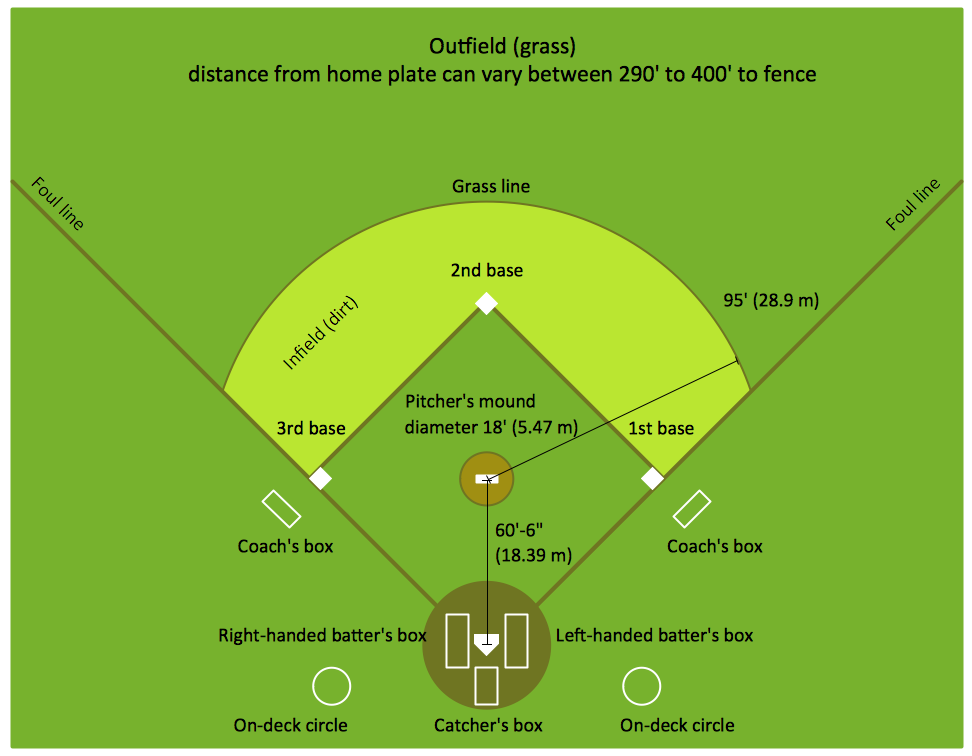
Picture: Baseball Diagram – Colored Baseball Field
Related Solution:
Wiring and circuit diagrams use special symbols recognized by everyone who uses the drawings. The symbols on the drawings show how components like resistors, capacitors, inductors, switches, lamps, acoustic devices, measuring devices and other electrical and electronic components are connected together.
26 libraries of the Electrical Engineering Solution of ConceptDraw DIAGRAM make your electrical diagramming simple, efficient, and effective. You can simply and quickly drop the ready-to-use objects from libraries into your document to create the electrical diagram.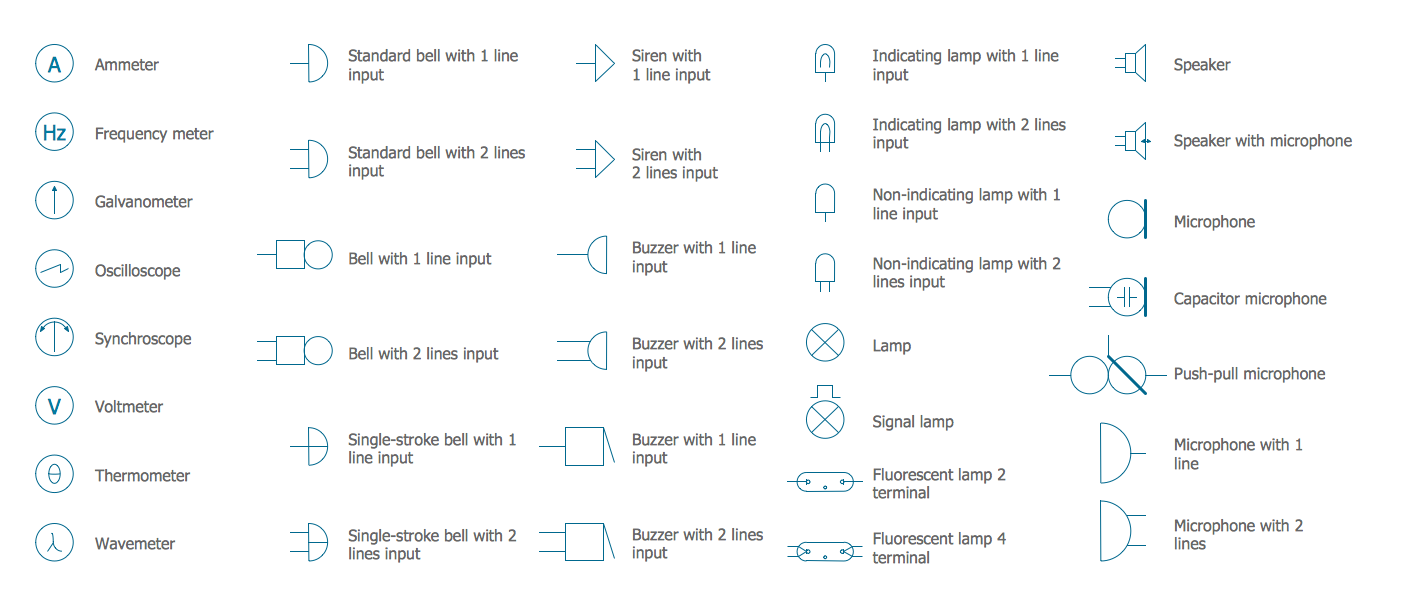
Picture: Electrical Symbols — Lamps, Acoustics, Readouts
Related Solution:
Samples, templates and libraries contain vector clip art for drawing the Road Transport Illustrations.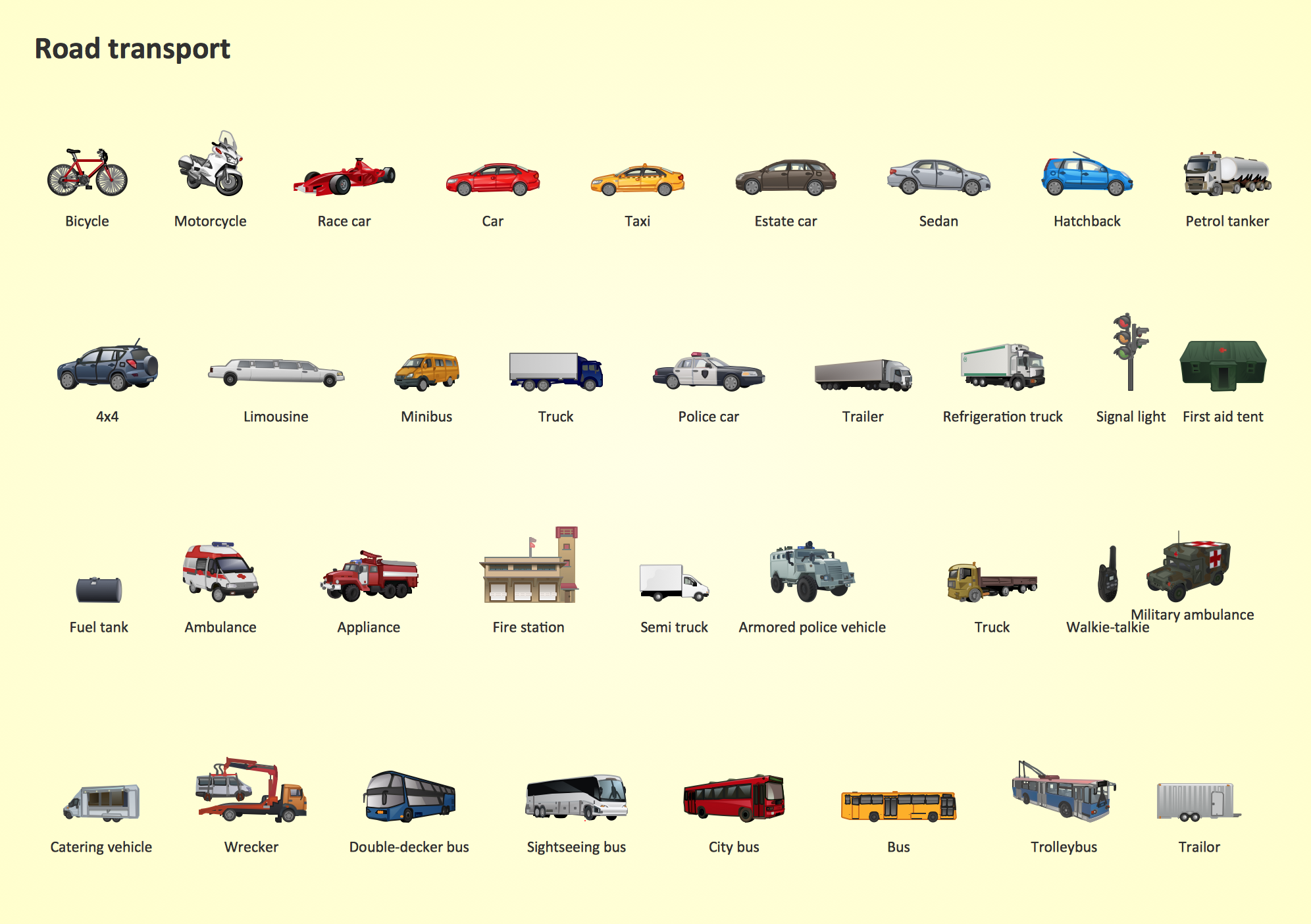
Picture: Road Transport - Design Elements
Related Solution:
Remote Networking - We explain the method most people use to connect to the Internet.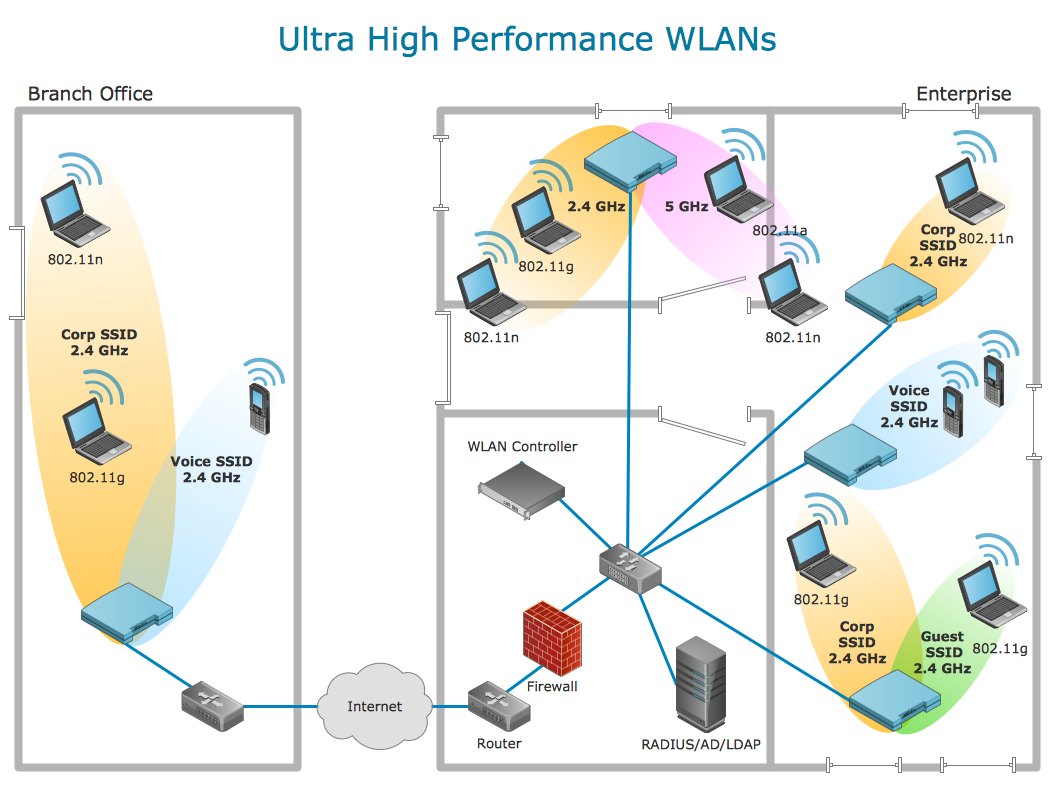
Picture: Using Remote Networking Diagrams
Apply Electrical Engineering solution for ConceptDraw DIAGRAM and numerous electric circuit symbols to 🔸 develop and illustrate all types of electrical circuits as ✔️ electrical circuit diagrams, ✔️ electrical schematics, ✔️ electrical diagram drawings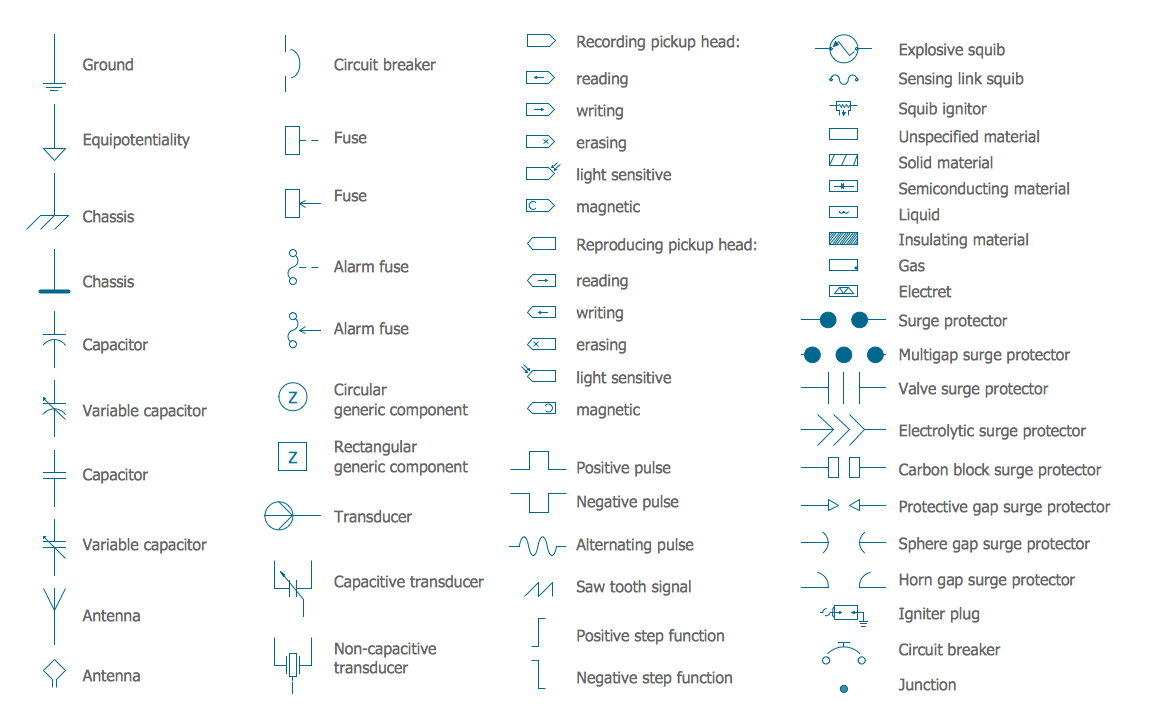
Picture: Electrical Circuits — Electrical Symbols
Related Solution:
ConceptDraw - Perfect Network Diagramming Software with abundant examples and templates. ConceptDraw Network Diagram is ideal for network engineers and network designers who need to draw Enterprise Private Network diagrams.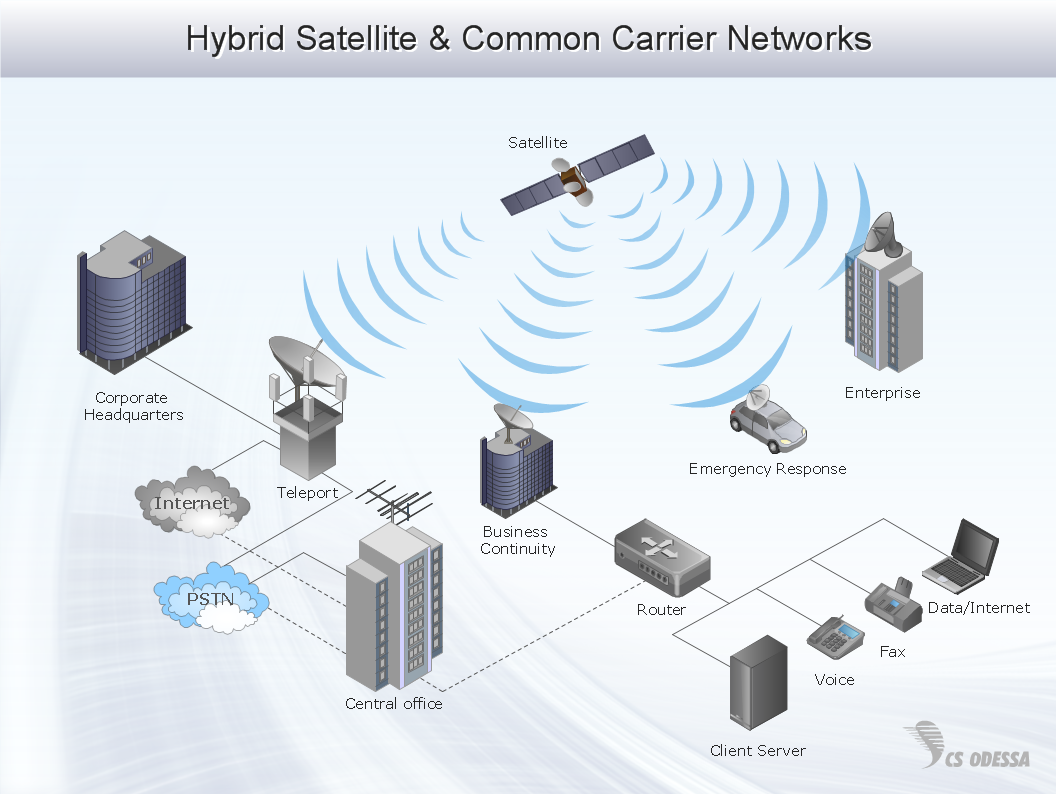
Picture: Network Diagram SoftwareEnterprise Private Network
Related Solution:
If we divide computer networks by scale, we get several main categories. The smallest network is PAN, as it connects personal devices themselves, and as the number of users grows, a local area network can be recognized, and campus area networks (CAN) connects several local networks located within some area like a university or a corporation. Computers connected to CAN share public educational materials and list of CAN network examples includes such prestigious universities like Stanford and Carnegie Mellon.
This is an example of a computer network diagram created for a campus area network. It was created using using ConceptDraw solution for the Computer and Network diagramming. The specific of this sample campus network is its distribution. It is rather broad to embrace a big campus territory. This diagram can be applied as a template for designing custom area network topology diagram for a particular educational institution.
Picture: Campus Area Networks (CAN). Computer and Network Examples
Related Solution:
The Cisco Network Diagrams Solution from the Computer and Networks area of ConceptDraw Solution Park helps you to create the Cisco Network Diagrams quick and easy using the ConceptDraw DIAGRAM diagramming and vector drawing software.
The Cisco Network Diagrams Solution contains 14 libraries with 450 ready-to-use predesigned vector objects.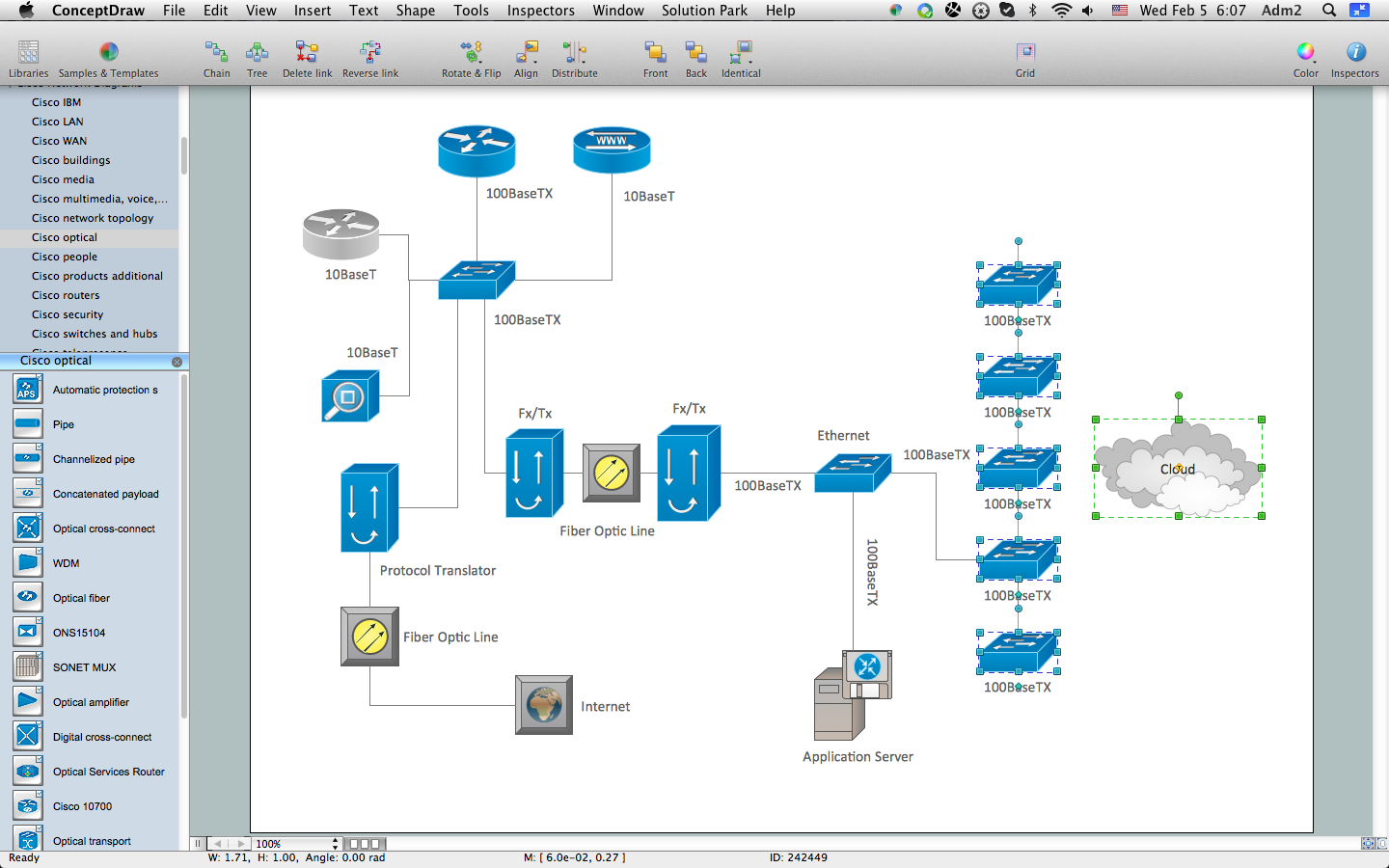
Picture: How to Create Cisco Network Diagram
Related Solution:
A network diagram is used to depict the topology of a computer network or, talking more broadly, any telecommunications network in general. In order for a computer network diagram to be understandable, clearly identifiable icons must be used for each network appliance. Cisco network templates, also called Network Topology Icons, is a brand of symbols developed and used by Cisco. Since Cisco Systems is the largest networking company in the world, it's list of networking symbols is widely recognized and exhaustive.
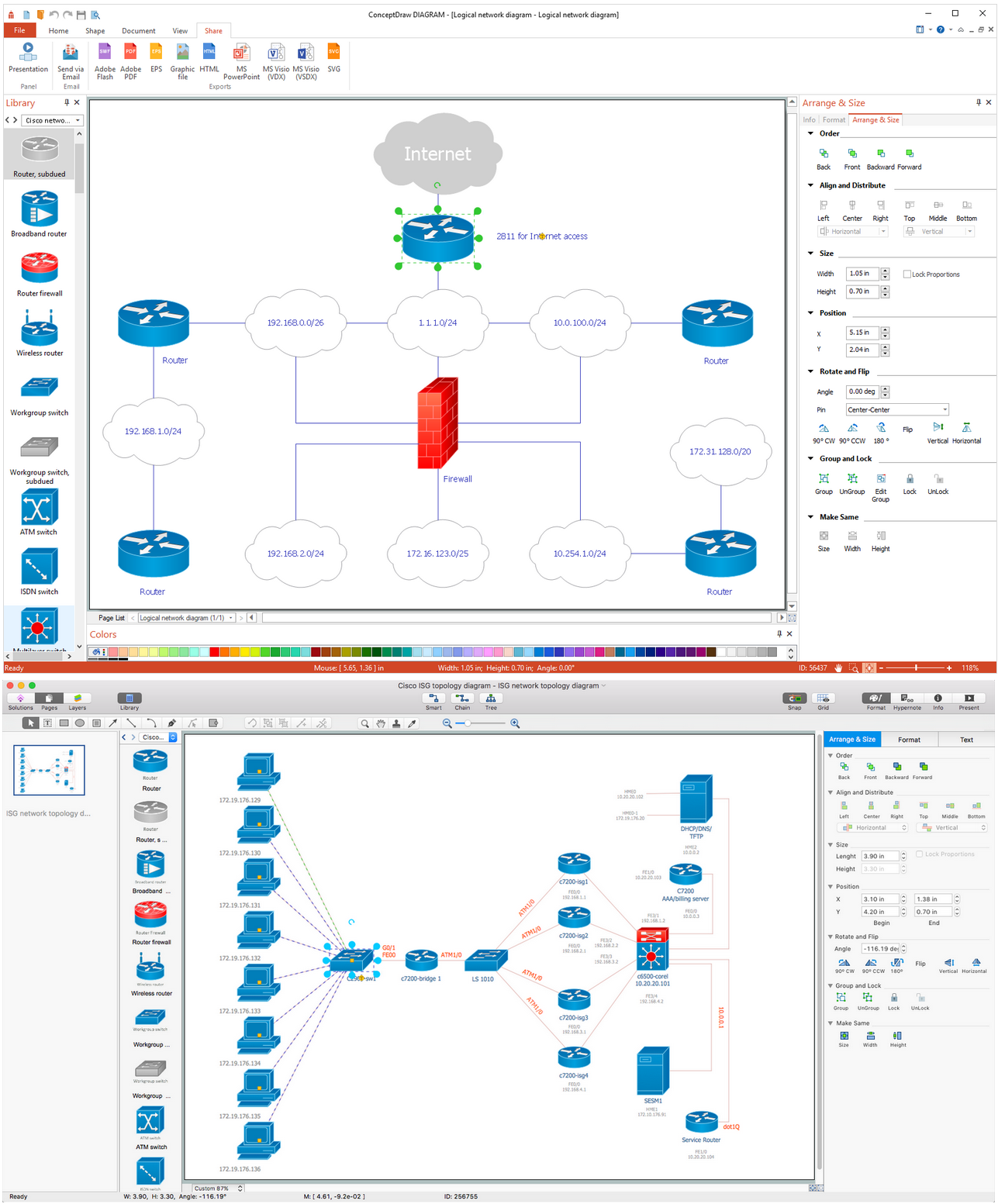
The diagram of the ISG network topology diagram illustrates the Cisco Intelligent Services Gateway. Since Cicso company offers service providers a possibility to provide control of state and resources in a broadband network, network architects and engineers need some facilities to create ISG topology diagrams.This Cisco ISG network diagram was created in ConceptDraw DIAGRAM using its solution for Cisco network diagrams. The vector library of this solution comprises over 500 icons of Cisco hardware and accessories. They can be used to design LAN, WAN, ISG and other Cisco equipped network diagrams.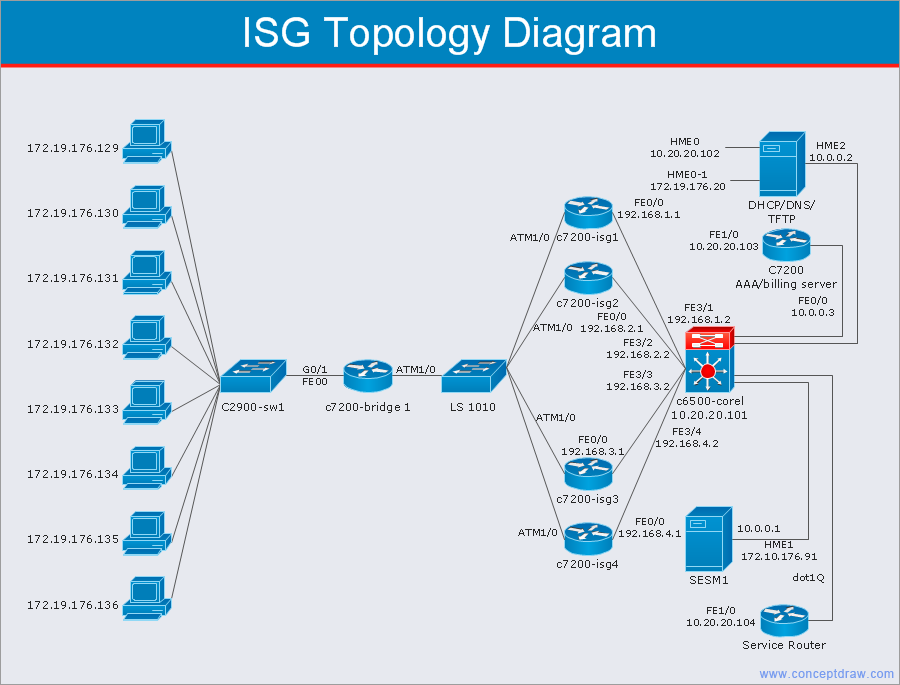
Picture: Cisco Network Templates
Related Solution: