 Project Exchange

This solution extends ConceptDraw PROJECT and ConceptDraw MINDMAP software with the ability to import and export project data.
HelpDesk
How to Use Project Exchange Solution

HelpDesk
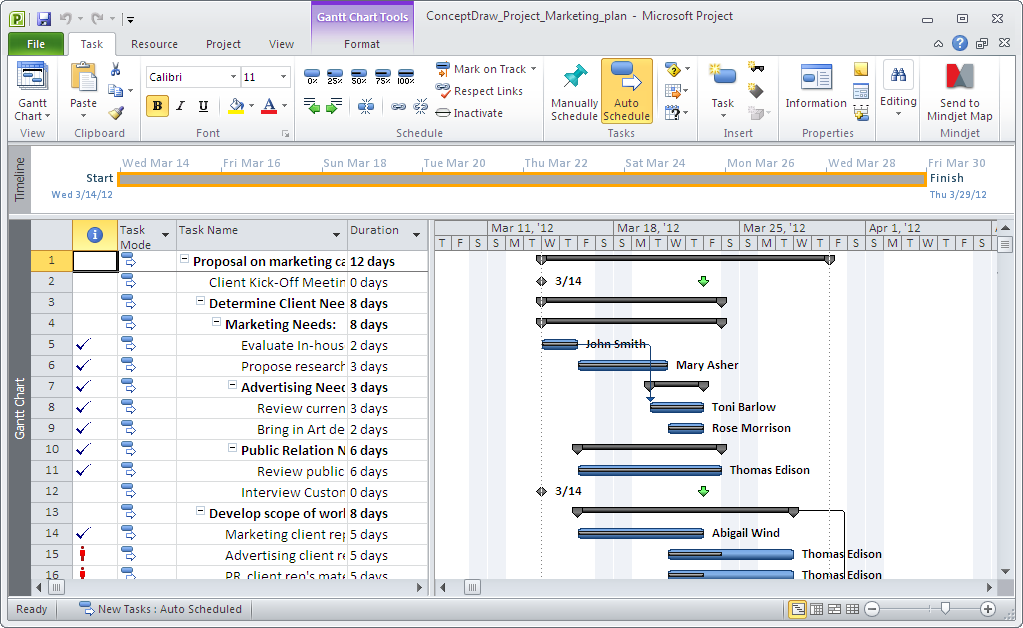
How to Exchange Files with MS Project Users
HelpDesk
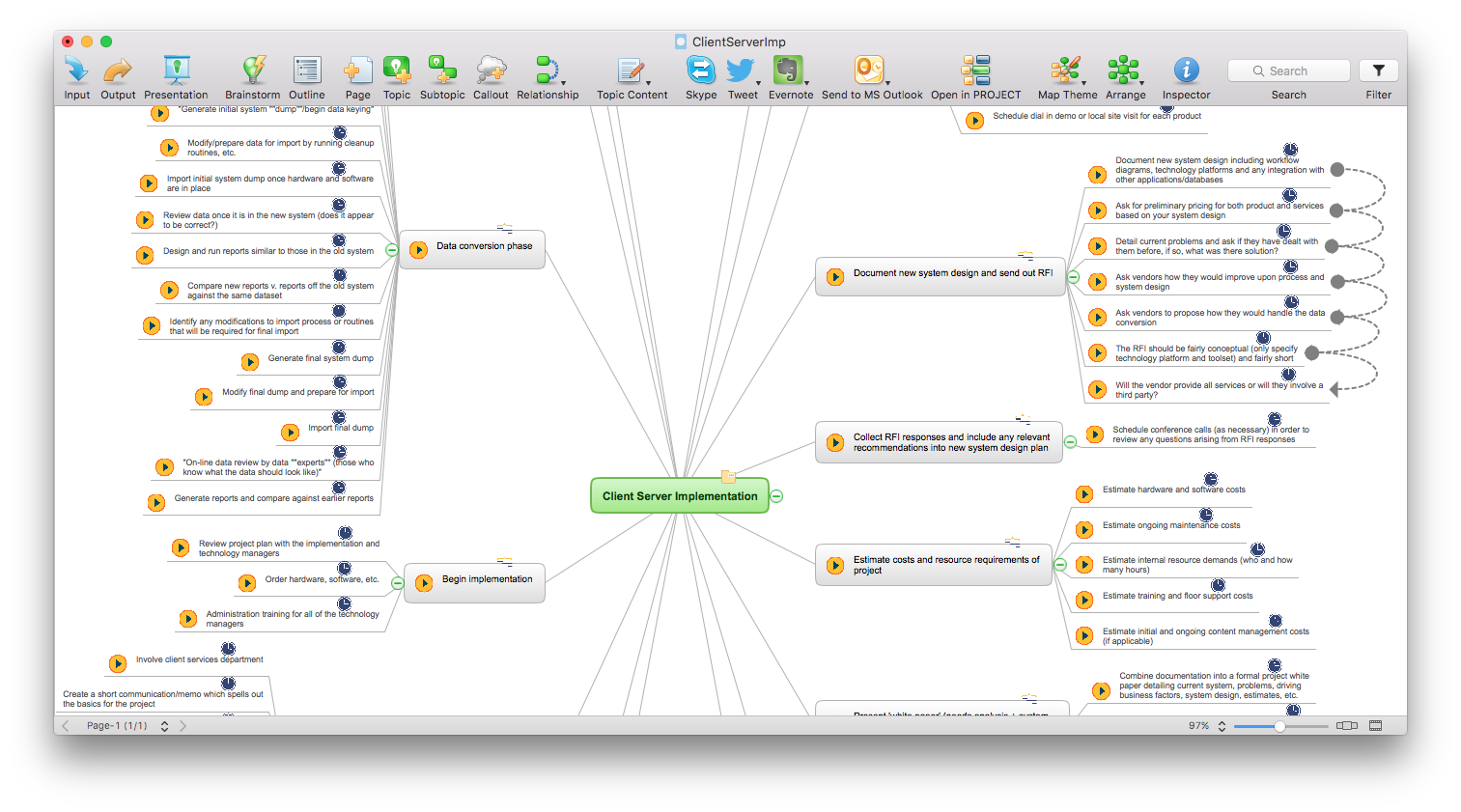
How to Import MS Project File to a Mind Map Using the Project Exchange Solution
HelpDesk
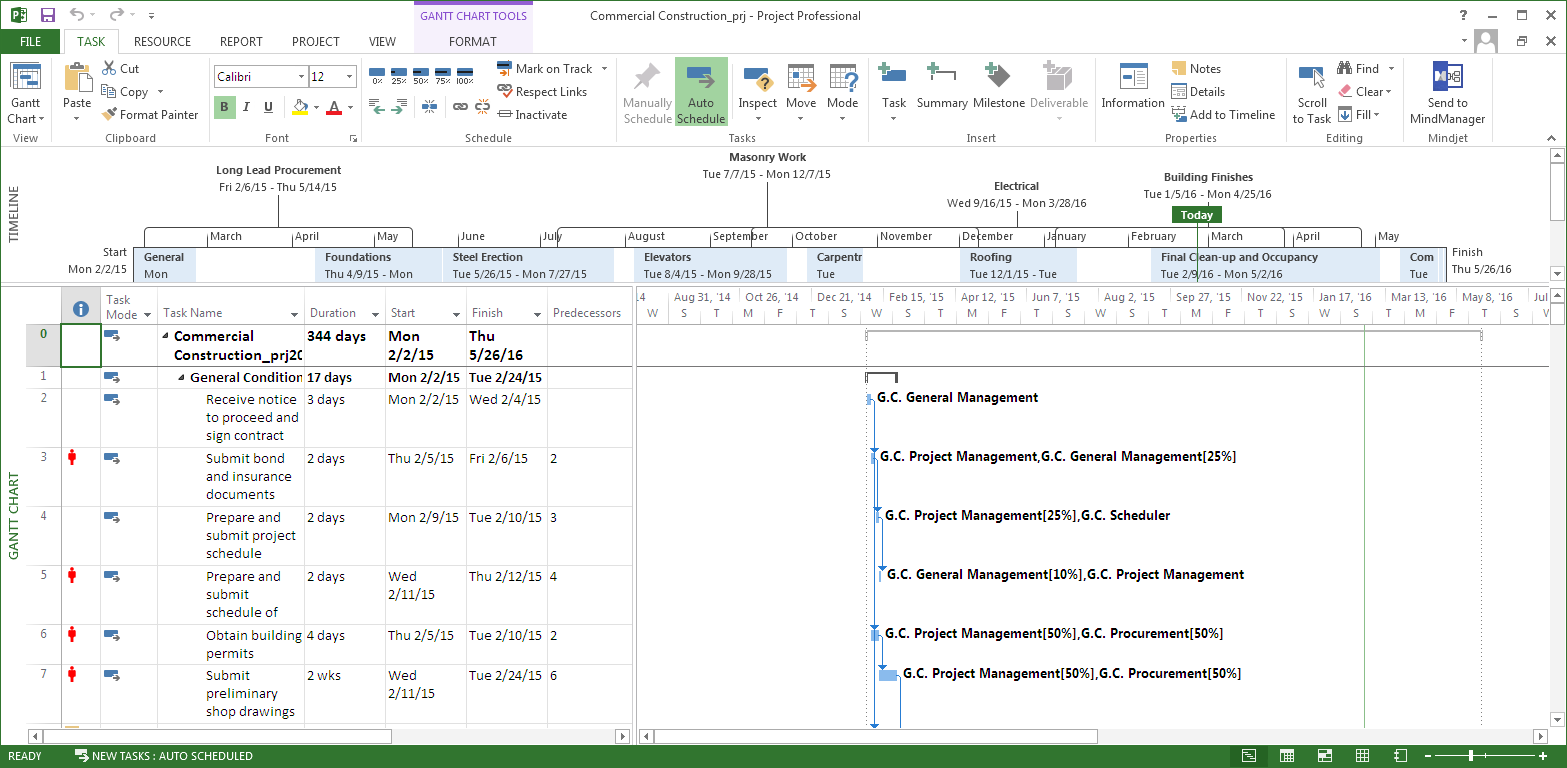
How to Convert a Mind Map into MS Project XML
HelpDesk
How to Plan Projects Effectively Using Mind Maps and PM Easy Solution
HelpDesk
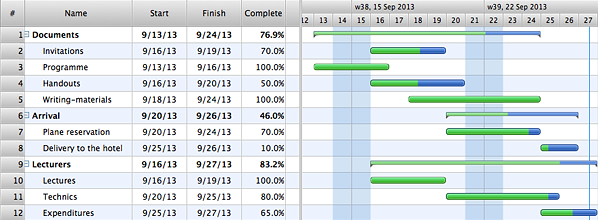
How to Quickly Make a Project from a Mind Map
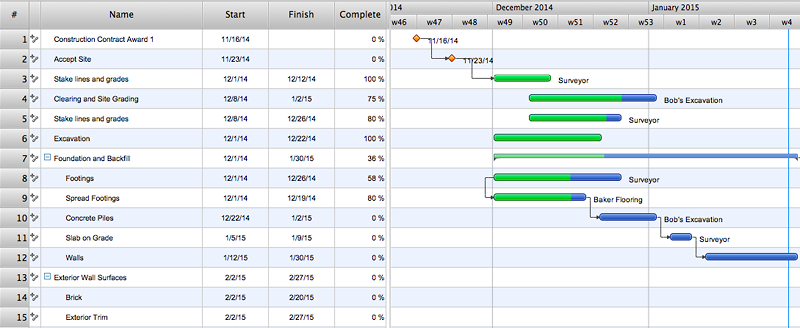
 Mind Map Exchange

This solution extends ConceptDraw MINDMAP software with the ability to easily exchange mind maps with a large variety of other mind mapping applications.
HelpDesk
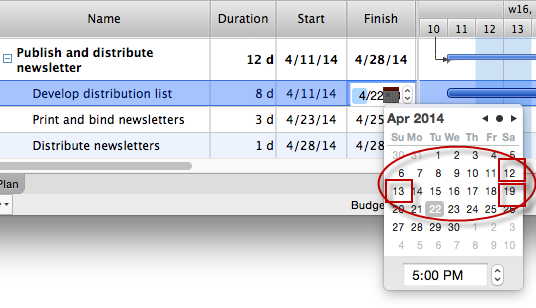
How the Project Data from Mind Map is Transformed by ConceptDraw PROJECT
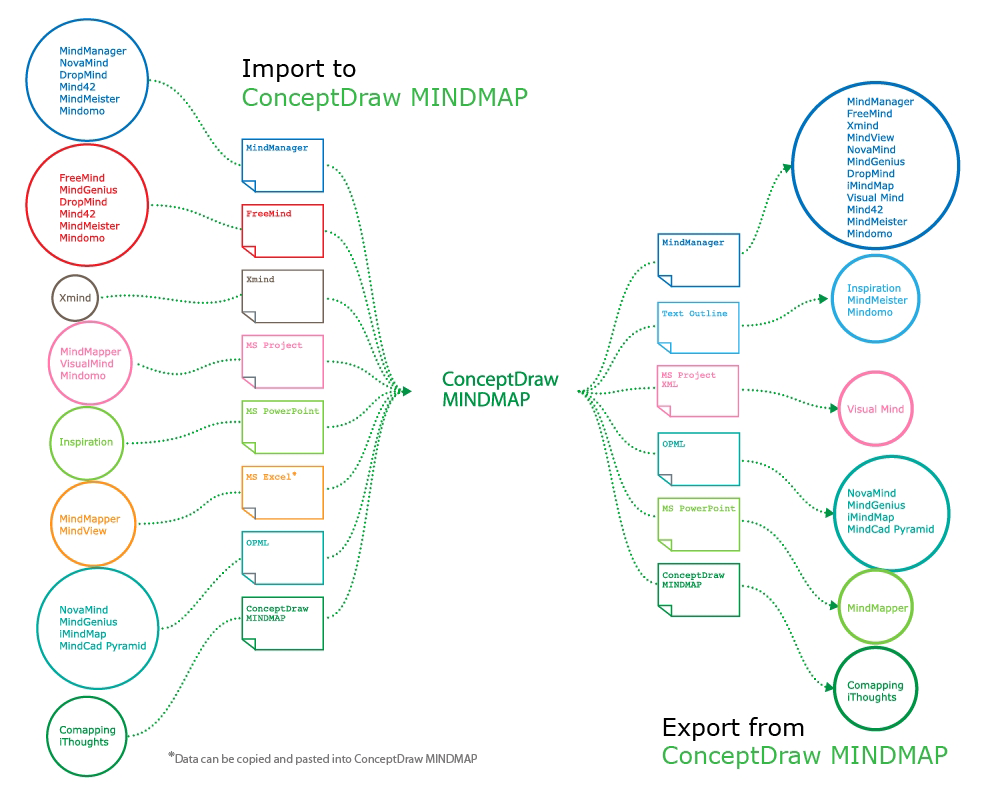
How to exchange data files of major mind mapping software?
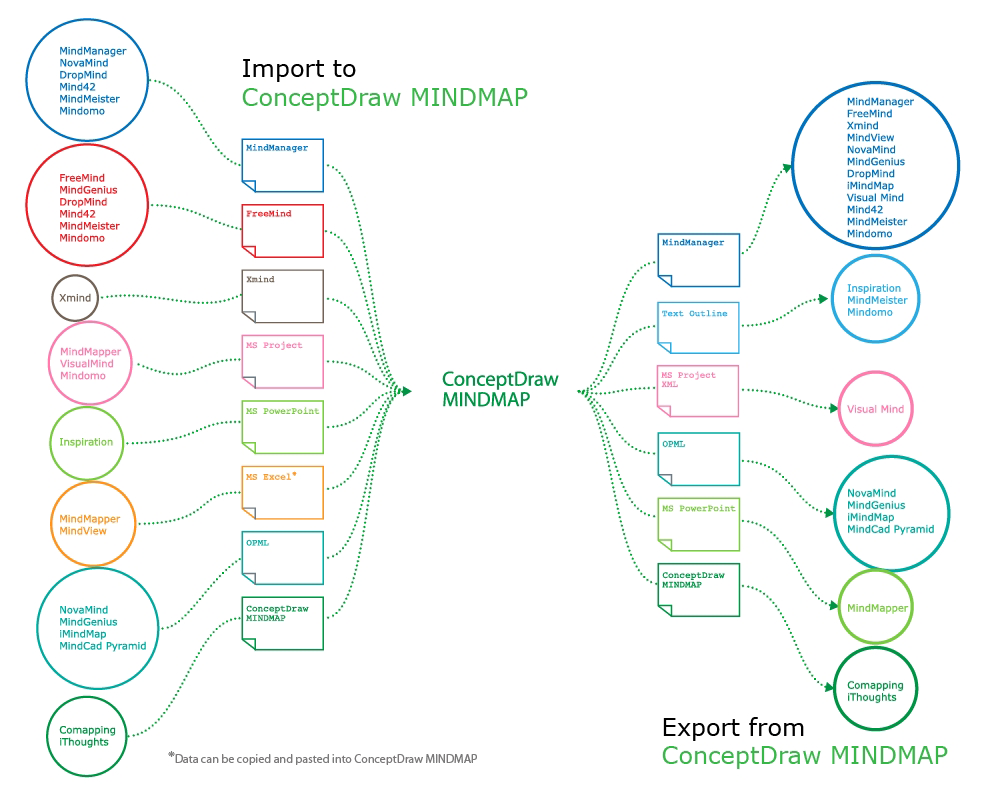
The Mind Map Exchange solution allows you to share mind maps with others who have 3rd party mind map applications.
HelpDesk
How to Use Mind Map Exchange Solution
HelpDesk
How to Make a Project Tasks Mind Map from Brainstorm
 Presentation Exchange
This solution extends ConceptDraw MINDMAP software with the ability to import presentations from Microsoft PowerPoint, as well as enhancing its existing presentation capabilities.
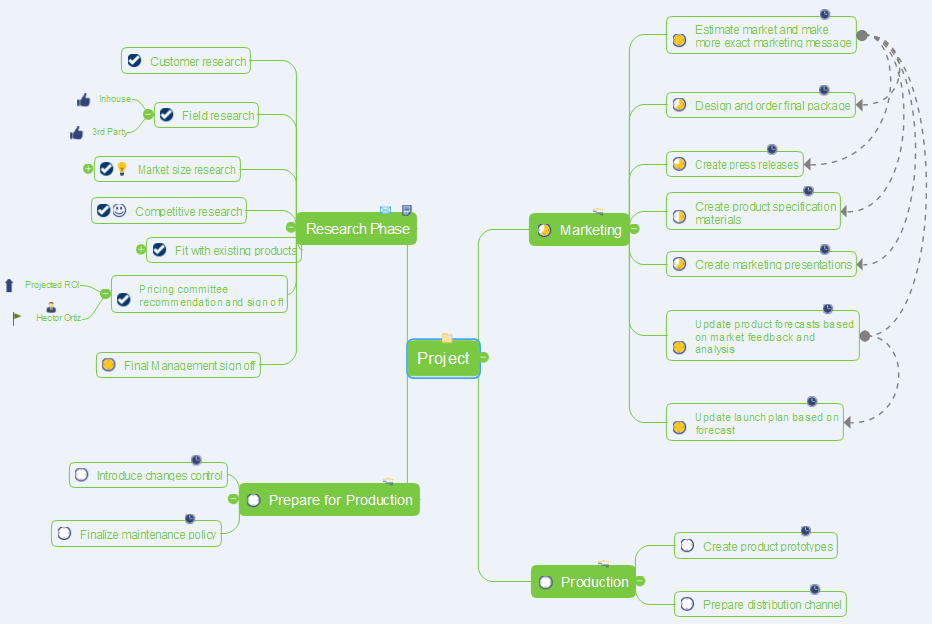
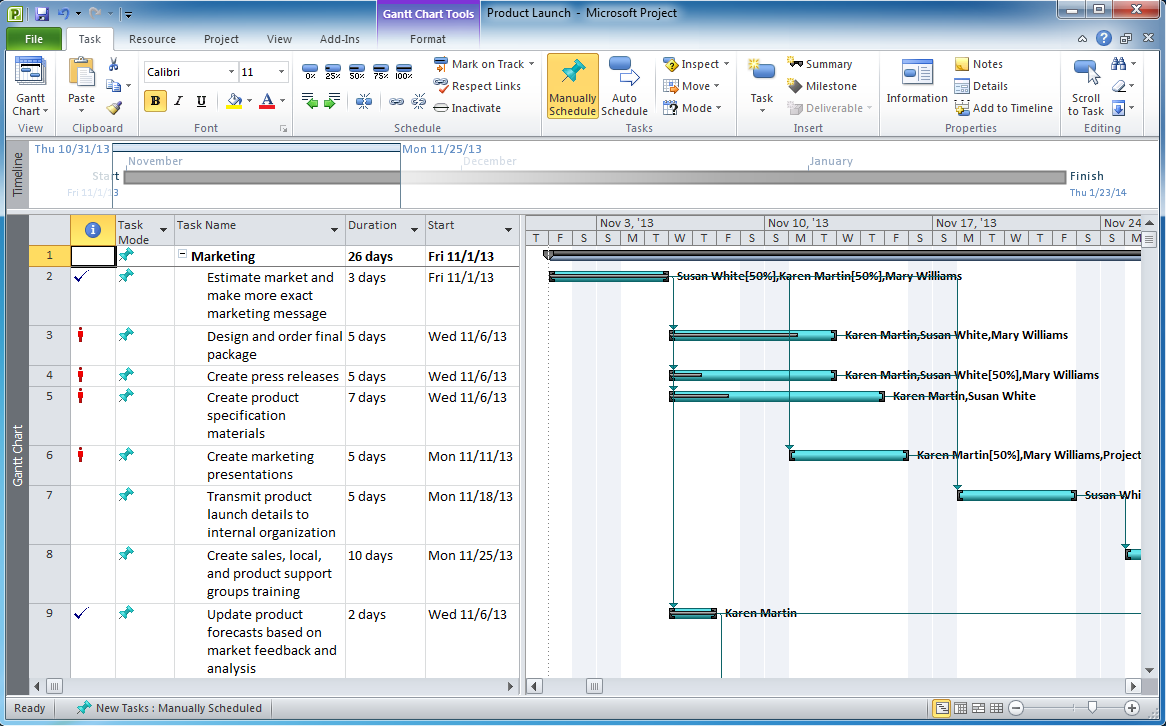
Export from ConceptDraw MINDMAP to MS Project® XML
Launch Projects Exchanging Mind Maps with Evernote
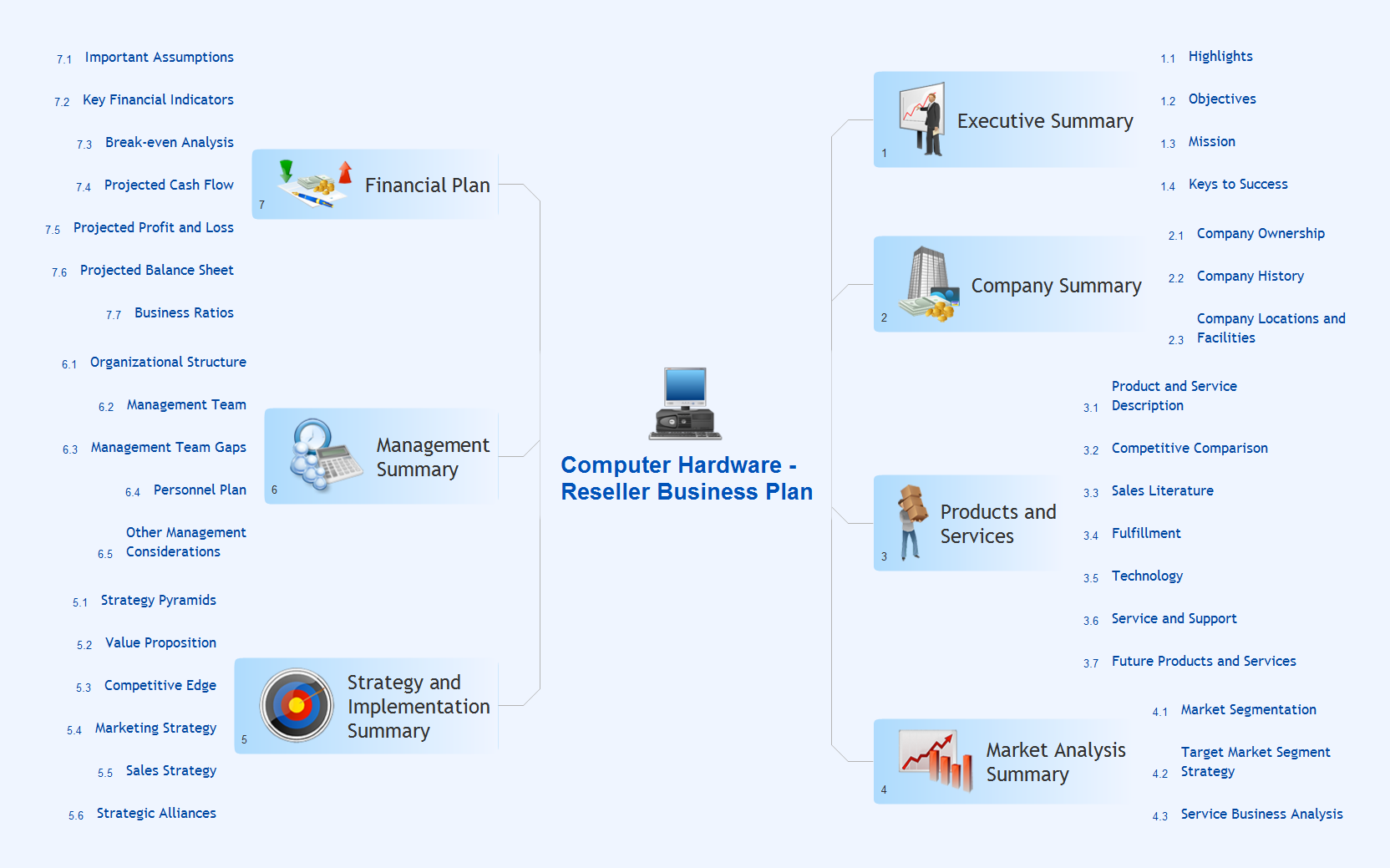
 PM Response
This solution extends all ConceptDraw Office 2.0 products by helping to improve the response time to project changes. PM Response also helps with iteration planning, discussing project layout approaches, and solving project challenges.
 Note Exchange
This solution extends ConceptDraw MINDMAP software with the ability to exchange with Evernote, and access mind maps anywhere, on any computer or mobile device via Evernote.
 PM Presentations

This solution extends ConceptDraw MINDMAP and ConceptDraw PRO software, improving the efficiency of the project management process by using the same source data to build targeted presentations.
 PM Planning

This solution extends ConceptDraw MINDMAP and ConceptDraw Project software, allowing you to automatically create documents that reflect a project's status, for people who have different project roles.
- Project Exchange | Computer and Networks | ConceptDraw Solution ...
- How To Create Project Report | Project Exchange | PM Planning ...
- Project Exchange | How to exchange data files of Mindjet ...
- Project Exchange | ConceptDraw PRO The best Business Drawing ...
- Project Exchange | Export from ConceptDraw MINDMAP to MS ...
- Project Exchange | PM Easy | Collaboration Area | Draw A Project
- How to Convert a Mind Map into MS Project XML | Project Exchange ...
- Project Exchange | How To Plan and Implement Projects Faster | PM ...
- PM Response | Project Exchange | The Best Business Process ...
- Project Exchange | ConceptDraw PRO Compatibility with MS Visio ...
- Project Exchange | Collaboration Area | PM Docs | Conceptdraw Ms ...
- Project Exchange | Word Exchange | Mind Map Exchange | T Com P
- Project Exchange | ConceptDraw Solution Park | Design Element ...
- ConceptDraw Solution Park | Project Exchange | ConceptDraw PRO ...
- Project Exchange | Collaboration Area | PM Docs | Mind Map ...
- PM Dashboards | Status Dashboard | Project Exchange | Dashboard ...
- ConceptDraw PRO Compatibility with MS Visio | Project Exchange ...
- Project Exchange | Critical Path Method in ConceptDraw PROJECT ...
- Project Exchange | How To Plan and Implement Projects Faster ...
- Project Exchange | How To Send Presentation via Skype (Mac OS X ...


