This site uses cookies. By continuing to browse the ConceptDraw site you are agreeing to our Use of Site Cookies.
The vector stencils library "HR flowchart" contains 62 flowchart symbols.
Use it to draw your HR flowcharts, workflow diagrams and process charts with the ConceptDraw PRO diagramming and vector drawing software.
The flow chart symbols library "HR flowchart" is included in the HR Flowcharts solution from the Management area of ConceptDraw Solution Park.
Annotation
Annotation, annotation,
Card
Card, card,
Check / audit (diamond)
Check / audit (diamond), check, audit,
Check / audit (square)
Check / audit (square), check, audit,
Collate
Collate, collate,
Comment / note symbol (brace)
Comment / note symbol (brace), brace callout, comment, note,
Communication link
Communication link, communication link,
Compare (diamond)
Compare (diamond), compare,
Compare (square)
Compare (square), compare,
Completed form
Completed form, completed form, document,
Concurrency symbol (fork / join)
Concurrency symbol (fork / join), concurrency symbol,
Conditional selector
Conditional selector, conditional selector,
Control transfer
Control transfer, control transfer,
Data input / output
Data input / output, data input, data output,
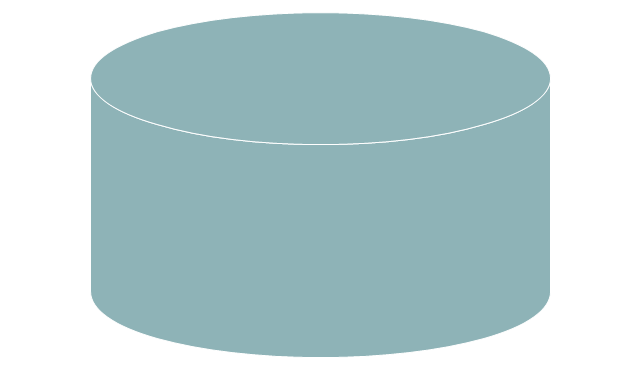
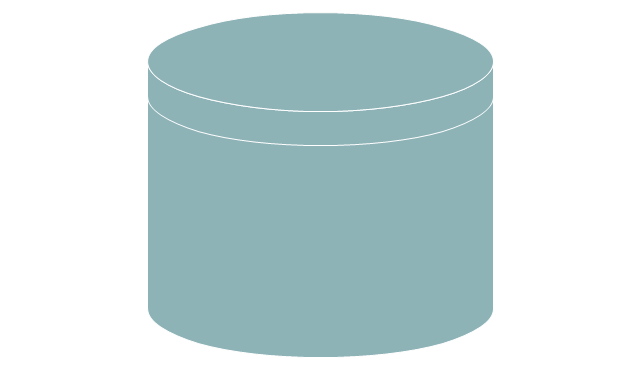
Database
Database, database,
Decision
Decision, decision,
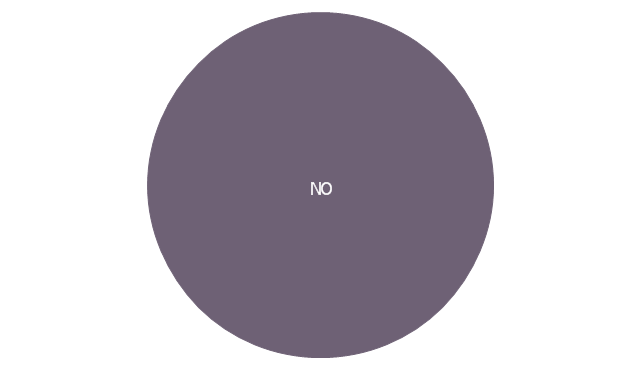
Decision indicator - No
Decision indicator - No, decision indicator, no,
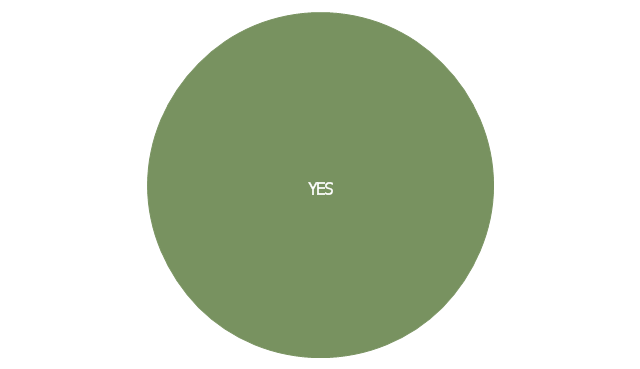
Decision indicator - Yes
Decision indicator - Yes, decision indicator, yes,
Delay
Delay, delay,
Direct access storage
Direct access storage, direct access storage,
Disk storage
Disk storage, disk storage,
Display
Display, display,
Divided process (table view)
Divided process (table view), divided process,
Document
Document, document,
Entity (rounded)
Entity (rounded), entity,
Event
Event, event,
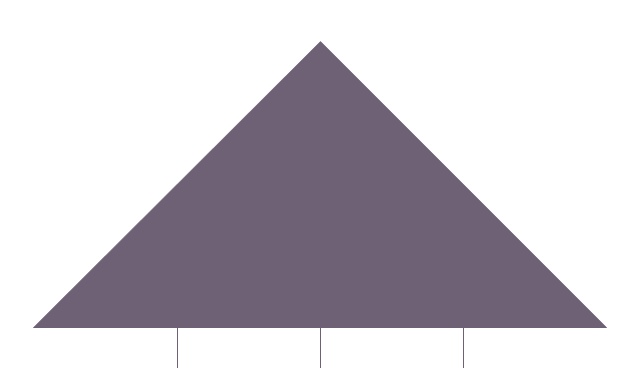
Extract
Extract, extract, part, device,
Flow line
Flow line, flow line, arrow, connector,
Internal storage
Internal storage, internal storage,
Junction symbol
Junction symbol, junction symbol,
Lined document
Lined document, lined document,
Lined / shaded process
Lined / shaded process, lined process, shaded process,
Loop limit
Loop limit, loop limit,
Manual file
Manual file, manual file,
Manual input
Manual input, manual input,
Manual operation
Manual operation, manual operation,
Merge
Merge, merge,
Multi document
Multi document, multi document,
Multi process
Multi process, multi process,
Off-page reference - arrow
Off-page reference - arrow, off-page reference,
Off-page reference - incoming
Off-page reference - incoming, off-page reference,
Off-page reference - outgoing
Off-page reference - outgoing, off-page reference,
On-page reference/ Inspection point
On-page reference/ Inspection point, on-page reference, inspection point,
Or
Or, or,
Page
Page, page,
Paper tape
Paper tape, paper tape,
Predefined process
Predefined process, subroutine, predefined process,
Prepare conditional
Prepare conditional, preparation, prepare conditional,
Process step
Process step, process step,
Reference point
Reference point, reference point,
Sequential access storage
Sequential access storage, sequential access storage,
Sort
Sort, sort,
Start (circle)
Start (circle), start,
Start (ellipse)
Start (ellipse), start,
Stickman pictogram
Stickman pictogram, stickman pictogram,
Stored data
Stored data, stored data,
Summary
Summary, summary,
Tagged document
Tagged document, tagged document, document,
Tagged process
Tagged process, tagged process,
Terminal point
Terminal point, terminal point,
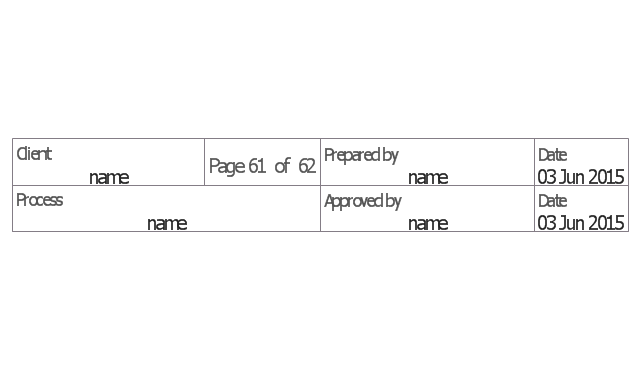
Title block
Title block, title block,
Torso pictogram
Torso pictogram, torso pictogram,
The vector stencils library "Sales flowchart" contains 62 sales process flow chart symbols.
Use these flow chart icon set to draw your sales flowcharts, workflow diagrams and process charts with the ConceptDraw PRO diagramming and vector drawing software.
The sales process flowchart symbols library "Sales flowchart" is included in the Sales Flowcharts solution from the Marketing area of ConceptDraw Solution Park.
Annotation
Annotation, annotation,
Card
Card, card,
Check / audit (diamond)
Check / audit (diamond), check, audit,
Check / audit (square)
Check / audit (square), check, audit,
Collate
Collate, collate,
Comment / note symbol (brace)
Comment / note symbol (brace), brace callout, comment, note,
Communication link
Communication link, communication link,
Compare (diamond)
Compare (diamond), compare,
Compare (square)
Compare (square), compare,
Completed form
Completed form, completed form, document,
Concurrency symbol (fork / join)
Concurrency symbol (fork / join), concurrency symbol,
Conditional selector
Conditional selector, conditional selector,
Control transfer
Control transfer, control transfer,
Database
Database, database,
Data input / output
Data input / output, data input, data output,
Decision
Decision, decision,
Decision indicator - No
Decision indicator - No, decision indicator, no,
Decision indicator - Yes
Decision indicator - Yes, decision indicator, yes,
Delay
Delay, delay,
Direct access storage
Direct access storage, direct access storage,
Disk storage
Disk storage, disk storage,
Display
Display, display,
Divided process (table view)
Divided process (table view), divided process,
Document
Document, document,
Entity (rounded)
Entity (rounded), entity,
Event
Event, event,
Extract
Extract, extract, part, device,
Flow line
Flow line, flow line, arrow, connector,
Internal storage
Internal storage, internal storage,
Junction symbol
Junction symbol, junction symbol,
Lined document
Lined document, lined document,
Lined / shaded process
Lined / shaded process, lined process, shaded process,
Loop limit
Loop limit, loop limit,
Manual file
Manual file, manual file,
Manual input
Manual input, manual input,
Manual operation
Manual operation, manual operation,
Merge
Merge, merge,
Multi document
Multi document, multi document,
Multi process
Multi process, multi process,
Off-page reference - arrow
Off-page reference - arrow, off-page reference,
Off-page reference - incoming
Off-page reference - incoming, off-page reference,
Off-page reference - outgoing
Off-page reference - outgoing, off-page reference,
On-page reference/ Inspection point
On-page reference/ Inspection point, on-page reference, inspection point,
Or
Or, or,
Page
Page, page,
Paper tape
Paper tape, paper tape,
Predefined process
Predefined process, subroutine, predefined process,
Prepare conditional
Prepare conditional, preparation, prepare conditional,
Process step
Process step, process step,
Reference point
Reference point, reference point,
Sequential access storage
Sequential access storage, sequential access storage,
Sort
Sort, sort,
Start (circle)
Start (circle), start,
Start (ellipse)
Start (ellipse), start,
Stickman pictogram
Stickman pictogram, stickman pictogram,
Stored data
Stored data, stored data,
Summary
Summary, summary,
Tagged document
Tagged document, tagged document, document,
Tagged process
Tagged process, tagged process,
Terminal point
Terminal point, terminal point,
Title block
Title block, title block,
Torso pictogram
Torso pictogram, torso pictogram,

Double-headed Cross Functional Flowchart

ConceptDraw DIAGRAM is a powerful tool that helps you create a Cross Functional Flow Chart quickly and easily. Fine-tuning the objects in ConceptDraw DIAGRAM allows you to create a really professional finished article. ConceptDraw Arrows10 Technology gives drawing connectors a smart behavior that provides quick and precise placement, allows for easy changes and automatic rearrangement.

Accounts Payable Process Flow Chart

Accounts Payable Process Flow Chart - ConceptDraw DIAGRAM diagramming and vector drawing software extended with Accounting Flowcharts Solution provides the useful tools that will help you create easily and quickly. The Accounts Payable Process Flow Chart is very popular and widely used type of accounting flowcharts. Now their designing is simple thanks to the Accounting Flowcharts Solution that provides the Accounting Flowcharts library of predesigned commonly-used shapes and a set of templates and samples.

Best Vector Drawing Application for Mac OS X
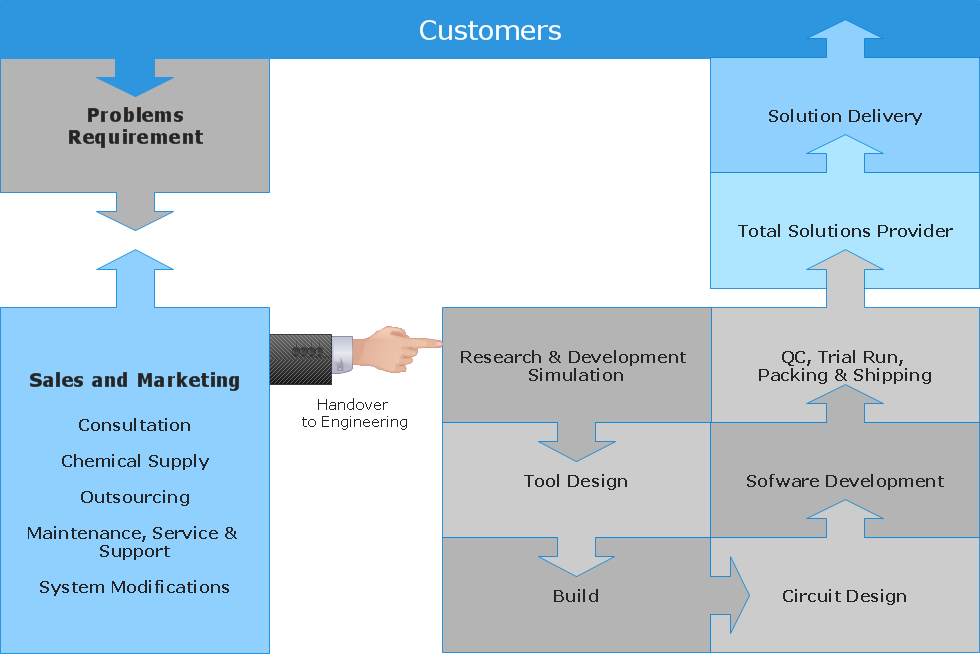
ConceptDraw DIAGRAM creates drawings, diagrams and charts with great visual appeal in Mac OS X.

Technical Flow Chart

Flow chart is a diagrammatic representation of an algorithm and essential part of planning the system. Flow charts are widely used in technical analysis and programming for easy writing programs and explaining them to others. So, one of the most popular type of flow charts is Technical Flow Chart. Technical Flow Chart can be drawn by pencil on the paper, but it will be easier to use for designing a special software. ConceptDraw DIAGRAM diagramming and vector drawing software extended with Flowcharts Solution from the "Diagrams" Area of ConceptDraw Solution Park will be useful for this goal.

Cross-functional flowchart Templates portrait, metric
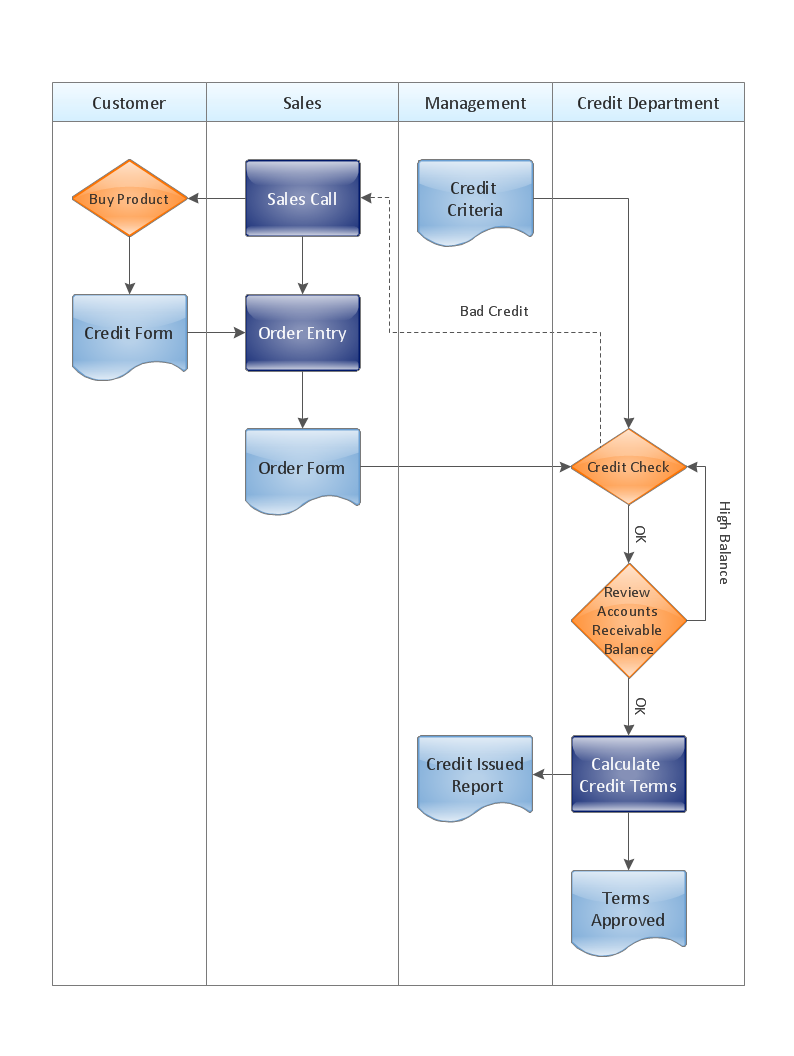
ConceptDraw Cross-Functional Flowchart templates include a mix of portrait and landscape metric layouts of the following process diagram types: - Cross-Functional Horizontal - Cross-Functional Vertical - Opportunity Flowchart - Swim Lane Map

Flowchart Design
Flowchart Symbols, Shapes, Stencils and Icons

A flowchart is a type of diagram which represents an algorithm, process or workflow, displays the steps as boxes of various kinds and depicts their order by connecting them with arrows. Any business graphic document will be more colorful and understandable if will use professional-looking and visual diagrams and flowcharts. Flowchart design gives versatile presenting and explaining of the process. ConceptDraw DIAGRAM flowchart software enhanced with Flowcharts solution helps effectively make Flowchart Design. Use of predesigned flowchart symbols and bright color palette offers a fresh view and favorably distinguishes the flowcharts designed in ConceptDraw DIAGRAM from the black and white flowcharts on a paper. Preferably to use no more than three or four colors and apply identical for the same shape types. The best flowchart design can be achieved by starting with Flowchart template, or any of suitable ready examples or samples offered in ConceptDraw STORE, open one of them and enter the proper text into each Flowchart shape. Each symbol of the flowchart has a definition that can't be changed. This means that all flowcharts shapes can be grouped in according to their meaning. Users with ConceptDraw DIAGRAM flowchart software can style groups of symbols with close definitions by color sets chosen from complementary palette. Almost all workflows can be depicted as a flowchart. Colored diagrams are more light for perception of the certain information, this is part of flowchart design. Bright colors need to be used in the key points of Decision symbols, to focus attention on their importance for whole process flow.
Business Process Modeling with ConceptDraw

Basic of Flowchart: Meaning and Symbols

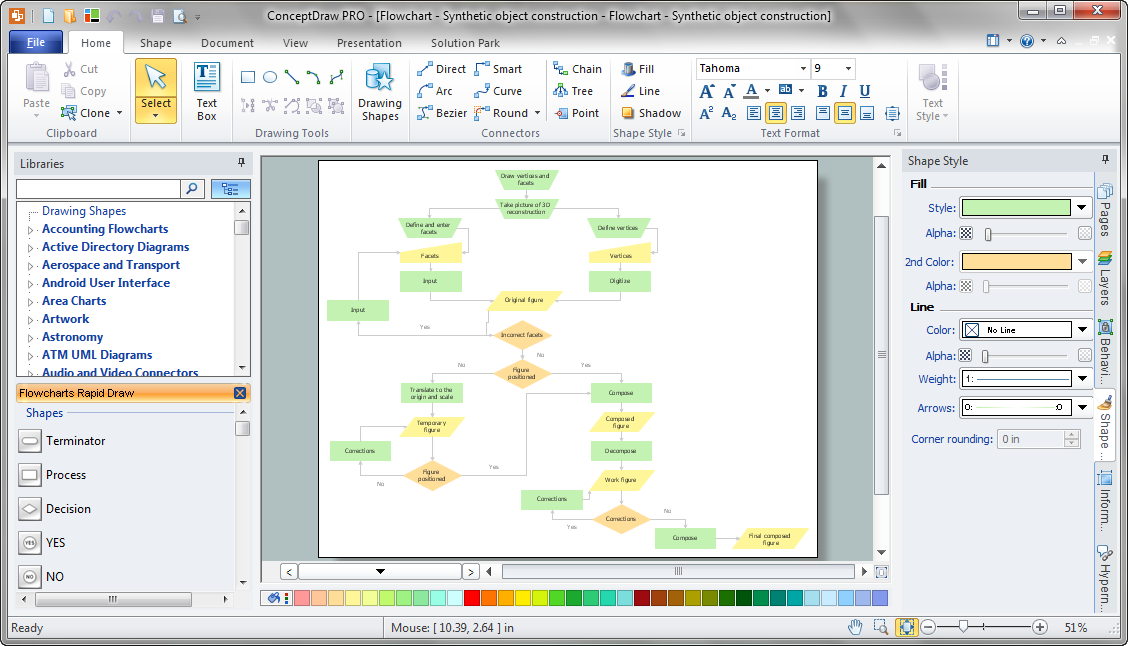
Flowcharts are the best for visually representation the business processes and the flow of a custom-order process through various departments within an organization. ConceptDraw DIAGRAM diagramming and vector drawing software extended with Flowcharts solution offers the full set of predesigned basic flowchart symbols which are gathered at two libraries: Flowchart and Flowcharts Rapid Draw. Among them are: process, terminator, decision, data, document, display, manual loop, and many other specific symbols. The meaning for each symbol offered by ConceptDraw gives the presentation about their proposed use in professional Flowcharts for business and technical processes, software algorithms, well-developed structures of web sites, Workflow diagrams, Process flow diagram and correlation in developing on-line instructional projects or business process system. Use of ready flow chart symbols in diagrams is incredibly useful — you need simply drag desired from the libraries to your document and arrange them in required order. There are a few serious alternatives to Visio for Mac, one of them is ConceptDraw DIAGRAM. It is one of the main contender with the most similar features and capabilities.
How to Build a Flowchart

Business diagrams & Org Charts with ConceptDraw DIAGRAM

The business diagrams are in great demand, they describe the business processes, business tasks and activities which are executed to achieve specific organizational and business goals, increase productivity, reduce costs and errors. They let research and better understand the business processes. ConceptDraw DIAGRAM is a powerful professional cross-platform business graphics and business flowcharting tool which contains hundreds of built-in collections of task-specific vector stencils and templates. They will help you to visualize and structure information, create various Business flowcharts, maps and diagrams with minimal efforts, and add them to your documents and presentations to make them successful. Among them are Data flow diagrams, Organization charts, Business process workflow diagrams, Audit flowcharts, Cause and Effect diagrams, IDEF business process diagrams, Cross-functional flowcharts, PERT charts, Timeline diagrams, Calendars, Marketing diagrams, Pyramids, Target diagrams, Venn diagrams, Comparison charts, Analysis charts, Dashboards, and many more. Being a cross-platform application, ConceptDraw DIAGRAM is very secure, handy, free of bloatware and one of the best alternatives to Visio for Mac users.
Draw Business Process Diagrams
HelpDesk

How to Create Flowchart Using Standard Flowchart Symbols
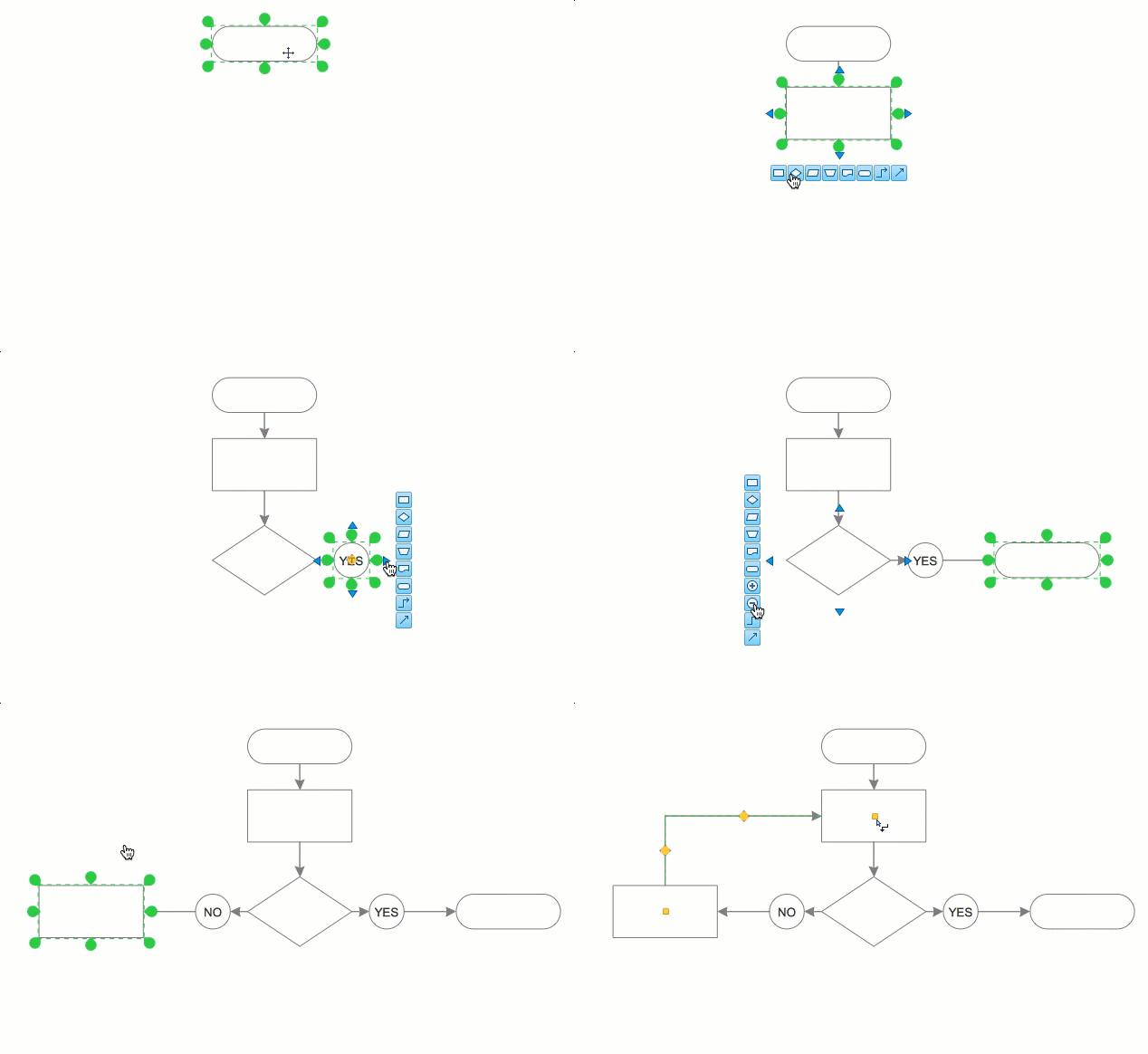
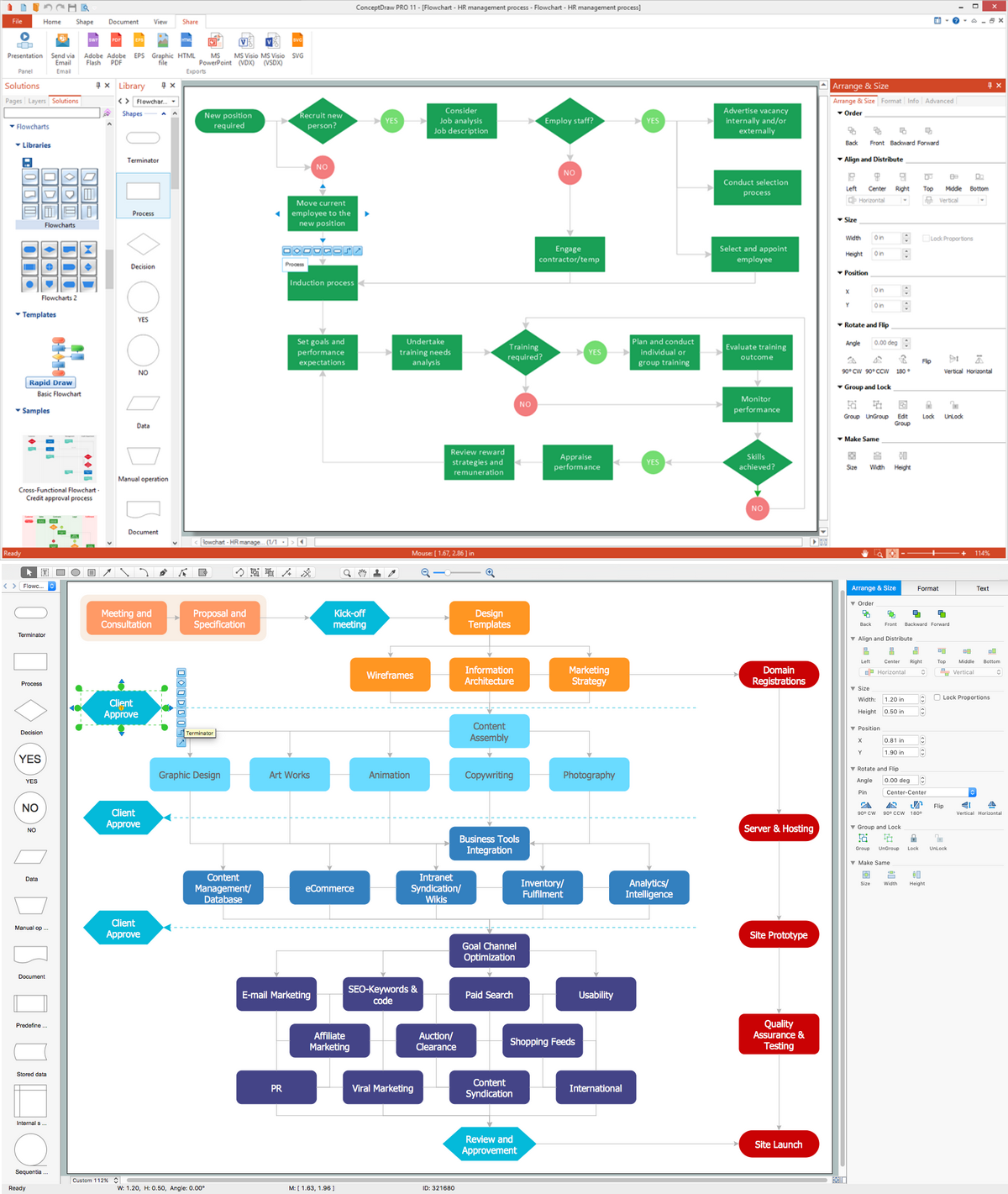
Flowcharts are used to display an algorithm for consistent execution of certain steps. Flowchart is probably the easiest way to make a graphical representation of any process. Flowcharts use the set of standard geometric symbols and arrows to define relationships. ConceptDraw DIAGRAM allows you to create professional flowchart quickly and easily. The ability to create flowcharts is contained in the Flowcharts solution. The solution provides a set of special tools for creating flowcharts.

Cross Functional Diagram

You want design the Cross Functional Diagram and need powerful software? Then ConceptDraw DIAGRAM diagramming and vector drawing software extended with Cross-Functional Flowcharts Solution is exactly what you need.

Flow Diagrams

Flow diagrams is a diagram used for structuring complex system and visually representing a flow and interactions of elements in a system. ConceptDraw DIAGRAM diagramming and vector drawing software enhanced with Flowcharts Solution from the "Diagrams" Area of ConceptDraw Solution Park is perfect for easy drawing professional looking Flow Diagrams. For drawing Flow Diagrams the Flowcharts Solution provides: 2 libraries with commonly used predesigned vector objects - Flowchart library and Flowcharts Rapid Draw library; collection of Flow Diagrams samples; Basic Flowchart template.

Export from ConceptDraw MINDMAP to MS Project® XML
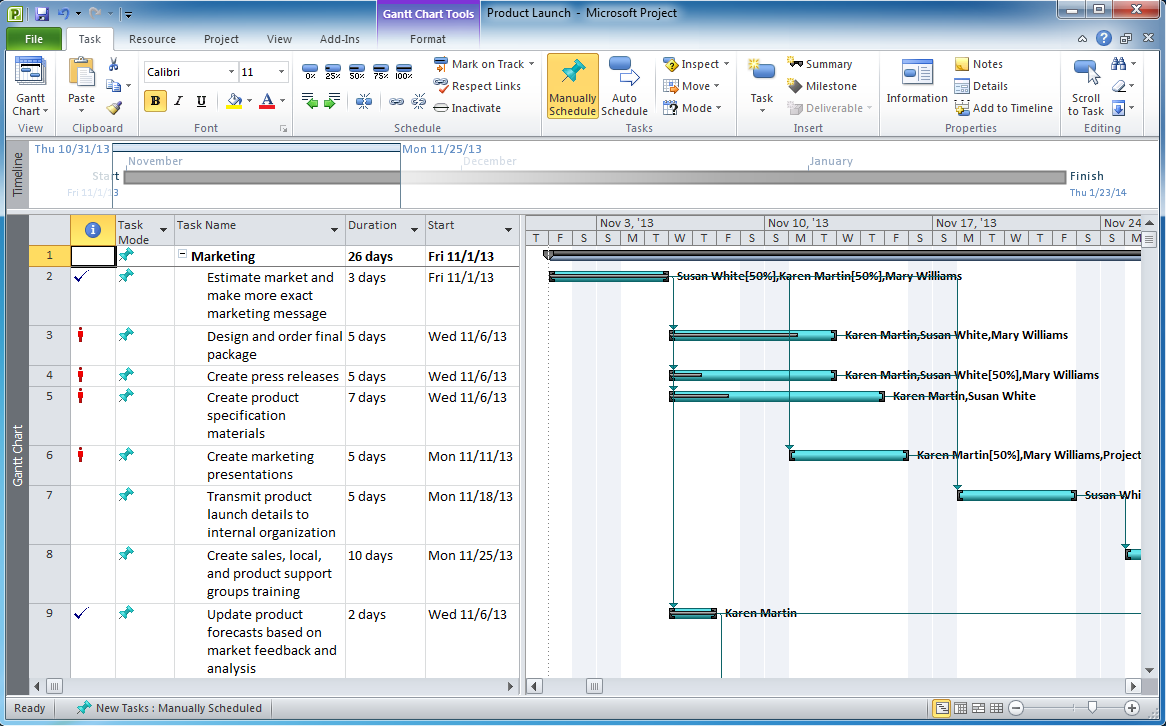
ConceptDraw MINDMAP can export to MS Project file from a mind map; it can also import a project file from MS Project giving team members who use Macintosh or Windows, a working visual map of a planned project. The ability to import/export MS Project files is made possible because of the Project Exchange solution.

Flowchart Marketing Process. Flowchart Examples

This sample shows the Flowchart that displays the layout and work flow of the cloud marketing platform. This diagram has a style of the marketing brochure. This style displays the central product that is related to the other issues. Using the ready-to-use predesigned objects, samples and templates from the Flowcharts Solution for ConceptDraw DIAGRAM you can create your own professional looking Flowchart Diagrams quick and easy.

Basic Workflow Examples

ConceptDraw DIAGRAM with the Workflow Diagrams solution delivers a complete set of samples and templates. This set contains basic workflow examples you may use to start drawing your own workflow or to get closer with workflow idea.

Target Diagram

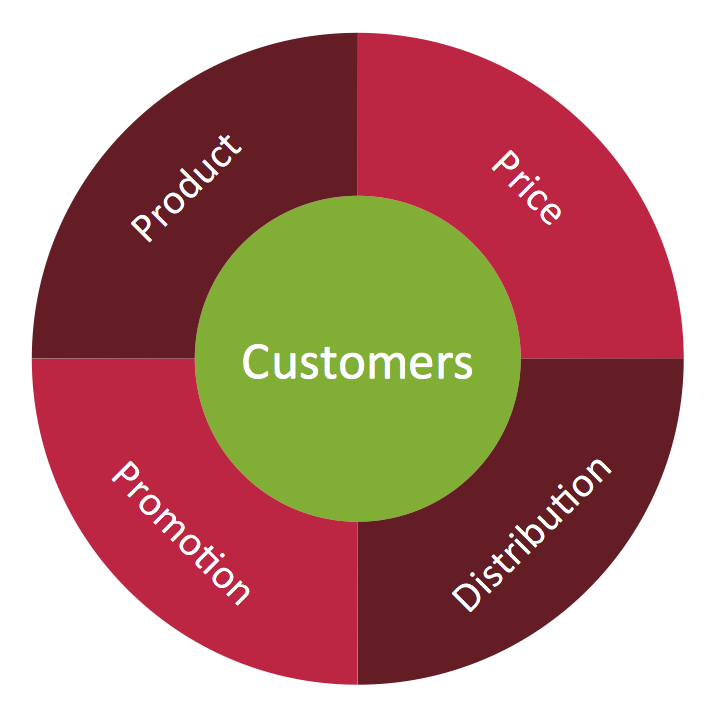
Target Diagram is a convenient and visual way of presentation information which is popular and widely used in marketing, business and economics. ConceptDraw DIAGRAM diagramming and vector drawing software extended with Target and Circular Diagrams solution from the Marketing area of ConceptDraw Solution Park is ideal for fast and easy drawing a Target Diagram.

Business People Clipart

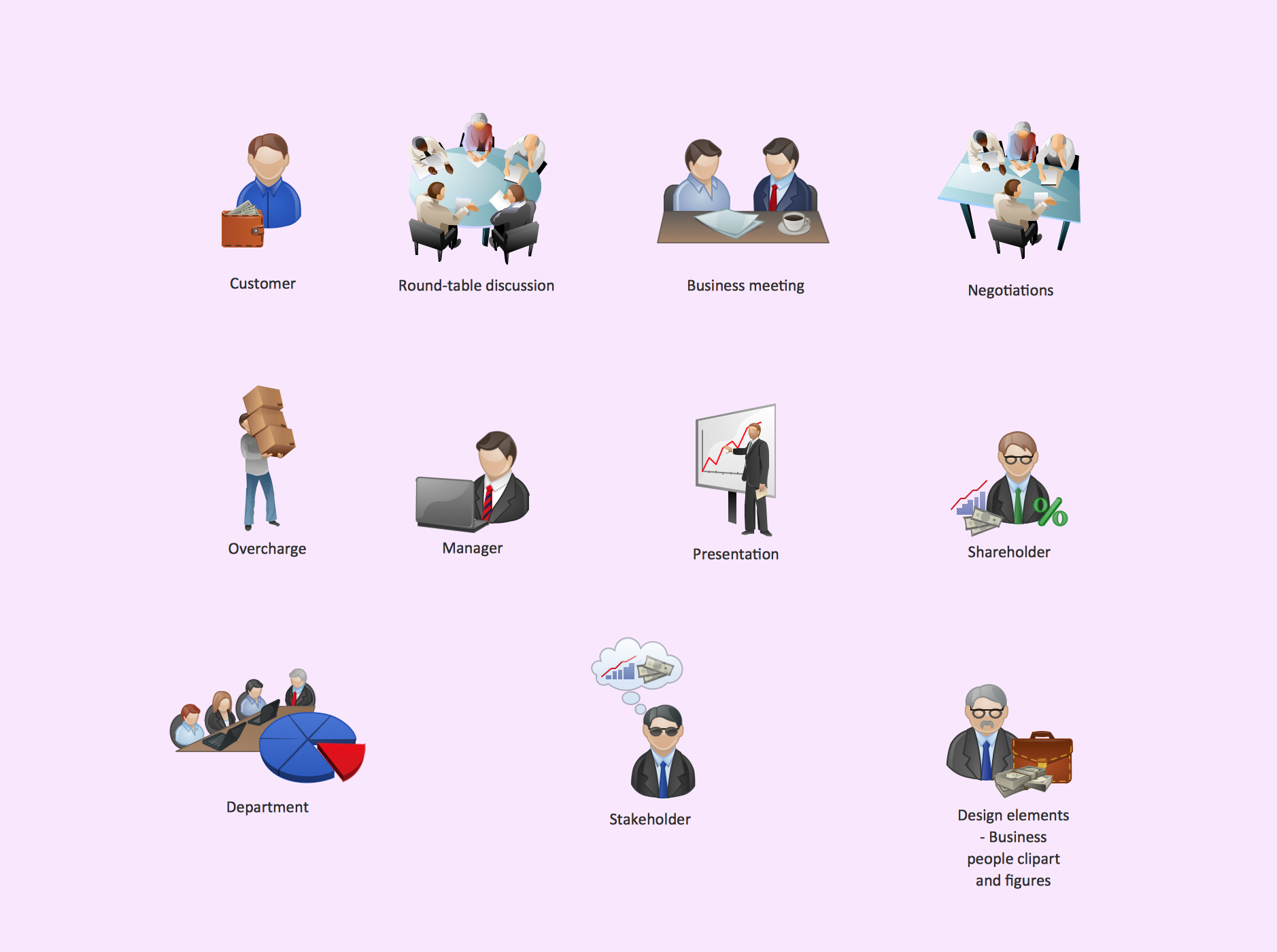
Business People Clipart - Business and Finance solution from Illustration area of ConceptDraw Solution Park. Use it to quick draw illustrations, diagrams and infographics for your business documents, presentations and websites. The vector stencils library Business People Clipart includes 12 images.

Audit Flowchart Symbols

The audit is a complex process consisting of defined quantity of steps, which have as a final goal the ensuring of success of a certain business project. It includes the independent examination of data, statements and financial performances of an enterprise for a stated purpose. It is convenient to construct the Audit Flowcharts or Audit Diagrams for visual representation and structuring the audit processes. ConceptDraw DIAGRAM diagramming software enhanced with Audit Flowcharts solution from the Finance and Accounting area of ConceptDraw Solution Park effectively helps to draw the Audit Diagrams for accounting, finance and money management, the Audit Flowcharts for fiscal information tracking, financial inventories and documenting Six Sigma, the decision making Flow Charts, etc. This solution provides the powerful drawing tools, numerous templates and samples, and large quantity of vector audit flowchart symbols that greatly facilitate the process of representation the audit steps and audit results, and designing efficient and visually appealing Audit Flowcharts.

Flowcharting Software

A flowchart is a useful type of diagram quite popular in many areas of science and business, which represents some algorithm, workflow or process. ConceptDraw DIAGRAM diagramming and vector graphic software extended with Flowcharts solution from the "Diagrams" area of ConceptDraw Solution Park is also ideal flowcharting software with powerful tools that assist in easily making the Flowcharts of different types and directions, in representing the flowchart steps and describing the flowchart processes, in realizing the flowchart constructions, creating the process flow models, designing the data flow diagrams, and many other flowcharting related diagrams. ConceptDraw DIAGRAM software maximally facilitates the drawing process by means of included predesigned vector objects, which only need to be dragged to your ConceptDraw document from the corresponding library and connected with smart connectors. This way lets equally easy make the simple flowcharts, as well as flowcharts of complex processes and procedures.