Made with
ConceptDraw
MINDMAP 16

Business Productivity - Management

Management

Benefits

Management Diagrams (Matrixes, Deployment Charts, Organizational Charts, Cause & Effect (Fishbone) Diagrams, Timelines) and Mind Maps (decision making, scheduling, thinking ideas, problem solving, business planning, company organizing, SWOT analysis, preparating and holding the meetings and presentations).

Objective

Visually document and communicate information to management.

Solution Purpose

Build management diagrams and mind maps quickly and easily.

Intended For

Managers who want to improve their productivity by using visual documenting and communication tools.

Products and methods

To support you in your tasks you can use the power of ConceptDraw DIAGRAM providing intelligent vector graphics that are useful for management diagramming and ConceptDraw MINDMAP for key management mind maps.

Business Productivity - Management *

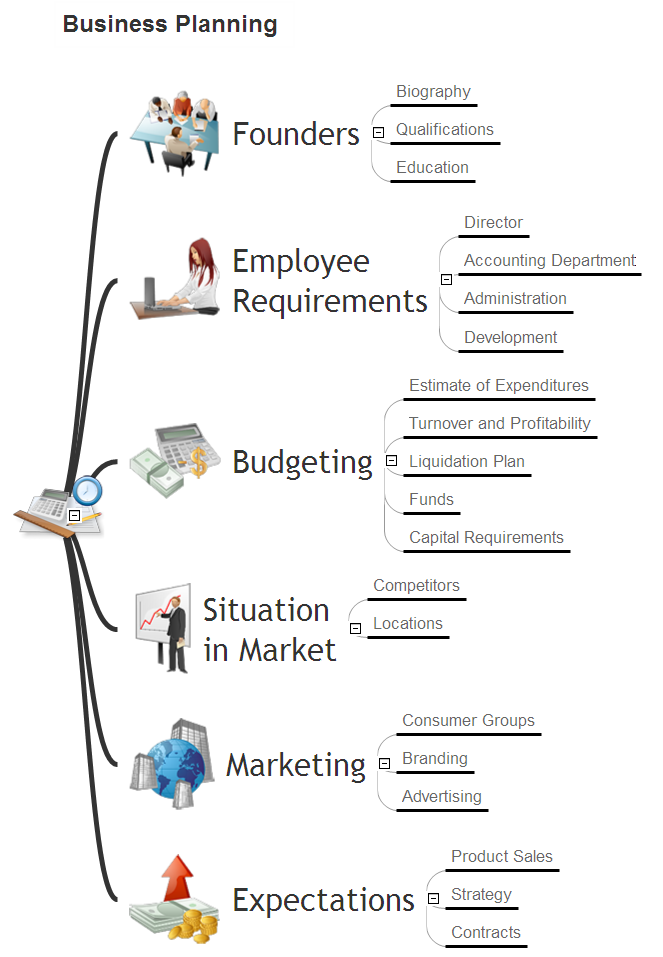
Example 1. Business Planning


Company Organization

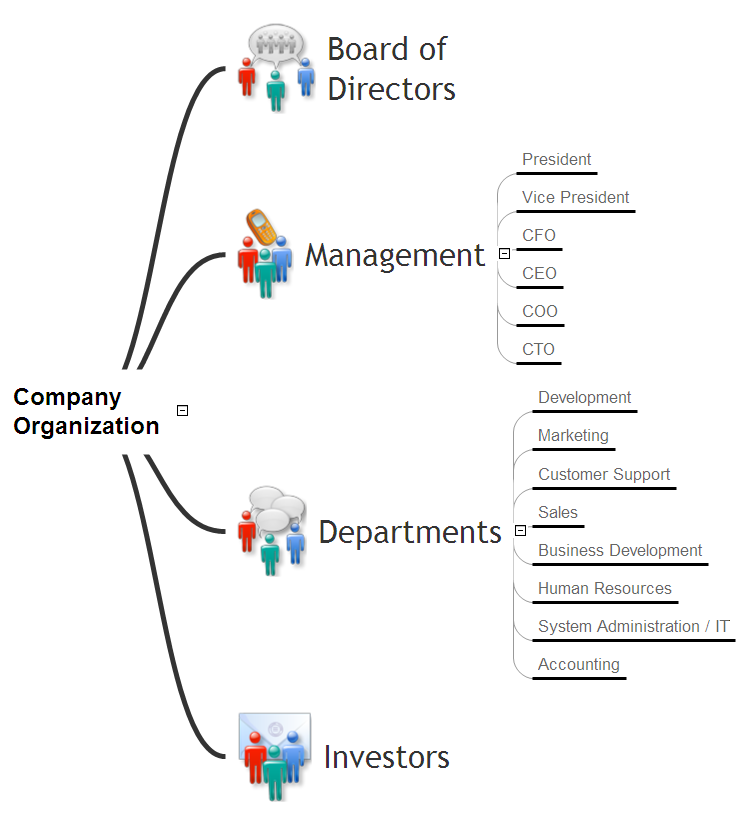
Example 2. Company Organization


Strategy Map

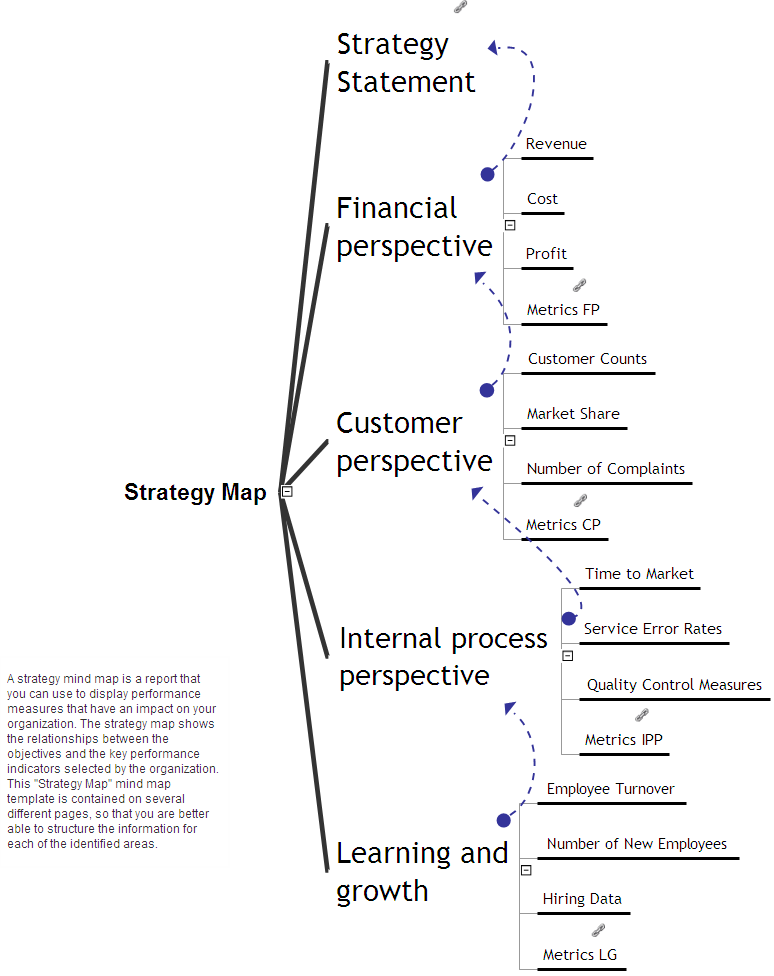
Example 3. Strategy Map


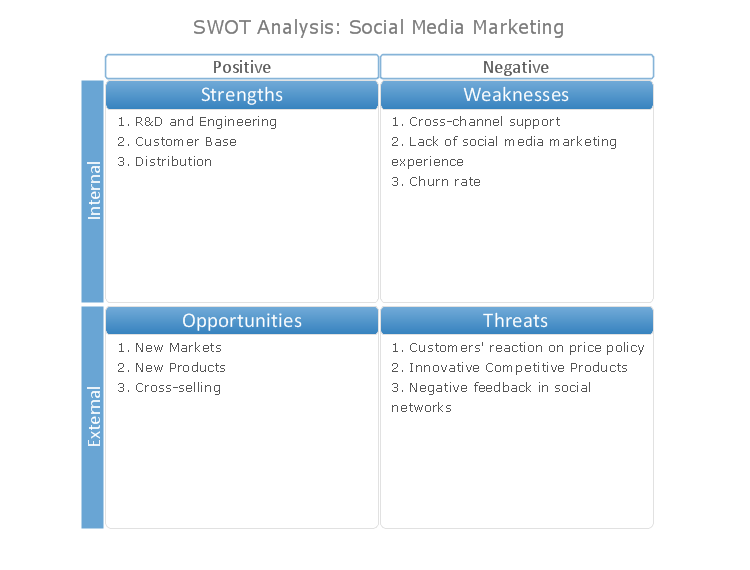
SWOT Analysis

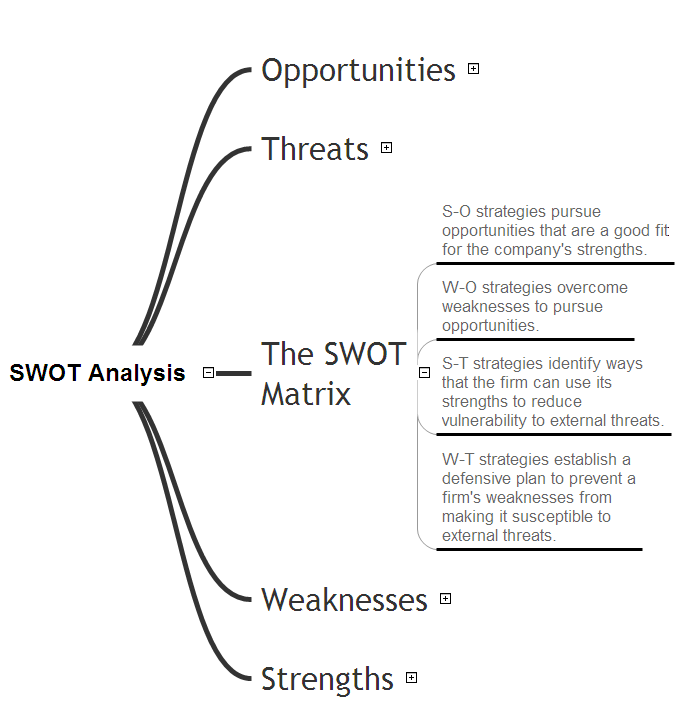
Example 4. SWOT Analysis


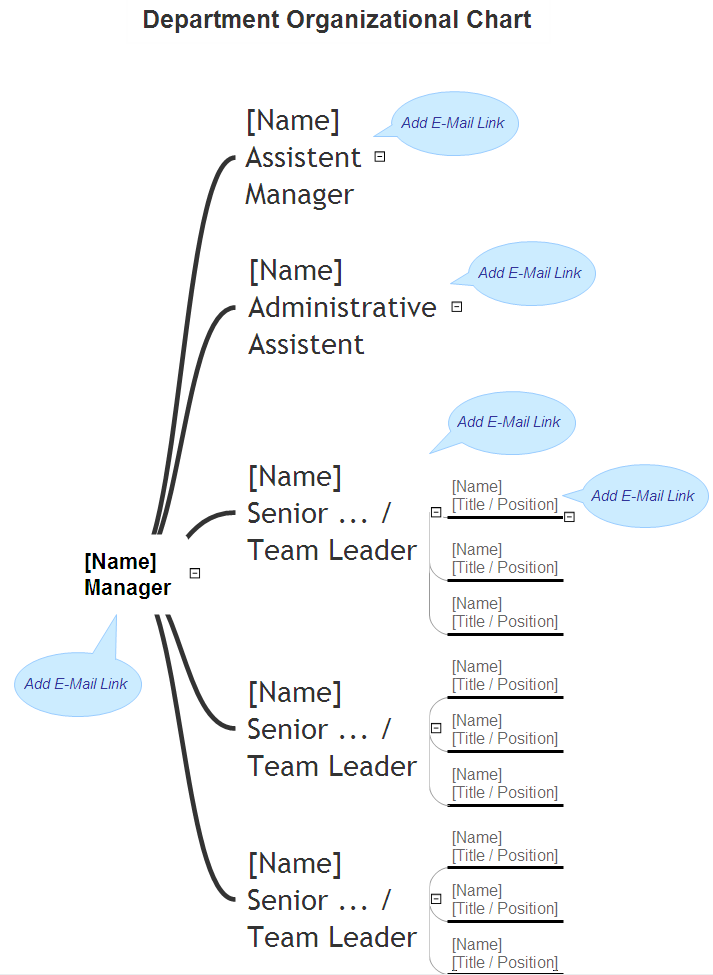
Department Organizational Chart

Example 5. Department Organizational Chart
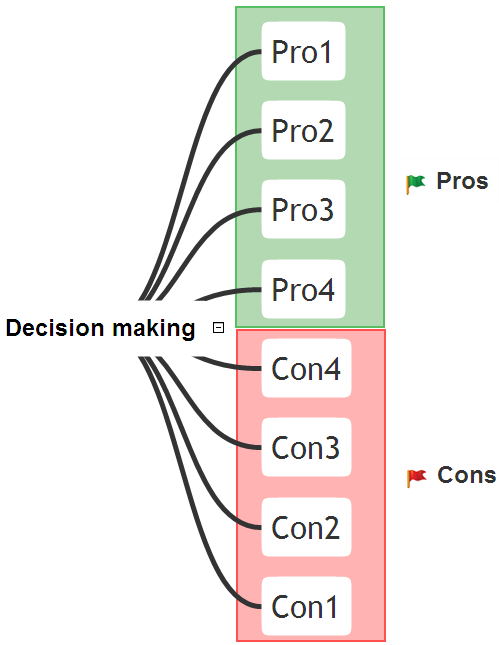


Management Decision Making

Example 6. Management Decision Making
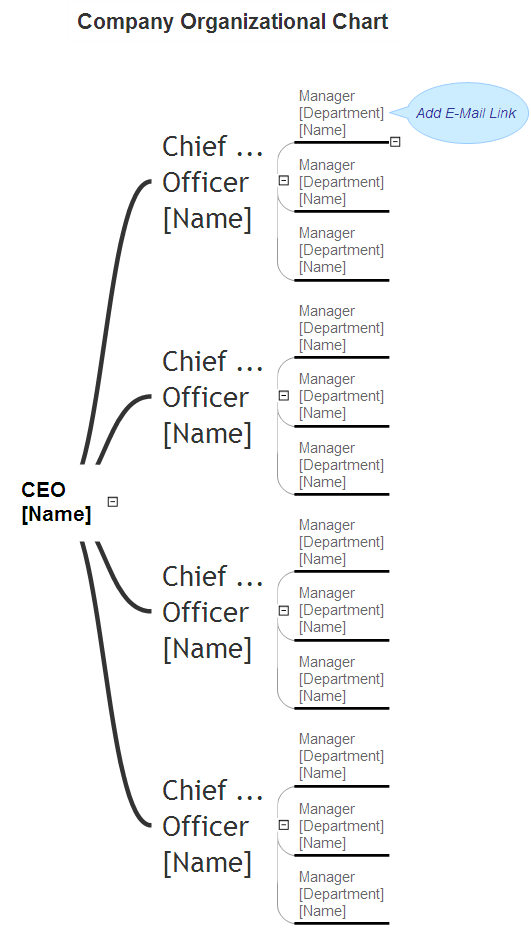


Organizational Chart

Example 7. Organizational Chart


The Benefits for ConceptDraw MINDMAP Brainstorming Software

  • ConceptDraw MINDMAP is effective for brainstorming, designing mind maps, idea generating, creative and lateral thinking, creativity and problem solving.
  • ConceptDraw MINDMAP is ideal for team and personal work in Business, Marketing and Project Management.
  • The libraries with large quantity of vector objects help to illustrate your mind maps and to make them bright, visual and comprehensible.
  • Use of View Navigator tool lets create presentations from a mind map: you can simply select the map parts you want to present, sequence your slides, and preview the presentation.
  • ConceptDraw MINDMAP provides wide capabilities of importing and exporting in various formats: Microsoft PowerPoint, Microsoft Word, MS Excel, Mindjet MindManager, image, HTML, PDF file.


TEN RELATED HOW TO's:
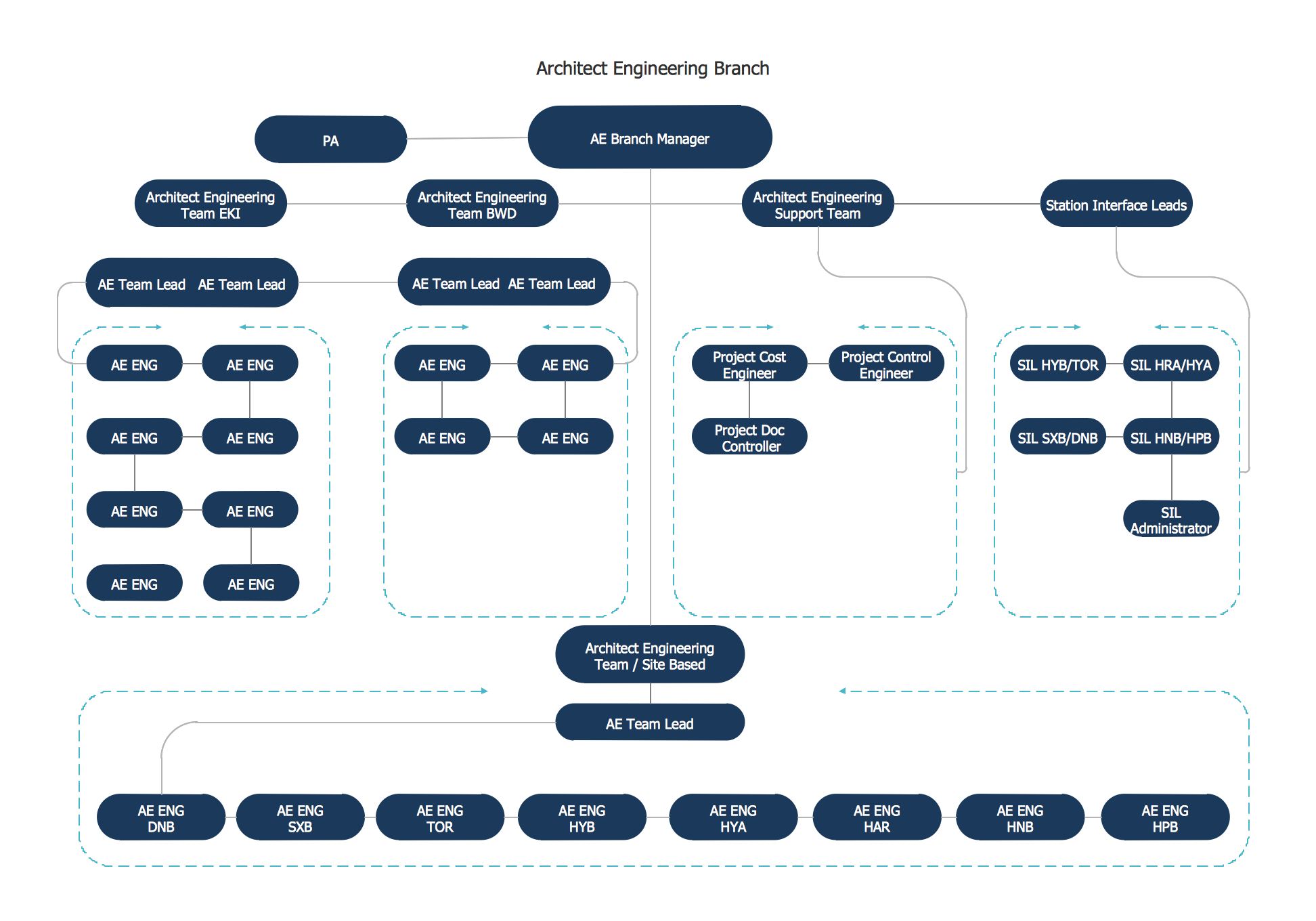
For those who want to know what is a cross functional flowchart and how to draw it, we preared a special library and professional looking templates. Take all the advantage of your drawing software to learn and create such a well-designed flowcharts. Watch the HowTo video to learn more.What is a Cross Functional Flow Chart? *
Picture: What is a Cross Functional Flow Chart?
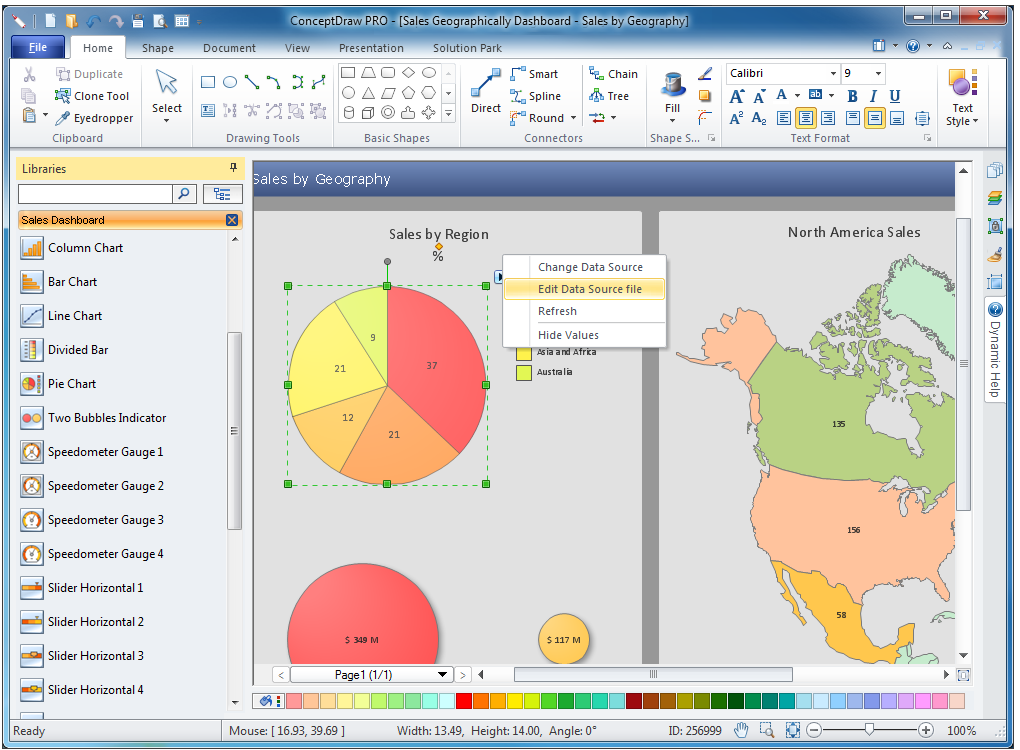
Download ConceptDraw diagram software for easy drawing.The Best Choice for Creating Diagram *
Picture: The Best Choice for Creating Diagram
Related Solution:
Big and complex projects sometimes need some simplification of plans and schedules. That's why Program Evaluation and Review Technique was invented and first implemented in 1958. You can create PERT diagrams effortlessly with ConceptDraw DIAGRAM and share them with your colleagues. Program Evaluation Review Technique (PERT) is a method that is used to assess and analyze projects. PERT is a valuable tool for the project management practice. PERT gives an assessment and analysis of the time needed to the project completion. A PERT chart is a visual tool that delivers a graphical view of a project timeline. It is used to display the sequences and dependences of project tasks necessary to complete a project. ConceptDraw DIAGRAM delivers the possibility to build a PERT along with other diagrams applied to assist management process by using its Seven Management and Planning Tools solution.Program Evaluation and Review Technique <br>(PERT) with ConceptDraw DIAGRAM  *
Picture: Program Evaluation and Review Technique (PERT) with ConceptDraw DIAGRAM
Related Solution:
You need design the Marketing Organization Chart and look for effective software? Now it's incredibly easy to do this in ConceptDraw DIAGRAM which was supplied with Marketing Diagrams Solution from the Marketing Area of ConceptDraw Solution Park.Marketing Organization Chart *
Picture: Marketing Organization Chart
Related Solution:
Use the Relations Diagram to create a relations factors map and to identify which factors are “drivers” and “indicators”. This diagram identifies causal relationships and determine what factors are causes or effects. ConceptDraw OFFICE suite is a software for relation diagram making.PROBLEM ANALYSIS.<br>Relations Diagram *
Picture: PROBLEM ANALYSIS.Relations Diagram
6 sigma →
This mind map shows how Six Sigma methodology be represented as a mind map. Six Sigma is a quality management methodology allows reducing the number of defects to 3.4 defects per million.6 sigma *
Picture: 6 sigma
Related Solution:
The Total Quality Management Diagram solution helps you and your organization visualize business and industrial processes. Create Total Quality Management diagrams for business process with ConceptDraw software.TQM Diagram Example *
Picture: TQM Diagram Example
Related Solution:
The best bar chart software ever is ConceptDraw. ConceptDraw bar chart software provides an interactive bar charting tool and complete set of predesigned bar chart objects.Bar Chart Software *
Picture: Bar Chart Software
Related Solution:
Visio Files and ConceptDraw. ConceptDraw DIAGRAM is compatible with MS Visio.VDX formatted files.VDX is Visio’s open XML file format, and it can be easily imported and exported by ConceptDraw DIAGRAM.Visio Files and ConceptDraw *
Picture: Visio Files and ConceptDraw
The affinity diagram is a business tool used to organize ideas and data. It is one of the Seven Management and Planning Tools. But how design the Affinity Diagram quick and easy? ConceptDraw DIAGRAM diagramming and vector drawing software offers the Seven Management and Planning Tools Solution from the Management Area.Affinity Diagram *
Picture: Affinity Diagram
Related Solution:
ConceptDraw
MINDMAP 16