Make Family Tree
A family tree, also called a pedigree chart or a genealogy, is a chart tracing a person’s lineage and representing family members including ancestors through several generations, and their relationships in a tree structure. A family tree helps to discover your past, feel connected to your heritage, and keep saving your family history in a convenient visual form for future generations. The special kind of family tree called a genogram helps to identify genetic traits and medical conditions that run in a specific family. Most often family trees are created with the oldest generations at the top and the younger ones at the bottom.
There are created ancestry charts and descendant charts. An ancestry chart shows the ancestors of an individual and resembles a tree in shape, being wider at the top than at the bottom. The individual is presented as the ‘root’ and his ancestors including parents, grandparents, and others make up the ‘leaves’. Less often it is created with an individual on the left and his ancestors on the right. At the same time, a descendant chart shows the descendants of an individual and is created conversely narrow at the top. Each family member is usually represented by a box or a circle with a photo inside, the name and date of birth under it. You can also add any other information you consider important. The lines connect family members and portray their relationships. At your desire, the family tree can include only part of relatives, for example, the members of a particular surname, the representatives of one lineage (male or female), holders of a particular office (ancestry of kings or nobles), etc.
The first family trees were created mainly in families of famous personalities, public figures, and royal families. Currently, it is for everyone and there are many reasons to make your own family tree. Creating a family tree is a convenient way for everyone who is interested in his ancestry, who wants to explore who he is and where his ancestors came from, and who wants to record his own family history. The family tree gives you a connection to your heritage and is also a way to discover how your family story relates to historical periods and historical events. The special form of the family tree is a genogram, which offers a way to trace genetics and family health. Finally, creating a family tree is interesting and is a good way to pique your children’s and grandchildren's interest in learning about ancestors and preserving family stories for many centuries in the future.
Start creating a family tree with research, collecting, and preparing information and data. Check the documents and official records, talk to your relatives about your ancestry. Make research according to the degree of detailing you want your family tree to be. Decide on how many generations and how much data and information you want to include in your diagram, only the most important data (dates of birth, death, marriage) or also additional ones (maiden name, profession, role in the family, etc.). Fill in the gaps by asking family members, visiting libraries, surfing online genealogy sources, census records, etc. Unfortunately, the availability of records is usually limited by several centuries ago. It is really hard to find accurate older records because there was no census at that time, only church records. In addition, many records have been destroyed in wars, fires, natural disasters like floods, earthquakes, and other emergencies, and simple negligence. This limits your research by around three to five generations back.
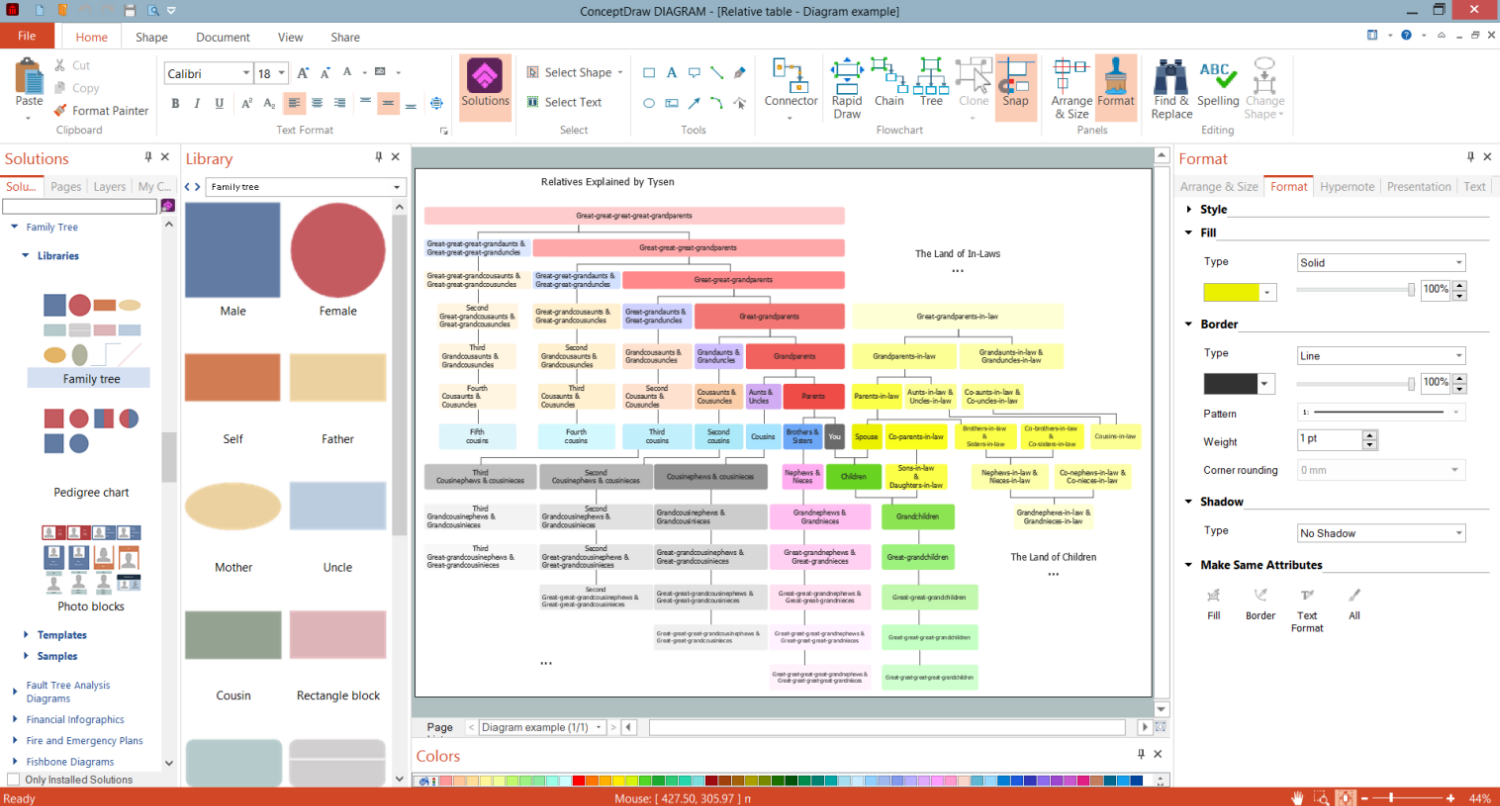
Example 1. Make Family Tree in ConceptDraw DIAGRAM Software
Trace your ancestors' genealogy as far back as you can or want. Ask your relatives, maybe somebody in your family already has some information that you can use as a starting point. Try to find photos of all included ancestors, they make your tree more informative and attractive. It is also important to consider which way to draw the tree and which direction: vertically from the top down or the bottom up, or horizontally. Now you can start drawing a tree. Traditionally, the family trees were drawn by hand on paper but currently, we have a more convenient way — the special vector drawing software ConceptDraw DIAGRAM with tools for creating family trees in the Family Tree solution.
The Family Tree solution offers a collection of family tree samples and templates. You can select one of the templates you desire and simply modify it, or start with a blank sheet. Start drawing your family tree with a box representing yourself or the ancestor you want to begin with, often it is the oldest ancestor you know about. Add information to the "leaves" representing family members. Usually, these are boxes, rectangles, or ovals connected by lines to represent relationships. You can also use any shape that you want or even differ your generations with shapes. Place a single generation at each level. Add names, dates of important events, pictures, photos, and any other information you want to include. Try to make your tree simple and clear to make the information easily perceived and relationships easily traced. In this way, your family tree will be useful to all members of your family.
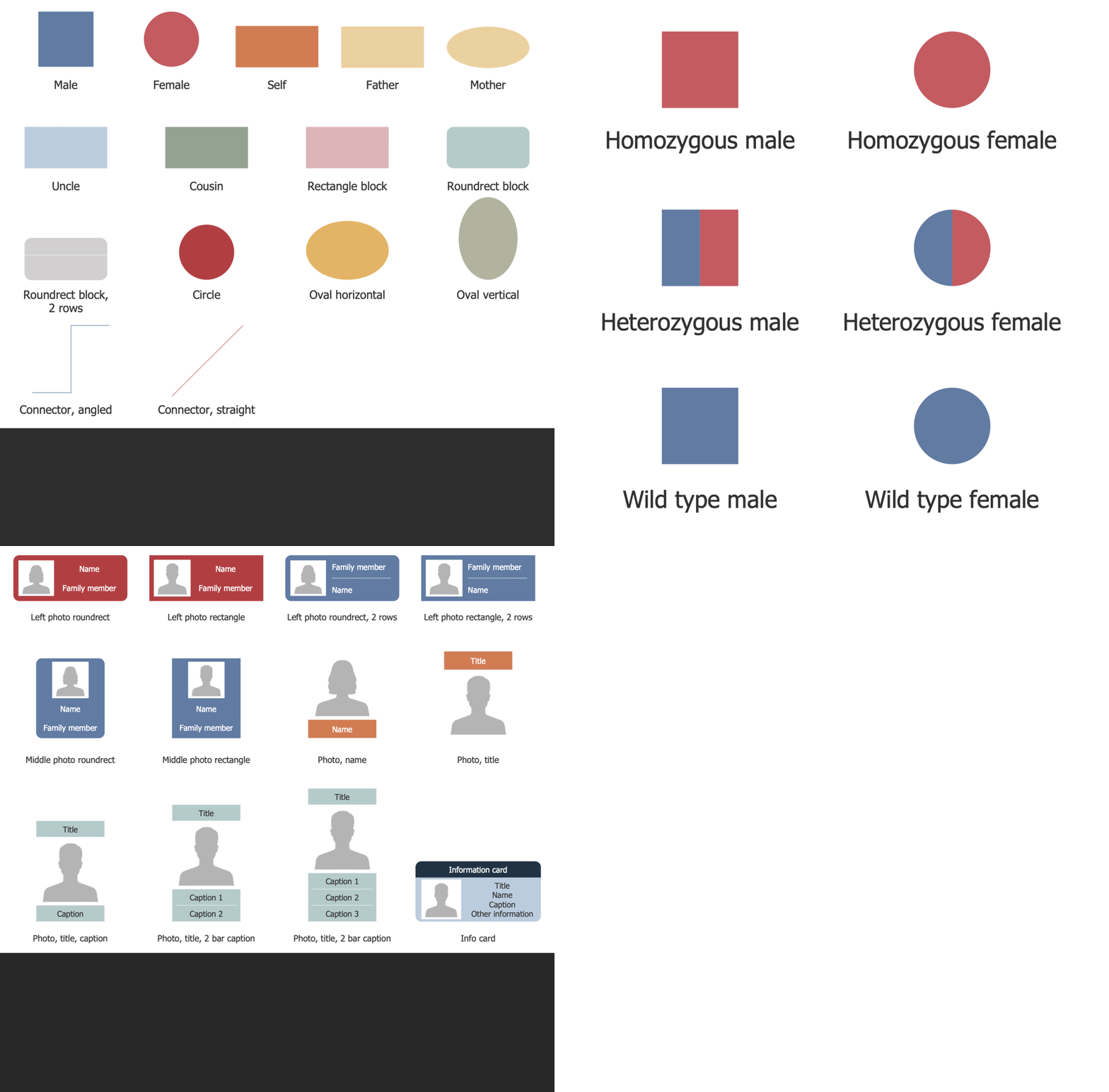
Example 2. Family Tree Libraries Design Elements
Visualize your family tree easily by drag-and-droping the ready-made vector objects from the solution libraries. Connect shapes, make style changes to the background and shapes, change their color, fill, add images (most often these are family photos), clipart, icons, labels, informative callouts, and other design elements in a few seconds to make family tree more attractive and engaging. Change colors of shapes, lines, and background, if necessary. Trace how your family tree is growing and transforming, design autosomal dominant or autosomal recessive pedigree chart, or any other types of family trees easily. All included samples and templates are easily customized making the drawing process faster and easier.
There is no single family tree definition for design and filling. You can include all information important precisely for you. However, your family tree designed in ConceptDraw DIAGRAM software is always presentation-ready and looks exceptionally. Uncover your family’s story, find more relatives, trace their stories through time and relationships to common ancestors. Once your family tree is ready, you can share it with other family members to collaborate efficiently and work simultaneously to create a more informative diagram. You can also save your family tree to different graphical formats, PDF, or other formats for further use.
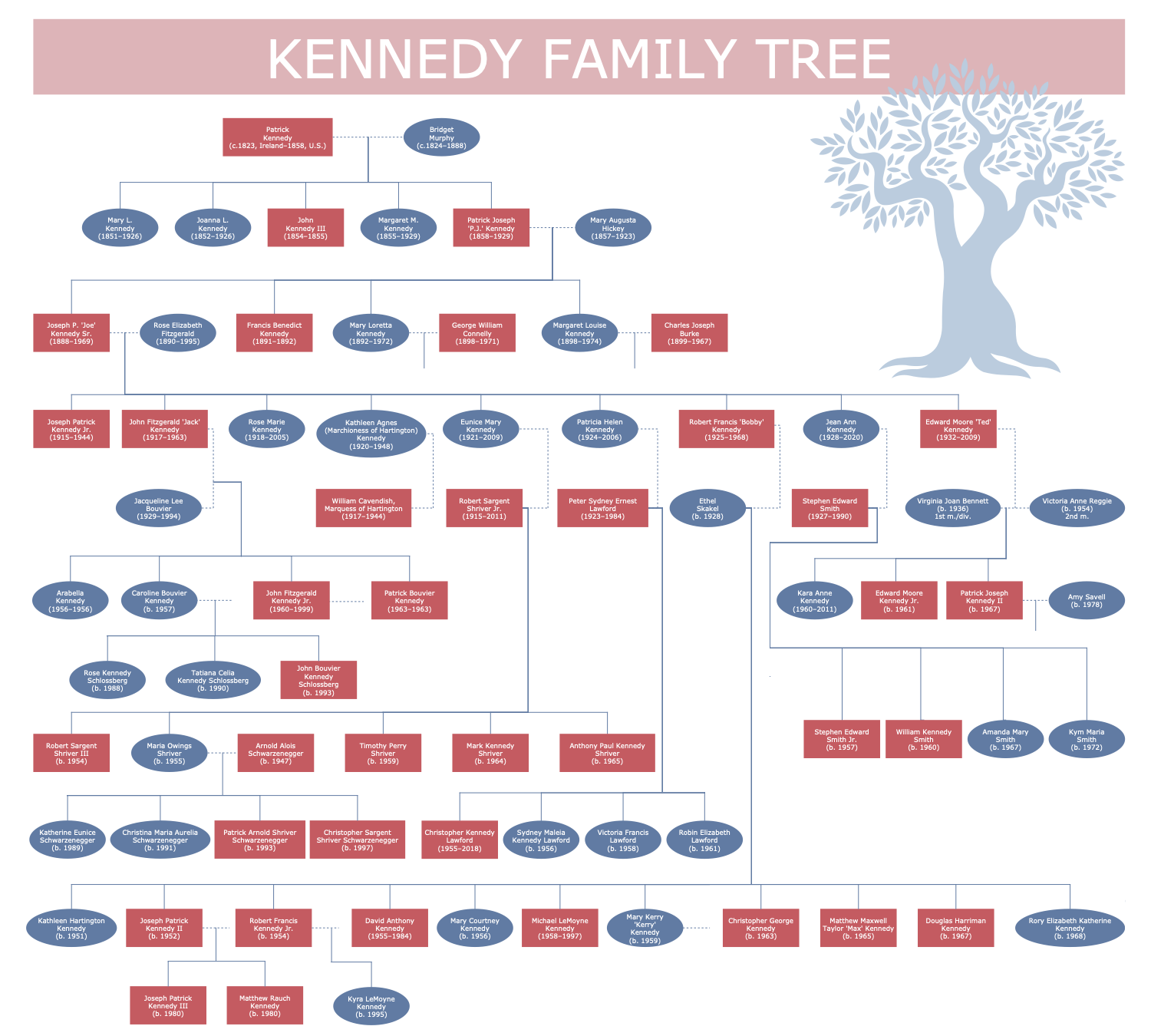
Example 3. Kennedy Family Tree
The Family Trees samples you see on this page were created in ConceptDraw DIAGRAM software using the drawing tools of the Family Tree Solution. These examples successfully demonstrate solution's capabilities and the professional results you can achieve using it. An experienced user spent 10-15 minutes creating each of these samples.
Use the powerful tools of the Family Tree solution to design your own Family Trees and Genograms quick, easily, and effectively.
All source documents are vector graphic documents. They are available for reviewing, modifying, or converting to a variety of formats (PDF file, MS PowerPoint, MS Visio, and many other graphic formats) from the ConceptDraw STORE. The Family Tree Solution is available for ConceptDraw DIAGRAM users.