
See how well your project is documented.
Connect tasks with supporting documents and identify gaps before upcoming work begins.
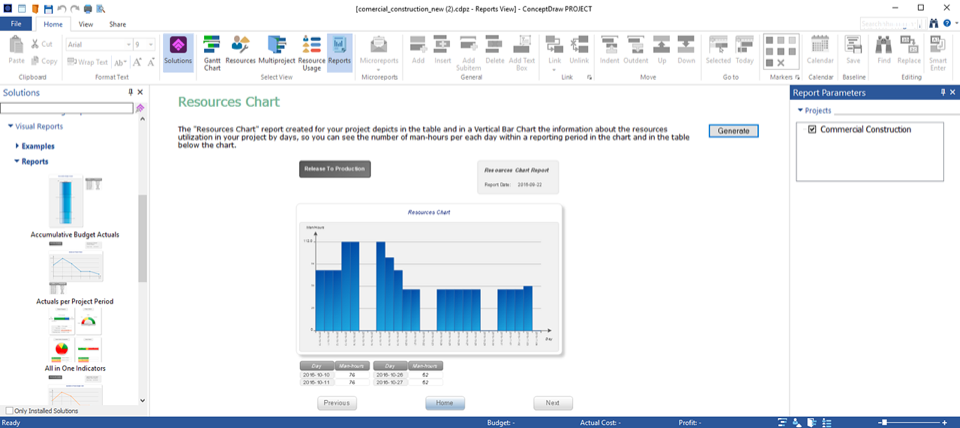
Three perspectives on project readiness.
Use documentation metrics to focus meeting discussions, preparation, and follow-up.
Find what needs attention.
Compare ready and required documentation for future tasks. Bring missing information into the meeting agenda.
Know what to read first.
See which documents relate to the most hours of your upcoming work and prioritize your preparation.
Look ahead together.
Review developed and undefined documentation over time to spot gaps as task dates approach.
Keep the supporting information within reach.
Link documents to relevant tasks. The Knowledge Reports solution brings project hyperlinks into spreadsheets, with clickable links to the underlying information.
Choose Knowledge Schedule for task dates and links, Project Knowledge for project-level links, or Resource Knowledge for resource email links.
Explore Knowledge Reports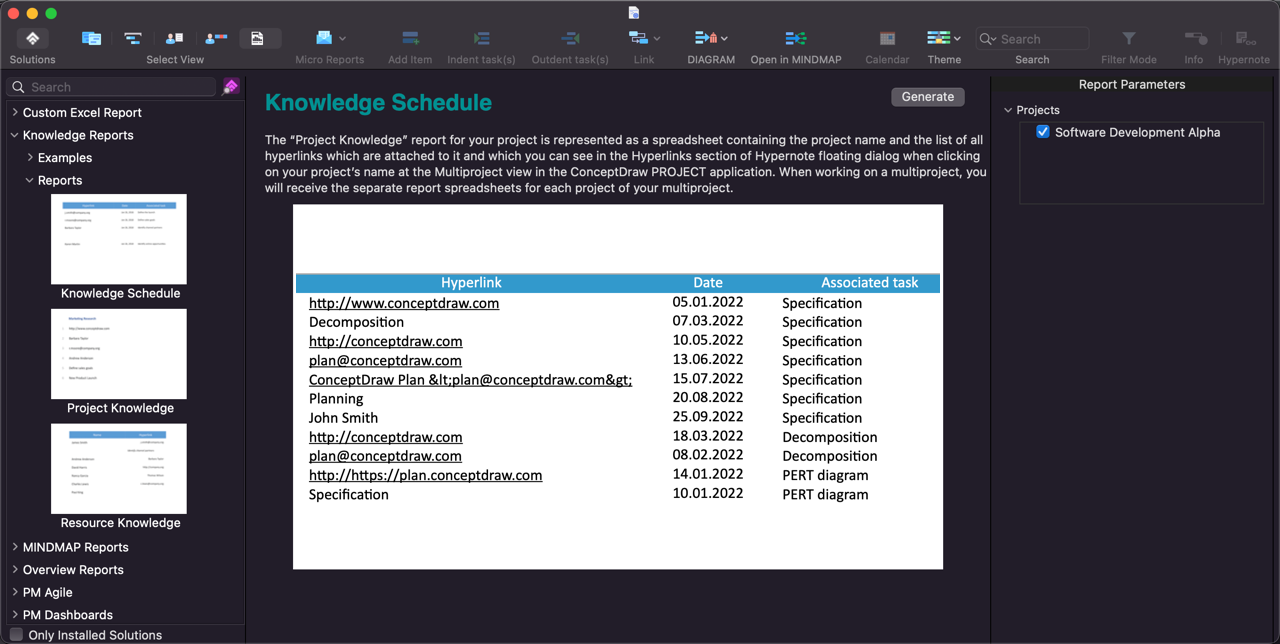
Make documentation part of the plan.
Review readiness regularly, address missing documents, and retain useful project knowledge for future work.