

Complex Thinking.
Clear Diagrams.
Create, refine, and share visual documents with tools that help you focus on the story.
Build the flow.
Keep your momentum.
Choose a direction, add the next shape, and let Rapid Draw connect it automatically. Build your process step by step, then refine the text and structure.
See how Rapid Draw works →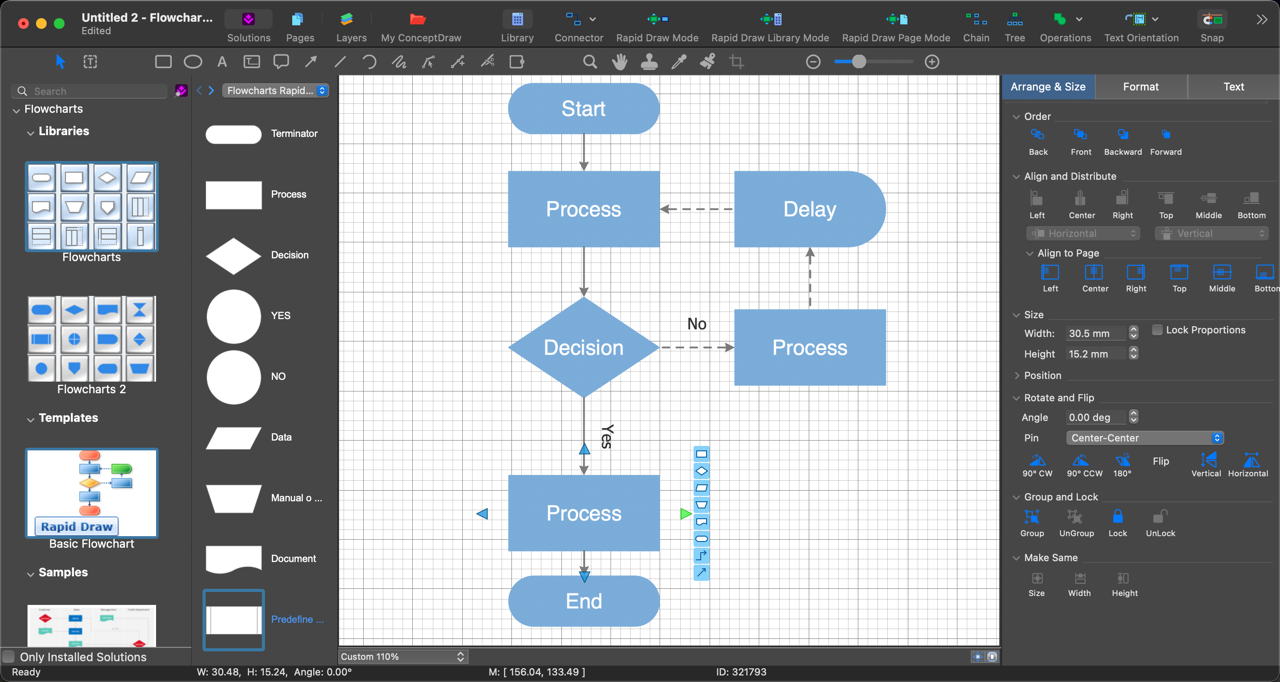
Rapid Draw in action
Click to enlarge
A useful starting point
for your next idea.
Explore free and paid solutions with vector libraries, templates, and samples. Preview and download content through ConceptDraw STORE.
Browse solutions →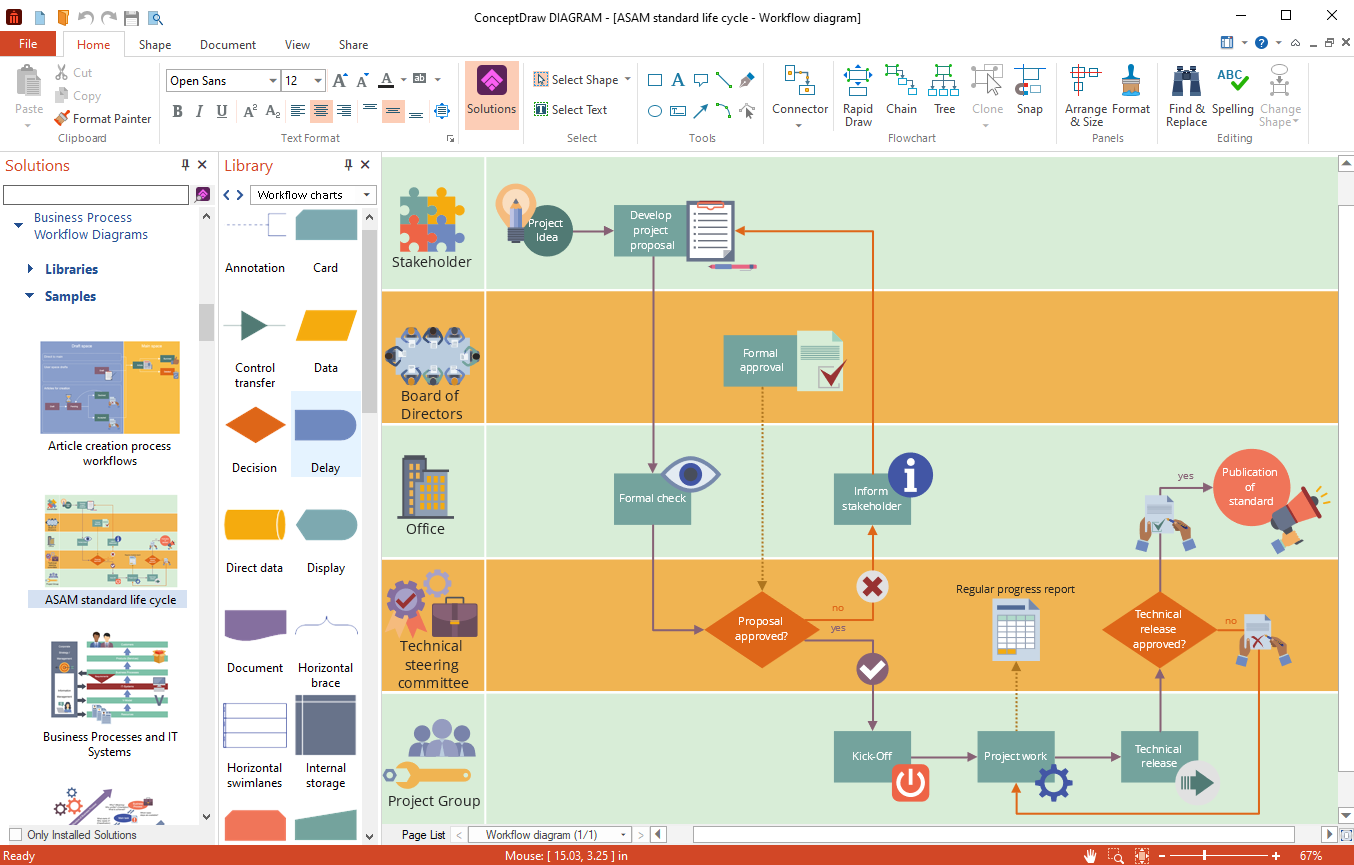
Libraries, templates & samples
Click to enlarge
Keep working with
the files you have.
Open VSD, VDX, and VSDX documents. Import VSS and VSSX stencils, and exchange VSDX files with Visio users on macOS or Windows.
Explore Visio compatibility →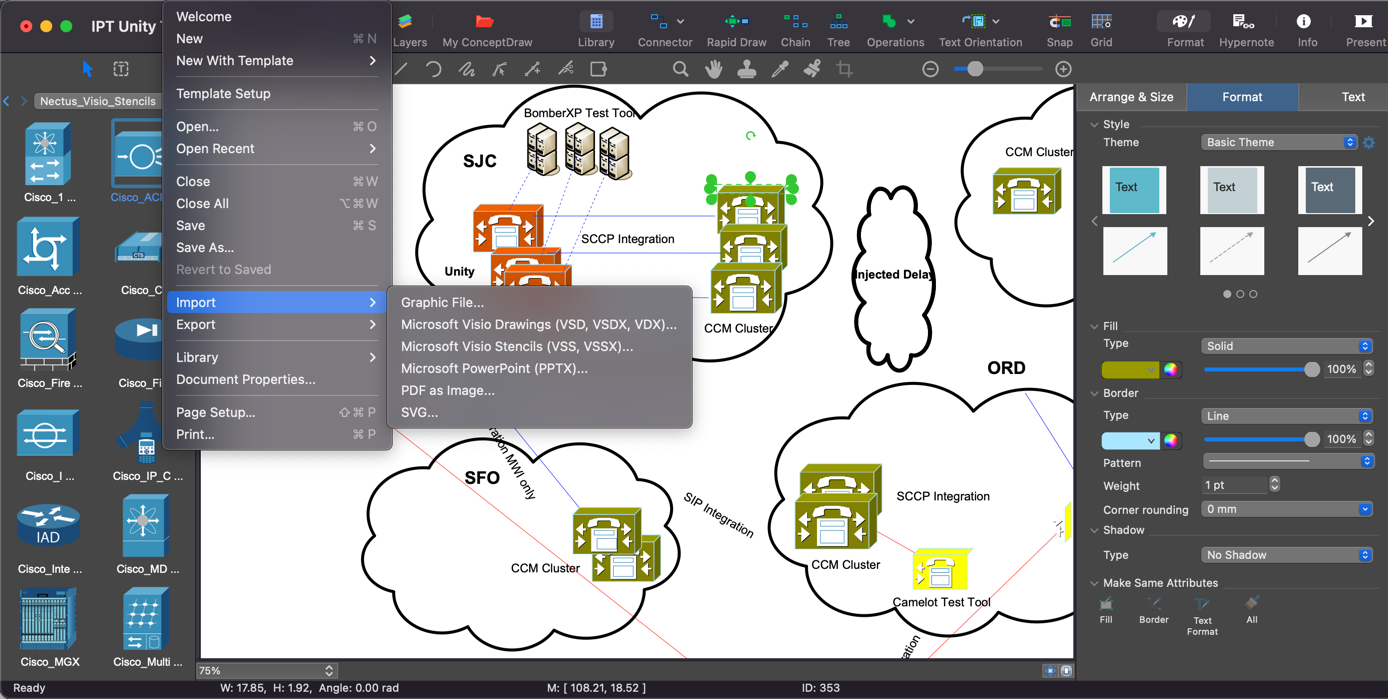
Work across file formats
Click to enlarge
Make connections.
Bring data into view.
Use Smart Connectors to link shapes. Change Live Objects manually or let their appearance respond to external data.
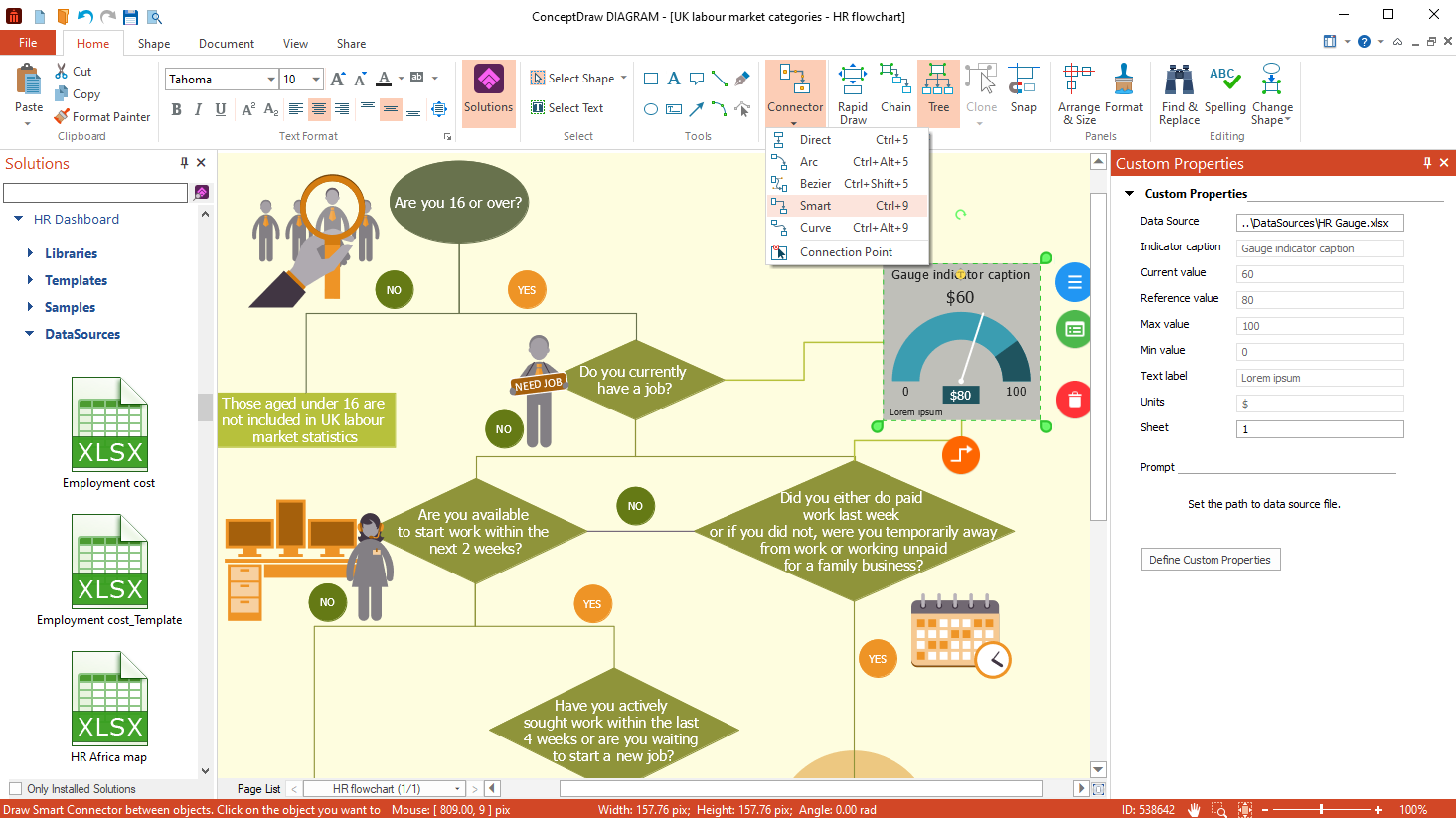
Smart Connectors & Live Objects
Click to enlarge
Give every diagram
a consistent look.
Refine fills, lines, gradients, and shadows. Reuse themes, custom libraries, and templates to keep your work consistent.
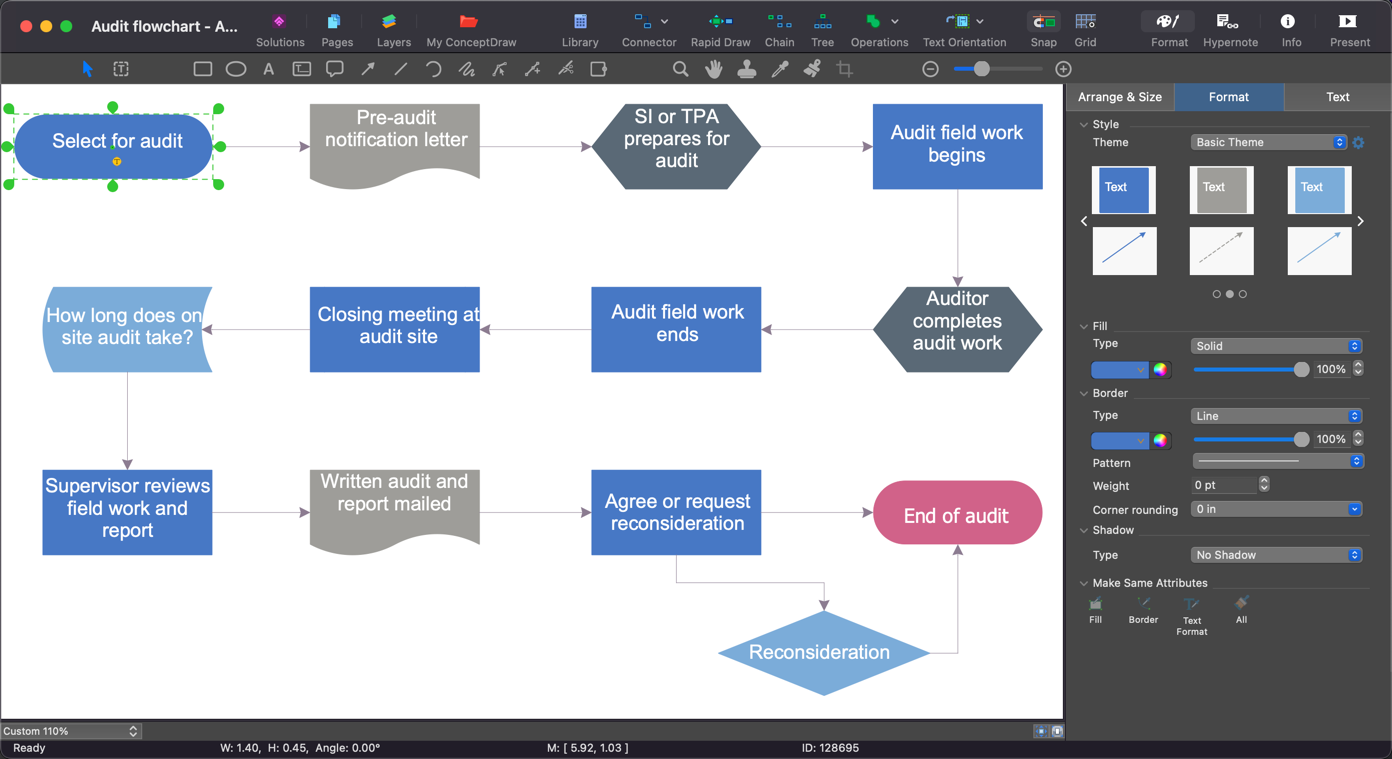
Themes & custom formatting
Click to enlarge
More context.
More ways to share.
Hyperlinks & notes
Connect shapes to files, web pages, and supporting notes.
Multipage documents
Organize related drawings with pages and shared backgrounds.
LaTeX support
Add precisely formatted equations to technical diagrams.
Your own toolkit
Organize custom documents, libraries, and templates in My ConceptDraw.
Presentation mode
Present your diagrams as a full-screen slide show.
Flexible output
Share as PDF, SVG, PowerPoint, or common image formats.