

Start with an idea.
Make it clear.
Turn processes, structures, and technical information into diagrams people can understand.
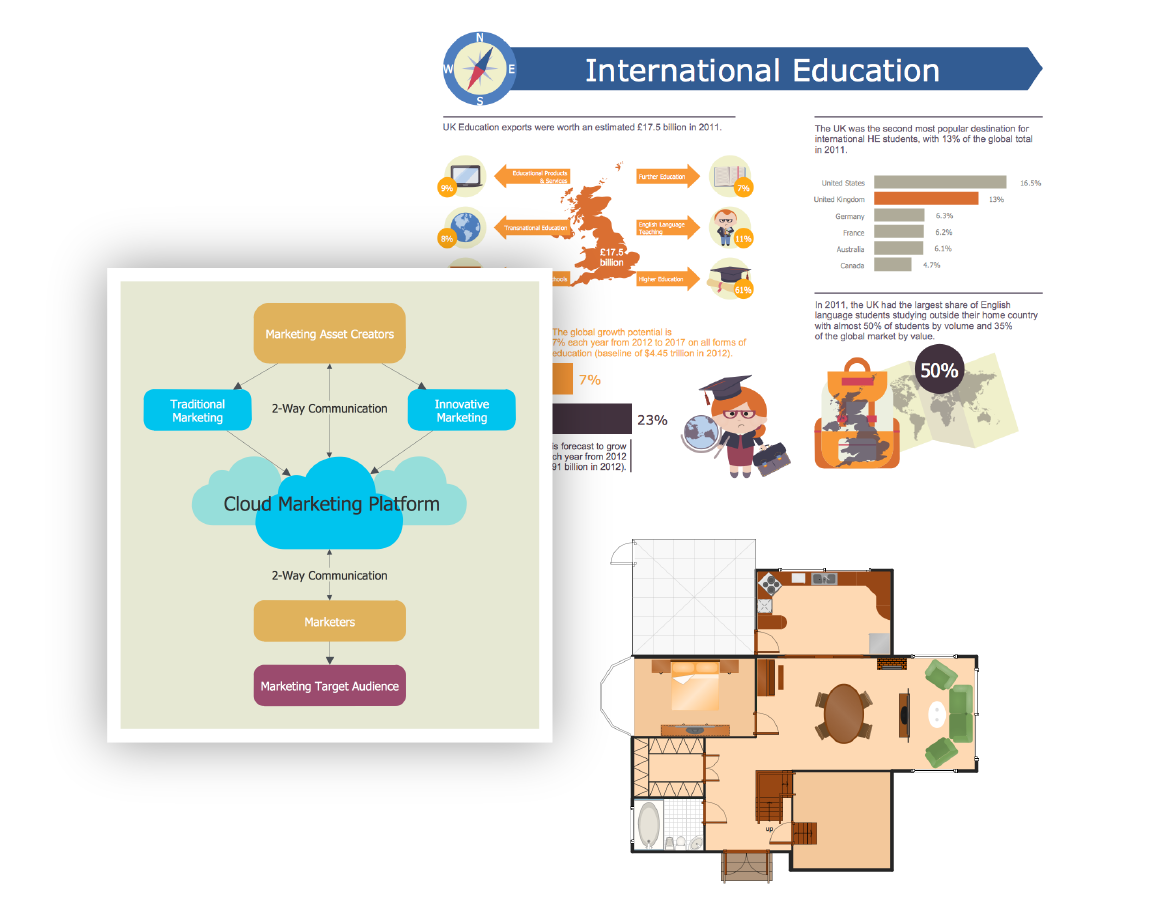
Visual communication with ConceptDraw DIAGRAM
Skip the blank page.
Choose resources suited to your subject and adapt them to your work.
Templates
Begin with a ready-made structure.
Samples
Explore finished diagrams for layout ideas.
Libraries
Find task-specific vector objects through ConceptDraw Solutions and STORE.
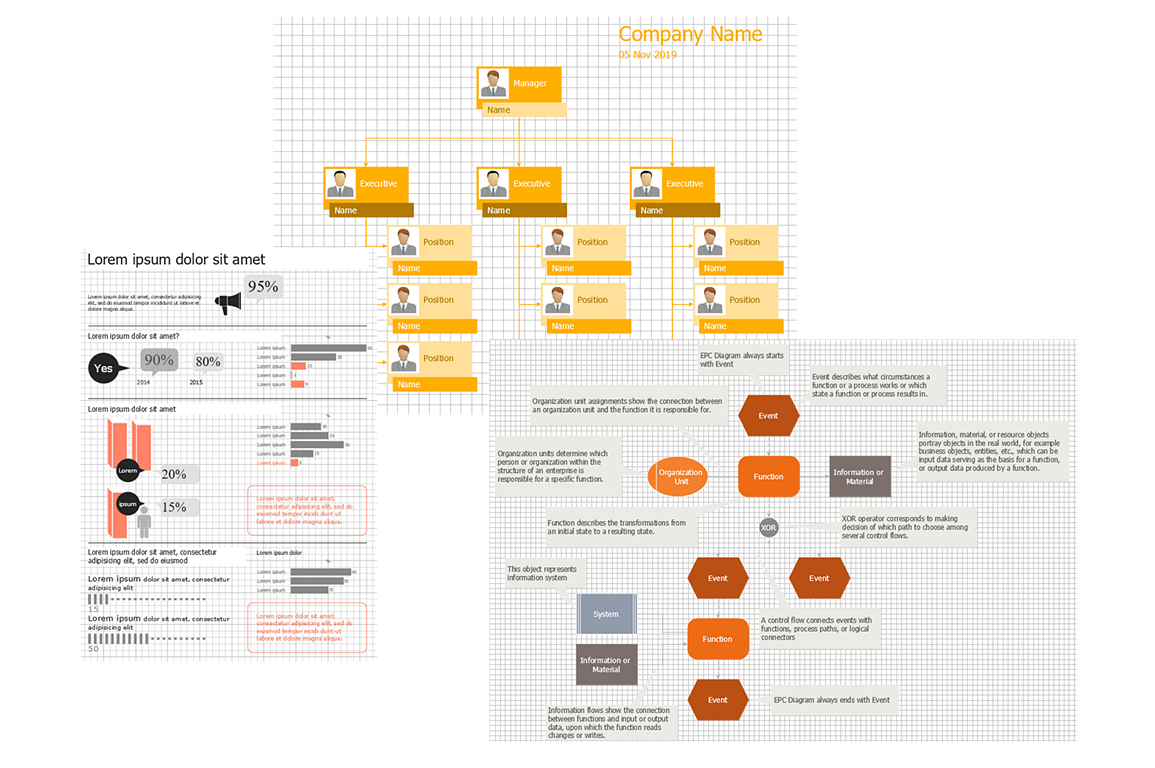
Templates and libraries in ConceptDraw DIAGRAM
Connect the pieces.
Use drawing tools to turn individual shapes into a clear visual story.
RapidDraw
Use directional controls to add connected shapes.
Objects & connections
Combine library objects, connectors, and text.
Editing & formatting
Align, rotate, and layer objects. Refine fills and text, then save reusable objects to a library.
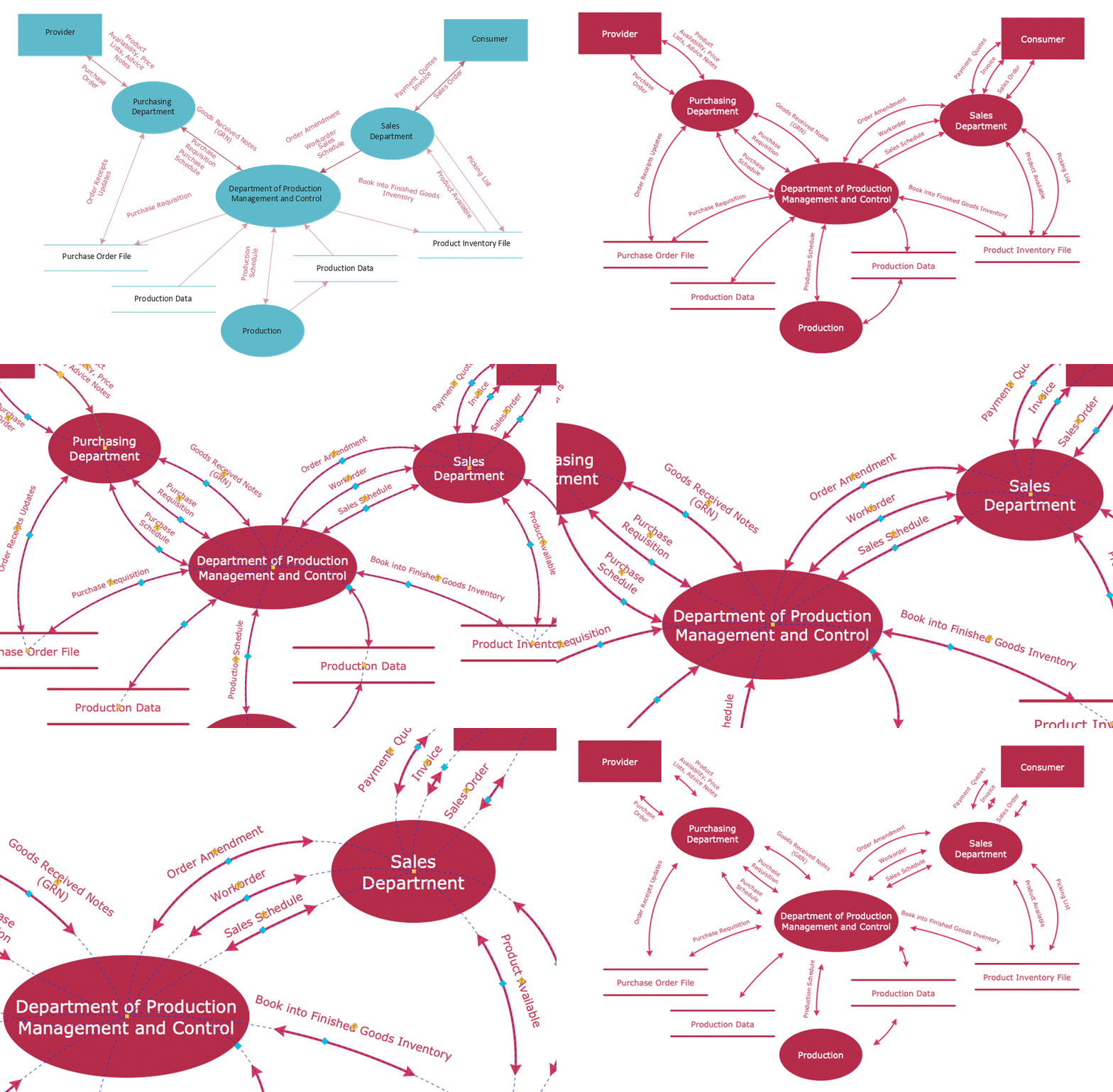
Drawing and formatting tools in action
Put your diagram to work.
Choose the output that fits your audience.
Export
Share in PDF, Visio, image, HTML, or SVG formats.
Fit drawings to a page or tile them across sheets for larger output.
Present
Use built-in presentation modes to explain your diagrams.

Presenting diagrams in ConceptDraw DIAGRAM