This site uses cookies. By continuing to browse the ConceptDraw site you are agreeing to our Use of Site Cookies.

Cisco Network Design. Cisco icons, shapes, stencils, symbols and design elements

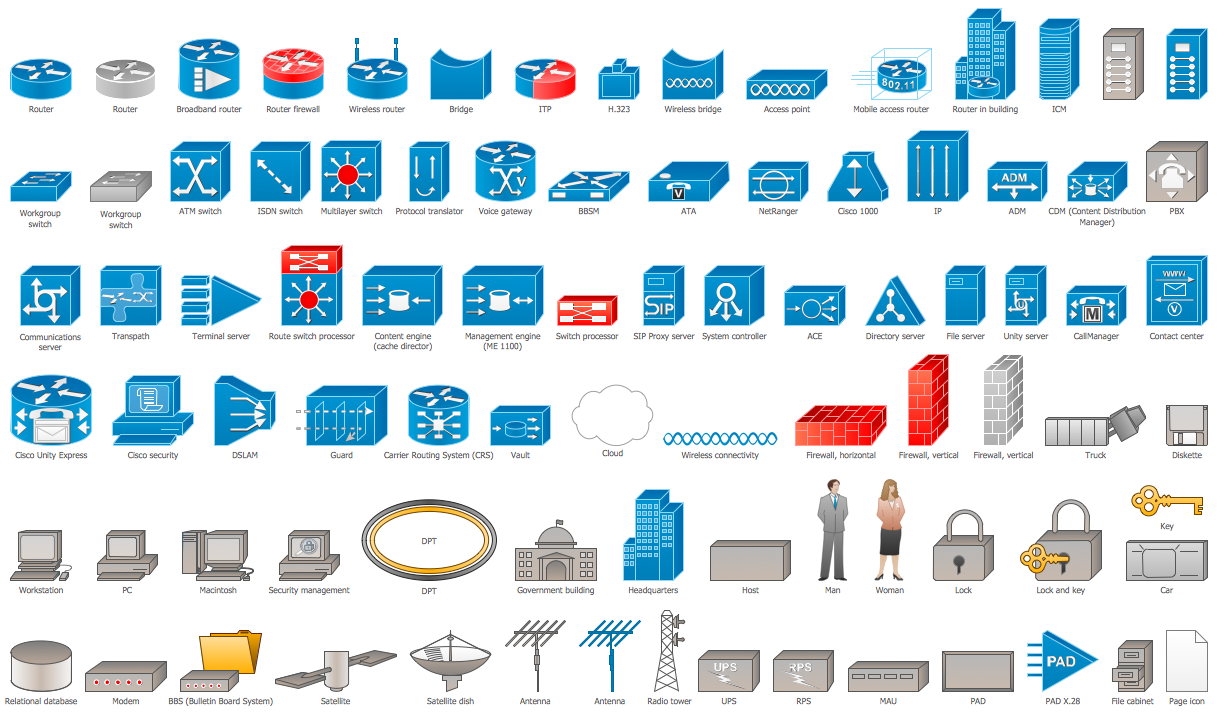
Cisco is the largest company, which specializes in the field of high technologies, develops and sells network equipment mainly for the large organizations and telecommunication companies. Cisco produces wide variety of devices and equipment, such as routers, switches, gateways, servers, network security devices (firewalls, VPN, IDs, etc.), ATM switches, cable modems and DSL equipment, access points Wi-Fi, products for IP telephony, etc. The first commercially successful multi-protocol router, which enabled for previously incompatible computers to communicate between themselves, is also developed by Cisco company. Cisco is a generally accepted standard, which uses globally recognized Cisco icons for all produced Cisco equipment. ConceptDraw DIAGRAM software extended with Cisco Network Diagrams solution from Computer and Network area contains a lot of predesigned Cisco network design elements for professional drawing Cisco network diagrams, visualization computer network topologies, equipment connections and arrangement.

Cisco Routers. Cisco icons, shapes, stencils and symbols

Network infrastructure planning is a very important process in the network construction, and the share of time allocated to this within the scope of the entire project may reach 60-80%. A competent and thorough approach to planning contributes to the quick investment return, and also increases the reliability and flexibility of the final system, reducing the probability of additional costs related to the incorrect implementation. Any planning begins with an analysis of the business requirements to the final system. Basic network parameters, which should be assessed are the scalability, accessibility, cost, speed and safety. Speed and cost are often mistaken for the most important parameters, and the rest of the parameters aren't even remembered. This is not entirely correct. Initially, it is necessary to assess the business plans for the future, because sometimes it is more profitable to invest more money in the beginning. If the business is to develop, then, consequently, demands on

Cisco Switches and Hubs. Cisco icons, shapes, stencils and symbols

Cisco switches and hubs deliver the best performance, and often used as network solutions for small businesses, enterprises, data centers. Cisco switches are the core interconnect devices of each computer network. The numerous Cisco switches specifically designed for various applications. Network switches are separated for two types: fixed configuration and modular switches. The fixed configuration switches deprecate swapping or adding another module, and vice versa for modular switch.

Cisco Network Topology. Cisco icons, shapes, stencils and symbols

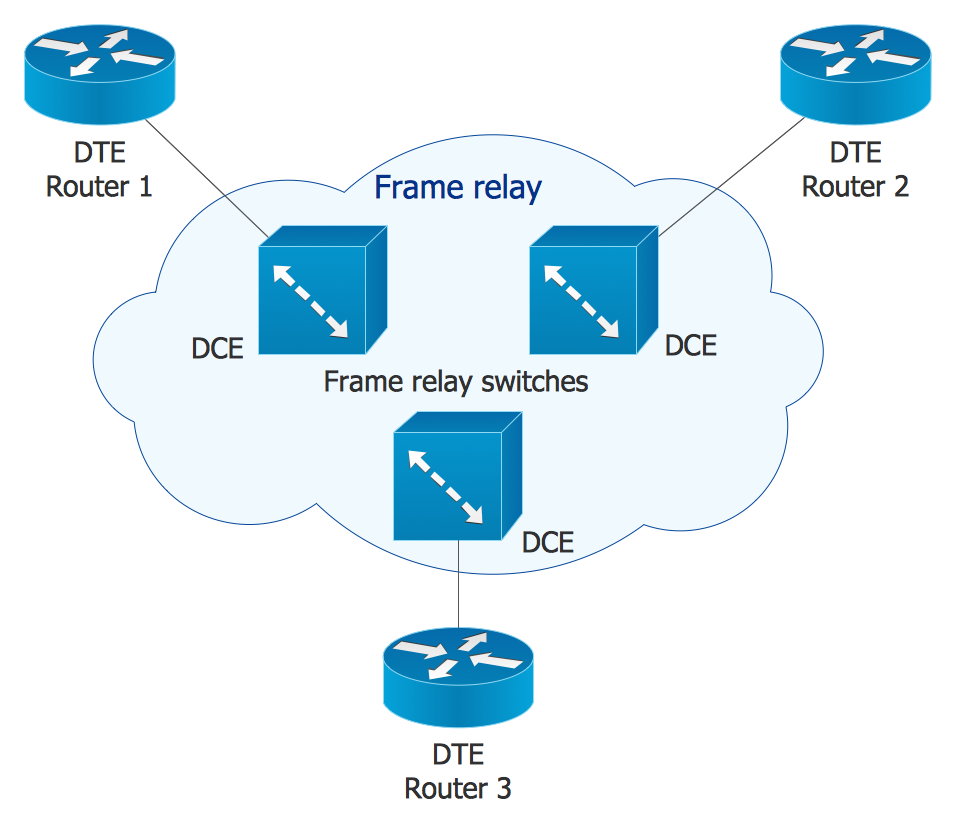
Cisco Network Topology represents the arrangement of worldwide recognized and standardized Cisco network symbols, icons, shapes, and stencils which help visualize the schemes of computer networks. Any equipment used in Cisco networks is also named a node and network topology diagram represents the scheme of connection the used nodes. Cisco Network Diagram illustrates how the signals enter on the networked devices and how the data spread within a network from one device to another. These diagrams are useful for engineers while constructing computer networks and working with them. Cisco Network Diagrams solution included to Computer and Networks area of ConceptDraw Solution Park contains quick-start templates, professionally designed samples and examples, and numerous libraries with a lot of predesigned vector design elements, icons, and shapes of Cisco equipment, components, devices, links which provide for ConceptDraw DIAGRAM users a perfect possibility of simple and quick drawing Cisco Network Diagrams and Schematics, Network Designs and Maps of any complexity.

Cisco Multimedia, Voice, Phone. Cisco icons, shapes, stencils and symbols
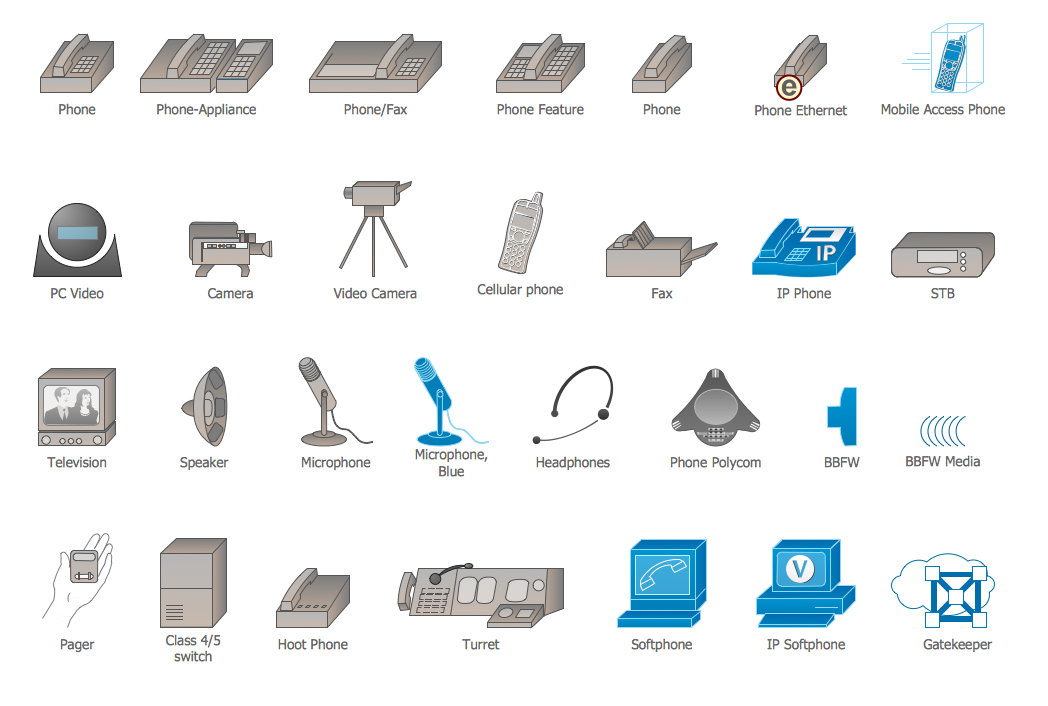
The ConceptDraw vector stencils library Cisco Multimedia, Voice, Phone contains equipment symbols for drawing the computer network diagrams.

Cisco LAN. Cisco icons, shapes, stencils and symbols

The ConceptDraw vector stencils library Cisco LAN contains symbols for drawing the computer local area network diagrams.

Cisco Buildings. Cisco icons, shapes, stencils and symbols

Cisco icons are globally recognized and generally accepted as standard for network icon topologies. The ConceptDraw vector stencils library "Cisco buildings" contains 21 symbols for drawing the computer network diagrams using the ConceptDraw DIAGRAM diagramming and vector drawing software.

Cisco Products Additional. Cisco icons, shapes, stencils and symbols

The ConceptDraw vector stencils library Cisco Products Additional contains equipment symbols for drawing the computer network diagrams.

Cisco Optical. Cisco icons, shapes, stencils and symbols

The ConceptDraw vector stencils library Cisco Optical contains symbols for drawing the computer network diagrams.

Cisco Media. Cisco icons, shapes, stencils and symbols
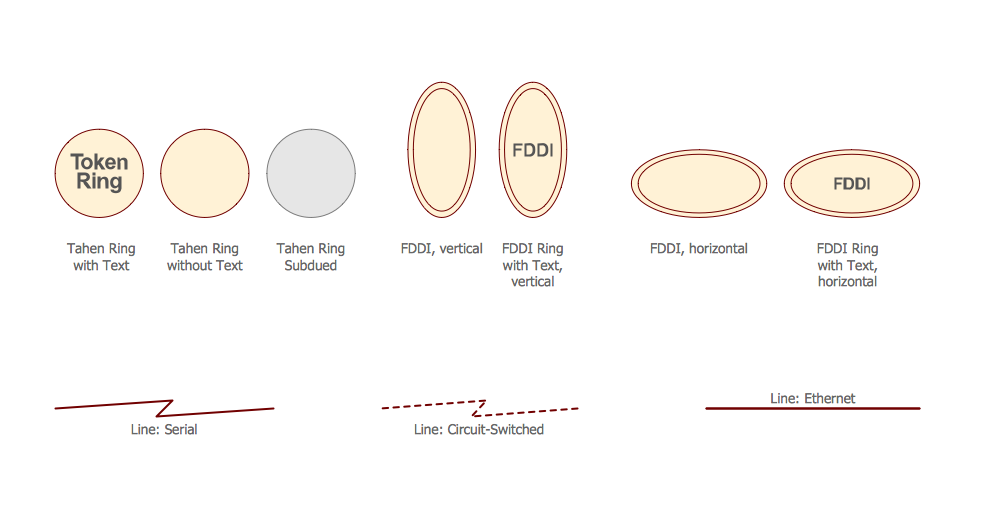
The ConceptDraw vector stencils library Cisco Media contains symbols for drawing the computer network diagrams.

Cisco Icons

ConceptDraw DIAGRAM diagramming and vector drawing software offers the Cisco Network Diagrams Solution from the Computer and Networks Area which contains the extensive drawing tools, templates and samples, and large number of libraries with variety of predesigned vector cisco icons.

Export from ConceptDraw DIAGRAM Document to a Graphic File
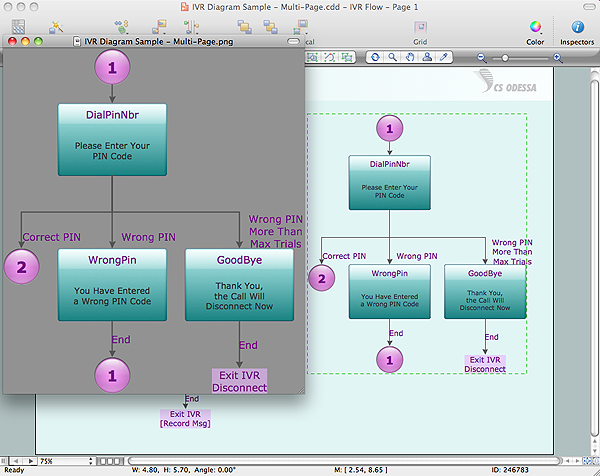
Now it’s easy to share your visual documents with other people in a form most convenient for them. ConceptDraw DIAGRAM can save your drawings and diagrams in a number of highly useful formats, including graphic files. You can save your drawing as a.PNG,.JPG, or other graphic format file.
Export to a Graphic File

Cisco IBM. Cisco icons, shapes, stencils and symbols
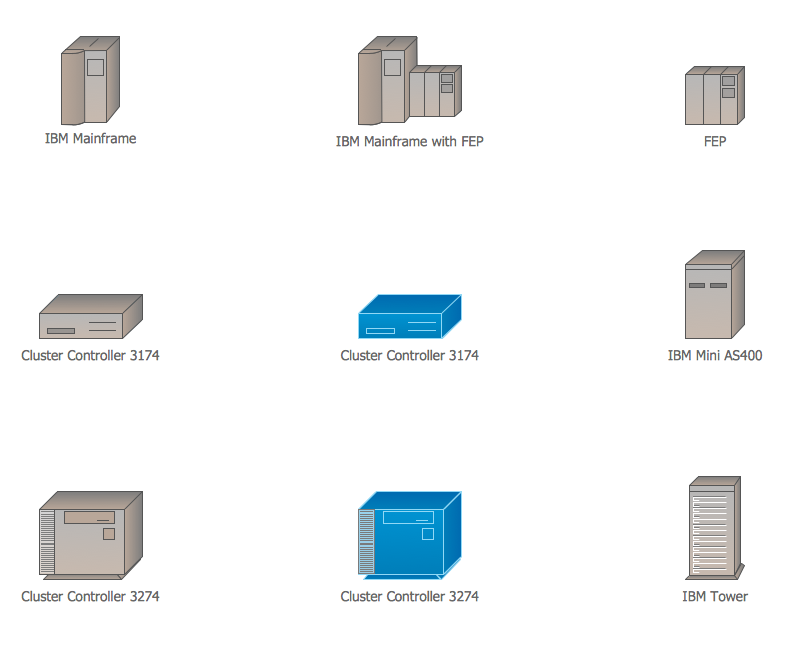
The ConceptDraw vector stencils library Cisco IBM contains equipment symbols for drawing the computer network diagrams.

Cisco Network Icons

ConceptDraw DIAGRAM diagramming and vector drawing software extended with Cisco Network Diagrams Solution from the Computer and Networks Area is the best for creating Cisco Network Diagrams thanks to numerous predesigned Cisco network icons.

Network Icon

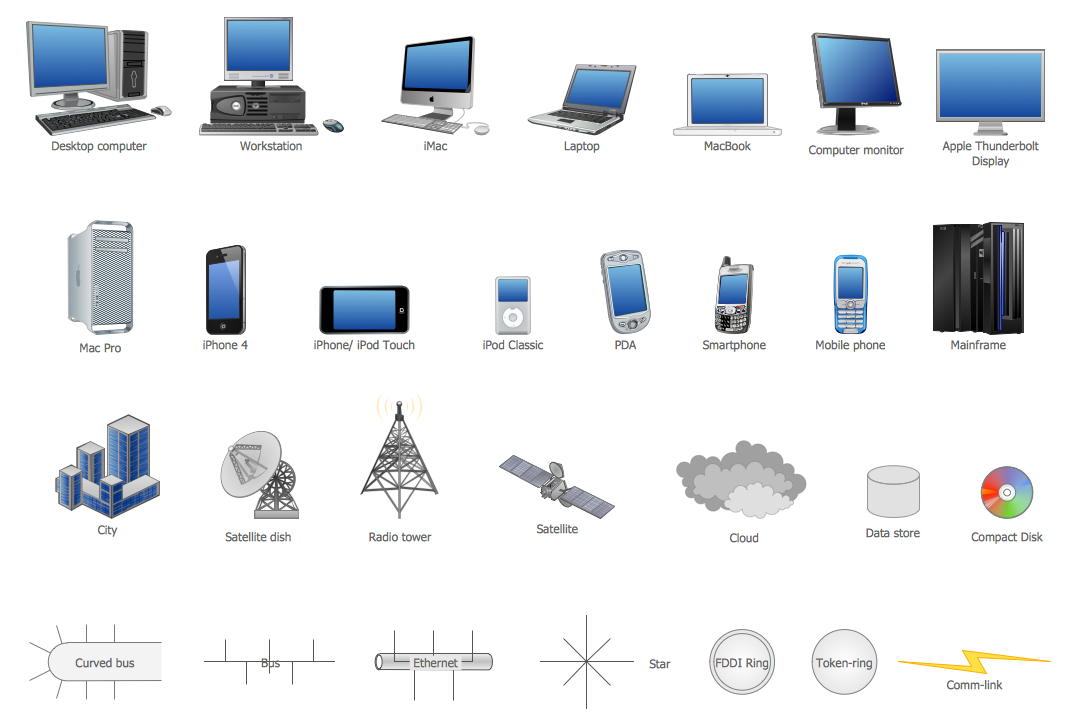
ConceptDraw DIAGRAM diagramming and vector drawing software extended with Computer Network Diagrams Solution from the Computer and Networks Area offers a set of useful tools, collection of templates, samples, and libraries of various computer symbols, computer devices icons, computer network icon for fast and easy drawing network computer diagrams and illustrations.

Cisco networking, Cisco network icons, Cisco icon Cisco Network Diagrams

Cisco networking, Cisco network icons, Cisco icon
Cisco Network Diagrams solution extends ConceptDraw DIAGRAM with the best characteristics of network diagramming software. Included samples, templates and libraries of built-in standardized vector Cisco network icons and Cisco symbols of computers, network devices, network appliances and other Cisco network equipment will help network engineers, network designers, network and system administrators, as well as other IT professionals and corporate IT departments to diagram efficiently the network infrastructure, to visualize computer networks topologies, to design Cisco computer networks, and to create professional-looking Cisco Computer network diagrams, Cisco network designs and schematics, Network maps, and Network topology diagrams in minutes.
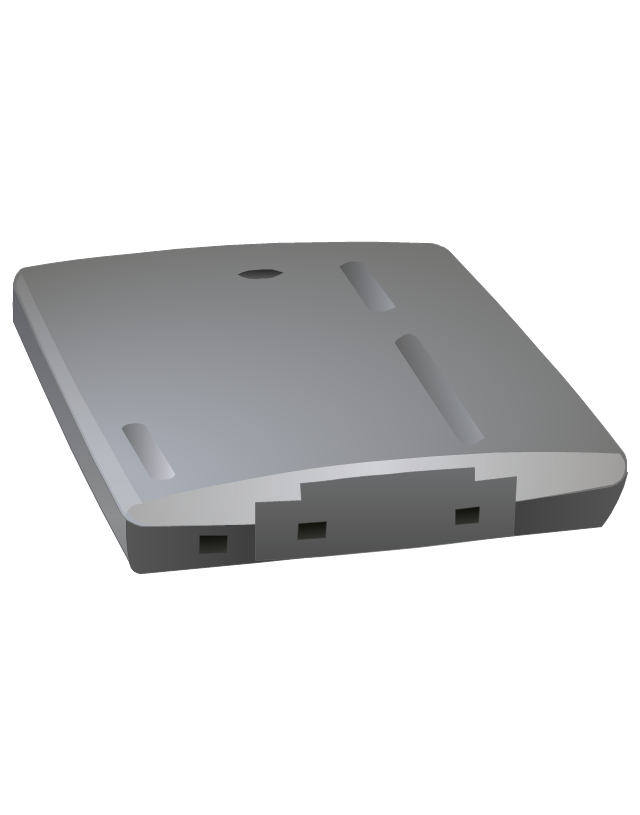
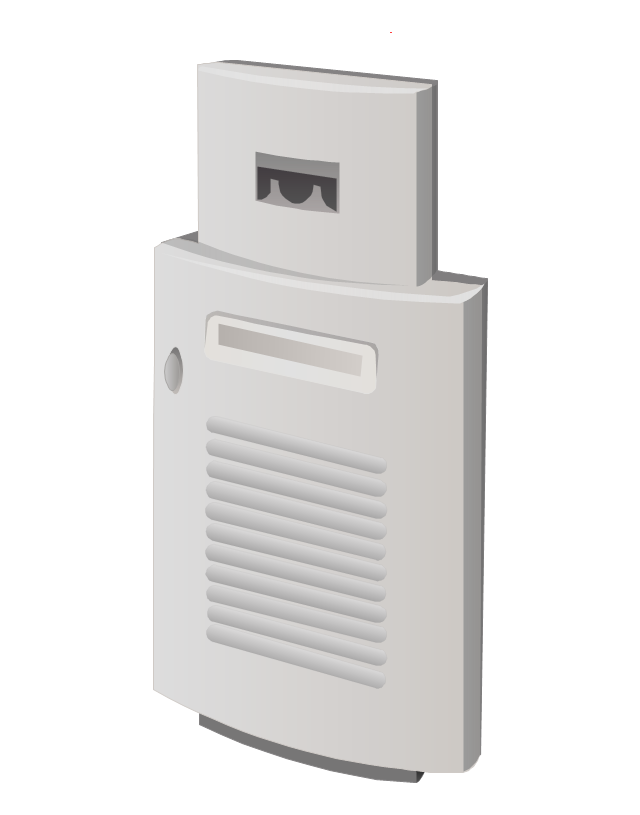
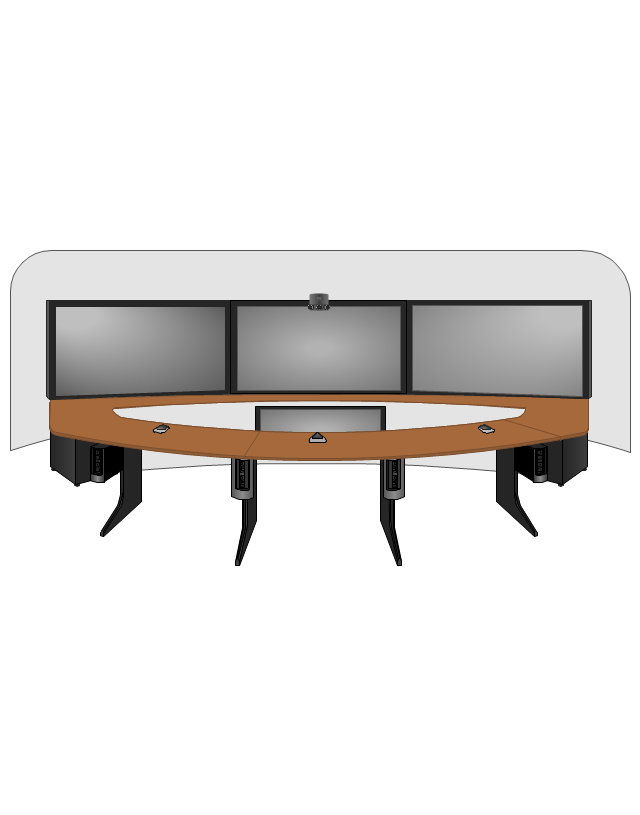
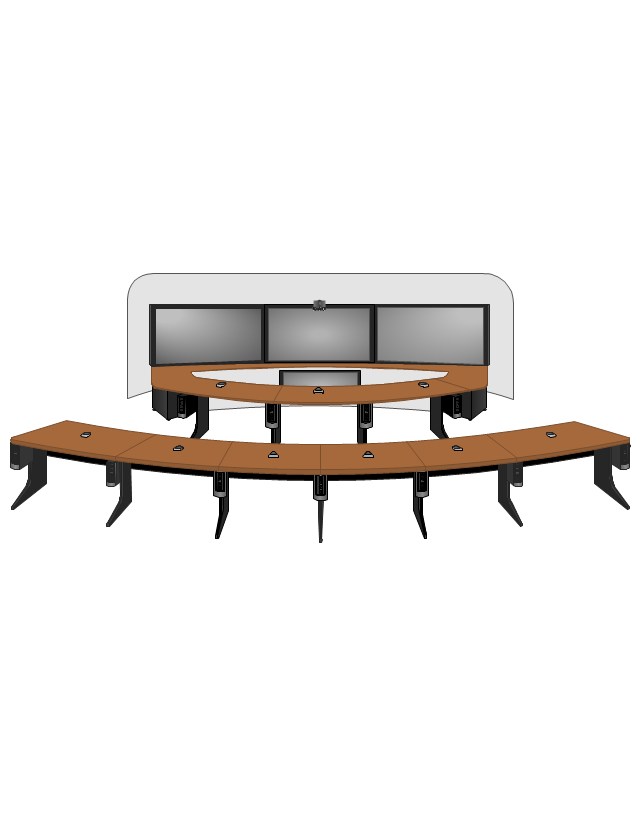
The vector stencils library "Cisco" contains 27 icons of Cisco telecommunication devices: wireless bridge, access point, antenna, wireless internet video camera, telepresence system, IP video phone, video conferencing system.
Use it for drawing computer network diagrams and equipment layouts.
"Cisco Systems, Inc. is an American multinational corporation headquartered in San Jose, California, that designs, manufactures, and sells networking equipment. ... Cisco's products and services focus upon three market segments - Enterprise and Service Provider, Small Business and the Home." [Cisco Systems. Wikipedia]
The clip art example "Cisco - Vector stencils library" was created using the ConceptDraw PRO diagramming and vector drawing software extended with the Telecommunication Network Diagrams solution from the Computer and Networks area of ConceptDraw Solution Park.
Cisco Aironet 1410 wireless bridge with antenna
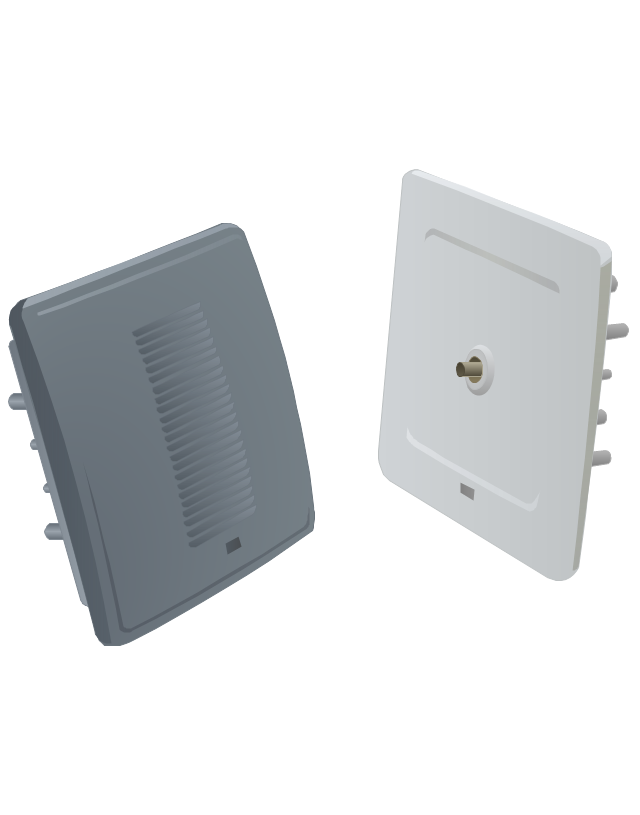
Cisco Aironet 1410 wireless bridge with antenna, Cisco Aironet, wireless bridge, antenna,
Cisco Aironet 1300 series outdoor access point or bridge with antenna

Cisco Aironet 1300 series outdoor access point or bridge with antenna, Cisco Aironet, outdoor access point, bridge,
Cisco Aironet 1232 Access Point AP1200
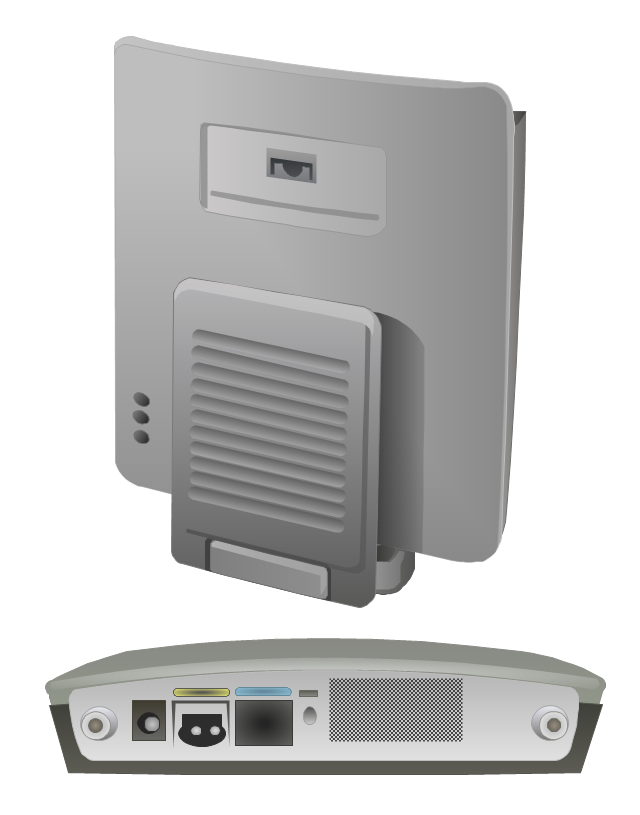
Cisco Aironet 1232 Access Point AP1200,
Cisco Aironet 1200 AP access point.
Cisco Aironet 1200 AP access point., Cisco Aironet 1200 AP, access point,
Cisco Aironet AIR-AP1231G-A-K9 access point
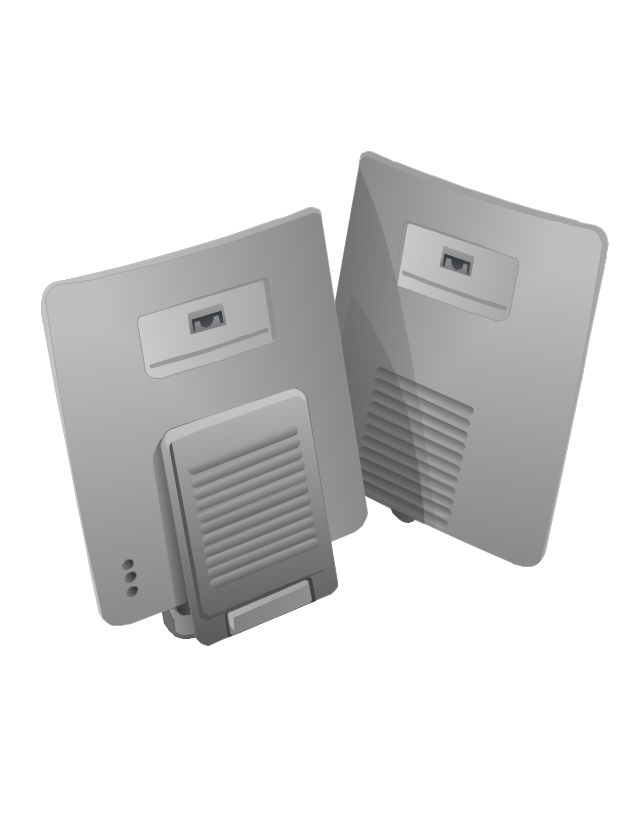
Cisco Aironet AIR-AP1231G-A-K9 access point, Cisco Aironet, access point,
Cisco Aironet 1120 access point
Cisco Aironet 1120 access point, Cisco Aironet, access point,
Cisco Aironet AP antenna ANT1729
Cisco Aironet AP antenna ANT1729, Cisco Aironet, access point antenna,
Cisco Aitonet AP antenna ANT2012
Cisco Aitonet AP antenna ANT2012, Cisco Aironet, access point antenna,
Cisco Aironet network adaptor antenna
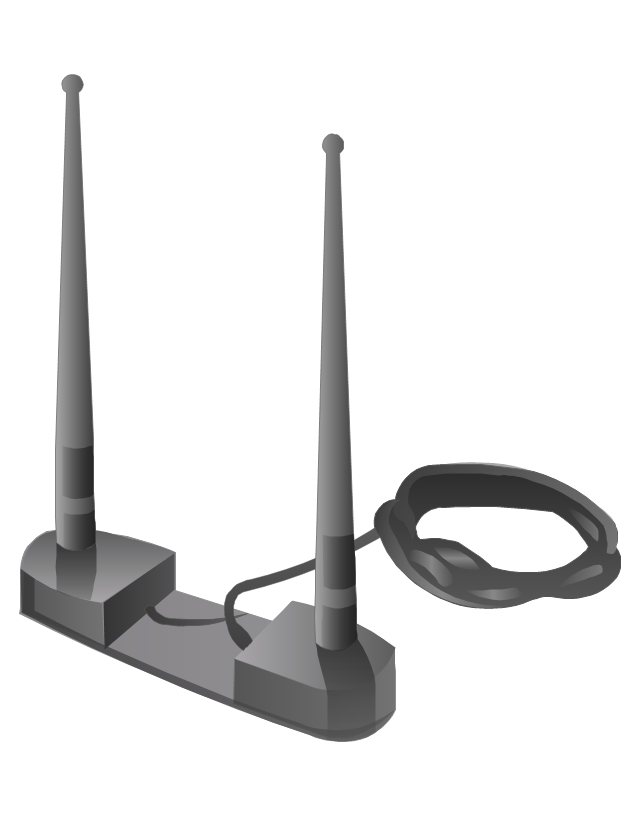
Cisco Aironet network adaptor antenna, Cisco Aironet, network adapter antenna,
Cisco WVC210 wireless video camera (front)
Cisco WVC210 wireless video camera (front), Cisco, wireless internet video camera,
Cisco WVC210 wireless video camera (bottom)
Cisco WVC210 wireless video camera (bottom), Cisco, wireless internet video camera,
Cisco TelePresence System 1100
Cisco TelePresence System 1100, Cisco, telepresence,
Cisco TelePresence System 1300-47 (front)
Cisco TelePresence System 1300-47 (front), Cisco, telepresence,
Cisco TelePresence System 1300-47 (Rear)
Cisco TelePresence System 1300-47 (Rear), Cisco, telepresence,
Cisco TelePresence System 1300-65 (front)
Cisco TelePresence System 1300-65 (front), Cisco, telepresence,
Cisco TelePresence System 3010
Cisco TelePresence System 3010, Cisco, telepresence,
Cisco TelePresence System 3210
Cisco TelePresence System 3210, Cisco, telepresence, Cisco CTS 3010,
Cisco IP Video Phone E20 (front)
Cisco IP Video Phone E20 (front), envelope, mail, Cisco, IP video phone,
Cisco TelePresence System 500-32 (front)
Cisco TelePresence System 500-32 (front), Cisco, telepresence,
Cisco EX60 Video Conferencing System (front)
Cisco EX60 Video Conferencing System (front), Cisco, video conferencing,
Cisco EX90 Video Conferencing System (Front)
Cisco EX90 Video Conferencing System (Front), Cisco, video conferencing,
Cisco TelePresence System 1000 MXP (Front)
Cisco TelePresence System 1000 MXP (Front), Cisco, telepresence,
Cisco TelePresence System 500-37 pedestal
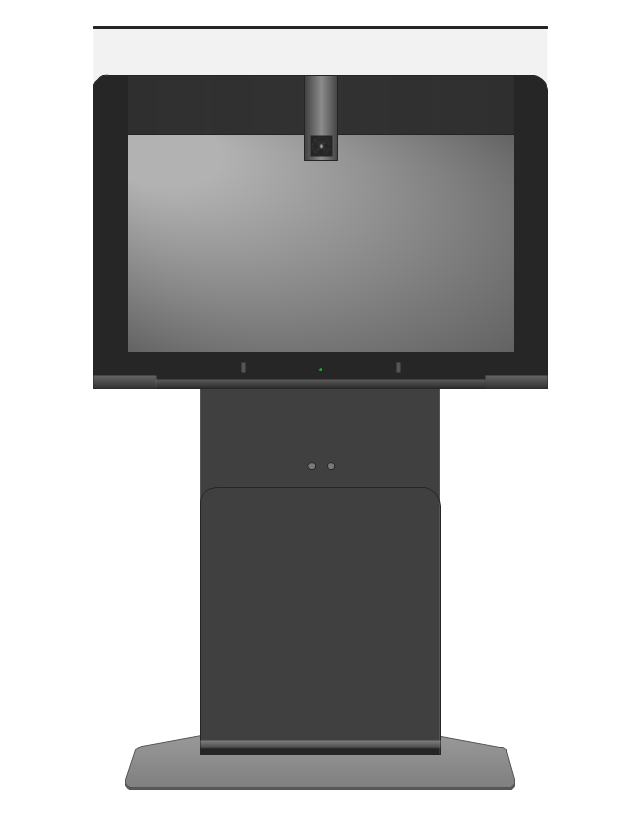
Cisco TelePresence System 500-37 pedestal, Cisco, telepresence,
Cisco TelePresence System 500-37 wall

Cisco TelePresence System 500-37 wall, Cisco, telepresence,
Cisco TelePresence 1700 MXP (front)
Cisco TelePresence 1700 MXP (front), Cisco, telepresence,
Cisco TelePresence System MX200 42-inch (front)
Cisco TelePresence System MX200 42-inch (front), Cisco, telepresence,
Cisco TelePresence System MX300 55-inch (front)
Cisco TelePresence System MX300 55-inch (front), Cisco, telepresence,

Network Diagramming Software for Design. Cisco Network Diagrams
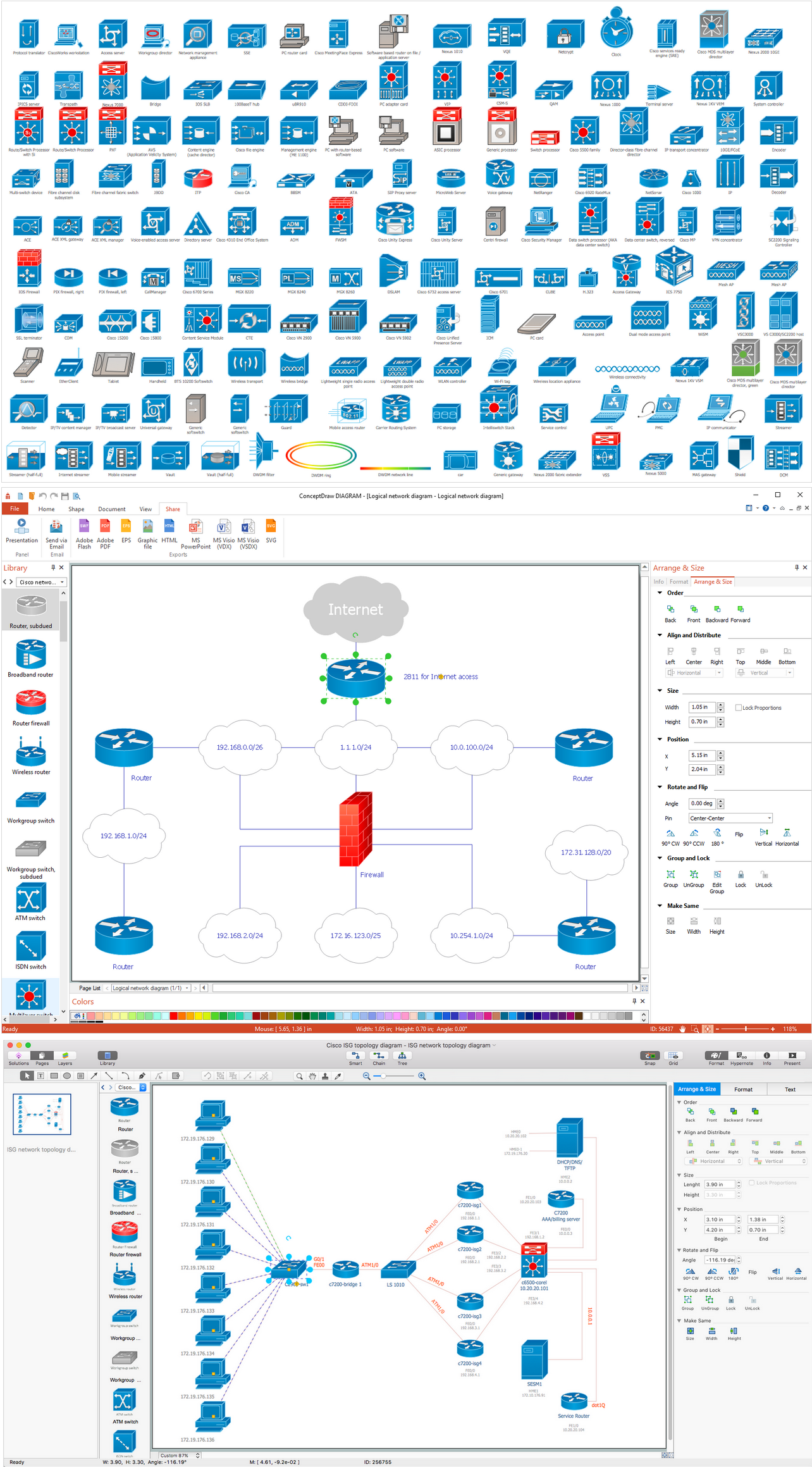
Cisco is a famous corporation that develops, manufactures and sells worldwide a networking equipment. Cisco Network Diagrams are intended to document the topology, to visualize Cisco networks, to illustrate the arrangement and connections of network equipment, using the own brand Cisco network symbols, generally accepted as standard. The Cisco icons depict specific Cisco network equipment and connections lines, the style of which specifies the type of physical connection. These diagrams are globally recognized, are often created and used by network and system administrators, network designers, and other numerous IT professionals and corporate IT departments. ConceptDraw DIAGRAM software provides the set of powerful network diagrams software tools included to the Cisco Network Diagrams solution from Computer and Networks area of ConceptDraw Solution Park. This solution offers 15 libraries with 508 cisco vector elements that are ideal for professional and easy design Cisco Network Diagrams of any configuration, complexity and detailing.

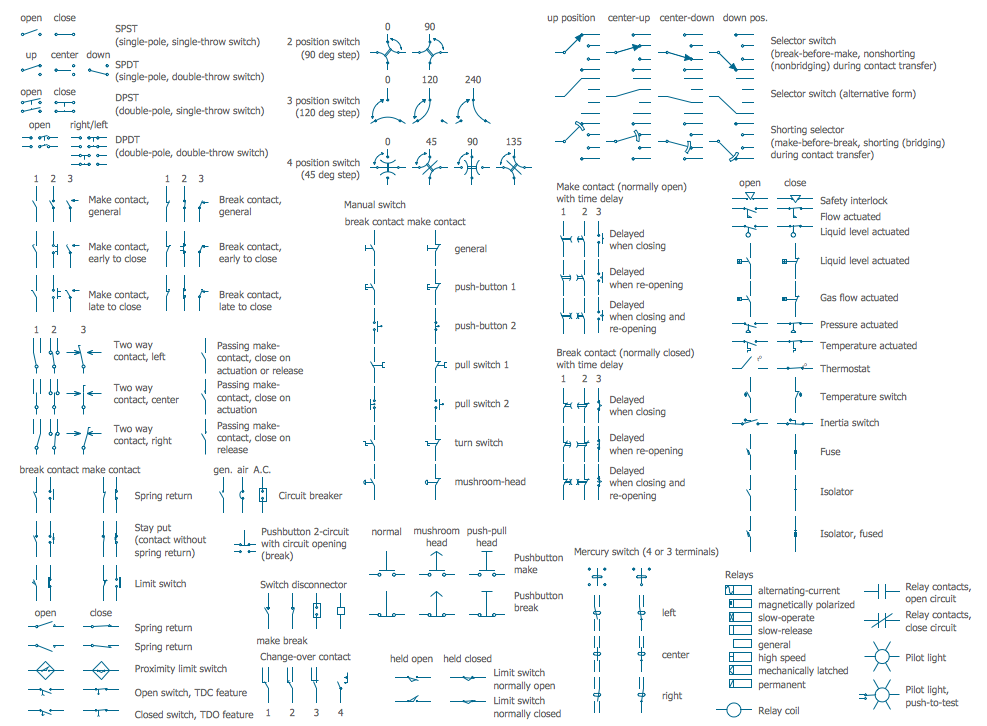
Electrical Symbols β€” Switches and Relays

In electrical engineering, a switch is an electrical component that can break an electrical circuit, interrupting the current or diverting it from one conductor to another. The mechanism of a switch may be operated directly by a human operator to control a circuit (for example, a light switch or a keyboard button), may be operated by a moving object such as a door-operated switch, or may be operated by some sensing element for pressure, temperature or flow. A relay is a switch that is operated by electricity. Switches are made to handle a wide range of voltages and currents; very large switches may be used to isolate high-voltage circuits in electrical substations. 26 libraries of the Electrical Engineering Solution of ConceptDraw DIAGRAM make your electrical diagramming simple, efficient, and effective. You can simply and quickly drop the ready-to-use objects from libraries into your document to create the electrical diagram.

Cisco Network Templates

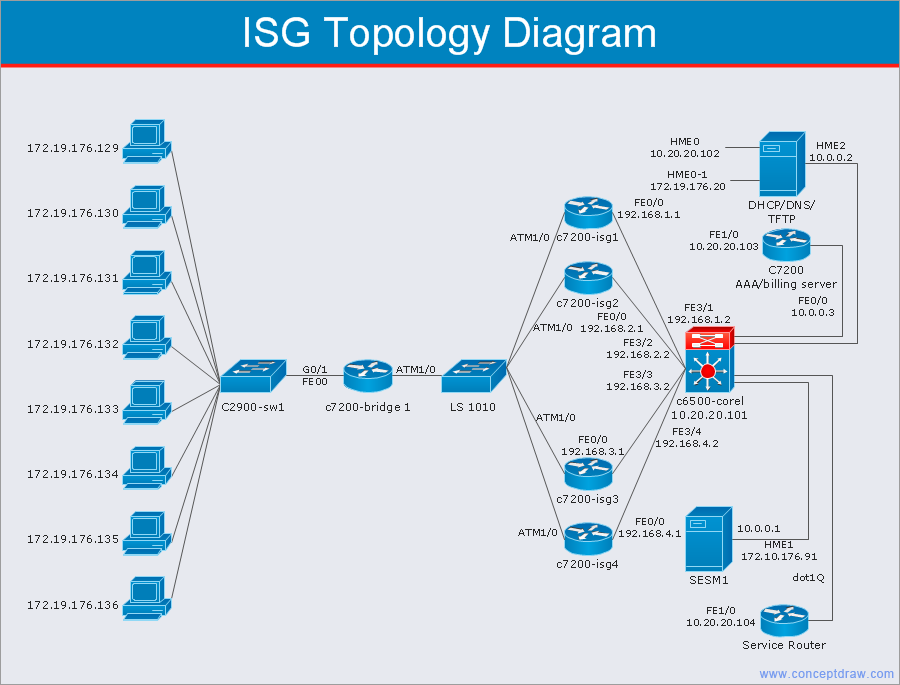
Cisco is a huge multinational company that develops and sells worldwide the]network equipment, mainly for large organizations and telecommunication companies. So, it has large number of enterprise clients in a corporate environment. Therefore many network engineers often draw the Network diagrams for Cisco hardware and are needed in a powerful vector drawing software. ConceptDraw DIAGRAM is ideal for this goal, enhanced with professional Cisco Network Diagrams solution from Computer and Networks area of ConceptDraw Solution Park it offers a wide variety of vector design objects libraries, samples and also large set of Cisco network templates. The use of templates is the easiest and time-saving way of drawing professional-looking diagrams and schematics. Use them to design Cisco Network Topologies, Cisco Network Diagrams, Cisco ISG Topology Diagrams, Cisco Express Forwarding Diagrams, Rack Diagrams, Network Organization Charts, Wireless Computer Network Diagrams, Vehicular Network Diagrams, and many other types of diagrams without efforts.