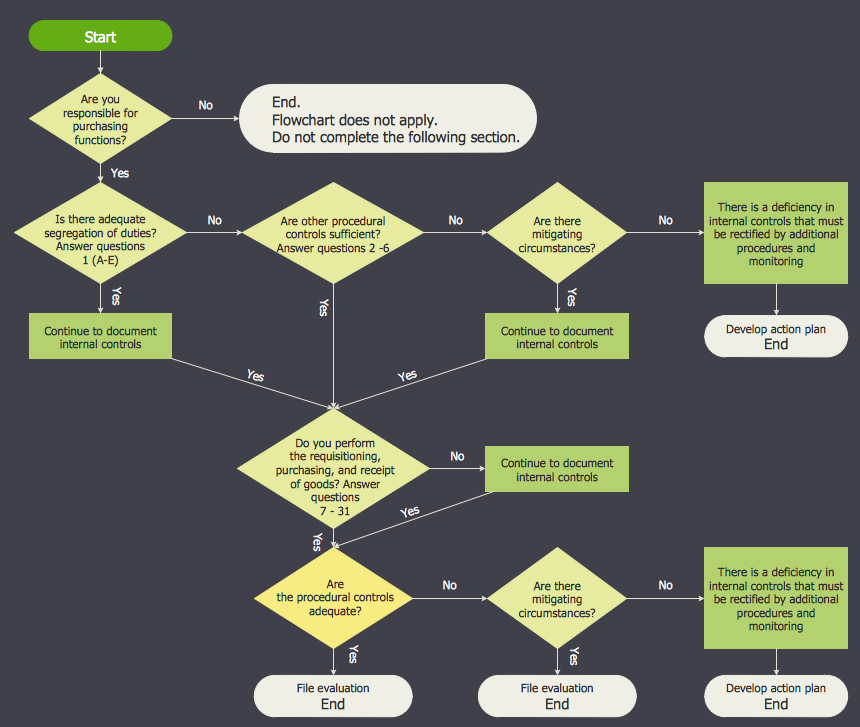
Example 1. Accounting Flowchart Symbols
The accounting flowcharts and diagrams created with help of ConceptDraw's Accounting Flowcharts solution let effectively represent the detailed structure of the process. Add the accounting flowchart symbols to the diagram by dragging them from the Accounting Flowcharts library to your ConceptDraw document page.
| Symbol |
Shape Name |
Symbol Description |
| Process / Operation Symbols |
 |
Process |
Any processing function. |
 |
On-page Connector |
Transfer of customer order to the credit department. |
 |
Off-page Connector |
Mailing of sales invoice to customer. |
 |
Annotation |
Used to describe or note an activity. |
 |
Punched Card |
Method of computer input, the data that are input by means of punched card. |
 |
Magnetic Tape |
Method of computer input, the data that are stored on magnetic tape. |
 |
Punched Tape |
Method of computer input, the data that are input by means of punched tape. |
 |
Manual Input |
Data that are entered manually with a keyboard or barcode reader. |
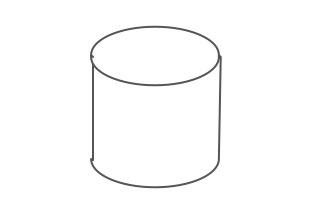 |
Magnetic Disk |
Method of computer storage, the data that are stored on magnetic disk. |
 |
Manual File |
Data that are stored by non-electronic means. |
 |
Manual Operation |
Any operation that is performed manually (by a person). |
 |
Document |
Data that can be read by people, such as printed output. |
 |
Angled Connector |
Angled Connector. |
 |
Double Tree Connector |
Double Tree Connector. |
You can also assign the library objects with the Rapid Draw tool on the Shape toolbar, use the Rapid Draw arrows to create new objects automatically.
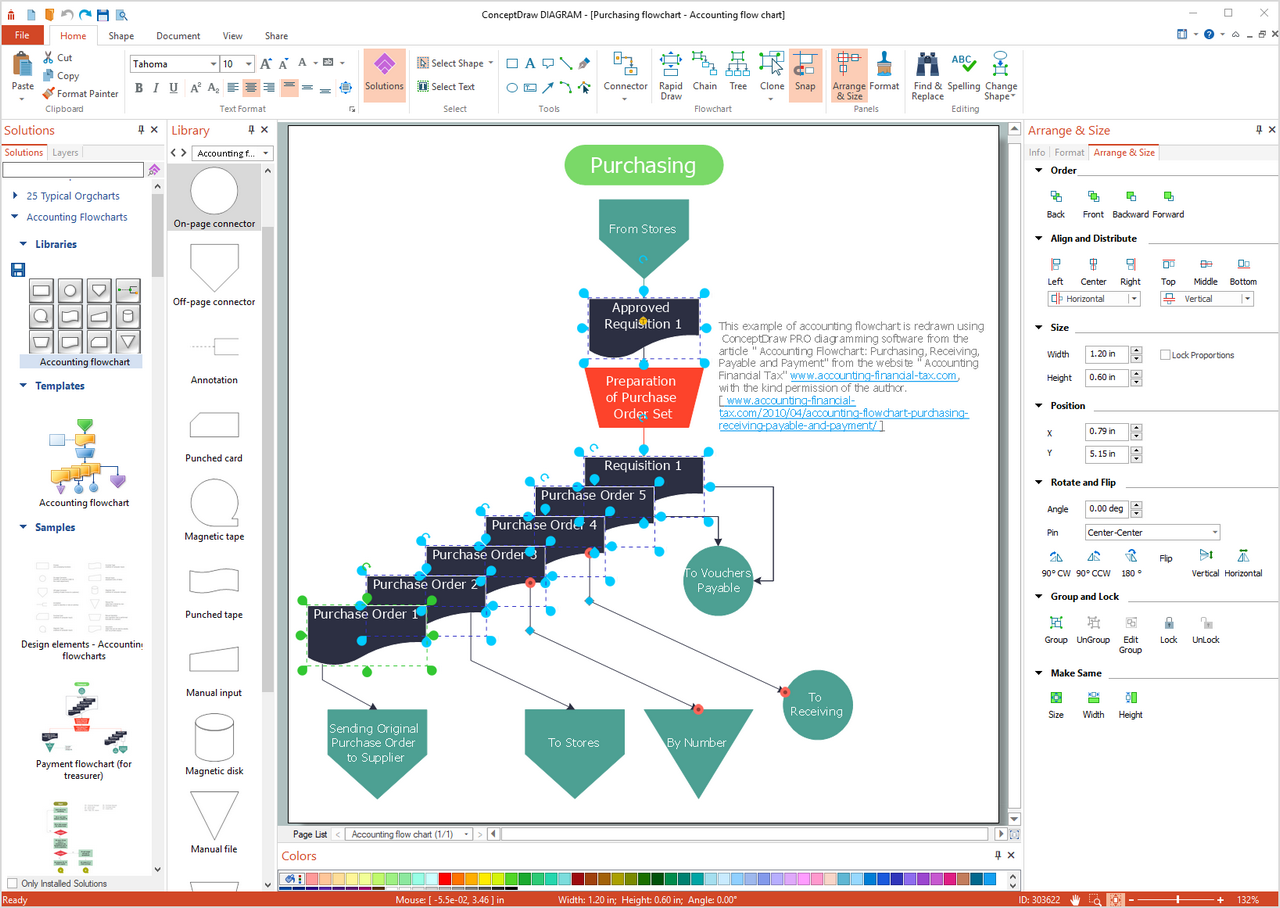
Example 2. Creation Voucher Payable Flowchart in ConceptDraw DIAGRAM
All Accounting Flowcharts created in ConceptDraw DIAGRAM are colorful, attractive, and will have a great success when used in whitepapers, datasheets, posters, published technical materials, presentations on conferences, meetings and various discussions with colleagues. Use the Line, Fill, Shadow and Text tools to format your Accounting Flowcharts.
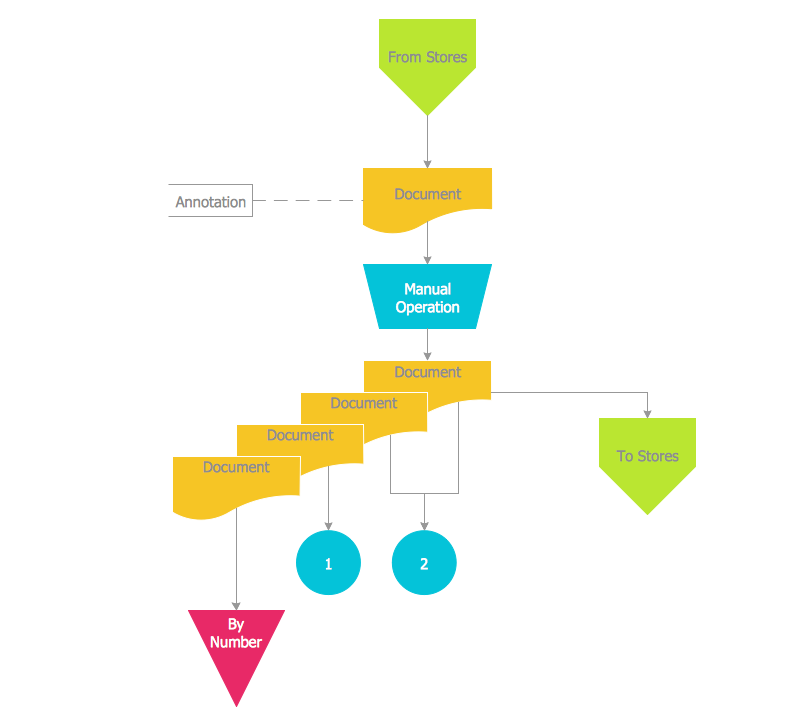
Example 3. Accounting Flowchart Template
A number of samples and template are also included in Accounting Flowcharts solution and give to the ConceptDraw's users a base from which to explore the powerful diagramming tools of ConceptDraw DIAGRAM software. Thanks to the accounting flowchart template you can greatly save your time, all that you need to do is to make changes if required to the existing Accounting Flowchart. Open the Accounting Flowchart template from ConceptDraw STORE.
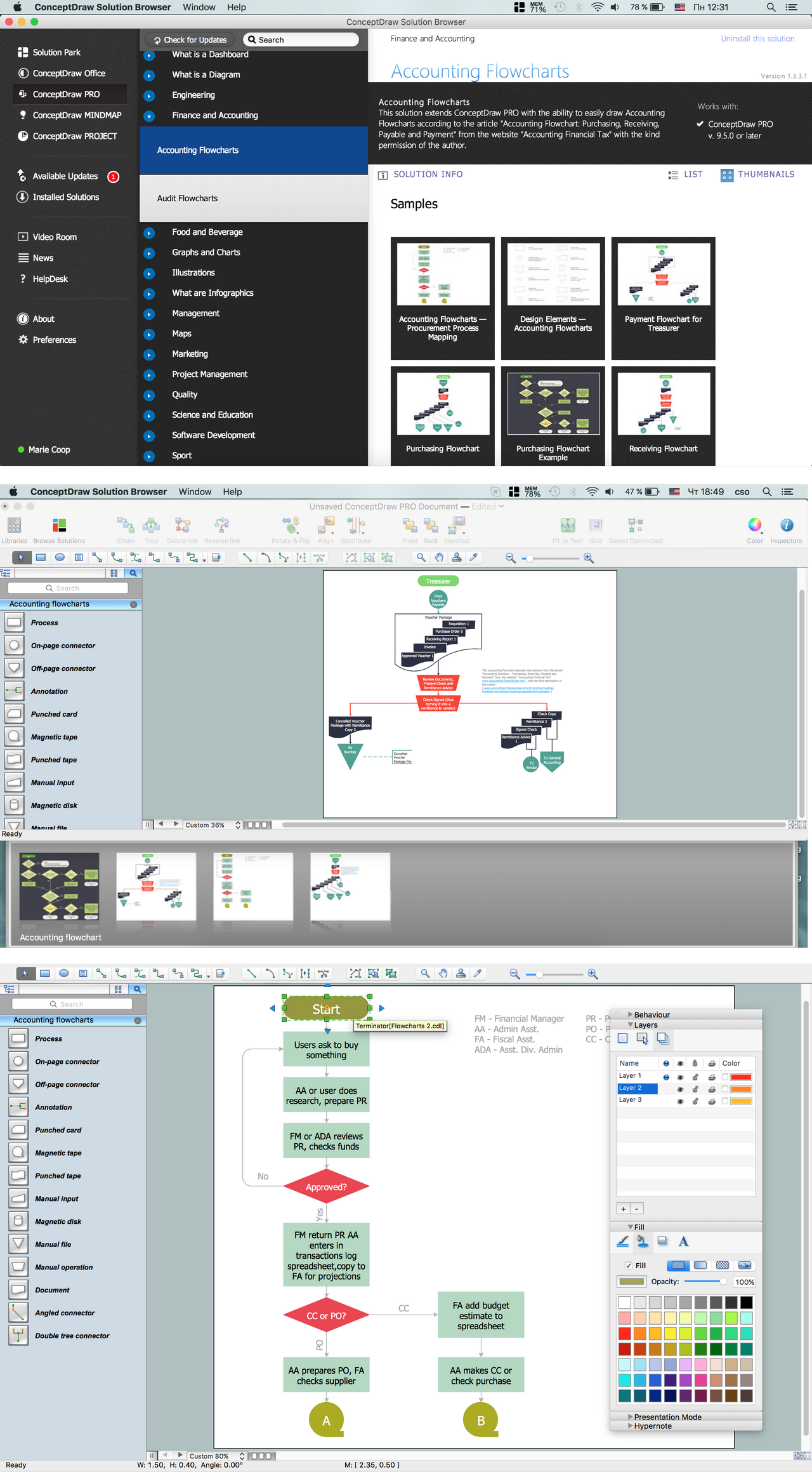
Example 4. Accounting Flowcharts Solution
Use the variety of accounting flowchart symbols from the Accounting Flowcharts library for Accounting Flowcharts Solution, and also collection of samples and template from ConceptDraw STORE to create your own professional looking Accounting Flowcharts of any complexity quick, easy and effective.
TEN RELATED HOW TO's:
A flowchart is a powerful tool for examining processes. It helps improving processes a lot, as it becomes much easier to communicate between involved people, to identify potential problems and to optimize workflow. There are flowcharts of different shapes, sizes and types of flowchart vary from quite basic process flowcharts to complex program flowcharts. Nevertheless, all these diagrams use the same set of special symbols like arrows to connect blocks, parallelogram to show data receiving or rectangles for showing process steps.
Basic flowcharts are used to represent a simple process algorithm. A basic flowchart notation consists of rectangles (business processes), arrows (the flow of information, documents, etc.). The same notation is used in items such as the "decision", which allow you to do the branching. To indicate the start of the entire business process and its termination can be used the "Terminator" element. The advantages of Basic Flowchart are simplicity and clarity. With it you can quickly describe the business process steps. Creating of Basic Flowchart does not require any special knowledge, as easily understand by employees with different levels of education and IQ.
Picture: Types of Flowchart: Comprehensive Overview
Related Solution:
A Near-me area network (NAN) is a logical communication network. NAN focuses on the communication between wireless devices in the close proximity.
All networks designed with ConceptDraw DIAGRAM are vector graphic documents and are available for reviewing, modifying, and converting to a variety of formats (image, HTML, PDF file, MS PowerPoint Presentation, Adobe Flash or MS Visio XML).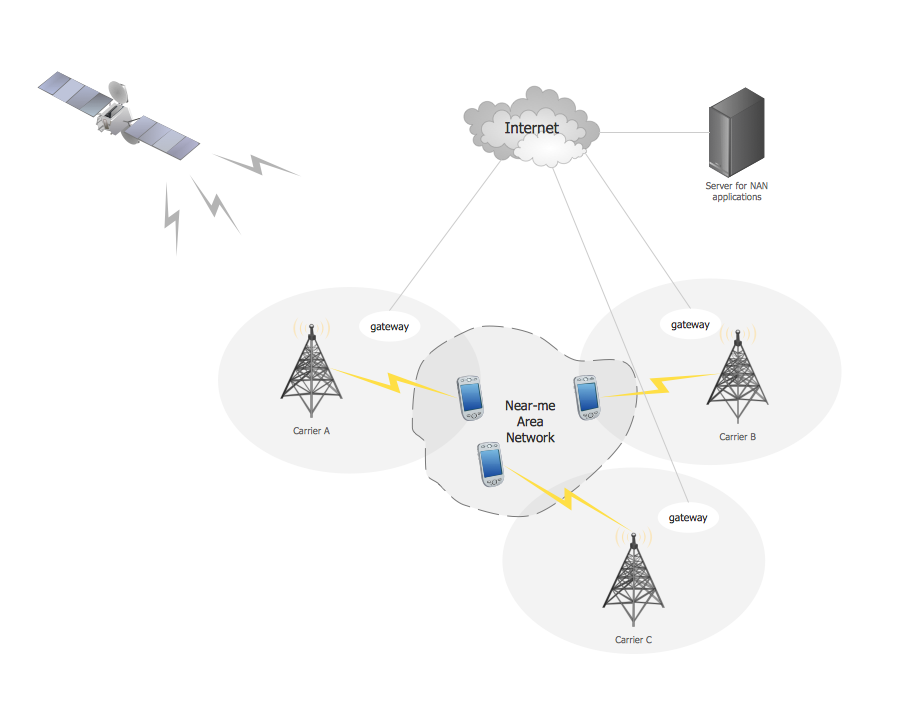
Picture: Near-me area networks (NAN). Computer and Network Examples
Related Solution:
Data processing can be very complex sometimes. If you are interested in facilitating your work with data, it’s time to learn how to draw flowcharts with special software or using just a piece of paper. The list of flowchart basic symbols includes rectangles, diamond, ellipses etc. and is used to represent processes, actions, decisions or data processing.
A well-done flowchart bring the clearness of the sequence of a process stages. There are number of symbols that can be used in flow charts to show various sorts of steps. The basic flowchart can be created using a few of them: Process, Decision, Start/Finish. A basic element of a flowchart represents a simple action and looks like a box, that contains a description of the action. The depicting of actions sequence is made with arrows between corresponding action boxes, as you can see on the sample diagram. Also it shows the symbols for flowchart start and finish steps. ConceptDraw Flowcharts solution provides the ability to build basic flow charts as well as the ones of any size and complexity with a minimum of actions.
Picture: How to Draw a Flowchart: Step-by-Step Guide
Related Solution:
A flowchart is a picture of the separate steps of a process in sequential order.
ConceptDraw DIAGRAM is a Process Flowcharts software. This software includes basic package of process flow examples. The software contains object libraries with vector stencils that allows you use RapidDraw technology. By clicking on direction arrows you can add a new object to the flowchart.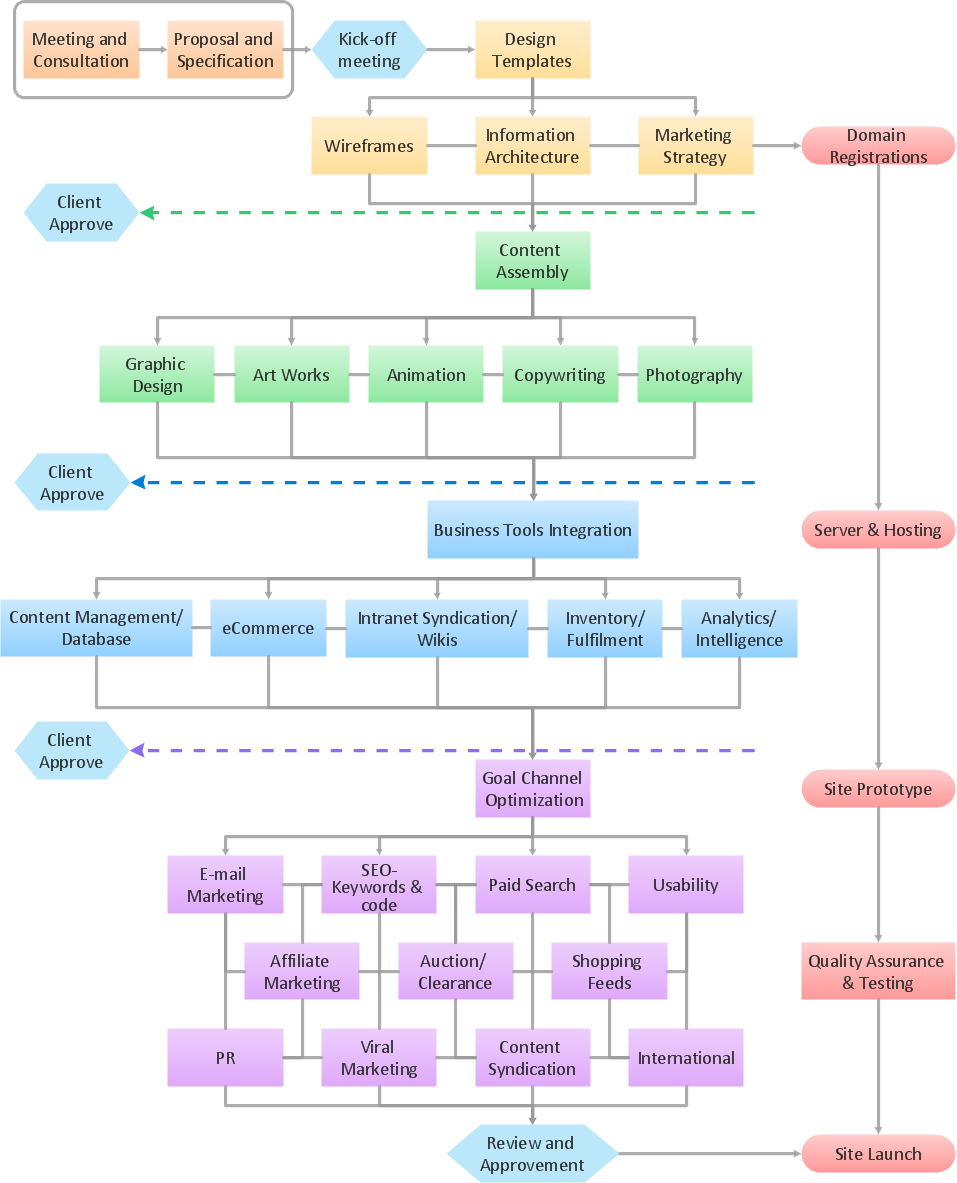
Picture: Example Process Flow
Related Solution:
It’s very simple and quick to create the UML Diagrams using the Rapid UML Solution for ConceptDraw DIAGRAM. This sample was created in 10 minutes.
This sample describes the credit card processing system. It’s a UML Class Diagram with generalization sets. This sample can be used by the banks, business and financial companies, exchanges.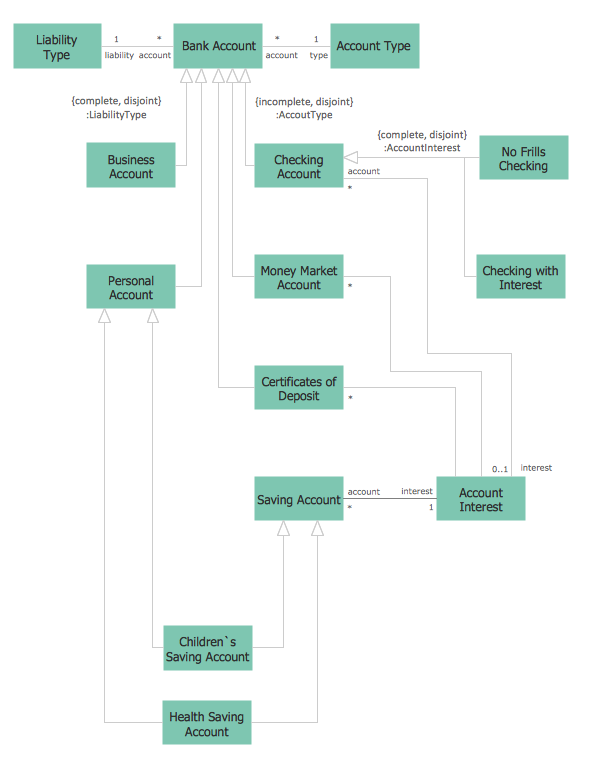
Picture: UML in 10 mins
Related Solution:
Helps to create professionally looking and detailed Sales Flowcharts with all sales steps visually represented on them.
Use the Sales Flowcharts Solution for ConceptDraw DIAGRAM software to create your own Sales Flowcharts of any complexity quickly, easily and effectively to use them successfully in your work activity.
ConceptDraw DIAGRAM diagramming and vector drawing software supplied with unique Sales Flowcharts solution from the Marketing area of ConceptDraw Solution Park allows fast and easy visualize all sales steps of the sales process on a sales process Map or sales process flowchart, and then realize them easily.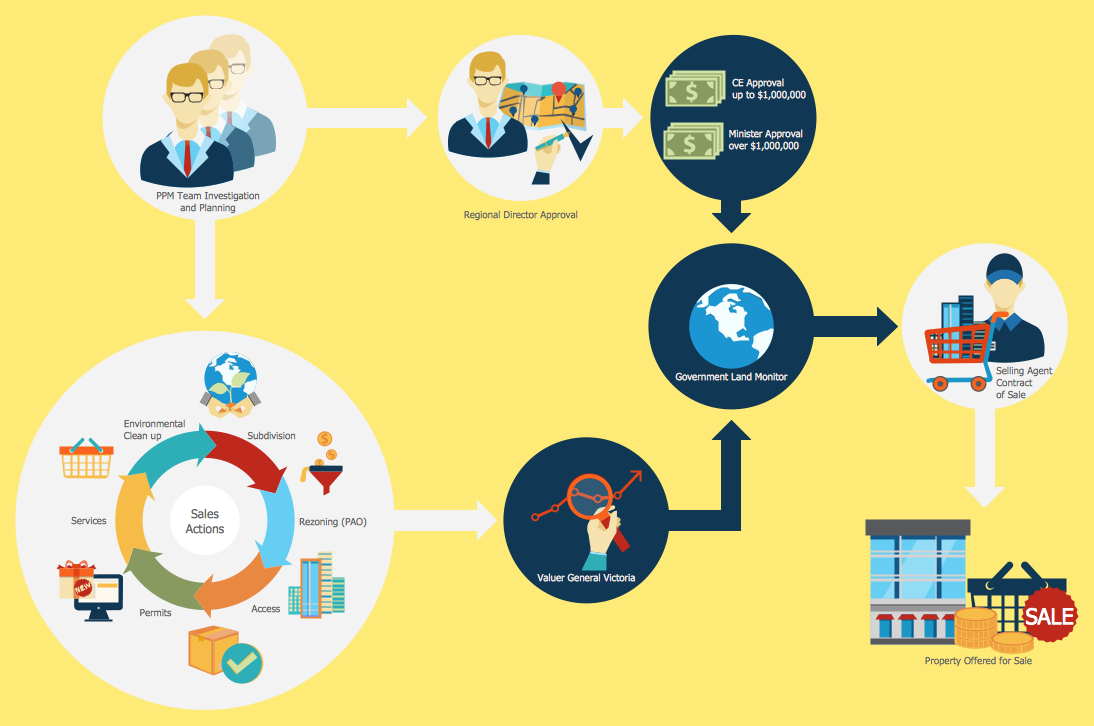
Picture: Sales Steps
Related Solution:
Do you like the professional schemes that you can find on the Internet? Take into account that the most part of them is made using the Best Flowchart Software and Flowchart Symbols. Try you own powers in creating such diagrams!
Flowcharts are the most business diagramming tool. If you are a business manager, you can use flow chart to depict work flow in your organization, develop the effective organizational structure and present the information to investors or other stakeholders. Combining the smart management solutions with ConceptDraw DIAGRAM diagramming engine delivers the set of comprehensive flowchart tools necessary to support professionals in their creativeness and business activity.
Picture: Best Flowchart Software and Flowchart Symbols
Related Solution:
The ConceptDraw Flowchart component includes a set of samples and templates. This geathered as flowchart maker toolbox which focused on drawing flowcharts of any industry standards.
Picture: Flowchart Components
Related Solution:
Use ConceptDraw DIAGRAM diagramming and business graphics software to draw your own flowcharts of computer algorithms.
Picture: Process Flow app for macOS
Related Solution:
ConceptDraw Arrows10 Technology - This is more than enough versatility to draw any type of diagram with any degree of complexity.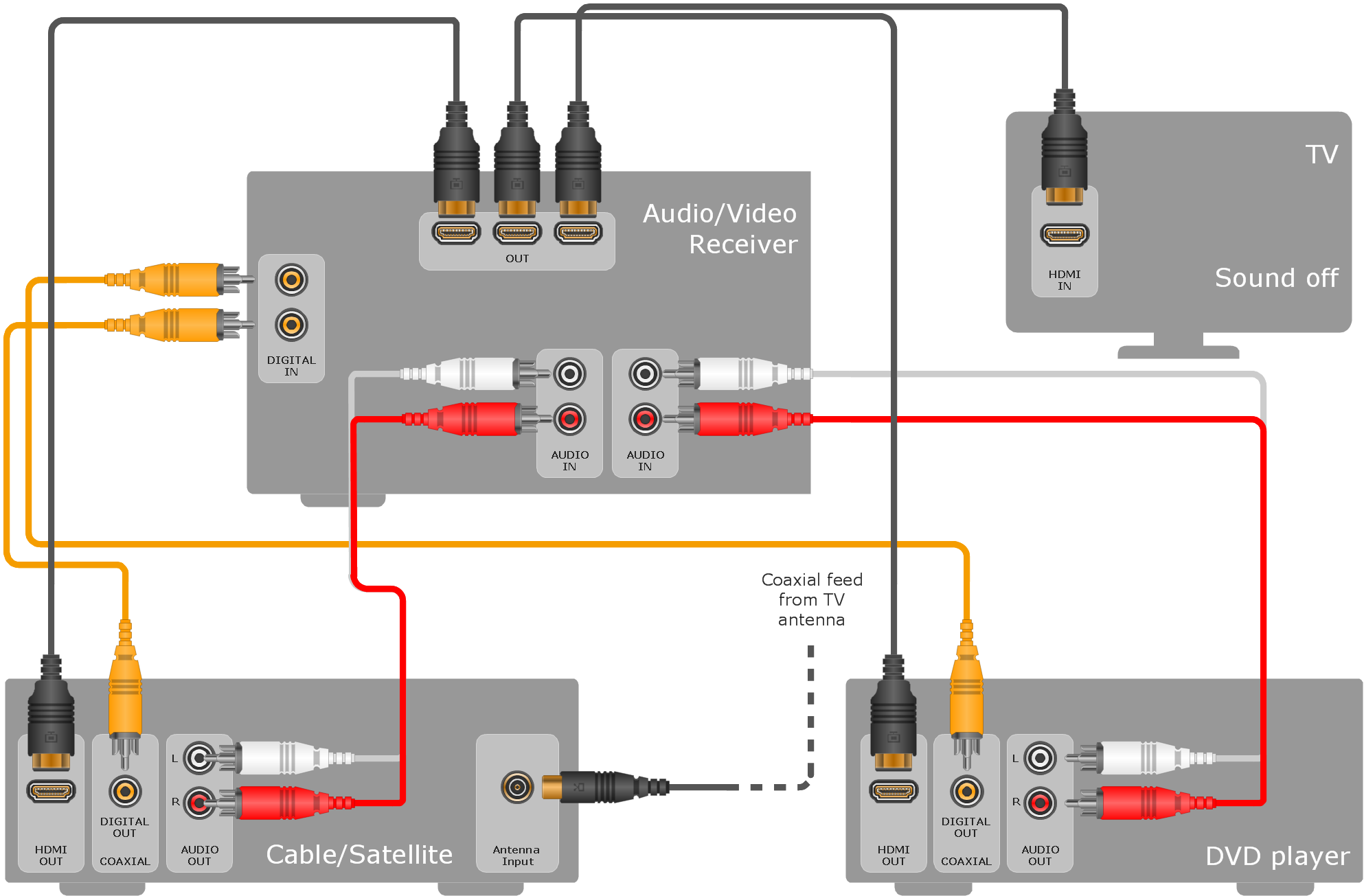
Picture: ConceptDraw Arrows10 Technology

