Skype Presentation
"Remote Presentation for Skype" - solution extends ConceptDraw® MINDMAP with the ability to deliver presentation via Skype®. It lets you remotely present documents to participants of Skype conference call. The Skype presentation appears as a slide show at all computers of Skype conference and you control the presentation slides. It works great with other solutions of ConceptDraw® Solution Park such as Word Exchange, Presentation Exchange, and Mind Map Exchange. Using exchanging solutions you can do Skype presentations for virtually any type of documents or office files.Videos


Another great feature, at the end of presentation each participant of conference call have the copy of presentation document file. It saves in Presentation History folder. Later, its very easy to return back to presentation history and view it again or show for other team.
Thanks to Mind Map Exchange solution which provide lots of features for seamless importing and exporting documents of between ConceptDraw® MINDMAP and most mindmapping software tools including Mindjet MindManager®, Freemind, XMind and other.

Develop your own presentation style...
Do great presentations...
Be successful!

TEN RELATED HOW TO's:
These donut chart templates was designed using ConceptDraw DIAGRAM diagramming and vector drawing software extended with Pie Charts solution from Graphs and Charts area of ConceptDraw Solution Park.
All these donut chart templates are included in the Pie Charts solution.
You can quickly rework these examples into your own charts by simply changing displayed data, title and legend texts.
Picture: Donut Chart Templates
Related Solution:
Communication is the main challenge and the key success factor for remote project management. Communicating visually via Skype you bring all team and customers onto the one page.
Remote Presentation for Skype solution for ConceptDraw MINDMAP helps communicate with remote team and customers in visual manner on wide range of issues. Using this solution for regular status meetings allows you to push your team on tasks and keep task statuses up to date.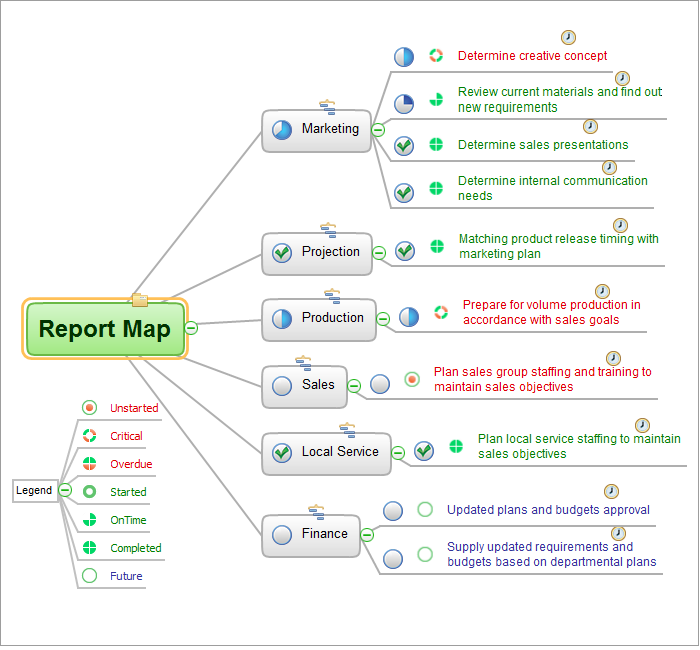
Picture: Communication Tool for Remote Project Management
Related Solution:
During the planning, discussing and execution of a project you may need to prepare a presentation using project views such as the Gantt Chart, Multiproject Dashboard or Resource Usage View. It’s easy do with ConceptDraw PROJECT!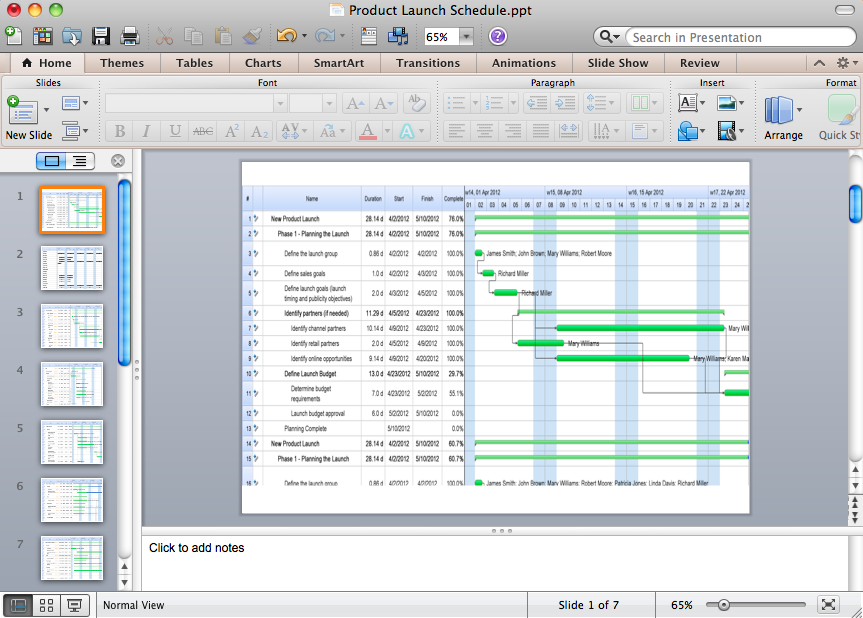
Picture: How to Create Presentation of Your Project Gantt Chart
Using Skype for Business will let you control teams and deliver information worldwide in a real-time. This is an important tool for everyday work.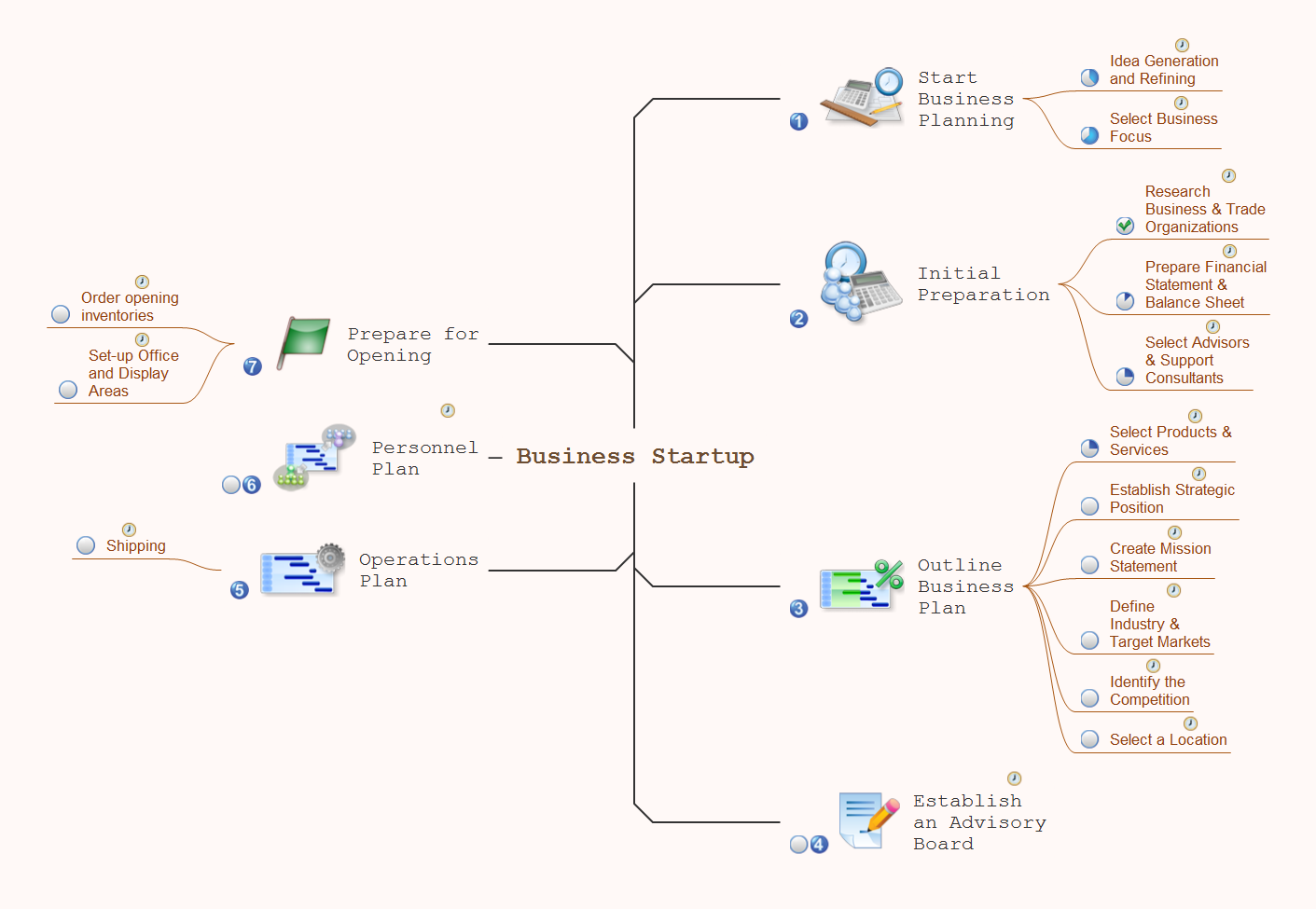
Picture: How To Use Skype for Business
Related Solution:
Gant Chart is a graphical representation of tasks as segments on a time scale. It helps plan and monitor project development or resource allocation. The horizontal axis is a time scale, expressed either in absolute or relative time.
Picture: Gant Chart in Project Management
Related Solution:
A computer network diagram for a large network can be complicated and difficult both to understand and to draw. To learn how to deal with complex network diagrams, start with a basic network diagram, showing only the primary network devices and the connections between them. There are software tools to help you with that, such as ConceptDraw DIAGRAM , that include templates and examples for simple and common network diagrams.
The ConceptDraw solution for making computer network diagrams delivers over a thousand of vector objects, composed into the forty vector libraries that were developed to support drawing of professional-looking computer network diagrams. This diagram of computer network can be used by system administrator as a basic template for making the custom network diagram. Since the responsibilities of network or system administrator include documenting of computer network, drawing network diagrams is an important part of their work.
Picture: Basic Network Diagram
Tools to do presentation of mindmaps via Skype.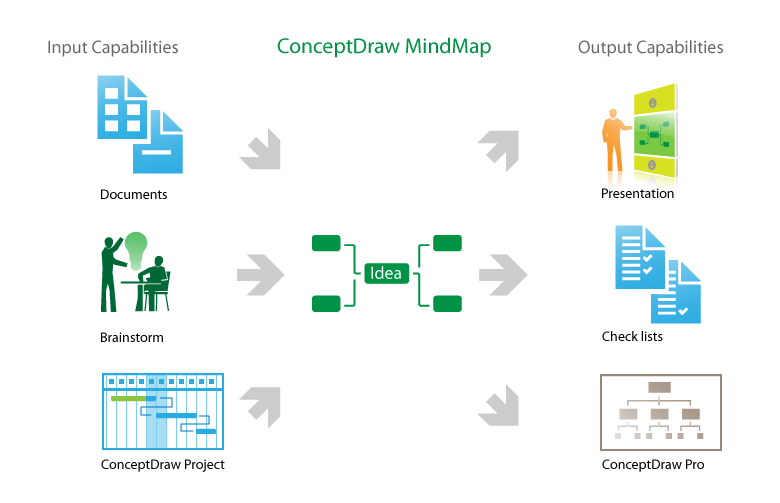
Picture: How to do presentation of Mind Maps via Skype conference call?
Related Solution:
Everyone wants to be efficient. To succeed, try Mind Maps for Business - SWOT Analysis and enjoy the result. But be careful: it can be addictive!
ConceptDraw products and supported by SWOT and TOWS Matrix Diagrams solution forms a great tool for providing SWOT analysis. The solution contains mind map templates. By filling mind map templates, one can easily determine Strengths, Weaknesses, Opportunities, and Threats of the current business. Just a one click is needed to turn the SWOT mind map into a SWOT matrix. The SWOT diagram will be created in ConceptDraw DIAGRAM on the base of SWOT mind map.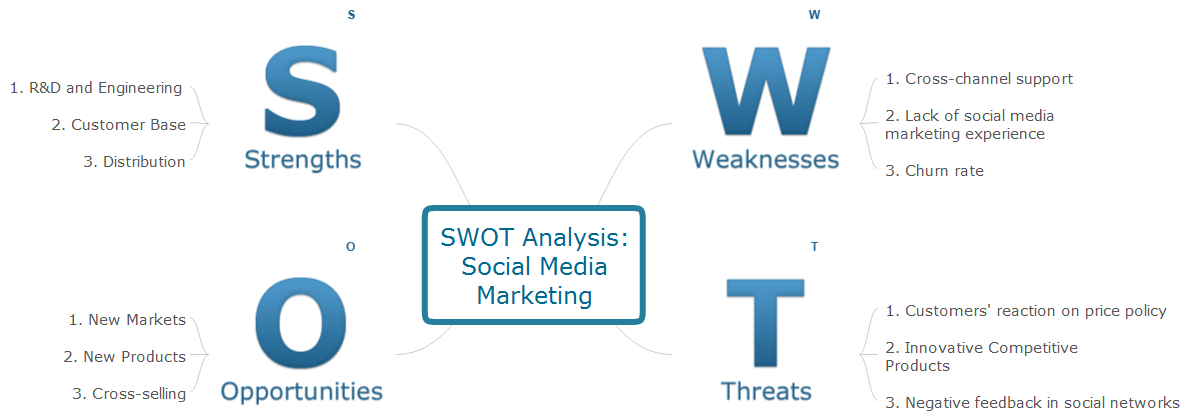
Picture: Mind Maps for Business - SWOT Analysis
Project progress on web: delivering project status to remote teams and stakeholders via Skype.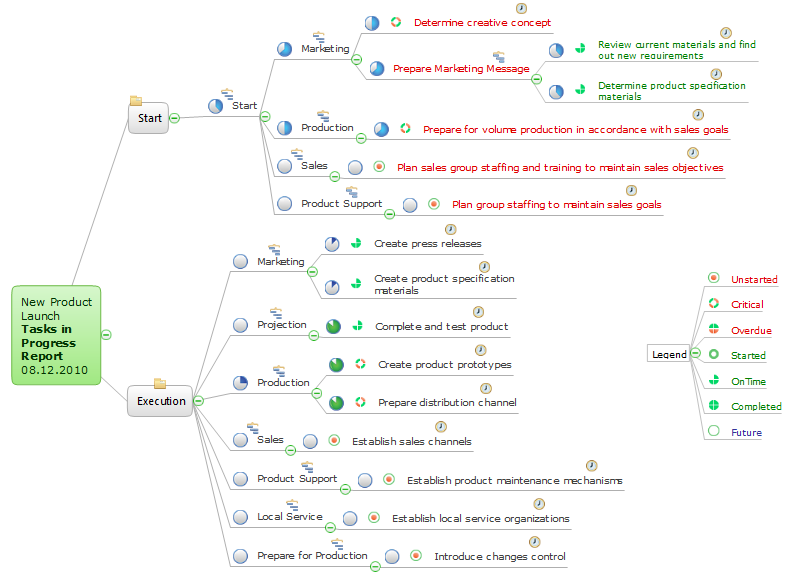
Picture: How To Show Project Progress Peport on Web
Related Solution:
You are probably familiar with diagrams. But have you ever thought that they would be useless? Follow the recommendations and design useful Flowcharts of any type with Flowcharts solution ✔️ easily, ✔️ quickly, ✔️ efficiently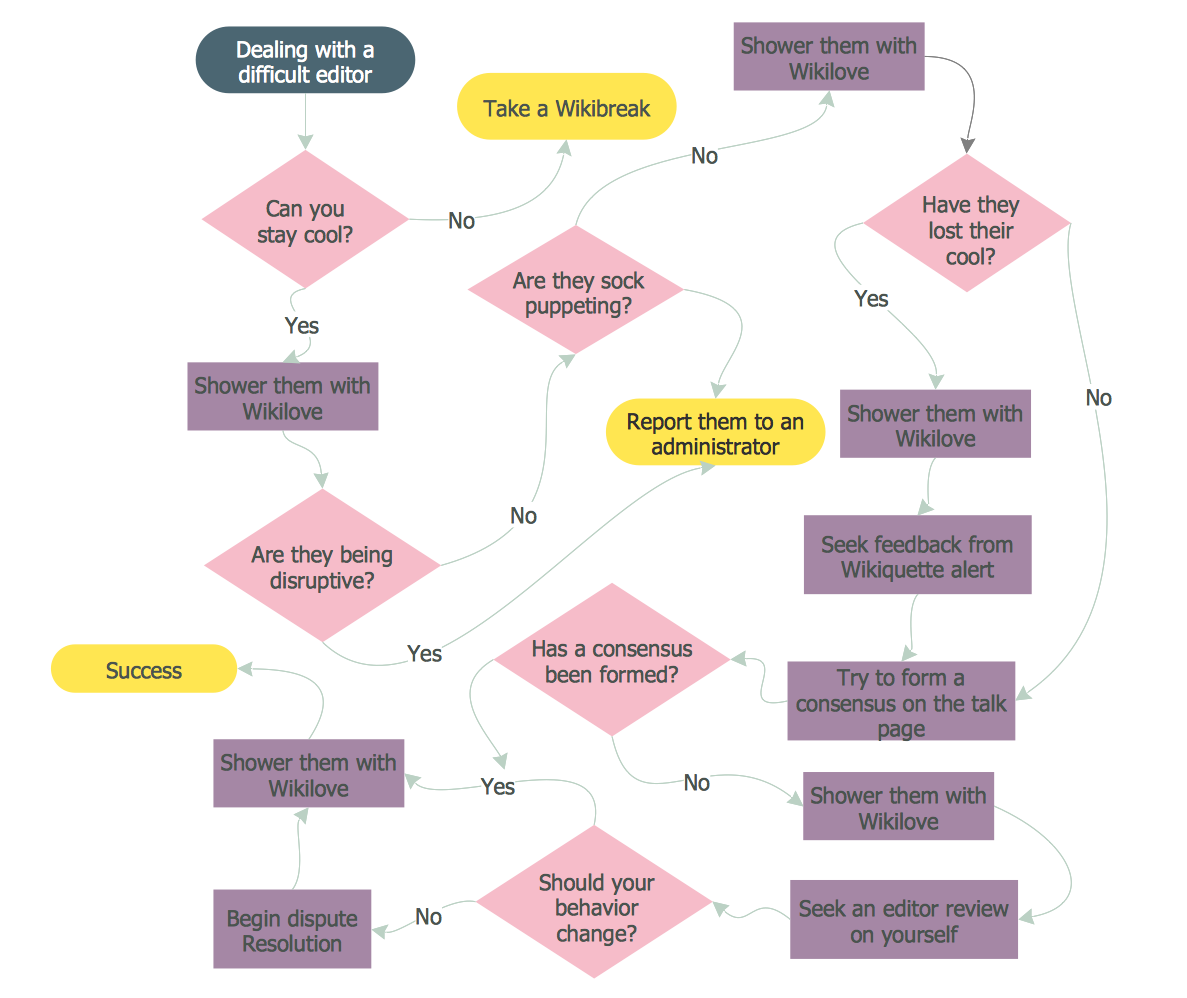
Picture: Diagrams Mean Nothing
Related Solution:
ConceptDraw
MINDMAP 16