Gather Requirements Exchanging Mind Maps with Evernote
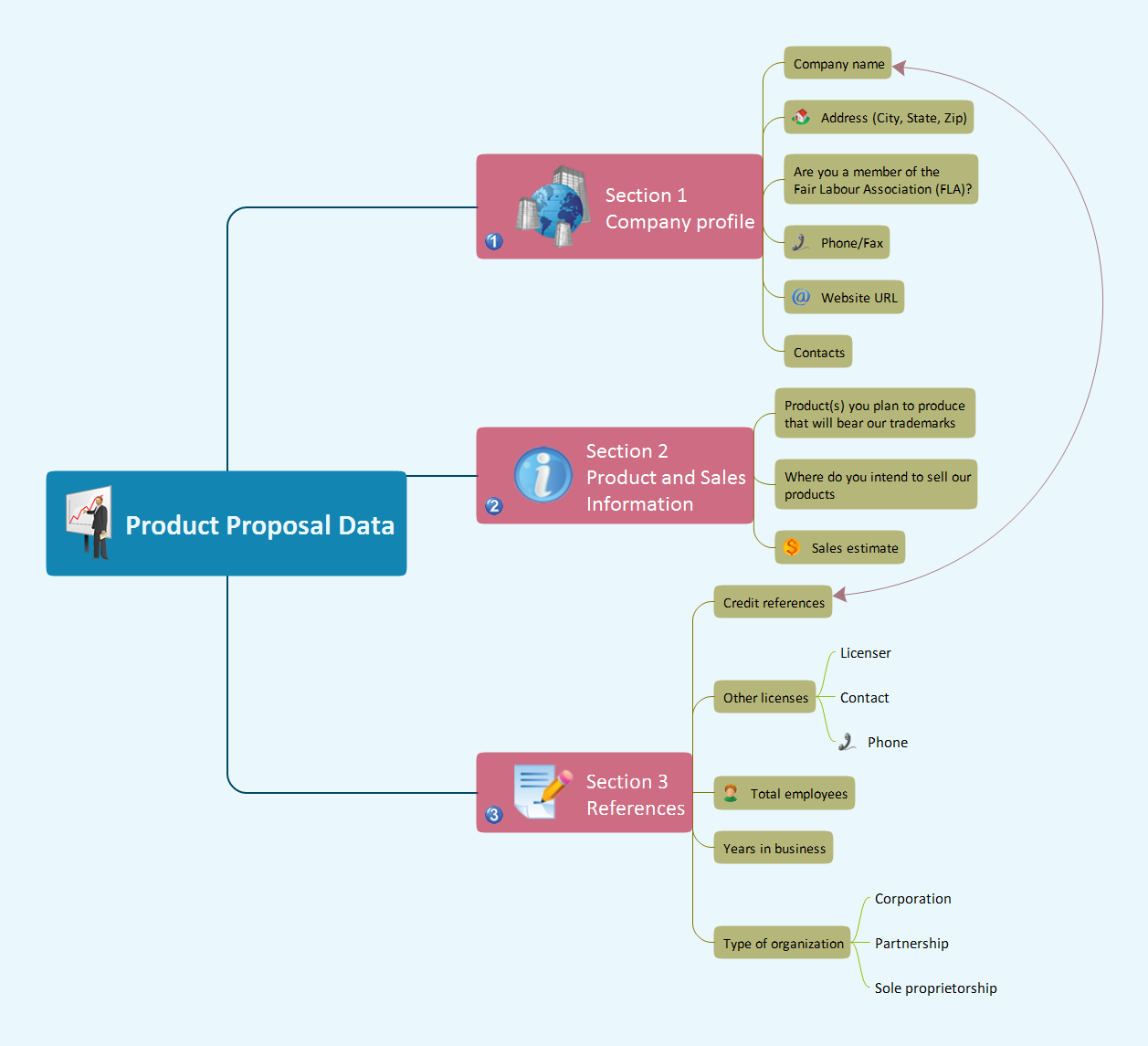
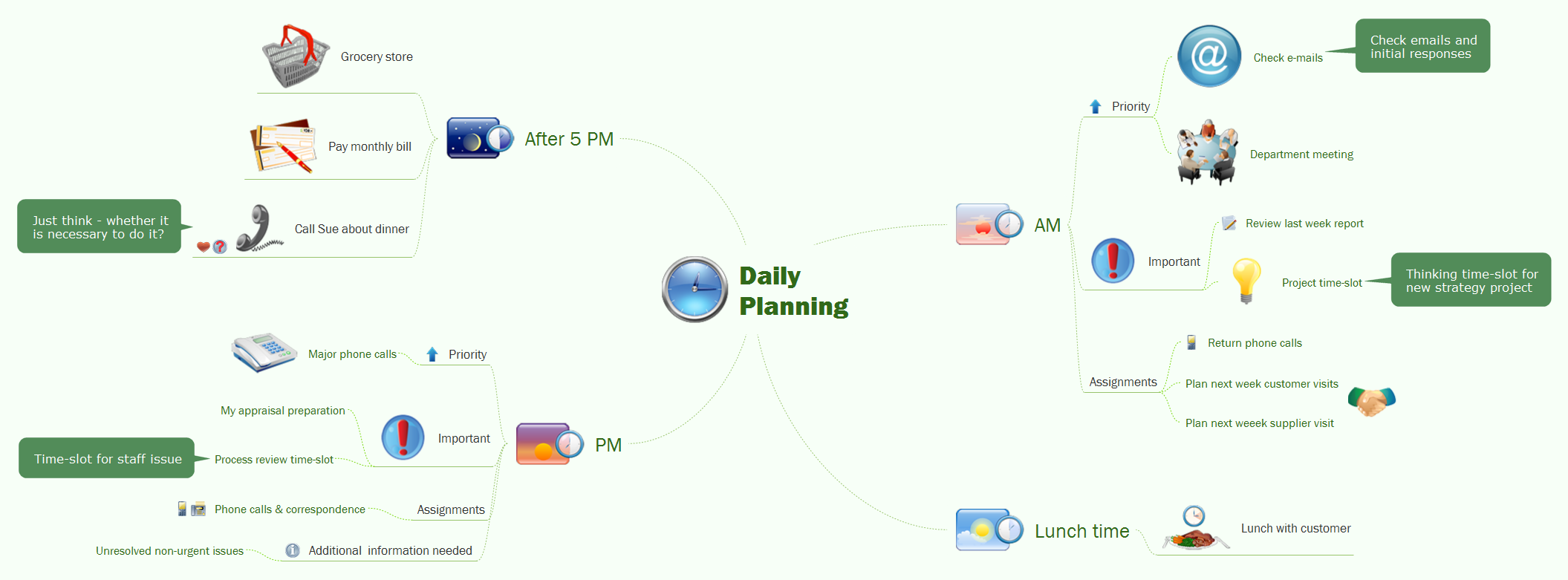
Critical information from your mindmaps can be accessed from almost any device using ConceptDraw MINDMAP and Evernote.Take Notes Exchanging Mind Maps with Evernote
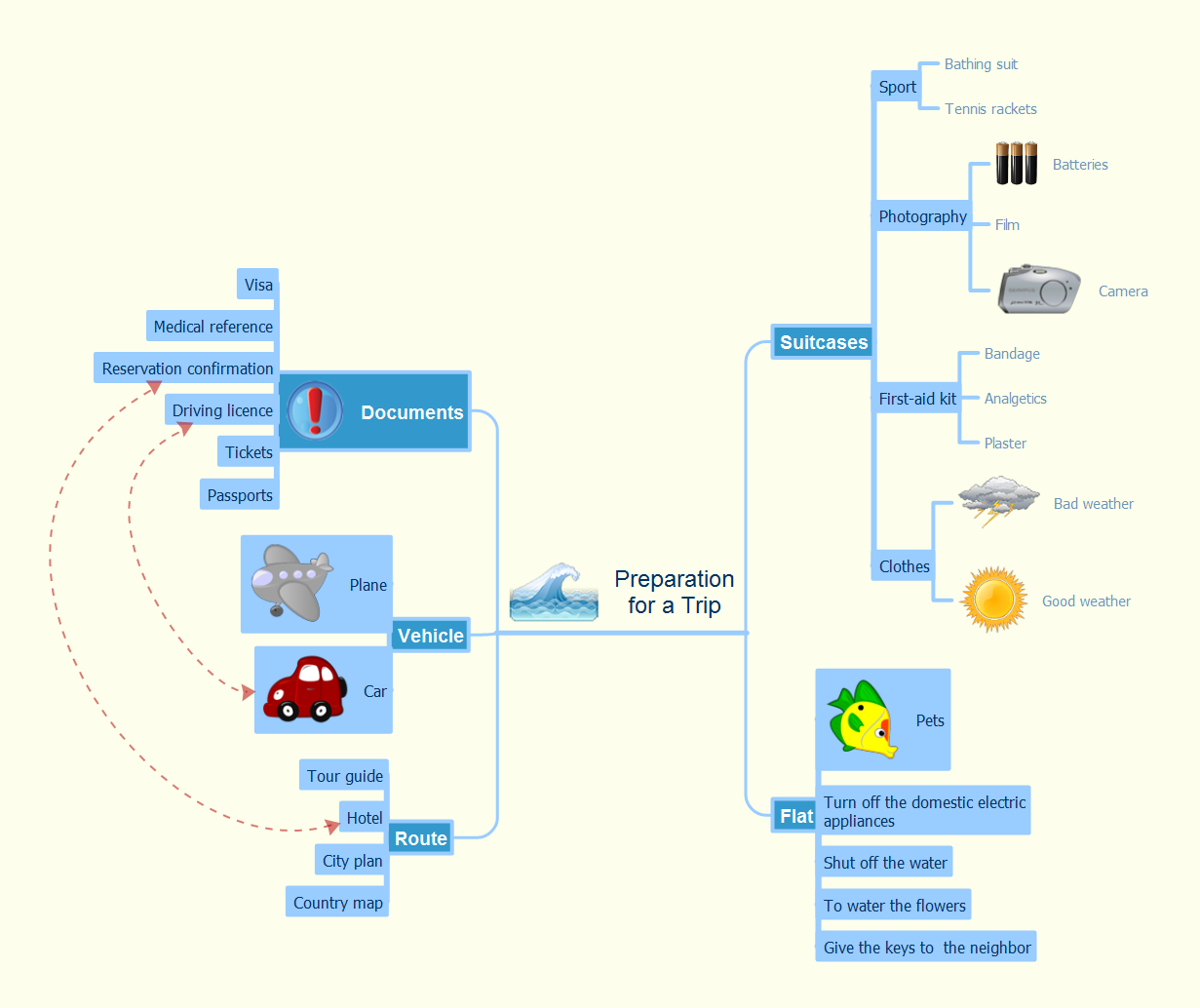
Taking notes is now very easy with Evernote Solution for MindMap. Add more value to your mind map using Evernote. That's a great tool for learning. Quick access to notes.Brainstorm Exchanging Mind Maps with Evernote
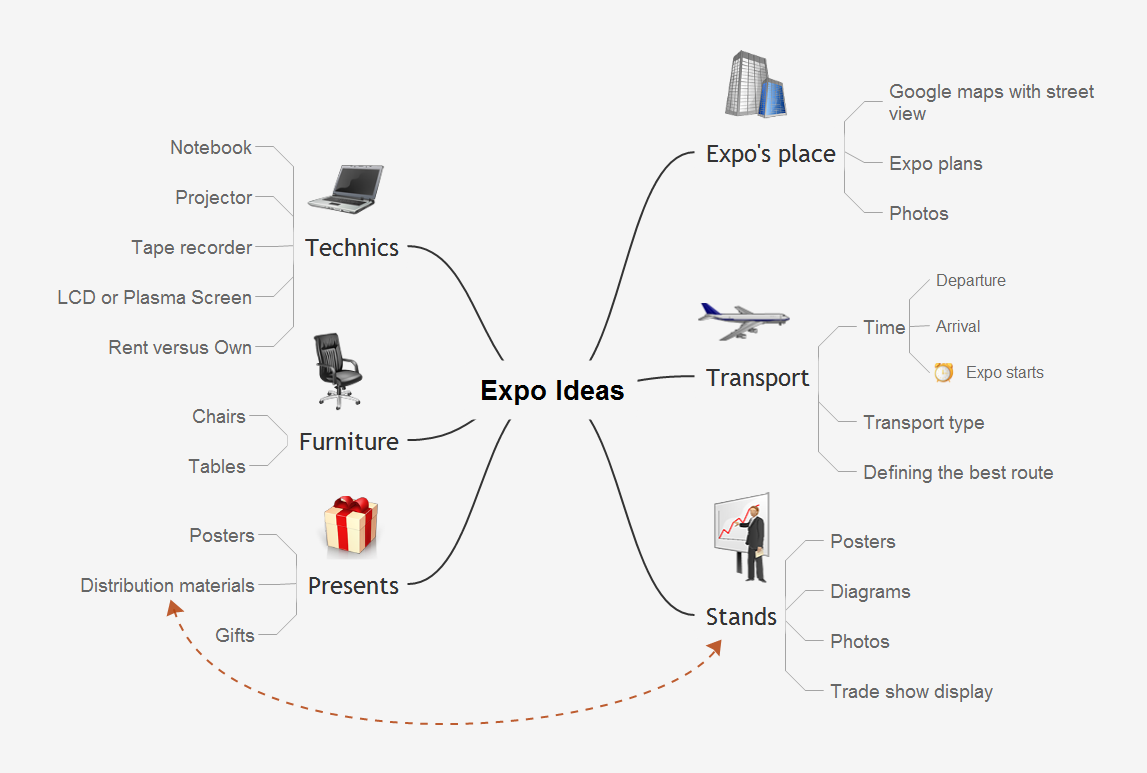
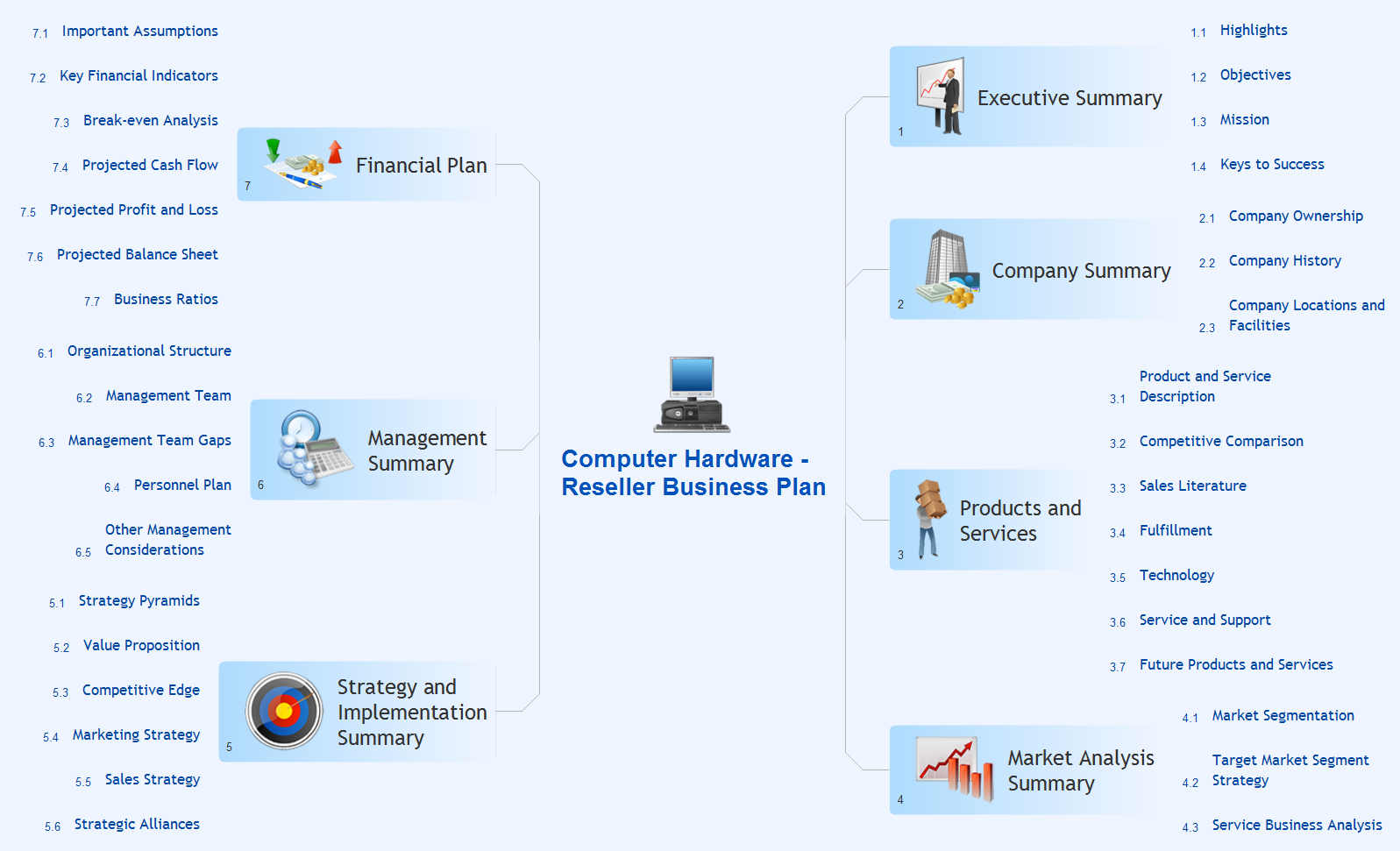
You will be able to use a Note Exchange solution to share mindmaps and mindmap data across your entire organization. It has never been easier to run brainstorm ideas for building strategies.Build Strategies Exchanging Mind Maps with Evernote
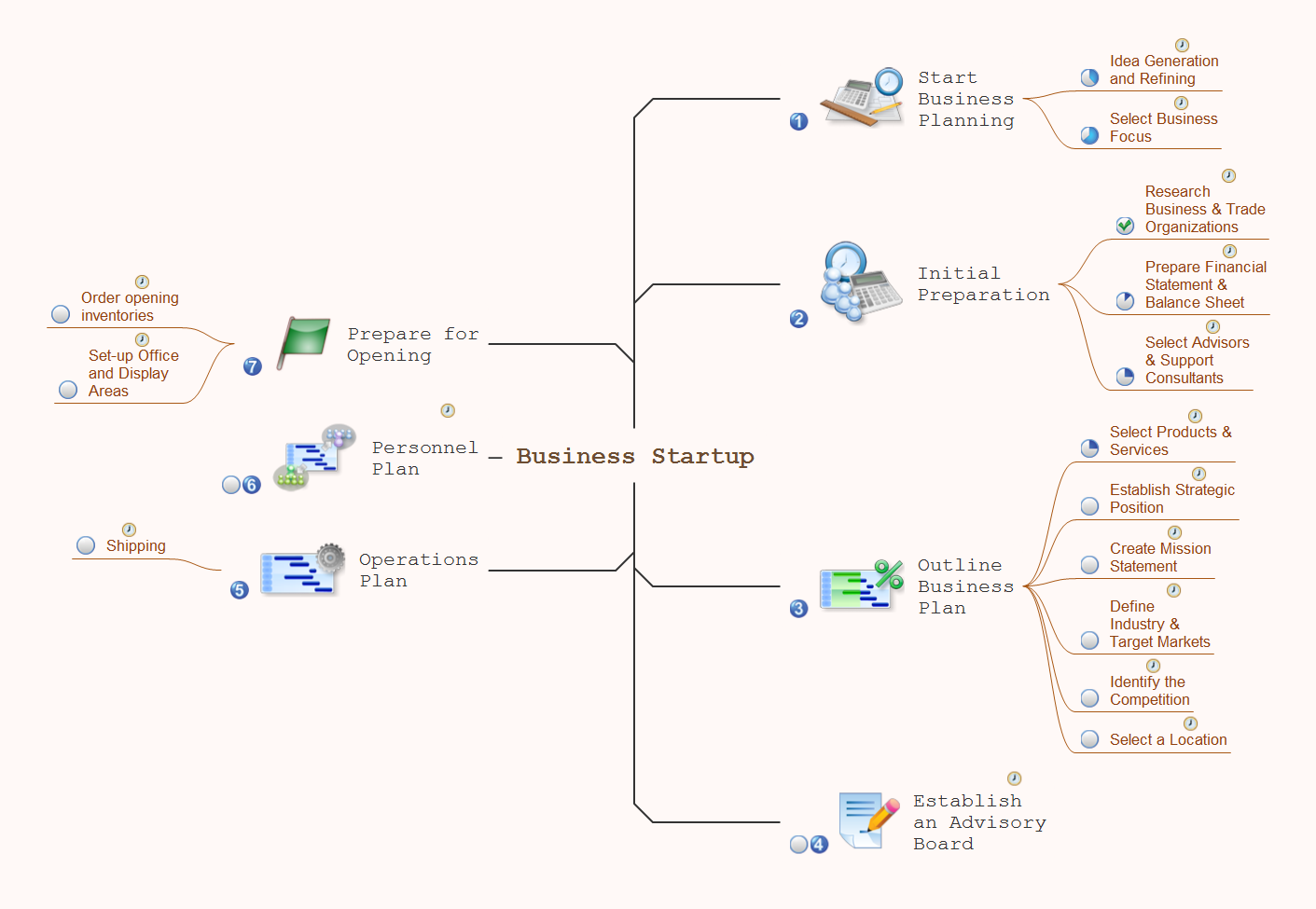
To build Strategies - powerful feature of ConceptDraw MINDMAP allows to combine the power of MINDMAP with the accessibility of the world’s favorite human memory platform, Evernote.The Mind Map Evernote Possibilities
It makes it easy to share your notes with coworkers, associates, classmates, and friends.Launch Projects Exchanging Mind Maps with Evernote
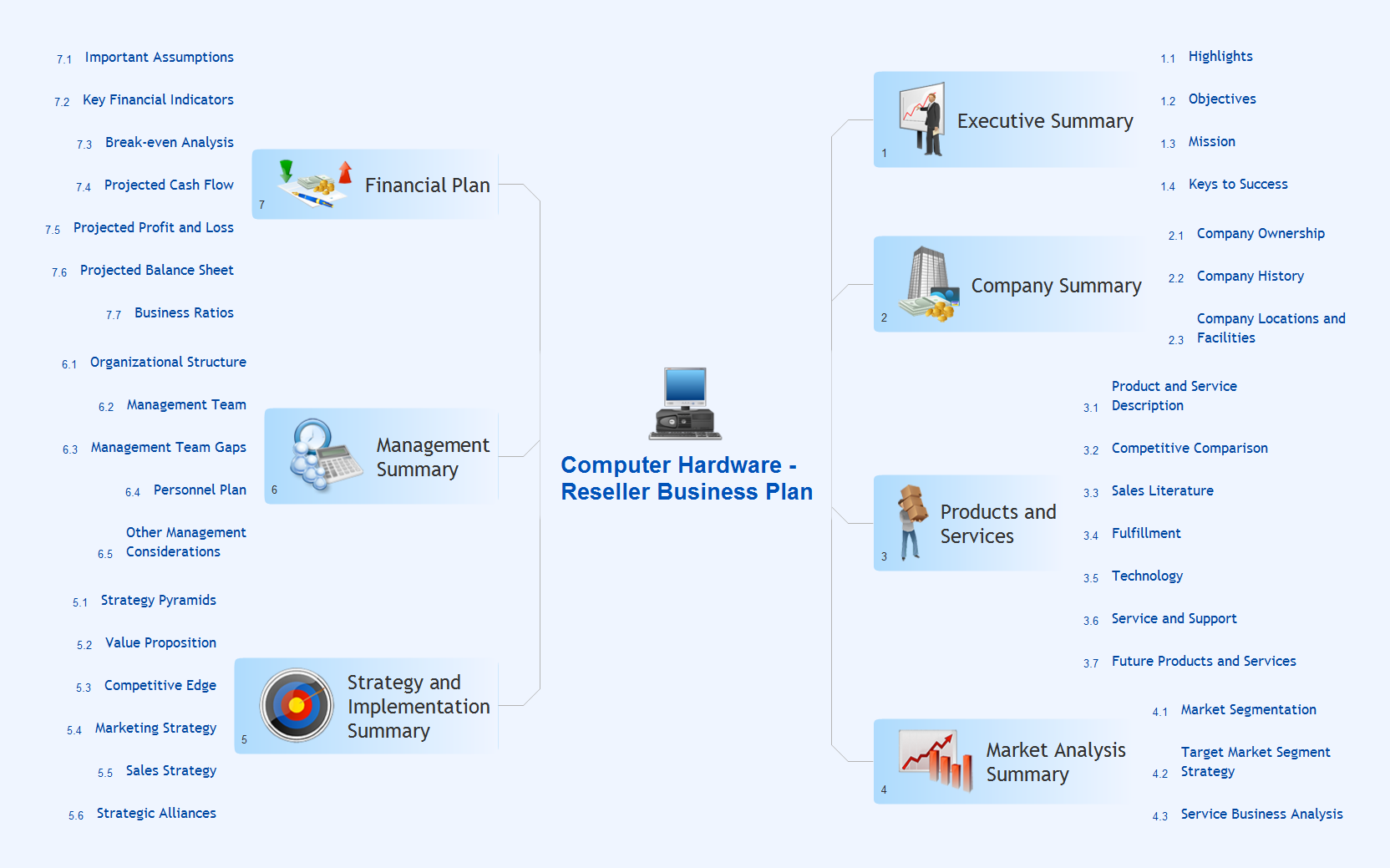
To launch Projects Exchanging Mind Maps with Evernote using ConceptDraw MINDMAP simply and easily.Note Taking Software
Using Evernote with a Mind Map.Exchange Mind Map with Evernote
Evernote Tools: MindMap and Evernote. Sync your mind map with Evernote. Exchange Mind Map with other applications. Download map in EvernoteDetail Specifications Exchanging Mind Maps with Evernote
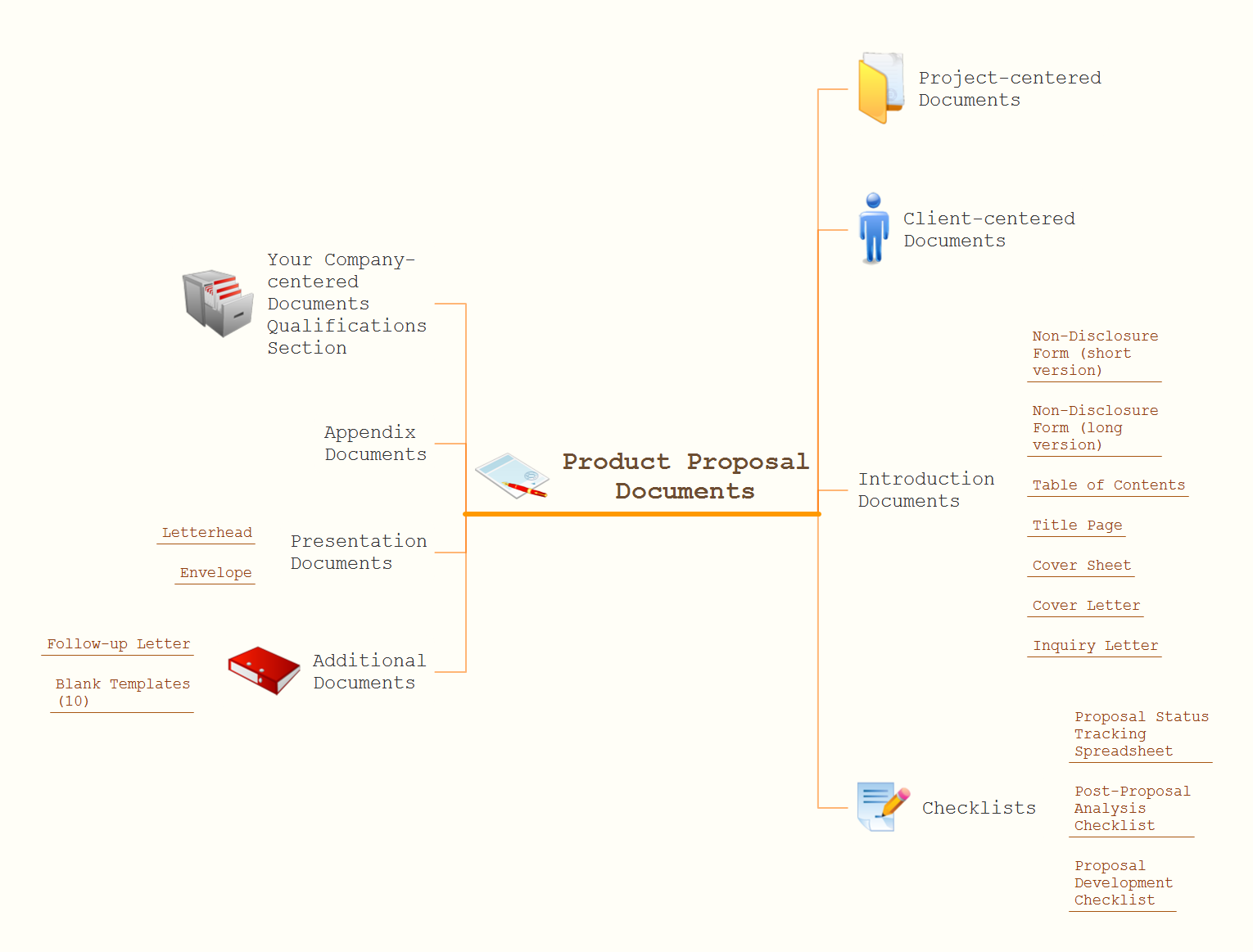
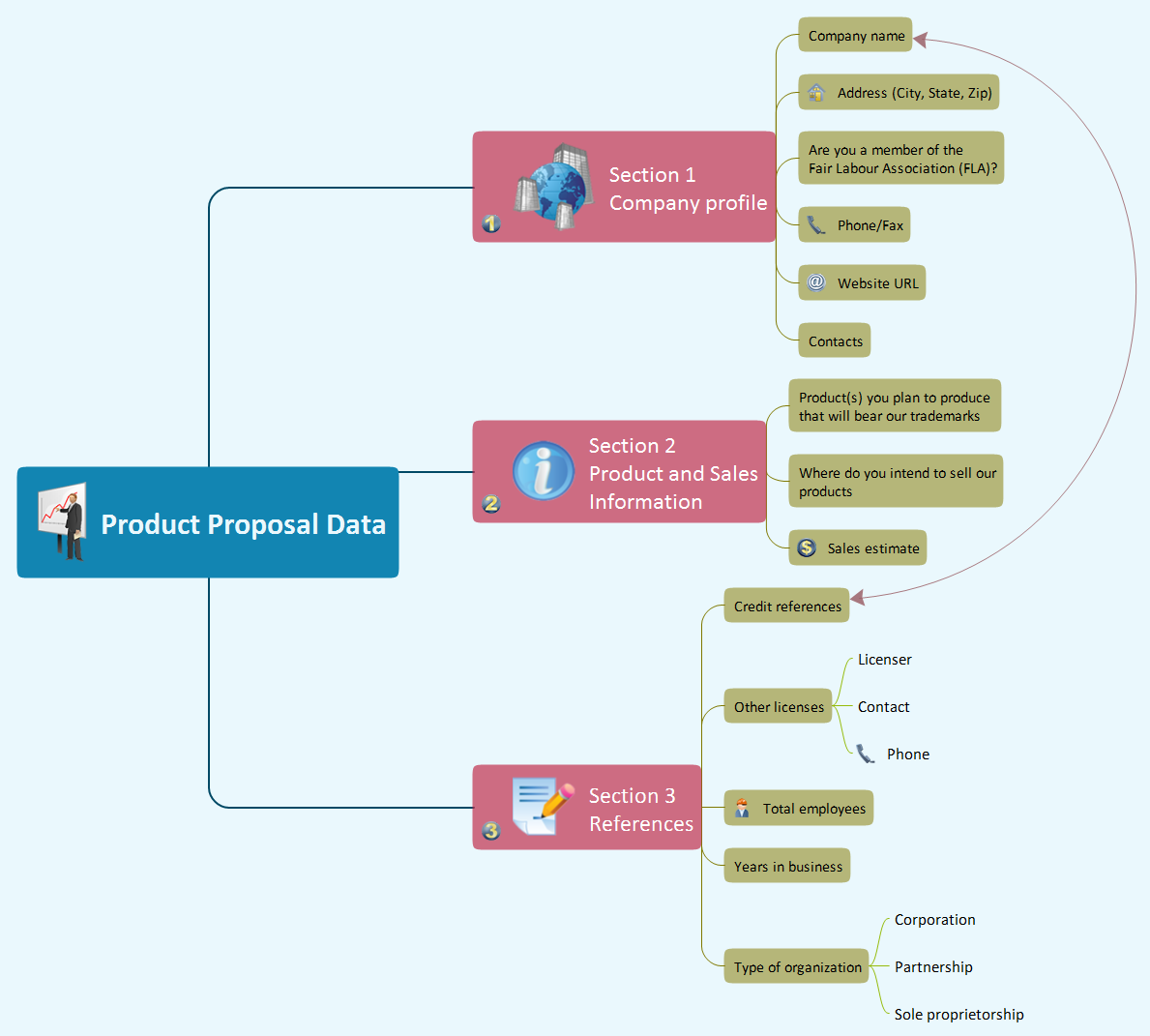
ConceptDraw Note Exchange Solution permits users to develop and organize notes and tasks in ConceptDraw MINDMAP. Your work can be accessed later, just with one click, regardless of preferred platform.Develop Scripts Exchanging Mind Maps with Evernote
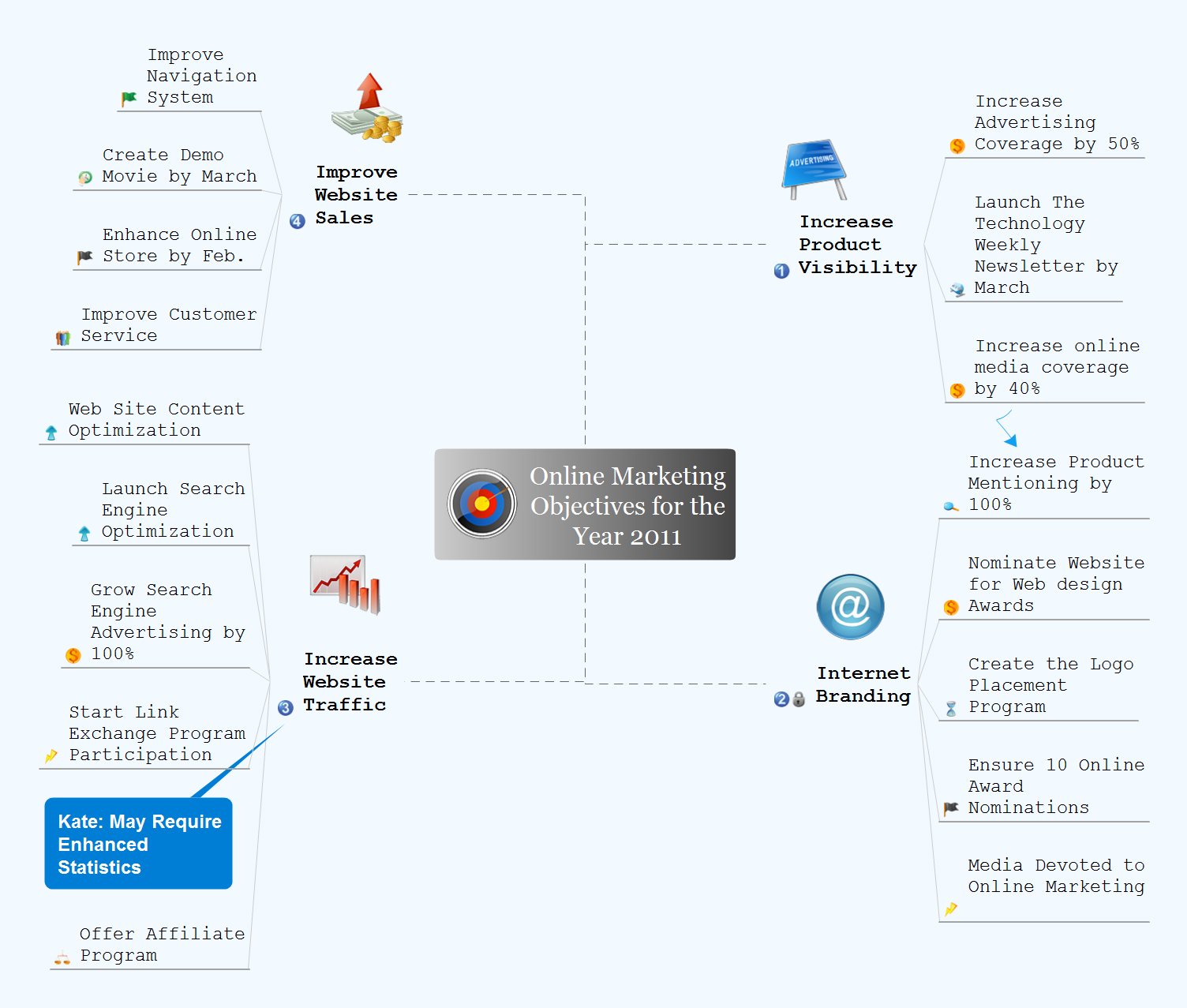
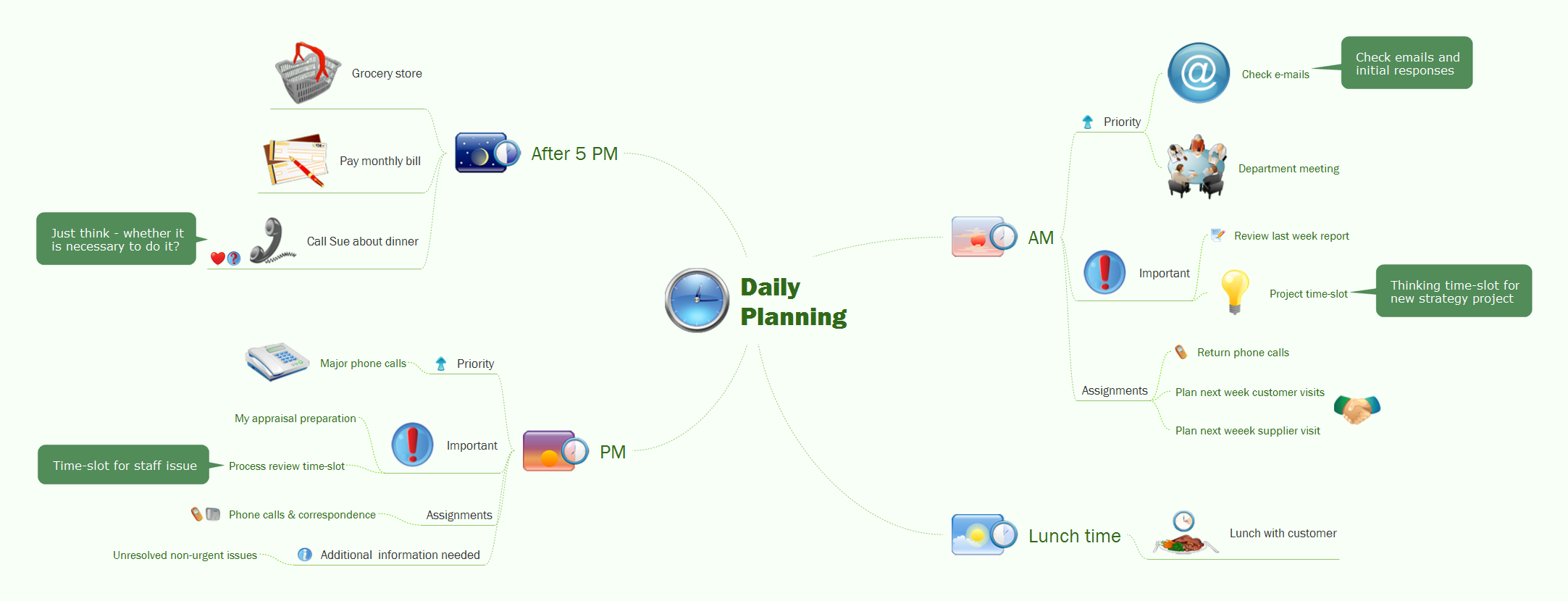
How to use mind map for developing scripts. An easy way to arrange information using Evernote and mind map. Making daily plan become more convenient with this integration.Organizing Your Ideas with MINDMAP & Evernote
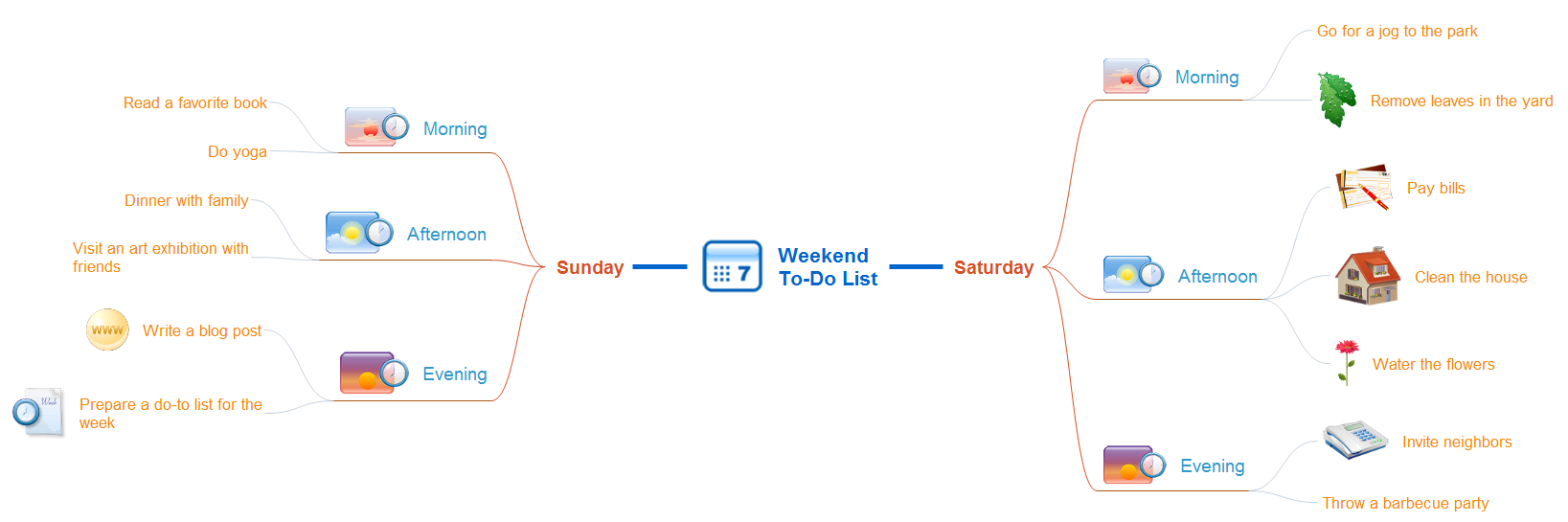
ConceptDraw MINDMAP with the new Note Exchange solution allows to organize your ideas with MINDMAP and Evernote.HelpDesk
How to Get Started with ConceptDraw Solution for Evernote
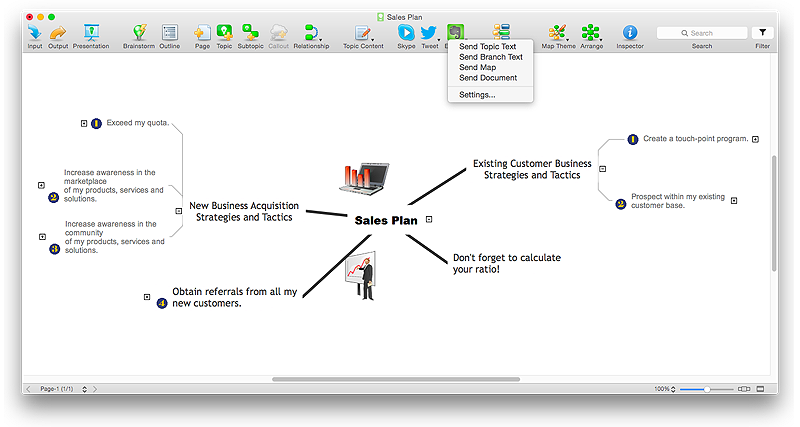
ConceptDraw MINDMAP provides the ability to place ConceptDraw mind maps on Evernote with the press of a button, and then view them anywhere in the world, on any computer or mobile device. The Note Exchange solution lets you to publish content from ConceptDraw MINDMAP to your Evernote account.Evernote & Exchange Integrations
ConceptDraw MINDMAP is the Note Exchange Solution, a feature that allows quick and easy export of MINDMAP documents through Evernote.HelpDesk
How to Send a Mind Map to Evernote
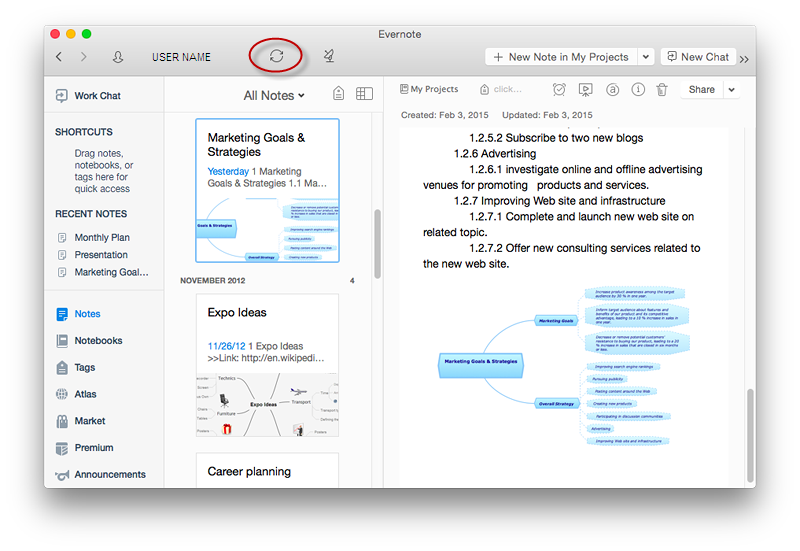
The Note Exchange solution lets you to publish a mind map, created with ConceptDraw MINDMAP to your Evernote account.Evernote Exchange
Use Evernote with a ConceptDraw MINDMAP. Your information is available whenever you need it.- The Mind Map Evernote Possibilities | Take Notes Exchanging Mind ...
- Take Notes Exchanging Mind Maps with Evernote | Build Strategies ...
- Note Exchange | Launch Projects Exchanging Mind Maps with ...
- Exchange with Evernote | Evernote & Exchange Integrations ...
- Brainstorm Exchanging Mind Maps with Evernote | The Secret ...
- How To Do A Mind Map In PowerPoint | MindMap Presentation ...
- Evernote Exchange | Using Evernote with a Mind Map | The Secret ...
- The Mind Map Evernote Possibilities | How to Send a Mind Map to ...
- Develop Scripts Exchanging Mind Maps with Evernote | Exchange ...
- Note Exchange | Launch Projects Exchanging Mind Maps with ...
- Using Evernote with a Mind Map | Gather Requirements Exchanging ...
- Organizing Your Ideas with MINDMAP & Evernote | The Mind Map ...
- The Mind Map Evernote Possibilities | How to Send a Mind Map to ...
- Export from ConceptDraw MINDMAP to Evernote | How to Add a ...
- The Mind Map Evernote Possibilities | How to make great ...
- How to Get Started with ConceptDraw Solution for Evernote | Note ...
- Exchange Mind Map with Evernote | How To Send Presentation via ...
- Presenting Documents with Skype | How To Create Good ...
- Looking at ConceptDraw MINDMAP as a Replacement for Mindjet ...
- One formula of professional mind mapping : input data + output data ...