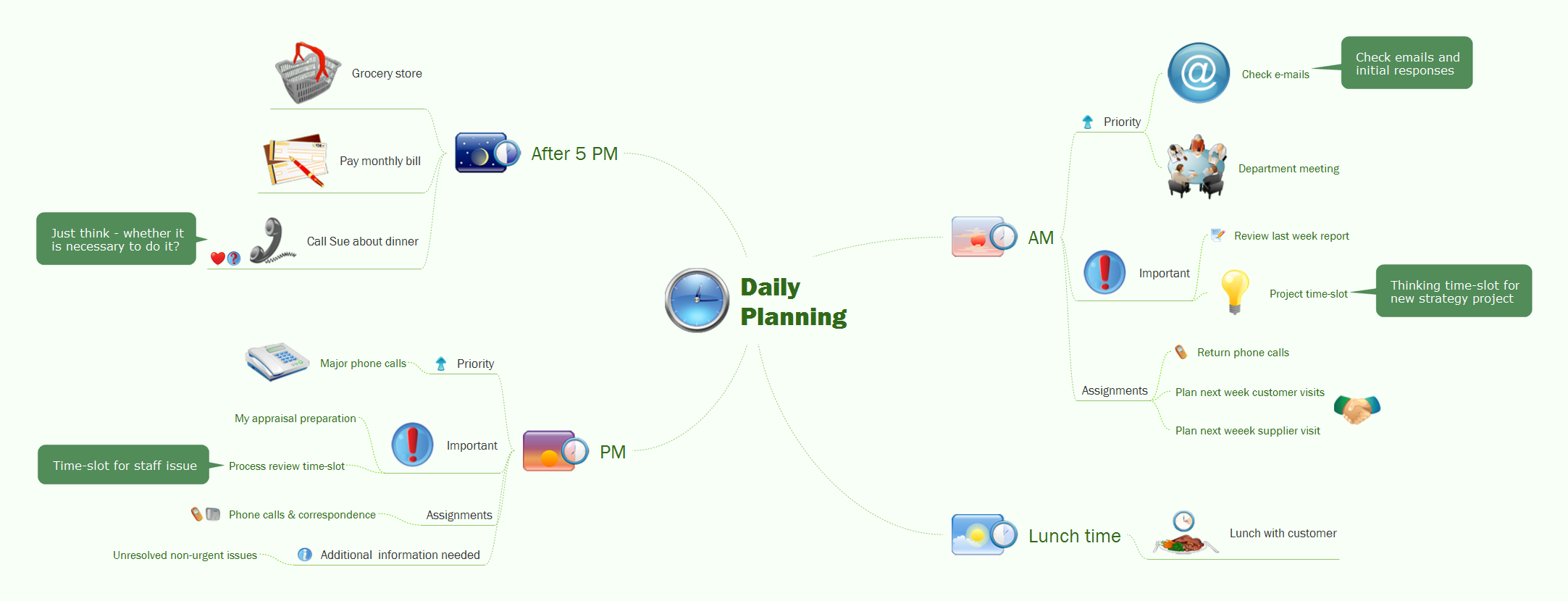
Sample 1. Daily planning
This mindmap was created in ConceptDraw MINDMAP mind mapping software by experienced user for 30 minutes as a sample for solution Note Exchange from ConceptDraw Solution Park.
The Note Exchange solution extends ConceptDraw MINDMAP with the ability to exchange with Evernote, and access mind maps anywhere, on any computer or mobile device via Evernote.
Use ConceptDraw MINDMAP enhanced with Note Exchange solution as a daily planner, sending day-to-day tasks from your mind map to Evernote.
Using the Note Exchange solution you can upload a whole map, or specific parts relating to a certain person, task or meeting, and you can access your to-do mind maps wherever you are.
See also Samples:
SIX RELATED HOW TO's:
ConceptDraw MINDMAP with the new Note Exchange solution allows users to use mindmap notes from anywhere using powerful Evernote technology.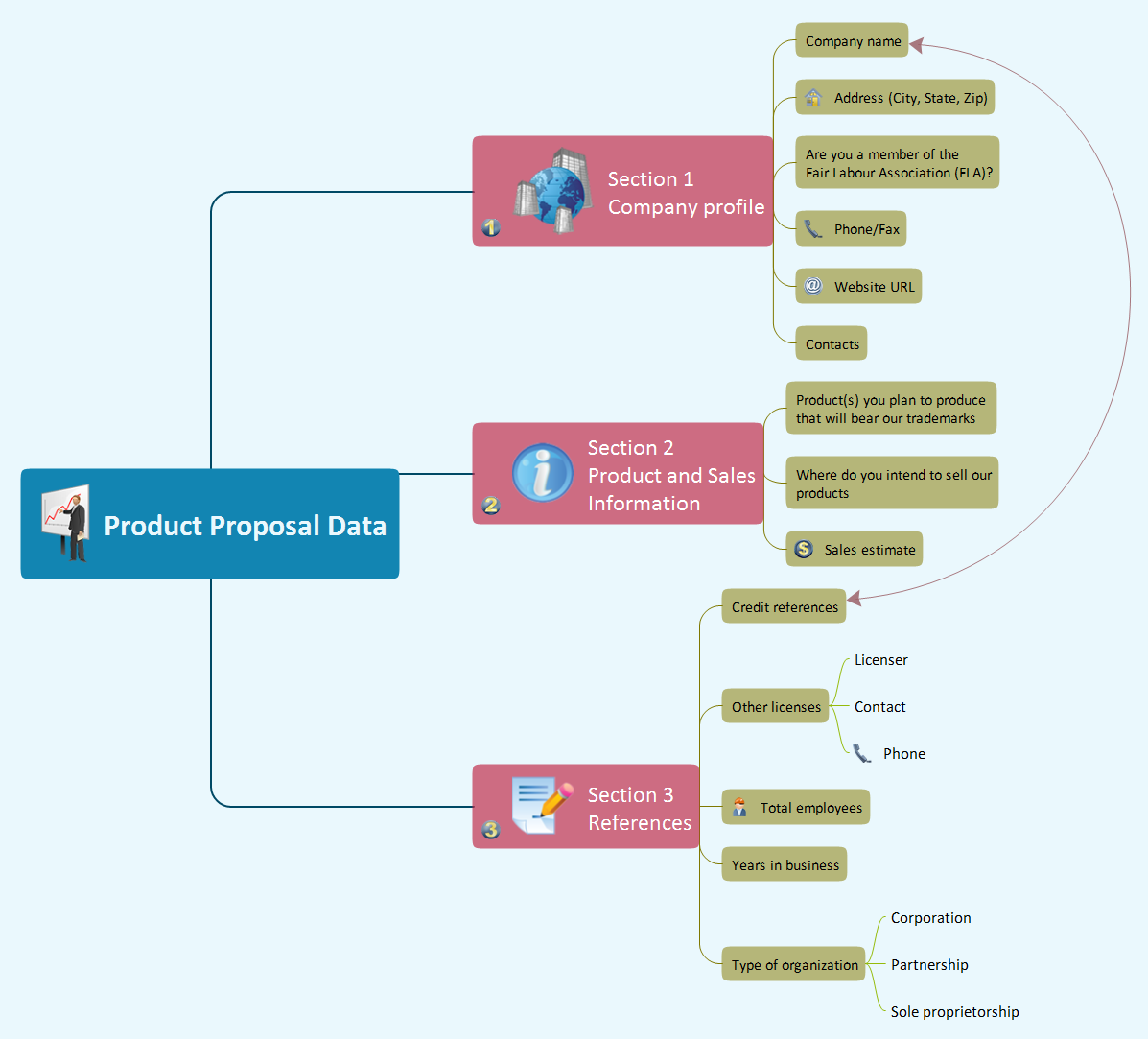
Picture: Using Evernote with a Mind Map
Related Solution:
ConceptDraw MINDMAP is an advanced tool for making an effective PowerPoint presentation.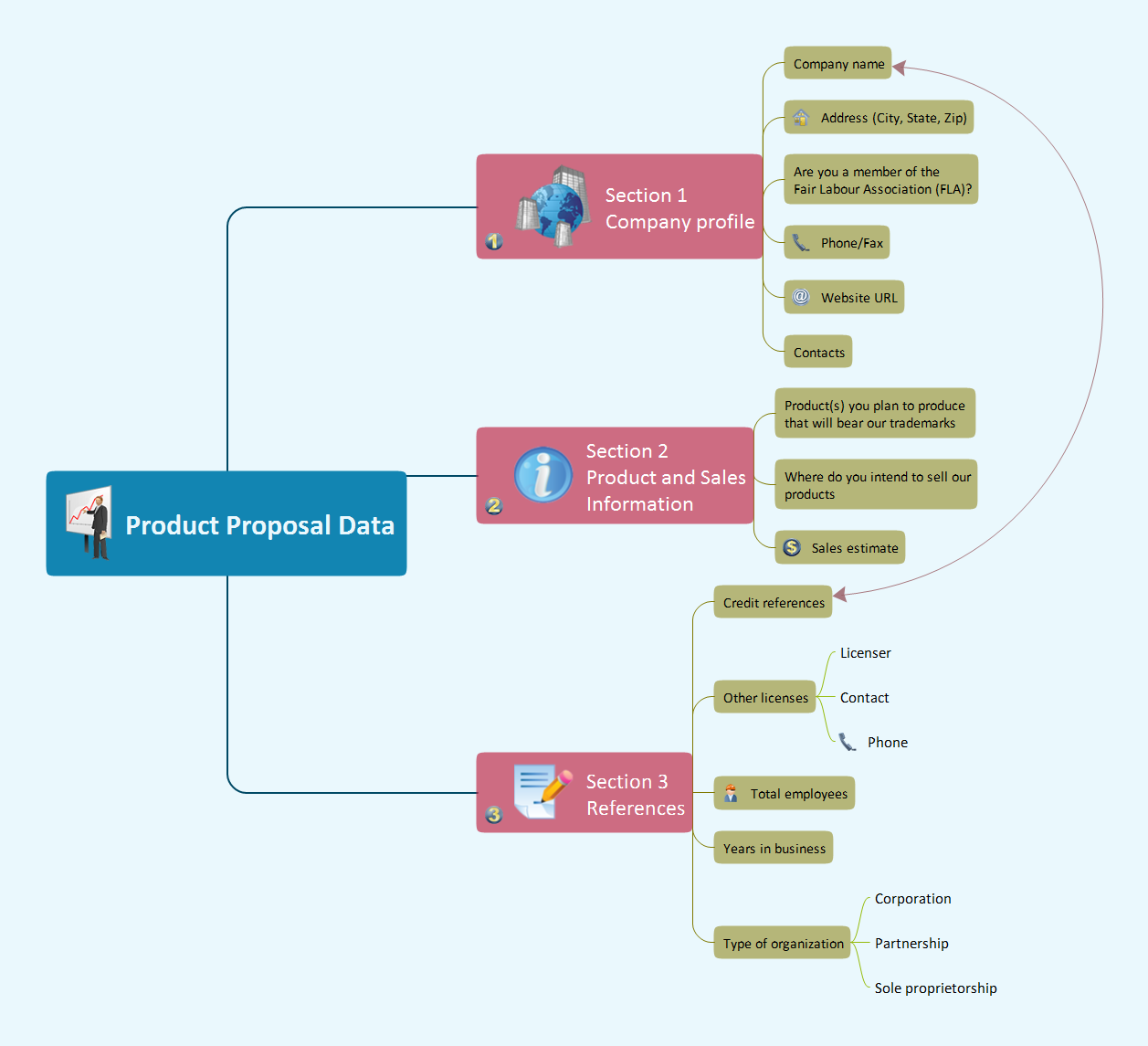
Picture: How To Make an Effective PowerPoint Presentation
Related Solution:
Critical information from your mindmaps can be accessed from almost any device using ConceptDraw MINDMAP and Evernote.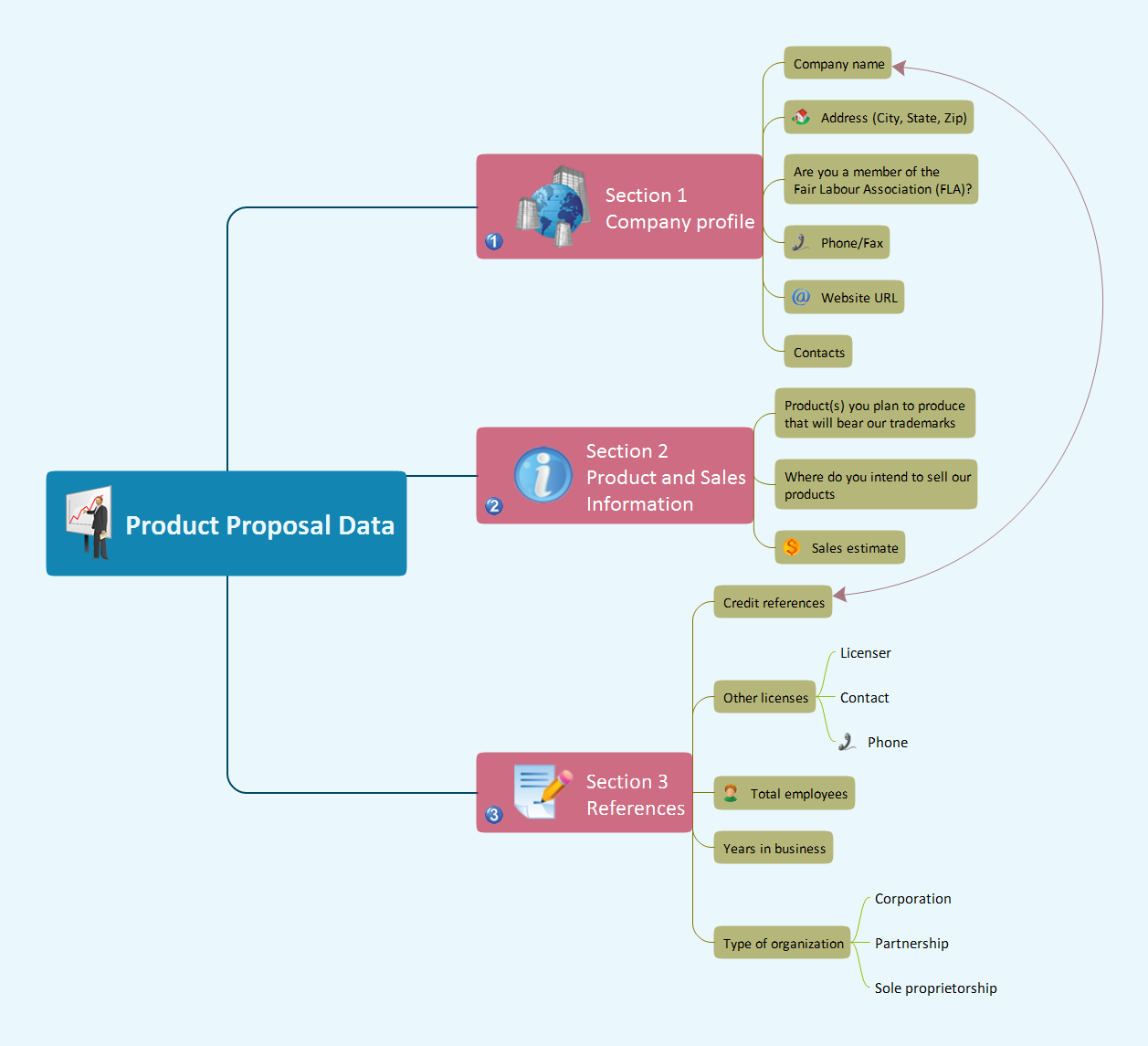
Picture: Gather Requirements Exchanging Mind Maps with Evernote
Related Solution:
Activity Network Diagram - This sample was created in ConceptDraw DIAGRAM diagramming and vector drawing software using the Seven Management and Planning Tools solution from the Management area of ConceptDraw Solution Park.
This sample shows the PERT (Program Evaluation Review Technique) chart of the request on proposal. A request for proposal (RFP) is a request of the company or the organization to potential suppliers to submit the business proposals for service or goods that it is interested to purchase. The RFP is represented on the initial procurement stage and allows to define the risks and benefits.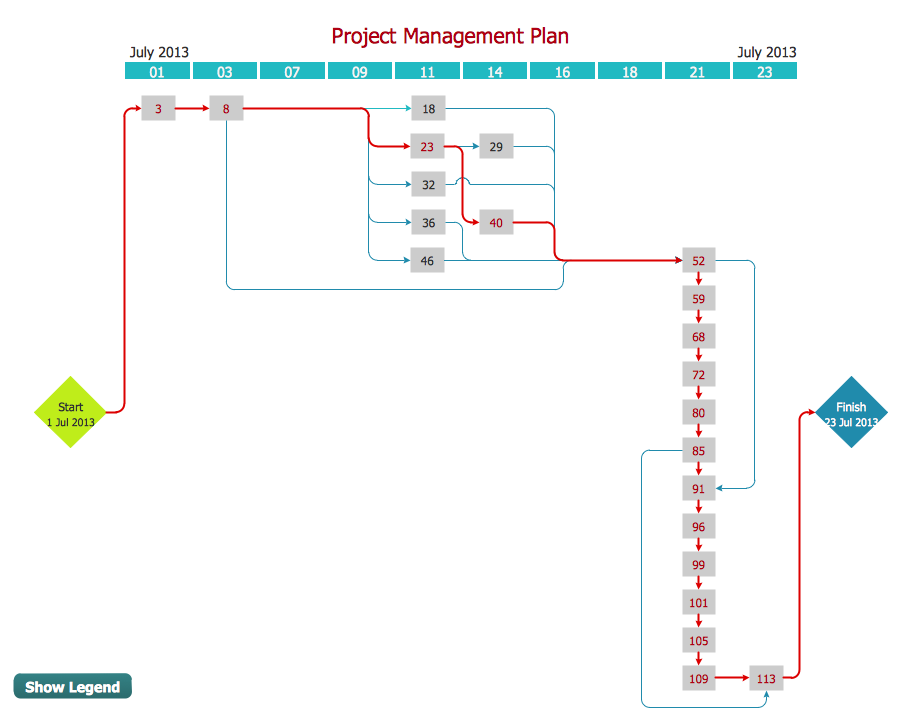
Picture: Activity Network Diagram Method
Related Solution:
Mind map describing the various approaches to take when dealing with difficult people.
Picture: Dealing with Difficult People
Related Solution:
Local area network connects computers and other network appliances within an area, such as office building or a campus. It can be difficult to provide such network without a predesigned plan. For these purposes you can use network diagram software, which helps you to create LAN network diagrams and office network diagrams quickly and effortless. This will speed up your work and you can save the diagram for the future network improvements.
The following diagram illustrates a network topology of the small office. LAN configuration has a star topology. The local network joins 8 computers among which are several desktop PCs, laptop, two iMacs and iBook. The end-point devices are divided into three groups. Each group is connected to its hub. There is a network printer and a modem, which are interconnected with other devices through a network server. Each computer on the LAN can access the server through a corresponding hub.
Picture: Network Diagram Software. LAN Network Diagrams. Physical Office Network Diagrams
Related Solution: