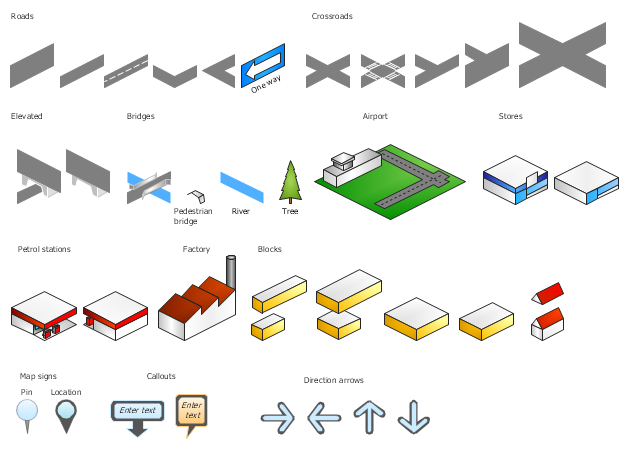
The vector stencils library "3D directional maps" contains 40 symbols for creating pictorial maps, street maps, locator maps, transit maps, tourist maps with points of interest (POI), road maps and route maps using the ConceptDraw PRO diagramming and vector drawing software.
"Pictorial maps are a category of maps that are also loosely called illustrated maps, panoramic maps, perspective maps, bird’s-eye view maps and Geopictorial maps amongst others. In contrast to the regular road map, Atlas or topographic cartography, pictorial maps depict a given territory with a more artistic rather than technical style. The cartography can be a sophisticated 3-D perspective landscape or a simple map graphic enlivened with illustrations of buildings, people and animals. They can feature all sorts of varied topics like historical events, legendary figures or local agricultural products and cover anything from an entire continent to a college campus. ...
Pictorial maps usually show an area as if viewed from above at an oblique angle. They are not generally drawn to scale in order to show street patterns, individual buildings, and major landscape features in perspective. While regular maps focus on the accurate rendition of distances, pictorial maps enhance landmarks and often incorporate a complex interplay of different scales into one image in order to give the viewer a more familiar sense of recognition." [Pictorial maps. Wikipedia]
The design elements library "3D directional maps" is included in the Directional Maps solution from the Maps area of ConceptDraw Solution Park.
"Pictorial maps are a category of maps that are also loosely called illustrated maps, panoramic maps, perspective maps, bird’s-eye view maps and Geopictorial maps amongst others. In contrast to the regular road map, Atlas or topographic cartography, pictorial maps depict a given territory with a more artistic rather than technical style. The cartography can be a sophisticated 3-D perspective landscape or a simple map graphic enlivened with illustrations of buildings, people and animals. They can feature all sorts of varied topics like historical events, legendary figures or local agricultural products and cover anything from an entire continent to a college campus. ...
Pictorial maps usually show an area as if viewed from above at an oblique angle. They are not generally drawn to scale in order to show street patterns, individual buildings, and major landscape features in perspective. While regular maps focus on the accurate rendition of distances, pictorial maps enhance landmarks and often incorporate a complex interplay of different scales into one image in order to give the viewer a more familiar sense of recognition." [Pictorial maps. Wikipedia]
The design elements library "3D directional maps" is included in the Directional Maps solution from the Maps area of ConceptDraw Solution Park.
3D pictorial map symbols
The vector stencils library "Landmarks" contains 69 landmark symbols of buildings, waterways, scale and directional indicators for labeling transportation and directional maps, road and route maps, street and transit maps, locator and tourist maps.
The pictograms example "Landmarks - Vector stencils library" was created using the ConceptDraw PRO diagramming and vector drawing software extended with the Directional Maps solution from the Maps area of ConceptDraw Solution Park.
The pictograms example "Landmarks - Vector stencils library" was created using the ConceptDraw PRO diagramming and vector drawing software extended with the Directional Maps solution from the Maps area of ConceptDraw Solution Park.
Viewpoint

North arrow

North arrow

Building

Building

Town house

Suburban home

Skyscraper

Town hall

Public house

Petrol station
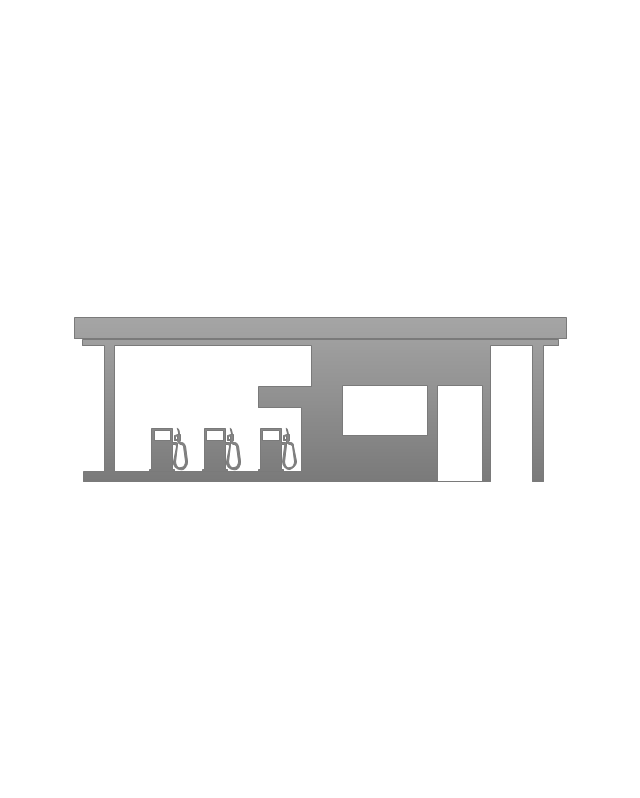
Gas station

Factory

School

Warehouse
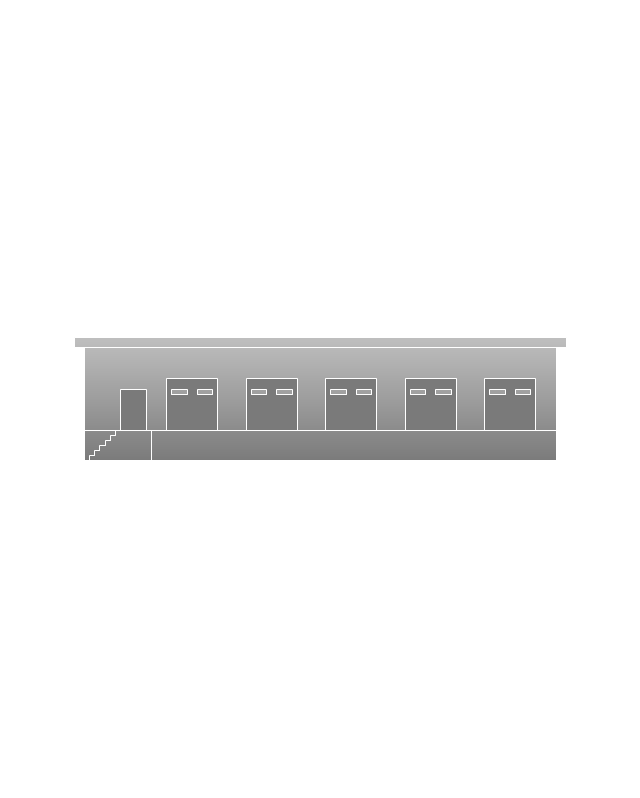
Hospital

Fire station

Train station
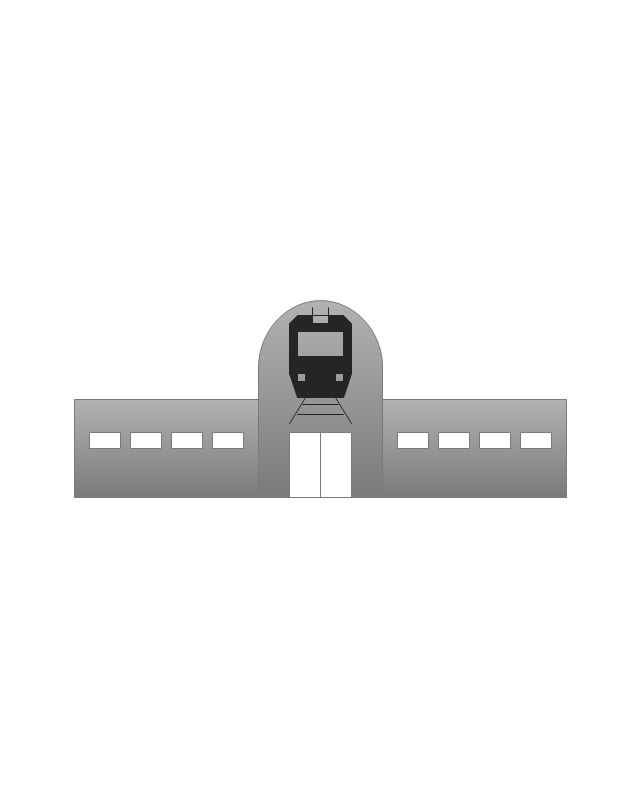
Condos

Barn

Motel
Convenience store

Shopping centre

City

Church

Cathedral

National tail train station
Train railway

Bus stop

Tramlink

Marina / Ferry dock

Car ferry

Stop light
Airport

Airport

Underground / Subway / Metro

Taxi

Bicycle parking

Parking

Fuel / Gas / Petrol

Police

Hospital

Wheelchair access

First aid

Telephone

Post office

Landmarks and museums

University

Shopping

Refreshments / Public House

Restrooms / Toilets
Park

Zoo

Information center

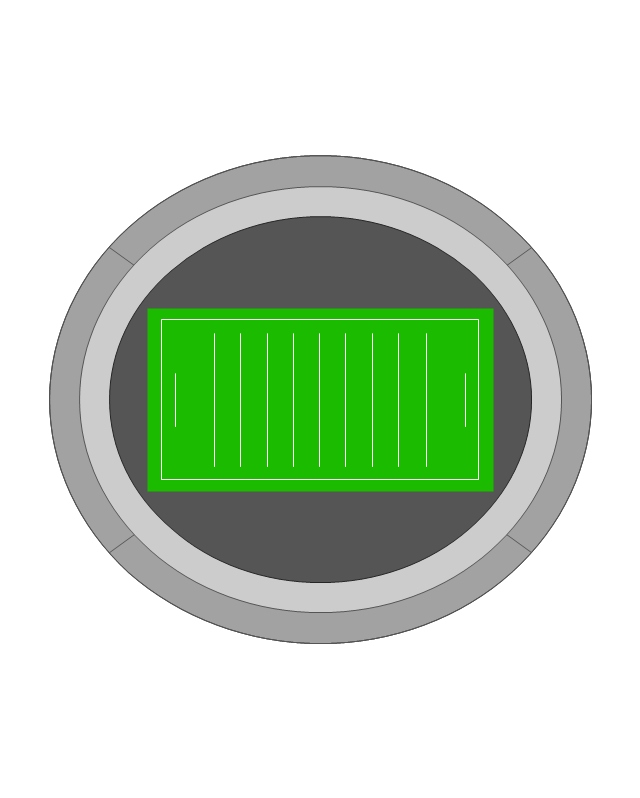
Stadium 1
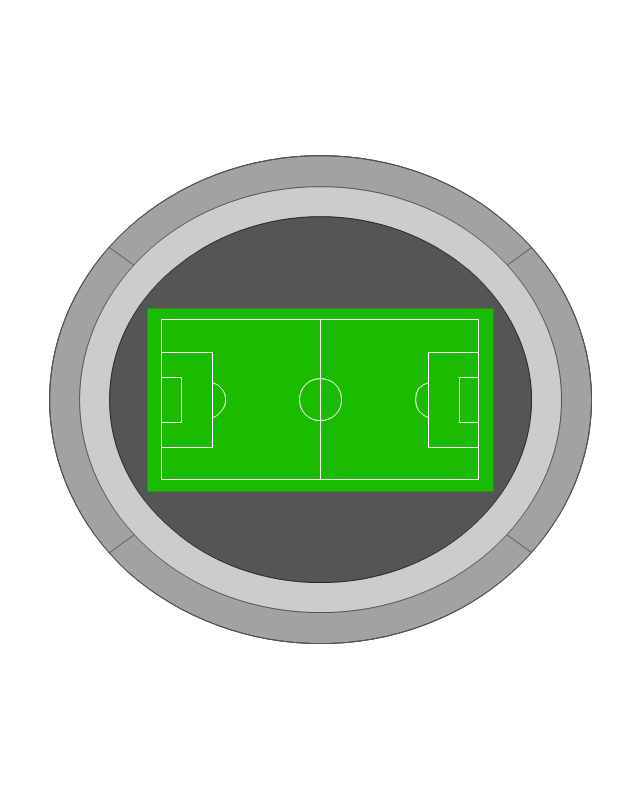
Stadium 2
Park

Tree

Fir-tree

Ocean

Lake

River

Angled river

Forked river

Curved river

Curved river

Flexible river

Bridge

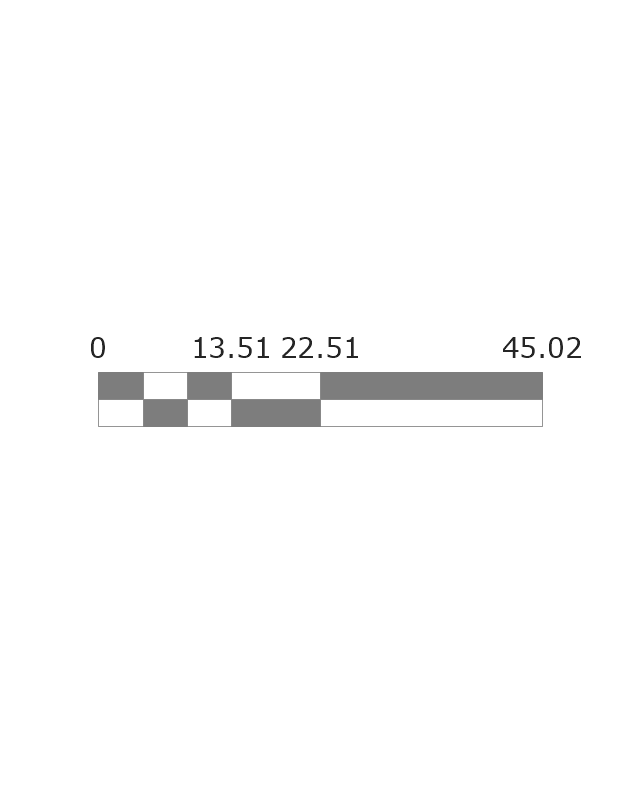
Scale
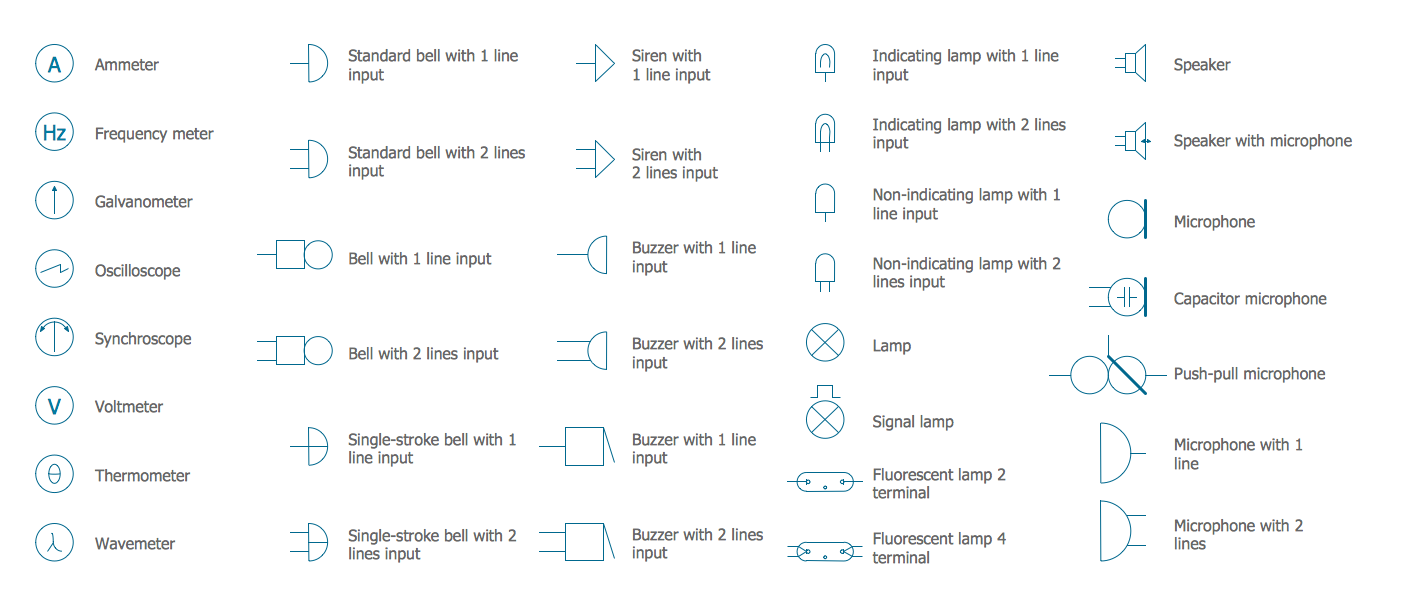
Electrical Symbols — Lamps, Acoustics, Readouts
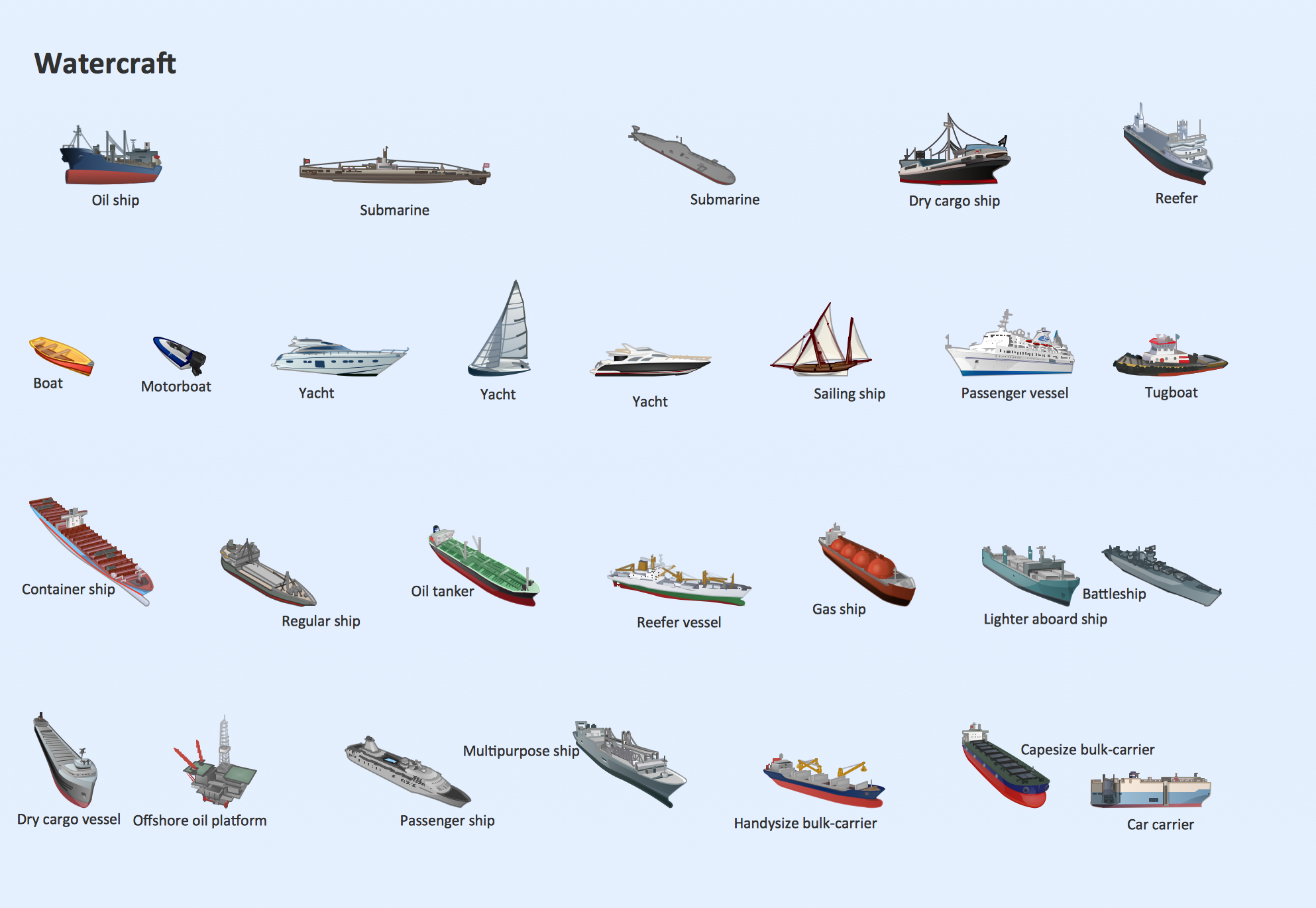
Watercraft - Design Elements
The vector stencils library "Road signs" contains 58 symbols of road signs for labeling the road and route maps, directional and transit maps, street and locator maps.
"Traffic signs or road signs are signs erected at the side of or above roads to give instructions or provide information to road users.
... many countries have adopted pictorial signs or otherwise simplified and standardized their signs to overcome language barriers, and enhance traffic safety. Such pictorial signs use symbols (often silhouettes) in place of words and are usually based on international protocols. Such signs were first developed in Europe, and have been adopted by most countries to varying degrees." [Traffic sign. Wikipedia]
The pictograms example "Road signs - Vector stencils library" was created using the ConceptDraw PRO diagramming and vector drawing software extended with the Directional Maps solution from the Maps area of ConceptDraw Solution Park.
www.conceptdraw.com/ solution-park/ maps-directional
"Traffic signs or road signs are signs erected at the side of or above roads to give instructions or provide information to road users.
... many countries have adopted pictorial signs or otherwise simplified and standardized their signs to overcome language barriers, and enhance traffic safety. Such pictorial signs use symbols (often silhouettes) in place of words and are usually based on international protocols. Such signs were first developed in Europe, and have been adopted by most countries to varying degrees." [Traffic sign. Wikipedia]
The pictograms example "Road signs - Vector stencils library" was created using the ConceptDraw PRO diagramming and vector drawing software extended with the Directional Maps solution from the Maps area of ConceptDraw Solution Park.
www.conceptdraw.com/ solution-park/ maps-directional
Danger place

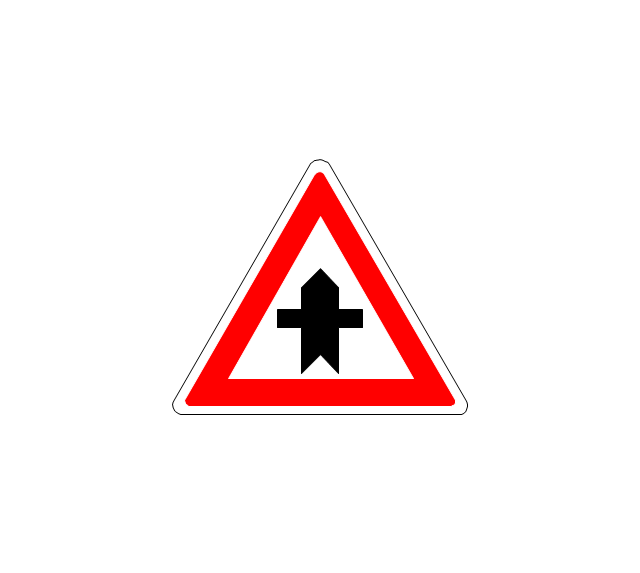
Intersection

Intersection 2
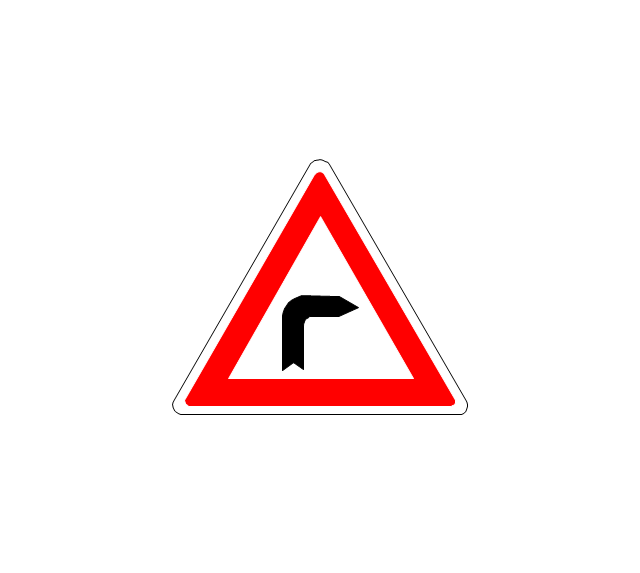
Bend
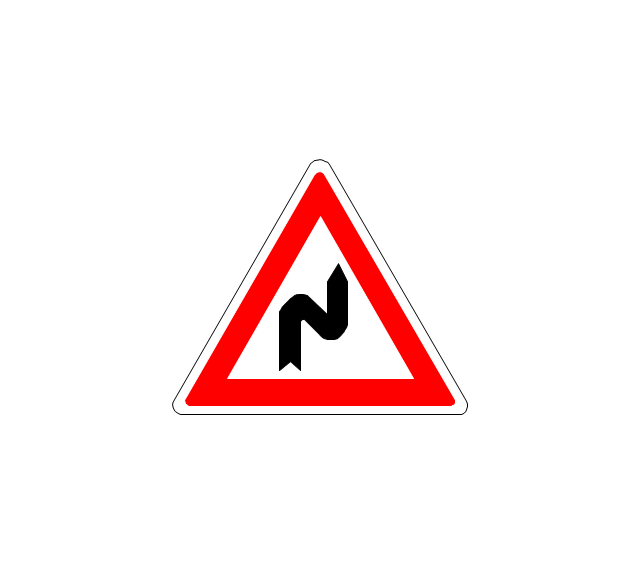
Double bend
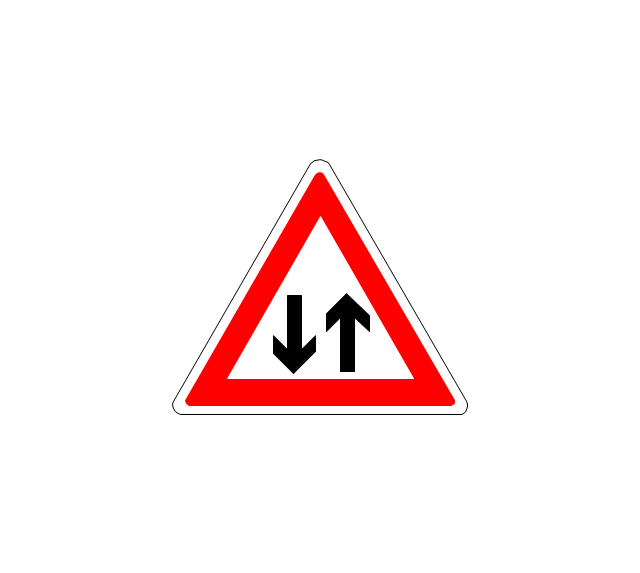
Two-way traffic
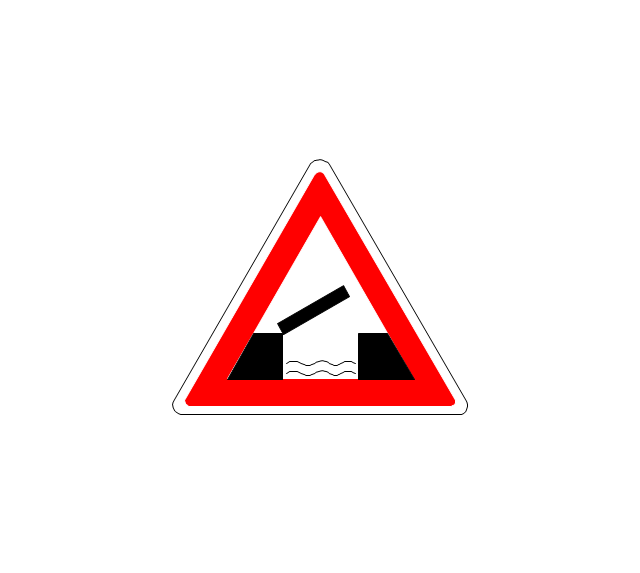
Mobile bridge
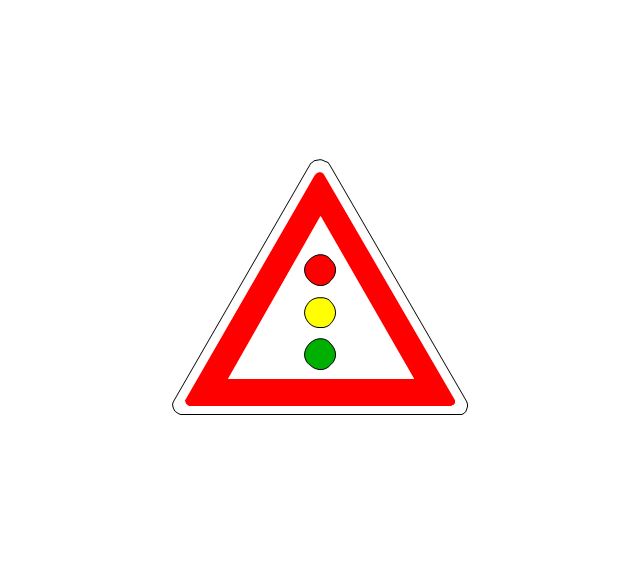
Light signal
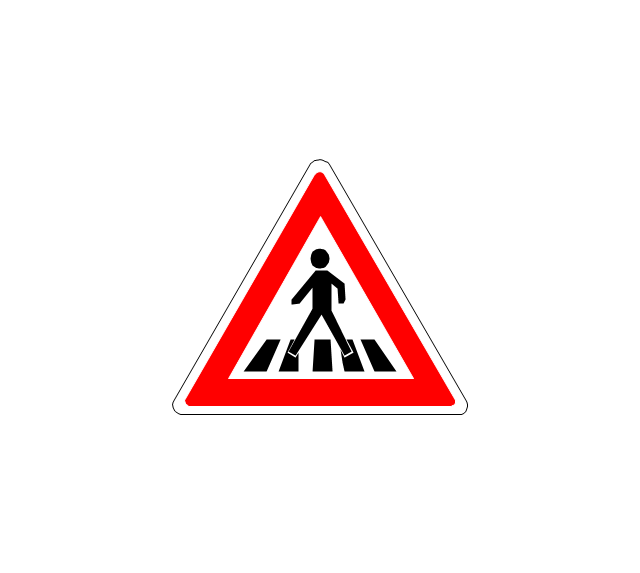
Pedestrian crossing
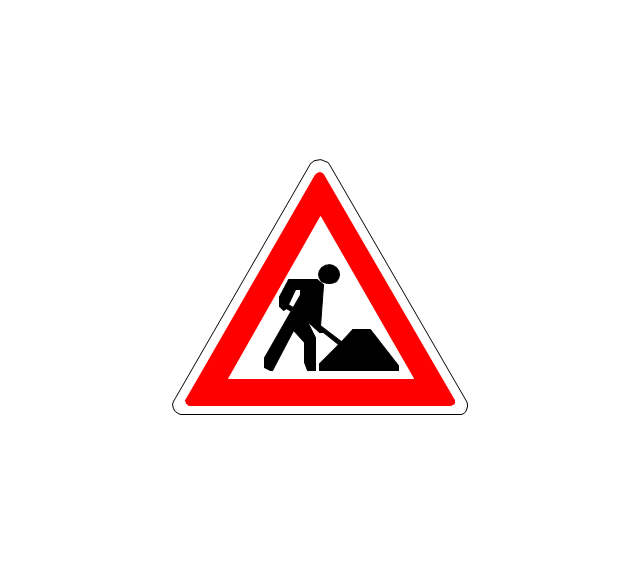
Road work
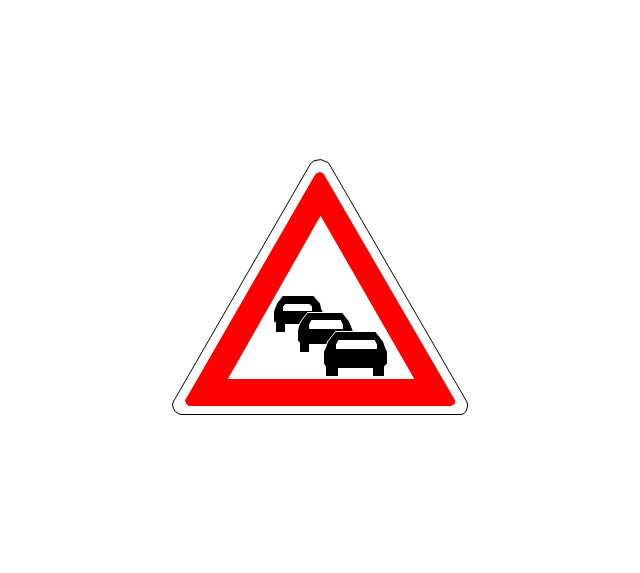
Back-up
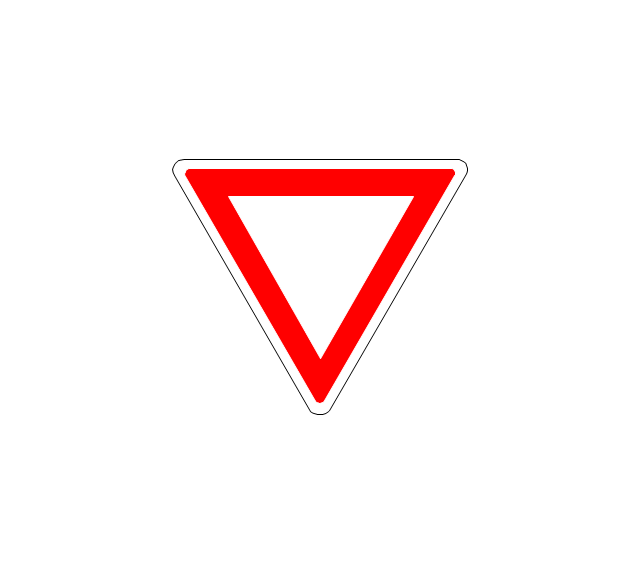
Give way
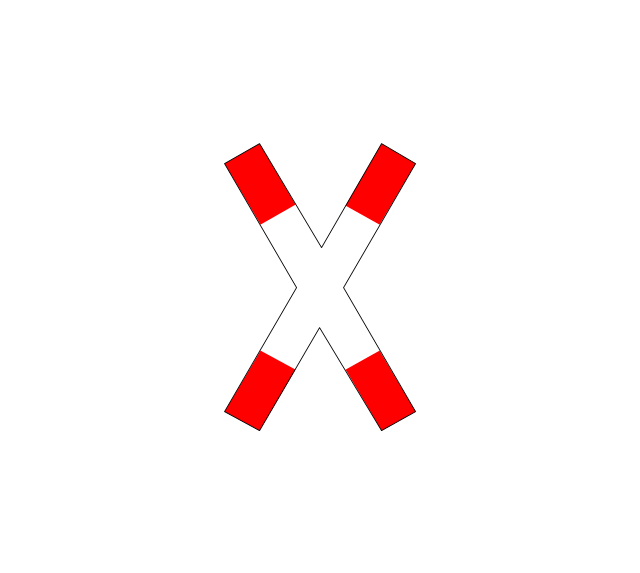
Crossing
Stop

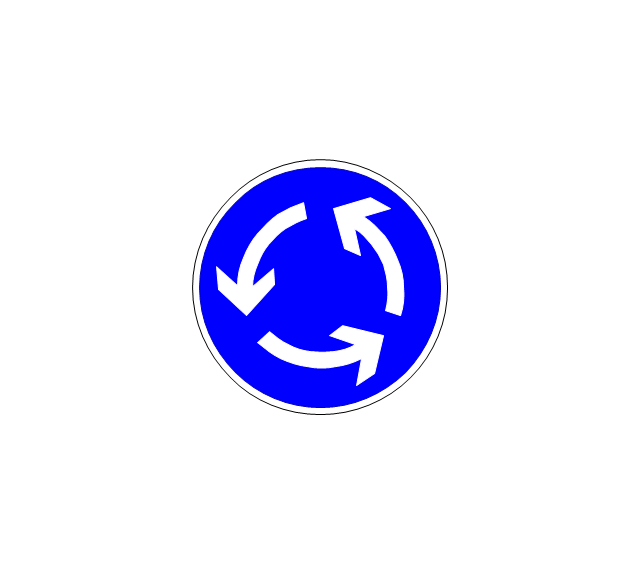
Roundabout
Pass this side
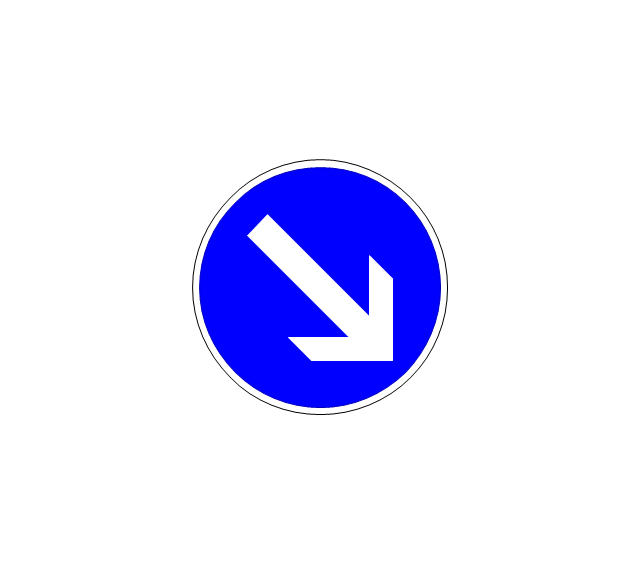
Direction to be followed

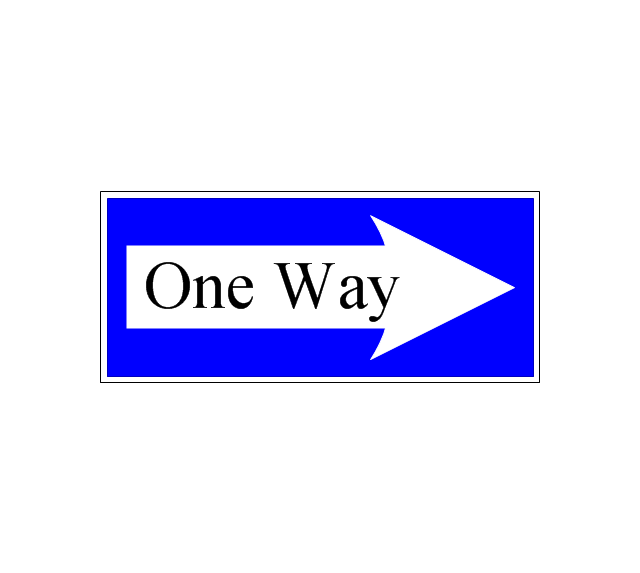
One-way street
Cycle track

No entry

No entry both directions

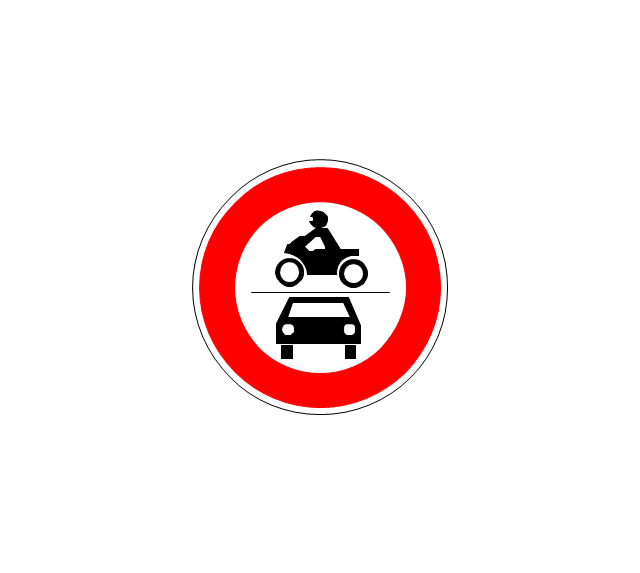
No power vehicles
No U-turns

No passing without stopping
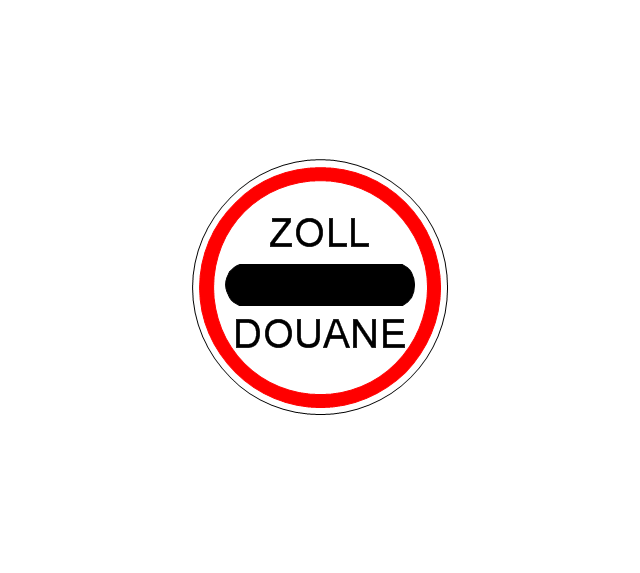
No standing and parking
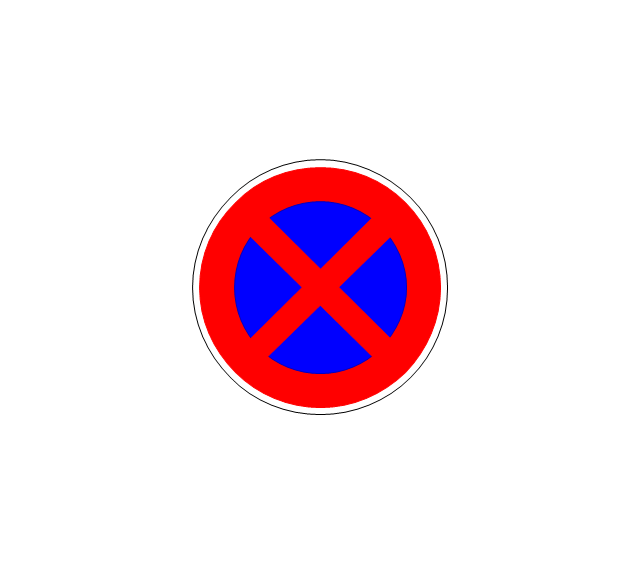
No parking

Speed limit
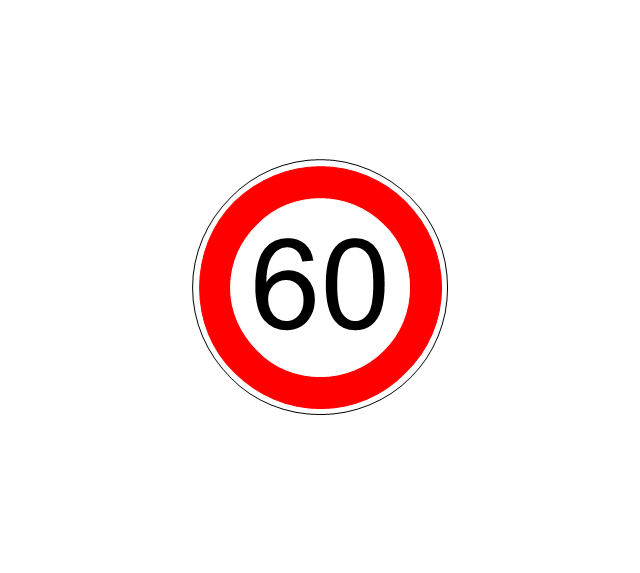
Height limit
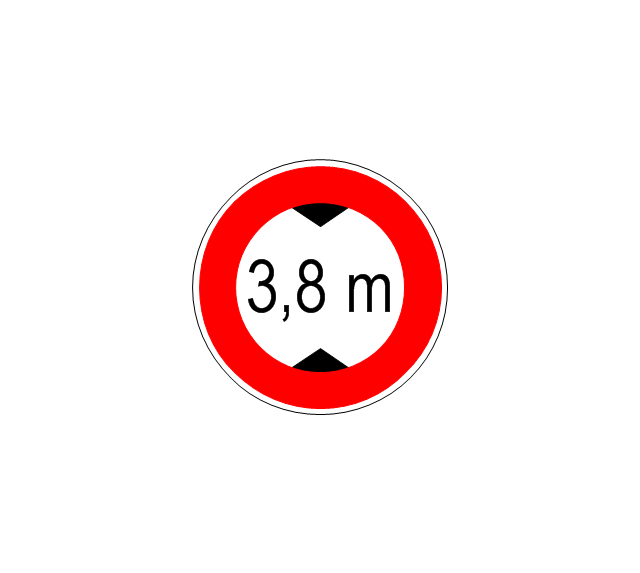
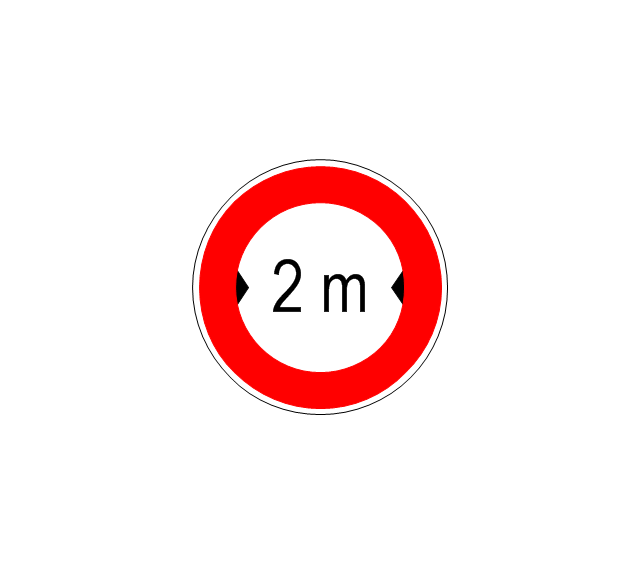
Width limit
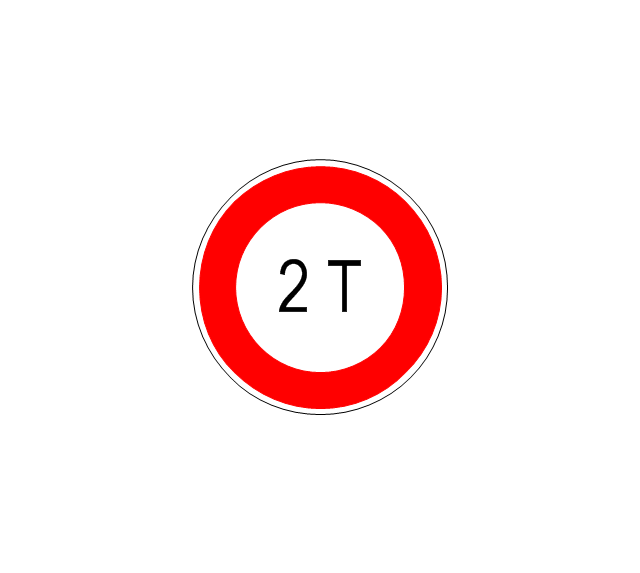
Weight limit
Priority over oncoming traffic

Streetcar or regular buses

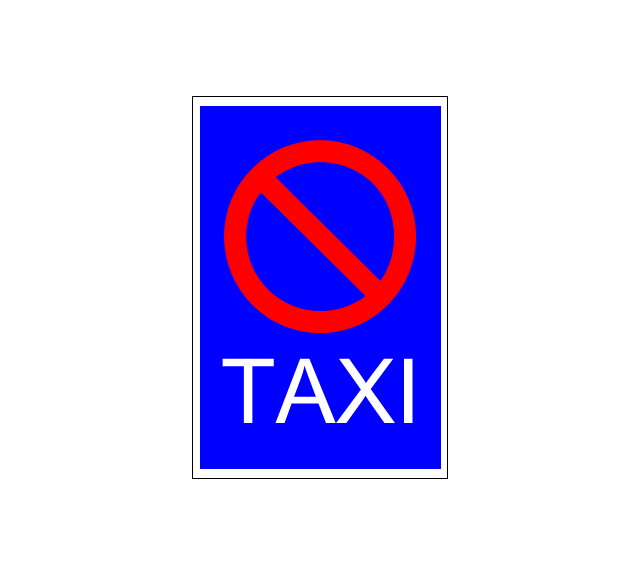
Taxi status
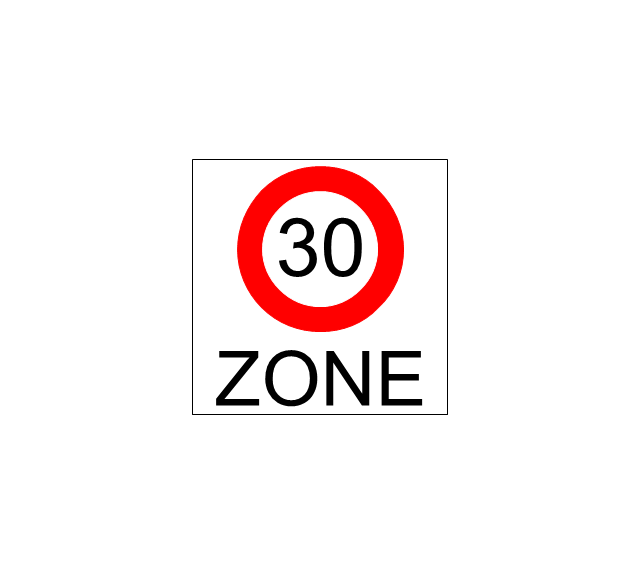
Beginning that speed 30-Zone
End that speed 30-Zone

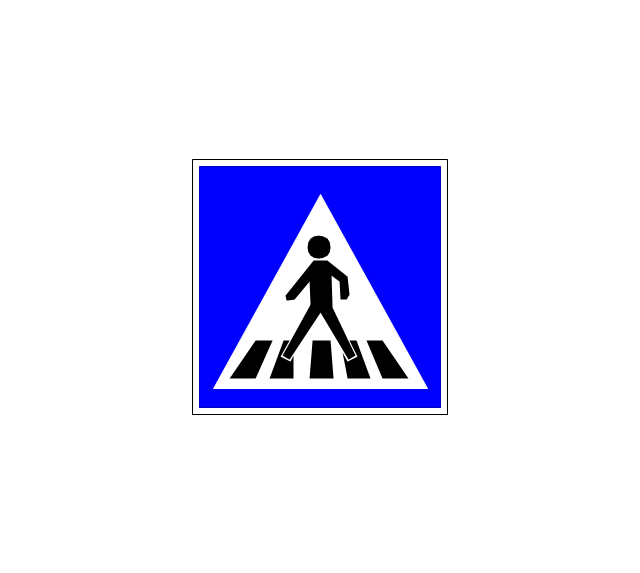
Pedestrian crossing 2
Police
Hotel

Breakdown service

Restaurant

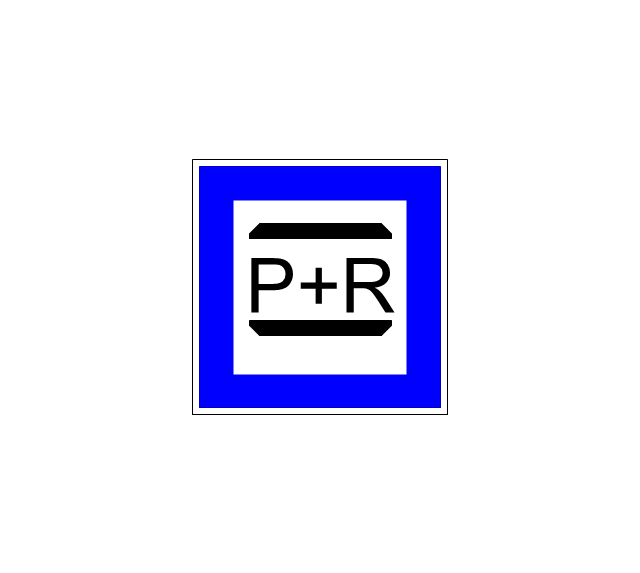
P + R
Restroom
Fuel
Telephone

Recommended speed
Nodal point of a motorwa
Parking
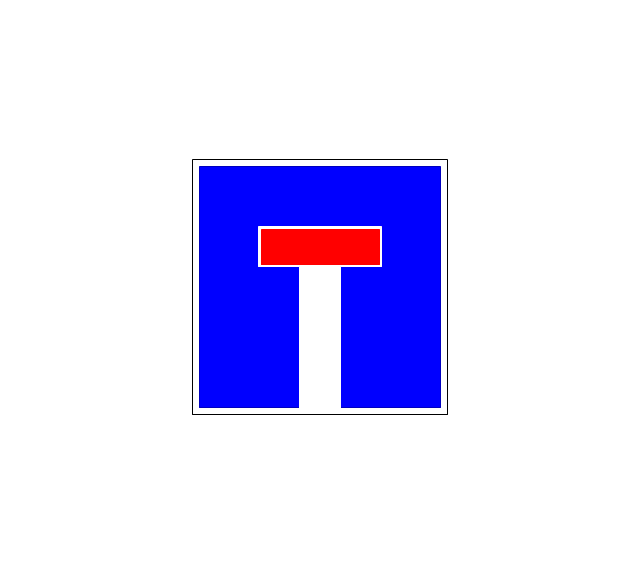
Dead end
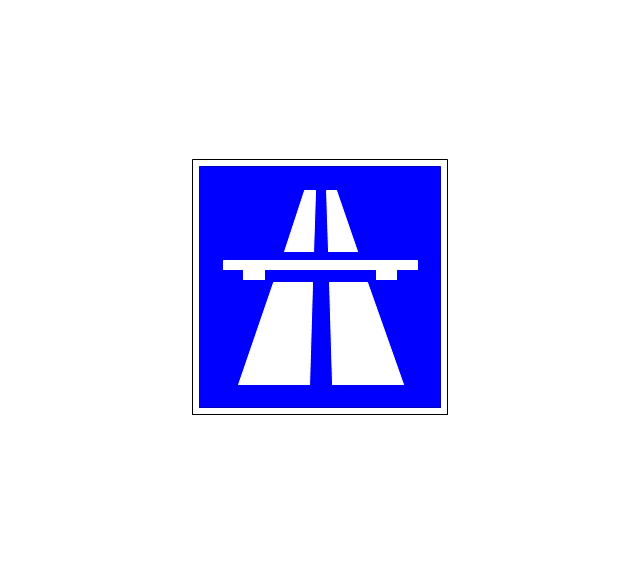
Motorway
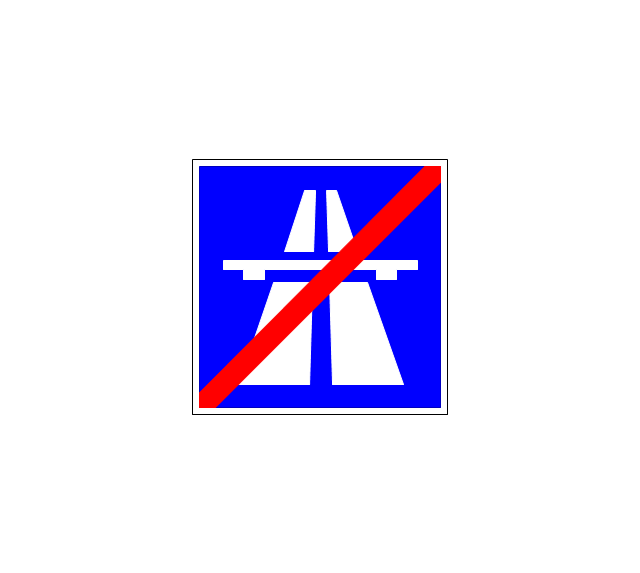
End motorway
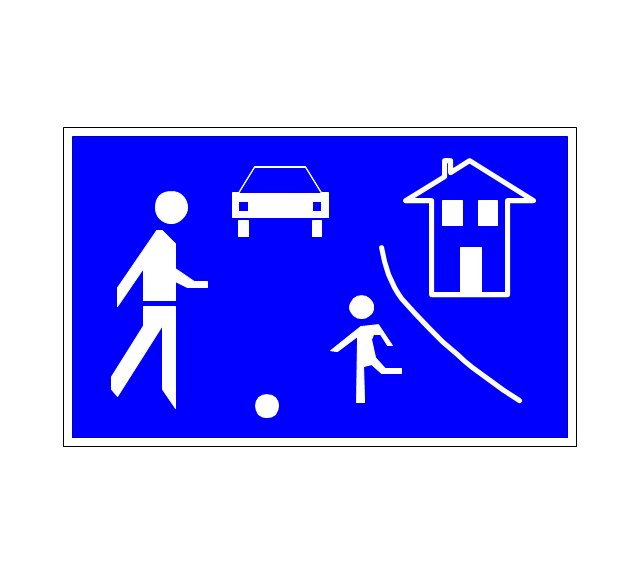
Populated zone
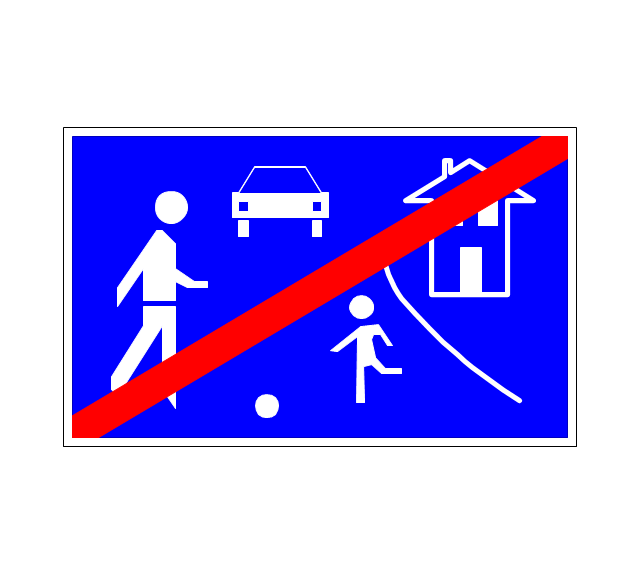
End populated zone
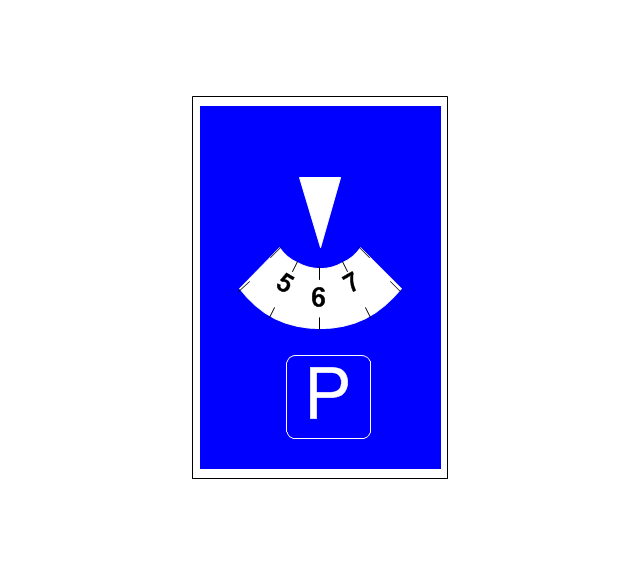
Parking with clock
Number sign (motorway)
-road-signs---vector-stencils-library.png--diagram-flowchart-example.png)
Exit
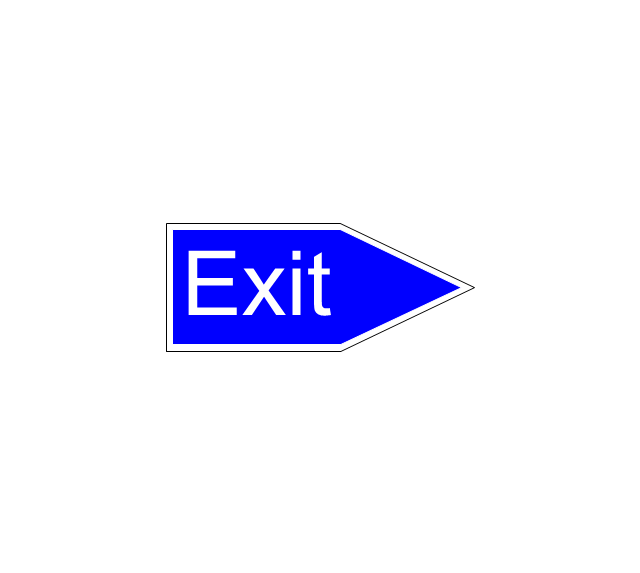
Direction to place
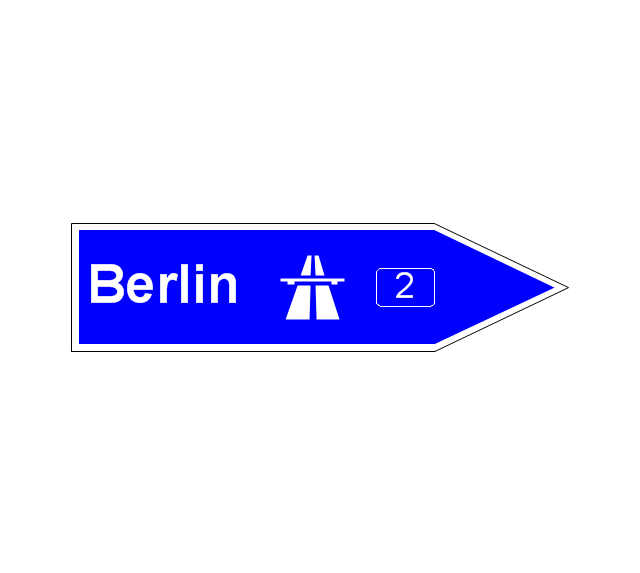
Board of announcement of exit
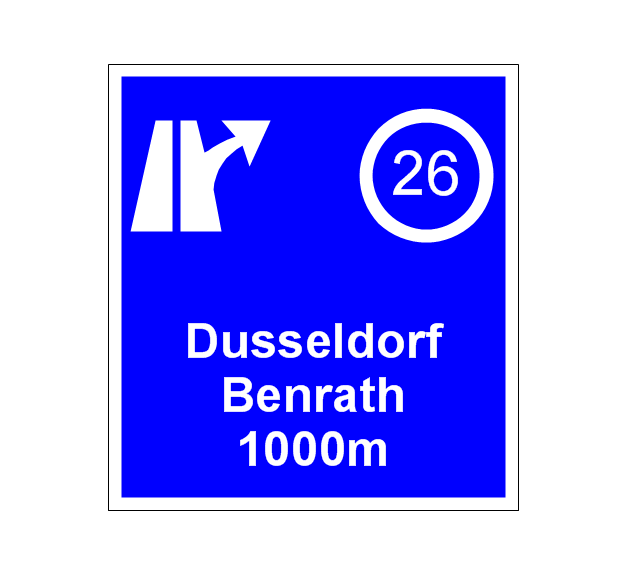
Number sign (federal highway)
-road-signs---vector-stencils-library.png--diagram-flowchart-example.png)
Business Process Modeling Notation

Definition TQM Diagram
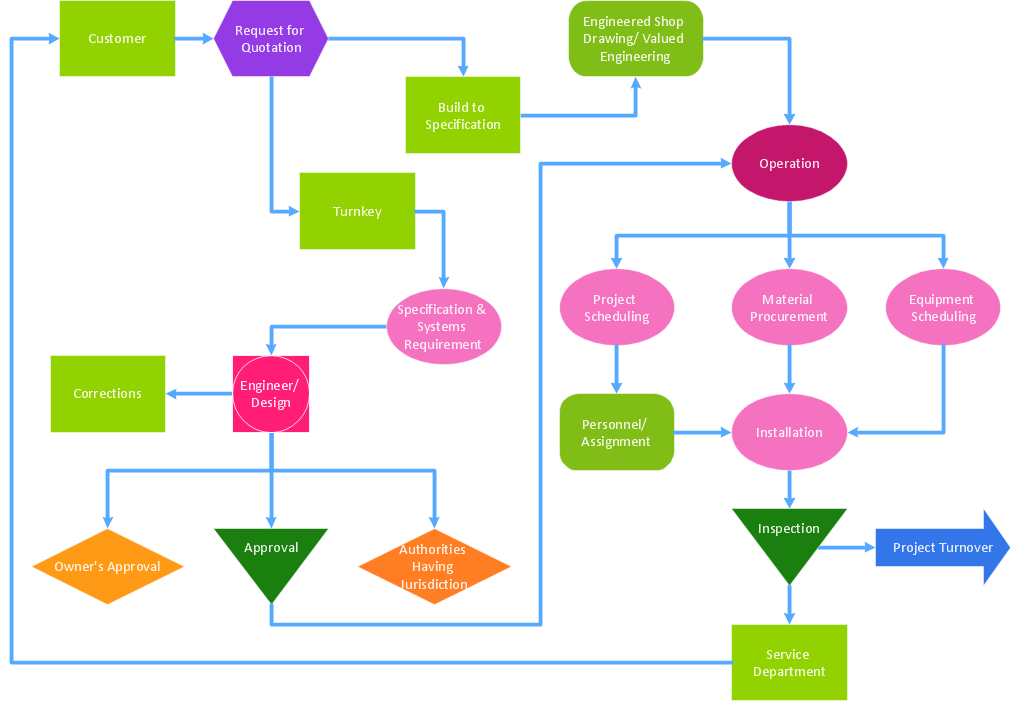
Troubleshooting in Wireless Connection
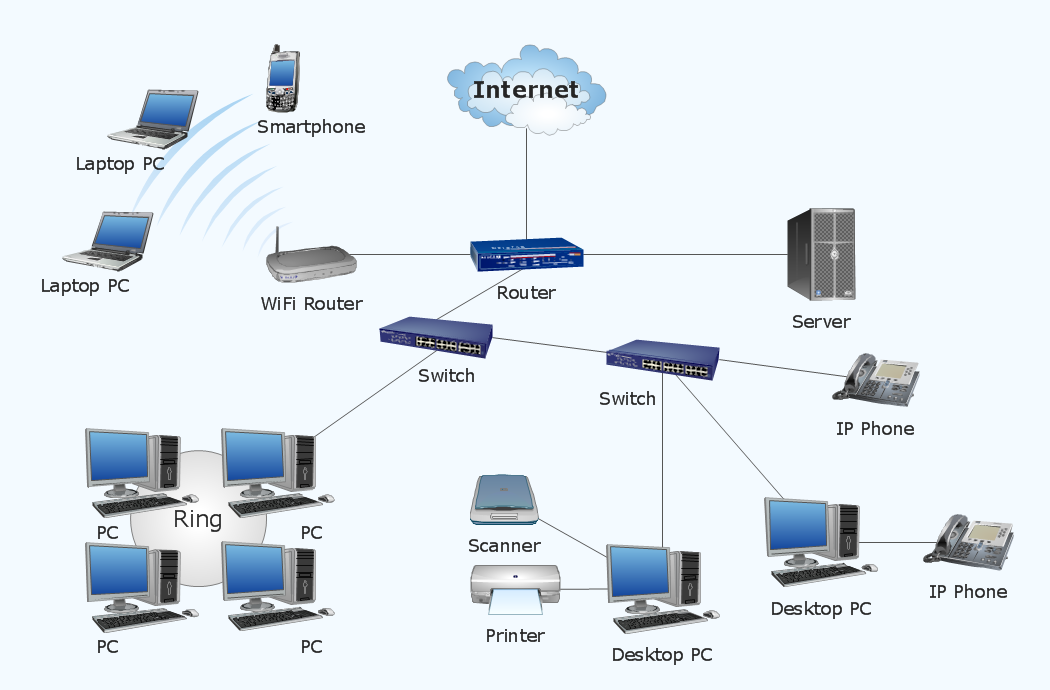
Flow Chart Creator

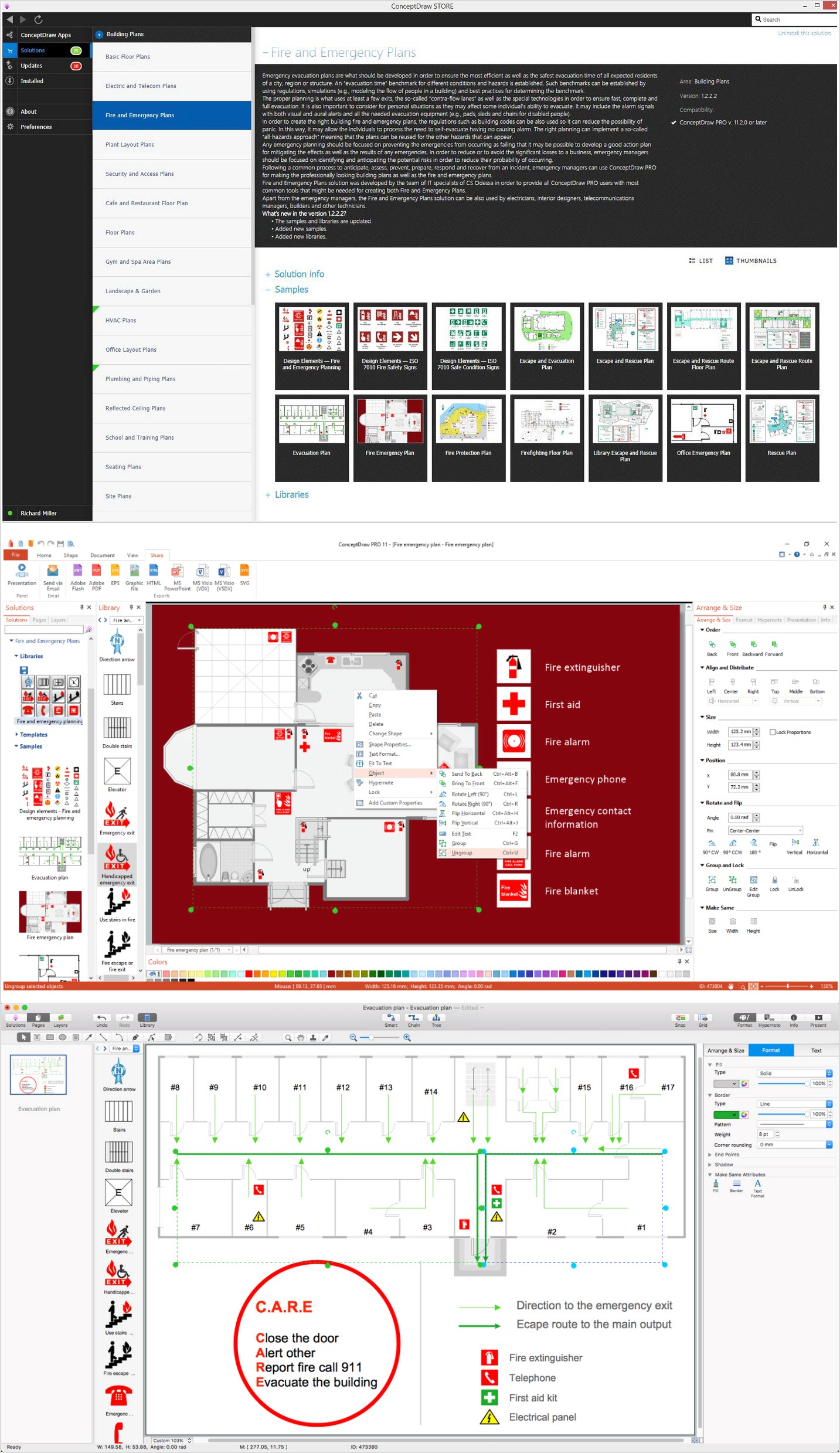
How To Create Emergency Plans and Fire Evacuation
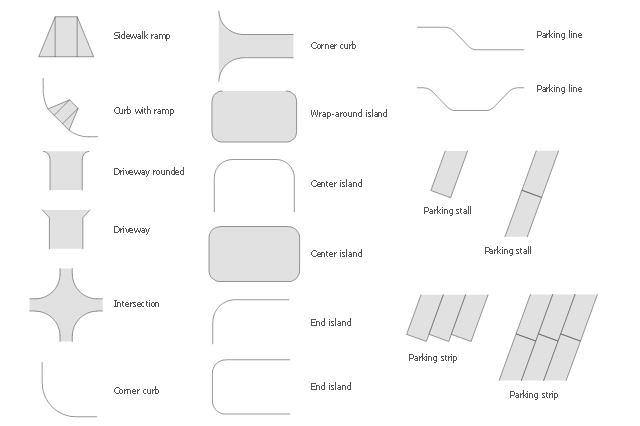
The vector stencils library Parking and roads contains 18 symbols of parking lots and strips, parking spaces, driveways, street junctions, and interchanges for parking facilities, on-street and off-street parking, and traffic management.
"A parking space is a location that is designated for parking, either paved or unpaved.
Parking spaces can be in a parking garage, in a parking lot or on a city street. It is usually designated by a white-paint-on-tar rectangle indicated by three lines at the top, left and right of the designated area. The automobile fits inside the space, either by parallel parking, perpendicular parking or angled parking." [Parking space. Wikipedia]
Use the design elements library Parking and roads to draw residential and commercial landscape design, parks planning, yard layouts, plat maps, outdoor recreational facilities, and irrigation systems using the ConceptDraw PRO diagramming and vector drawing software.
The shapes library Parking and roads is contained in the Site Plans solution from the Building Plans area of ConceptDraw Solution Park.
"A parking space is a location that is designated for parking, either paved or unpaved.
Parking spaces can be in a parking garage, in a parking lot or on a city street. It is usually designated by a white-paint-on-tar rectangle indicated by three lines at the top, left and right of the designated area. The automobile fits inside the space, either by parallel parking, perpendicular parking or angled parking." [Parking space. Wikipedia]
Use the design elements library Parking and roads to draw residential and commercial landscape design, parks planning, yard layouts, plat maps, outdoor recreational facilities, and irrigation systems using the ConceptDraw PRO diagramming and vector drawing software.
The shapes library Parking and roads is contained in the Site Plans solution from the Building Plans area of ConceptDraw Solution Park.
Building Drawing Software for Design School Layout


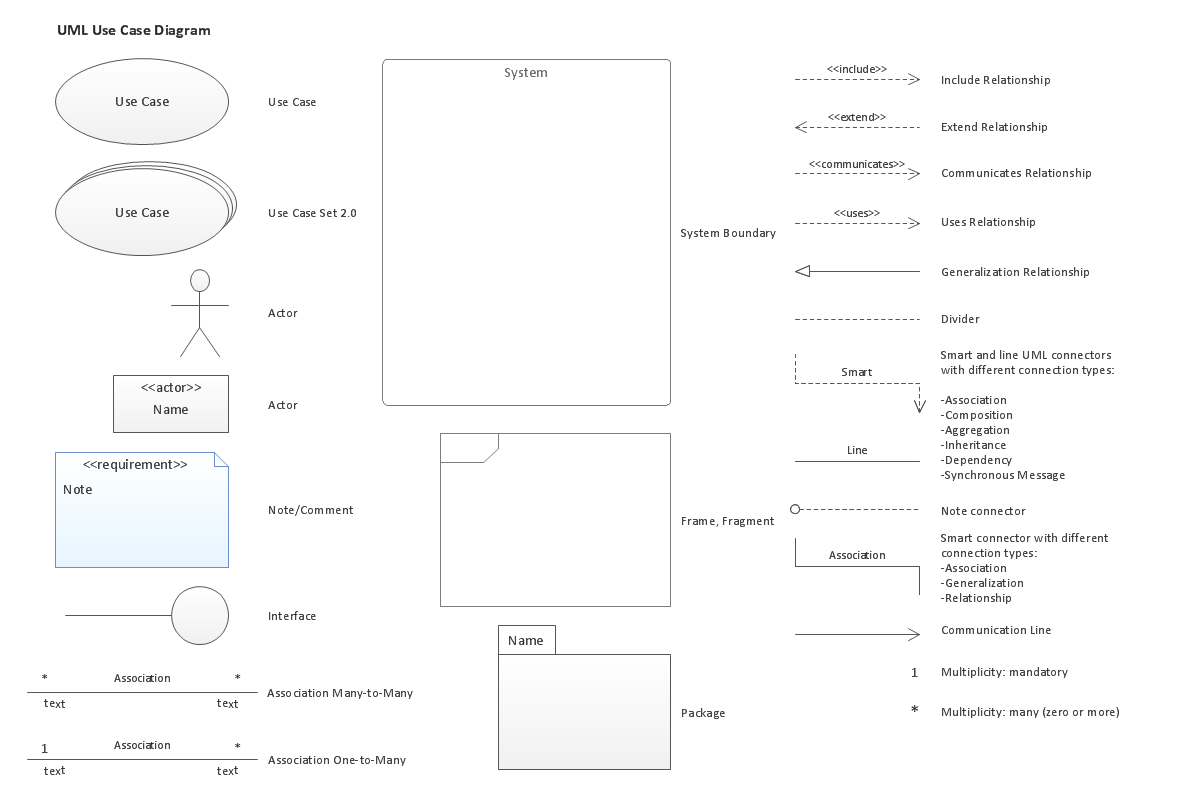
UML Use Case Diagram. Design Elements

HR Flowchart Symbols

Building Drawing. Design Element Site Plan

How To use Architect Software

Building Drawing Software for Design Site Plan

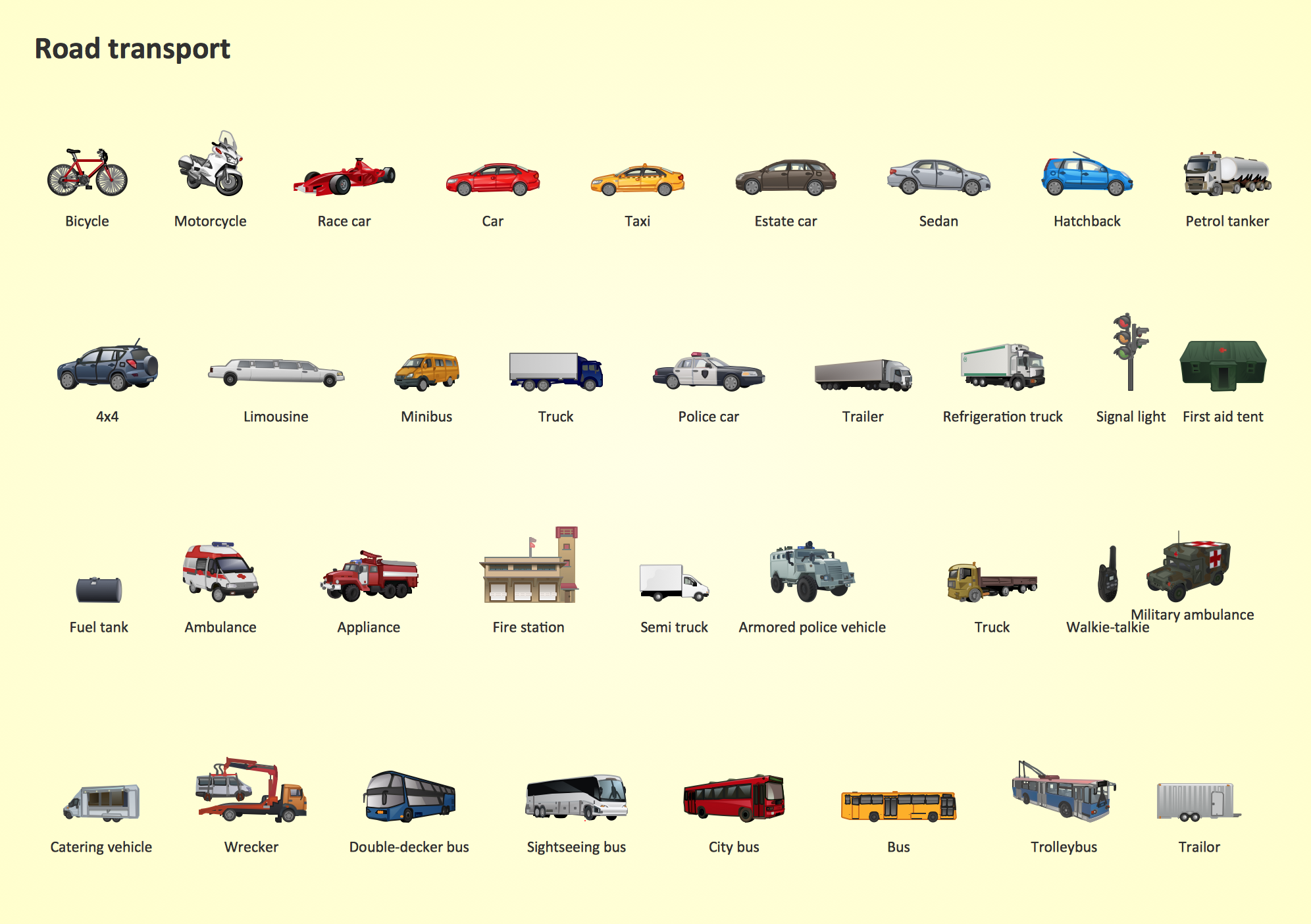
Road Transport - Design Elements
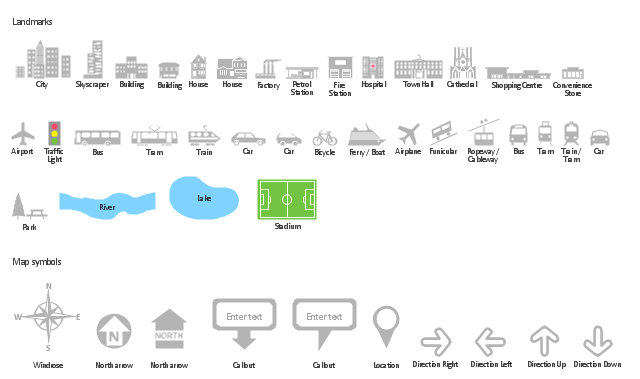
The vector stencils library "Landmarks" contains 34 signs and pictograms for drawing road and transit maps.
The vector stencils library "Map symbols" contains 10 signs and pictograms for drawing road and transit maps.
"A landmark is a recognizable natural or man-made feature used for navigation, a feature that stands out from its near environment and is often visible from long distances.
In modern use, the term can also be applied to smaller structures or features, that have become local or national symbols." [Landmark. Wikipedia]
The pictograms example "Design elements - Location map" was created using the ConceptDraw PRO diagramming and vector drawing software extended with the Spatial Infographics solution from the Maps area of ConceptDraw Solution Park.
The vector stencils library "Map symbols" contains 10 signs and pictograms for drawing road and transit maps.
"A landmark is a recognizable natural or man-made feature used for navigation, a feature that stands out from its near environment and is often visible from long distances.
In modern use, the term can also be applied to smaller structures or features, that have become local or national symbols." [Landmark. Wikipedia]
The pictograms example "Design elements - Location map" was created using the ConceptDraw PRO diagramming and vector drawing software extended with the Spatial Infographics solution from the Maps area of ConceptDraw Solution Park.
Landmarks and Map symbols
Map Directions
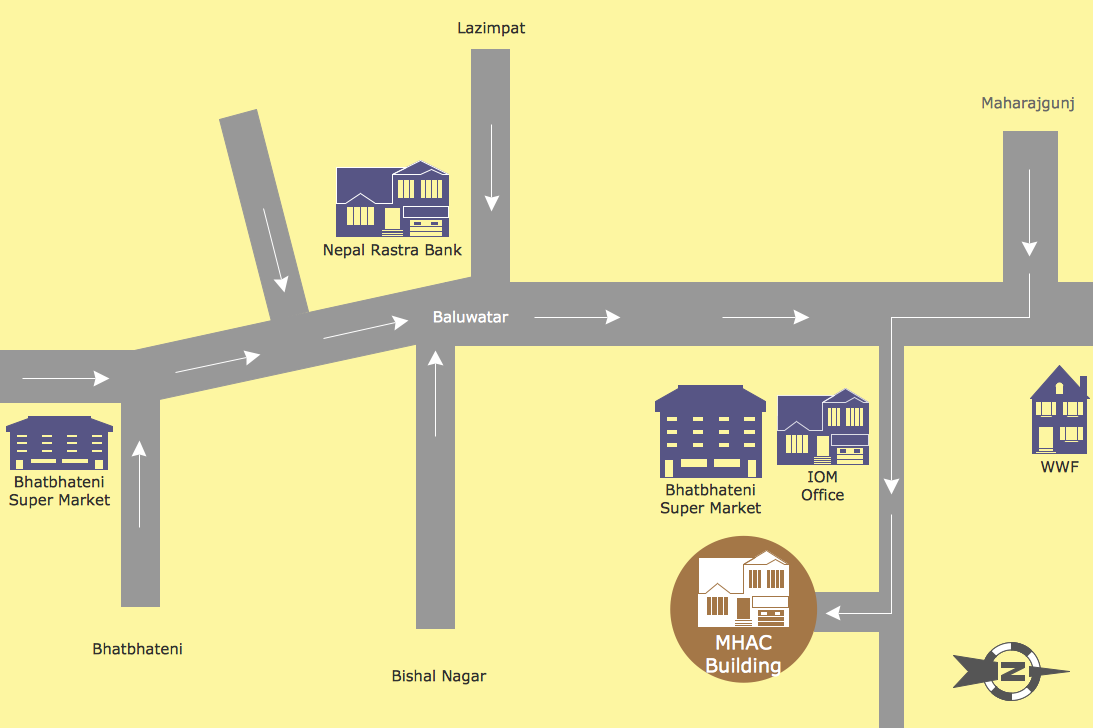
- Design elements - Road signs | Road signs - Vector stencils library ...
- Design elements - Parking and roads | Road signs - Vector stencils ...
- Design elements - 3D directional maps | Road Map Symbols
- Design elements | Symbols For Ramp On Buildings
- Supermarket parking | Design elements | Road Plan Symbols
- Design elements - Parking and roads | Drawing And Roads Symbols
- Maps and Directions | Design elements | Road Symbol Map
- Design elements - Parking and roads | Design elements - Road ...
- Design elements - Parking and roads | Parking and roads - Vector ...
- Cisco Buildings . Cisco icons , shapes, stencils and symbols | Design ...


