Wireframe Tools
Website wireframe is incredibly useful prototyping tool, it helps in website creating and allows to visualize the end result long before the site will be ready. So wire frame allows to avoid mistakes, saves a lot of time and is an important starting point for complex project.
A wireframe is a design representation made with low accuracy. This is a scheme, which should clearly answer to three questions following questions about the future page: what content, where to place it and how to interact. Wireframe reflects the main group of content, shows the information structure and visualizes the basic the interaction between the interface and the user. Although wireframes seem to look like meaningless set of gray blocks, it's not exactly like that. It should be seen as a skeleton of your design and you should remember that wireframes should depict every important detail of the final product.
Representation is a key term, which will help you find the necessary balance between required precision and speed. Do not show too much detail, but on the other hand, you need to create an exact image of the final design of the product, so be careful not to miss any important details. A good wireframe is crucial for the entire team working on the project: developers, graphic designers, copywriters, project managers.
Wireframe can be compared to the map of a city. Each street is represented on the map, but its visual image is quite simplified. You can sense the architecture of the city, if you look at the map, but you can’t perceive its beauty.
Wireframes should be made quickly and you should spend almost all the time left communicating and discussing with the team. The average time to create a wireframe should be really limited. Visualization should be created according to the aesthetics rules but this is vastly simplified. You probably won’t use any other colors than black, gray and white.
Wireframes are commonly used as documentation for the project. Because of their static and fixed manner of displaying interfaces, they need to be suitably described (from a brief explanation up to a complex of technical documentation, if necessary).
Planning a website structure and developing its wireframe, creating a website prototype and drawing professional looking site designs never been easier than now with convenient and useful wireframe tools of Website Wireframe Solution from the Software Development area of ConceptDraw Solution Park.
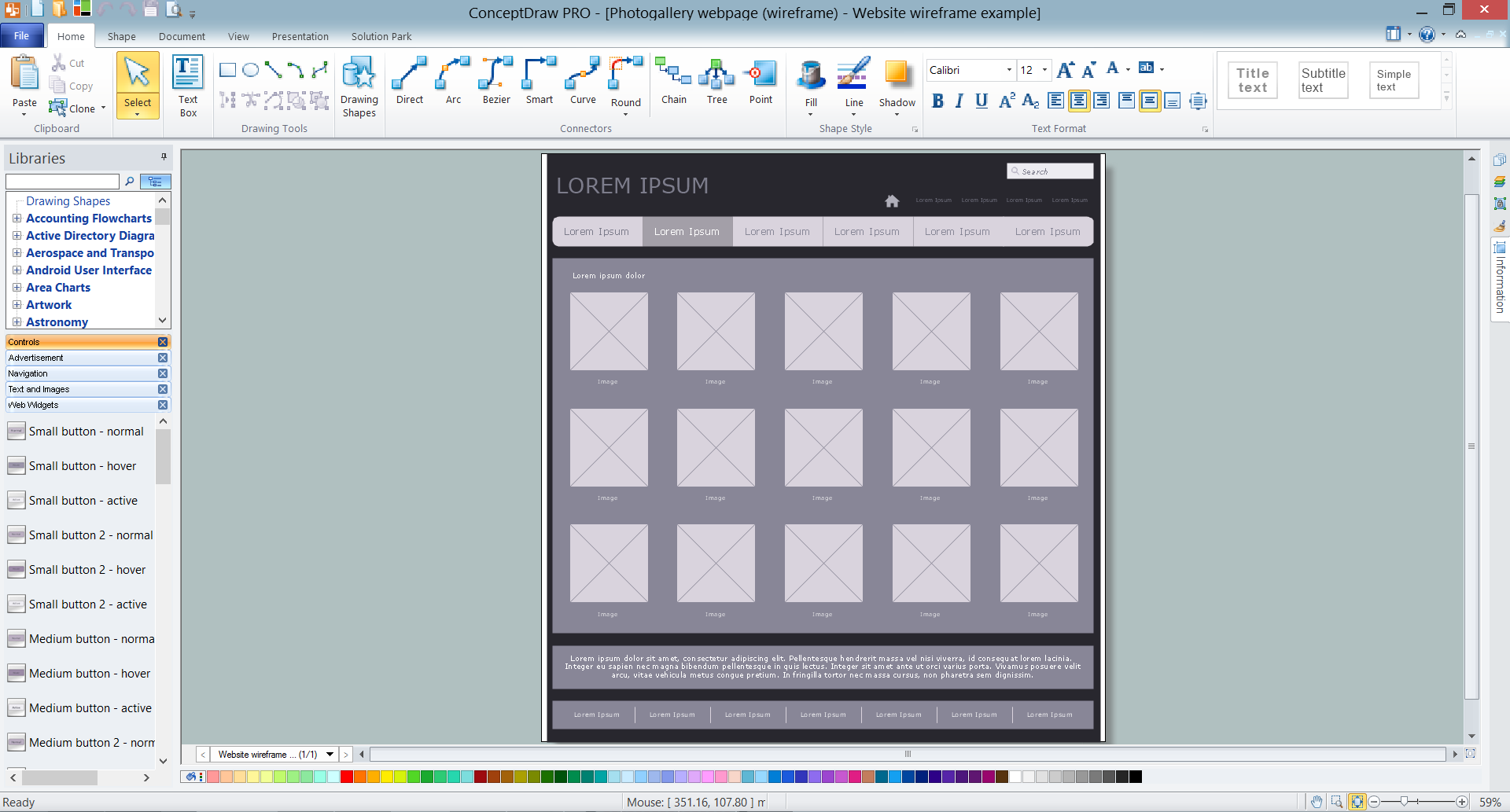
Example 1. ConceptDraw DIAGRAM Wireframe Tools - Photogallery Webpage Wireframe
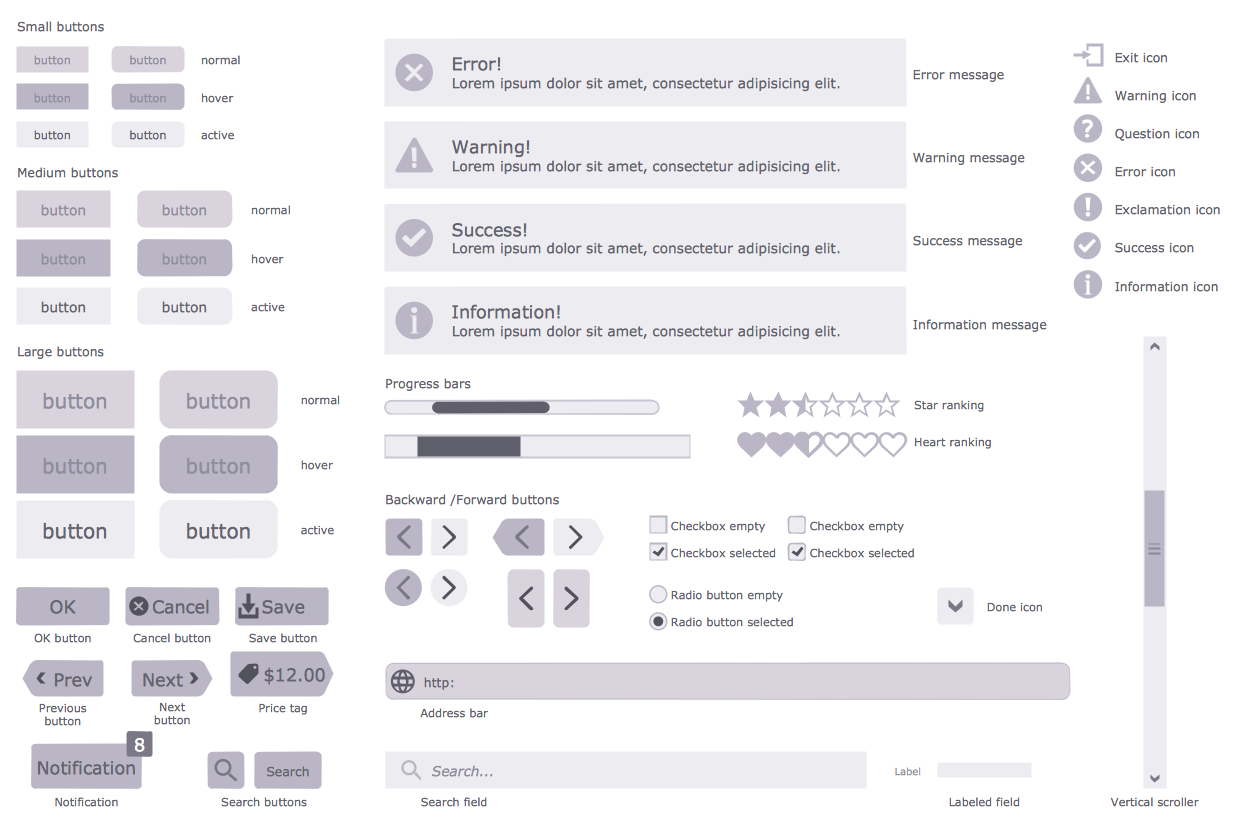
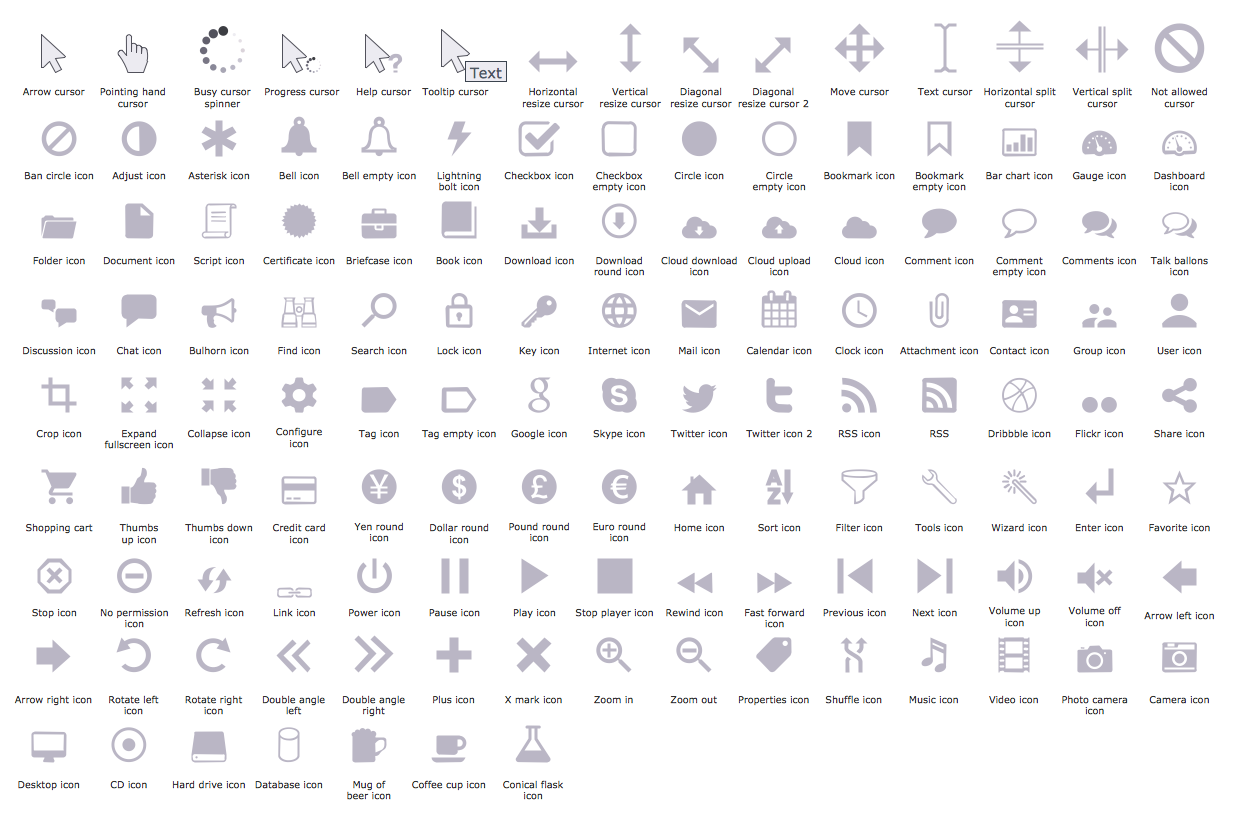
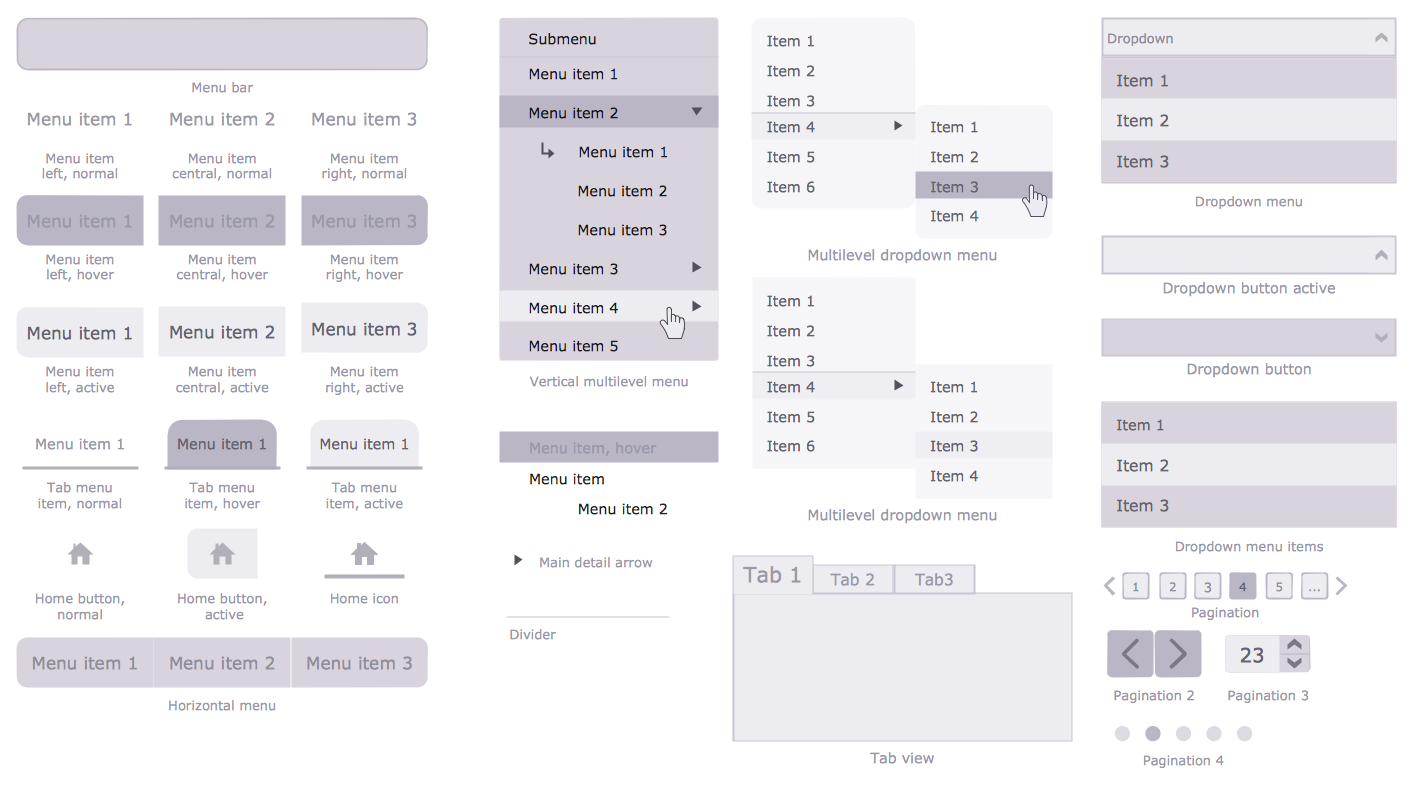
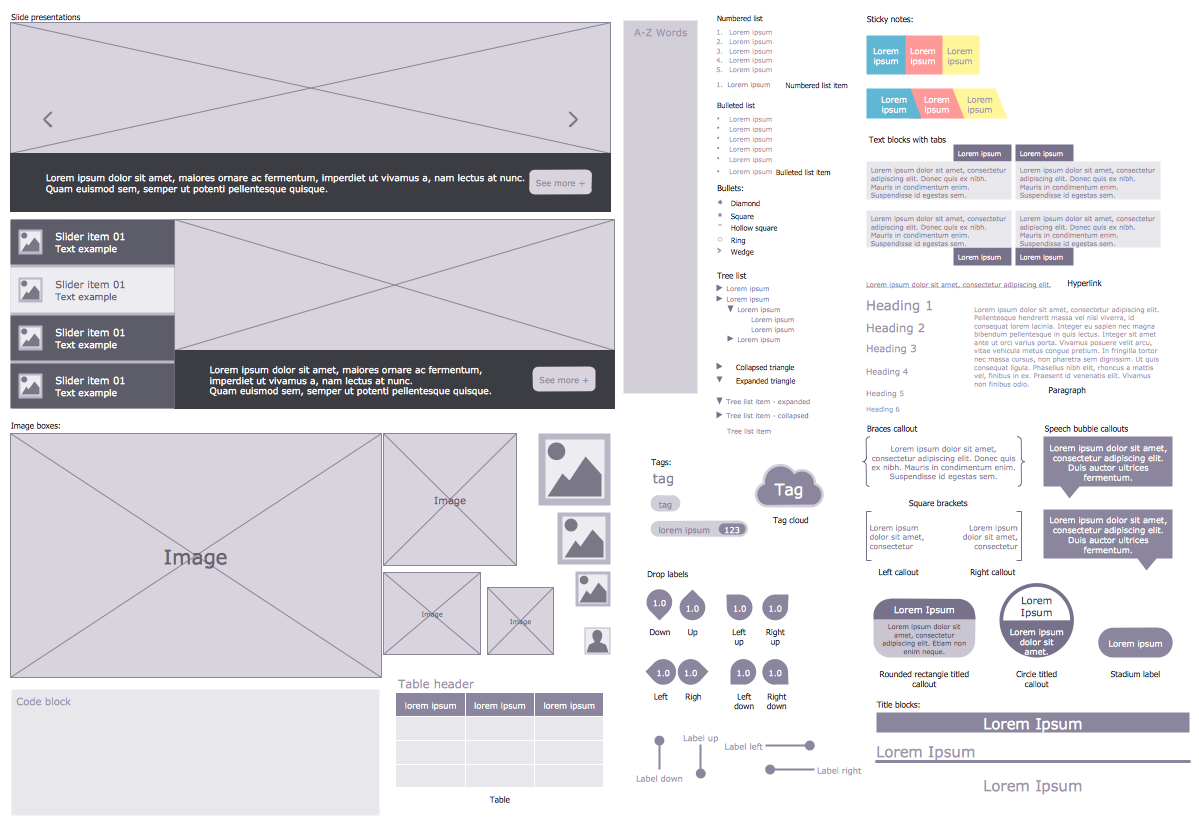
Wireframe tools make creating website easier and more efficient. Among the wireframe tools which offers a Website Wireframe Solution there are first of all 7 libraries with large quantity of predesigned vector objects, icons, controls, web widgets, and other graphic elements which were specially designed to give you the opportunity to create skeletal structure of a website in mere minutes.
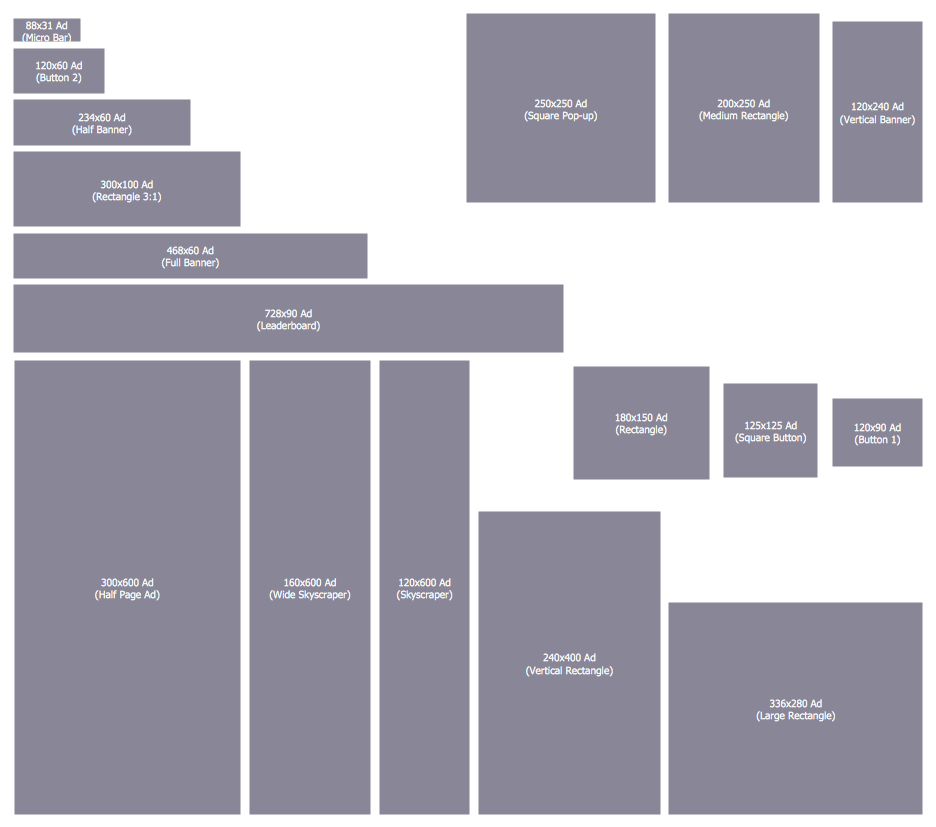
All these objects are vector objects, you can resize them without loss of quality, arrange, rotate, combine, change their color, if needed.
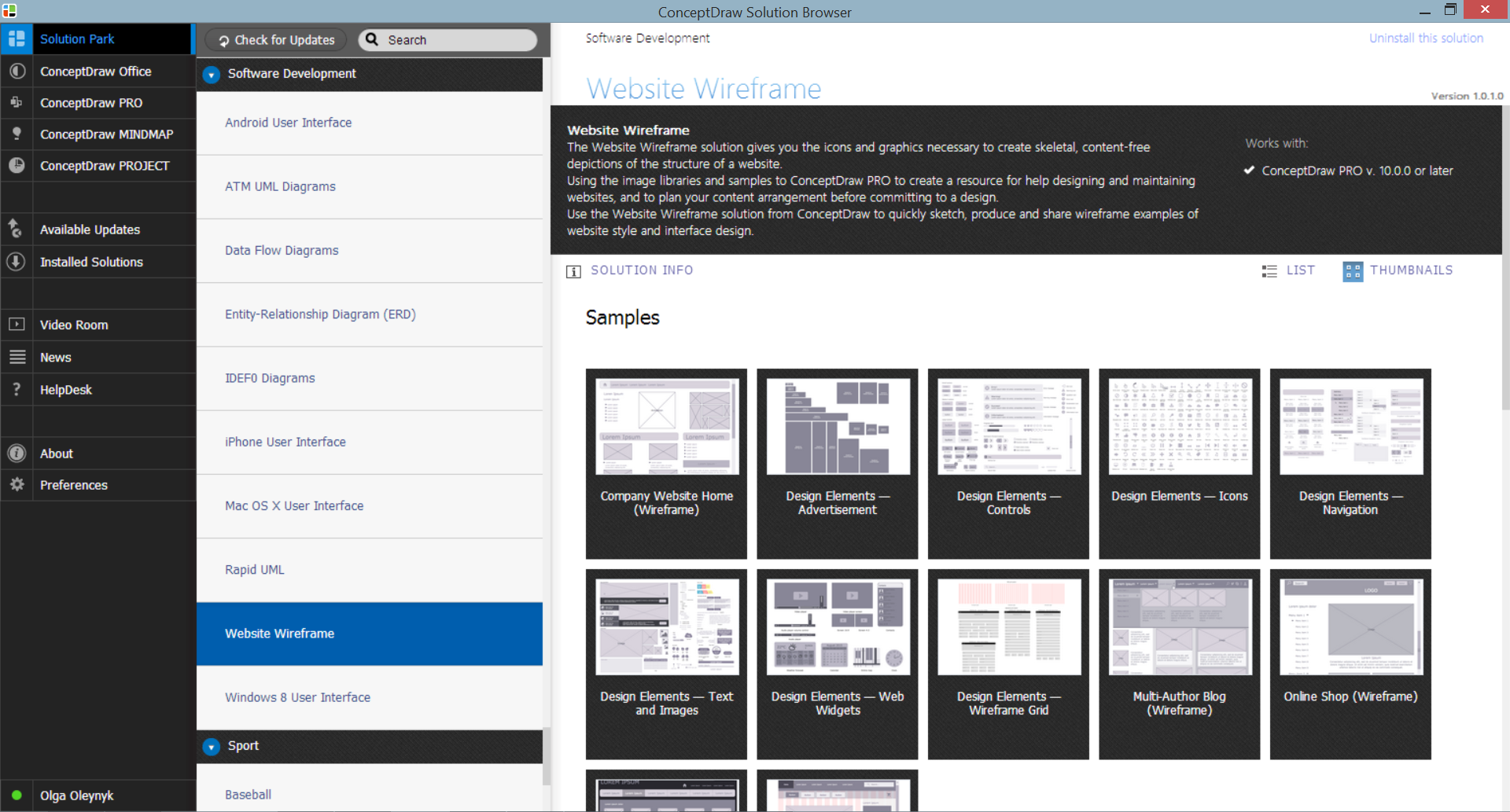
Example 2. Website Wireframe Solution in ConceptDraw STORE
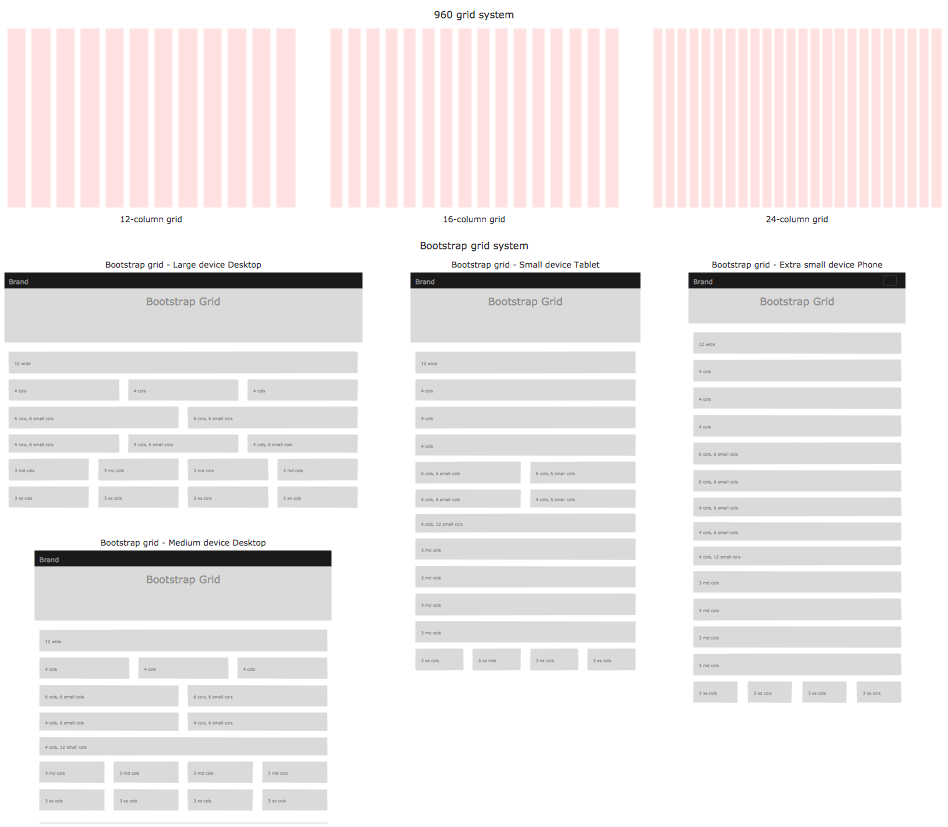
Website Wireframe solution contains also variety of samples and template which deserves particular attention. It is represented on the next image.
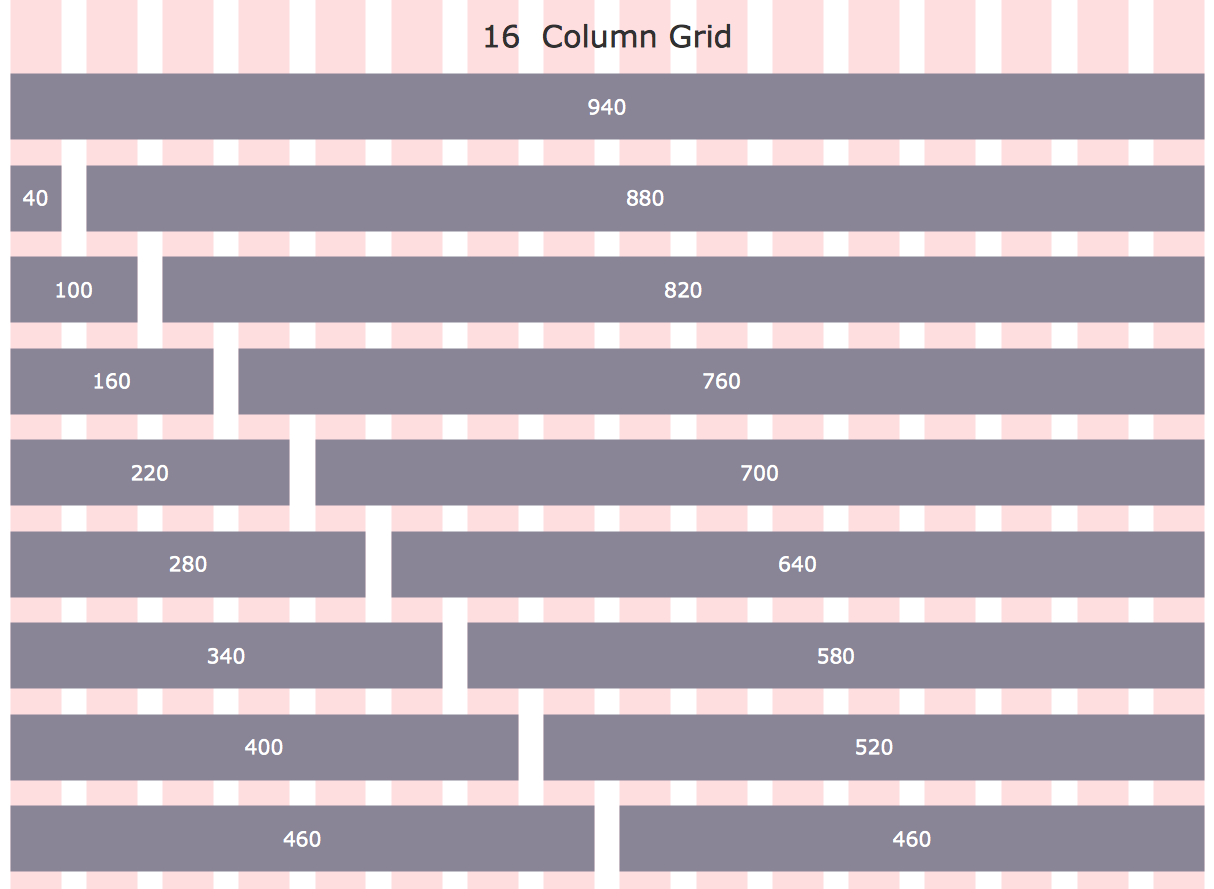
Example 3. Wireframe Tools - 960 Grid System 16-Column Layout
This template was created in ConceptDraw DIAGRAM using the tools of Website Wireframe Solution for ConceptDraw DIAGRAM Solution Park. It is included in Website Wireframe Solution, you can find and use this template from ConceptDraw Solution Park.
Use the Website Wireframe Solution for ConceptDraw DIAGRAM software to create your own professional looking website wireframes and designs of any complexity fast, easy and effective.
All source documents are vector graphic documents. They are available for reviewing, modifying, or converting to a variety of formats (PDF file, MS PowerPoint, MS Visio, and many other graphic formats) from the ConceptDraw STORE. The Website Wireframe Solution is available for all ConceptDraw DIAGRAM users.
TEN RELATED HOW TO's:
How-To-Guide/aom-db
Picture: Databases Access Objects Model with ConceptDraw DIAGRAM
When moving to a new apartment it is always pleasure to develop an interior design project. Nevertheless, another important part that should not be forgotten is the piping plan, because wrong piping system might ruin all the renovation. So, to avoid such problems, a stress analysis is performed.
Plumbing and piping plans should be created for any premises. They are used to trace location of pipes, fixtures and valves in the house. This diagram presents a set of certified piping plan symbols for drawing plumbing and piping floor plans, diagrams and other technical drawings. Applying standard symbols when creating a piping plan is very important for creating a valid piping plan included into the building documentation pack. It is essential for any professional to be able to read and properly interpreted any piping plan.
Picture: Interior Design. Piping Plan — Design Elements
Related Solution:
Data storage is a fundamental aspect of the cloud platform. Microsoft offers scalable, durable and elastic cloud Azure Storage which can be available from any type of application whether it’s running in the cloud and anywhere in the world.
ConceptDraw DIAGRAM diagramming and vector drawing software extended with Azure Architecture Solution from the Computer and Networks area of ConceptDraw Solution Park provides a lot of useful tools which give you the possibility effectively illustrate Microsoft Azure cloud system, Azure services, Azure storage and its components.
Picture: Azure Storage
Related Solution:
Drawing Network Protocols using ConceptDraw DIAGRAM stencils
Picture: Network Protocols
When studying a business process or system involving the transfer of data, it is common to use a Data Flow Diagram (DFD) to visualize how data are processed. Being initially used exclusively in regards to the flow of data through a computer system, now DFDs are employed as the business modeling tools. They are applied to describe the business events and interactions, or physical systems involving data storage and transfer. ConceptDraw DIAGRAM is a powerful Data Flow Diagram software thanks to the Data Flow Diagrams solution from the Software Development area of ConceptDraw Solution Park.
Picture: Data Flow Diagram Software
Related Solution:
The Social Media Response solution creates interactive social media flow charts and action mind maps. The solution includes a video tutorial and a number of samples helping social media teams refine and organize their response process.
Picture: How to Connect Social Media DFD Flowchart with Action Maps
Related Solution:
The DIKW Pyramid refers loosely to a class of models for representing purported structural and/or functional relationships between data, information, knowledge, and wisdom.
Picture: Pyramid Diagram
Related Solution:
What Is a Circle Spoke Diagram? It is a diagram which has a central item surrounded by other items in a circle. The Circle Spoke Diagrams are often used to show the features or components of the central item in marketing and management documents and presentations. ConceptDraw DIAGRAM extended with Business Diagrams Solution from the Management Area is the best software for creating Circle-Spoke Diagrams.
Picture: What Is a Circle Spoke Diagram
Related Solution:
While developing software, it is very important to have a visual model, because it helps to represent the logic and the architecture of an application. Experienced engineers use UML diagrams to denote relationships between classes and their instances. UML is a general language for a set of diagrams like deployment diagrams, object diagrams or use case diagrams.
This diagram represents UML class diagram used for a software system development using an object-oriented method. Class diagrams are categorized as static structure diagrams that depict the physical structure of a system. Class diagram divides a software system's structure into "classes". Classes are defined by the methods and variables of objects. UML Class diagram is used to depict relationships and source code dependencies between objects.
Picture: UML Diagram
Related Solution:
There are many ways to describe a database structure. One of the most usual is to draw an entity relationship diagram (ERD) using a Crow’s Foot notation to represent database elements. If you don’t want to draw it on paper, you should use an appropriate software.
An entity-relationship (ER) diagram is used to show the structure of a business database. ERD represents data as objects (entities) that are connected with standard relationships symbols which Illustrate an association between entities. ERD, there is a wide range of ERD notations used by data bases architects for reflecting the relationships between the data entities. According to the crow’s foot notation relationships are drawn as single labeled lines designating a certain kinds of relationship. Crow foot notation is a most frequently used ERD standard, because of improved readability of diagrams, with a more accurate use of space on the page._Win_Mac.png)
Picture: Entity Relationship Diagram - ERD - Software for Design Crows Foot ER Diagrams
Related Solution: