Simple Baseball Field — Sample
Would you use the examples of the pre-made baseball field plan to edit as needed, if you had them? Do you think it is simpler to change the already created illustration rather than making a similar one from a scratch? Most of the ConceptDraw DIAGRAM users prefer to have the needed solution, such as a Baseball one, offering seventeen vector objects which all can be used any time they are needed.
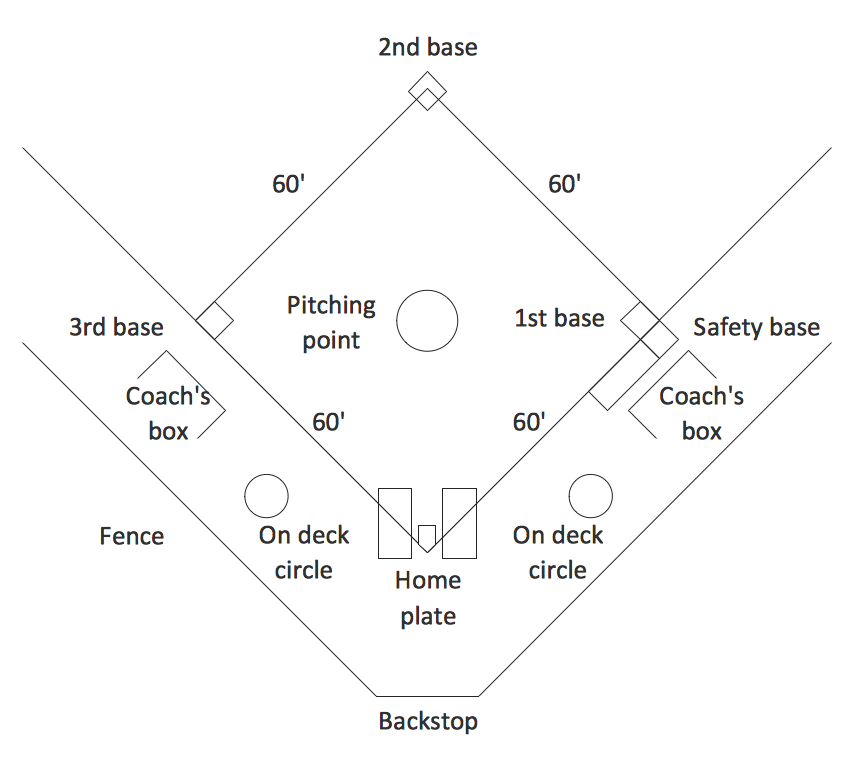
Sample 1. Simple Baseball Field — Sample
The list of the provided design elements within the previously mentioned solution is the following: representations of Pitcher, Catcher, First baseman, Second baseman, Third baseman, Shortstop, Left fielder, Centre fielder, Right fielder Baseball position as well as three different pointing arrows — red, blue colour and green one.
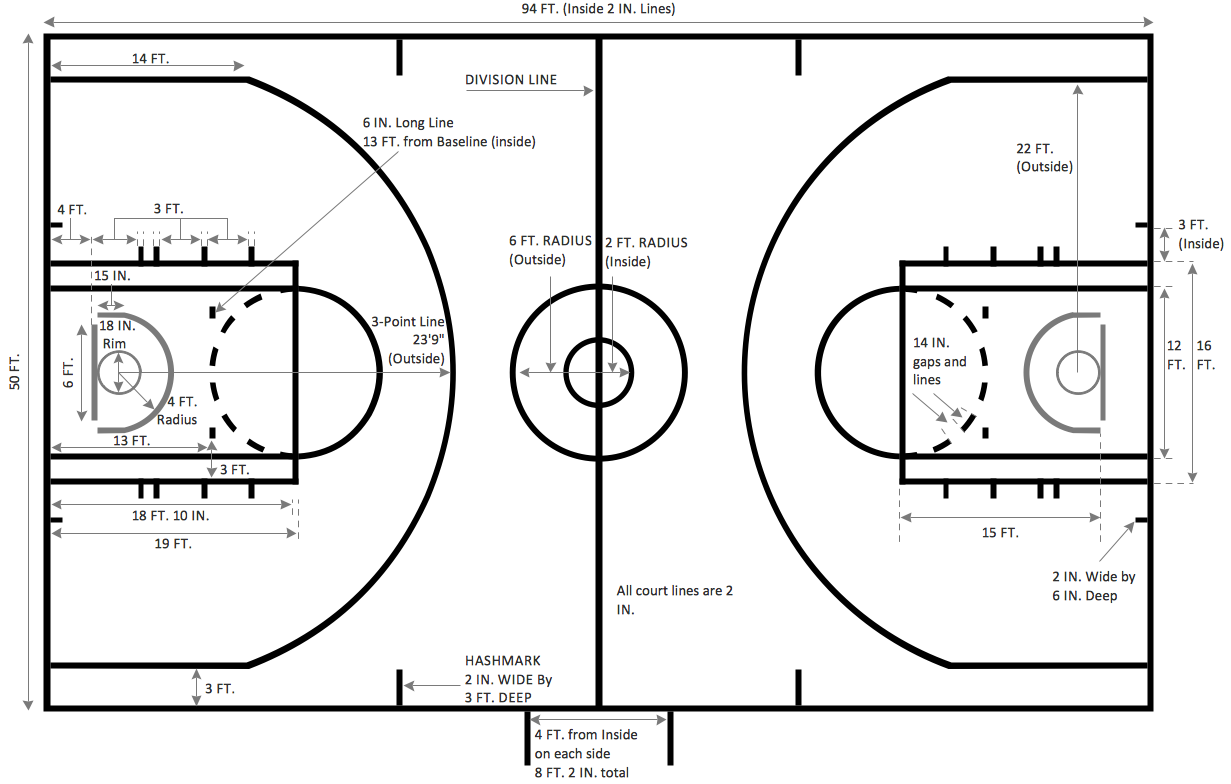
Besides the previously described design symbols, there are also the already pre-made examples, such as the one called a “Baseball Field Dimensions Sample”, representing the baseball diamond created in the ConceptDraw DIAGRAM with a usage of the Baseball Fields Library. The dimensions which were used for making such a template are all official ones.
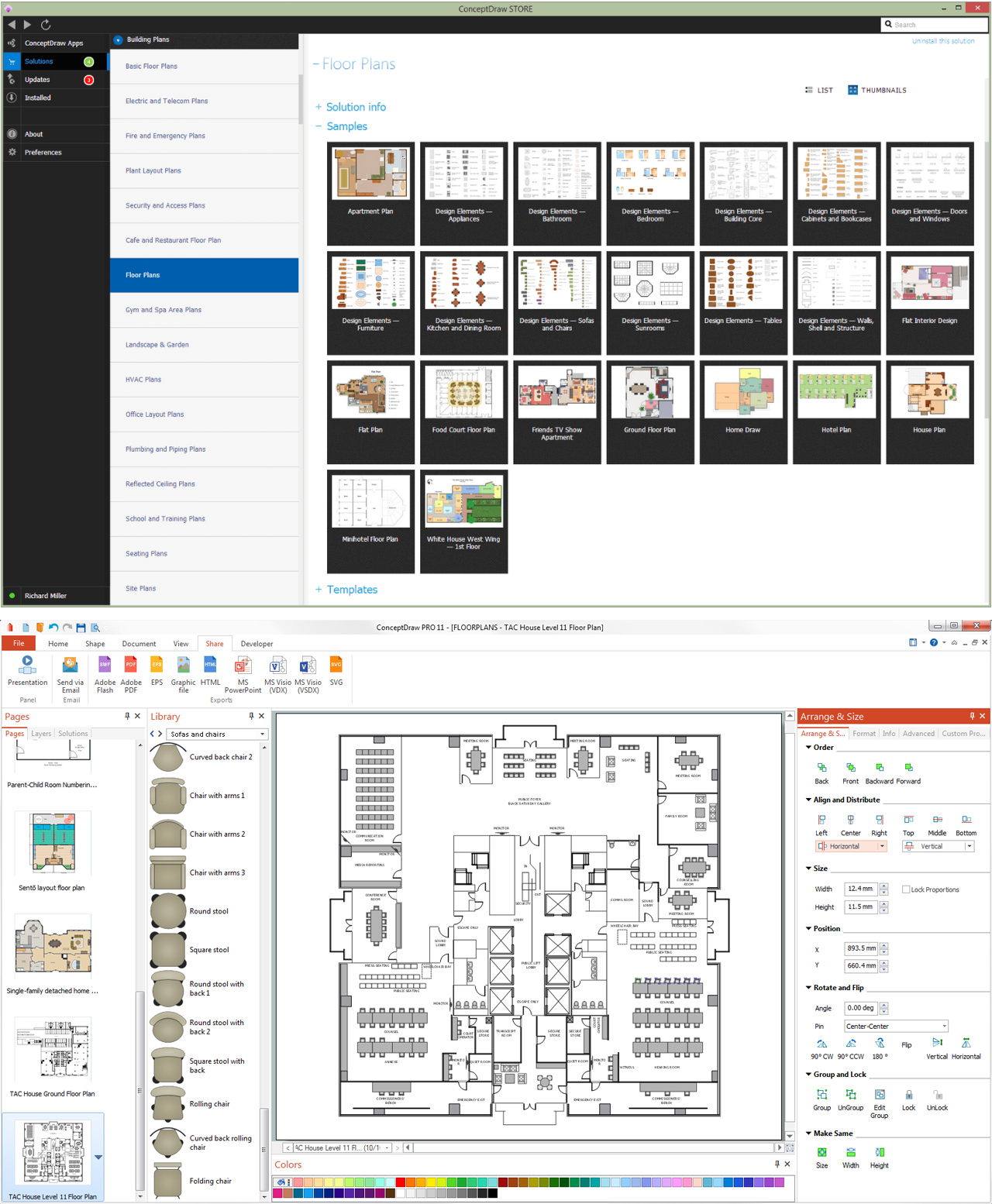
In order to make your own unique baseball field plan you can simply download ConceptDraw DIAGRAM diagramming and drawing software from this site as well as the ConceptDraw STORE application and to choose the needed solution (Baseball Solution) to pick up one of the samples to edit. Adding more elements to your drawing is always possible by dragging and dropping the design symbols from one of the available for all the ConceptDraw DIAGRAM users stencil libraries.
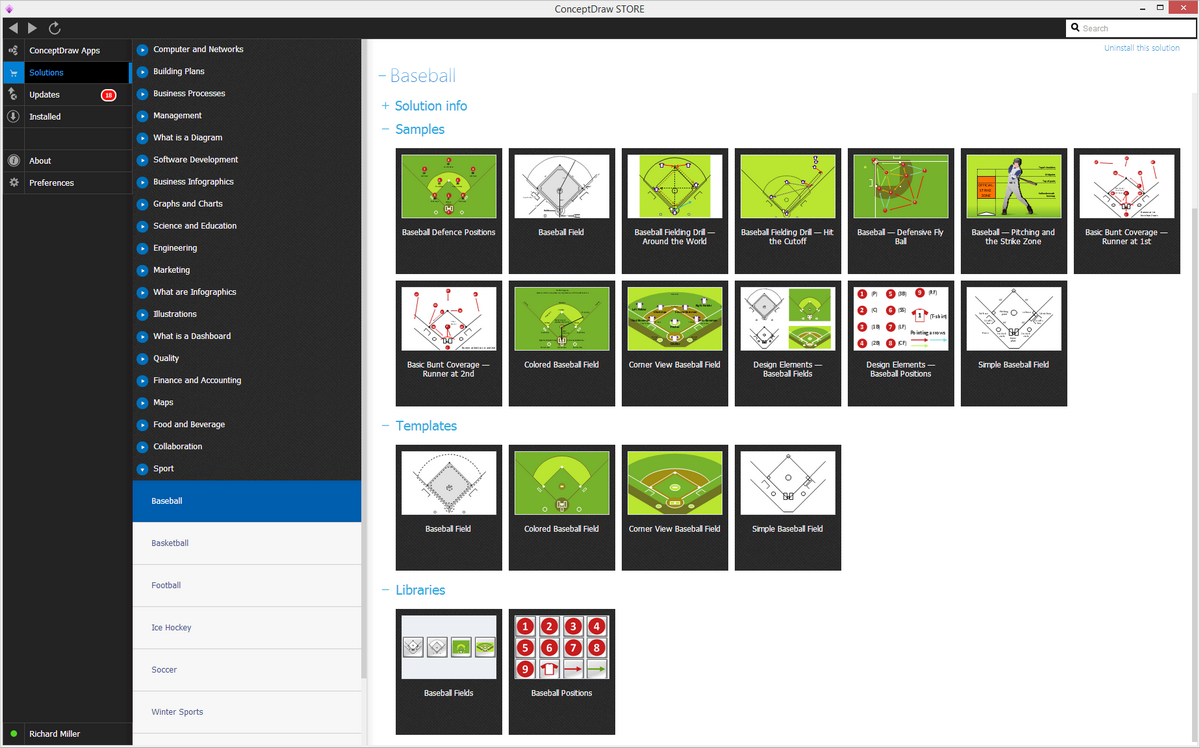
Sample 2. Baseball Solution in ConceptDraw STORE
Modifying the already previously created examples of the sport fields, such as a baseball one is always simpler rather than making everything from a scratch, as well as using already pre-made design elements rather than making your own ones. In case you need different layout, then you can choose the one named a Baseball Defence Positions, which, obviously, is meant to help with drawing a baseball diamond plan mentioning the defence positions on it, with the Third base, Pitcher, First base, Shortstop, Second base, Left field and Centre field placed where they all should be.
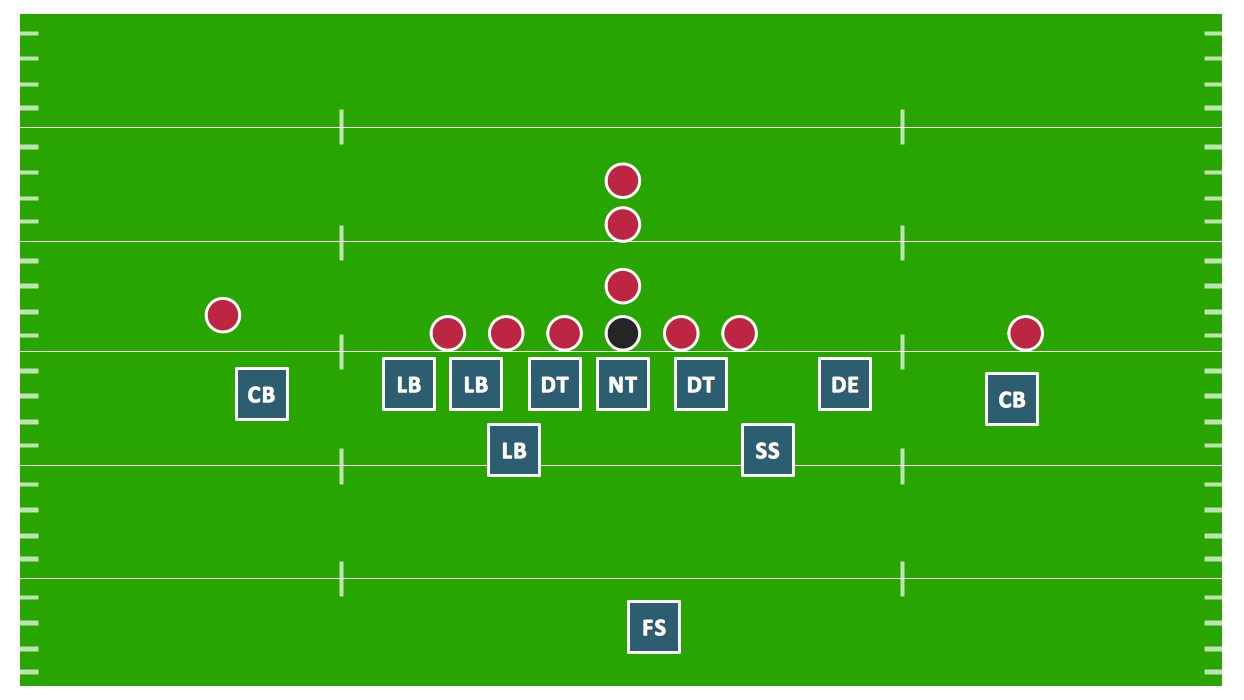
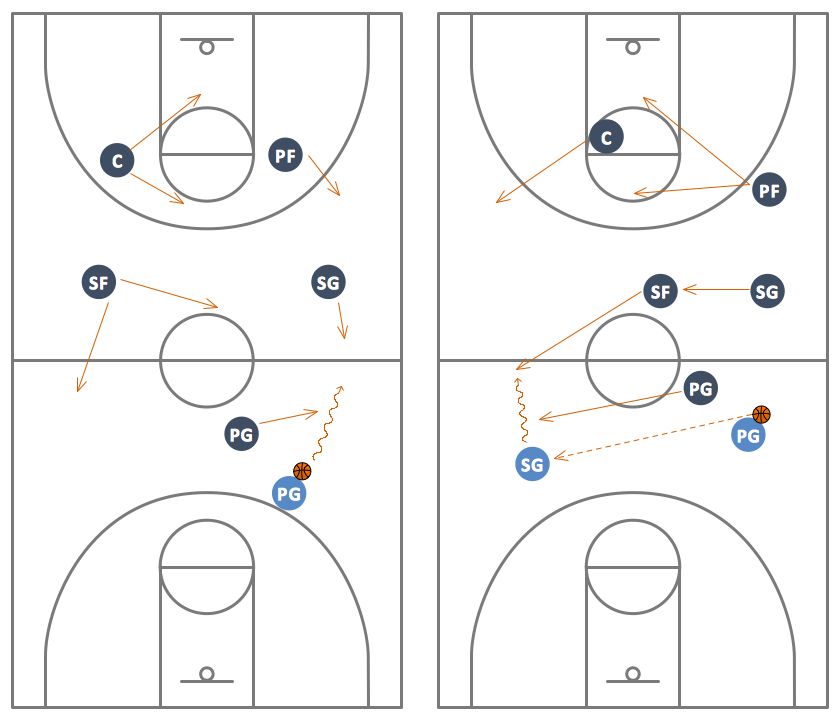
Next example within the Baseball solution, is called a “Baseball — Fielding Drill: Around The World”, providing the representation of the baseball players being places all over the baseball field with the arrows positioned in a way to show where the players move. The colour of the field plan itself can be always changed as well as all the positions — both the baseball players’ and the arrows’ ones.
The “Baseball — Basic Bunt Coverage: Runner at 2nd” template was created within only seven minutes by the professional user of the ConceptDraw DIAGRAM diagramming and drawing software and placed in Baseball Solution in ConceptDraw STORE application. There is no need to know as much about the official, meaning the correct dimensions as long as you have the needed solution (Baseball one) for making it possible to create a great looking baseball diamond plan placing the LF, SS, CF, RF, R, 2B, 3B, P, 1B, C — baseball players — where you want them to be.
There are also always other useful samples of the baseball field plans within the Baseball solution from ConceptDraw STORE, such as “Baseball Field Template — Corner View”, “Simple Baseball Field Sample”, “Baseball — Fielding Drill №2: Hit the Cutoff”, “Colored Baseball field”, where the colours always can be changed the way any ConceptDraw DIAGRAM user having such sample want them to be, “Baseball — Defensive Fly Ball”, “”Baseball — Basic Bunt Coverage: Runner at 1st”, “Simple Baseball Template”, which is not coloured, but always can be modified to become, “Baseball Field Sample — Corner View“, “Baseball Field Template”, “Baseball — Pitching and the Strike Zone” and “Coloured Baseball Field Template”, which all can be edited the desired way to get the unique and smart looking as well as always professionally looking result.
To learn more about a game of baseball as well as the positions used in this game, you can always go through the other articles, available on this site. This time we want to describe such terms as “outfield” and “infield”. This place is simply an area of the field of play in baseball known to be further from the batter or batsman — baseball players — than the infield. The “infield” can refer to dirt or grass, opposite to the more distant “outfield”. It can also be referred to the defensive unit of players, known to be positioned in the region: second baseman, first baseman, third baseman, shortstop. Sometimes it includes the pitcher and catcher who are often referred to separately as the battery.
The outfield, where the outfielders play, is made from artificial turf or thick grass. The positions to play in the outfield are centre, left and right fields, which are known to be named in relation to the batter's position. The right field is placed beyond first base and the left field is placed beyond third base. The outfields are known to be varied both in shape and size depending on the overall shape and size of the playing field.
The zone of the outfield is known to be stretching from the outfield wall to the infield, containing the warning track. The outfields can vary from Major League to Little League fields being different in their sizes. The little League outfields can vary more in size than the Major League outfields. Usually it is not a problem to see the Little League outfields being made of grass when the most Major League outfields — of an artificial turf. As the outfield is mainly a grass, the rainouts can occur more likely rather than on such fields where the outfield is made of turf. In baseball, a damp and slow outfield is usually known to be considered as an advantage for the hitter as a slick, wet ball cannot be thrown with the accuracy of the same baseball, but the dry one, allowing taking such opportunity for an additional advance on all the bases. This and other nuances are important to know for winning the game of baseball.