Landscape Plan
Landscape design is a term familiar to all owners of houses and cottages. This term includes not only landscape gardening and landscaping garden. It is a real art that includes knowledge from different fields of science. Landscape design is based on the laws of design, architecture, construction, plant growing, history, culture and philosophy.
There are a lot of questions at the beginning of the garden arrangement process: how to build a pathway; where to provide a place for recreation or an arbor; where to plant trees, and which ones. One way to solve these issues is to explore piles of special literature or to buy a colorfully illustrated landscape design magazines, but, unfortunately, the theoretical knowledge does not always provide the desired result. Beautiful garden is not a coincidence, but the result of the specialists work, ranging from experienced designers and ending with qualified teams of workers who will embody the idea of the garden to reality. While designing the area it is desirable to consult an architect. The work can be divided into two phases: the preparation of the design and the actual design. Area designing is a very important and crucial stage of site adjustment process. Territory measurements are the first stage in design preparing. They are necessary for the accurate representation of the original relief of the area. This must be considered during future construction, land planning and functional zoning in order to more use the original terrain efficiently. It is also necessary to hold an inventory to accommodate existing trees, shrubs, flower beds, assess their condition, as well as to determine the optimal location for the garden planned elements. Landscape design begins with thinking about the most convenient and logical area zoning. A master plan is a carefully designed plan, based on a sketch, which shows the boundaries of the area, the projected plants, pathways, playgrounds, all existing plants, all the buildings and architecture, flower gardens.
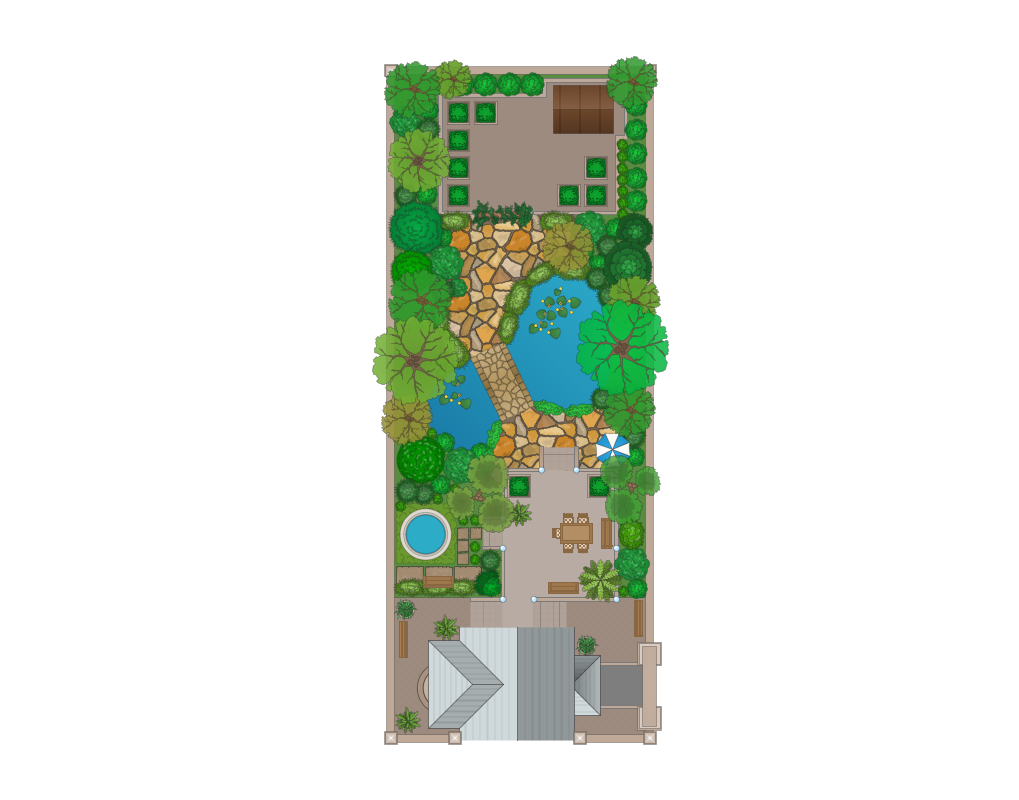
One of the most important components of landscape design is a detailed landscape plan. ConceptDraw DIAGRAM extended with Landscape & Garden Solution from the Building Plans area of ConceptDraw Solution Park is a powerful software for easy drawing landscape plan of any complexity.
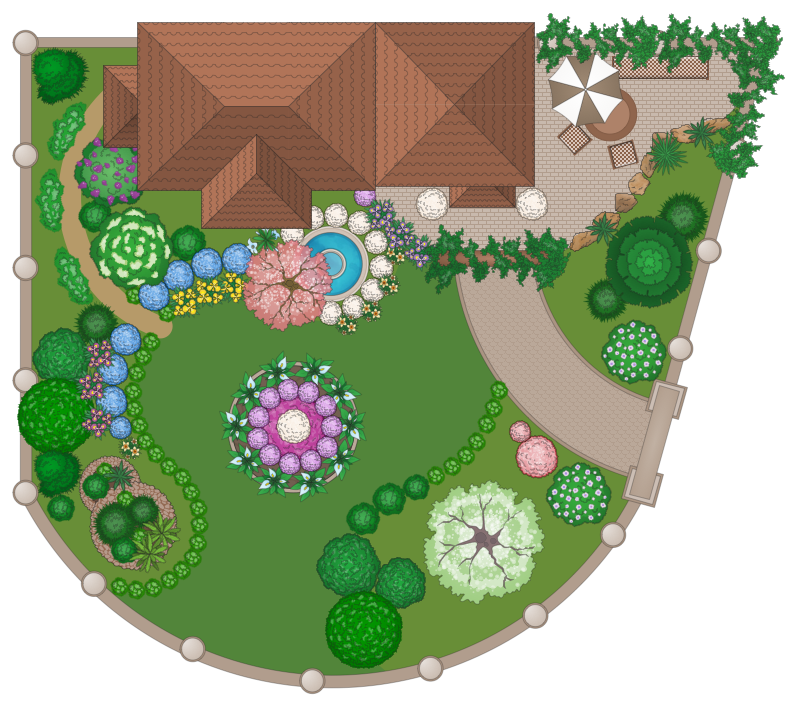
Example 1. Landscape Plan - Domestic Garden
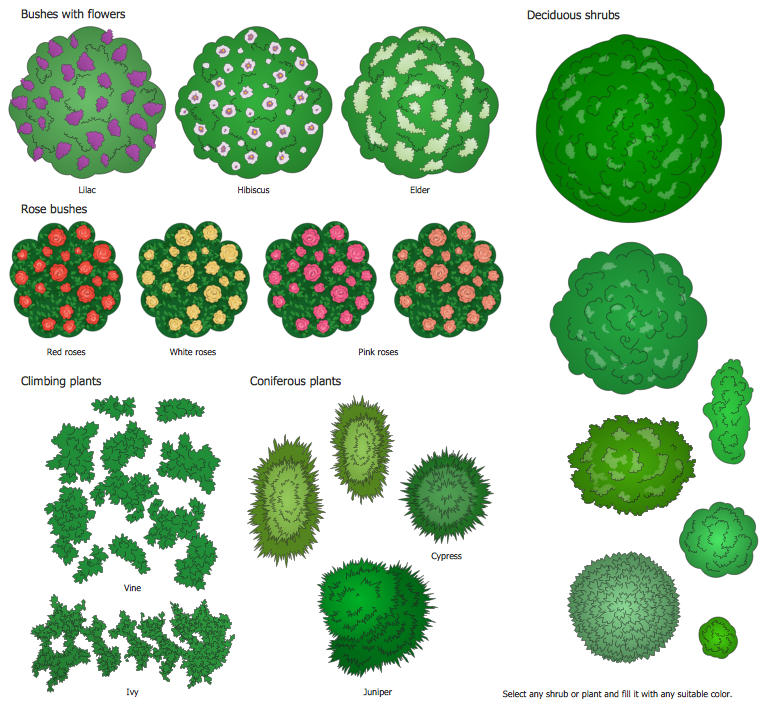
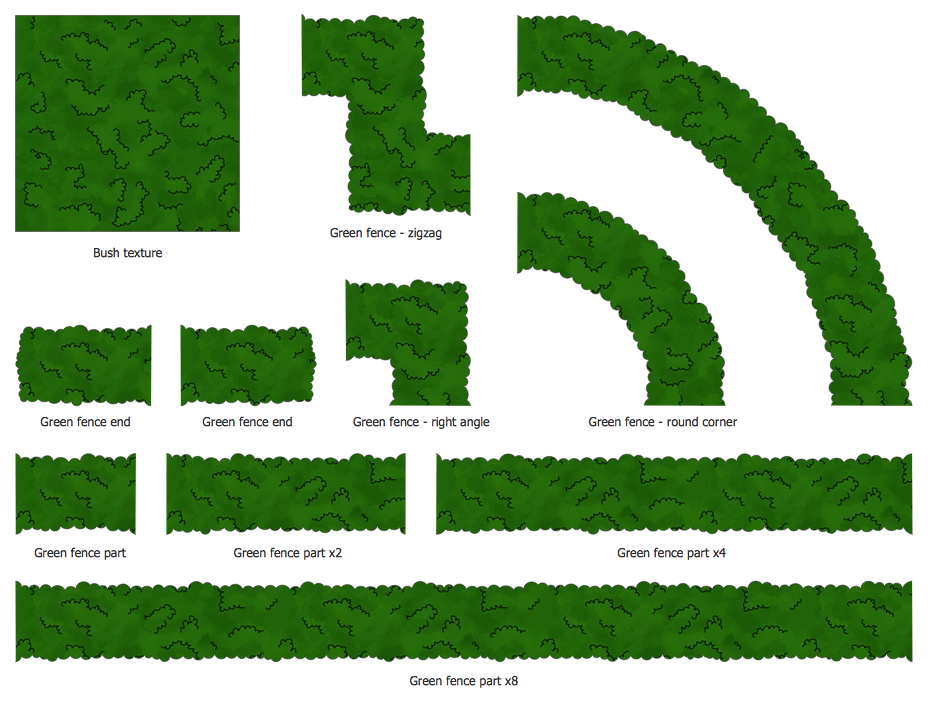
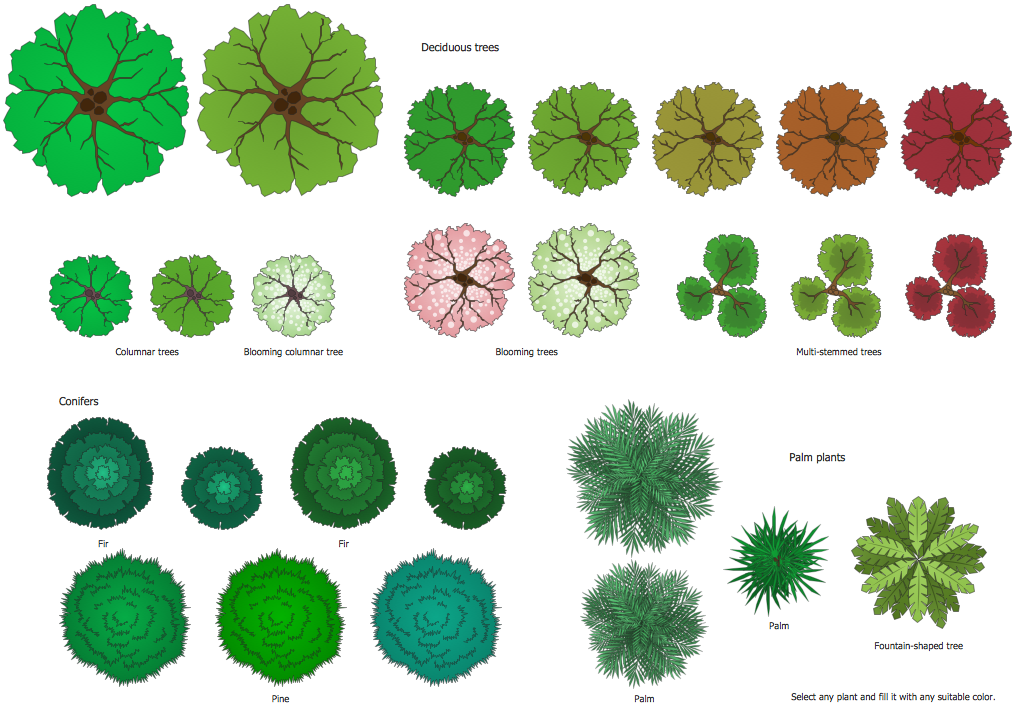
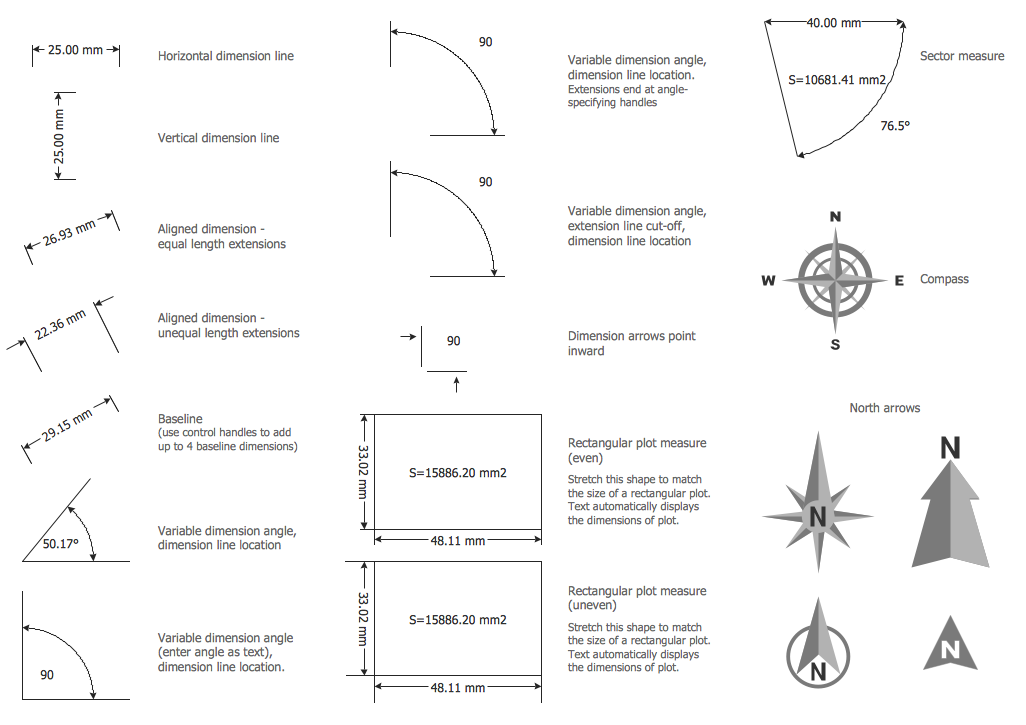
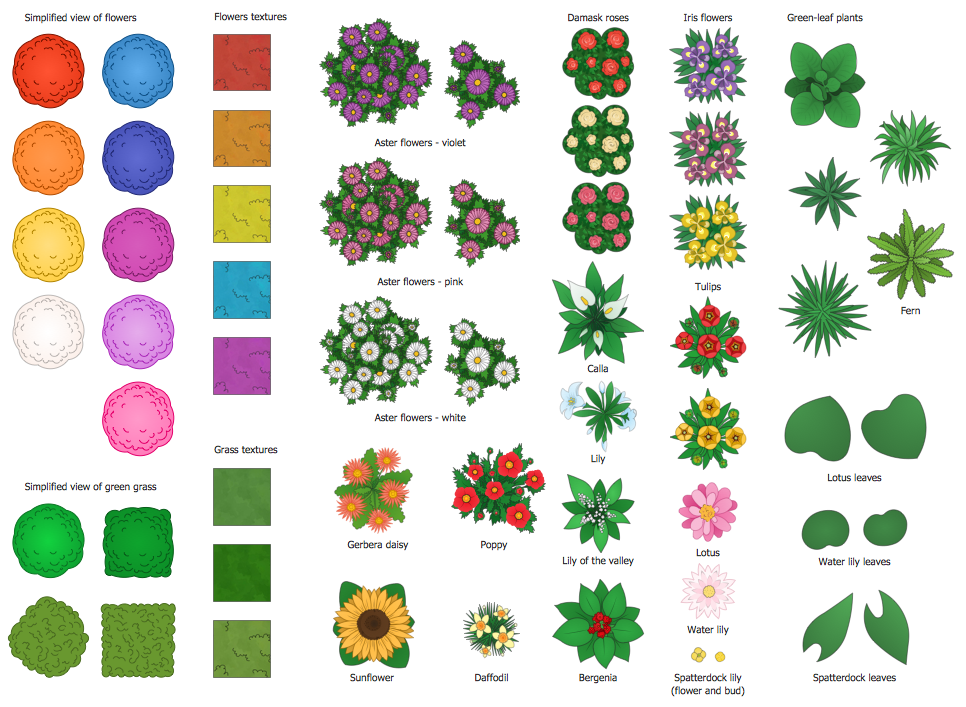
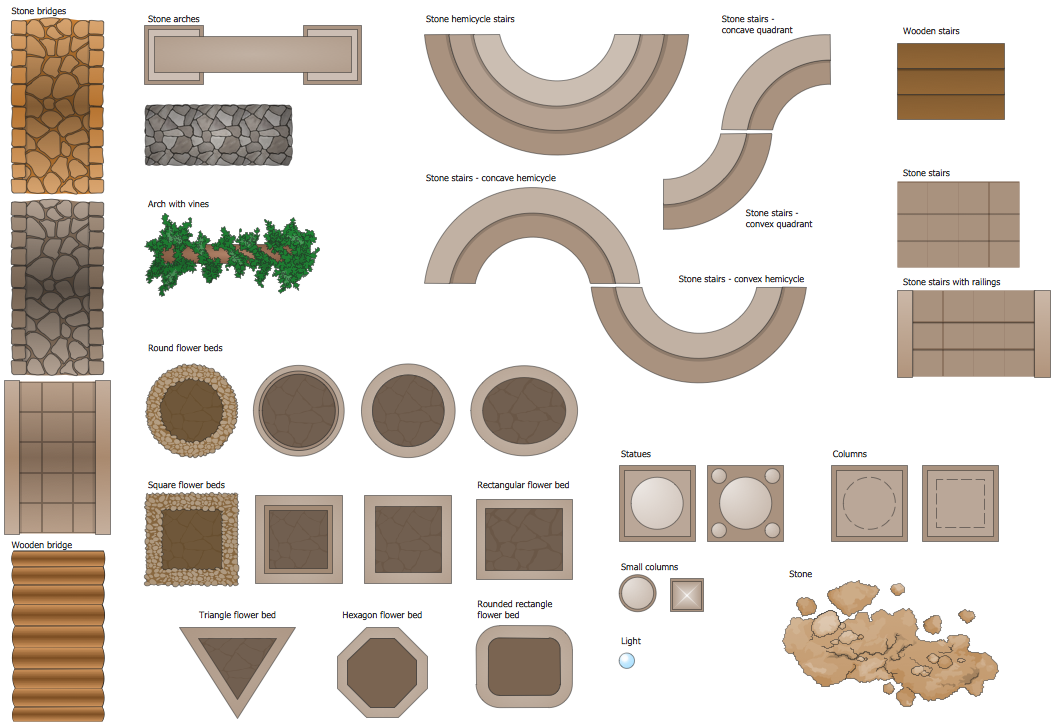
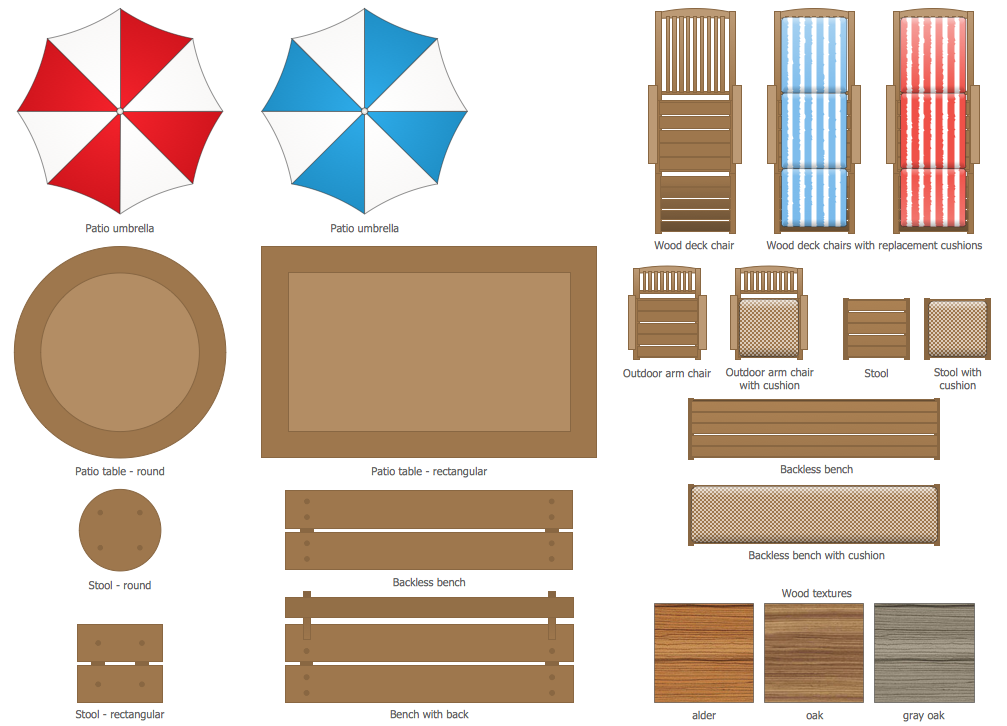
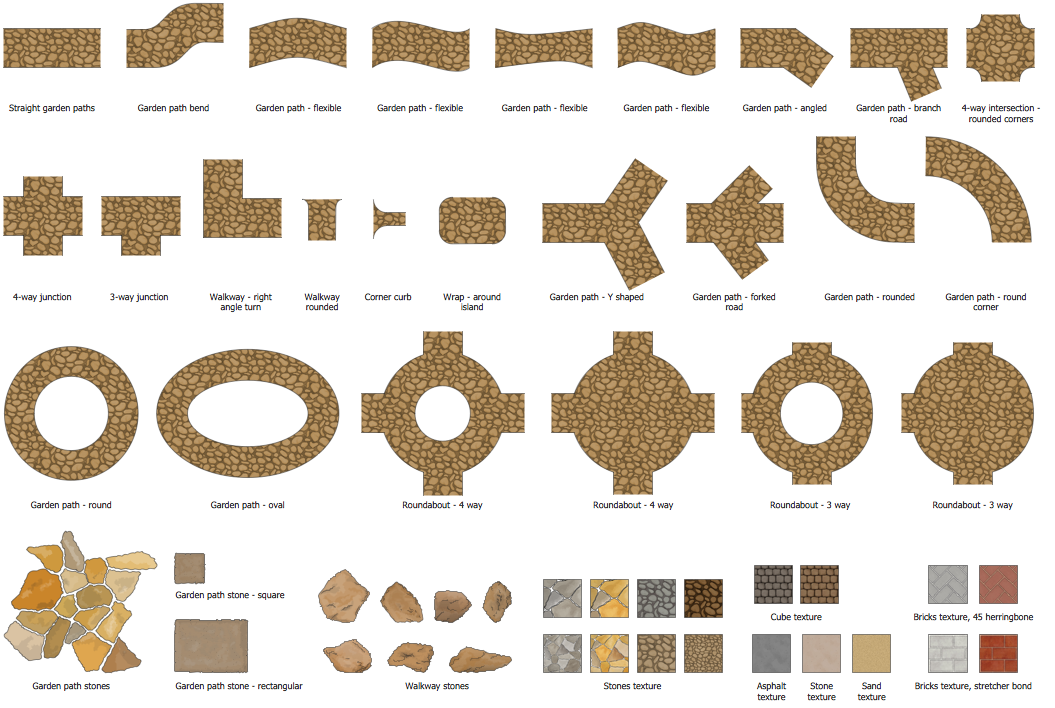
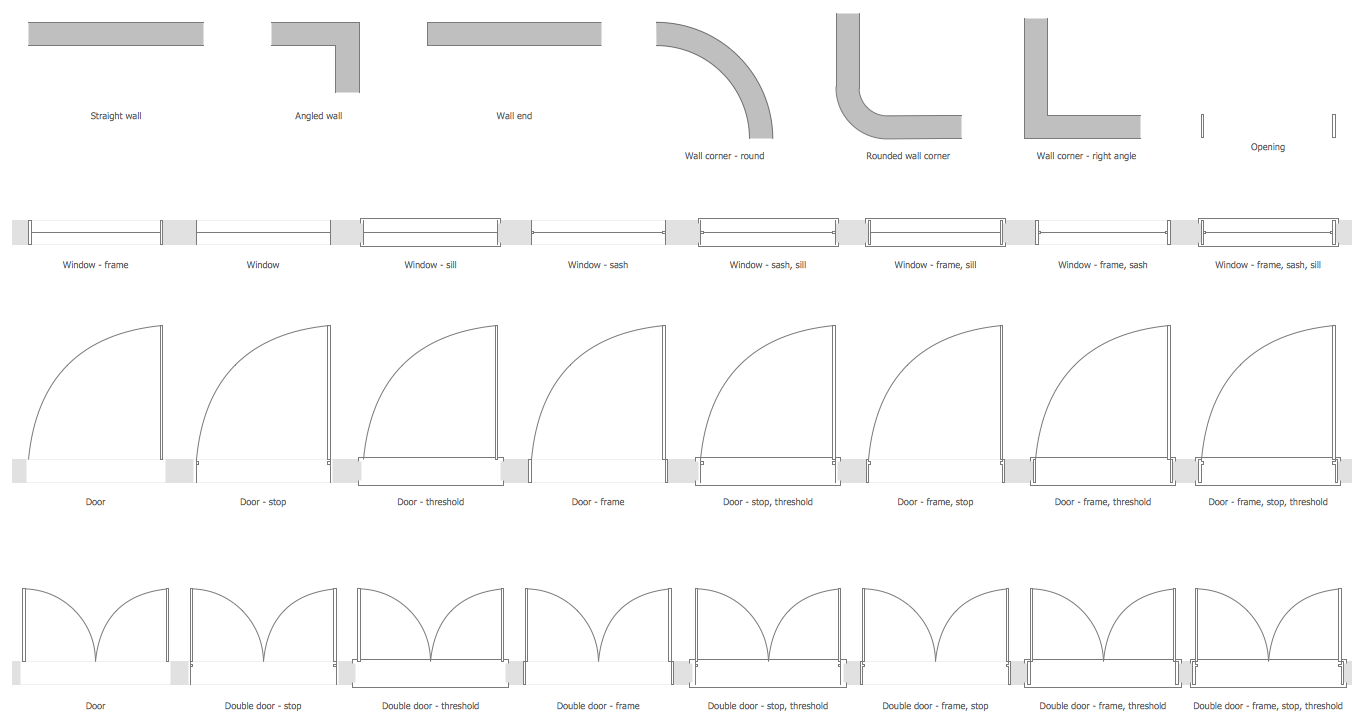
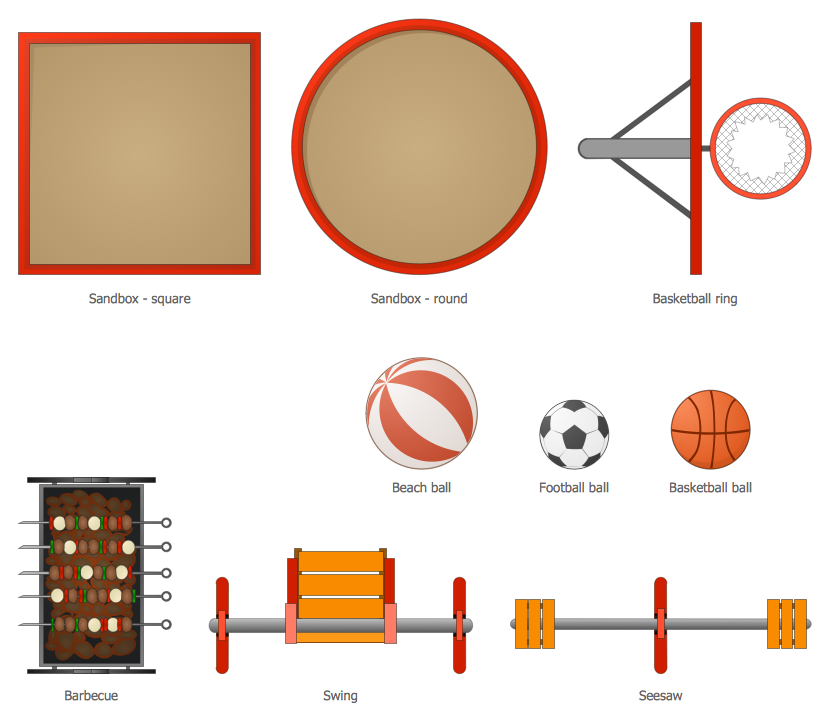
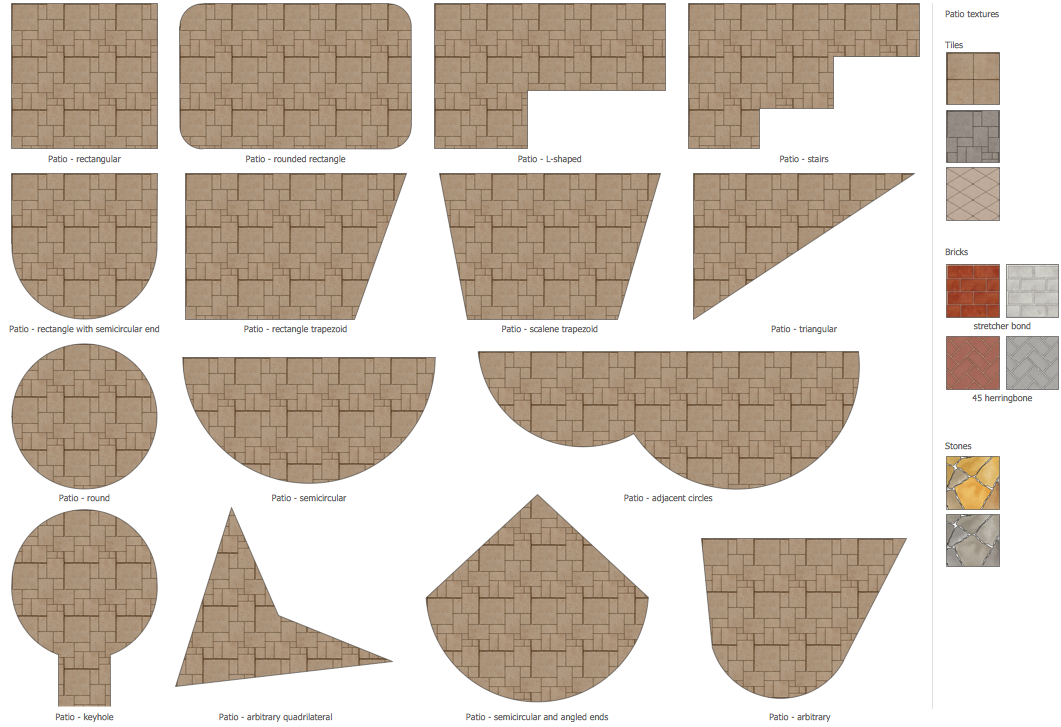
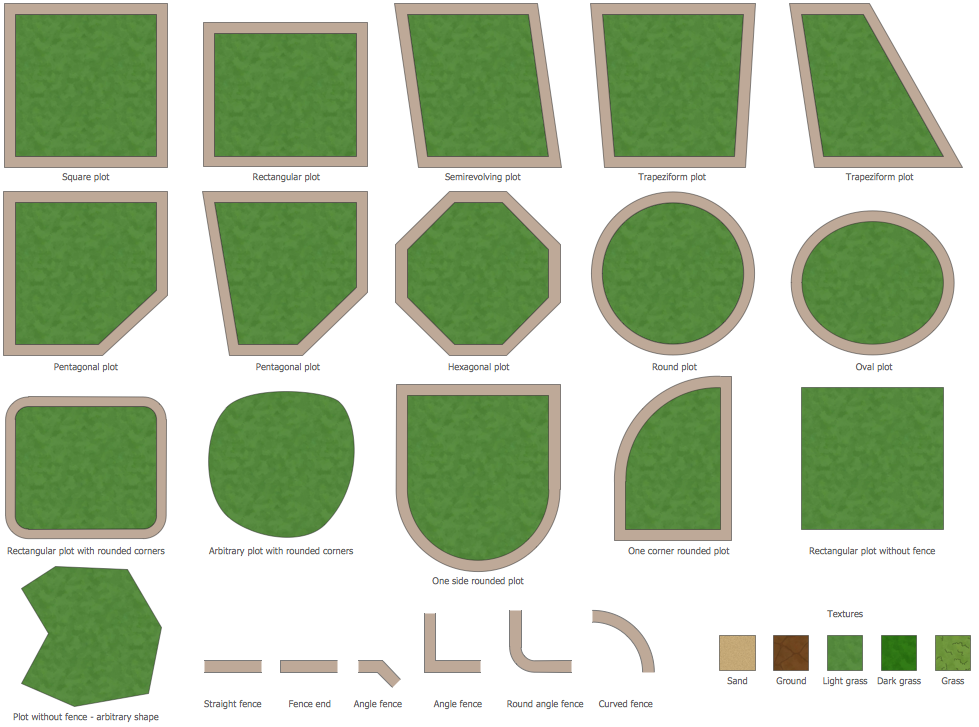
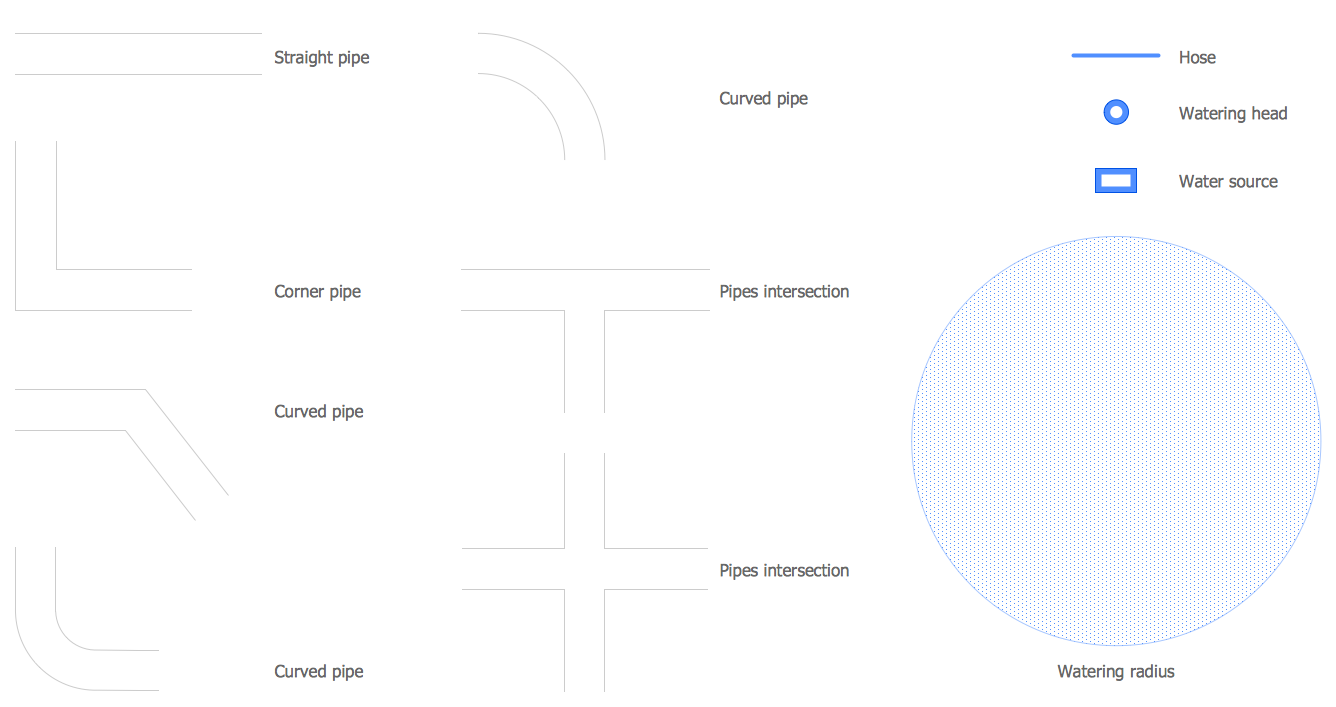
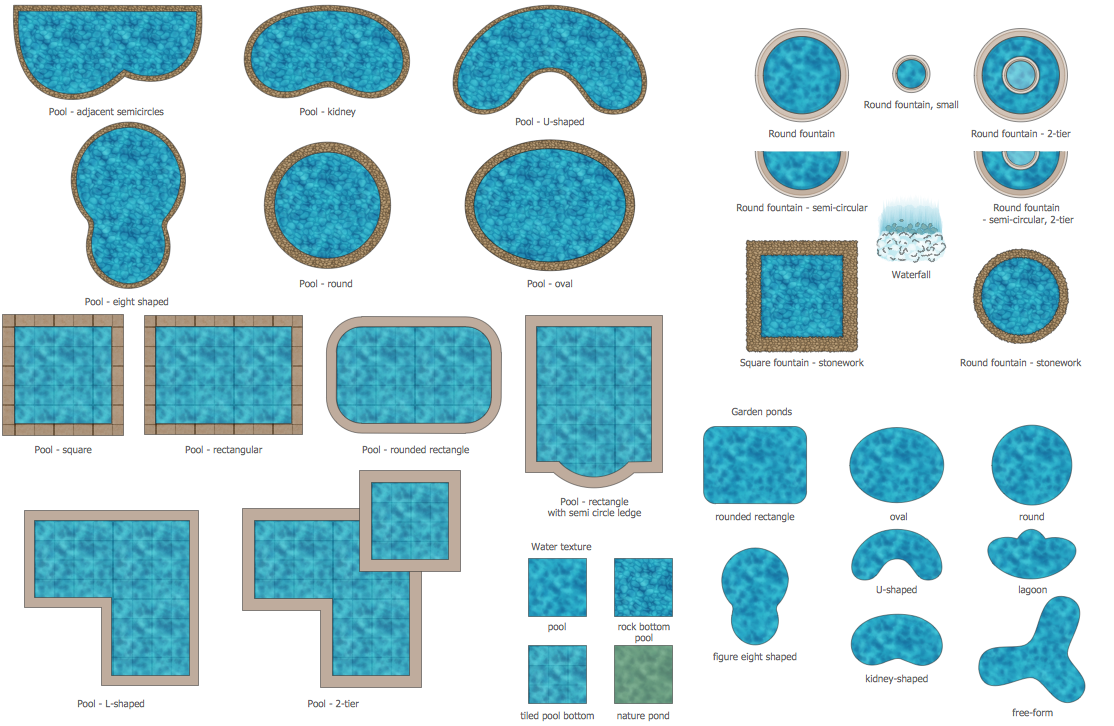
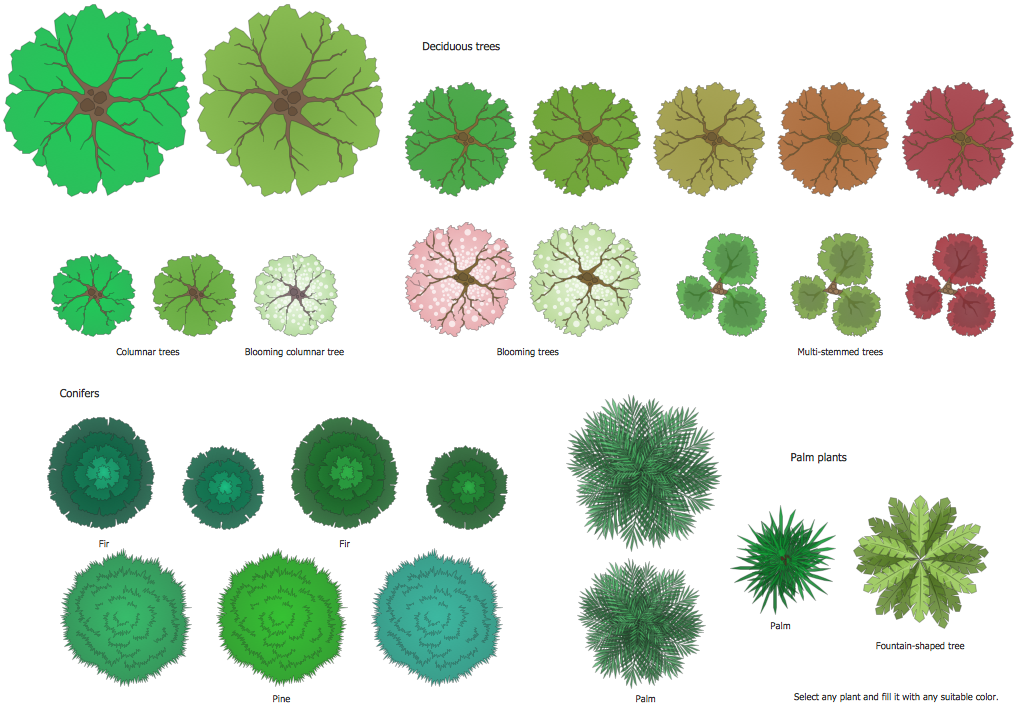
Landscape plan must obligatory take into account all specific features of a land: natural ponds, hills, ravines, etc. Landscape & Garden Solution offers 14 libraries with variety of different predesigned vector shapes which will allow to represent any design ideas for any parcel of land.
Click on the previews to observe all beauty and diversity of ready-to-use vector shapes specially prepared by designers for ConceptDraw DIAGRAM users.
Example 2. Landscape Plan - Terrace Garden
The following features make ConceptDraw DIAGRAM the best Landscape Plan Design software:
- You don't need to be an artist to draw professional looking plans in a few minutes.
- Large quantity of ready-to-use vector objects makes your drawing landscape plan quick and easy.
- Great number of predesigned templates and samples give you the good start for your own plans.
- ConceptDraw DIAGRAM provides you the possibility to use the grid, rules and guides. You can easily rotate, group, align, arrange the objects, use different fonts and colors to make your diagram exceptionally looking.
- All ConceptDraw DIAGRAM documents are vector graphic files and are available for reviewing, modifying, and converting to a variety of formats: image, HTML, PDF file, MS PowerPoint Presentation, Adobe Flash, MS Visio.
- Using ConceptDraw STORE you can navigate through ConceptDraw Solution Park, managing downloads and updates. You can access libraries, templates and samples directly from the ConceptDraw STORE.
- If you have any questions, our free of charge support is always ready to come to your aid.
TEN RELATED HOW TO's:
The vector stencils library France contains contours for ConceptDraw DIAGRAM diagramming and vector drawing software. This library is contained in the Continent Maps solution from Maps area of ConceptDraw Solution Park.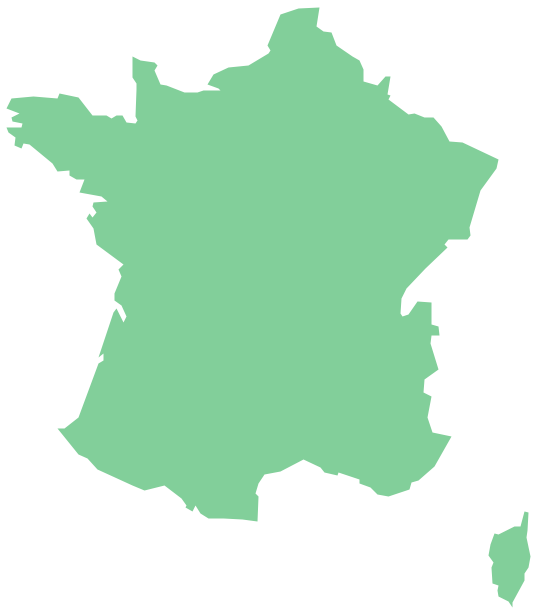
Picture: Geo Map — Europe — France
Related Solution:
Designing a floor plan or a home plan using special software may sound quite complicated. There are many tools to create such plan, but it would be useful for a beginner to watch some tips on how to create home plan with examples or even templates. ConceptDraw Solution Park provides dozens of floor plans examples, templates and libraries with vector stencils.
This small private apartment floor plan is created using ConceptDraw Building Plans solution. It provides the 15 object libraries that include more than 600 vector objects along with the set of templates for drawing different floor plans. The given sample represents the individual apartment's plan in details. It shows the layout of rooms, the furniture and sanitary engineering location and even possible location of houseplants. The legend on the right side of the drawing will guide people through the location of the apartment.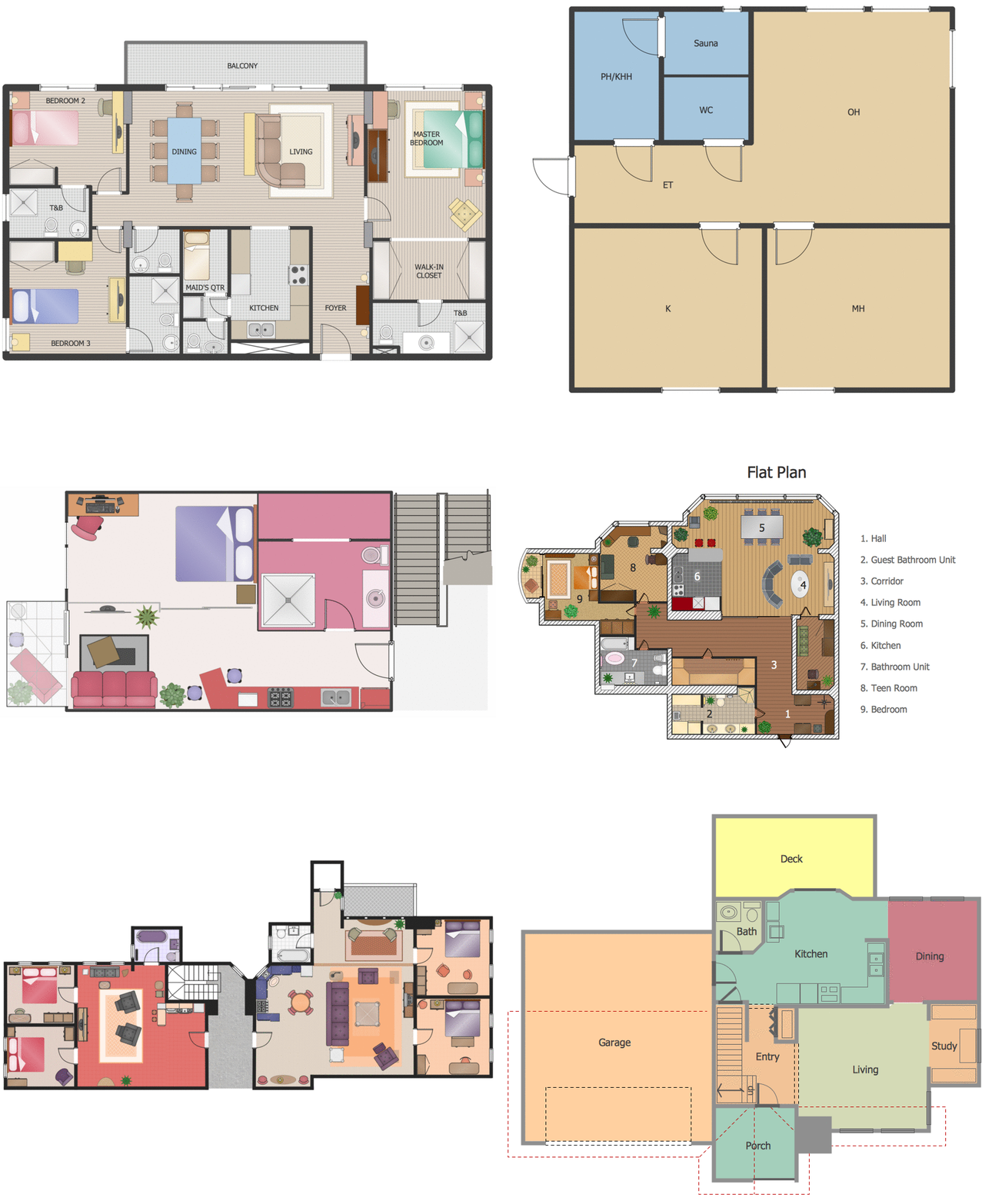
Picture: How To Create Home Plan with Examples
Related Solution:
ConceptDraw DIAGRAM diagramming and vector drawing software enhanced with powerful HR Flowcharts Solution perfectly suits for Human Resource Management.
Picture: Human Resource Management
Related Solution:
This sample was created in ConceptDraw DIAGRAM diagramming and vector drawing software using the UML Class Diagram library of the Rapid UML Solution from the Software Development area of ConceptDraw Solution Park.
This sample describes the use of the classes, the generalization associations between them, the multiplicity of associations and constraints. Provided UML diagram is one of the examples set that are part of Rapid UML solution.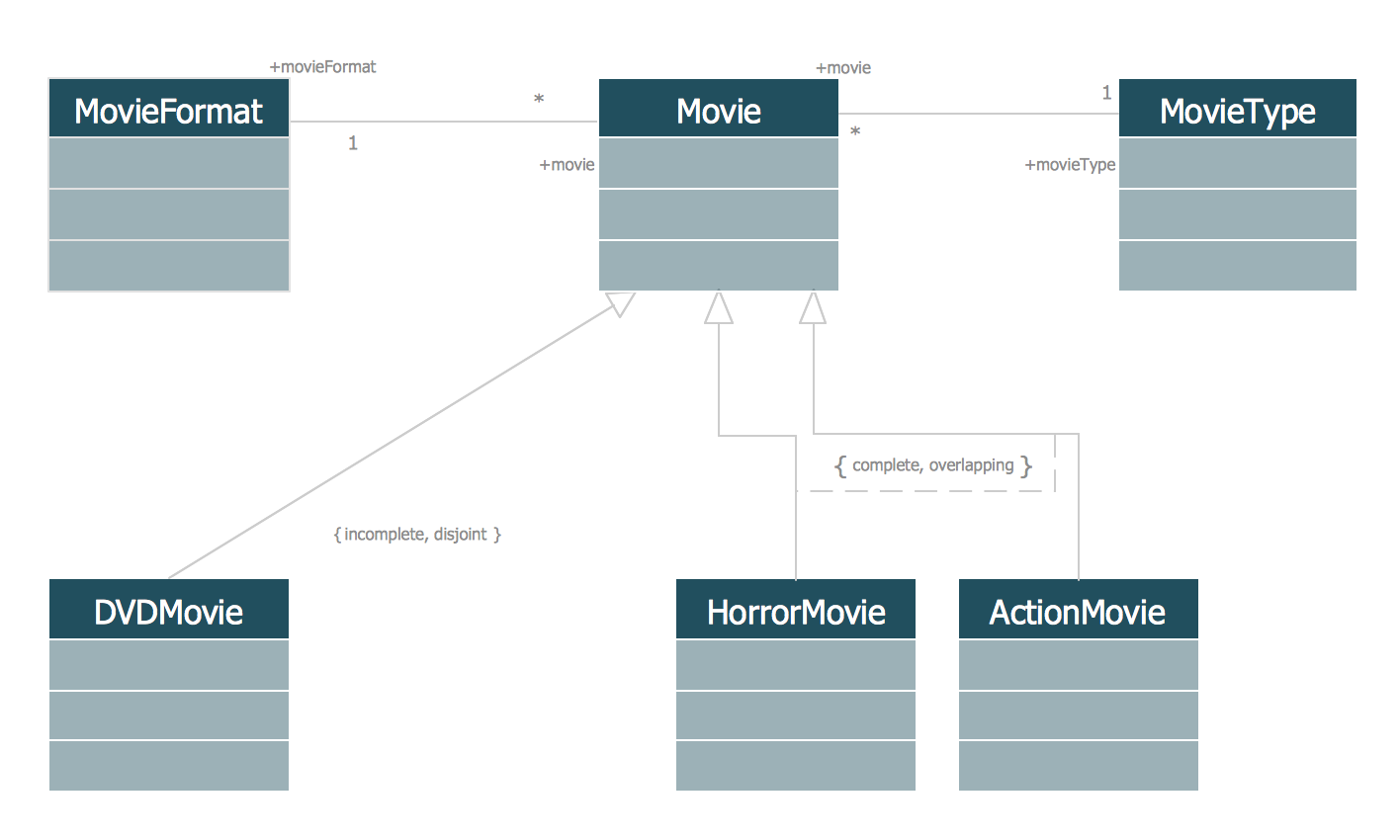
Picture: UML Class Diagram Generalization ExampleUML Diagrams
Related Solution:
The Total Quality Management Diagram solution helps your organization visualize business and industrial processes. Create Total Quality Management diagrams for business process with ConceptDraw software.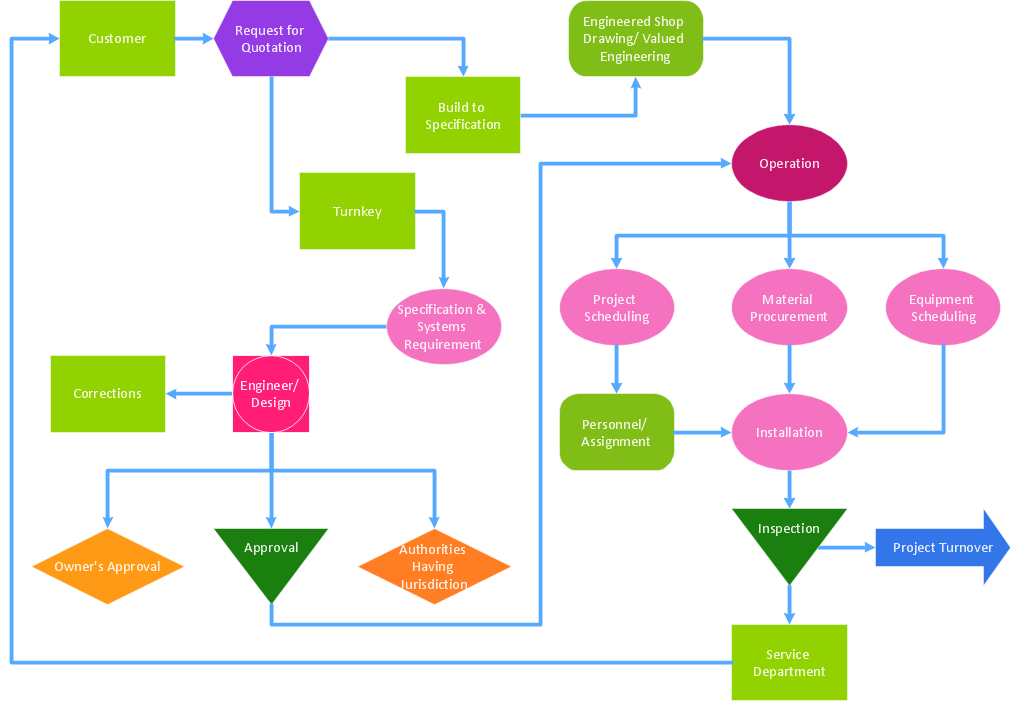
Picture: Definition TQM Diagram
Related Solution:
Drawing of Half Pipe Plans is quite complex process. But now it's very to design the Half Pipe Plans of any complexity with ConceptDraw DIAGRAM diagramming and vector drawing software extended with Plumbing and Piping Plans Solution.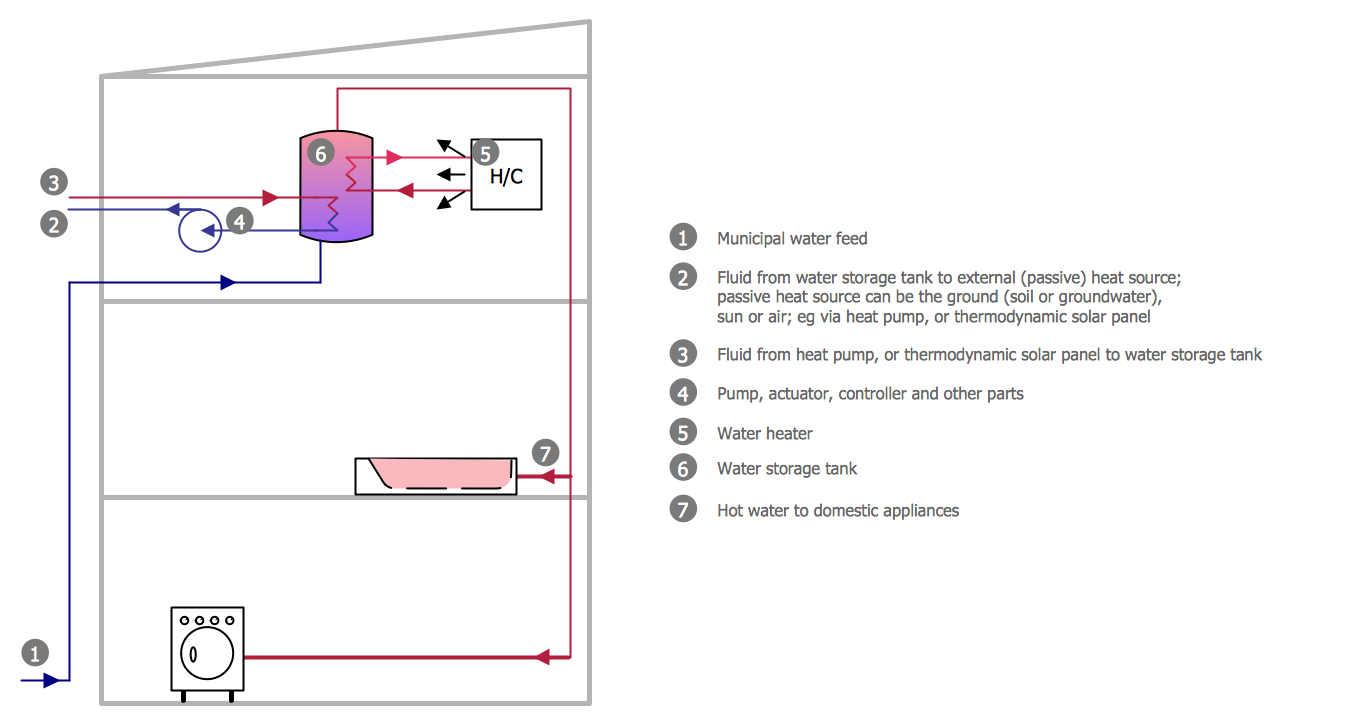
Picture: Half Pipe Plans
Related Solution:
The landscape designs are simple to be created using ConceptDraw DIAGRAM software. Being enhanced with Landscape & Garden solution it is a powerful landscape drawing tool. It allows making the overall plan of a plot, planning a garden, patio, recreation area with a pool, landscape composition with a pond or fountain, and displaying different landscape design areas and ideas fast and simply.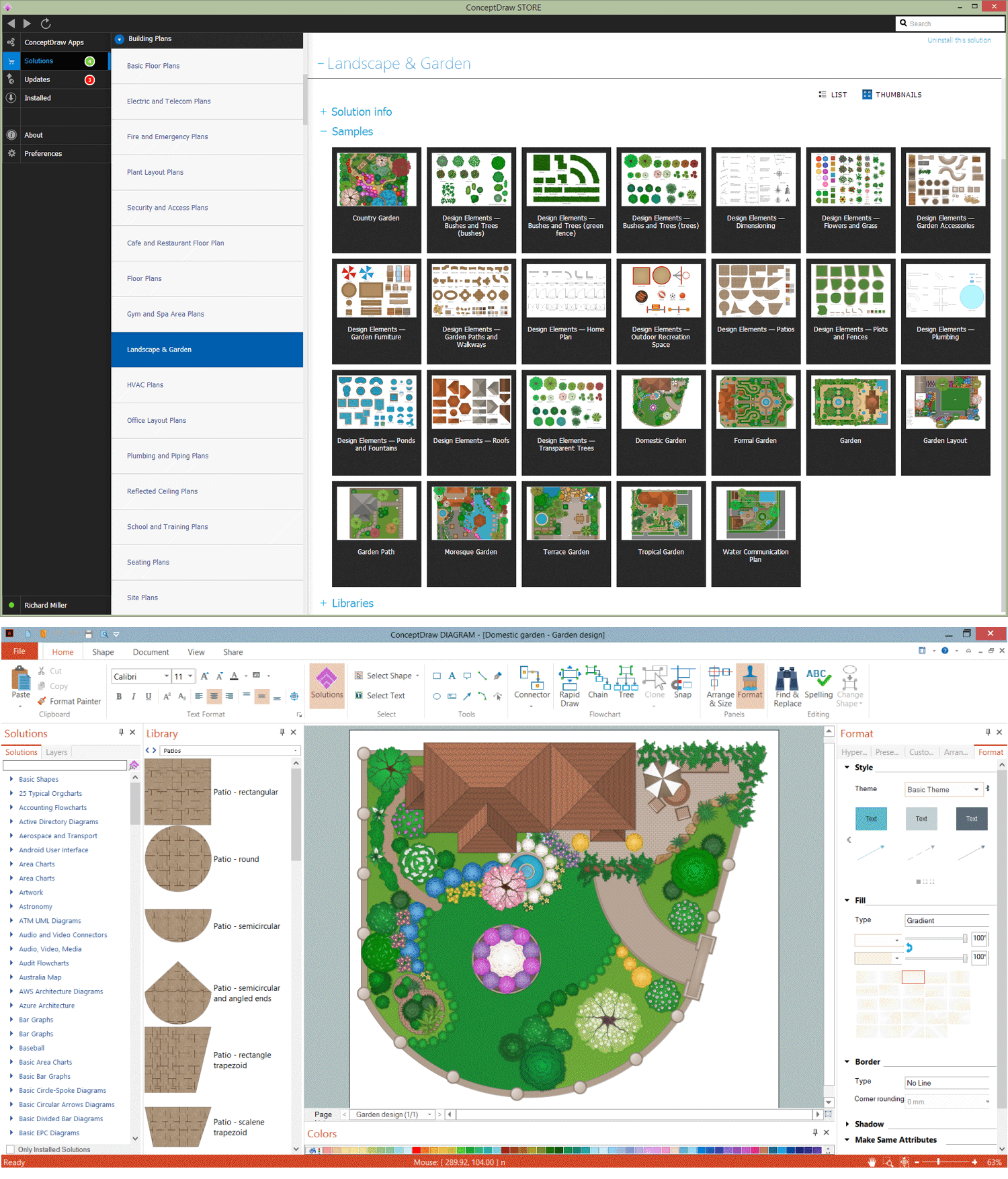
Picture: Landscape Drawing Tool
Related Solution:
ConceptDraw DIAGRAM is perfect for software designers and software developers who need to draw Cisco Network Diagrams.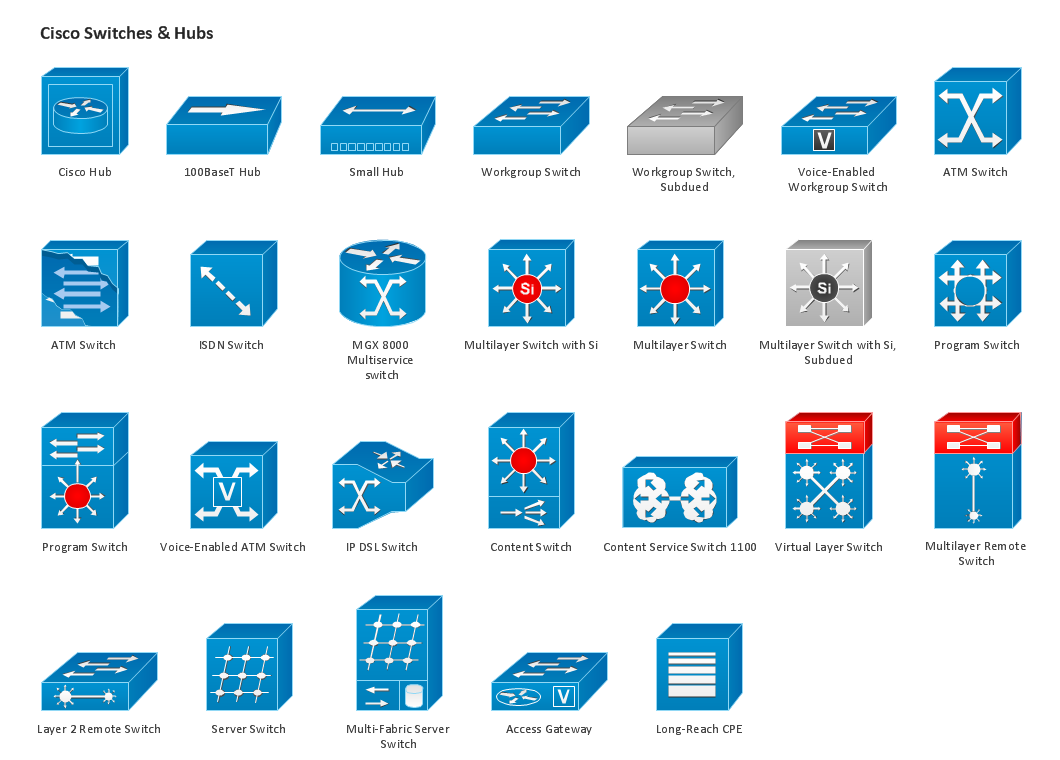
Picture: Design Element: Cisco for Network Diagrams
Public catering business will always be in demand.To attract a lot of clients, it’s important to have a detailed banquet hall plan, a diverse menu and reasonable prices. If you want to create a good plan, you can use drawing software.
When planning and considering the layout of a banquet hall, one must take into consideration, that it is very significant to make it stylish with correctly selected appointment and celebratory belongings. Tables and seating must be handily arranged. The furniture arrangement can changes depending on client requirements, kind of banquet and amount of guests. ConceptDraw Cafe and Restaurant Plans solution supplies a dozens of predesigned vector graphic objects of banquet furniture and accessories. Thus you can design the Banquet Hall layout for the celebrations in any style and any number of guests.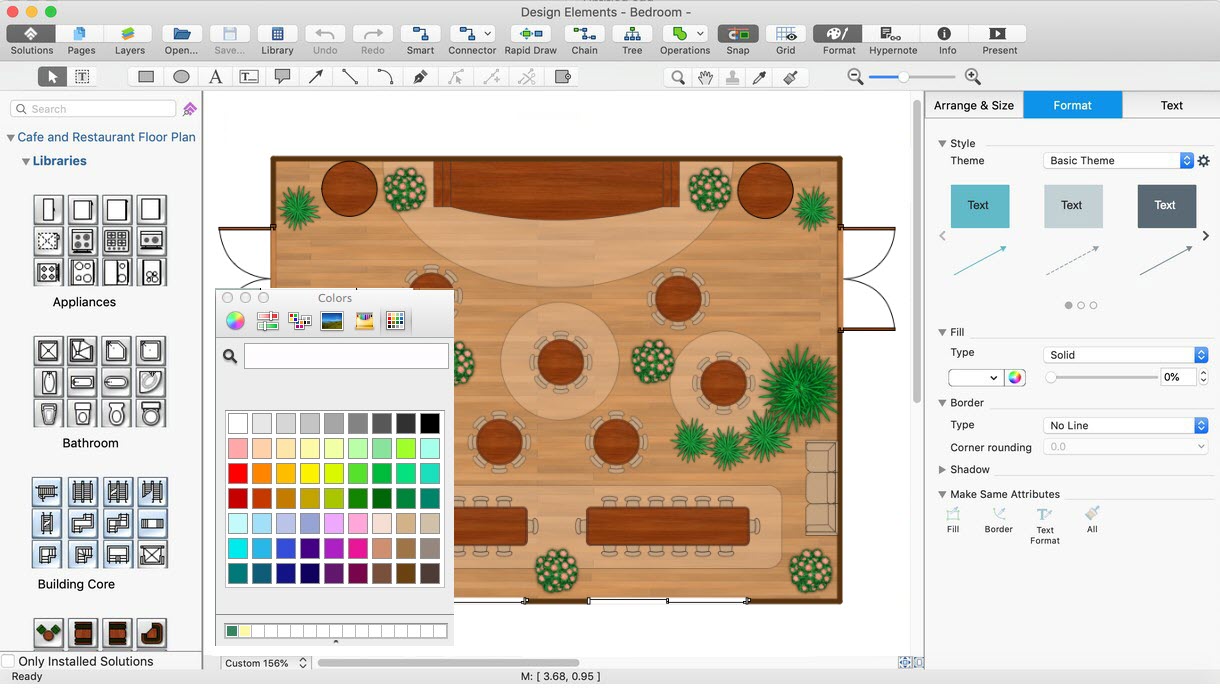
Picture: Banquet Hall Plan Software
Related Solution:
The recruitment process often requires design and use of various HR flowcharts, diagrams, attractive illustrations.
Picture: Recruitment
Related Solution: