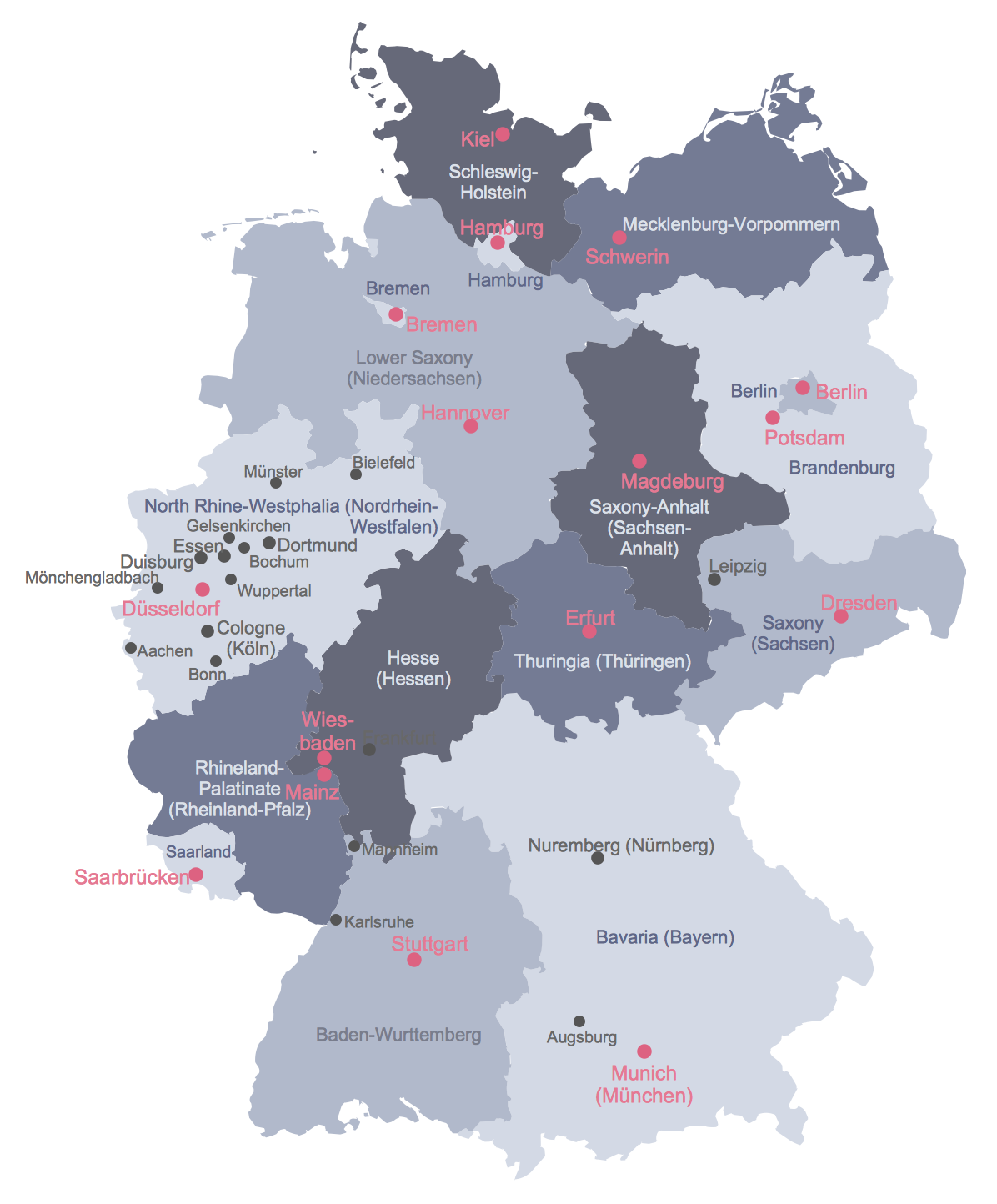
Example 1. Political Map of Germany
To quickly design the map of Germany in ConceptDraw DIAGRAM please turn your attention for the collection of scalable graphic objects included to the Germany library from the Germany Map Solution. All they are vector and let you design the large map of Europe with Germany on it, the whole map of Germany, or the maps of any Germany state literally in a few minutes.
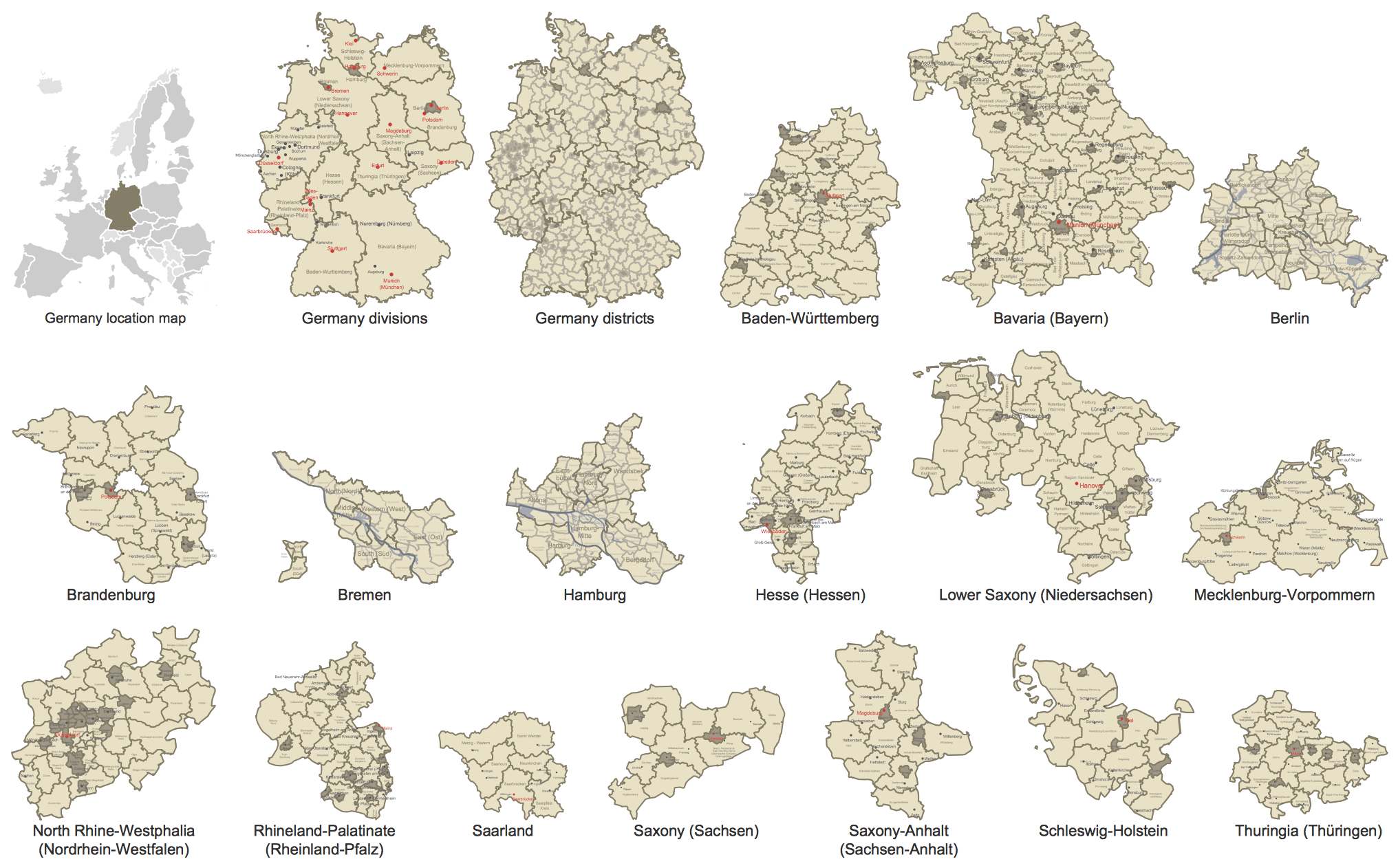
Example 2. Germany Library Design Elements
Almost all of these objects possess an action feature - you can use the commands from the action menu to show/hide federal states and their names, capitals and major cities, regions and districts. Note that the list of action possibilities differs according of object.
Besides, the Germany Map solution includes also wide variety of predesigned samples which are available from ConceptDraw STORE. Each of them is easy printable map, and so ideal for using in various presentations and publications. Use successfully the Germany Map samples as are or as the base for your own maps.
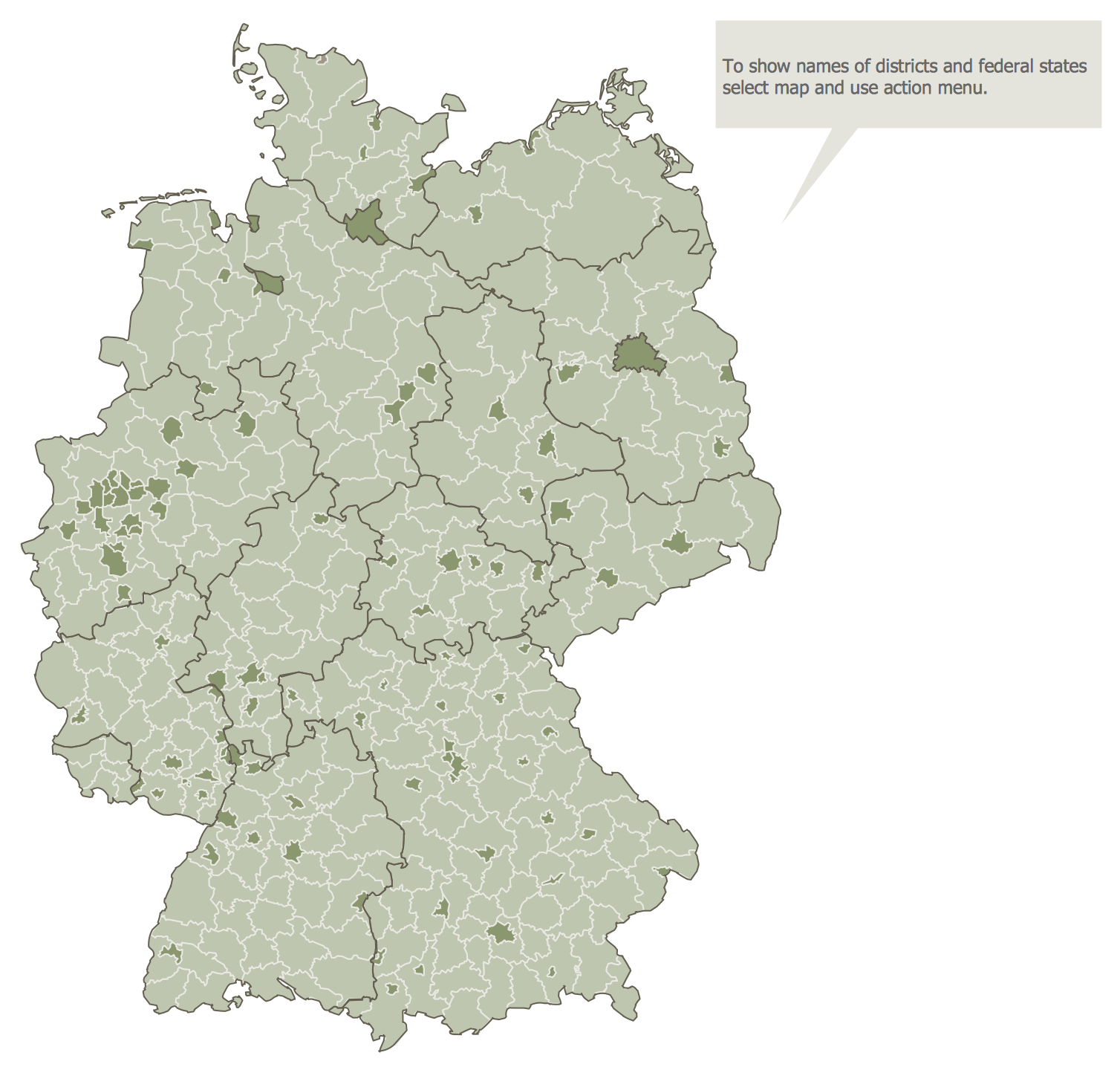
Example 3. Map of Germany Districts
The samples you see on this page were created in ConceptDraw DIAGRAM software using the tools of the Germany Map solution. An experienced user spent 5 minutes creating each of these maps, all they are available from ConceptDraw STORE.
Use the Germany Map solution for ConceptDraw DIAGRAM software to design your own Map of Germany quick, easy and effective, and then successfully use it in your life or work activity.
All source documents are vector graphic documents. They are available for reviewing, modifying, or converting to a variety of formats (PDF file, MS PowerPoint, MS Visio, and many other graphic formats) from the ConceptDraw STORE. The Germany Map Solution is available for all ConceptDraw DIAGRAM users.
TEN RELATED HOW TO's:
The vector stencils library Netherlands contains contours for ConceptDraw DIAGRAM diagramming and vector drawing software. This library is contained in the Continent Maps solution from Maps area of ConceptDraw Solution Park.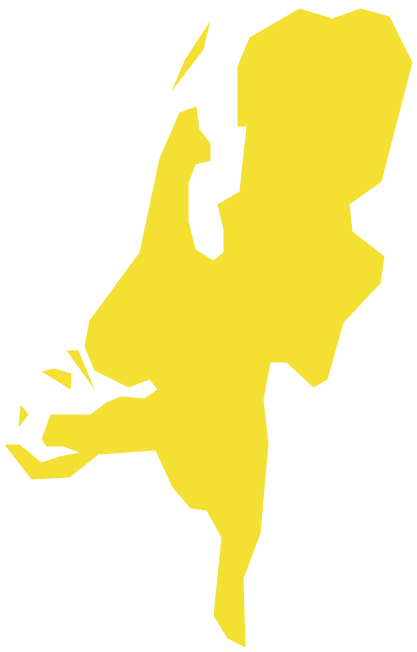
Picture: Geo Map - Europe - Netherlands
Related Solution:
Germany is a federal parliamentary republic in West-Central Europe which consists of 16 constituent states. It is a part of Schengen area and the most populous member state in the European Union. ConceptDraw DIAGRAM diagramming and vector drawing software offers the unique Germany Map Solution from the Maps Area of ConceptDraw Solution Park, developed specially for easy drawing the maps of Germany of different levels of complexity and detailing.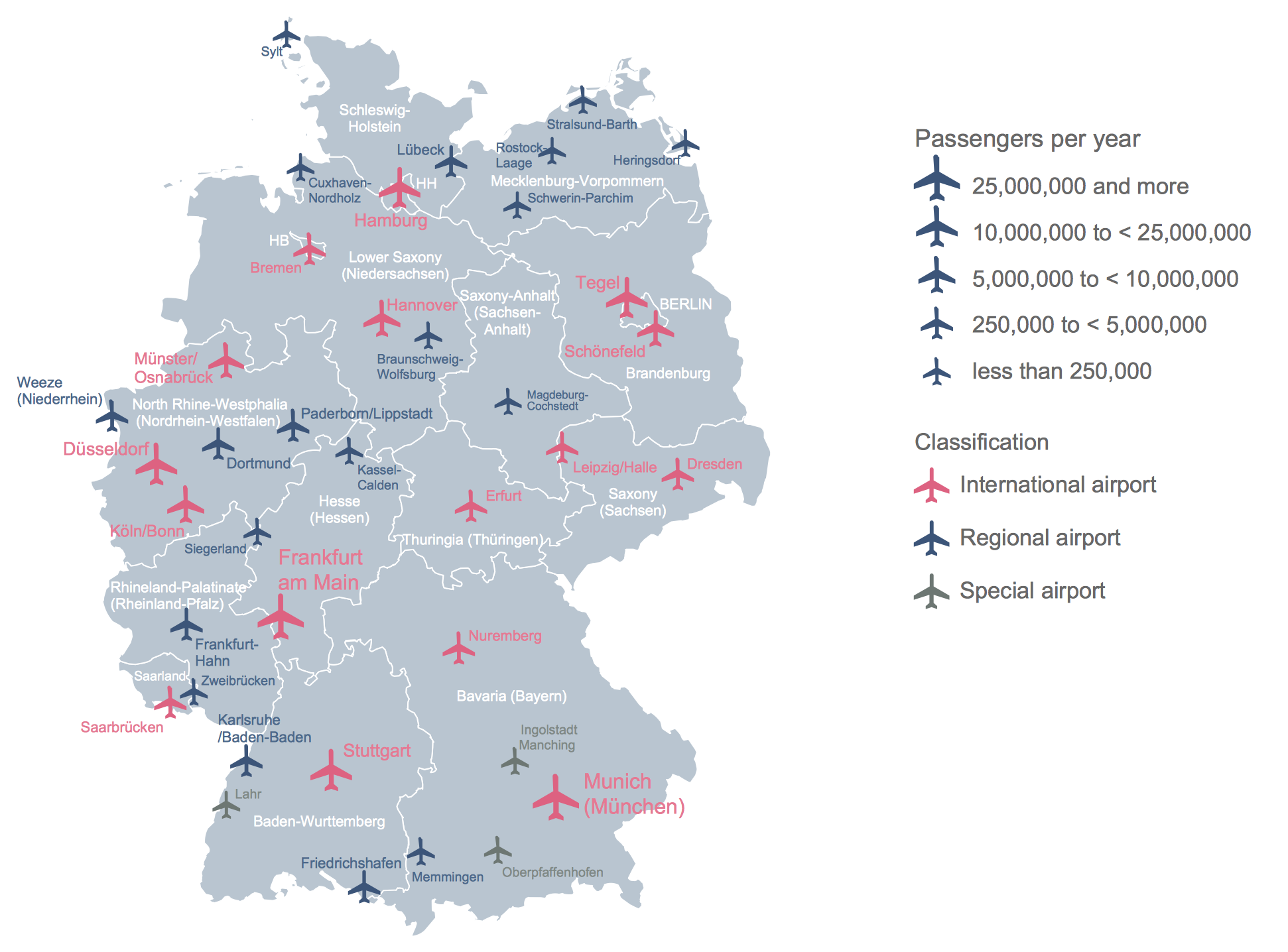
Picture: Maps of Germany
Related Solution:
Talking about companies, that have influenced the entire industry, we should mention Cisco and it’s influence on network design. Nowadays, this equipment has became a kind of standard, and Cisco icons, shapes, stencils, symbols and design elements are easily recognized among others. You can use these icons to develop a network diagram of any complexity.
When dealing with creating a pack of network documentation, system administrator often have to depict a network containing a network equipment of such a well-known manufacturer as Cisco. As Cisco has developed its own production standard icons that are strongly recommended to use in Cisco network diagrams. The best way to draw Cisco Network diagram Cisco certified icons is using ConceptDraw solution for Cisco Network Diagrams. Using Cisco symbols library provided by this solution allows system administrator, or network architect to design a prototype of a new network or document an existing one.
Picture: Cisco Network Design. Cisco icons, shapes, stencils, symbols and design elements
Related Solution:
Architect Software — Create electrical diagrams, architectural designs using ConceptDraw.
Picture: How To use Architect Software
Related Solution:
Despite the fact that the maps surround us everywhere in our life, usually the process of their drawing is sufficienly complex and labor-intensive. But now, thanks to the ConceptDraw DIAGRAM diagramming and vector drawing software extended with Germany Map Solution from the Maps Area of ConceptDraw Solution Park, we have the possibility to make easier this process. Design fast and easy your own pictorial maps of Germany, map of Germany with cities, and thematic Germany maps in ConceptDraw DIAGRAM!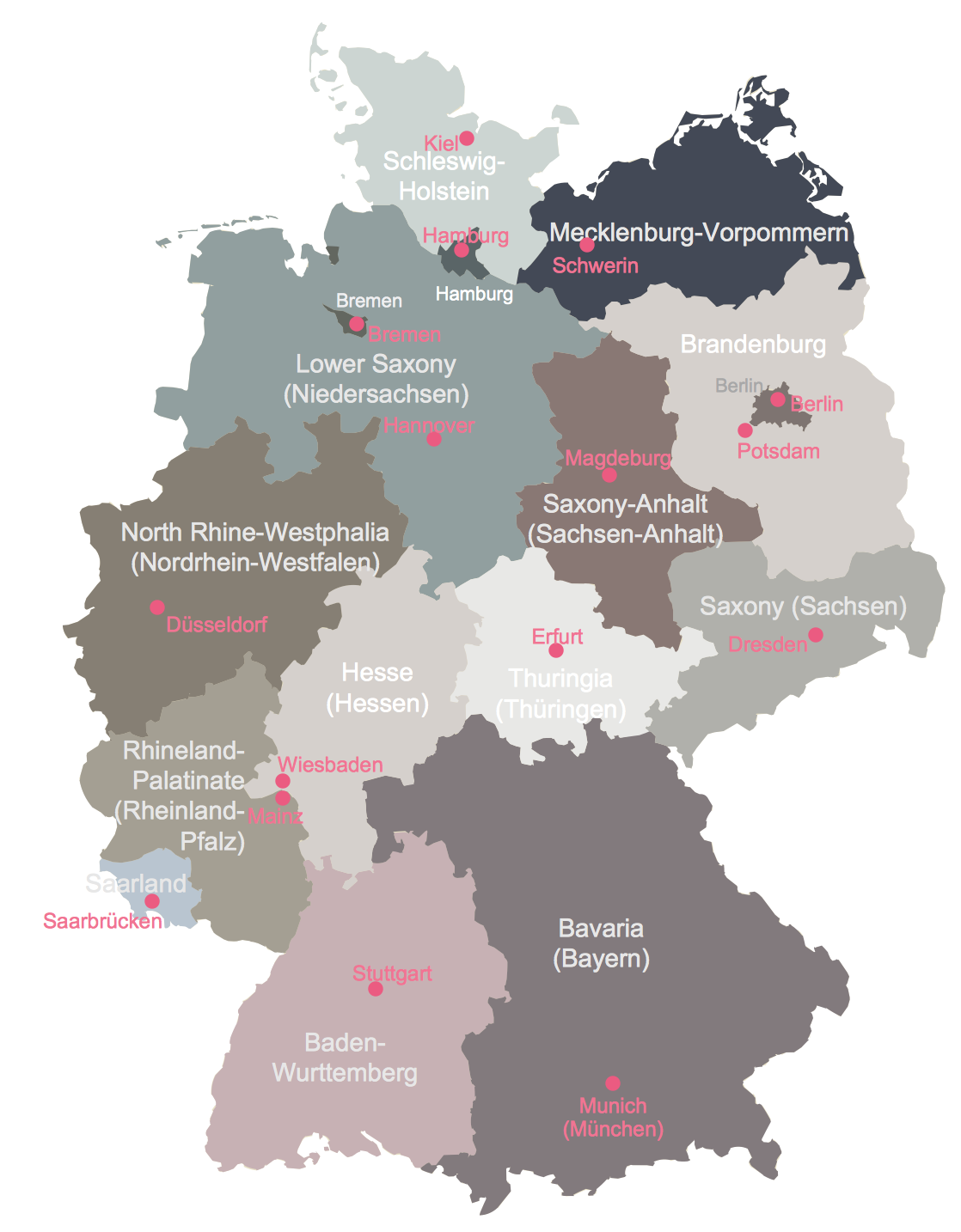
Picture: Maps of Germany With Cities
Related Solution:
You need design a continent map, world continents map, continents and oceans map, or any other type of continent maps? Now, it's very easy thanks to the ConceptDraw DIAGRAM diagramming and vector drawing software supplied with Continent Maps Solution from the Maps Area of ConceptDraw Solution Park.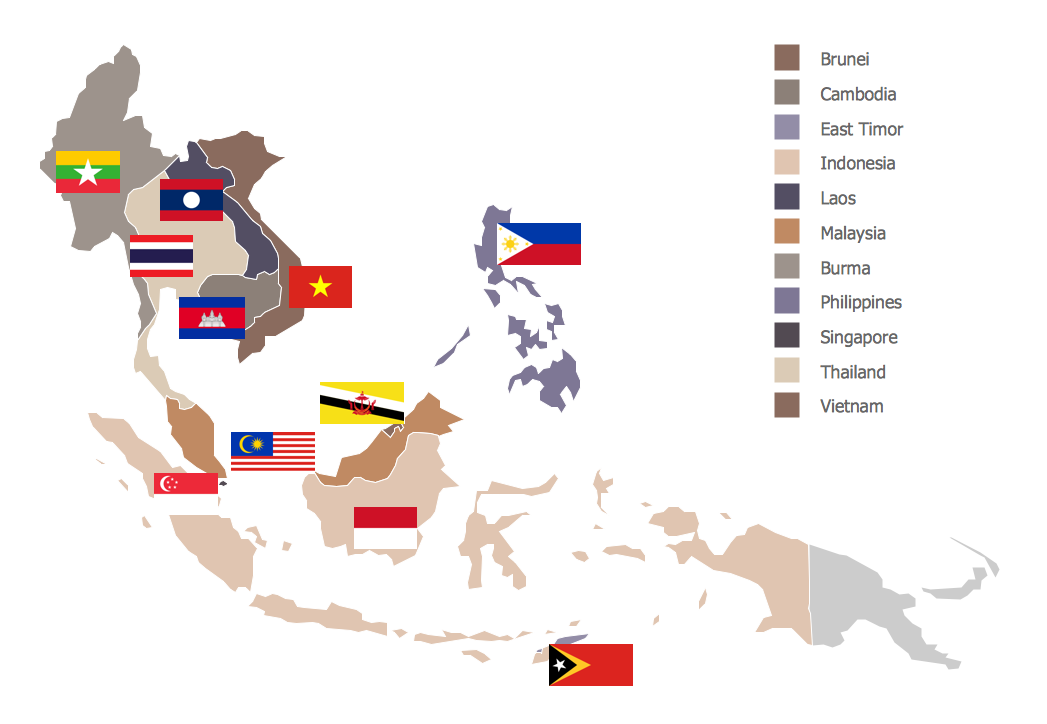
Picture: Continents and Oceans Map
Related Solution:
ConceptDraw DIAGRAM is the best Value Stream Mapping software. The graphical representation of a process is a powerful tool. It helps in the diagnosis of process efficiency and allows companies to develop improved processes.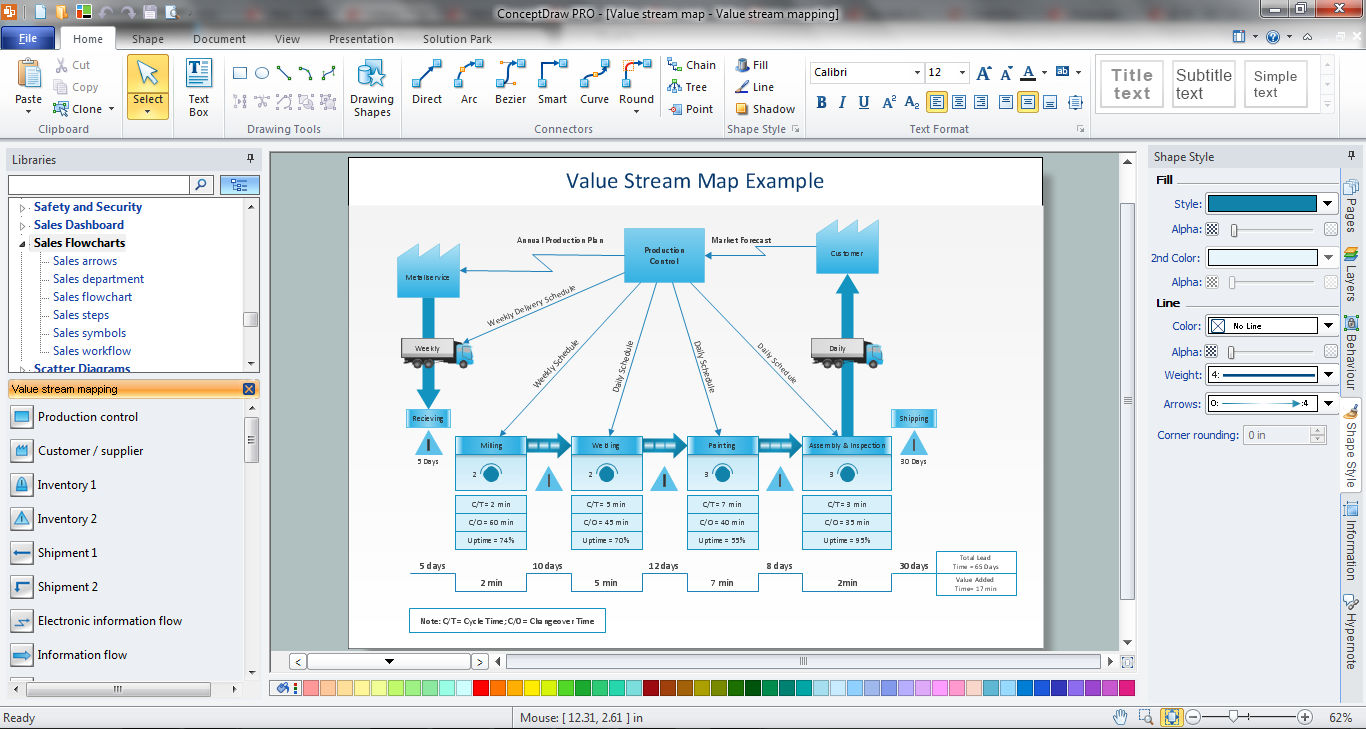
Picture: Value Stream Mapping Software
Related Solution:
Diagramming is an astonishing way to visualize business processes. The list of the most common business process flowchart symbols is quite long starting from basic flowcharts, continuing with SIPOC diagrams. Business process modeling was never easier than now, with special ConceptDraw Business Process Mapping solution.
To carry out all professional standard requirements for business processes mapping, it is necessarily to follow the special graphical notations. ConceptDraw Business Process Mapping solution offers an exhaustive suite of tools to aid business process mapping. There are three vector libraries SIPOC Diagrams, Business Process Flowcharts, and Swim Lanes that contains totally more than 50 symbols of standard BPM notations. This is all that professionals need to effectively evaluate and manage quality in business processes.
Picture: Business Process Flowchart Symbols
Related Solution:
Sometimes it’s quite useful to look on a problem from another view. To gain insight into an obstacle you should use SWOT analysis, and this will help you to see the whole situation. When composing a SWOT matrix, you divide your problem onto four elements - strengths, weaknesses, opportunities and threats and place them into matrix.
This sample SWOT analysis matrix of the athletic shoes producing company was designed on the base of template provided by ConceptDraw SWOT and TOWS Matrix Diagrams solution. It delivers number of easy-to-use templates and samples of SWOT and TOWS matrices for ConceptDraw DIAGRAM. Applying one of these templates, enables to quickly find out Strengths, Weaknesses, Opportunities, and Threats. After creating a list managers can consider methods the business can use to amplify strengths and to decrease weaknesses; realize opportunities; and avoid threats.
Picture: SWOT Analysis
Related Solution:
Bulgaria, officially the Republic of Bulgaria, is a country located in Southeastern Europe.
Use the Continent Maps solution to create Bulgaria geographical map, cartograms and thematic map, to help visualize the business and thematic information connected with geographic areas, locations or customs.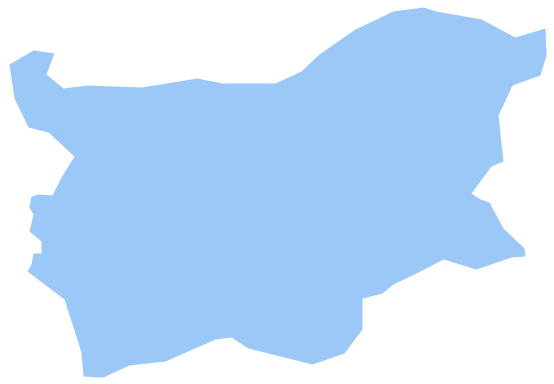
Picture: Geo Map - Europe - Bulgaria
Related Solution:

