Made with
ConceptDraw
DIAGRAM 18

Wireframe Tools

Website wireframe is incredibly useful prototyping tool, it helps in website creating and allows to visualize the end result long before the site will be ready. So wire frame allows to avoid mistakes, saves a lot of time and is an important starting point for complex project.

A wireframe is a design representation made with low accuracy. This is a scheme, which should clearly answer to three questions following questions about the future page: what content, where to place it and how to interact. Wireframe reflects the main group of content, shows the information structure and visualizes the basic the interaction between the interface and the user. Although wireframes seem to look like meaningless set of gray blocks, it's not exactly like that. It should be seen as a skeleton of your design and you should remember that wireframes should depict every important detail of the final product.

Representation is a key term, which will help you find the necessary balance between required precision and speed. Do not show too much detail, but on the other hand, you need to create an exact image of the final design of the product, so be careful not to miss any important details. A good wireframe is crucial for the entire team working on the project: developers, graphic designers, copywriters, project managers.

Wireframe can be compared to the map of a city. Each street is represented on the map, but its visual image is quite simplified. You can sense the architecture of the city, if you look at the map, but you can’t perceive its beauty.

Wireframes should be made quickly and you should spend almost all the time left communicating and discussing with the team. The average time to create a wireframe should be really limited. Visualization should be created according to the aesthetics rules but this is vastly simplified. You probably won’t use any other colors than black, gray and white.

Wireframes are commonly used as documentation for the project. Because of their static and fixed manner of displaying interfaces, they need to be suitably described (from a brief explanation up to a complex of technical documentation, if necessary).

Planning a website structure and developing its wireframe, creating a website prototype and drawing professional looking site designs never been easier than now with convenient and useful wireframe tools of Website Wireframe Solution from the Software Development area of ConceptDraw Solution Park.
Wireframe Tools *

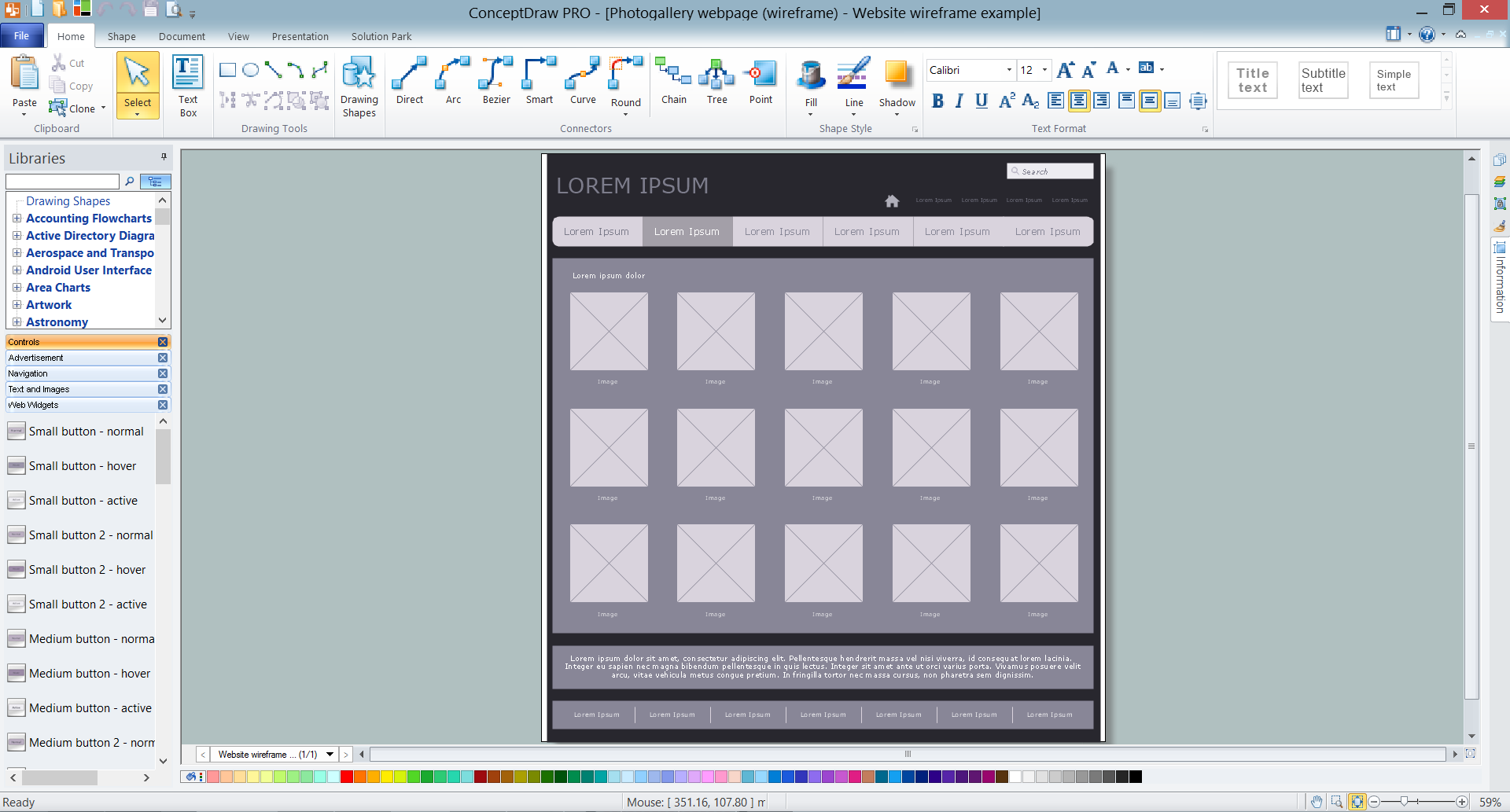
Example 1. ConceptDraw DIAGRAM Wireframe Tools - Photogallery Webpage Wireframe

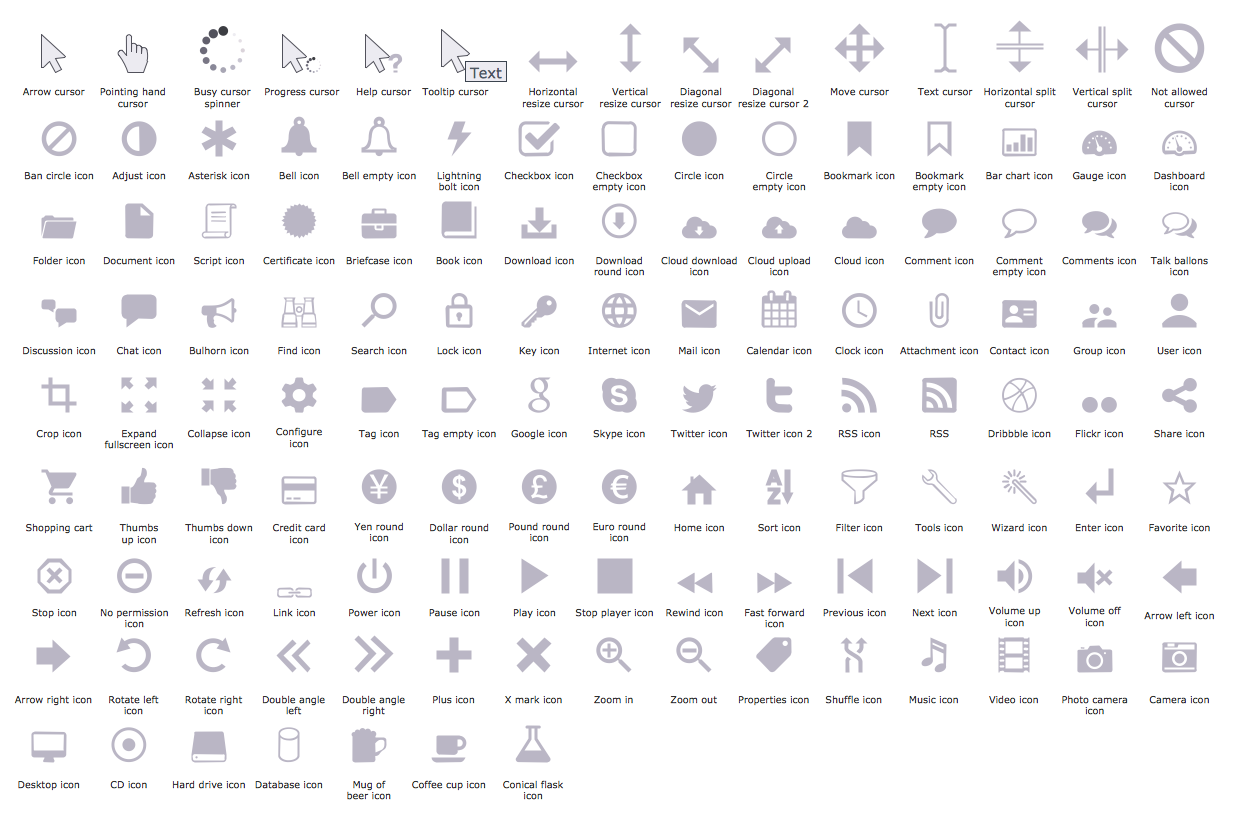
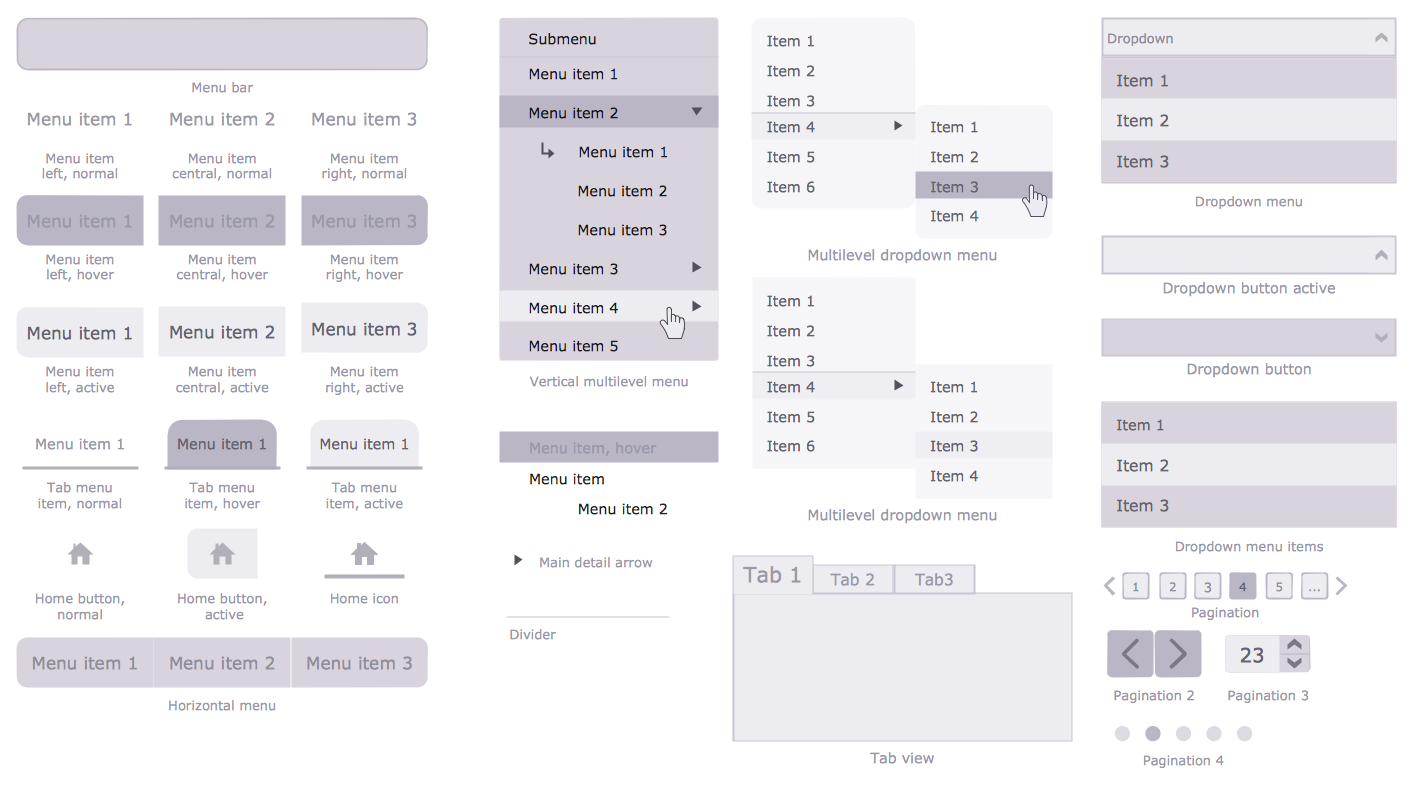
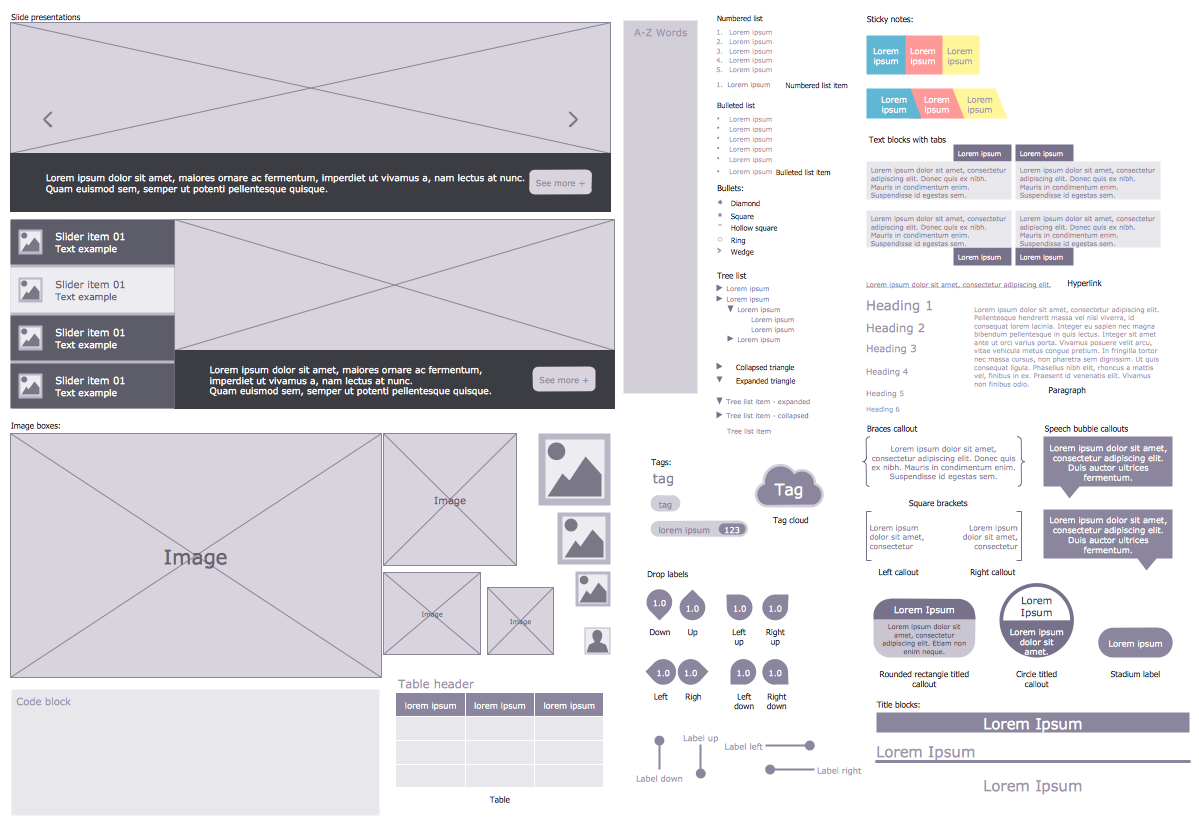
Wireframe tools make creating website easier and more efficient. Among the wireframe tools which offers a Website Wireframe Solution there are first of all 7 libraries with large quantity of predesigned vector objects, icons, controls, web widgets, and other graphic elements which were specially designed to give you the opportunity to create skeletal structure of a website in mere minutes.
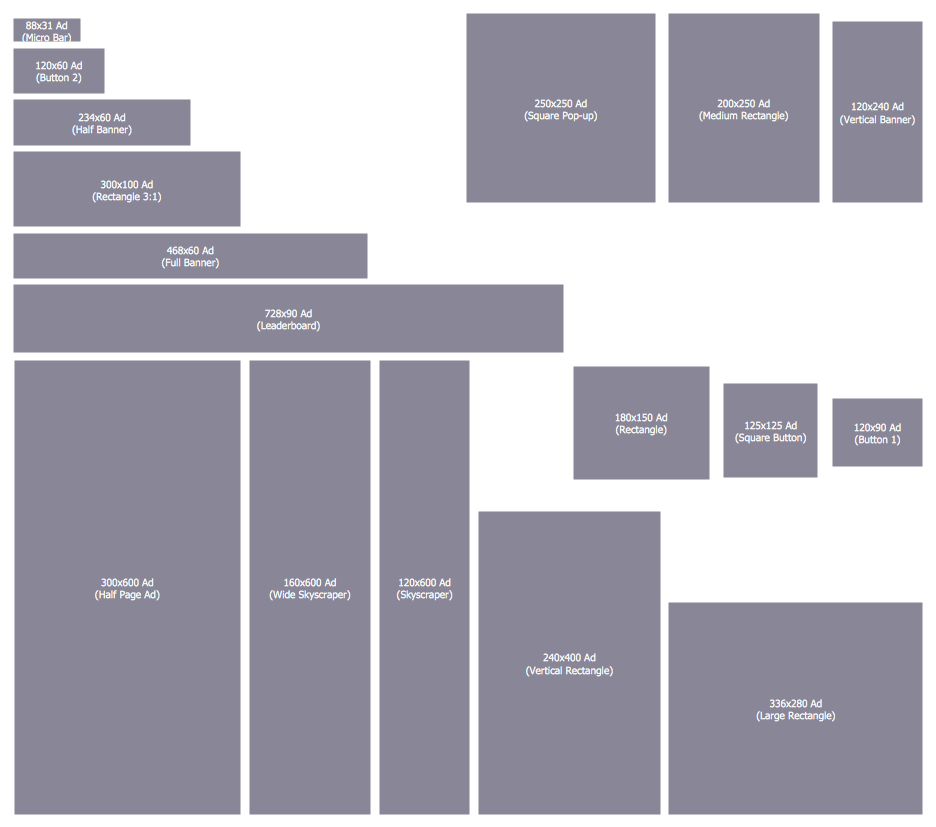
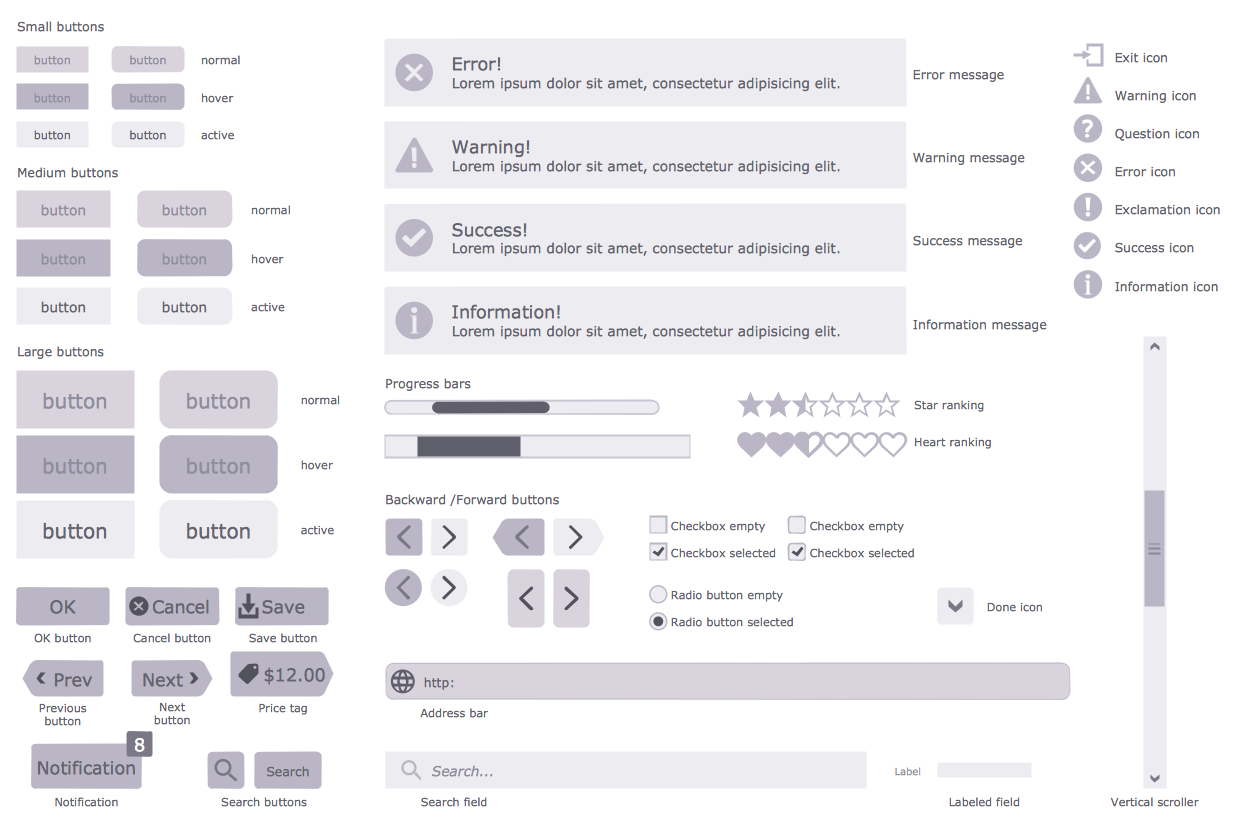
All these objects are vector objects, you can resize them without loss of quality, arrange, rotate, combine, change their color, if needed.
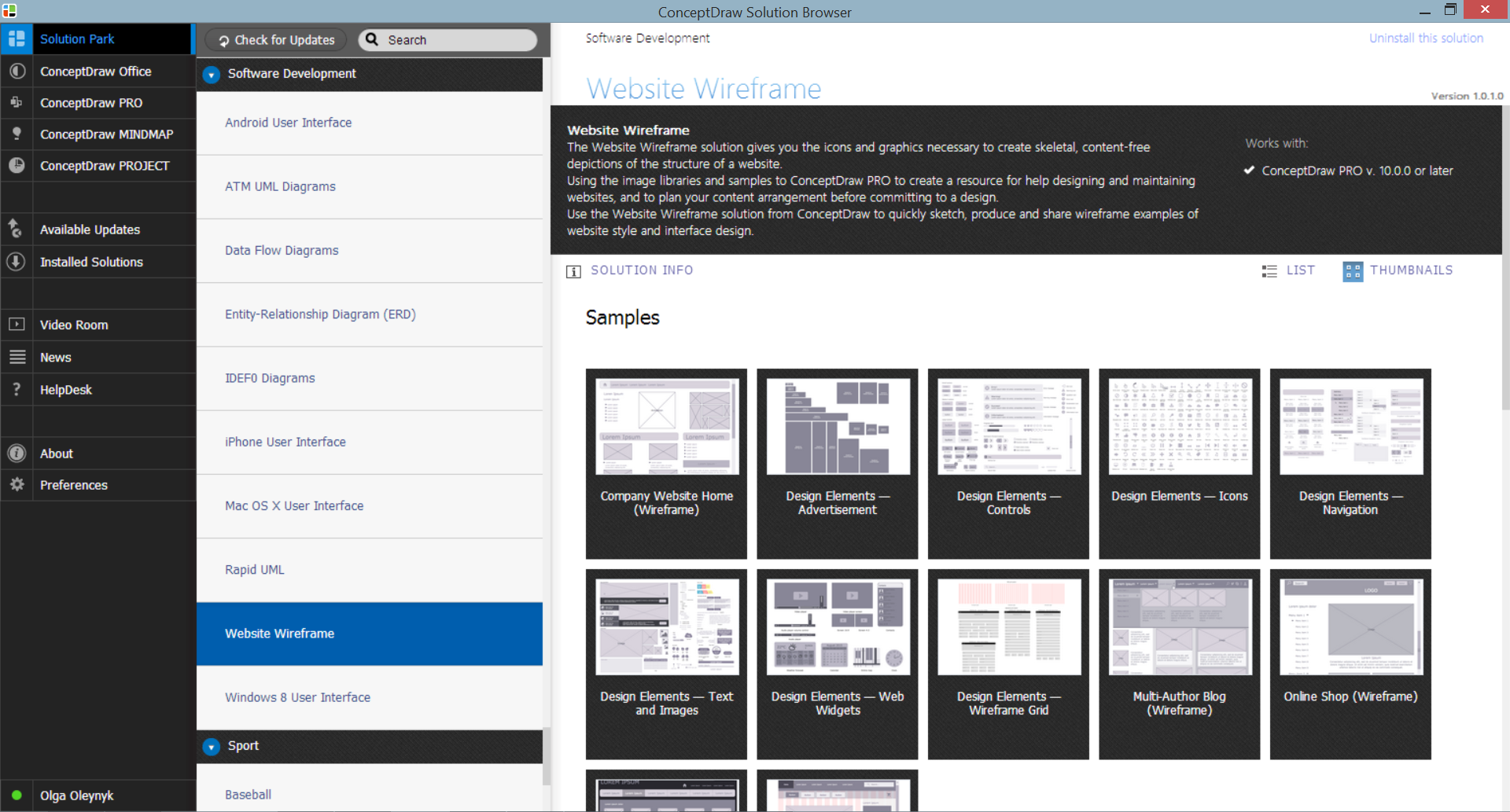
Website Wireframe Solution in ConceptDraw STORE

Example 2. Website Wireframe Solution in ConceptDraw STORE

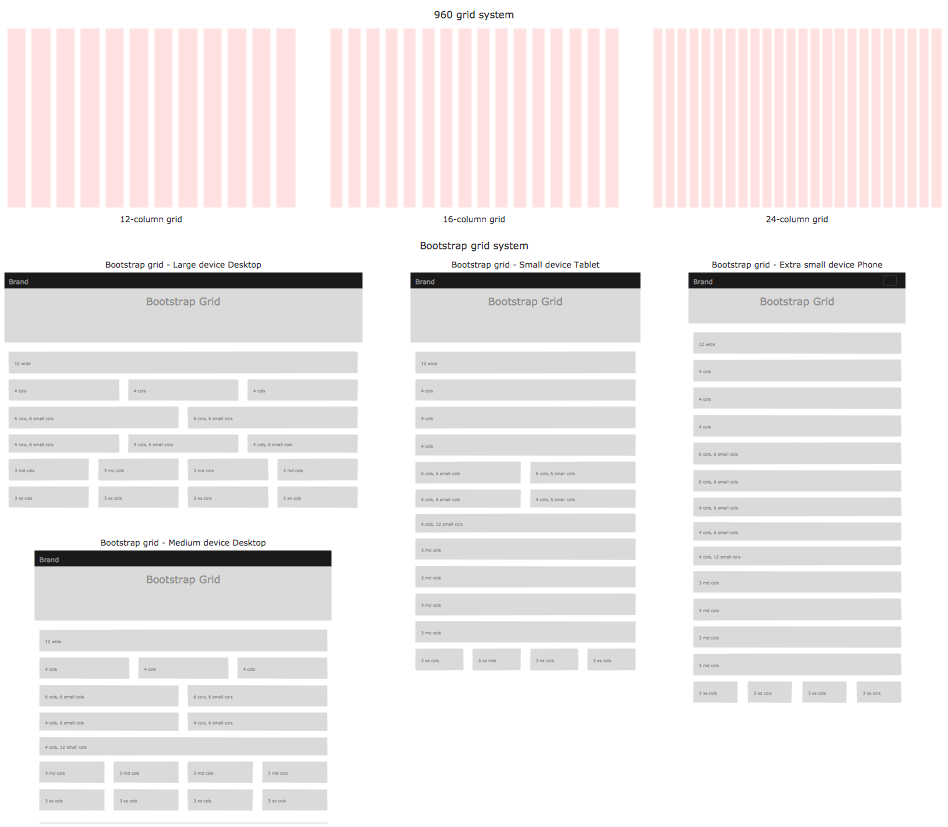
Website Wireframe solution contains also variety of samples and template which deserves particular attention. It is represented on the next image.
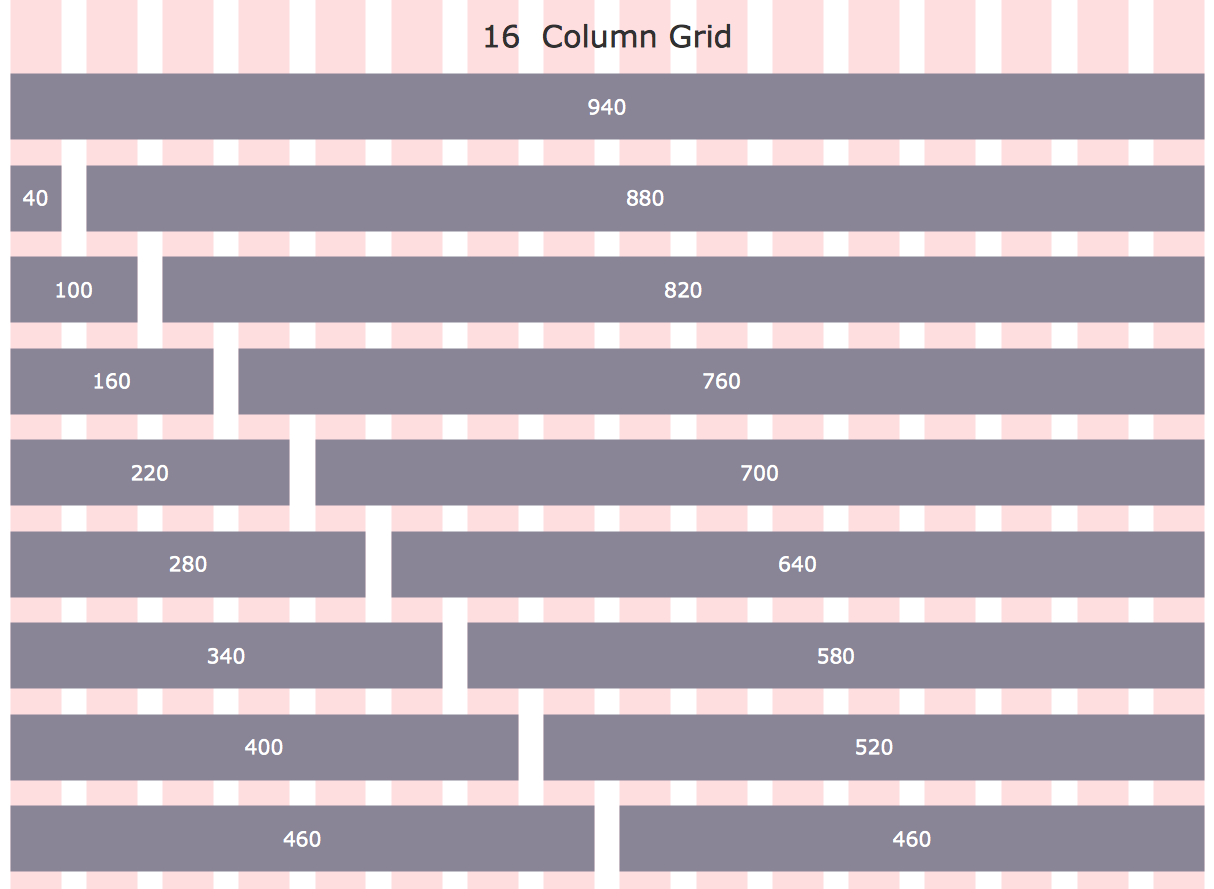
Wireframe Tools - 960 Grid System 16-Column Layout

Example 3. Wireframe Tools - 960 Grid System 16-Column Layout

This template was created in ConceptDraw DIAGRAM using the tools of Website Wireframe Solution for ConceptDraw DIAGRAM Solution Park. It is included in Website Wireframe Solution, you can find and use this template from ConceptDraw Solution Park.

Use the Website Wireframe Solution for ConceptDraw DIAGRAM software to create your own professional looking website wireframes and designs of any complexity fast, easy and effective.

All source documents are vector graphic documents. They are available for reviewing, modifying, or converting to a variety of formats (PDF file, MS PowerPoint, MS Visio, and many other graphic formats) from the ConceptDraw STORE. The Website Wireframe Solution is available for all ConceptDraw DIAGRAM users.




TEN RELATED HOW TO's:
The critical importance of house electrical plans. 🔸 Learn how to create efficient electrical layouts using the ConceptDraw DIAGRAM app. Enhance ✔️ safety, ✔️ functionality, and ✔️ compliance with electrical codes in your home projects with our comprehensive guideHome Electrical Plan
Picture:
Importance of House Electrical Plans
How to Create Electrical Layouts
with ConceptDraw DIAGRAM App
Related Solution:
The vector stencils library SSADM from the solution Systems engineering contains specific symbols of SSADM diagrams for ConceptDraw DIAGRAM software.SSADM Diagram
Picture: SSADM Diagram
While creating flowcharts and process flow diagrams, you should use special objects to define different statements, so anyone aware of flowcharts can get your scheme right. There is a short and an extended list of basic flowchart symbols and their meaning. Basic flowchart symbols include terminator objects, rectangles for describing steps of a process, diamonds representing appearing conditions and questions and parallelograms to show incoming data. This diagram gives a general review of the standard symbols that are used when creating flowcharts and process flow diagrams. The practice of using a set of standard flowchart symbols was admitted in order to make flowcharts and other process flow diagrams created by any person properly understandable by other people. The flowchart symbols depict different kinds of actions and phases in a process. The sequence of the actions, and the relationships between them are shown by special lines and arrows. There are a large number of flowchart symbols. Which of them can be used in the particular diagram depends on its type. For instance, some symbols used in data flow diagrams usually are not used in the process flowcharts. Business process system use exactly these flowchart symbols.Flowchart example showing a customer request approval process with start, input output, process steps, decision branches, and end
Picture: Flowchart Symbols: Meaning and Examples
Related Solution:
ConceptDraw DIAGRAM is perfect for software designers and software developers who need to draw Basic Network Diagrams.Design  Element: Basic Network<br>for Network Diagrams *
Picture: Design Element: Basic Networkfor Network Diagrams
One of the key roles at the attracting visitors in catering establishments of different formats plays their visual solution, design of advertising elements of fast foods and restaurants. ConceptDraw DIAGRAM software enhanced with unique Food Court solution from the Food and Beverage area of ConceptDraw Solution Park allows to design inviting and attractive signboards, pictorial menus with appetizing food pictures.Food Pictures *
Picture: Food Pictures
Related Solution:
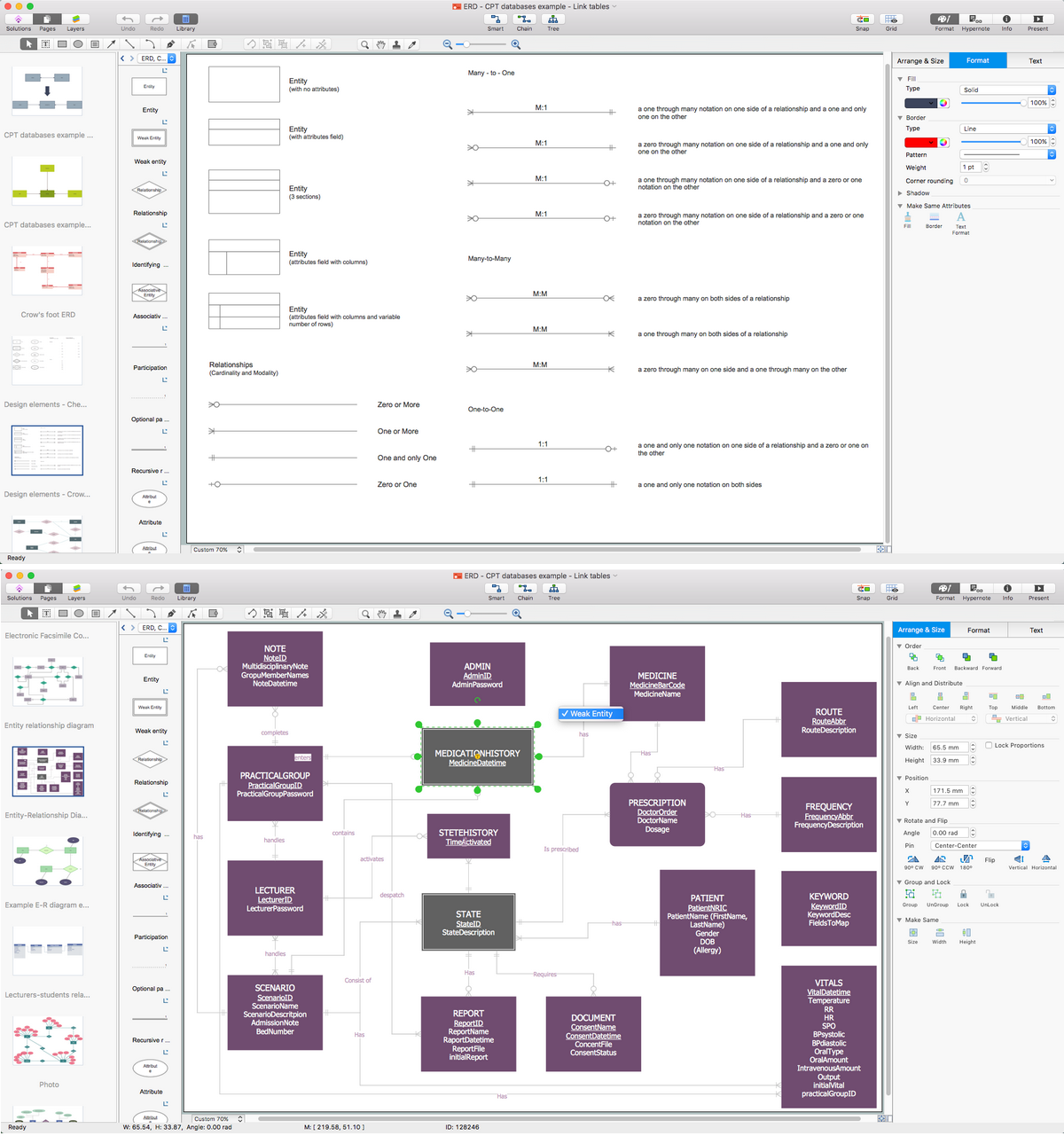
ER-modeling nowadays is a very popular approach for database design. If you are tired of looking for a good entity relationship diagram Software for Mac, then your search is almost over. ConceptDraw DIAGRAM is a great tool for creating diagrams of any complexity with tons of editable samples and templates. This diagram represents the vector library of the Chen’s and Crow’s Foot notation icons for drawing ERD (entity-relationships diagram). ConceptDraw Entity Relationship Diagram solution delivers the ability to visualize databases structure on both Mac and PC. The "bricks" entity-relationships models are the entity, and the relation. An entity is represented by a rectangle comprising the entity name. It means an object, information about which should be available and stored. A relation is intended to show a relations between two entities. There are several types of relations between entities. To show there are a number of different symbols for the types of relationships.Entity Relationship Diagram Software for Mac *
Picture: Entity Relationship Diagram Software for Mac
Related Solution:
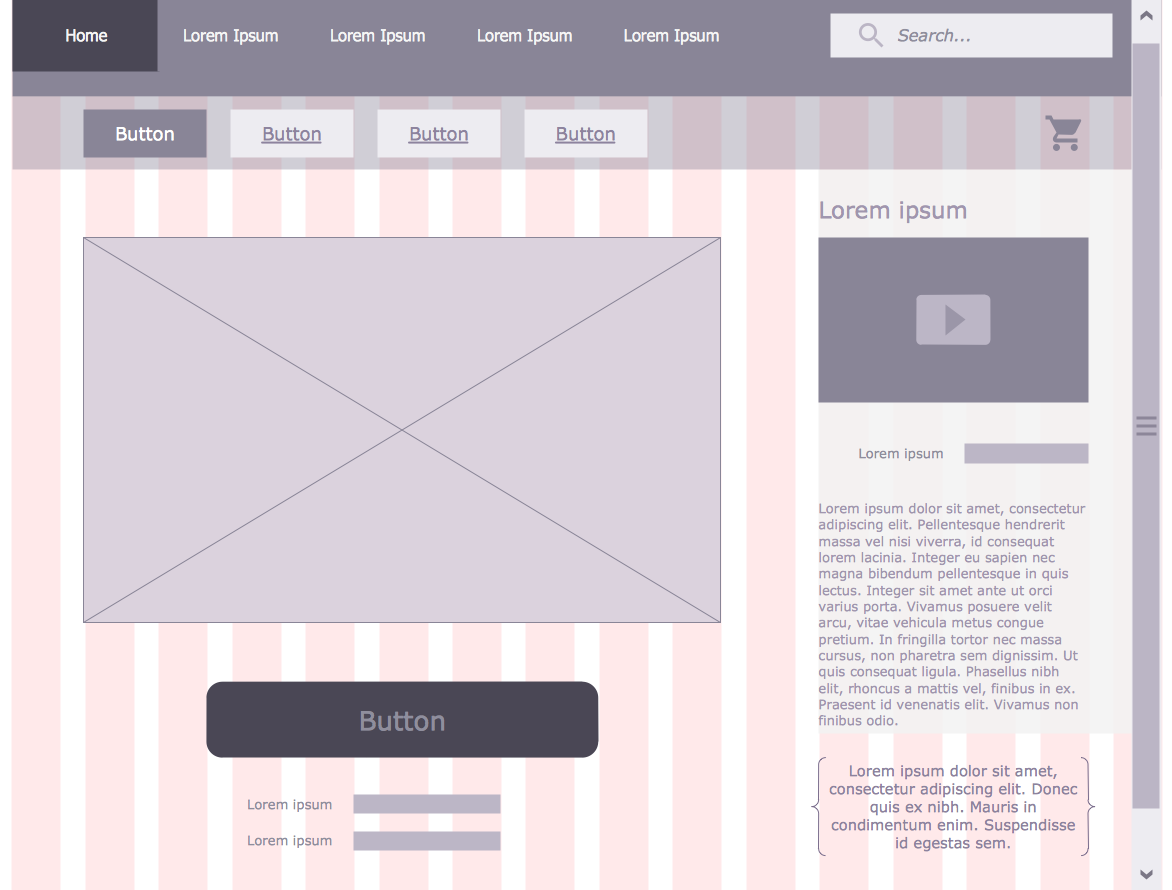
Website wire frame is a schematic representation of a website framework. Wireframes are incredibly useful tool for depicting the arrangement of interface elements, navigational systems and website content, they display functionality and interactions between website elements. Use the Website Wireframe solution from the Software Development area of ConceptDraw Solution Park to facilitate a wire frame production.Wire Frame *
Picture: Wire Frame
Related Solution:
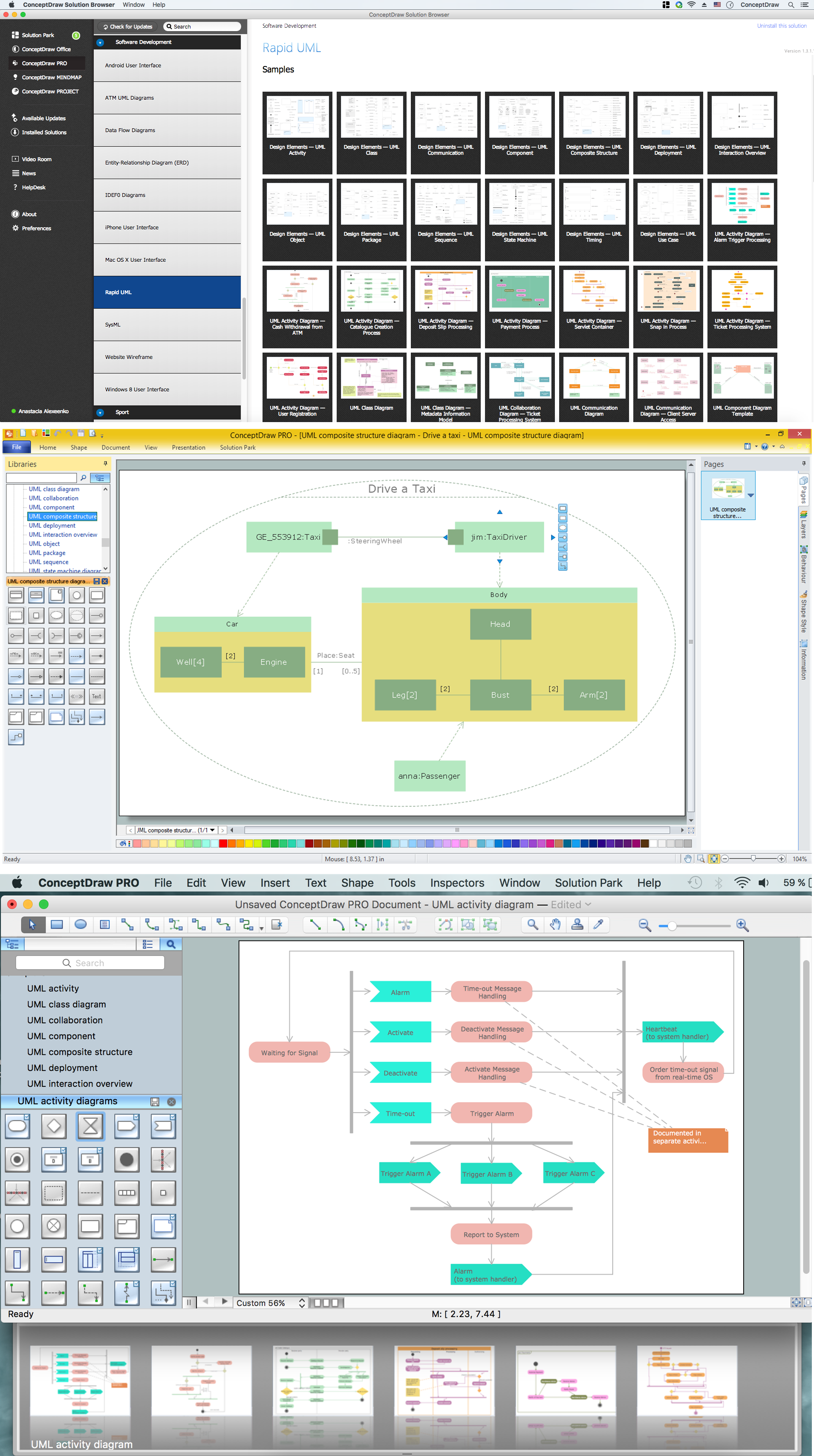
The UML diagrams in this Solution are divided into three broad categories: Structure Diagrams; Behavior Diagrams; Interaction Diagrams. The 13 diagrams contained in the Rapid UML Solution offer an essential framework for systems analysts and software architects to create the diagrams they need to model processes from the conceptual level on through to project completion.How to create your UML Diagram *
Picture: How to create your UML Diagram
Related Solution:
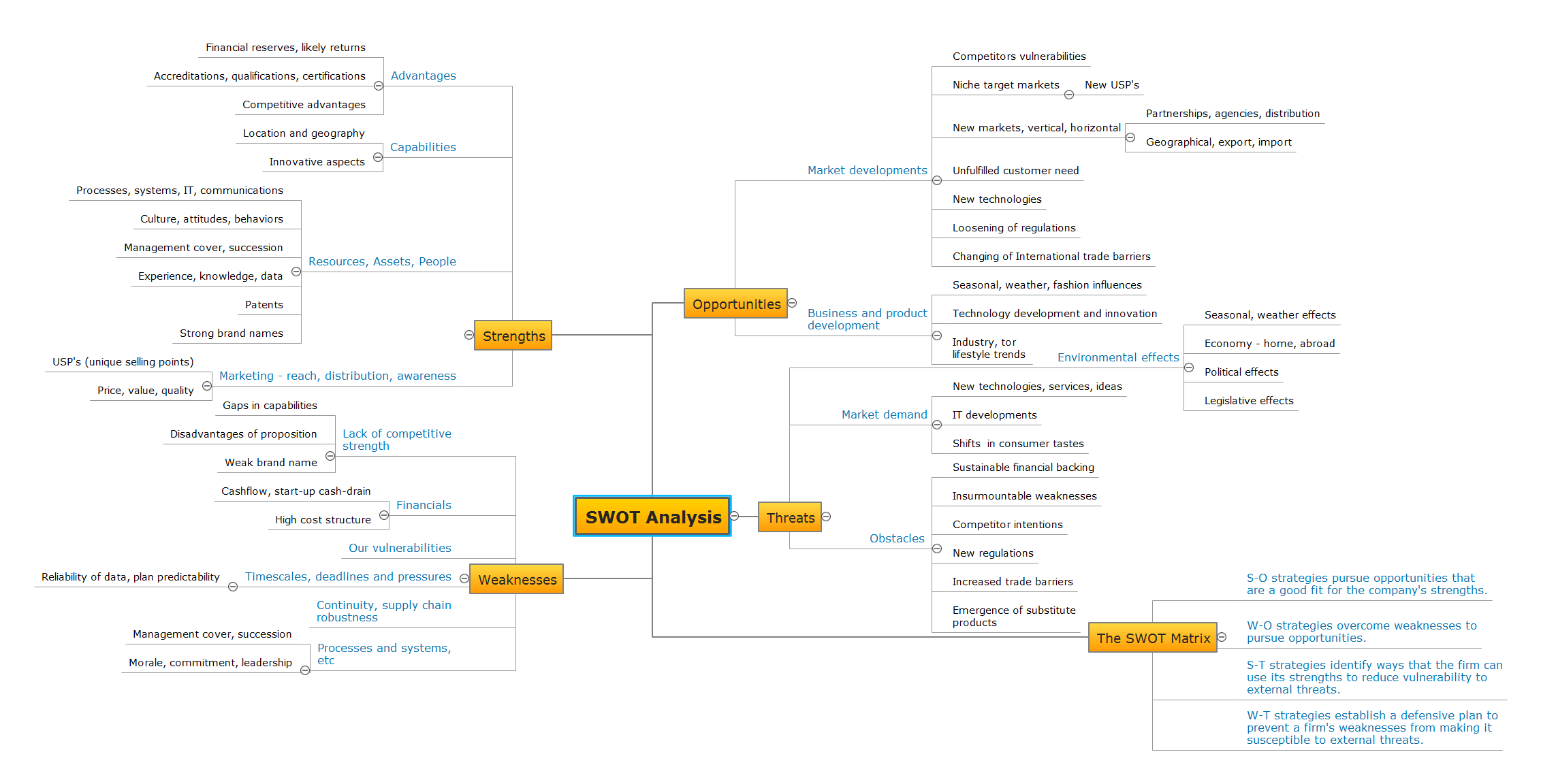
Mind map template of a strategy map that can help you display a variety of performance measures that can have an impact on your organization.SWOT Analysis *
Picture: SWOT Analysis
Related Solution:
ConceptDraw DIAGRAM is a powerful tool for drawing business communication ideas and concepts, simple visual presentation of numerical data in the Mac environment.Best Multi-Platform Diagram Software
Picture: Best Multi-Platform Diagram Software
Related Solution:
ConceptDraw
DIAGRAM 18