SWOT Matrix Software
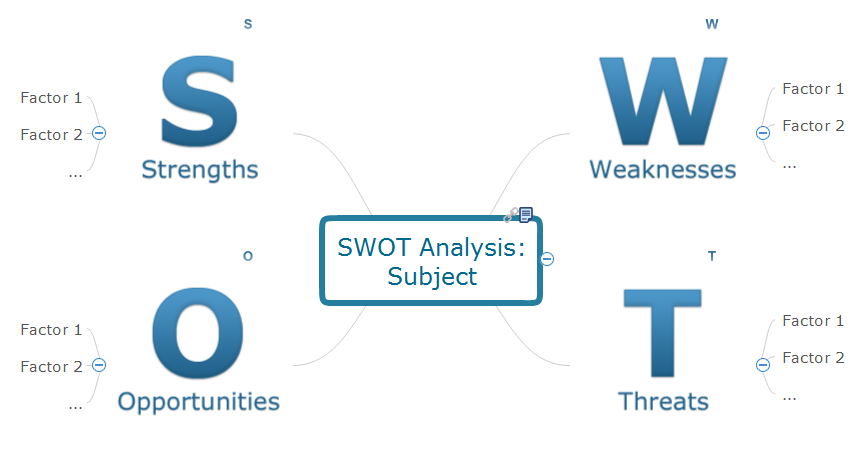
Creating a SWOT matrix in ConceptDraw DIAGRAM diagramming and drawing software seems to be one of the best option to have a very professionally looking result to appear straight after using the existing pre-made templates from the SWOT Analysis solution from ConceptDraw STORE.
Carrying out the mentioned analysis can be very useful with help of the product of CS Odessa. Both applications were developed in order to uncover the opportunities to exploit and so to make it simpler to understand all of the weaknesses of your business in a way of making such matrix. In case you are eager to analyse your own company advantages, disadvantages as well as the weaknesses and strengths, then to make the SWOT matrix would be the best choice of all.
If you want to know how successful your business field of activity is in general to compare to your competitors’ behaviour, then you can manage and eliminate all of the issues, such as threats that can catch you unaware. Having your own company’s activity analysed in a way of such SWOT matrix to see if your company is more successful to compare to your competitors’ business, you can always carry out the SWOT framework to help you to choose the needed strategy which will help you to distinguish your own company from your competitors.
SWOT analysis is simply the one known to be mentioning both weaknesses and strengths of your organization, as well as the advantages and disadvantages of the sphere of the business activity you are involved in to see the opportunities and threats. Any SWOT analysis can be useful in relation to evaluate all the existing external factors which all occur in response to the strategy you use in your business activity. The SWOT analysis can be sometimes called as the “Internal-External” one and the result of it is known to be called the “SWOT Matrix” or the “IE Matrix”.
In the process of carrying out your own SWOT analysis, you are expected to identify the Strengths of your organization in a way of finding the answers to the following questions: “In what way my organization is better than my competitors’ ones?”, “What can I do to improve the company’s activity?”, “What unique is it about my business which is different to the others’ ones?”, etc. The mentioned questions can also be extended with the following: “What do people in the field of business activity I am involved in see as my organization’s and my personal strengths as an its director?”, “What influence can there be on the profit of my organization?”, “How can I increase the quantity of my clients?”, “What are all of my organization's advantages and strengths?”. All of your organization’s strengths are expected to be considered both from the internal as well as the external perspectives.
In case you have some difficulty in identifying all the strengths and advantages of your own organization, then you can try to make a list of its characteristics to see it clearer what can be mentioned as its strengths. Looking at this list of your organization’s strengths you can treat them in relation to your competitors’ strengths before you start analysing your company’s weaknesses. To make a list of all the weaknesses of your own organization, you can ask yourself if you could do something to improve anything about it and if you’d better avoid anything in particular not to aggravate the situation.
Are there people in your market who think of your company’s weaknesses as the opportunities to improve their own business activity to become more successful? Think about all the factors which can possibly lead to you losing your sales. It is always better to consider all the existing weaknesses from both an external and an internal perspective. You should think about other people perceiving the weaknesses which you do not see just yet so they can achieve better results than you do.
Carrying out any SWOT analysis may also lead to finding out if there are any Opportunities your company has to take to improve the situation with your business. Ask yourself if there are any opportunities you can spot or if there are any other people who can advise you what they are. It is always very important to understand what interesting trends are you can use and so to apply in your business. You can always identify what exactly the useful opportunities in your particular situation are to invest in them and so to get more profit out of it.
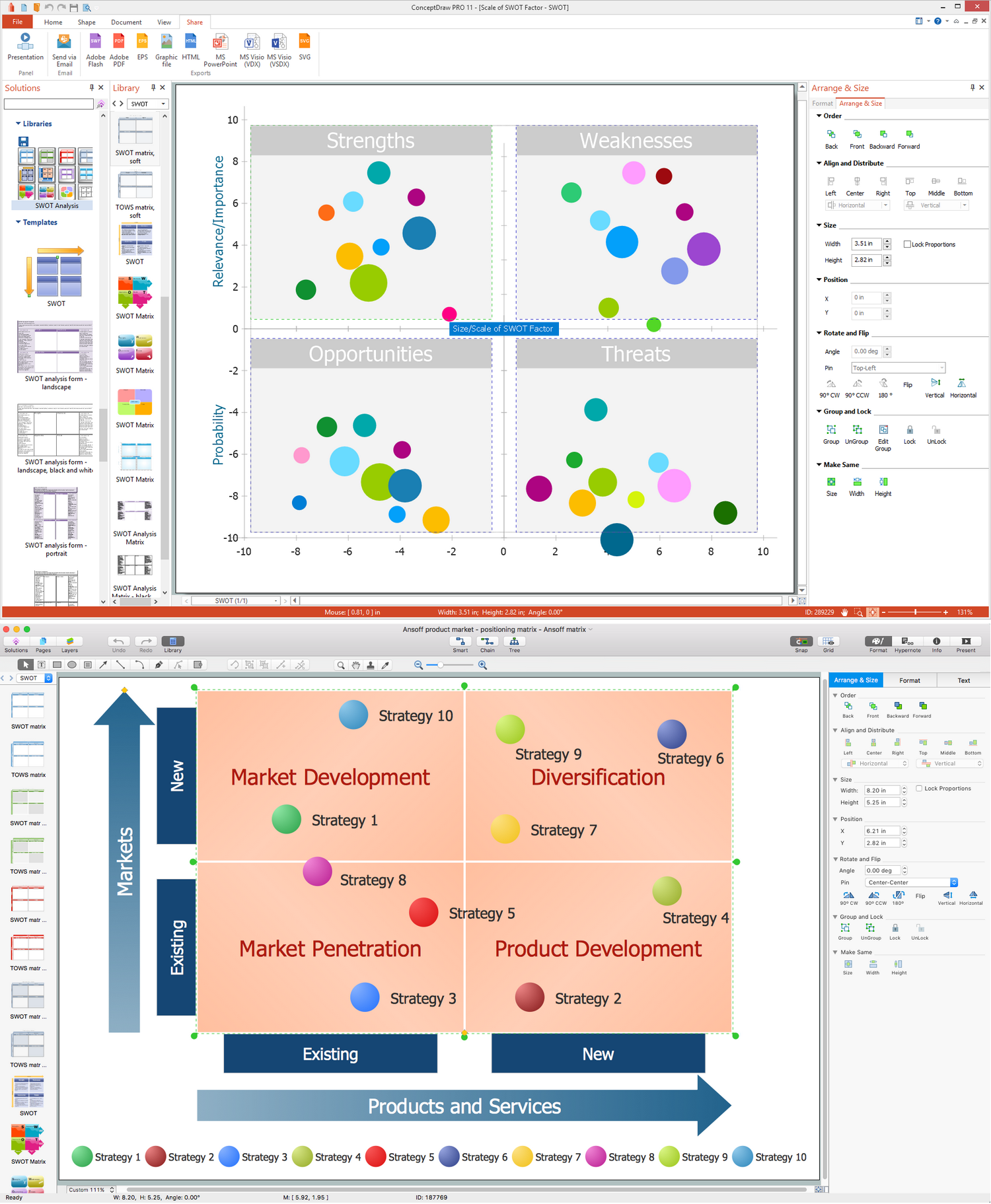
Example 1. SWOT Matrix in ConceptDraw DIAGRAM
Sometimes it is necessary to analyse if there are any changes in technology took place, which can help you to decide if you want to use them as well or not, thinking about the new tools or applications, such as ConceptDraw DIAGRAM diagramming and drawing one. Sometimes also there may be some changes in the government policy which can be related to your field of business activity, which can make some difference and to influent on the situation in a positive way. Changes in some particular social patterns as well as in the population profiles can also reverberate on your business and so your organization as well as the local events, which can help you to promote the services you offer, for example, and also it can be a good chance for your company to improve its reputation.
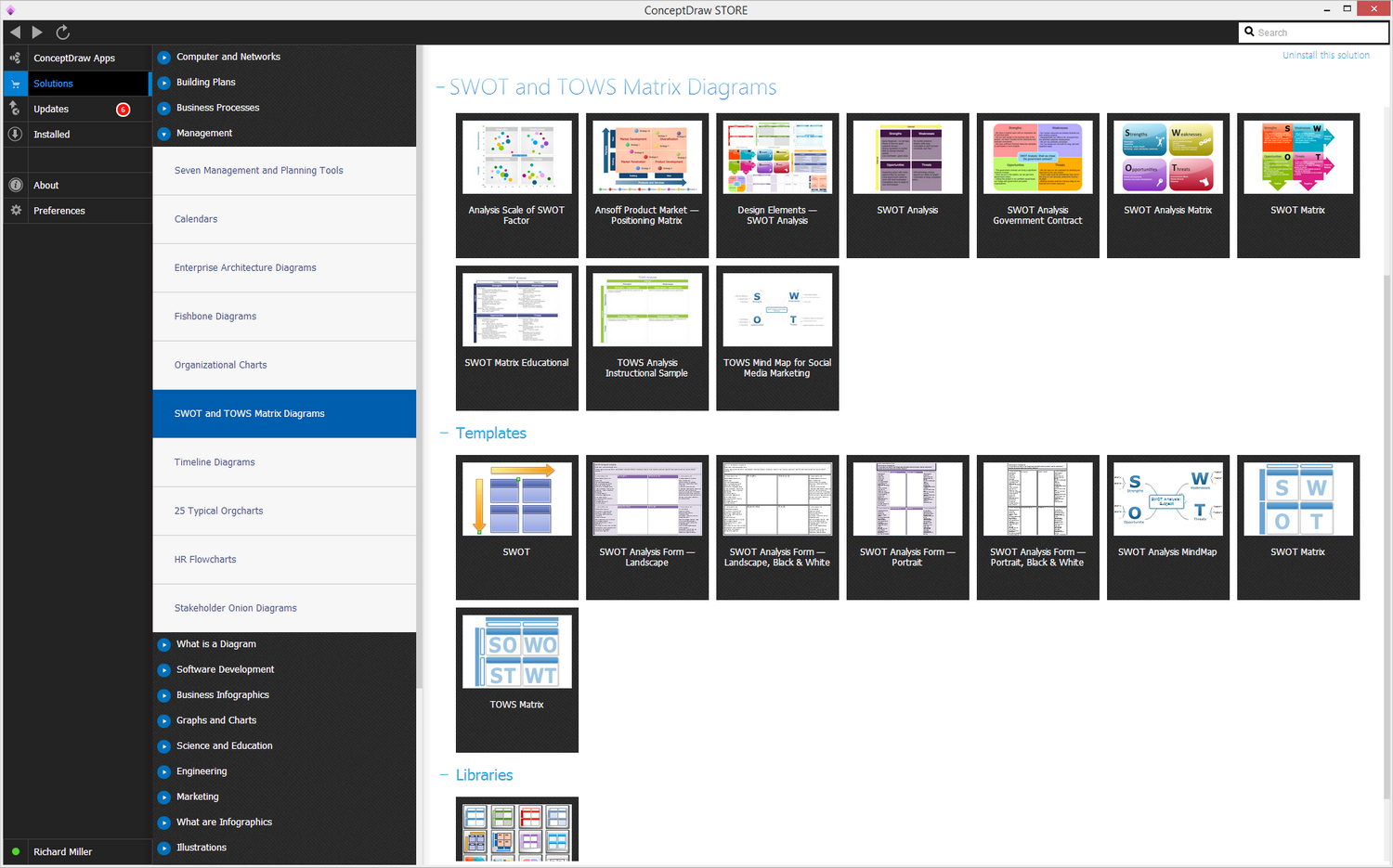
Example 2. SWOT and TOWS Matrix Diagrams Solution in ConceptDraw STORE
Making the SWOT matrix mentioning all the main features of the SWOT analysis within one schematics can be very beneficial for your business as well as downloading the ConceptDraw DIAGRAM diagramming and drawings software as it is one of the best existing tools for making the described drawings. Having such drawing application allows you to make any needed SWOT or TOWS matrix within only a couple of minutes in case you have the SWOT analysis already conducted and the information is ready to be filled in the gaps. The SWOT Analysis solution from ConceptDraw STORE application can be very useful for those who wants to make such matrix within a short period of time as it contains all of the templates and examples of both TOWS and SWOT matrices.
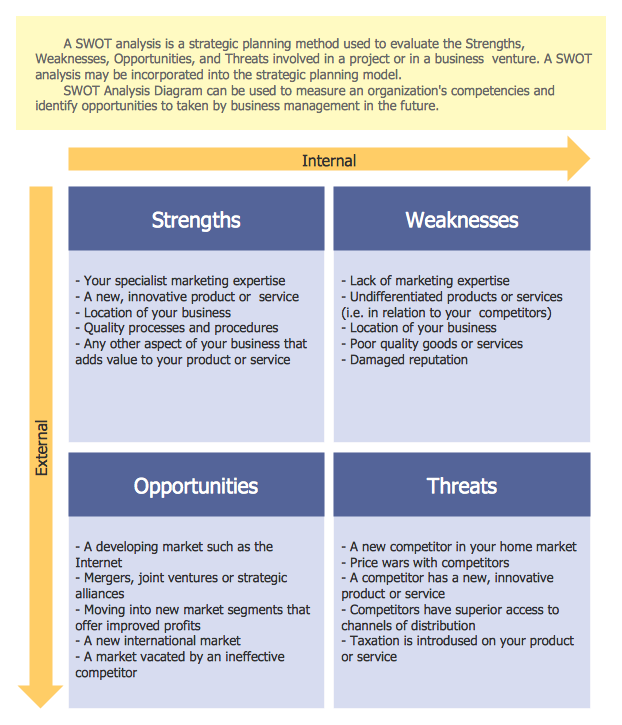
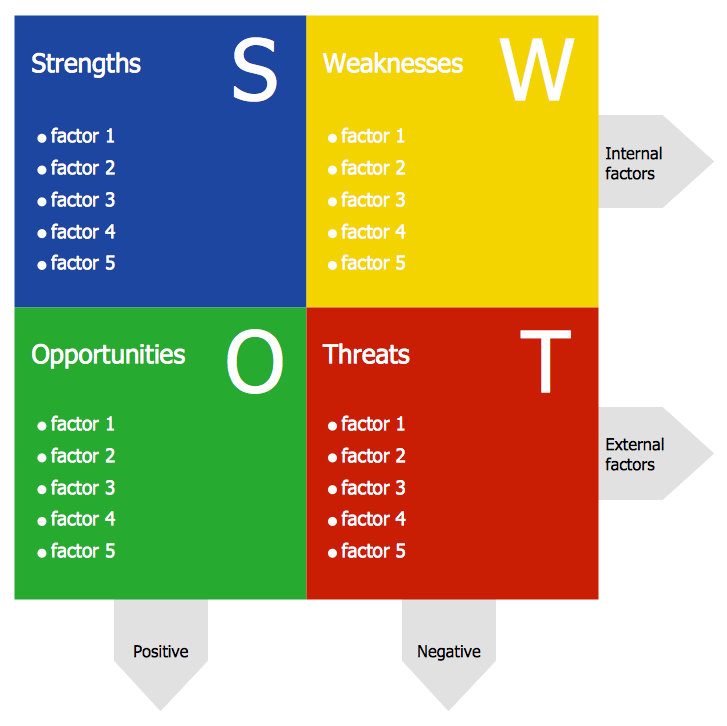
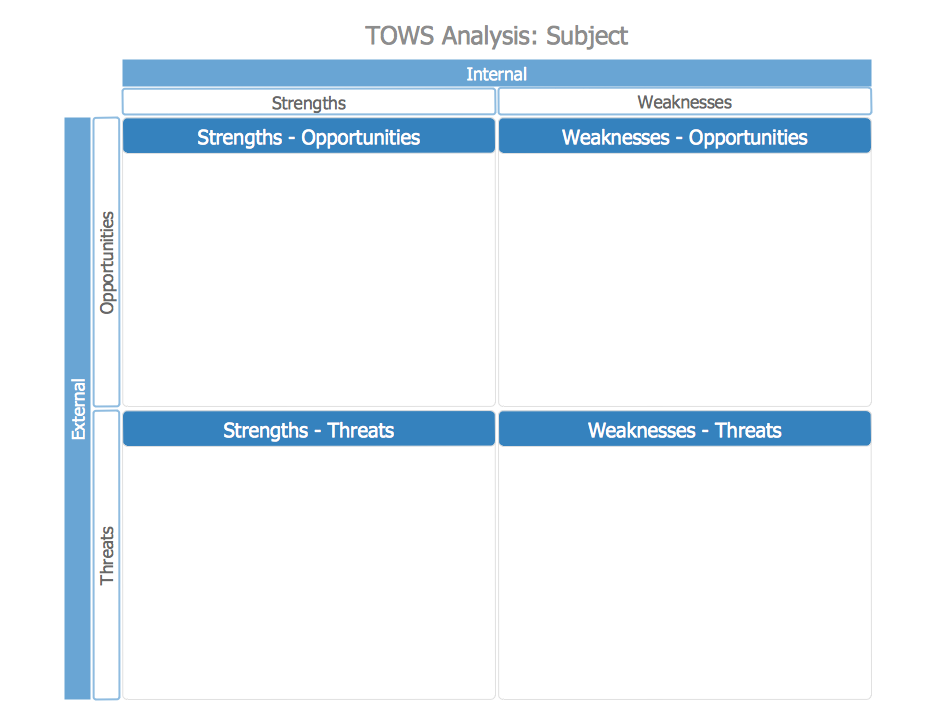
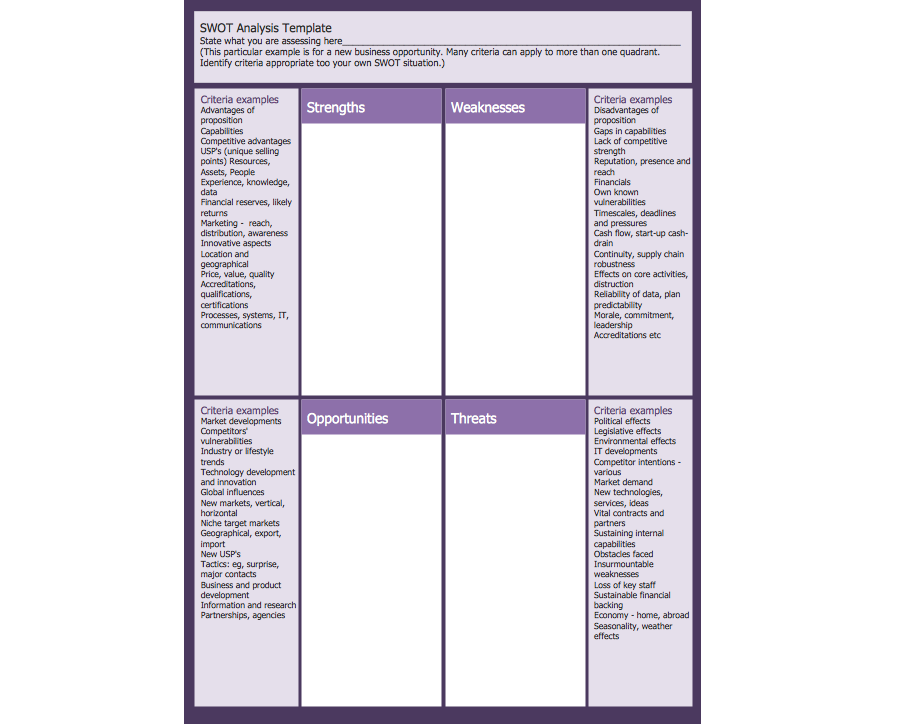
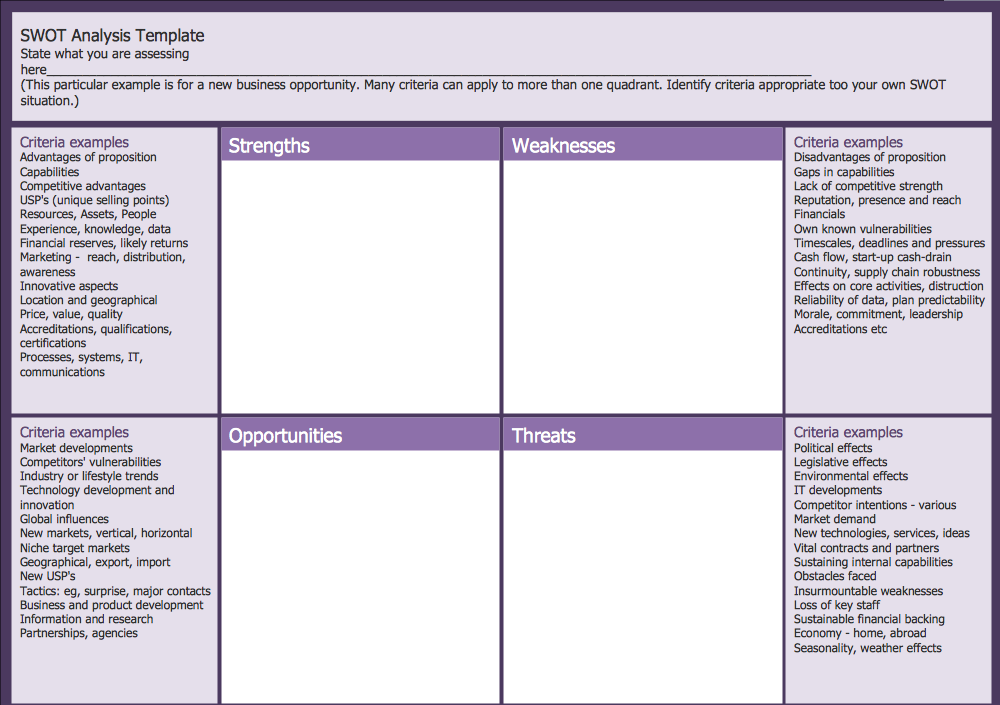
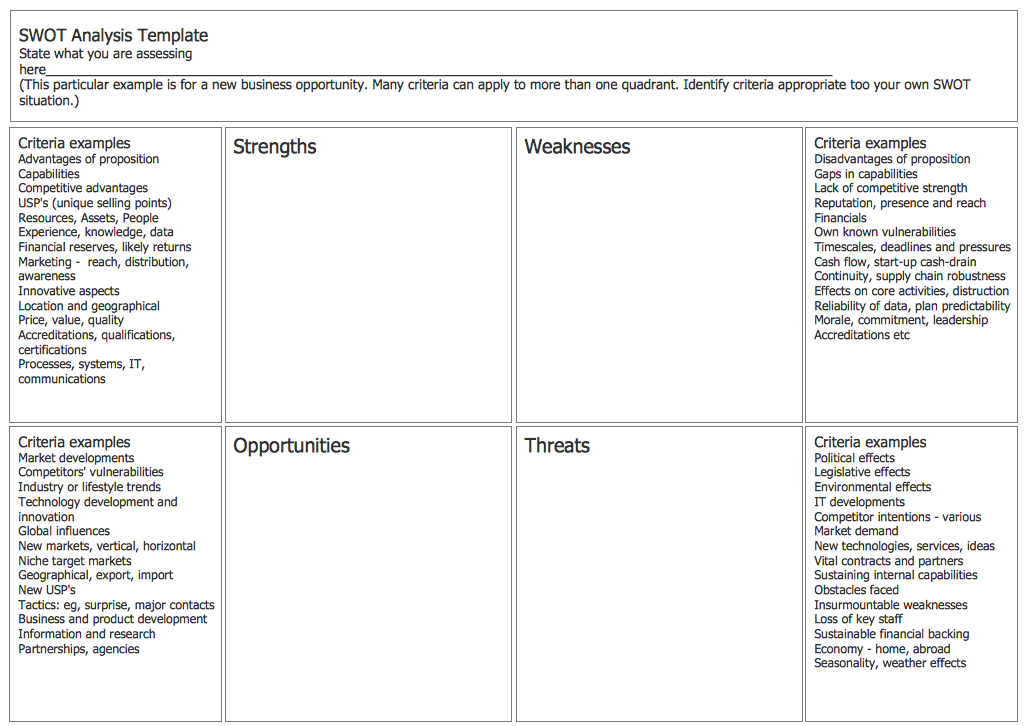
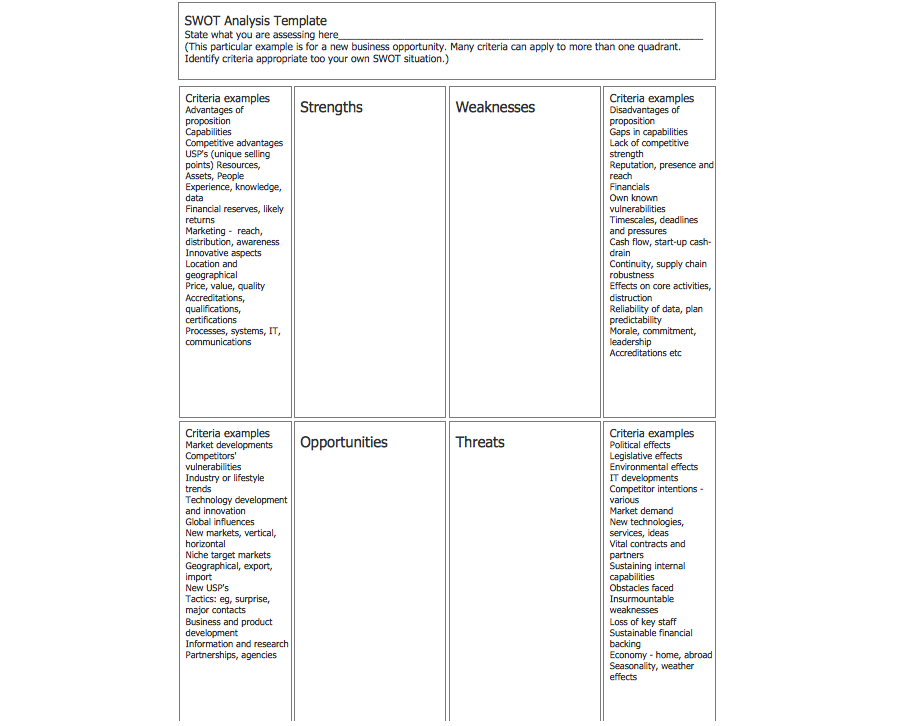
The following features make ConceptDraw DIAGRAM the best SWOT Matrix software:
- You don't need to be an artist to draw professional looking SWOT matrix in a few minutes.
- Large quantity of ready-to-use vector objects makes your drawing a SWOT matrix quick and easy.
- Great number of predesigned templates and samples give you the good start for your own SWOT matrices.
- ConceptDraw DIAGRAM provides you the possibility to use the grid, rules and guides. You can easily rotate, group, align, arrange the objects, use different fonts and colors to make your diagram exceptionally looking.
- All ConceptDraw DIAGRAM documents are vector graphic files and are available for reviewing, modifying, and converting to a variety of formats: image, HTML, PDF file, MS PowerPoint Presentation, Adobe Flash, MS Visio.
- Using ConceptDraw STORE you can navigate through ConceptDraw Solution Park, managing downloads and updates. You can access libraries, templates and samples directly from the ConceptDraw STORE.
- If you have any questions, our free of charge support is always ready to come to your aid.