Made with
ConceptDraw
DIAGRAM 18

Soccer (Football) Formation

The soccer (football) formation is an arrangement of the players on the pitch and their behavior during the game to meet the objectives set by the soccer coach. The different formations are used depending on the team goals. Thanks to a certain starting position of the player it is possible to define its main tasks in the match. The numbers in the designation of the formation mean respectively: the number of defenders, midfielders and forwards.

Using diagrams is the easiest way to explain the soccer formations. The Soccer solution from the Sport area of ConceptDraw Solution Park is designed as a tool that helps you produce the soccer diagrams in a few minutes. The predesigned samples of the Soccer solution for ConceptDraw DIAGRAM depict the most popular formation diagrams.

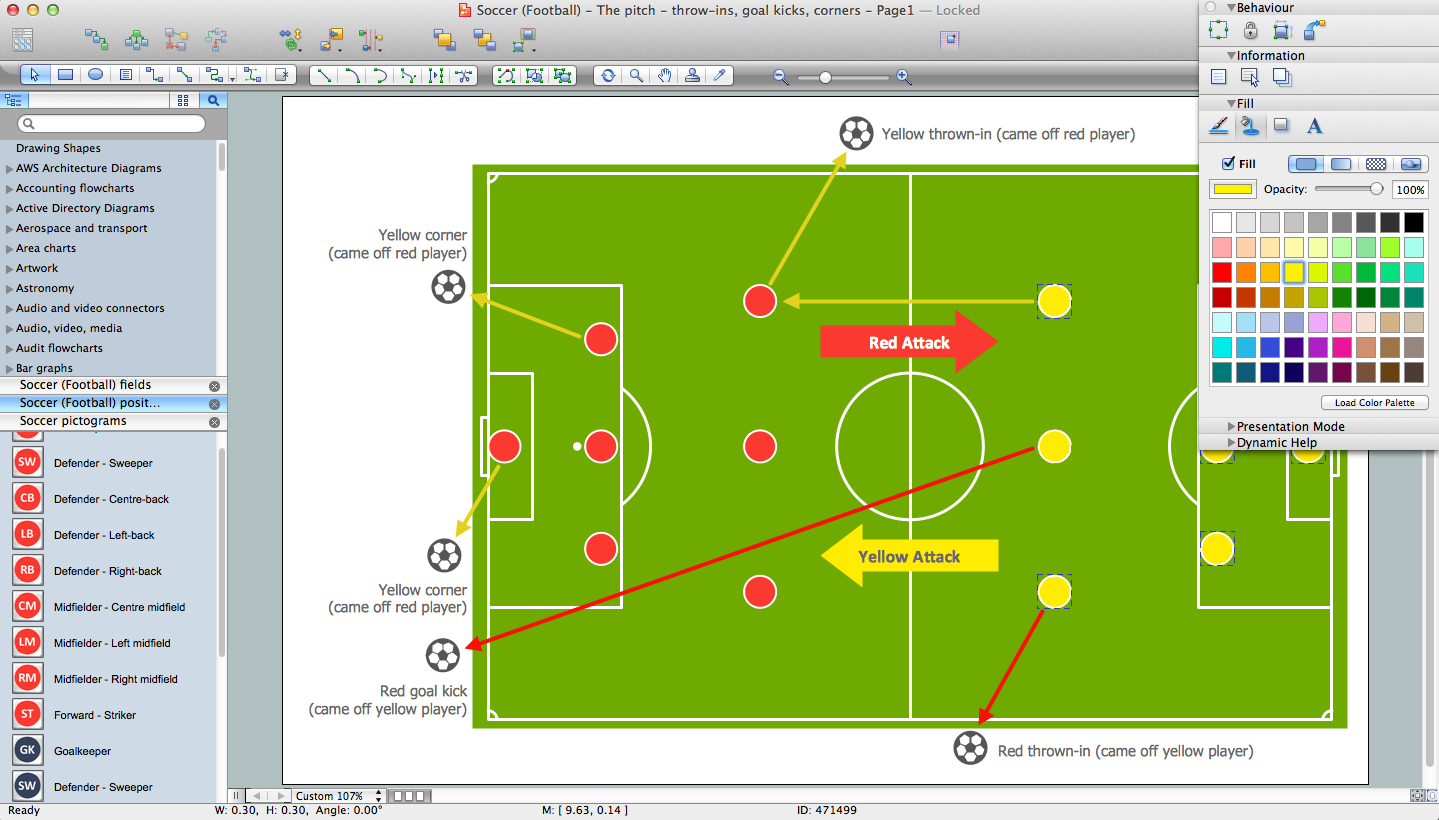
Use the "Soccer (Football) Fields" and "Soccer (Football) Positions" libraries from the Soccer solution and follow the next steps to create your own soccer-related drawing quick and easy:

  • From the "Soccer (Football) Fields" library drop a field object to your document;
  • From the "Soccer (Football) Positions" library drop all position objects you need to your document;
  • Place positions on the field according to your drawing idea;
  • Add arrows or text labels if needed.
Soccer (Football) Formation *

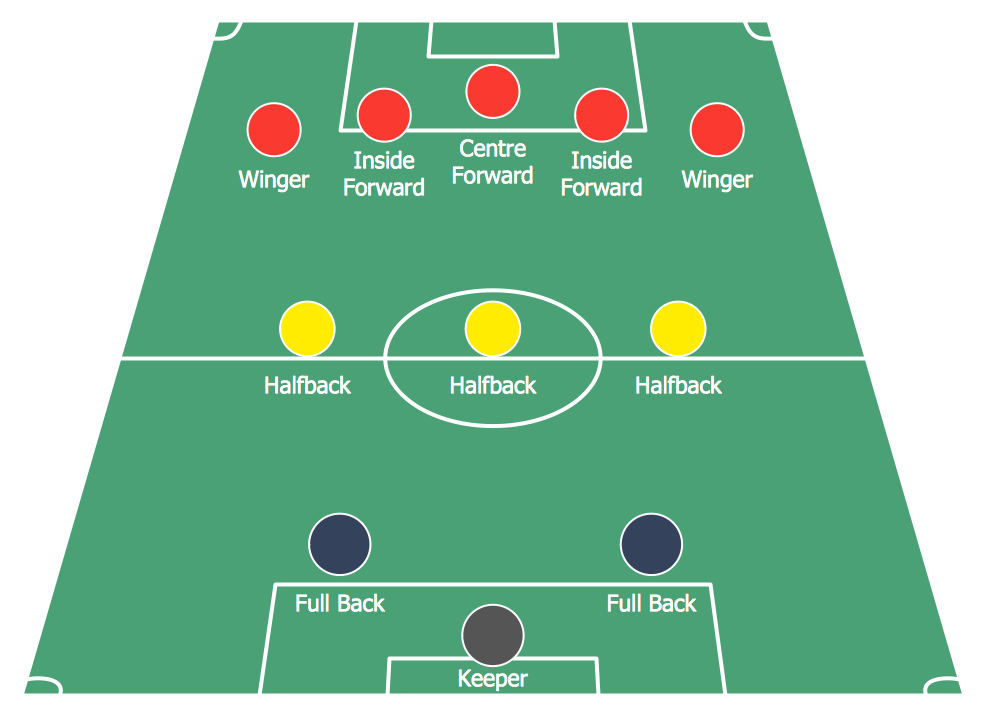
Sample 1. Soccer (Football) Formation 2—3—5 Pyramid

This sample shows the 2–3–5 formation that is also known as the "Pyramid". By the 1890s, it was the standard formation in England and then it was spread all over the world. In this formation was reached the balance between the attack and defense.

Soccer (Football) Formation 3—2—5 WM

Sample 2. Soccer (Football) Formation 3—2—5 WM

On this sample you can see the soccer formation 3–2–5 WM. The WM system was created in 1920s by Herbert Chapman of Arsenal. Was reduced the number of opposition players and was introduced a centre-back to stop the opposing centre-forward. The WM system was subsequently adapted by several English sides.

Soccer (Football) Formation 3—4—3

Sample 3. Soccer (Football) Formation 3—4—3

This sample shows the formation 3–4–3 that is used by the offensive teams, for example by Liverpool under Rafael Benitez during the second half of the 2005 UEFA Champions League Final. There are only three defenders. So if the opposing team will break through the midfield, they will have a great chance to score.

Soccer (Football) Formation 4—3—3

Sample 4. Soccer (Football) Formation 4—3—3

The soccer formation 4–3–3 that you see on this sample was developed from the 4–2–4. The Brazilian national team in the 1962 World Cup was played 4–3–3. The three midfielders move laterally across the field as a coordinated unit and play together to protect the defense. The three forwards split across the field to spread the attack. The 4-3-3 formation is very useful for ball retention and for a short passing game.
Soccer (Football) Formation 4—4—1—1

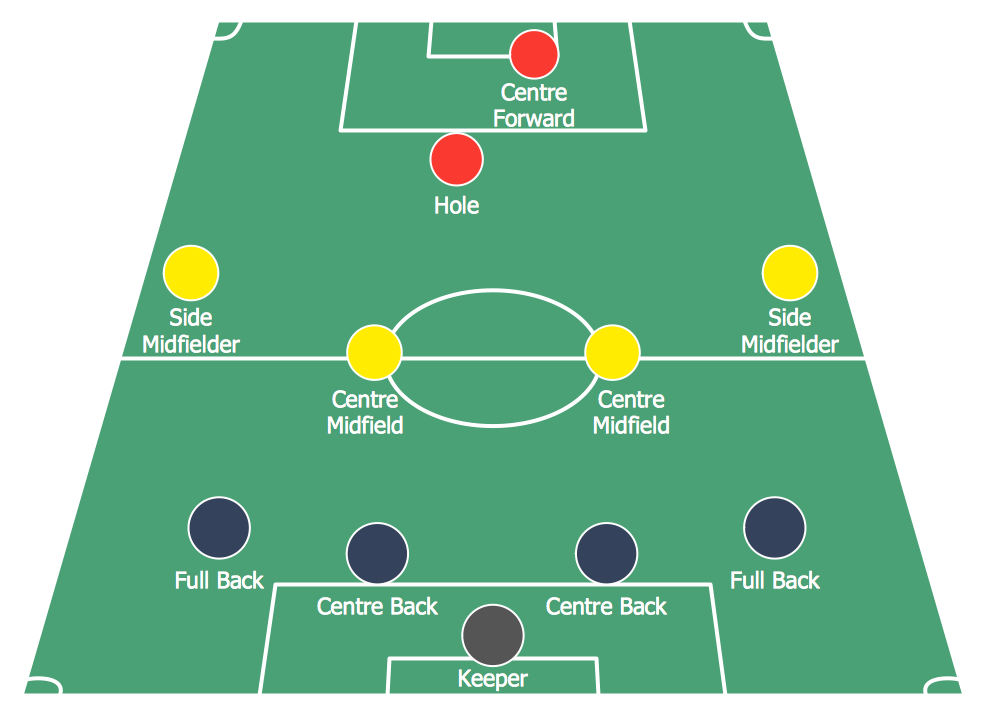
Sample 5. Soccer (Football) Formation 4—4—1—1

This sample demonstrates the formation 4-4-1-1. One of the strikers plays as a "second striker" ("in the hole"). The second striker is a playmaker that can easy drop into midfield to pick up the ball before running it.
Soccer (Football) Formation 4—4—2

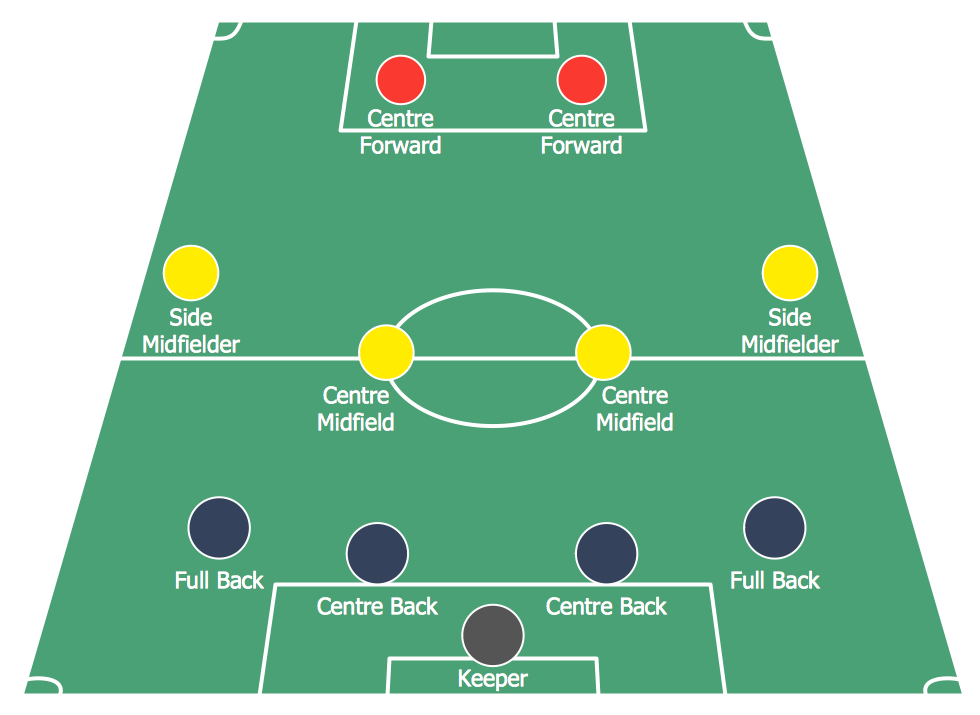
Sample 6. Soccer (Football) Formation 4—4—2

On this sample you can see the soccer formation 4–4–2 that was successfully used by Fabio Capello that won three European Cups, two Intercontinental Cups, and three UEFA Super Cups between 1988 and 1995. And also Carlo Ancelotti's Milan used it on the UEFA Champions League where he won the final in 2003 and made runners-up in 2005. The formation 4–4–2 has only two forwards and is defensive formation. The team forms the game on the counter-attacks.

The samples you see on this page were created in ConceptDraw DIAGRAM using the Soccer Solution. They demonstrate the solution's capabilities and the professional results you can achieve. An experienced user spent no more than 5 minutes creating every of these samples.

All source documents are vector graphic documents. They are available for reviewing, modifying, or converting to a variety of formats (PDF file, MS PowerPoint, MS Visio, and many other graphic formats) from the ConceptDraw STORE. The Soccer Solution is available for all ConceptDraw DIAGRAM or later users.


NINE RELATED HOW TO's:
Visual depiction is key secret to successful understanding baseball strike zone dimentions. Baseball strike zone diagram illustrated using ConceptDraw DIAGRAM software enhanced with the Baseball solution.Baseball — Pitching and the Strike Zone
Picture: Baseball — Pitching and the Strike Zone
Related Solution:
Analysis is very important part for every business, as it helps to understand the weakness and to see the opportunities, and SWOT is one of the most effective tools. To illustrate the multifunctionality of this tool, let’s imagine a SWOT sample in area of computers networking, which can be carried out to realize the pros and cons of some equipment, for example. Even a network topology or a administer can be a subject for this analysis. This SWOT analysis matrix illustrate the sample of using this useful technique for comprehension of Strengths and Weaknesses, and for determining the Opportunities open to business and the Threats it encounters. Used in a business scope, it will help to create a perspective niche in the market for particular business. The ConceptDraw SWOT and TOWS Analysis solution gives a lot of templates of both SWOT and TOWS matrices that allow managers and marketers create custom diagrams to perform SWOT or TOWS analysis in context of a particular business.SWOT Sample in Computers *
Picture: SWOT Sample in Computers
Functional modeling allows to make complex business processes simple. One of the basic methods is IDEF0 and one of the most effective also. To create a business model, use flowchart symbols. The IDEF0 library, supplied with ConceptDraw IDEF0 Diagrams solution contains 18 IDEF0 basic notation symbols. All symbols are the vector graphic images what means, that one can customize their size preserving the stable quality. Another library of IDEF0 symbols can be find out in the the Business Process Diagrams solution, included to the Business Processes section of ConceptDraw Solution Park. These libraries composed from just vector objects and are totally compatible. You can apply the IDEF0 symbols from both libraries at your flowcharts, if needed.IDEF0 Flowchart Symbols
Picture: IDEF0 Flowchart Symbols
Related Solution:
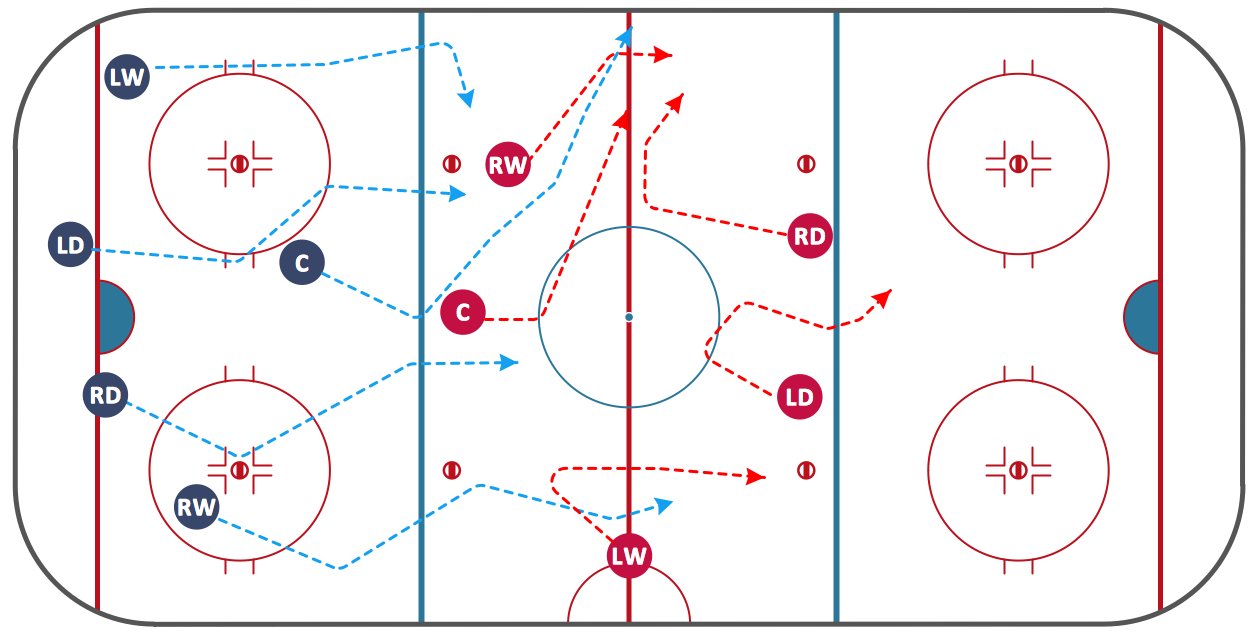
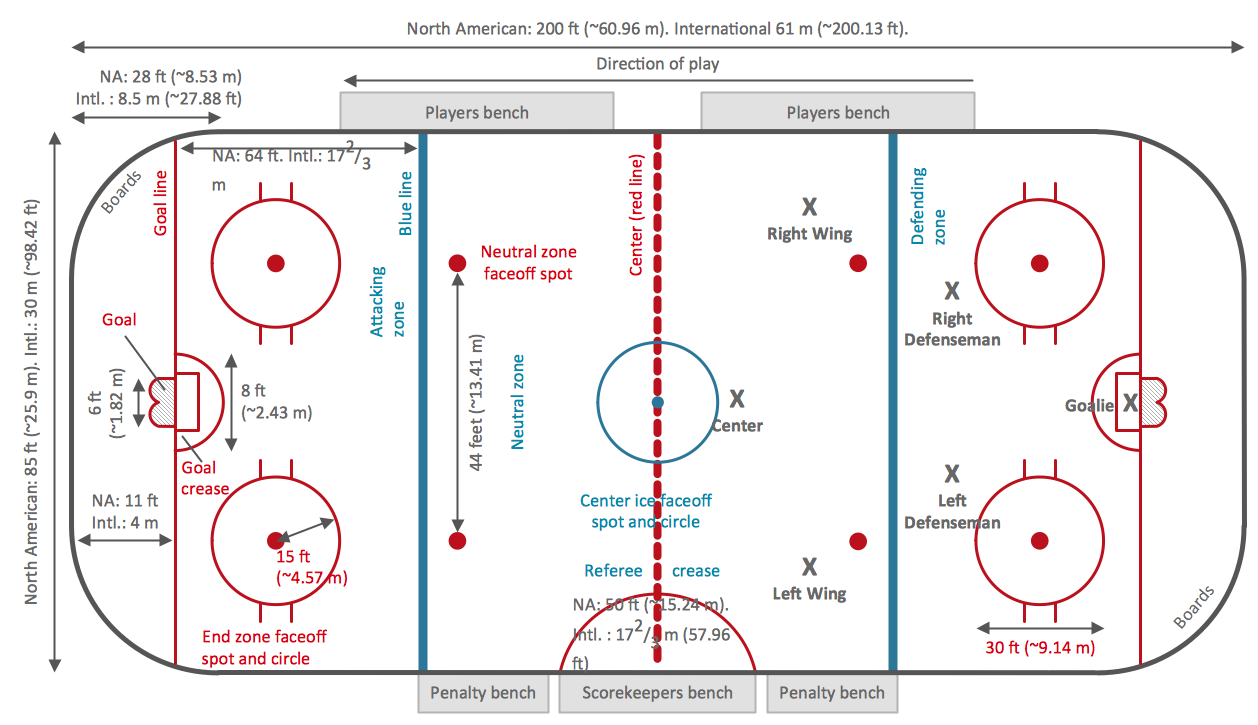
Experience the main advantage of using ConceptDraw Ice Hockey solution with all tools you need to 🔸 create professional ice hockey diagrams as quickly as possible and visualize ✔️ ice hockey rinks, ✔️ roles, ✔️ positioning, ✔️ game situations, ✔️ tactics, and ✔️ strategies to succeed in tactical planningIce Hockey Rink Diagram
Picture: Ice Hockey Rink Diagram
Related Solution:
Wiring and circuit diagrams use special symbols recognized by everyone who uses the drawings. The symbols on the drawings show how components like resistors, capacitors, inductors, switches, lamps, acoustic devices, measuring devices and other electrical and electronic components are connected together. 26 libraries of the Electrical Engineering Solution of ConceptDraw DIAGRAM make your electrical diagramming simple, efficient, and effective. You can simply and quickly drop the ready-to-use objects from libraries into your document to create the electrical diagram.Electrical Symbols — Lamps, Acoustics, Readouts *
Picture: Electrical Symbols — Lamps, Acoustics, Readouts
Related Solution:
You need quickly design Playground Layouts? Use the tools of Sport Field Plans solution from the Building Plans area of ConceptDraw Solution Park to depict any of your ideas for the Playground Layouts.Playground Layouts *
Picture: Playground Layouts
Related Solution:
A triangular graphic representing Graham's hierarchy of disagreement, based on Paul Graham's March 2008 essay How to Disagree.Pyramid Diagram *
Picture: Pyramid Diagram
Related Solutions:
The Basketball Field library from the Basketball solution provides a complete set of ready-to-use predesigned vector courts: horizontally and vertically located, whole and half of court, colored and not, courts with views from different sides. All courts objects are designed according to the real basketball courts dimensions. Simply drop the needed basketball field in the vector from the library to design your own basketball diagram.Basketball Field in the Vector *
Picture: Basketball Field in the Vector
Related Solution:
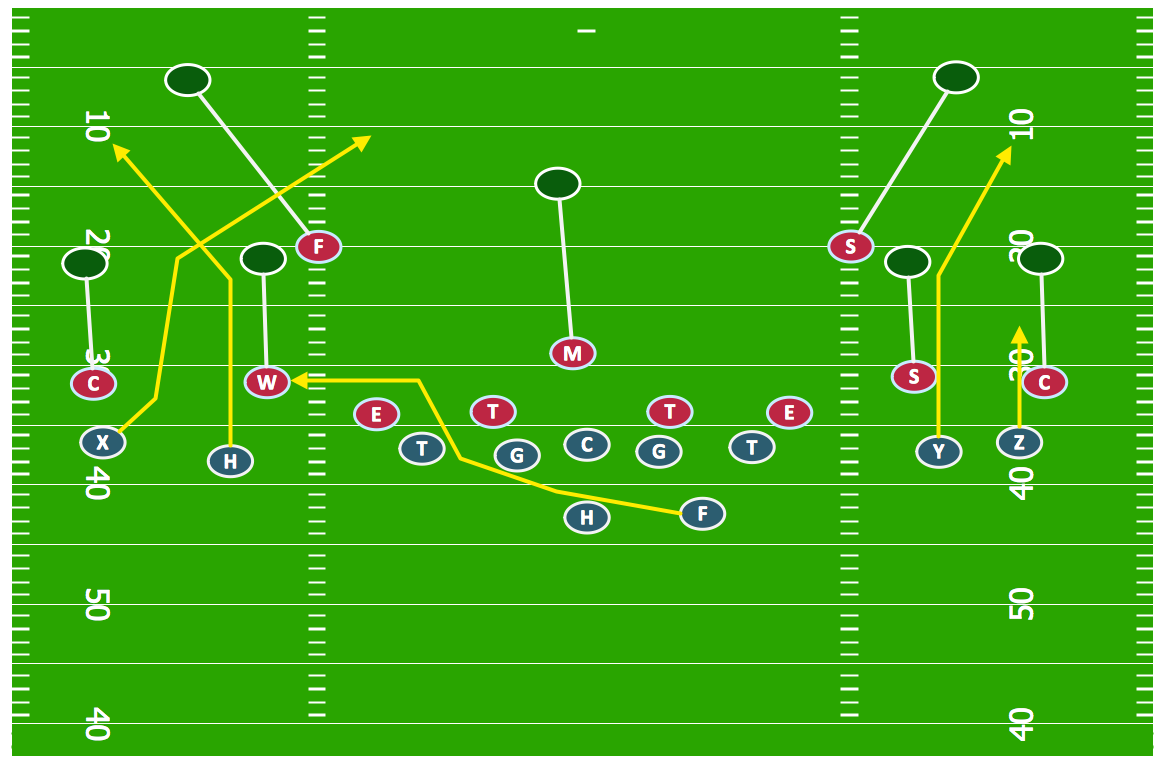
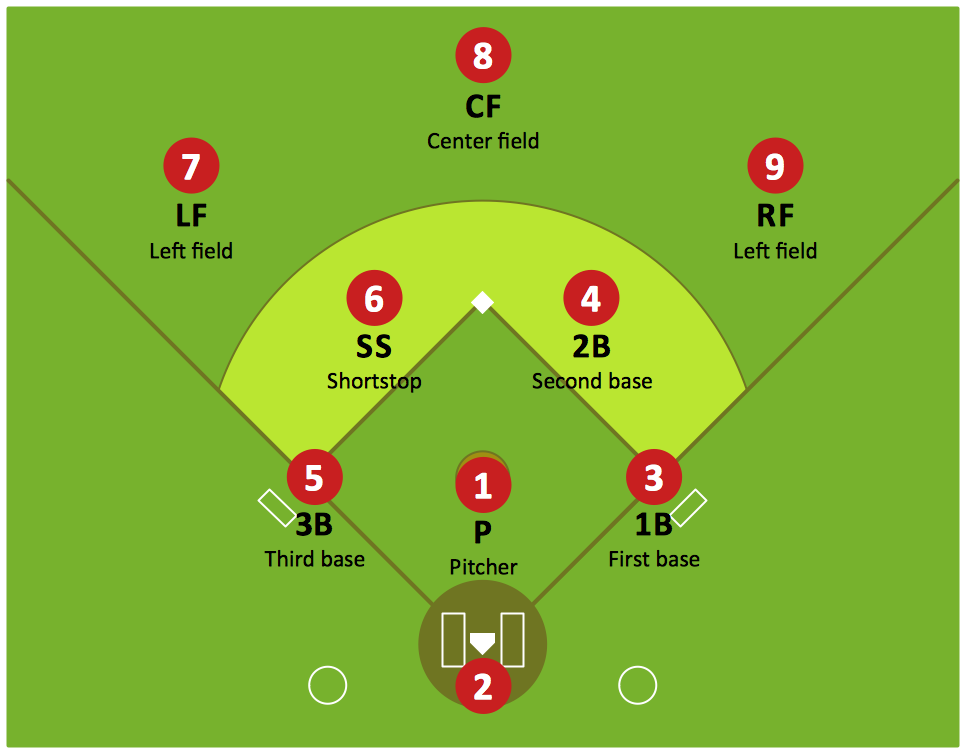
Drawing baseball diagrams using ConceptDraw DIAGRAM software extended with the Baseball solution saves your time, and adds more value to your work.Baseball Diagram – Basic Bunt Coverage – Runner at 2nd
Picture:
Baseball Diagram
Basic Bunt Coverage – Runner at 2nd
Related Solution:
ConceptDraw
DIAGRAM 18