Made with
ConceptDraw
DIAGRAM 18

Network Security Diagram

Network Security Diagram

It's not a secret for anybody that the Internet becomes more and more integral part of our daily life. Thanks to the Internet everyone can join to a huge and virtually inexhaustible storehouse of information, to find the answer for any question, communicate, share useful information. Yet, the Internet is fraught with many dangers and threats such as cyber attacks, malicious applications, viruses, worms, Trojans, and many others. Any system connected to the Internet can be attacked, exposed to the unauthorized access to information and data.

How to secure your network? There are many ways to effectively secure your network, you can use for this the hardware devices, special software and physical security methods, and also combine them for the most protection. In a complex work for the network security, we recommend begin with designing Network Security Diagram and depict on it detailed network security plan.

ConceptDraw DIAGRAM is ideal for network engineers and network designers who need design the Network Plan, Network Security Diagram, create detailed network documentation or review with attractive and vivid schemes. The intuitive interface and powerful drawing tools of the Network Security Diagrams solution from the Computer and Networks Area of ConceptDraw Solution Park help create accurate and professional looking Network Security diagrams in a minutes.
Network Security Diagram *

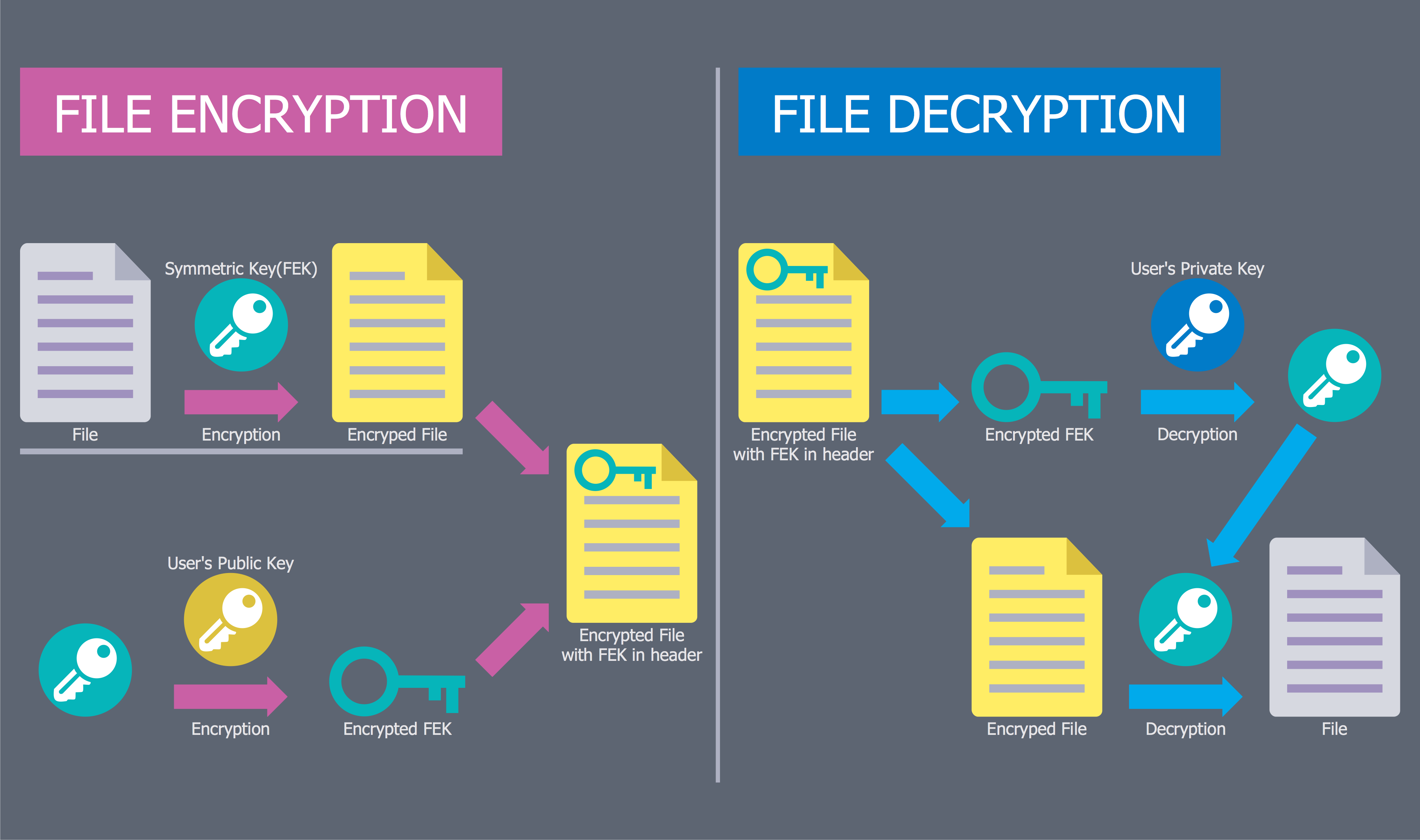
Example 1. Network Security Diagram - EFS Operation

Network Security Diagrams Solution provides 4 libraries with numerous collection of ready-to-use vector objects which can be used to maximally easier Network Security Diagram drawing process.

Network Security Diagrams Solution Libraries

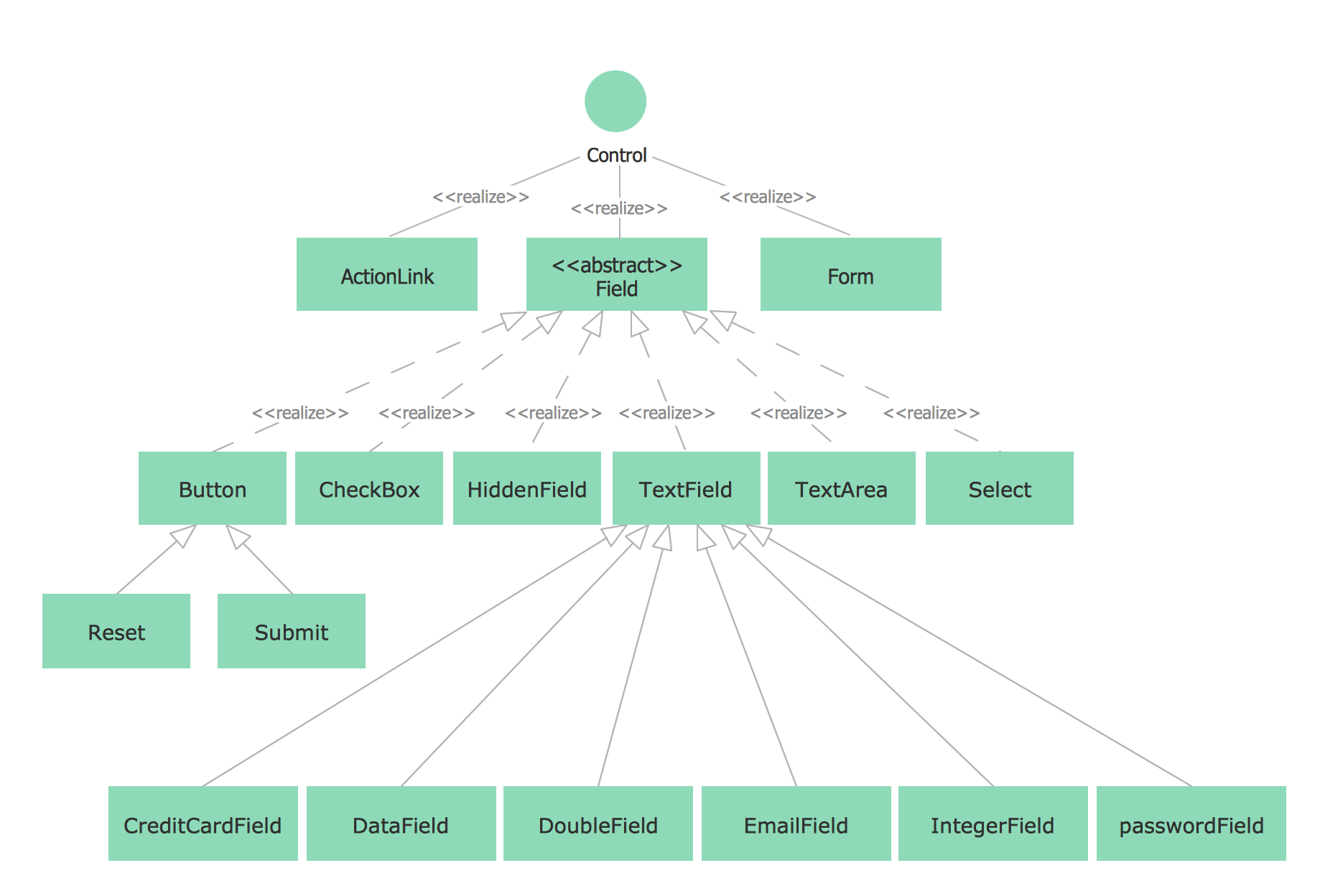
Example 2. Network Security Diagrams Solution Libraries

All objects offered by ConceptDraw DIAGRAM libraries are vector objects, so you can resize them without loss of quality, easy make formatting changes. Applying bright colors lets to make your diagrams more interesting, vivid and attractive.


Network Security Diagram Example

ConceptDraw DIAGRAM diagramming and vector drawing software enhanced with Network Security Diagrams Solution is the best for effective design professional, colorful and attractive Network Security Diagrams of any complexity and degree of detailing. Network Security Diagrams Solution contains numerous collection of predesigned network security samples and examples, all them are available from ConceptDraw STORE.

Network Security Diagrams Solution in ConceptDraw STORE

Example 3. Network Security Diagrams Solution in ConceptDraw STORE

Each Network Security Diagram example included to Network Security Diagrams Solution is well thought-out and designed by professionals with a goal to demonstrate the exceptional drawing capabilities of ConceptDraw DIAGRAM software. Besides each example is an ideal start for your own diagram - all that you need is simply choose example the most suitable your requirements and make needed changes.

Network Security Diagram Example

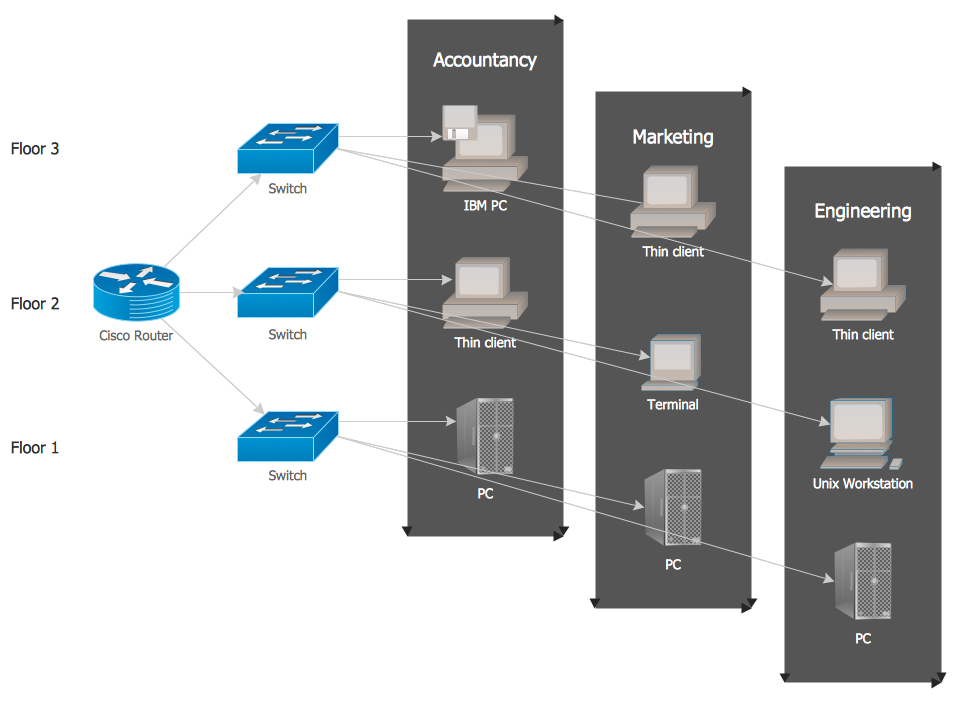
Example 4. Network Security Diagram Example


Network Security Diagram Visio, PPT, PDF

The ConceptDraw DIAGRAM software offers for its users powerful export capabilities: you can export your Network Security Diagrams to a number of useful and popular file formats. The exporting commands to Microsoft PowerPoint (PPT), Adobe Acrobat (PDF), Microsoft Visio (VDX, VSDX), and many other formats are available from the File menu at the program. You can immediately apply them when your diagram is ready and then effectively collaborate and exchange documents with other people who don't have the ConceptDraw DIAGRAM software.
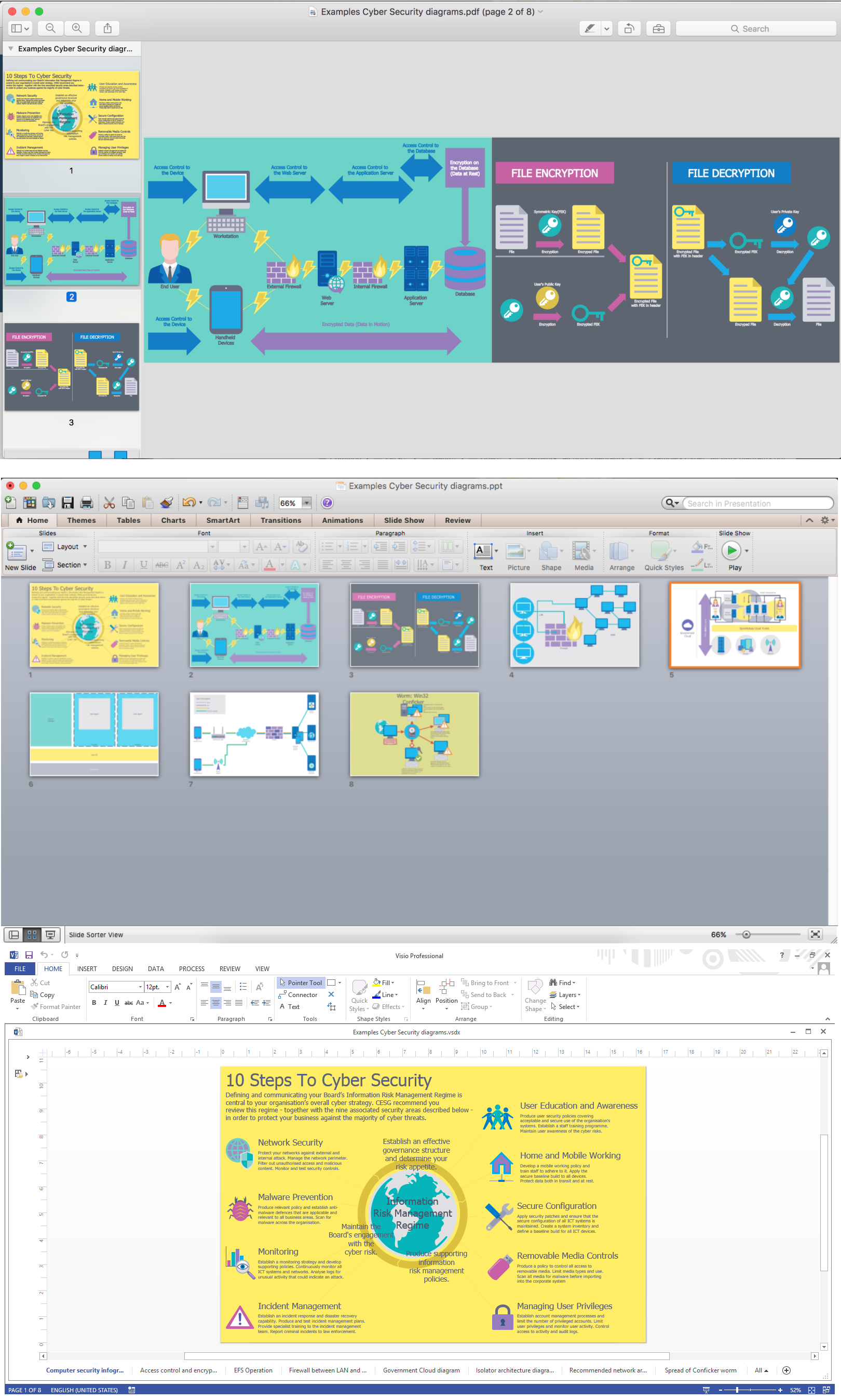
Export Network Security Diagram in PDF, PPT, Visio

Example 5. Export Network Security Diagram in PDF, PPT, Visio

The following features make ConceptDraw DIAGRAM extended with the Network Security Diagrams solution the most effective diagramming software:

  1. You don't need to be an artist to draw professional looking diagrams in a few minutes.
  2. Large quantity of ready-to-use vector objects makes drawing your diagrams quick and easy.
  3. Extensive collection of pre-designed templates and samples give you a great start for your own diagrams.
  4. ConceptDraw DIAGRAM provides you with the possibility to use the grid, rules and guides. You can easily rotate, group, align, and arrange objects, and use different fonts and colors to make your diagram stand out.
  5. All ConceptDraw DIAGRAM documents are vector graphic files and are available for reviewing, modifying, and converting to a variety of formats: image, HTML, PDF file, MS PowerPoint Presentation, Adobe Flash, MS Visio.
  6. Using ConceptDraw STORE you can navigate through ConceptDraw Solution Park, managing downloads and updates. You can access libraries, templates and samples directly from ConceptDraw STORE.
  7. If you have any questions, our support is free of charge and always ready to come to your aid.


TEN RELATED HOW TO's:
Every corporate network is unique, though there are guidelines and best practices in developing networks. As it is quite difficult to implement a pure topology within a company, using a hybrid network topology is considered a better solution. As a rule, such network assembles advantages and features of source topologies. This diagram is an example of the Hybrid network. This type of network topology means a conjunction of other network topologies. Such as star-bus, ring-mesh topologies, etc. It should be obviously diverse networks. The final computer network inherits both advantages and disadvantages of its ingredients. Using the ConceptDraw Computer and Networks solution including vector graphic libraries and templates one can develop professional custom network diagrams of any topology and complexity.Hybrid Network Topology *
Picture: Hybrid Network Topology
Related Solution:
The Wireless Network solution helps users to quickly transition from an idea to the implementation of a wireless computer network. ConceptDraw DIAGRAM is well placed to provide experienced and comprehensive assistance in the workplace. The vector stencils, examples, and templates included to solution is a strong toolset for network engineer.Wireless Network Drawing *
Picture: Wireless Network Drawing
Related Solution:
No need for any special drawing skills to create professional looking diagrams outside of your knowledge base. ConceptDraw DIAGRAM takes care of the technical details, allowing you to focus on your job, not the drawing. ConceptDraw DIAGRAM delivers full-functioned alternative to MS Visio. ConceptDraw DIAGRAM supports import of Visio files. ConceptDraw DIAGRAM supports flowcharting, swimlane, orgchart, project chart, mind map, decision tree, cause and effect, charts and graphs, and many other diagram types.MS Visio Look a Like Diagrams *
Picture: MS Visio Look a Like Diagrams
Talking about companies, that have influenced the entire industry, we should mention Cisco and it’s influence on network design. Nowadays, this equipment has became a kind of standard, and Cisco icons, shapes, stencils, symbols and design elements are easily recognized among others. You can use these icons to develop a network diagram of any complexity. When dealing with creating a pack of network documentation, system administrator often have to depict a network containing a network equipment of such a well-known manufacturer as Cisco. As Cisco has developed its own production standard icons that are strongly recommended to use in Cisco network diagrams. The best way to draw Cisco Network diagram Cisco certified icons is using ConceptDraw solution for Cisco Network Diagrams. Using Cisco symbols library provided by this solution allows system administrator, or network architect to design a prototype of a new network or document an existing one.Cisco Network Design. Cisco icons, shapes, stencils, symbols and design elements *
Picture: Cisco Network Design. Cisco icons, shapes, stencils, symbols and design elements
Related Solution:
Dynamic of development computer and network technologies increases the need in modern cyber security strategies and IT security solutions to support security of your data, to ensure data privacy, and to protect your operations from the cyber threats. Thanks to the Network Security Diagrams Solution from the Computer and Networks Area of ConceptDraw Solution Park, the ConceptDraw DIAGRAM diagramming and vector drawing software is one of the unique IT security solutions for professional designing Network Security Diagrams.IT Security Solutions *
Picture: IT Security Solutions
Related Solution:
Wireless networking is useful visual tool for identification of all required equipment, and calculation the cost of creating or updating wireless computer networks. ConceptDraw DIAGRAM extended with Wireless Networks Solution from the Computer and Networks Area is the best wireless network diagramming software.Wireless Networking
Picture: Wireless Networking
Related Solution:
If you ever wanted to try any diagramming tools except of Visio, but were afraid to lose existing documents, there’s good news for you. One of the most striking features of ConceptDraw DIAGRAM is it’s perfect compatibility with MS Visio, which guarantees that you won’t depend on operating system anymore, because another ConceptDraw DIAGRAM feature is that it’s cross-platform tool. Don’t waste your time looking for other options, you’ve found the solution already! Business professionals often utilize the MS Visio as a common tool for making various issues on business visualization. MS Visio is a strong software with good capacity to maintain complex business solutions. But there is no MS Visio for Apple OS X. This is a large invocation, and one would be pleased to recognize that ConceptDraw DIAGRAM is the ideal alternative to MS Visio. Primarily, because this software works natively on both Windows and Apple OS X platforms. if you have migrated from Windows to Mac, or need to communicate in a cross-platform conditions, you’ll search for MS Visio replacer. ConceptDraw DIAGRAM is the exclusive professional business diagramming application that runs on both Windows and Apple OS X. The opportunity exchange files between PC and Mac, as well as between ConceptDraw DIAGRAM and Visio is the significant advantage that permits you to display and to collaborate business information in effortless and cost-effective way.ConceptDraw DIAGRAM Compatibility with MS Visio *
Picture: ConceptDraw DIAGRAM Compatibility with MS Visio
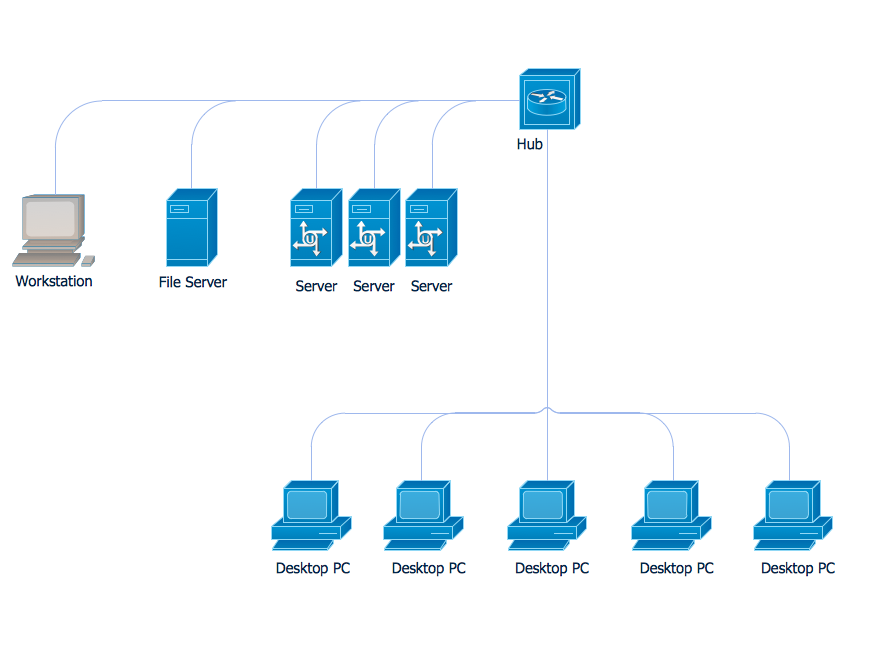
Local area network connects computers and other network appliances within an area, such as office building or a campus. It can be difficult to provide such network without a predesigned plan. For these purposes you can use network diagram software, which helps you to create LAN network diagrams and office network diagrams quickly and effortless. This will speed up your work and you can save the diagram for the future network improvements. The following diagram illustrates a network topology of the small office. LAN configuration has a star topology. The local network joins 8 computers among which are several desktop PCs, laptop, two iMacs and iBook. The end-point devices are divided into three groups. Each group is connected to its hub. There is a network printer and a modem, which are interconnected with other devices through a network server. Each computer on the LAN can access the server through a corresponding hub.LAN Network Diagram
Picture: Network Diagram Software. LAN Network Diagrams. Physical Office Network Diagrams
Related Solution:
ConceptDraw DIAGRAM diagramming and vector drawing software enhanced with Network Security Diagrams Solution from the Computer and Networks Area of ConceptDraw Solution Park is the best for effective design professional, colorful and attractive Network Security Diagram of any complexity and degree of detailing.Network Security Diagram *
Picture: Network Security Diagram
Related Solution:
ConceptDraw is rapid and powerful network diagram drawing software with rich examples, templates, design objects and stencils.Draw Network Diagram based on Templates and Examples *
Picture: Draw Network Diagram based on Templates and Examples
ConceptDraw
DIAGRAM 18