Metropolitan area networks (MAN). Computer and Network Examples
A Metropolitan Area Network (MAN) is a large computer network on the large geographical area that include several buildings or even the entire city (metropolis). The geographical area of the MAN is larger than LAN, but smaller than WAN. MAN includes many communicating devices and provides the Internet connectivity for the LANs in the metropolitan area.
MAN is used to combine into a network group located in different buildings into a single network. The diameter of such a network can range from 5 to 50 kilometers. As a rule, MAN does not belong to any particular organization, in most cases, a group of users or a provider who takes charge for the service own its connecting elements and other equipment. Level of service is agreed in advance and some warranties are discussed. MAN often acts as a high-speed network to allow sharing regional resources (like a big LAN). It is also often used to provide public available connection to other networks using a WAN connection. There are many ways of classifying networks. The main criterion for classification is considering the administration method. That is, depending on how the network is organized and how it is controlled, it can be attributed to local or distributed, metropolitan or WAN. or her A network administrator manages a network or it’s segment. Administration team activities are logged, and their rights and responsibilities are strictly divided if the network is complex. Computers can be connected using a variety of media access controllers: a twisted pair, optical conductors (optical cables) and via radio (wireless technology). Wired optical connections are usually established via Ethernet, wireless - through Wi-Fi, Bluetooth, GPRS and other protocols. Private LAN may be linked to other local area networks through gateways, as well as being part of a global computer network (eg, the Internet), or have a connection to it.
Computer and Networks Area for ConceptDraw DIAGRAM provides professional looking examples, the libraries with ready-to-use predesigned vector stencils to help you create anyone computer network diagrams quick, easy and effective.

Example 1. Metropolitan area networks (MAN). Computer and Network Examples
This example was created in ConceptDraw DIAGRAM using the Computer and Networks Solution of ConceptDraw Solution Park and shows the Metropolitan Area Network.
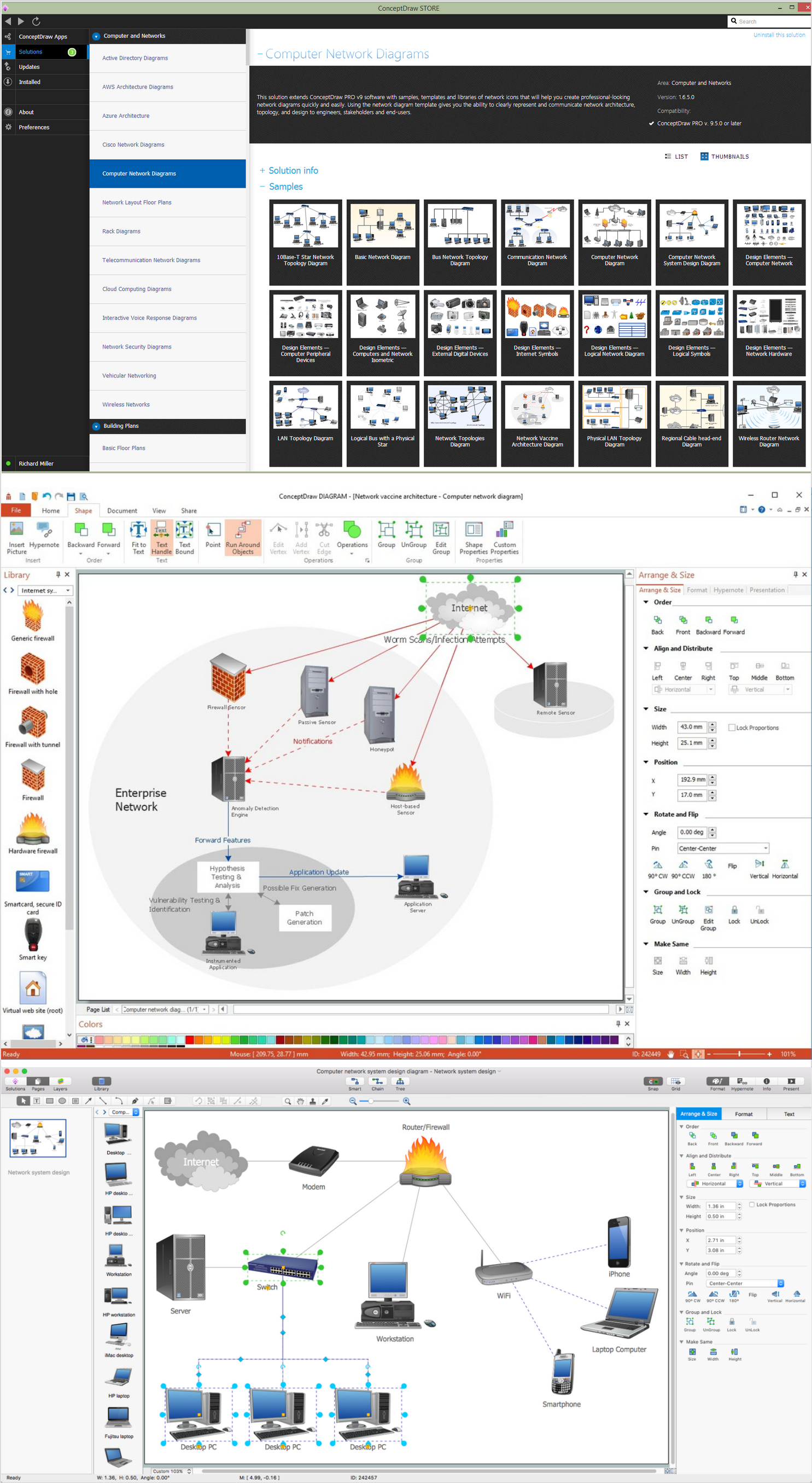
Example 2. Computer and Networks solution. Computer and Network examples
The MAN can be used to provide services including telecoms, Internet access, television and CCTV to businesses and citizens in these metropolitan areas.
The diagrams designed with ConceptDraw DIAGRAM are vector graphic documents and are available for reviewing, modifying, and converting to a variety of formats (image, HTML, PDF file, MS PowerPoint Presentation, Adobe Flash or MS Visio).
See also Samples:
TEN RELATED HOW TO's:
Enterprise systems engineers almost every day face the necessity of network diagrams. We should also take into account that Cisco network design is not only limited to computer networks, but, furthermore, you can design telephone networks and much more. You can build an hierarchical model of your network to get better performance and reliability.
This network diagram represents the utilization of Conceptdraw DIAGRAM for network documentation creation. The diagram shows schematically the structure of a node of a large Internet service provider, which is completed on the basis of Cisco equipment. This diagram was designed using the vector library containing the images of Cisco equipment, supplied with Cisco Network Diagrams solution. In total, the solution has more than ten libraries including more than 500 vector icons of Cisco equipment.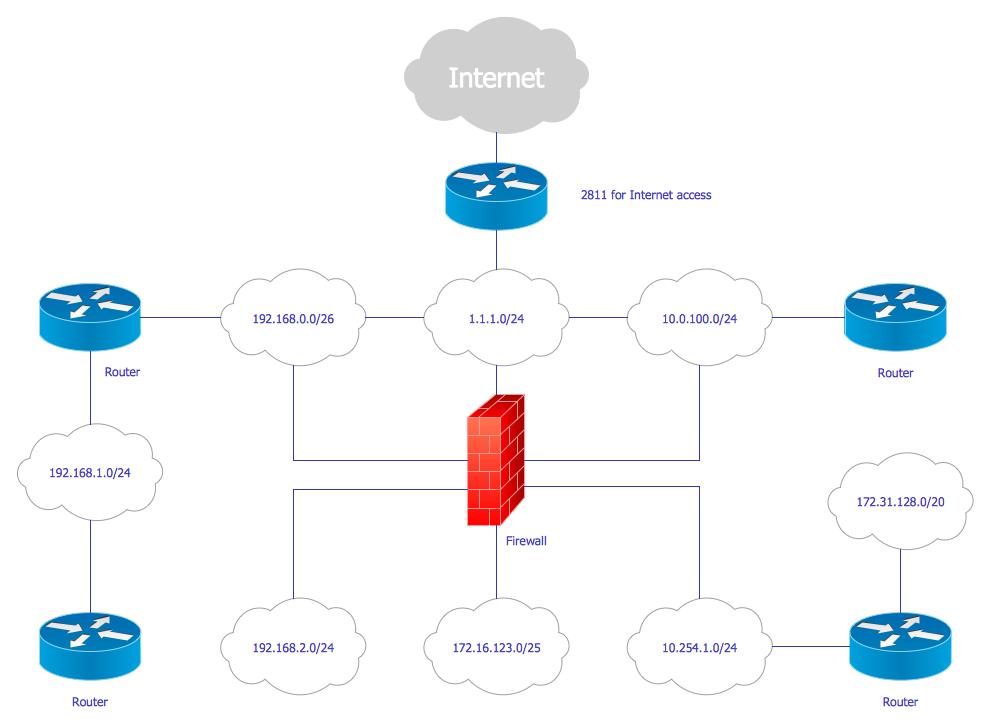
Picture: Cisco Network Design
Related Solution:
ConceptDraw DIAGRAM - workflow software extended with the Workflow Diagram solution provides a complete set of samples, templates and features help you to draw diagrams faster. A workflow software you use for drawing workflow diagrams and business process flow diagrams should provide a wide set of examples allows you get closer with workflow diagrams, learn symbols meaning, find appropriate layout and design, and then start drawing your own workflow diagram masterfully. Workflow diagrams used for orchestrating organizational processes between company departments and humans, so critical process diagrams used to train many people to interact must be clear and professional to convey an idea from a view. Thats a reason we created a lot workflow symbols and workflow icons collected them into special Workflow Diagram solution in ConceptDraw Solution Park.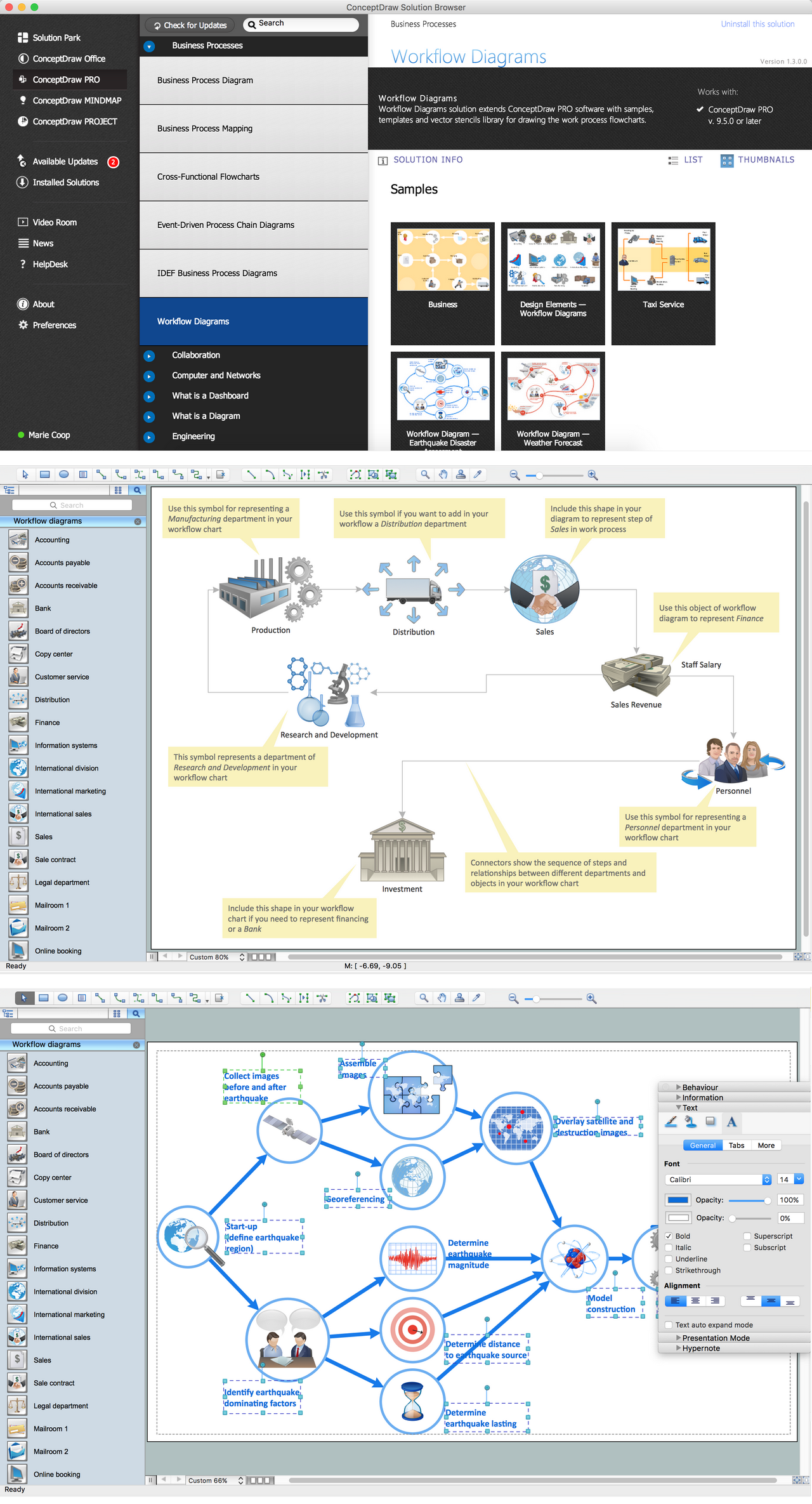
Picture: Workflow Diagram Examples
Related Solution:
ConceptDraw DIAGRAM is perfect for software designers and software developers who need to draw Cisco Network Diagrams.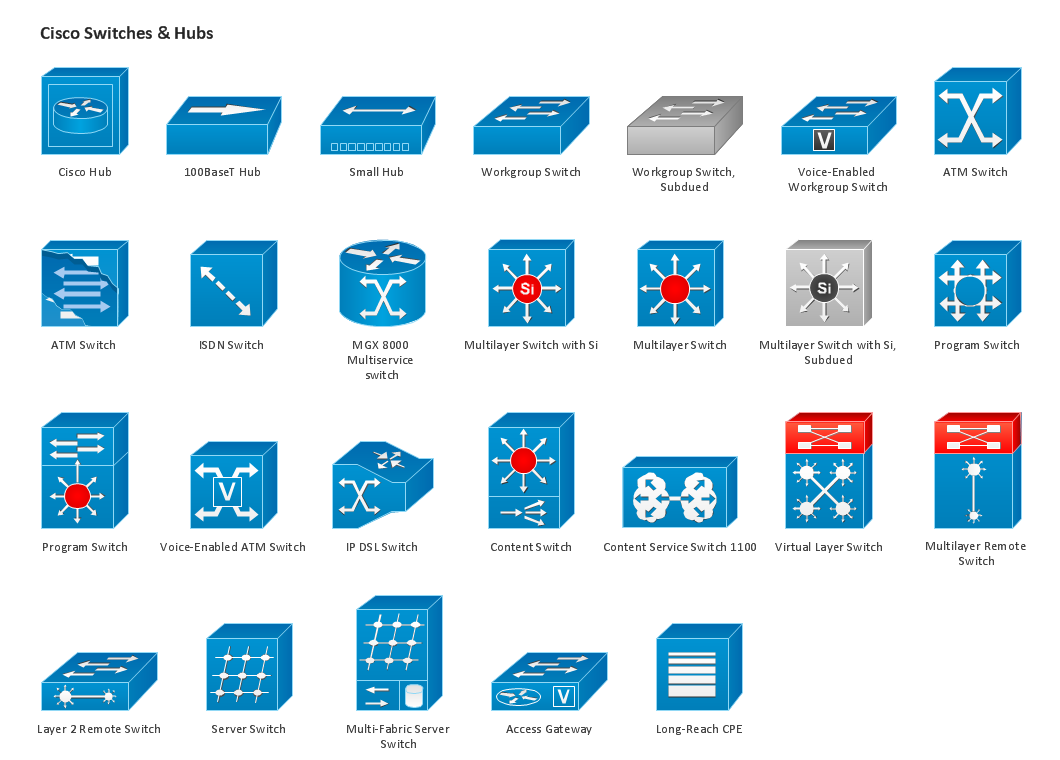
Picture: Design Element: Cisco for Network Diagrams
UML Diagrams Social Networking Sites Project. This sample was created in ConceptDraw DIAGRAM diagramming and vector drawing software using the UML Class Diagram library of the Rapid UML Solution from the Software Development area of ConceptDraw Solution Park.
This sample shows the structure of the popular social networking site Linkedin and is used in the business field, in IT, at the projection and creating of the social networking sites.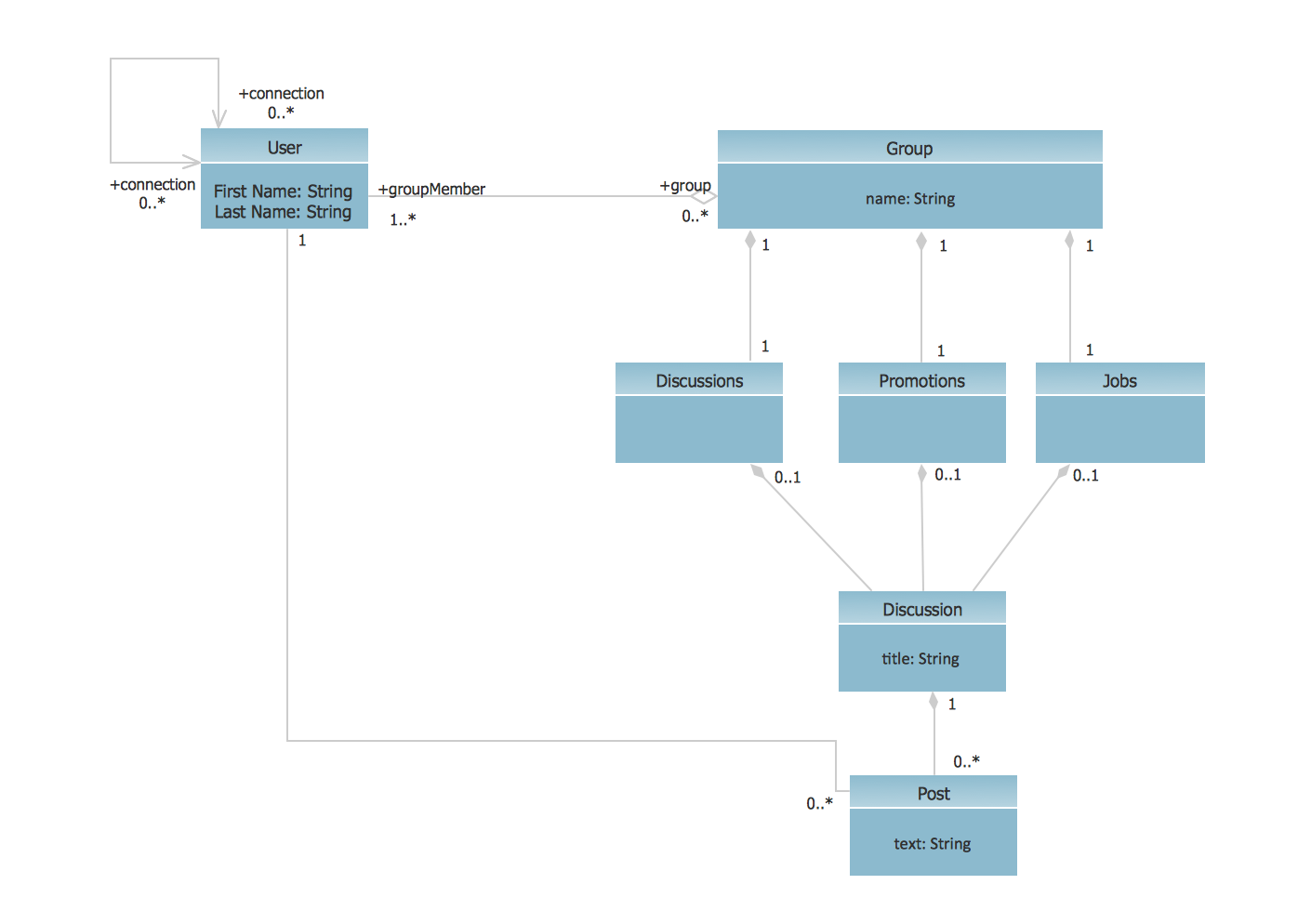
Picture: UML Class Diagram Example - Social Networking Site
Related Solution:
The AWS Architecture Diagrams solution includes icons, sample and templates for several Amazon Web Services products and resources, to be used when creating architecture diagrams. The icons are designed to be simple so that you can easily incorporate them in your diagrams and put them in your whitepapers, presentations, datasheets, posters or any technical material you like.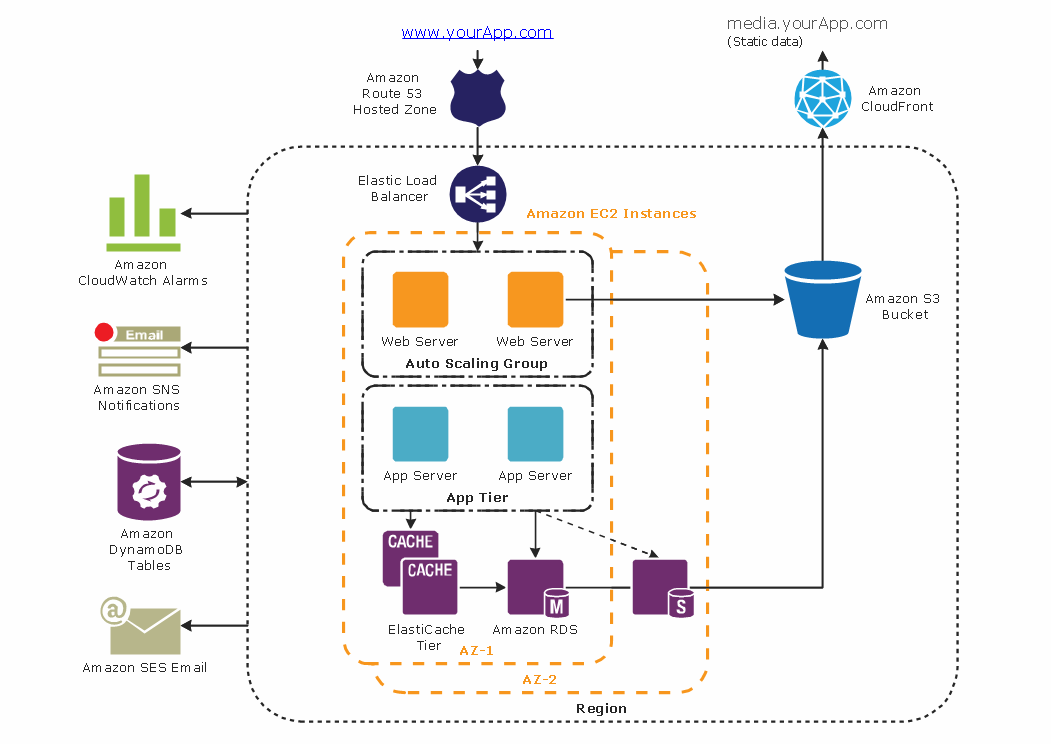
Picture: Diagramming tool - Amazon Web Servicesand Cloud Computing Diagrams
Comparing ConceptDraw DIAGRAM to Omnigraffle - Cross-platform product. While most drawing tools are designed for use on one operating system, ConceptDraw DIAGRAM is available as two independent and concurrent versions on both Macintosh (macOS) and PC (Windows).
License is per named user. That means you can use a single license for Macintosh and PC. Users can install at work and at home with a single license.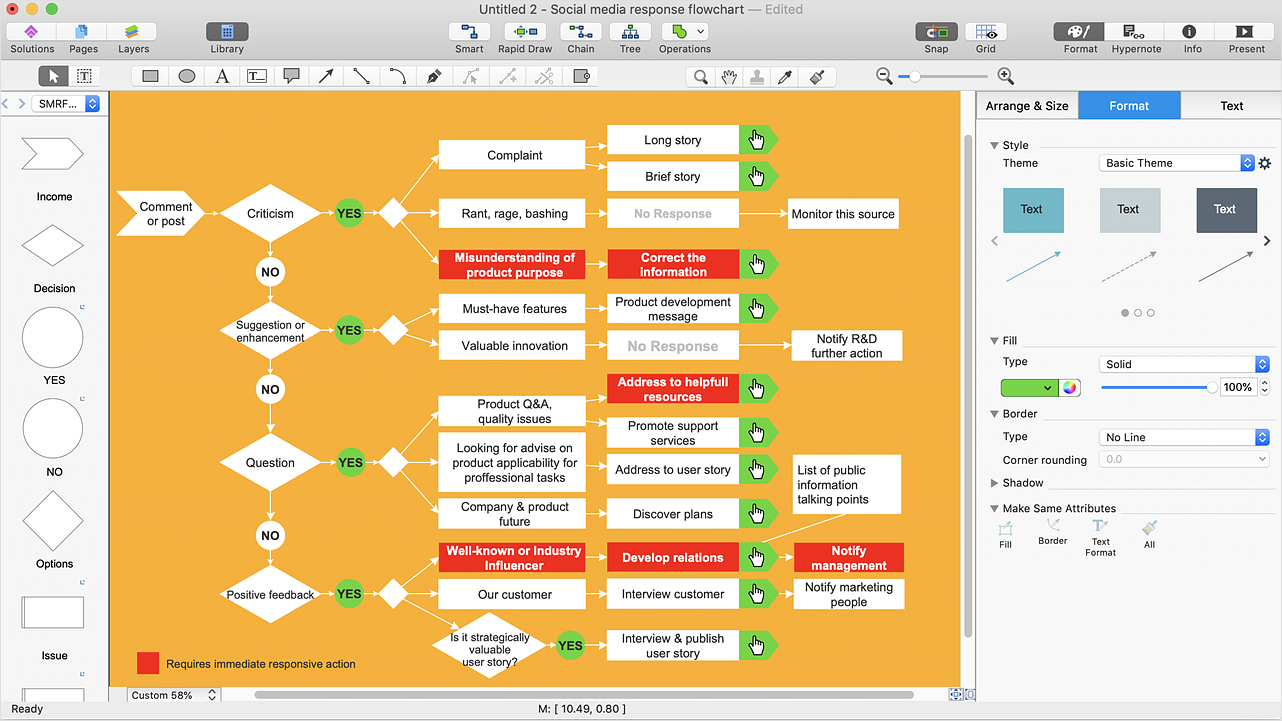
Picture: Comparing ConceptDraw DIAGRAM to Omnigraffle
Related Solution:
Use ConceptDraw DIAGRAM software for wireless network design to ✔️ develop Wireless network schematics, ✔️ design Wireless network diagrams, ✔️ illustrate wireless networks of various complexity, purposes, and types, ✔️ display the interactions between network devices, ✔️ indicate network technical capabilities, ✔️ detect and eliminate vulnerabilities, ✔️ introduce protective measures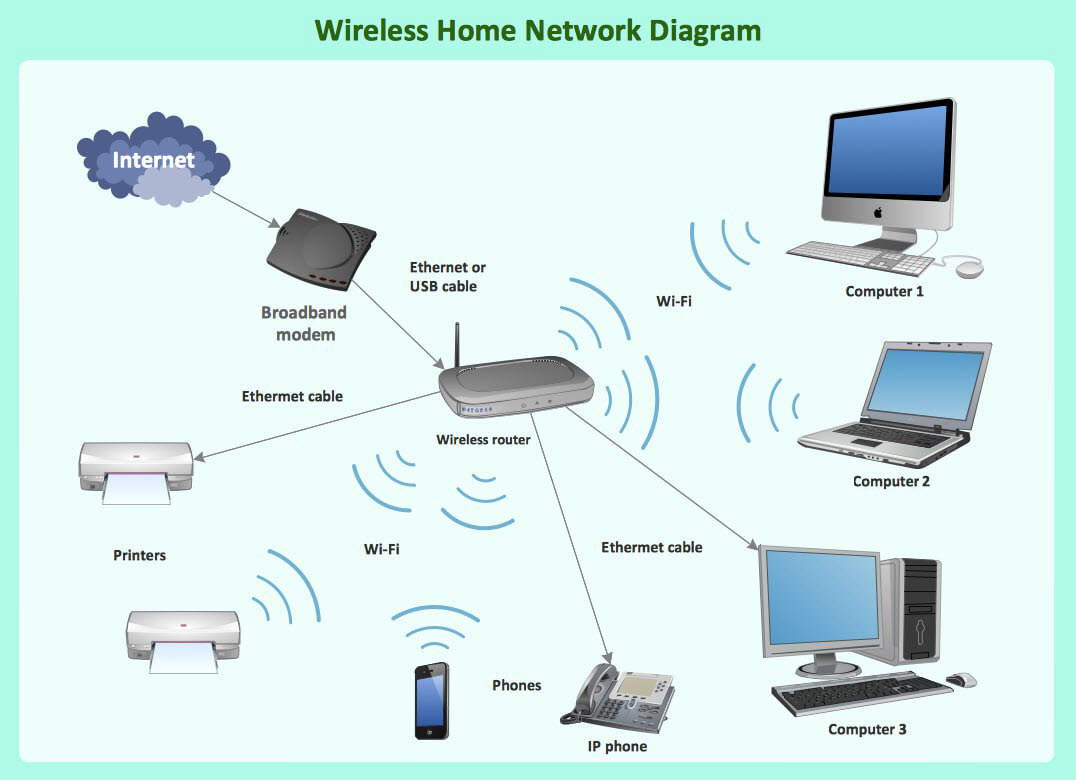
Picture: What Is a Wireless Network? Professional Network Drawing
Related Solution:
ConceptDraw DIAGRAM is perfect for software designers and software developers who need to draw Network Layout Diagrams._Win_Mac.png)
Picture: Network Diagramming Software for Design Network Layout Diagrams
Related Solution:
ConceptDraw Wireless Network solution includes 81 of professional-looking stencils and several samples that you can modify and make your own diagram.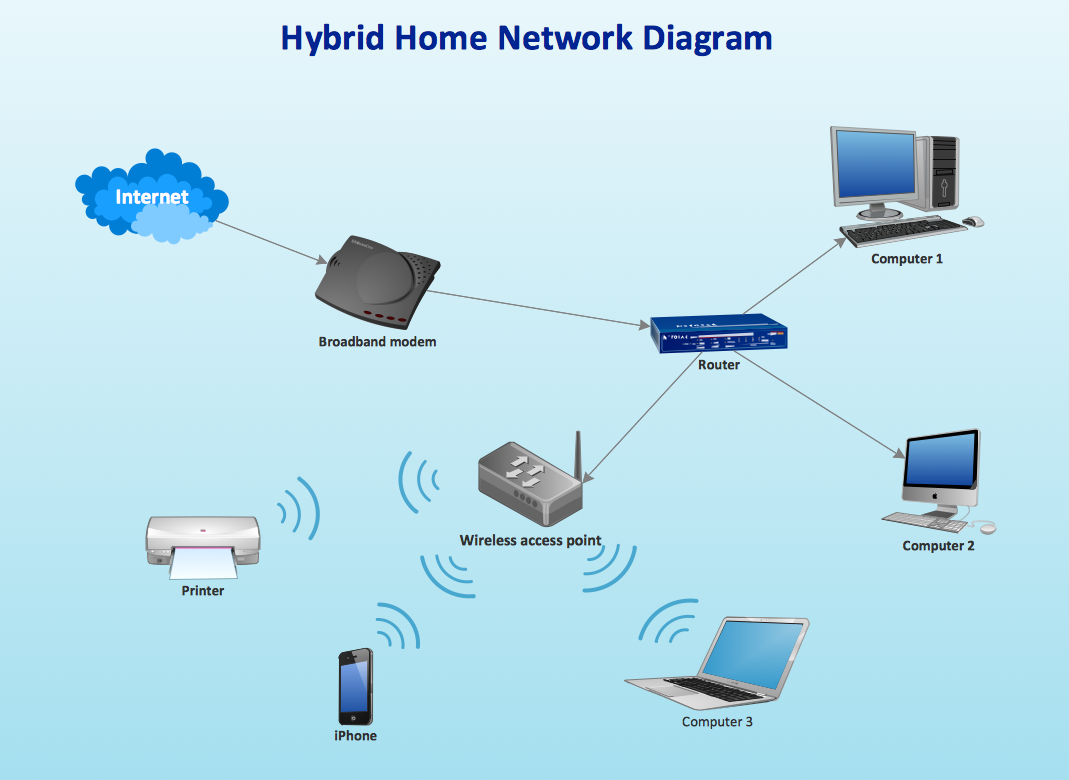
Picture: How to Create Network Diagrams
Related Solution:
A computer network diagram is a schematic representation the nodes and connections between them in a computer network.
ConceptDraw DIAGRAM is a powerful diagramming and vector drawing software for creating professional looking, detailed, visual and clear computer network diagrams. The Computer and Networks solution from Computer and Networks area of ConceptDraw Solution Park provides templates, samples and libraries with predesigned objects to help you design the computer network diagrams of any difficulty simply, quickly and effectively.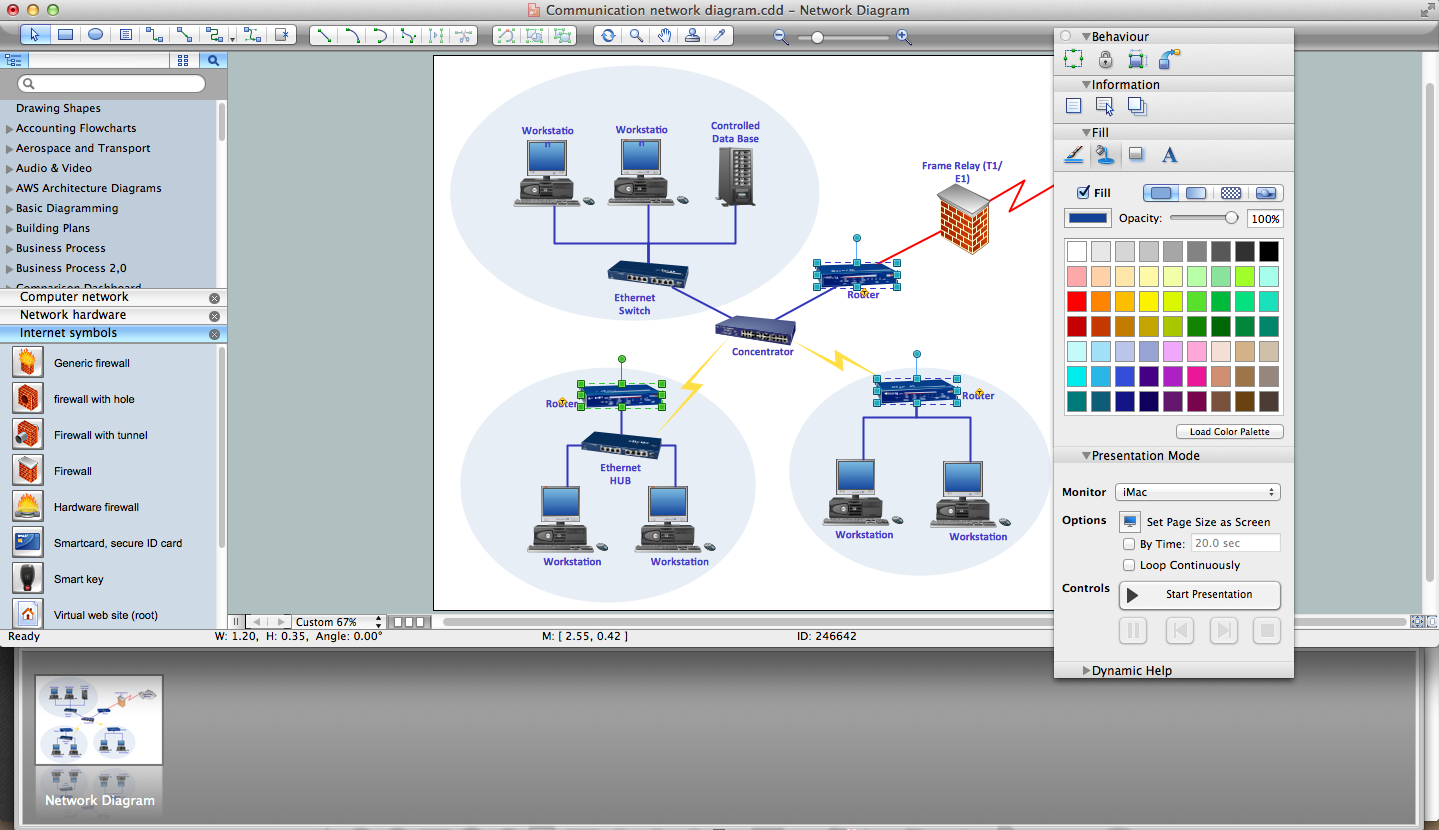
Picture: Network Diagram Software
Related Solution: