Network Security Devices
Assurance of network security is one of the most important moments for safe and correct working of the computer systems and networks. The network security includes assurance of the limited access to sensitive information, the protection from unauthorized access, risks and potential security threats, and enhancement of network performance. It is necessary to protect the network at all of its entry points, the most important factors in network security are encryption, reliable passwords, the use of antivirus software and modern advanced network security devices.
There are few types of network security devices:
- active devices - firewalls, antivirus scanning devices, content filtering devices, which block the surplus traffic;
- passive devices, such as intrusion detection appliances, which identify and report on unwanted traffic;
- preventative devices - penetration testing devices and vulnerability assessment appliances, which scan the networks and identify potential security problems;
- Unified Threat Management (UTM) devices, such as firewalls, content filtering, web caching, which serve as all-in-one security devices.
The most popular network security devices are firewalls - network security systems which establish a barrier between an internal network and the Internet, effectively manage and regulate the network traffic based on some protocols. Firewall can be software or hardware appliance, or include together hardware and software devices, most computers use software-based firewalls to secure their data from Internet threats, many routers also contain the firewall components.
Such network security devices as routers, crypto-capable routers, virtual private network gateways, secure modems and intrusion detection systems are also very popular. Intrusion detection systems are devices that monitor malicious activities in a network, log information about such activities and take active steps to stop them, and then report them.
How to describe the necessity of using network security devices and visually illustrate this information? Now, it's very easy thanks to the ConceptDraw DIAGRAM diagramming and vector drawing software extended with Network Security Diagrams Solution from the Computer and Networks Area of ConceptDraw Solution Park.

Example 1. Network Security Devices
The drawing tools of Network Security Diagrams Solution are very useful for network security design. This solution offers large collection of predesigned vector security clipart, icons, connectors and vector objects of network security devices developed by professional designers specially for ConceptDraw DIAGRAM users. All these 460 vector objects are grouped in 4 libraries:
- Cybersecurity Clipart
- Cybersecurity Round Icons
- Cybersecurity Shapes
- Cybersecurity Connectors

Example 2. Cybersecurity Clipart Library Design Elements
Each of these objects is ready-to-use. All that you need is simply double-click the icon at the library to add the chosen object in a moment to the middle of your document. Another way is to drag desired object from the library to the document page. Then you can arrange the objects, connect the objects in a desired way, add the text and make formatting changes.

Example 3. Network Security Diagram - Government Cloud Diagram
The samples you see on this page were created in ConceptDraw DIAGRAM using the tools of Network Security Diagrams Solution for ConceptDraw DIAGRAM software and demonstrate network security schemes with using the network security devices. An experienced user spent 10 minutes creating each of these samples.
Use the Network Security Diagrams Solution for ConceptDraw DIAGRAM to create your own Network Security Diagrams quick, easy and effective.
All source documents are vector graphic documents. They are available for reviewing, modifying, or converting to a variety of formats (PDF file, MS PowerPoint, MS Visio, and many other graphic formats) from the ConceptDraw STORE. The Network Security Diagrams Solution is available for all ConceptDraw DIAGRAM users.
TEN RELATED HOW TO's:
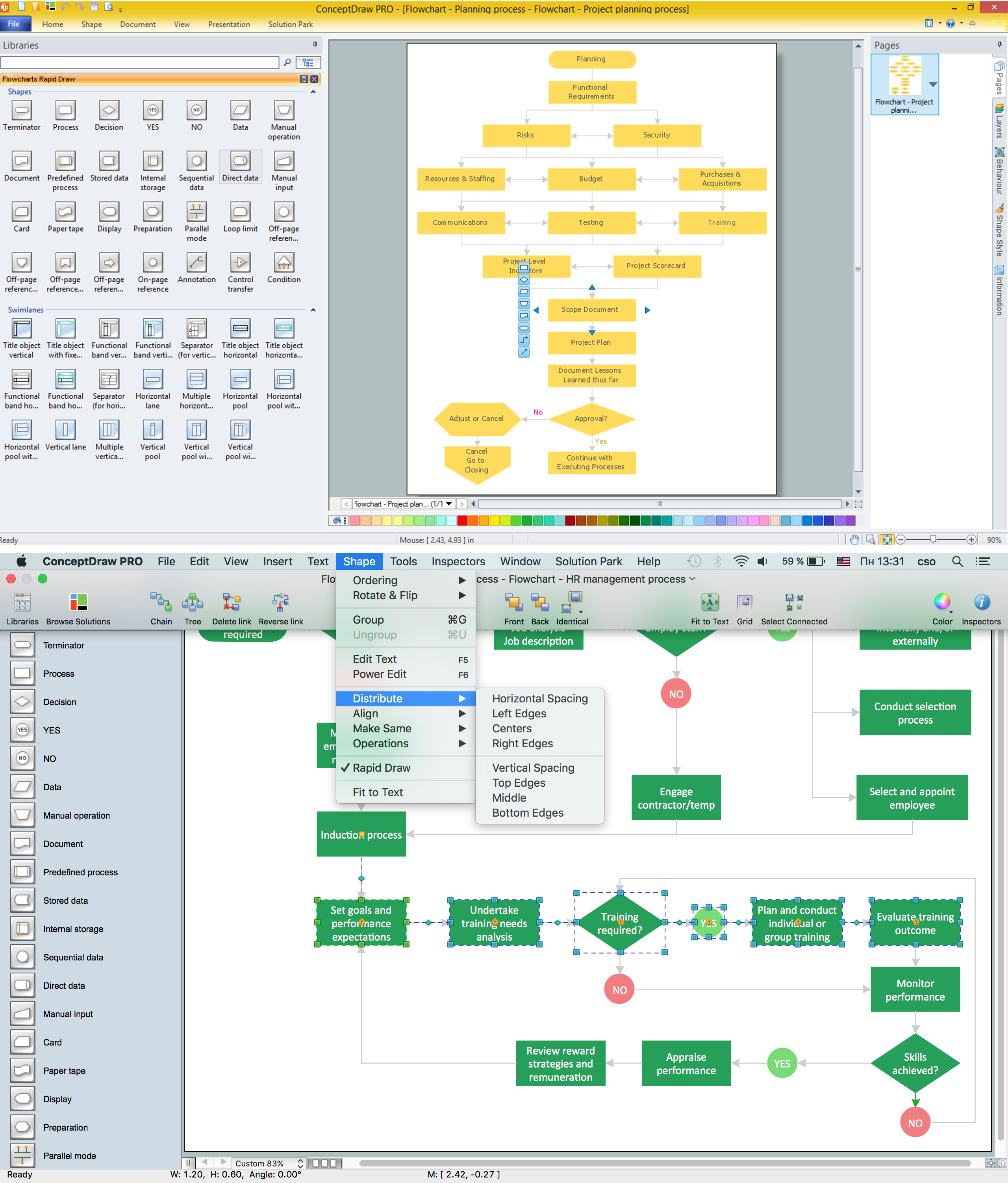
Diagramming is an astonishing way to visualize business processes. The list of the most common business process flowchart symbols is quite long starting from basic flowcharts, continuing with SIPOC diagrams. Business process modeling was never easier than now, with special ConceptDraw Business Process Mapping solution.
To carry out all professional standard requirements for business processes mapping, it is necessarily to follow the special graphical notations. ConceptDraw Business Process Mapping solution offers an exhaustive suite of tools to aid business process mapping. There are three vector libraries SIPOC Diagrams, Business Process Flowcharts, and Swim Lanes that contains totally more than 50 symbols of standard BPM notations. This is all that professionals need to effectively evaluate and manage quality in business processes.
Picture: Business Process Flowchart Symbols
Related Solution:
Special libraries of highly detailed, accurate shapes and computer graphics, servers, hubs, switches, printers, mainframes, face plates, routers etc.
Picture: Network Printer
ConceptDraw Wireless Network solution includes 81 of professional-looking stencils and several samples that you can modify and make your own diagram.
Picture: How to Create Network Diagrams
Related Solution:
Cisco switches and hubs deliver the best performance, and often used as network solutions for small businesses, enterprises, data centers. Cisco switches are the core interconnect devices of each computer network. The numerous Cisco switches specifically designed for various applications. Network switches are separated for two types: fixed configuration and modular switches. The fixed configuration switches deprecate swapping or adding another module, and vice versa for modular switch.
Picture: Cisco Switches and Hubs. Cisco icons, shapes, stencils and symbols
Related Solution:
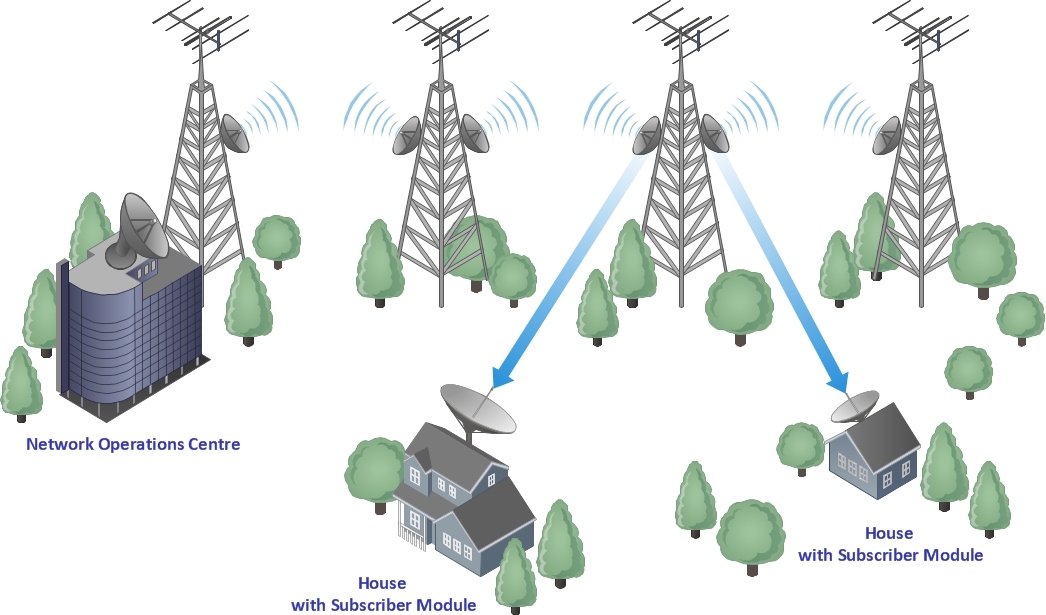
Studying informatics demands knowledge in the area of computer networks as well. The most famous world network, Internet, is an example of wide area network (WAN) topology that connects devices spread on any distance. Unlike other smaller networks that are limited to a building or to a campus, WAN is almost limitless.
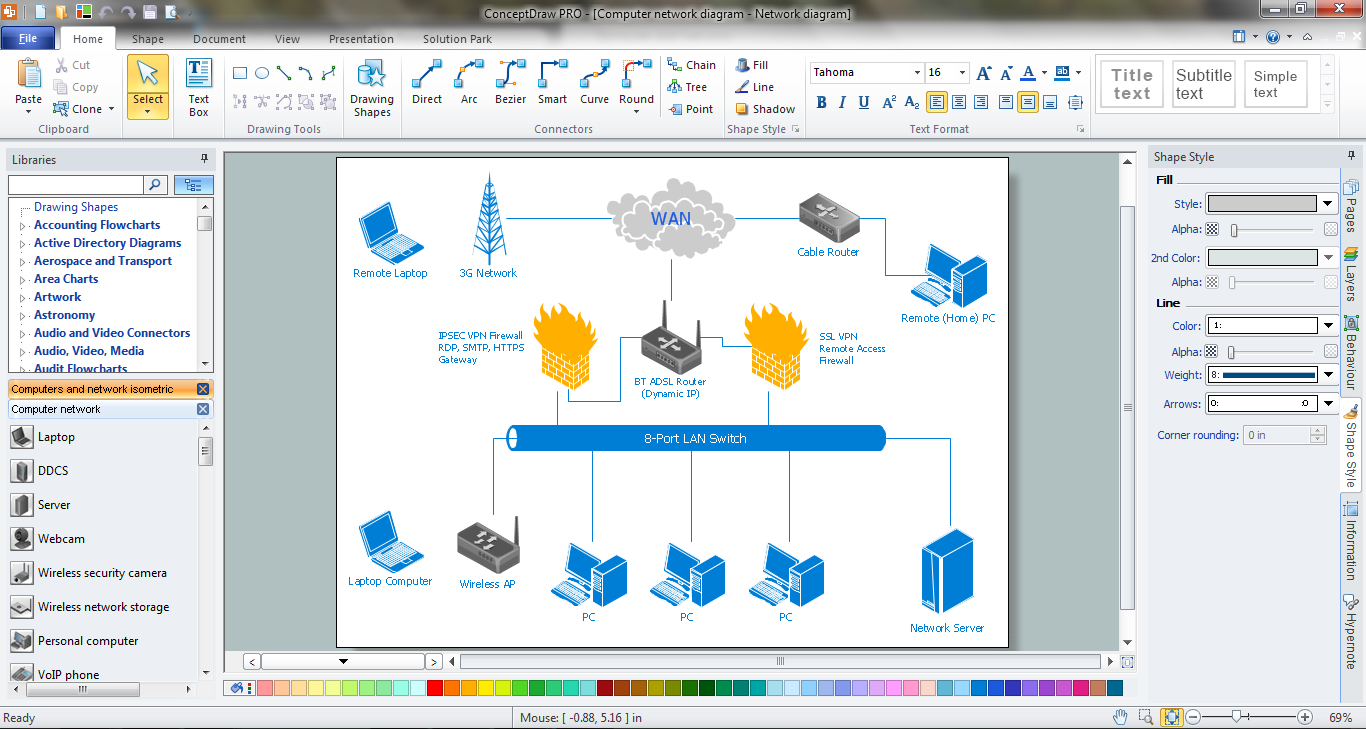
This WAN (wide area network) diagram was created in ConceptDraw DIAGRAM. It shows a telecommunication network that covers a large geographical area connecting several settlements. This type of networks is commonly used by business and government institutions. Using the WANs enables them quickly communicate information between remote geographical points. To reproduce this network diagram, you will need the means, provided by ConceptDraw Computer and Network Diagrams solution.
Picture: Wide area network (WAN) topology. Computer and Network Examples
Related Solution:
The CCTV is the process that carried out using the video cameras for transmitting the signal to the specific location, on the limited set of monitors. We are talking about the video cameras that are used for monitoring on such guarded objects as airports, banks, stores, military objects, etc. CCTV equipment is also used in the industrial installations, for surveillance in the public places, for recording the video on the digital video recorders.
Picture: CCTV Network Diagram Software
Related Solutions:
ConceptDraw DIAGRAM is ideal for software designers and software developers who need to draw Booch OOD Diagrams.
Picture: Booch OOD Diagram
Creating CCTV system diagrams is quick and easy with ConceptDraw DIAGRAM diagramming software enhanced with Audio, Video, Media solution from ConceptDraw Solution Park. It contains library of vector cliparts of video and TV devices and different digital gadgets for drawing this kind of diagrams.
Picture: CCTV Surveillance System Diagram. CCTV Network Diagram Example
Related Solutions:
ConceptDraw DIAGRAM is perfect for software designers and software developers who need to draw Network Layout Diagrams..png)
Picture: Design Element: Network Layoutfor Network Diagrams
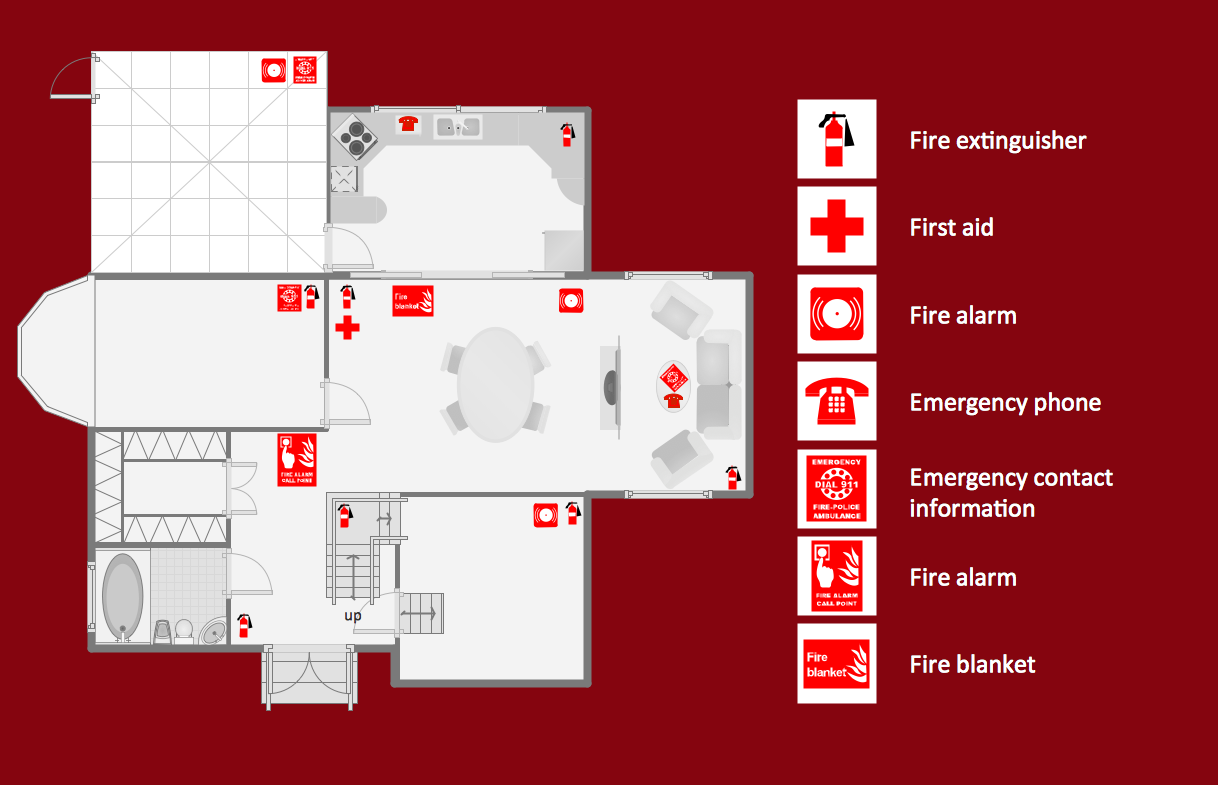
Everyone who starts the construction, repair or remodeling of the home, flat or office, is facing with a need of visualization its ideas for visual explanation how all should to be for the foreman and construction team. It is incredibly convenient to use for this professional home architect software. ConceptDraw DIAGRAM software enhanced with Floor Plans solution provides a lot of built-in drawing tools which allow you quick and easy create design plans for the home of your dreams.
Picture: Home Architect Software. Home Plan Examples
Related Solution: