Landscape Design in ConceptDraw DIAGRAM
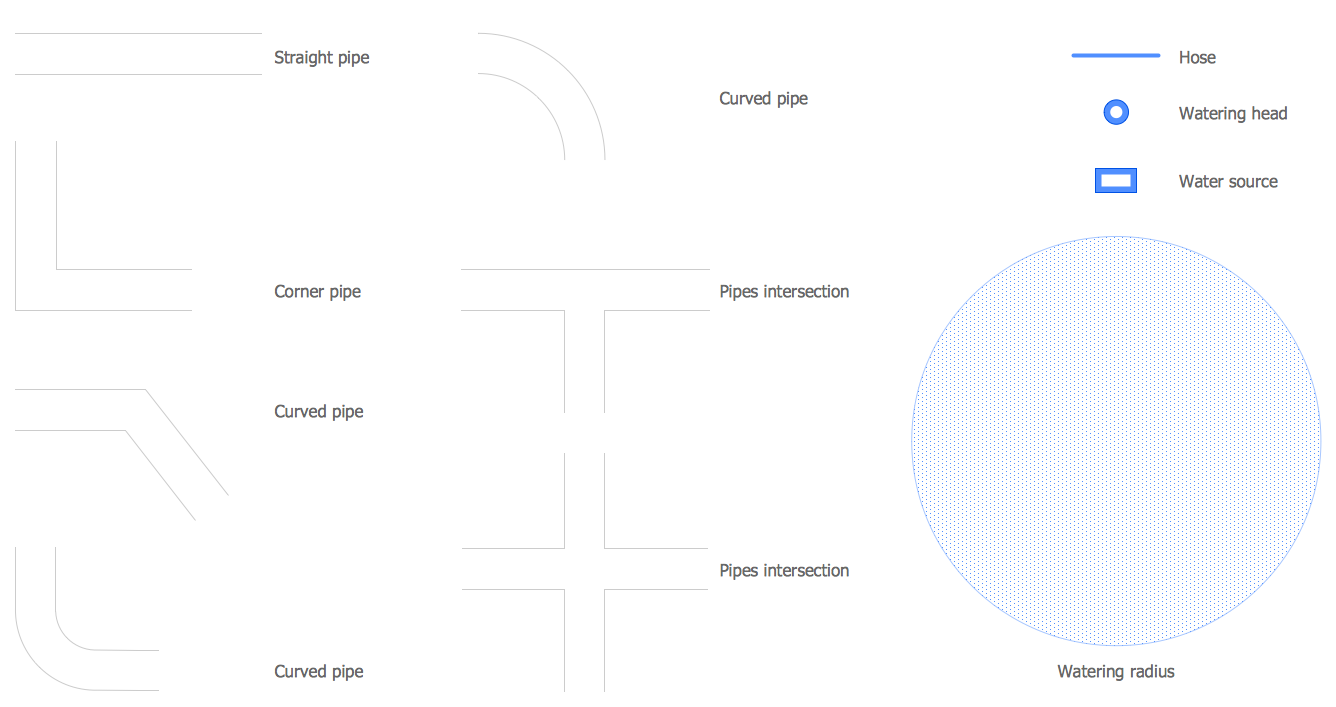
Landscape & Garden Solution offers 14 libraries with 420 ready-to-use landscape and garden elements, flowers, trees, ponds, fountains, furniture, recreational equipment, and more other vector objects for fast and easy designing landscape plan of any complexity.
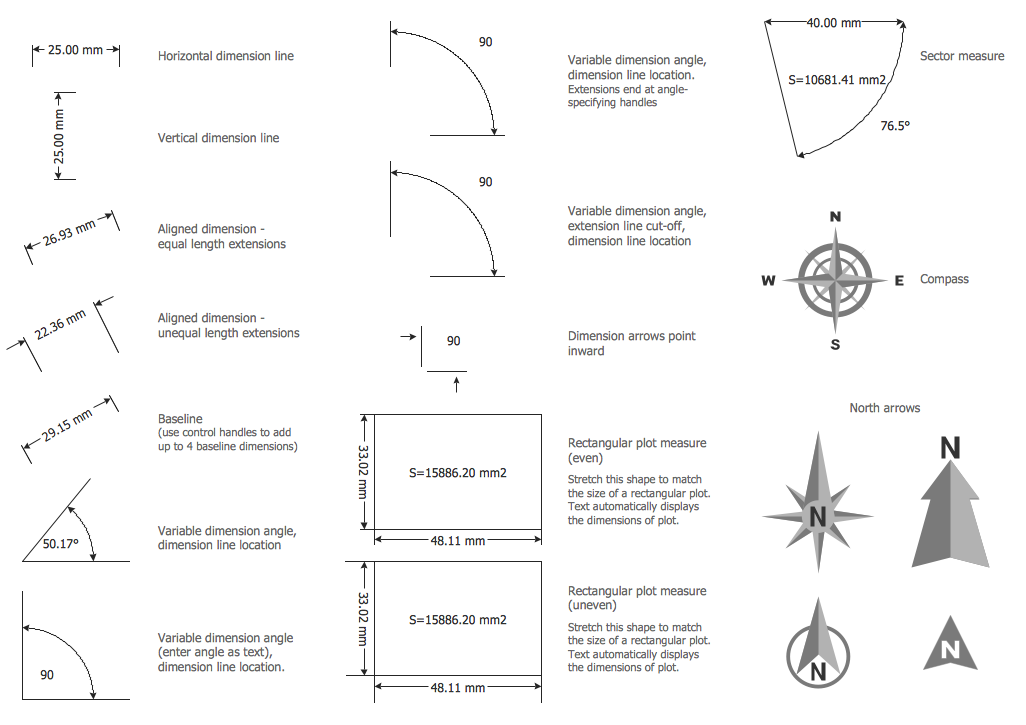
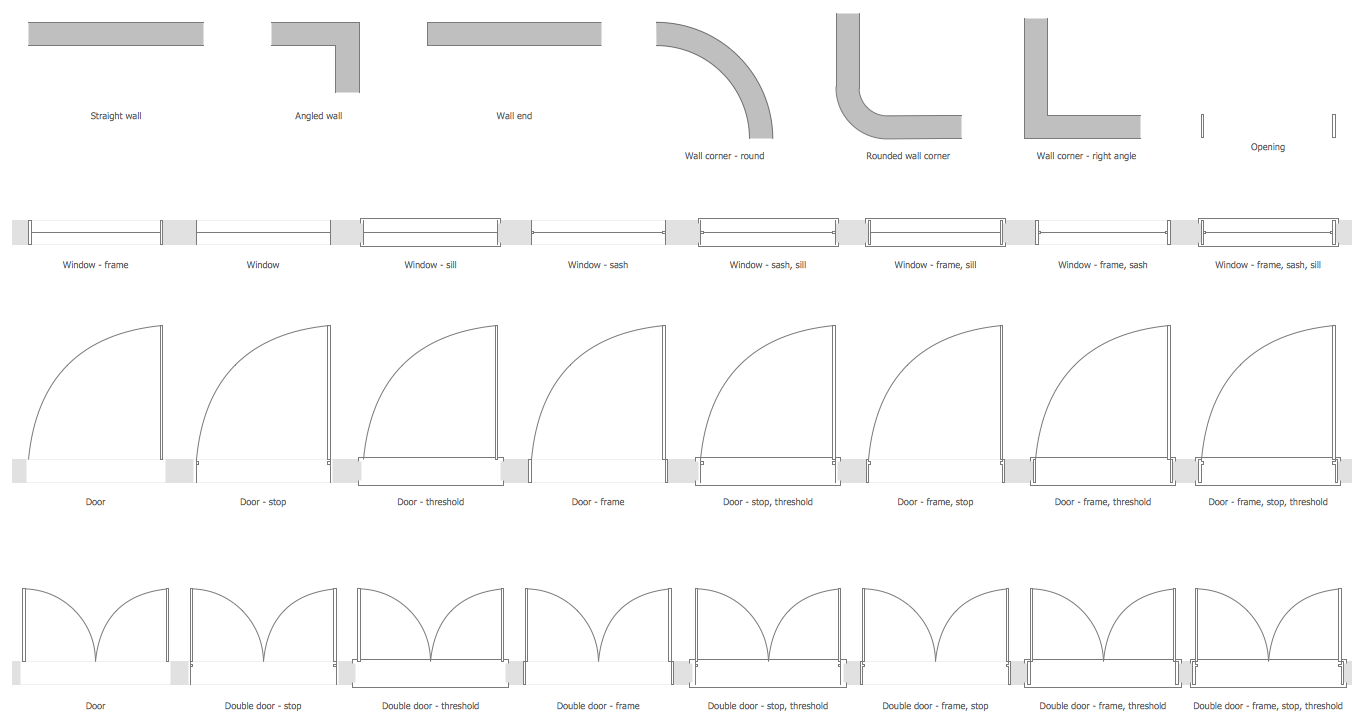
Let's take a closer look at these libraries. You can start with creating a basic plan using Home Plan Library which has such elements as walls, doors and windows and Dimensioning Library, which has dimension lines, angles and arrows. All these elements are customizable, so you can create any imaginable layout. In case you don't want to focus too much on the building, you can just mark a space for it with one of the roofs from the Roofs Library and concentrate on designing the garden or the yard.
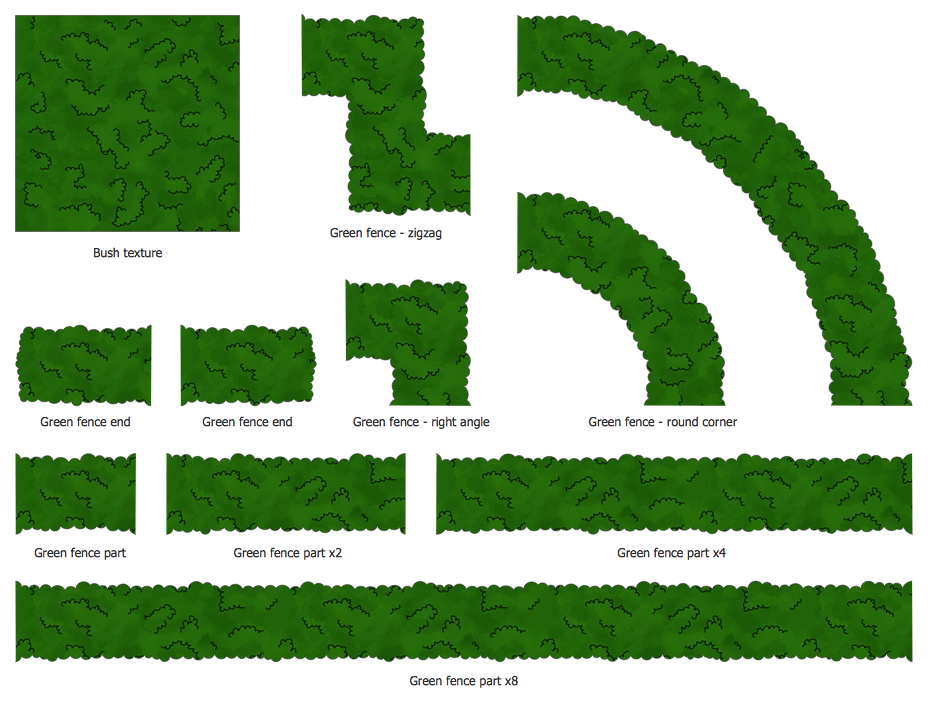
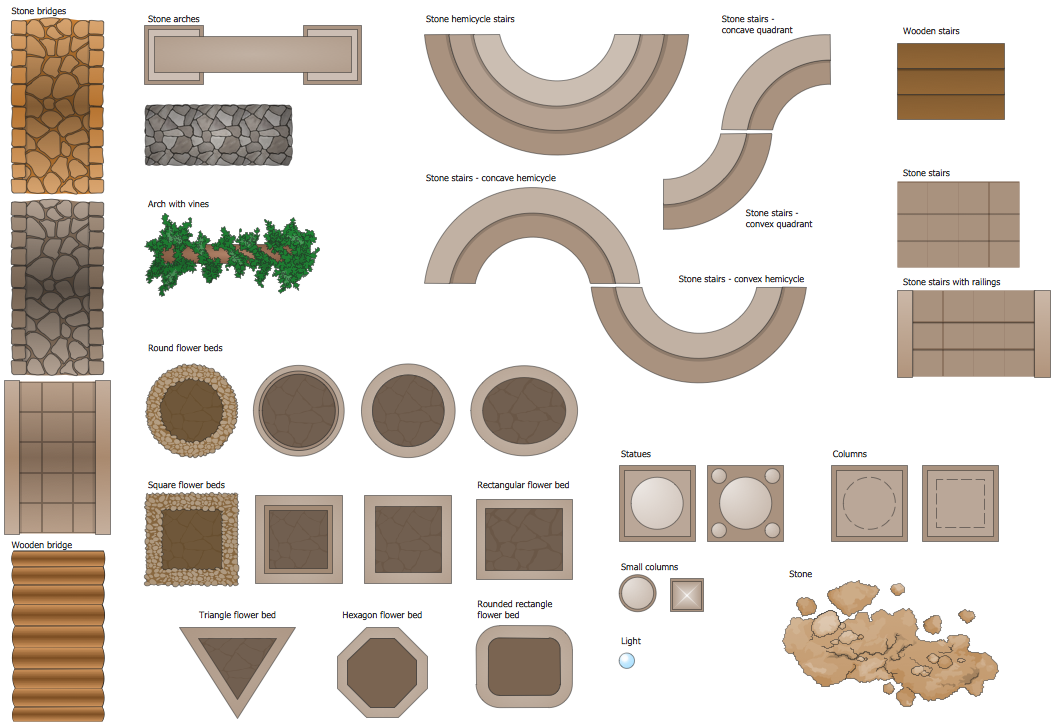
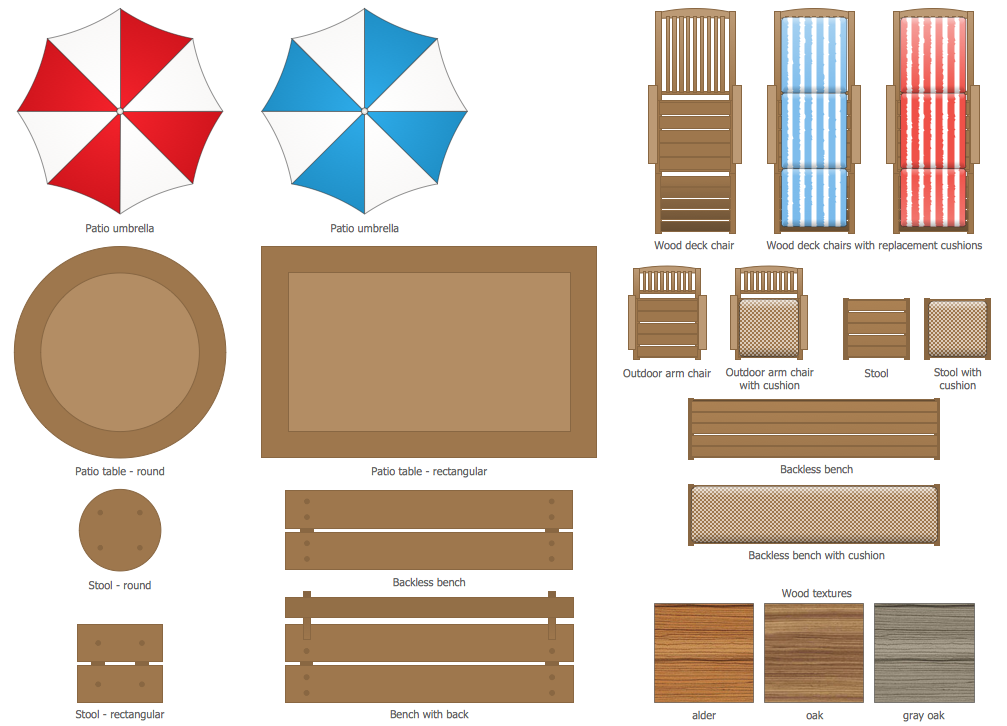
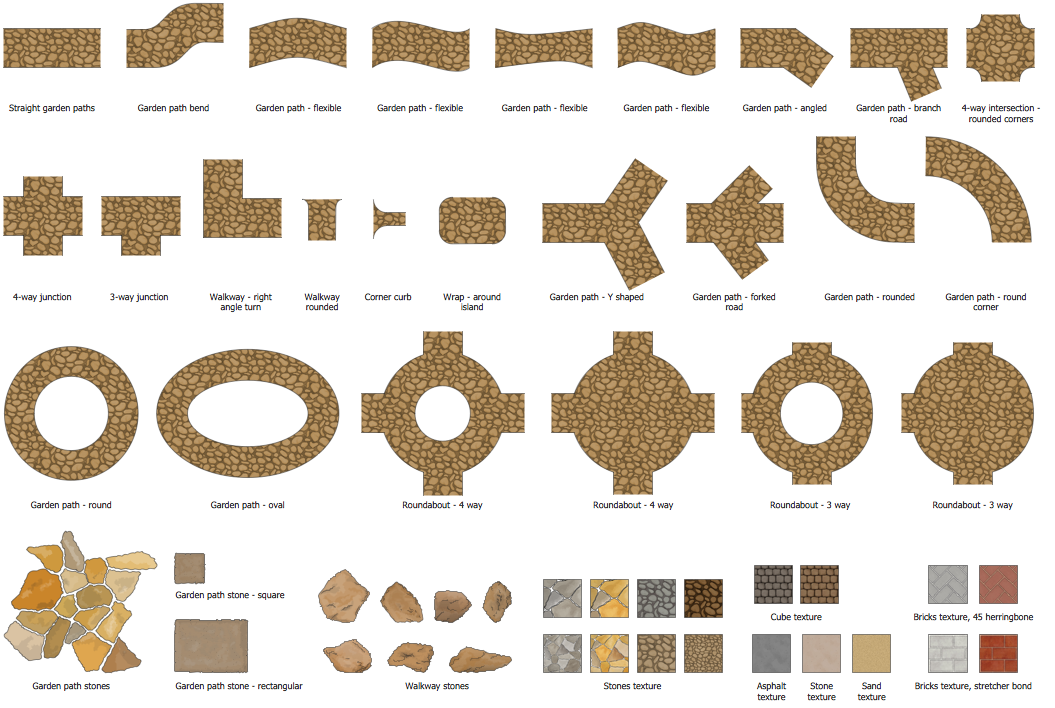
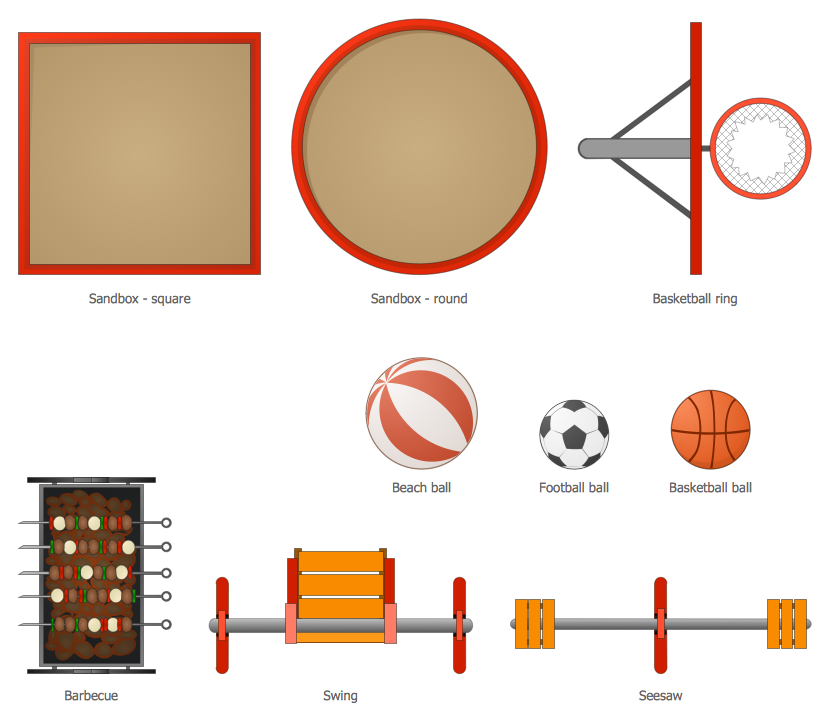
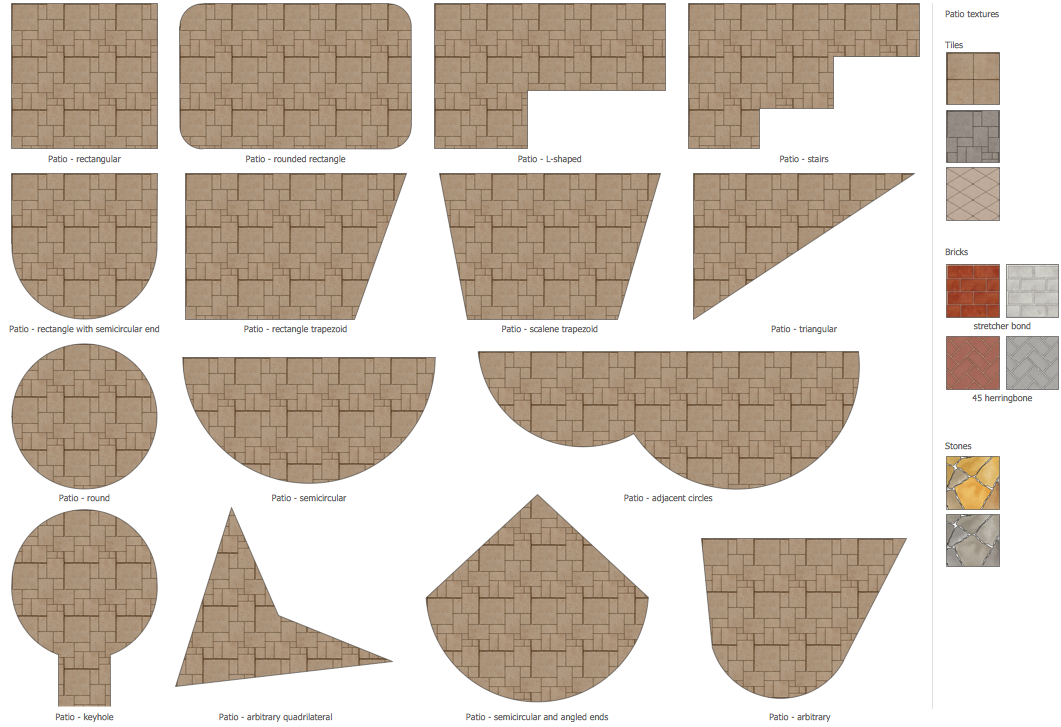
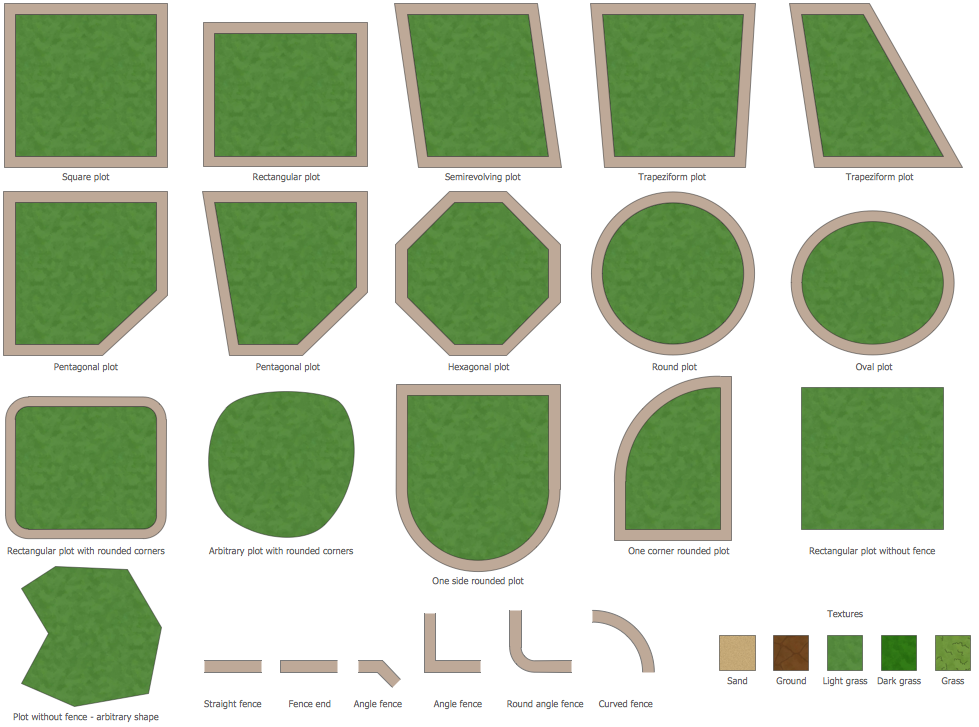
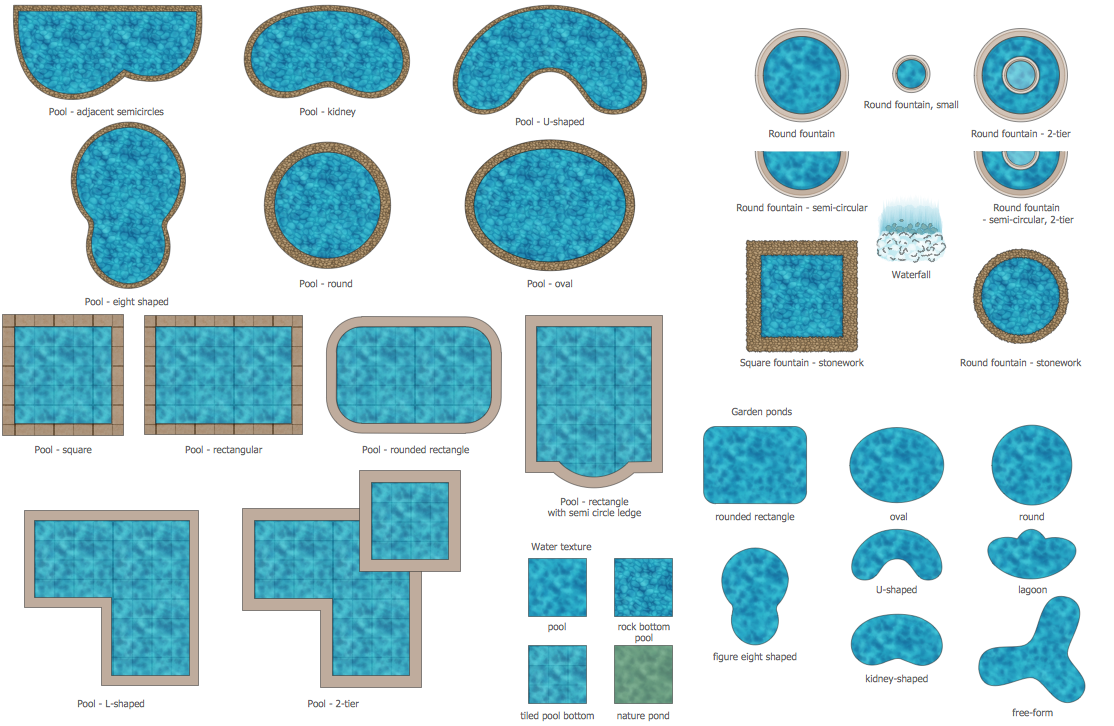
Set the boundaries of your territory with the Plots and Fences Library which contains elements of plots of regular and irregular shapes. You can easily fill the shapes with different textures like grass or sand. Outline pathways and walkways with the Garden Paths and Walkways Library, which also has a variety of textures of different colors such as brick, stone or asphalt. Have you ever dreamt about your own pool in your garden? Just add one of the pools from the Ponds and Fountains Library to your plan to see if it fits. Design your patio with the Patios Library, which consists of patios of different shapes: rectangle, round etc. Spice up your plan with various little details and accessories: furnish the patio with colourful umbrellas, wooden benches and sunbeds, pot plants or swings. All these elements you can find in the Outdoor Recreation Space Library, the Garden Accessories Library and the Garden Furniture Library.
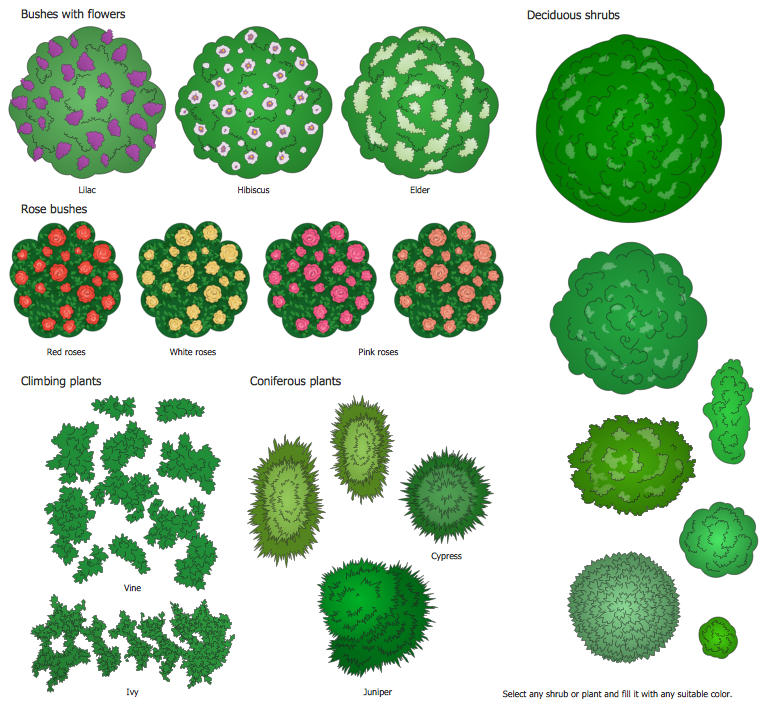
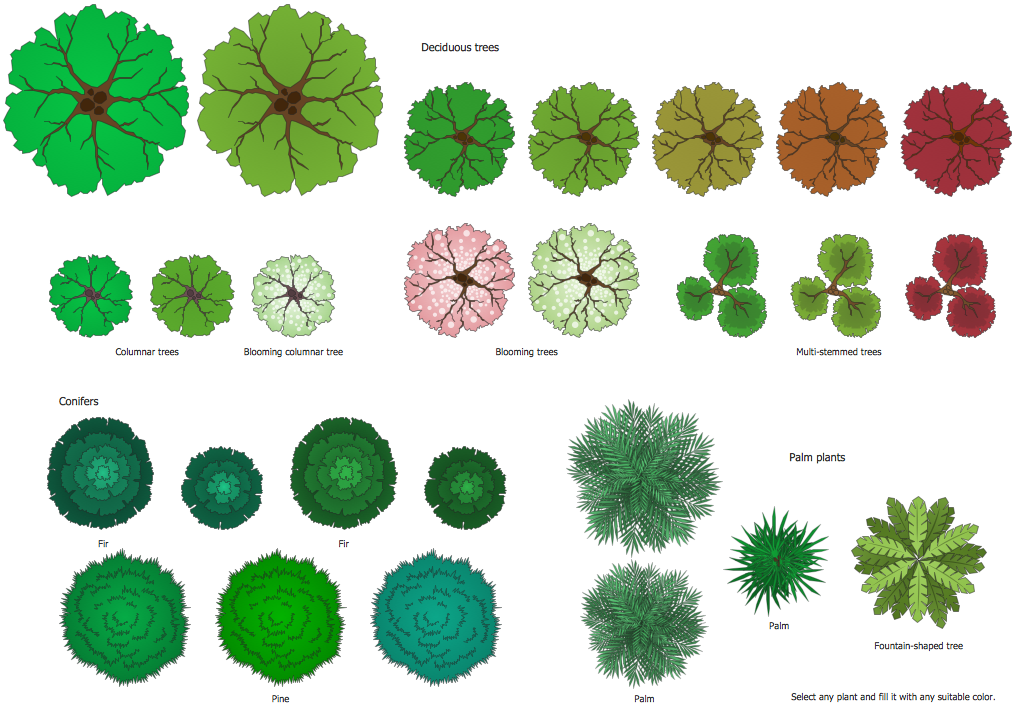
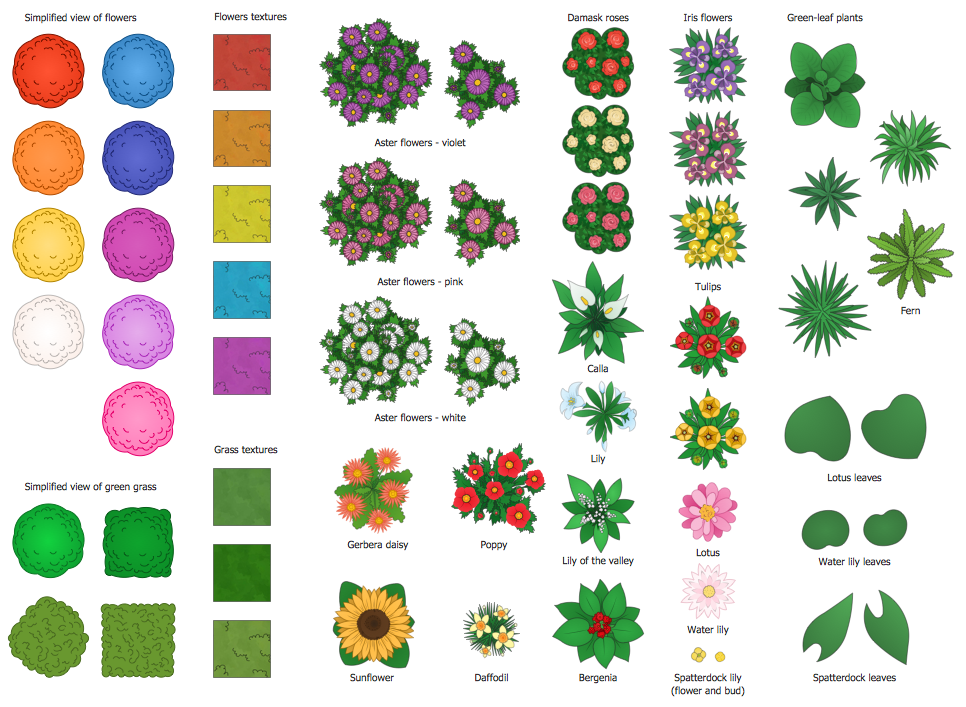
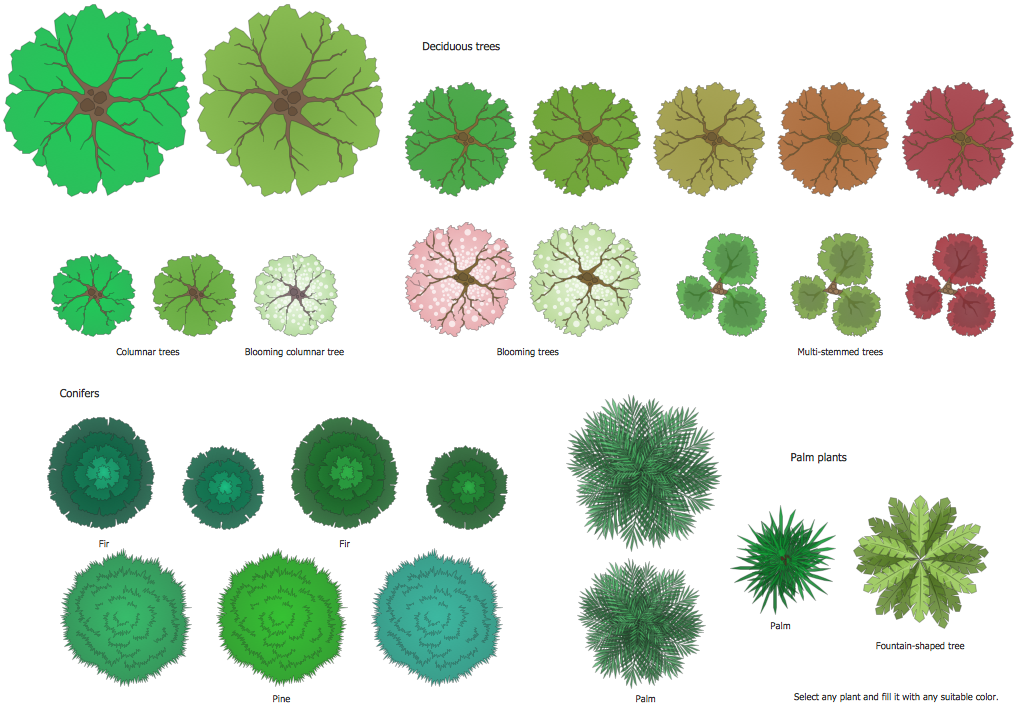
It is undeniable that no garden can exist without the greenery. So, that's why Landscape and Garden Solution has 5 libraries containing bushes, trees and flowers. The Flowers and Grass library is a set of vector objects depicting flowers like tulips, lilacs, roses etc., various leaves, flowers and grass textures. The Bushes and Trees Library and Transparent Trees Library contain various shapes of trees which you can fill with different colors and textures. All the libraries from the Landscape and Garden solution are listed below.
Landscape & Garden Solution includes also large collection of modern garden design samples and examples. All they were developed by professionals specially for ConceptDraw DIAGRAM users and are available for viewing and editing from ConceptDraw STORE.
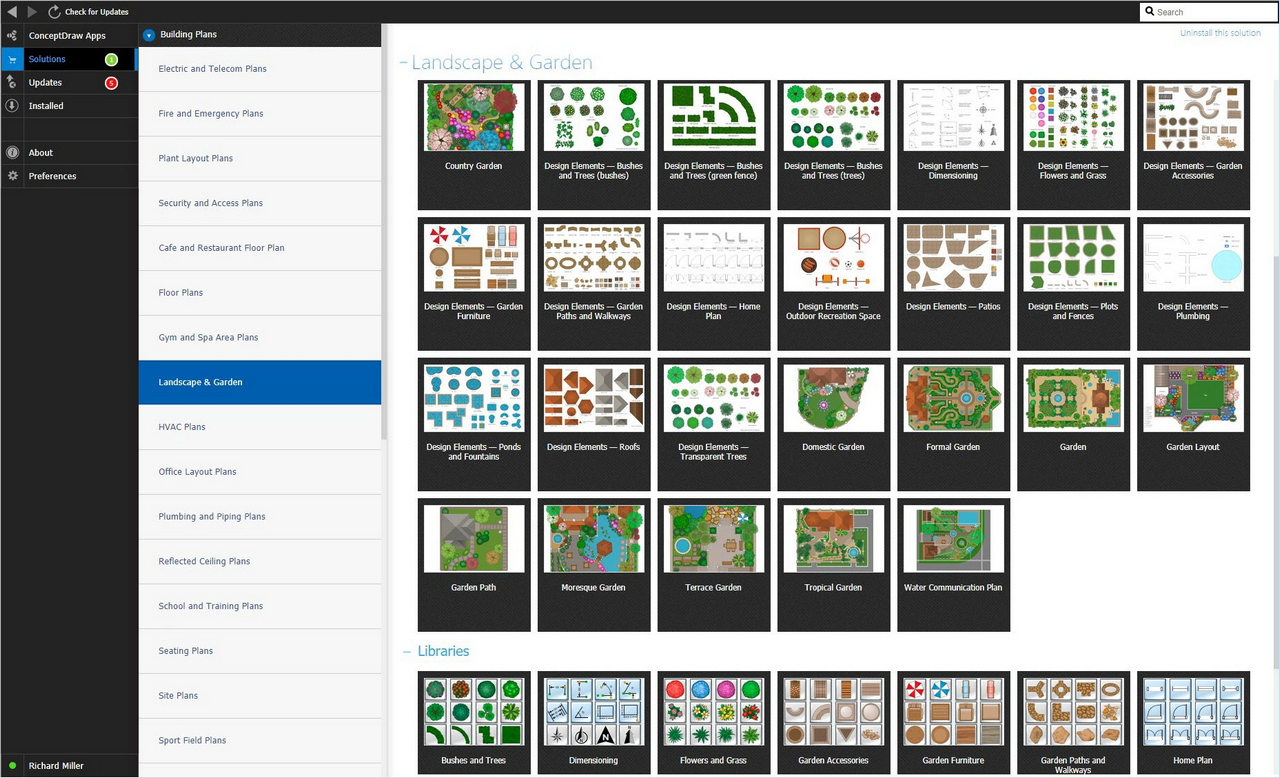
Example 1. Landscape & Garden Solution in ConceptDraw STORE
Landscape and Garden Design Plan Example
This garden design sample was created in ConceptDraw DIAGRAM using the tools of Landscape & Garden Solution. An experienced user spent 20 minutes creating this sample.
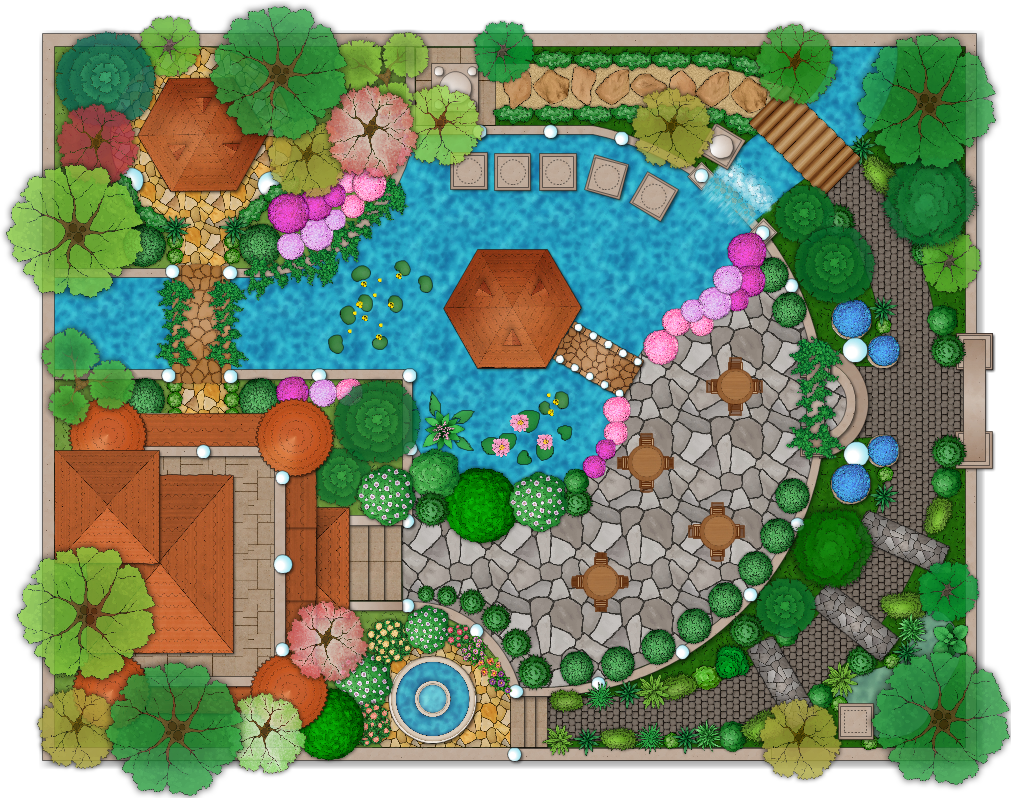
Example 2. Ladscape Plan — Moresque Garden
The following features make ConceptDraw DIAGRAM the best Landscape Design Software:
- You don't need to be an artist to draw professional looking diagrams in a few minutes.
- Large quantity of ready-to-use vector objects makes your drawing diagrams quick and easy.
- Great number of predesigned templates and samples give you the good start for your own diagrams.
- ConceptDraw DIAGRAM provides you the possibility to use the grid, rules and guides. You can easily rotate, group, align, arrange the objects, use different fonts and colors to make your diagram exceptionally looking.
- All ConceptDraw DIAGRAM documents are vector graphic files and are available for reviewing, modifying, and converting to a variety of formats: image, HTML, PDF file, MS PowerPoint Presentation, Adobe Flash, MS Visio.
- Using ConceptDraw STORE you can navigate through ConceptDraw Solution Park, managing downloads and updates. You can access libraries, templates and samples directly from the ConceptDraw STORE.
- If you have any questions, our free of charge support is always ready to come to your aid.
NINE RELATED HOW TO's:
Public catering business will always be in demand.To attract a lot of clients, it’s important to have a detailed banquet hall plan, a diverse menu and reasonable prices. If you want to create a good plan, you can use drawing software.
When planning and considering the layout of a banquet hall, one must take into consideration, that it is very significant to make it stylish with correctly selected appointment and celebratory belongings. Tables and seating must be handily arranged. The furniture arrangement can changes depending on client requirements, kind of banquet and amount of guests. ConceptDraw Cafe and Restaurant Plans solution supplies a dozens of predesigned vector graphic objects of banquet furniture and accessories. Thus you can design the Banquet Hall layout for the celebrations in any style and any number of guests.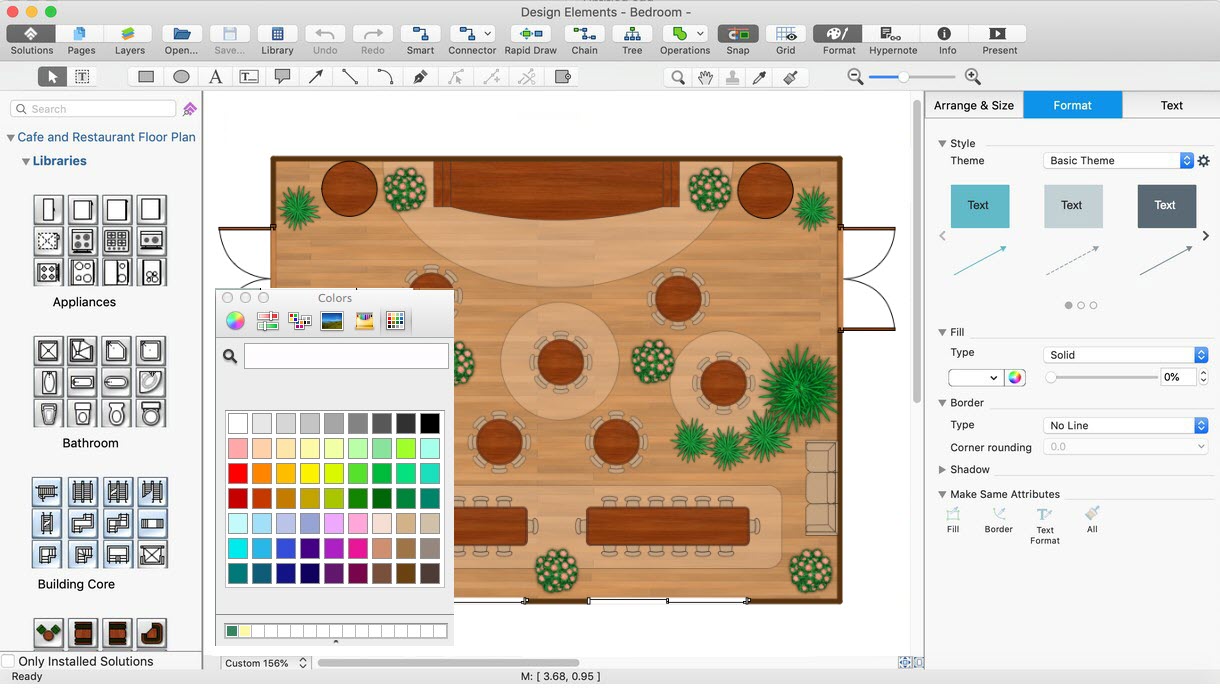
Picture: Banquet Hall Plan Software
Related Solution:
ConceptDraw DIAGRAM is a reliable and multifunctional vector deck and patio design software, which helps you to turn your ideas and your vision into reality and design the deck or patio of your dream complying with building codes, build new or renovate your resting place. Consider the filling of your deck: lighting, furniture, flowerboxes, railings, and many more using Landscape & Garden solution with a wide range of tools and design features. You can make a few designs and decide which you like best. Then construct the architectural project and start building the deck or patio of your dream.
Picture: Deck and Patio Design Software
Related Solution:
Nowadays, any architect or landscape designer can't do without a pack of digital tools for designing and projecting. Thus, there will be no problem to develop any landscape architecture plan with ConceptDraw DIAGRAM , especially since there are so many ready-to use templates and examples included. It's just as easy as drawing sketches on paper.
If you using ConceptDarw DIAGRAM there is no needs to have a professional skills on landscape and garden design. As well as you don't need to be an expert in architectural charts and plans drawing. The all you need is the Landscape and Garden solution. This solution contains a unique collection of the professional designed vector objects depicting flower and grass, bushes and trees, garden furniture, pools and accessories. In one word - the full set of graphical elements enabling to focus on the creativeness while creating your landscape and garden plan.
Picture: Landscape Architecture with ConceptDraw DIAGRAM
Related Solution:
ConceptDraw DIAGRAM is a powerful garden landscape design software useful for developing stunning detailed outdoor space plans. 🔸 Use it to ✔️ develop landscape designs, ✔️ visualize ideas, ✔️ illustrate design concepts, ✔️ design simple and large-scale landscape projects, ✔️ experiment with plants, furniture, accessories, shapes, textures, and colors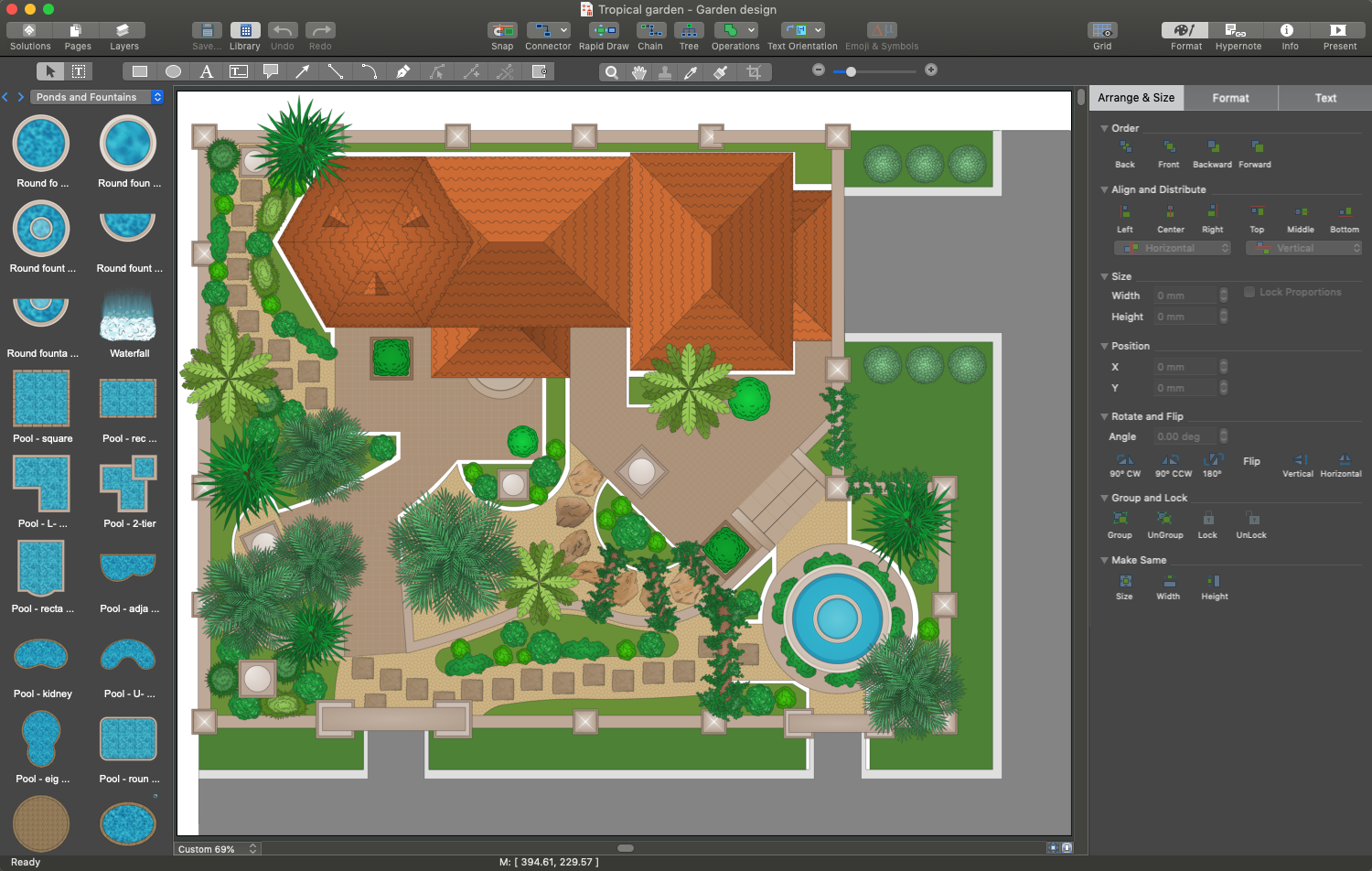
Picture:
Garden Landscape Design:
A Comprehensive Guide to ConceptDraw Garden Landscape Design Software
Related Solution:
Food courts are one of the most rapidly developing areas of the restaurant business. ConceptDraw DIAGRAM diagramming and vector drawing software offers a Food Court solution from the Food and Beverage area with wide capabilities for planning, design, developing and advertising of a Food Court.
Picture: Food Court
Related Solution:
Interior design is an art of planning and coordinating the space in a building or on a floor to produce a charming and convenient environment for the client. You can ask professionals for help, or you can create floor plans easily with ConceptDraw DIAGRAM , using diverse libraries or altering numerous templates. You don’t need no formal training anymore to be a designer, isn’t it great?
Using a ConceptDraw DIAGRAM floor plan software makes depicting of home or office layout ideas a simple task. It does not require special skills to make detailed and scaled floor plans. Adding furniture to design interior is also a breeze. You can draw and furnish your floor plans with a floor plan software. Moreover, using software for floor planning you gain an opportunity to share your plans and high-resolution images of your designs with clients or stakeholders.
Picture:
Create Floor Plans Easily
with ConceptDraw DIAGRAM Floor Design Software
Related Solution:
Fruits are unique products, they are beautiful and delicious, and look amazing in the compositions. Fruits are perfect for decorating various dishes, desserts and beverage. Each composition of fruits is a real fruit art!
ConceptDraw DIAGRAM diagramming and vector drawing software extended with Food Court solution from the Food and Beverage area of ConceptDraw Solution Park perfectly suits for fruit art design and easy drawing attractive food and beverage illustrations.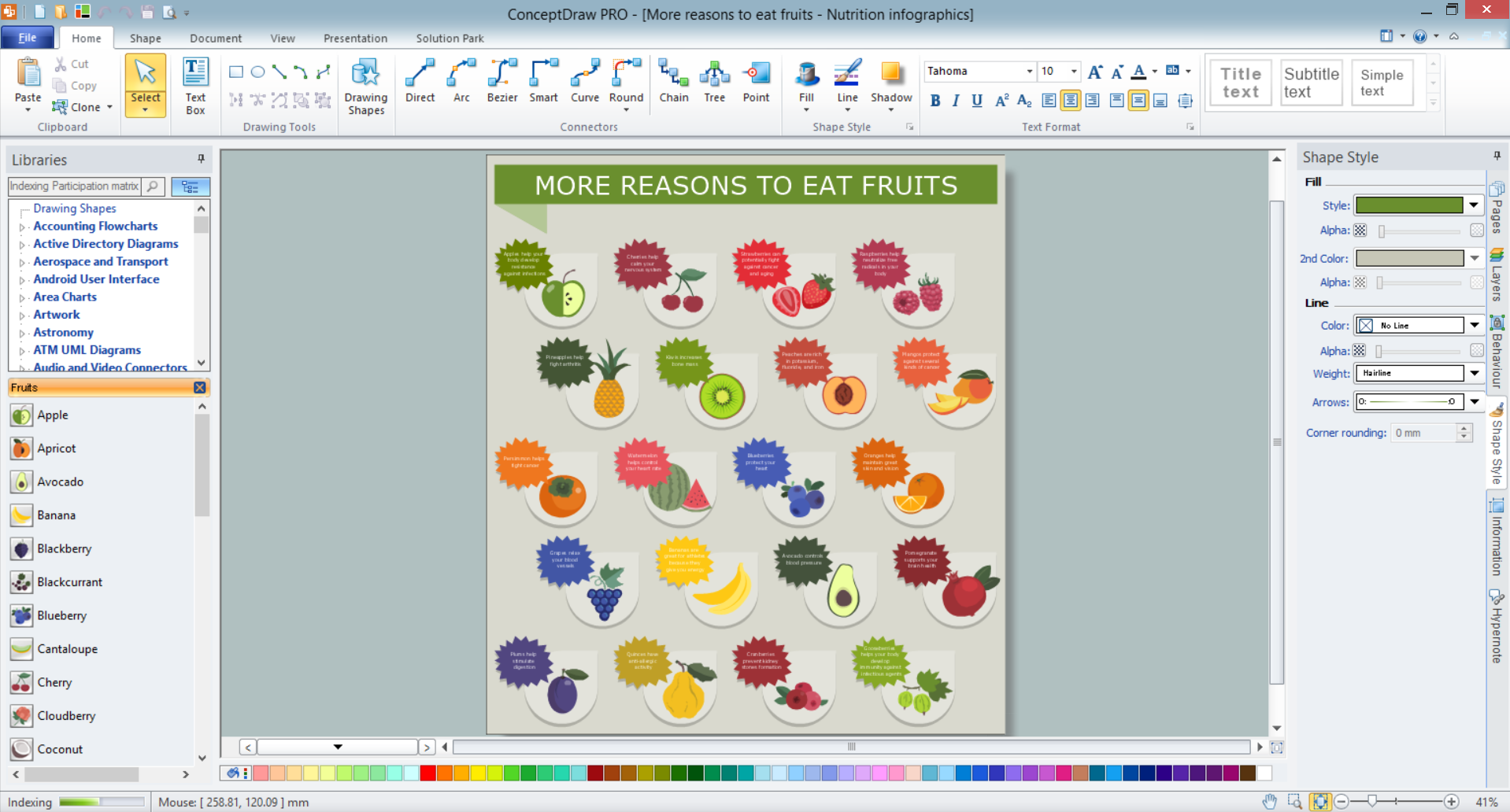
Picture: Fruit Art
Related Solution:
One of the key roles at the attracting visitors in catering establishments of different formats plays their visual solution, design of advertising elements of fast foods and restaurants.
ConceptDraw DIAGRAM software enhanced with unique Food Court solution from the Food and Beverage area of ConceptDraw Solution Park allows to design inviting and attractive signboards, pictorial menus with appetizing food pictures.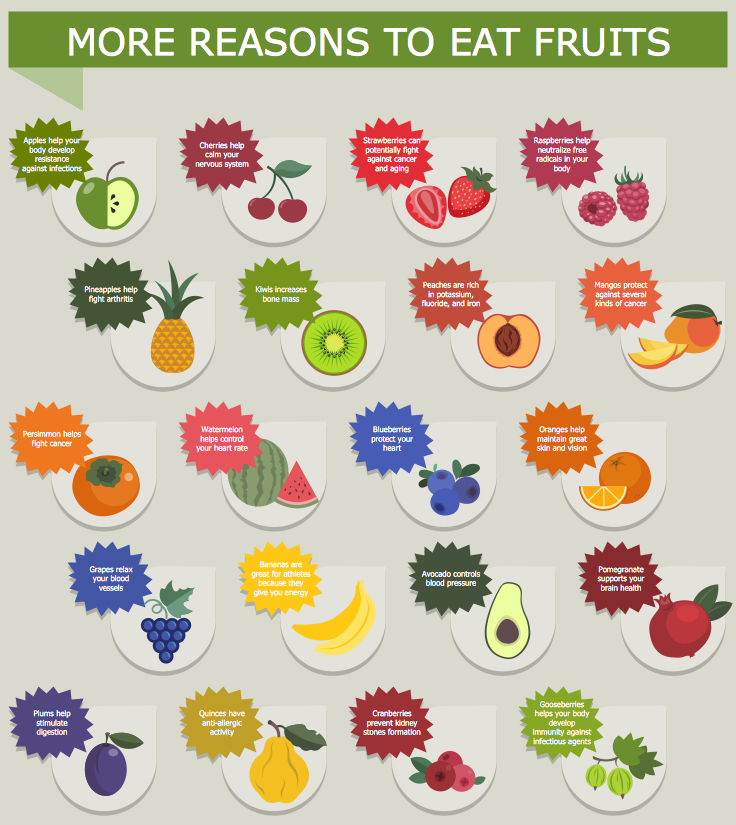
Picture: Food Pictures
Related Solution:
When moving to a new apartment it is always pleasure to develop an interior design project. Nevertheless, another important part that should not be forgotten is the piping plan, because wrong piping system might ruin all the renovation. So, to avoid such problems, a stress analysis is performed.
Plumbing and piping plans should be created for any premises. They are used to trace location of pipes, fixtures and valves in the house. This diagram presents a set of certified piping plan symbols for drawing plumbing and piping floor plans, diagrams and other technical drawings. Applying standard symbols when creating a piping plan is very important for creating a valid piping plan included into the building documentation pack. It is essential for any professional to be able to read and properly interpreted any piping plan.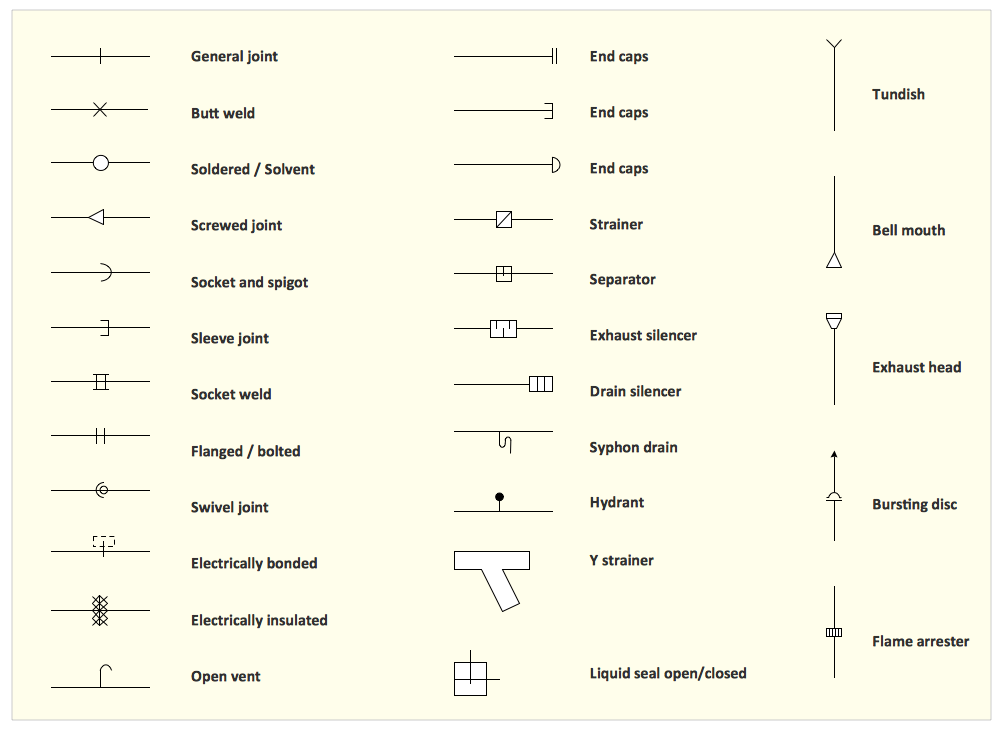
Picture: Interior Design. Piping Plan — Design Elements
Related Solution: