Mini Hotel Floor Plan. Floor Plan Examples
Mini Hotel Foor Plans and Layouts of Furniture and Equipment
The Floor Plans solution from the Building Plans area of ConceptDraw Solution Park includes the 15 vector stencils libraries with 666 symbols of interior design elements, furniture and equipment for drawing economy and limited service hotels and bed and breakfast floor plans and space layouts using the ConceptDraw DIAGRAM diagramming and vector drawing software.
An establishment, which provides lodging on a short-term basis can be called a “hotel”. The owners of such establishment usually charge people for living there on a short basis, as well as for a long period of time. It was popular long time ago to live in the hotels instead of buying or renting apartment as you do not have to clean as much in the room, in which you live in this hotel, but having your own apartment you have to hire someone to help you out, to clean instead of you for money, or you have to take care of it yourself. The facilities, which can be provided to all those who live in such accommodation may vary from a good quality mattress in not a large room at all to the large suites where big good quality beds can be found as well as another luxury and good looking furniture is, such as a dresser, your own kitchen with a fridge and other kitchen facilities, many chairs and even a few tables, a television with a big screen as well as great bathroom. There are many different hotels all over the world, especially in the big cities. There are both small hotels which can be rented for a low price and which may offer only basic guest facilities, and there are large hotels with bigger rooms and, of course, more expensive ones. These large expensive hotels may provide lots of different facilities and their owners usually offer the hotel guests to use swimming pool, business centre, childcare zone with nannies, conference facilities, sport courts, such as tennis and basketball, gym, at least one or even a couple of different restaurants with different cuisine, spa and other services.
All of the rooms in the hotel usually have their numbers mentioned on the rooms’ doors. These numbers, which can be found on the doors can help the hotel guests to find their room quicker and so to use it sooner. Especially it is important to provide a place for staying overnight for those, who travel and who is tired and so they need to have some rest the sooner the better. Some so-called “boutique hotels” have decorated rooms especially for their customers who like something special and extraordinary. Some of the hotels offer food for free as it is all included in the price of renting the rood, some – only breakfast and a few hotels do not provide any food at all, but drinks. It is interesting to notice, that in the United Kingdom each hotel is required to serve both food and drinks to all of their hotel guests, but usually within only some particular hours. There are very interesting so-called “capsule hotels”, which can be found in Japan and which are quite popular both for local people and for the foreigners: for tourists who come to see Japan. These capsule hotels provide only a very small room, which includes one bed, so this room can be used only for sleeping overnight and that is it.
The very first precursor to the nowadays modern hotel was the one in the medieval Europe called “inn”. This “hotel” was popular for about 200 years, starting from the middle of the 17th century, proving people with a bed for only a night or two. Inns transformed into the proper hotels a century later in the middle of the 18th one. One of the first hotels, known as those which are popular now, was opened in 1768. These first hotels increased their popularity in Western Europe as well as in the North America in the early 19th century. The luxury hotels began to be popular later, in the 19th century.
There is a huge choice of so many different hotels nowadays: they all have different sizes, have their functions and they cost also very differently. Most of the hotels as well as other similar structures (like hostels, etc.) are all similar to the classical hotel type. That type of the hotels providing so-called “all-inclusive” service usually includes the amenities, accommodations, restaurants or cafes which can be used within the borders of the hotel territory as well as a good service, such as laundry, etc.
The “boutique hotels”, which were mentioned above, are usually smaller, but they have a nice choice of the rooms as each of the rooms can be in a different style and with its unique interior. The sizes of the hotels vary from small to medium and up to the large ones, but usually the larger territory of the accommodation they provide, the more expensive it can cost, although it also depends on the other circumstances, such as the place where the hotel is and if it provides other facilities and services, than just a room, nevertheless it is a large room. Economy hotels, which are popular for students or for people who do not have as much money or they want to save money being quite happy with a bed to stay a night in, usually have small to medium-sized establishments and their owners usually offer only basic accommodations.
There is another popular place for people to stay in which is called a “motel”. A motel is a lodging, which is usually small-sized with direct access to the individual rooms from outside, for example from the car park. The word “hotel” itself comes from the French word referring to a French version of a building, which can be often seen by many different visitors and which can provide more care, than just accommodation. Most of the hotels have their widely accepted standards for classifying these types of the hotels. The most popular categories include the terms, such as “luxury”, “boutique” or “lifestyle” hotels, “full-service” ones, “focused service”, “economy” with limited service, “extended stay”, “destination clubs” or either “timeshare clubs”, “motels”, “bunker” hotels , which can be found in Switzerland or Albania, “cave” hotels, “cliff” hotels, “capsule hotels”, described above, “one-day room” hotels and other. But it never matters which hotel plan you want to illustrate in a way of a floor plan, you can always do it with ConceptDraw DIAGRAM especially it can be simple to do having the “Floor Plans” solution, which can be downloaded from the Building Plans area of ConceptDraw Solution Park on this site.
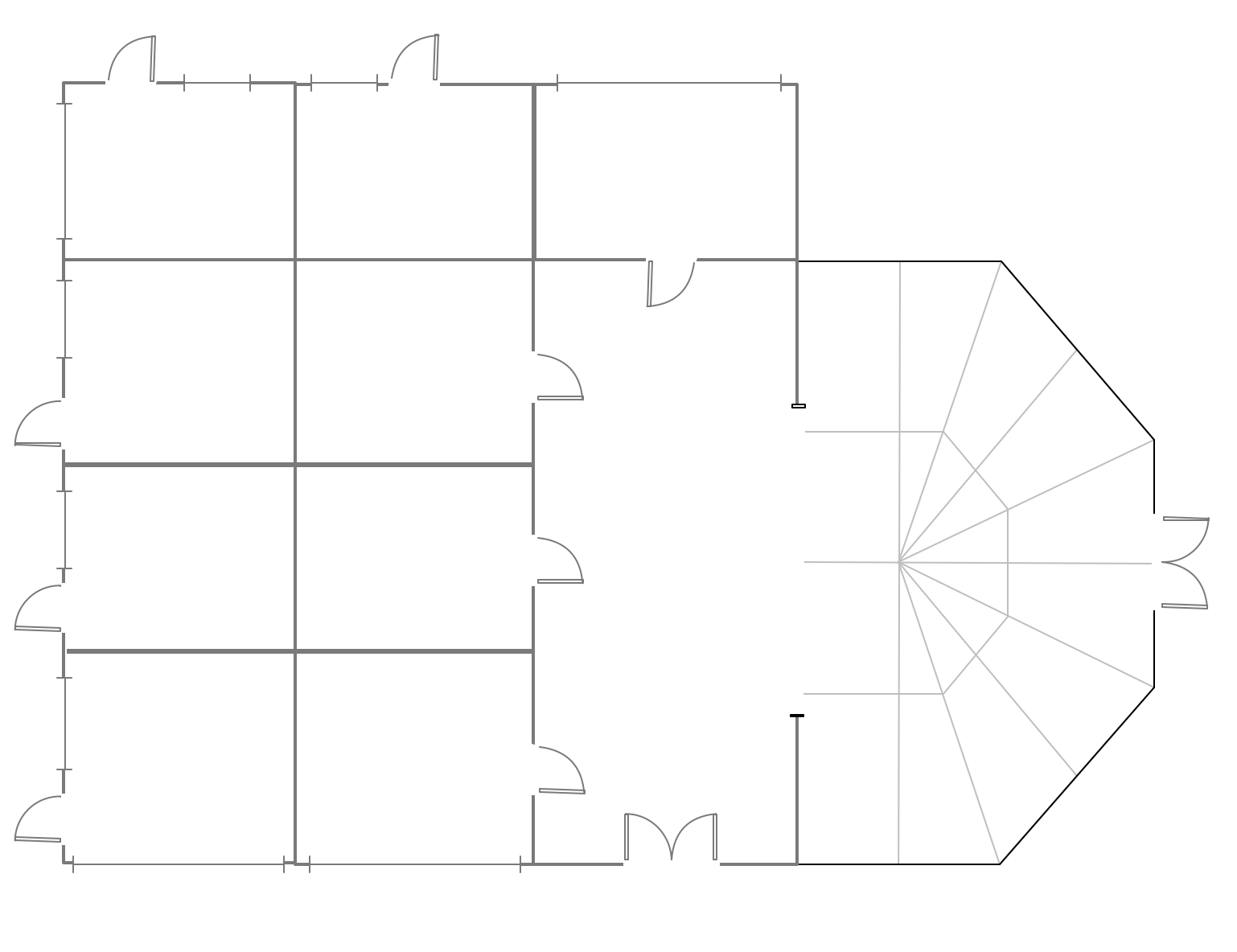
Example 1. Mini Hotel Foor Plan
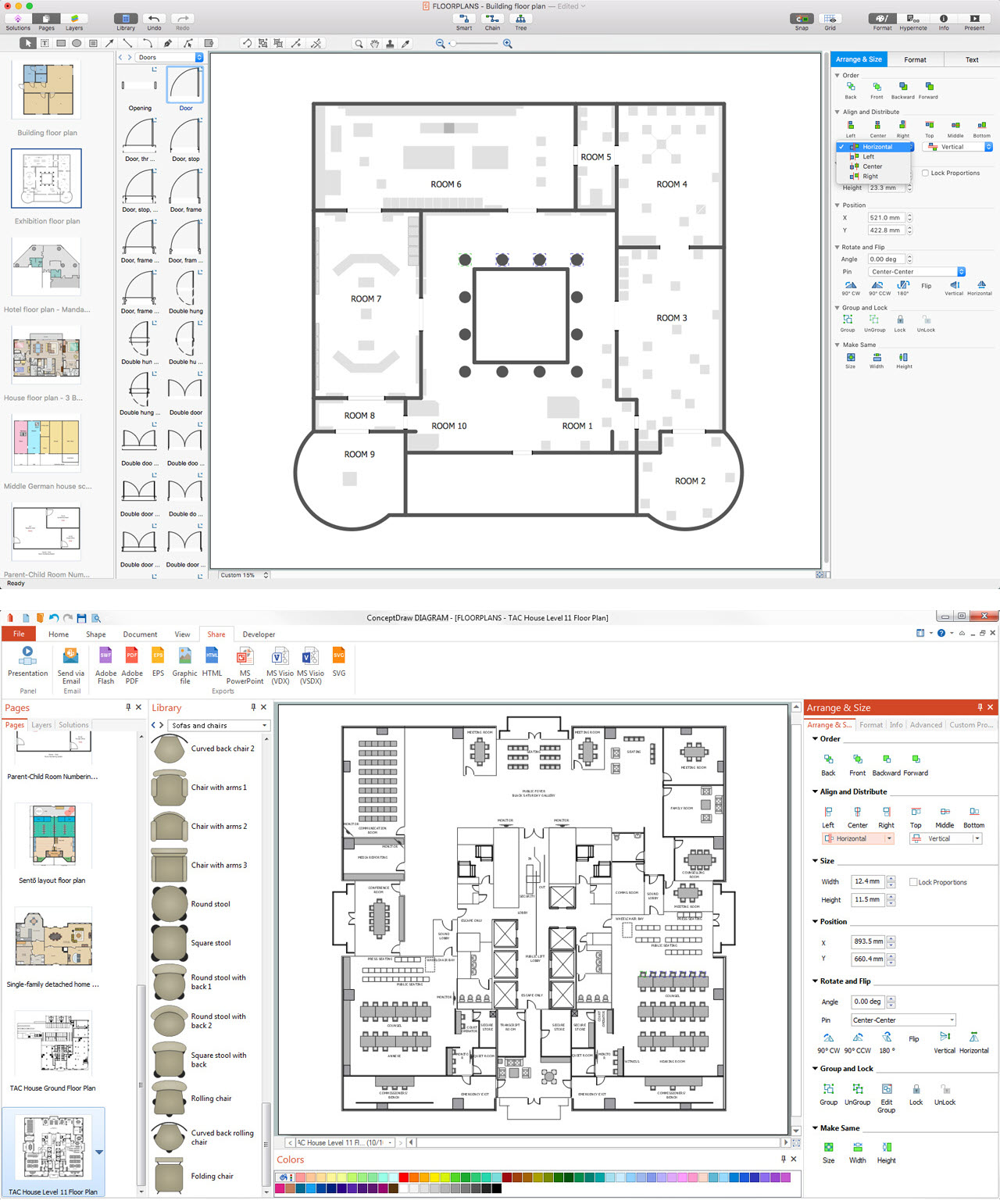
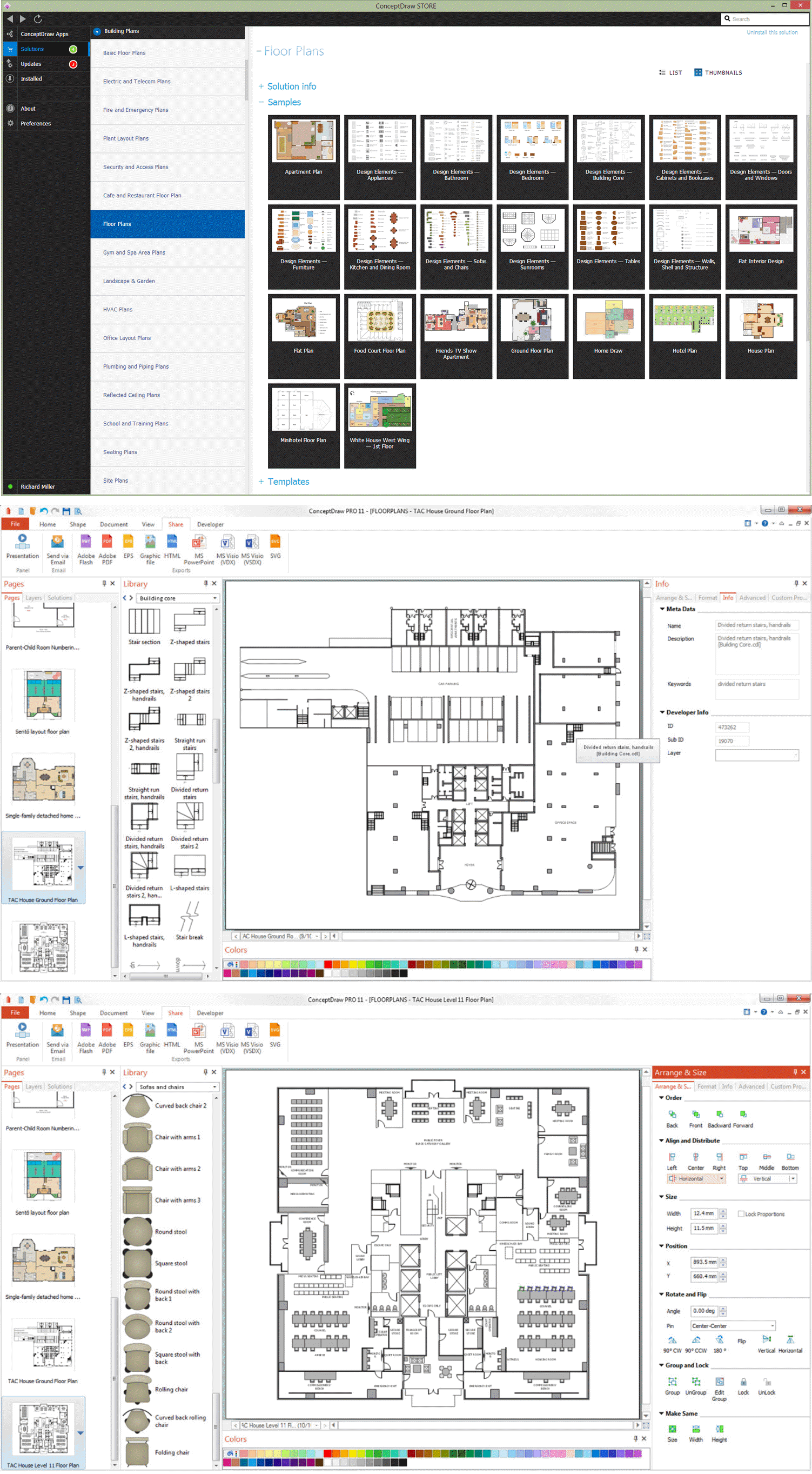
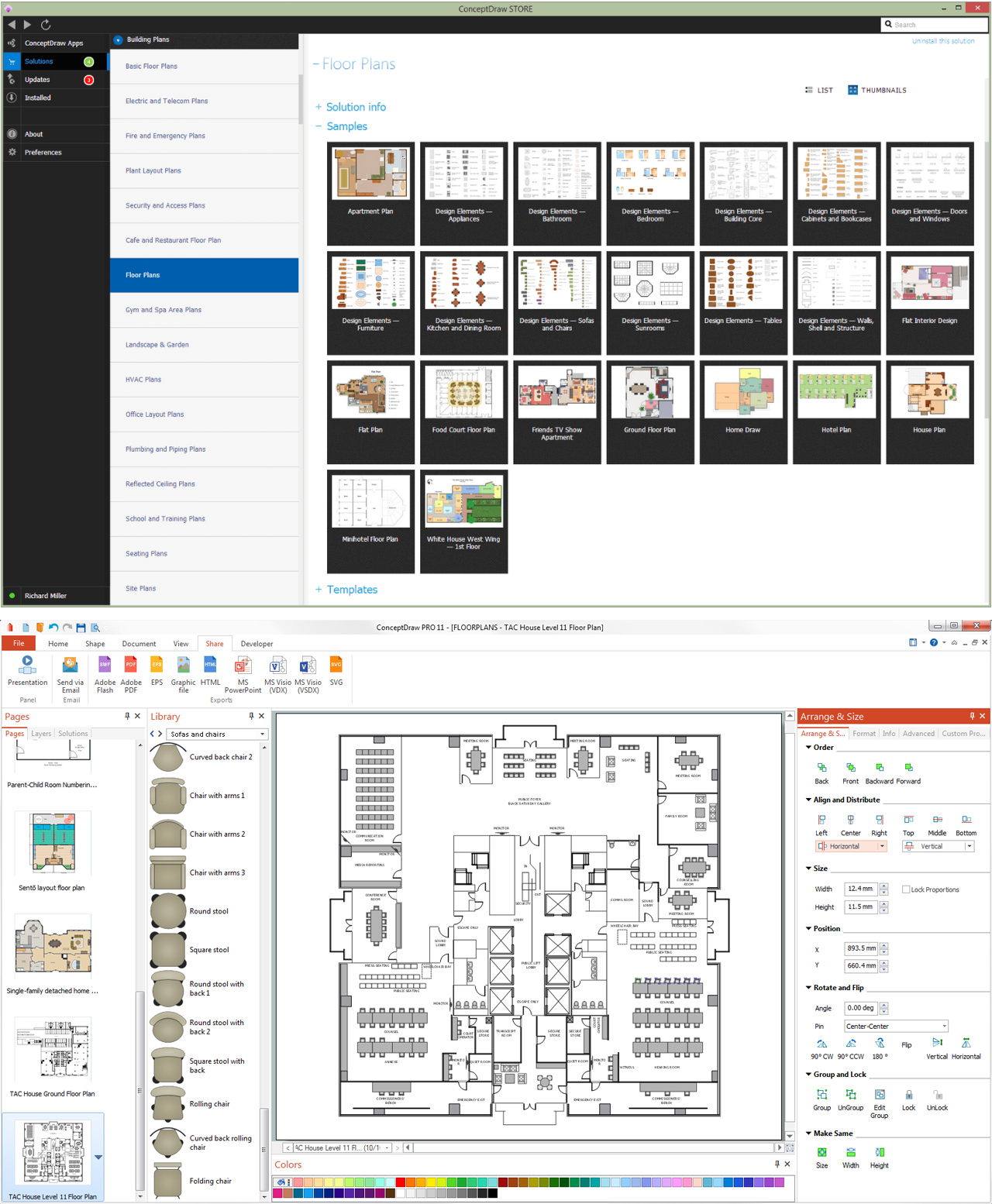
Solution Floor Plans from ConceptDraw Solution Park provides vector stencils libraries with design elements for drawing mini hotel plans. Simply add walls, windows, doors, and fixtures.
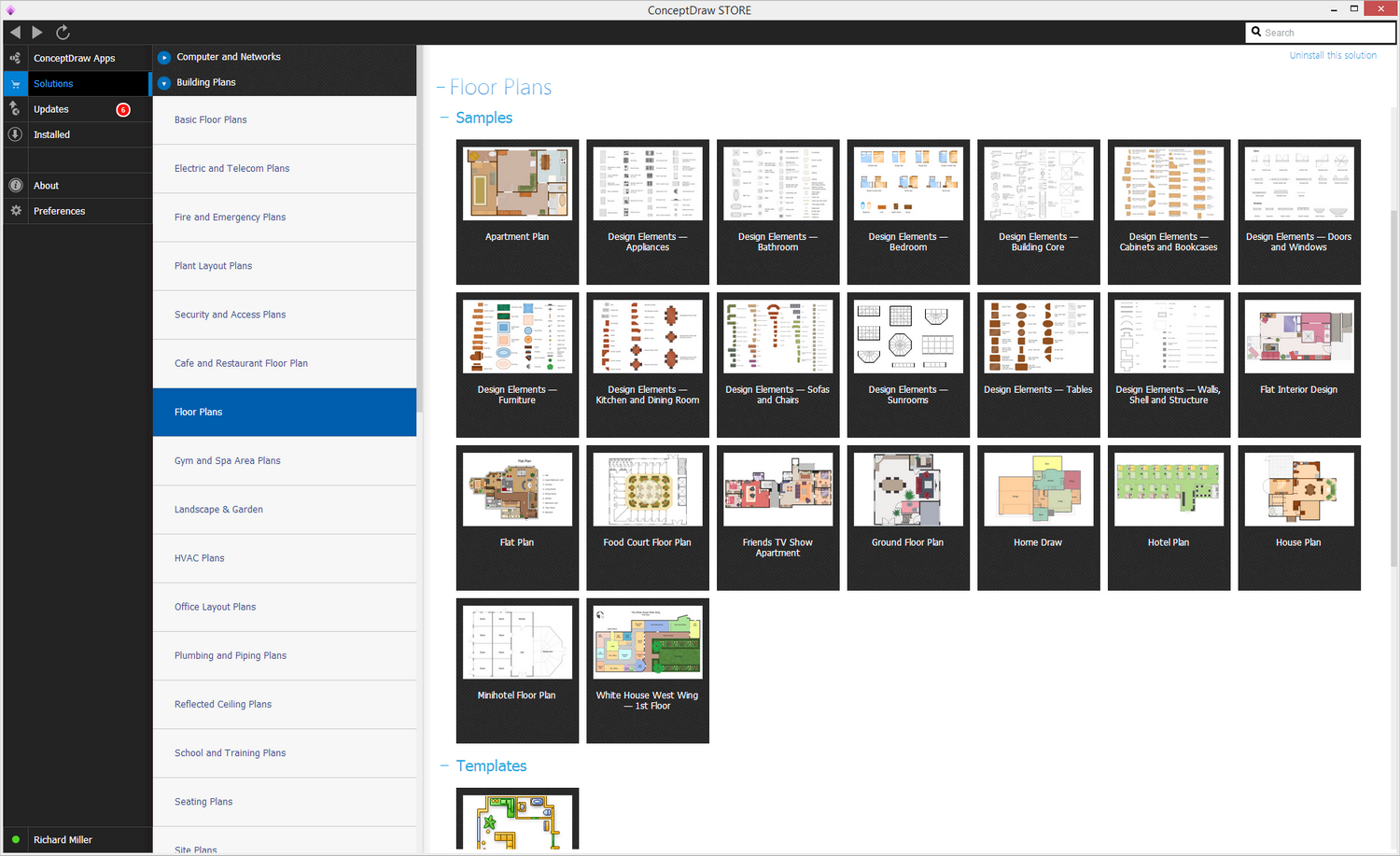
Example 2. Mini Hotel Foor Plan solution
Use ConceptDraw DIAGRAM diagramming and vector drawing software enhanced with Floor Plans solution to draw your own mini hotel floor plan, design and layouts.

TEN RELATED HOW TO's:
ConceptDraw DIAGRAM diagramming and vector drawing software extended with Gym and Spa Area Plans solution from Building Plans area of ConceptDraw Solution Park contains a set of examples, templates and design elements libraries for drawing Gym Workout Plan, Gym Floor Plan, Gym Layout Plan, Spa Floor Plan, Fitness Plan, etc.
Picture: Gym Workout Plan
Related Solution:
Electrical Engineering Solution used together with ConceptDraw DIAGRAM drawing facilities makes short a work of drawing various electrical and electronic circuit schemes. A library of vector objects composed from symbols of Analog and Digital Logic elements of electric circuit includes 40 symbolic images of logic gates, bistable switches of bi-stable electric current, circuit controllers, amplifiers, regulators, generators, etc. All of them can be applied in electronic circuit schemes for showing both analog and digital elements of the circuit.
Picture:
Electrical Diagram Symbols F.A.Q.
How to Use Electrical ConceptDraw Diagram Software
Related Solution:
The ConceptDraw vector stencils library Cisco IBM contains equipment symbols for drawing the computer network diagrams.
Picture: Cisco IBM. Cisco icons, shapes, stencils and symbols
Related Solution:
UML Apartment Plan. This sample was created in ConceptDraw DIAGRAM diagramming and vector drawing software using the UML Class Diagram library of the Rapid UML Solution from the Software Development area of ConceptDraw Solution Park.
This sample show the detailed plan of the apartment and is used by building companies, design apartments, real estate agencies, at the buying / selling of the realty.
Picture: UML Class Diagram Example - Apartment Plan
Related Solution:
Aside from decorating inner spaces, which is a realm of interior design, the art of exterior design is about home facades, playgrounds and yards. To start a project, first of all, you need a site plan of the place, and a list of customers’ requirements. With special software you can do a plan of any place like parking, interchange or driveway easily.
There is one of the three libraries supplied with ConceptDraw Site Plans solution. It is designed to draw planning areas adjacent to buildings. For example parking, exit road or house territory for rest. This kind of building plans can be used for providing parking control that helps to organize traffic near residential areas. The well considered road planning will improve safety and will help to manage the number of vehicles near buildings. The ConceptDraw library "Parking and Roads" includes vector graphic images of parking spaces, lots and strips as well as street junctions, driveways and interchanges.
Picture: Interior Design. Site Plan — Design Elements
Related Solution:
It’s not easy to plan all the details of your landscape at once. Therefore, you can use a bubble diagram to create a draft of the future project. You can develop any bubble diagrams and use them in your landscape design project with ConceptDraw DIAGRAM and it’s predesigned templates.
This bubble diagram can be applied while initiating the development of garden and landscape design. The bubble diagrams used for this purpose are different from the classic bubble diagrams. Being used in landscape and garden design, they obtain the quite another understanding. Bubbles in this diagram visualize some captured areas, which define the general spaces of a future garden: lawn, flower garden, pool, built-up area, lighting, etc. The bubble diagram represents the landscape project without any special expenses on its creation. It is better to make such simple sketch before you drill down into detailed project and cost estimates.
Picture: Bubble diagrams in Landscape Design with ConceptDraw DIAGRAM
Sometimes, it's not easy to fit everything you need into your premise. So, you can discover how to use building plan examples and get inspired from viewing them. You can find a lot of office layout and floor plans templates in the ConceptDraw Solution Park.
This drawing shows the sample of interior design of a middle-size restaurant. It was designed with a help of ConceptDraw Cafe and Restaurant Plans solution. Extensive libraries of vector objects of the interior element enabled us to design this example quickly and with no efforts. You can use this interior plan as a template while designing an interior for your own restaurant. It will help you to compose and organize elements of the interior, to bring a balance between free space and furniture in your establishment. It can be applied to organize and arrange the furniture, equipment and decorative elements in the restaurant interior and achieve balance between furniture and free space.
Picture: How To use Building Plan Examples
Related Solution:
When describing any computer network, we imagine a set of devices and nodes, arranged in some way. Talking about network structures, we should distinguish physical and logical network topologies, as physical topology is about devices location and logical topology illustrates data flow. In the same time, they do not have to match, and some devices, such as repeaters, may have a physical star layout, but a bus logical topology.
There are two main types of computer network topologies: Physical topology that show the physical organization of a network - equipment and types of connections. Star network topology involves a set of devices that is connected to a single hub (router). Ring network topology means that, devices connected according this topology have two connections, connecting with nearby devices to make a loop. Bus network topology is the topology presented at the current diagram. It is similar to a ring topology. The difference is that data moves up and down a linear connection, copying itself where network equipment works as bus-stations along the way. This network topology can be used for small network, or when adding an extra device into a network.
Picture: Network Topologies
Related Solution:
The Basketball Field library from the Basketball solution provides a complete set of ready-to-use predesigned vector courts: horizontally and vertically located, whole and half of court, colored and not, courts with views from different sides.
All courts objects are designed according to the real basketball courts dimensions. Simply drop the needed basketball field in the vector from the library to design your own basketball diagram.
Picture: Basketball Field in the Vector
Related Solution:
Computer networks nowadays are spread all across the world. The large number of parameters, such as geographic scale or communication protocols, can divide networks. One of the most common types of networks is called local area network (LAN). It convenient to represent network examples by means of diagrams.
This local area network (LAN) diagram provides an easy way to see the way the devices in a local network are interacted. The diagram uses a library containing specific symbols to represent network equipment , media and the end-user devices such as computers (PC, mac, laptop) , network printer, hubs, server and finally a modem. There are two types of network topologies: physical and logical. The current diagram represents precisely a physical type of LAN topology because it refers to the physical layout of a local network equipment.
Picture:
What is a Local Area Network?
Examples of LAN Diagrams
Related Solution: